
8 Best Free Estimating Software in 2026, Compared
Compare the 8 best free estimating software for contractors on what the free plan really covers, its limits and the first paid step, with prices checked.
 Shamim Mia, Founder, SerpAstraLast verified November 8, 20269 min read
We compare pricing pages, documentation and public reviews. We never accept payment for rankings.
Key takeaways
- STACK has the most capable free plan for plan-based estimating: digital takeoff on one active project a month, up to 300 plan pages and 50 measurements.
- For quick quotes that turn into invoices, Square Invoices, Zoho Invoice and Wave all send estimates free; Zoho caps you at 500 invoices a year and 2 users.
- Trade-specific free plans exist: Yardbook for landscaping, with ads and a 1% card fee, and Roofr for roofing, with measurement reports at $19 each.
- Free plans end at a wall, not a slope: STACK Premium is $299 a user a month billed annually and Buildxact Foundation is $169 a month billed annually, so check the next step before you build your price book.
On this page
Quick comparison
| Tool | Best for | Starting price | Free plan |
|---|---|---|---|
 STACK | Contractors who estimate from plans and want real digital takeoff without paying | Free; Premium $299/mo | Yes (free plan) |
 Buildxact | Residential builders and remodellers who want to try plan-based estimating with live material pricing | Free Go; $169/mo annual | Yes (free Go plan) |
 Houzz Pro | Remodellers and design-build firms that want free estimates plus a 3D floor planner | Free; Design $99/mo | Yes (free plan) |
 Roofr | Residential roofers who want satellite measurements without a monthly subscription | Free; reports $19 each | Yes (free plan) |
 Yardbook | Lawn care and landscaping businesses that want free estimates, scheduling and invoicing | Free; $34.99/mo | Yes (free plan) |
 Square Invoices | Contractors who already take card payments with Square and want free estimates in the same account | Free; Plus $49/mo | Yes (free) |
 Zoho Invoice | Solo contractors and two-person firms that want free quotes, reminders and a client portal | Free | Yes (free) |
 Wave | New contractors who want free estimates tied to real double-entry bookkeeping | Free; Pro $19/mo | Yes (free forever) |
Make one of these tools?
We re-check this list every quarter. Send a correction, request a review, or ask about a clearly labeled sponsored spot.
Request a listingThe best free estimating software
STACK
Best for: Contractors who estimate from plans and want real digital takeoff without paying
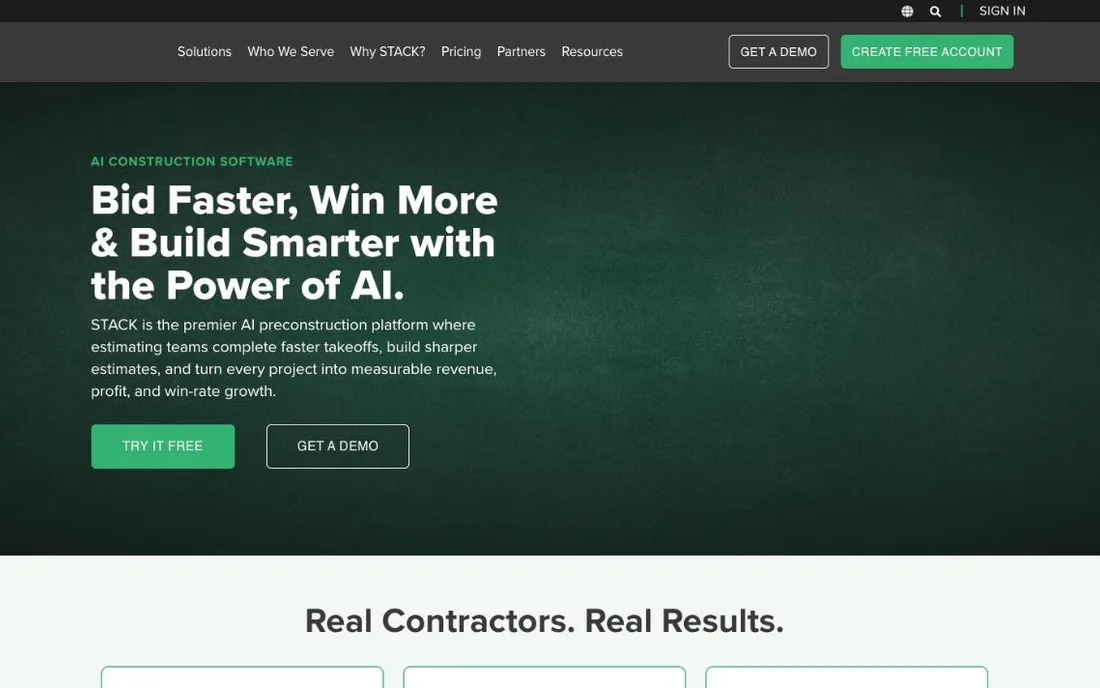
STACK has the most capable free plan here for contractors who bid from drawings. The free plan lets you upload plans and measure quantities in the browser on one active project a month, with up to 300 plan pages and 50 measurements, and new accounts get 7 days of Pro at sign-up. Capterra reviewers rate it 4.5 from 1,401 reviews.
One project a month suits a contractor who bids occasionally or wants to test cloud takeoff on a real job. The paid step is steep: Premium costs $299 a user a month billed annually, or $349 monthly, and every paid plan is a 12-month commitment, so decide carefully before upgrading.
What we like
- The most transparent pricing in this list: every plan printed on the page
- Premium includes AI Takeoffs, STACK IQ, a prebuilt item library and plan overlay
- Free plan covers one active project a month, so you can test it on a real bid
- 100% cloud-based, so estimators work the same numbers in real time
Watch out for
- $299 per user a month is the dearest monthly price in this list
- Every paid plan is a 12-month commitment, monthly billing or not
- The BNi regional cost library waits for Pro at $349 a month
Buildxact
Best for: Residential builders and remodellers who want to try plan-based estimating with live material pricing

Buildxact is built for residential builders: digital takeoff from uploaded plans, live dealer material pricing in the quote, and an estimate that becomes the cost baseline once the job is won. The free Go plan works on a pay-as-you-go basis with 5 complimentary AI estimating credits, enough to test whether its approach suits your jobs. G2 reviewers rate it 4.3 from 66 reviews.
Paid plans include unlimited users. Foundation costs $199 a month, or $169 billed annually, and monthly plans reportedly carry a 12-month initial contract, so confirm the terms. Job management and scheduling wait for Pro at $399 a month.
What we like
- Digital takeoff runs from uploaded plans, and live dealer material pricing feeds the quote
- The winning estimate becomes the cost baseline, with estimate-to-actual costing in one workflow
- Every plan includes unlimited users, so the crew can grow without repricing the account
- Free Go plan gives five complimentary AI estimating credits to test the style before paying
Watch out for
- Job management and scheduling wait for Pro at $399 a month — Foundation is estimating-heavy
- AI tools (Blu) are add-ons at $99–$149 a month on lower plans, included only on Master
- Monthly plans reportedly carry a 12-month initial contract, so confirm before signing
Houzz Pro
Best for: Remodellers and design-build firms that want free estimates plus a 3D floor planner
Houzz Pro's free plan covers a 3D floor planner, estimates and invoicing at $0, which makes it the most visual free option for remodellers who sell kitchens, bathrooms and additions. Paid plans add a CRM, proposals and a profile on Houzz, where homeowners browse projects and find pros. G2 reviewers rate it 4.2 from 78 reviews.
Design costs $99 a month billed annually for one user, and each extra person costs $50 a month. Takeoffs, contracts and schedules wait for Pro at $199 a month, and advertising is a separate $499 a month package, so the free plan is best treated as an estimating and design tool.
What we like
- The only tool here that pairs the CRM with a Houzz profile where homeowners actually search for pros
- Design at $99 a month includes 3D floor plans, mood boards, selections, a CRM, estimates and online payments
- A real free plan covers the 3D floor planner, estimates and invoicing at $0
- Teams from $399 a month adds unlimited users, AI note-taking, email marketing and a custom website
Watch out for
- Design and Pro each cover one user — every extra person costs $50 a month until Teams at $399
- Contracts, takeoffs and schedules wait for Pro at $199 a month, not the $99 Design plan
- The advertising package is a separate $499 a month on top of any software plan
Roofr
Best for: Residential roofers who want satellite measurements without a monthly subscription
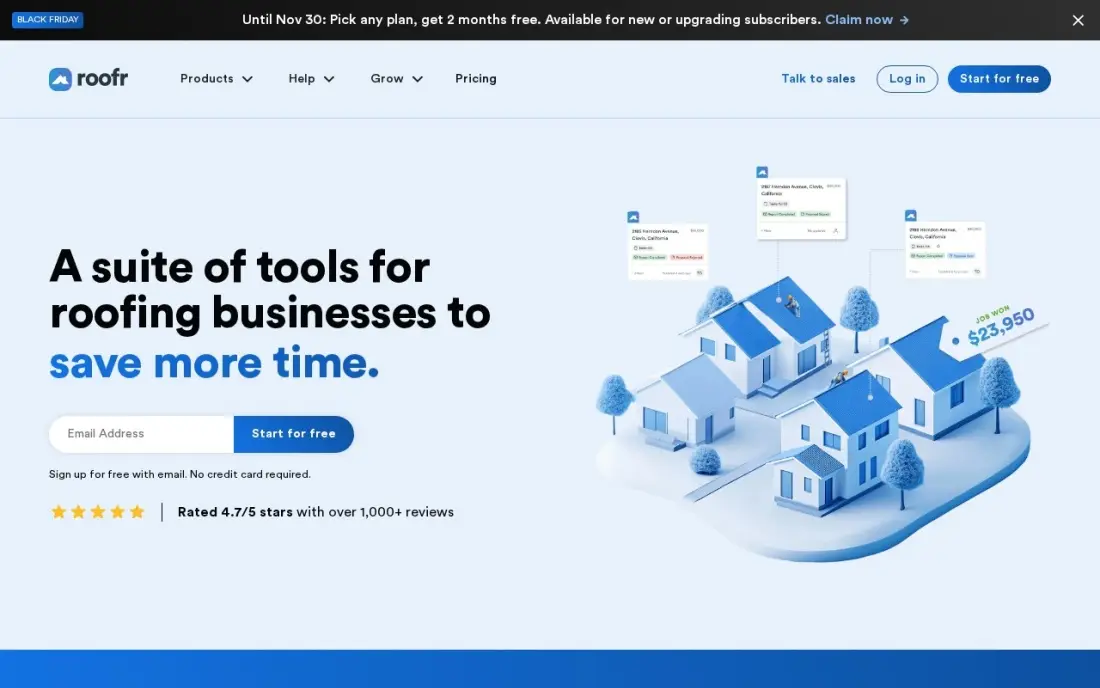
Roofr's free Starter plan costs $0 with unlimited users and lets a roofer order satellite measurement reports at $19 each, delivered within 24 hours, so you can measure a roof from an address without a ladder or a subscription. G2 reviewers rate it 4.9 from 46 reviews.
Reports are always pay-as-you-go, so 20 reports a month cost $380 on Starter. Measure+ at $109 a month, or $95 billed annually, cuts reports to $13 with 6-hour delivery and adds material calculations. Unlimited proposals, e-signatures and payments wait for Essentials at $249 a month.
What we like
- Free Starter plan with unlimited users, and the first paid plan is $109/month
- Satellite measurement reports arrive in 2 hours on the faster Measure+ tier
- Proposals, e-signatures, invoicing and payments live in the same system as the measurements
- Reports cost $13 each on paid plans, so a busy month stays predictable
Watch out for
- Measurement reports are always pay-as-you-go: $19 each on Starter, $13 on paid plans
- Full CRM and payment features sit on Essentials ($249/month) and Scale ($349/month)
- QuickBooks integration waits for Scale, the top tier
Yardbook
Best for: Lawn care and landscaping businesses that want free estimates, scheduling and invoicing
Yardbook is the only landscaping-built system here that costs nothing. The free Starter plan includes estimates, customer records, scheduling, invoicing, routing, a time clock and card payments, with no user cap, plus lot measurement and chemical tracking. Capterra reviewers rate it 4.4 from 14 reviews.
Free has two costs: the plan shows ads while you work, and Yardbook adds a 1% fee on top of card processing. Business at $34.99 a month removes the card fee and adds GPS tracking, bulk texting and invoice reminders. The iPhone app has been in beta for years, so test it on your phone first.
What we like
- The only genuinely free full system here: scheduling, estimates, invoicing and routing at $0 with no user cap
- Built for lawn care and landscaping — chemical tracking, lot measurement and route sheets included
- Paid plans are cheap: Business at $34.99 a month adds GPS tracking, bulk texting and invoice reminders
- No per-user pricing, so a five-person crew pays the same as a solo operator
Watch out for
- The free plan shows ads while you work, and adds a 1% fee on top of card processing
- QuickBooks sync and a branded app wait for Enterprise at $49.99 a month
- The iPhone app has been in beta for years, and there is no public API for integrations
Square Invoices
Best for: Contractors who already take card payments with Square and want free estimates in the same account

Square Invoices sends unlimited estimates and invoices free, by text, email or QR code, and clients can pay from the invoice itself. For a contractor who already uses Square to take cards on site, estimates, payments and payouts sit in one account with nothing new to learn.
It does not do takeoff or cost databases, so you build each line item yourself, and its estimate-to-invoice workflow is less polished than contractor apps such as Joist. Card processing is charged per payment, 3.3% plus 30 cents online on the free plan, and Plus at $49 a month per location adds custom templates and project tracking.
What we like
- Free plan with unlimited invoices, estimates, recurring invoices and payment reminders
- Invoices go out by text, email or QR code, and clients pay from the invoice itself
- Plus adds multi-location support, custom invoice templates and project tracking
- Payments, point of sale and invoicing share one Square account and one payout
Watch out for
- Plus costs $49/month per location, so a two-location business pays $98/month
- Card processing is charged per transaction on top of the subscription
- No built-in estimates-to-invoice workflow as polished as Joist or Jobber
Zoho Invoice
Best for: Solo contractors and two-person firms that want free quotes, reminders and a client portal
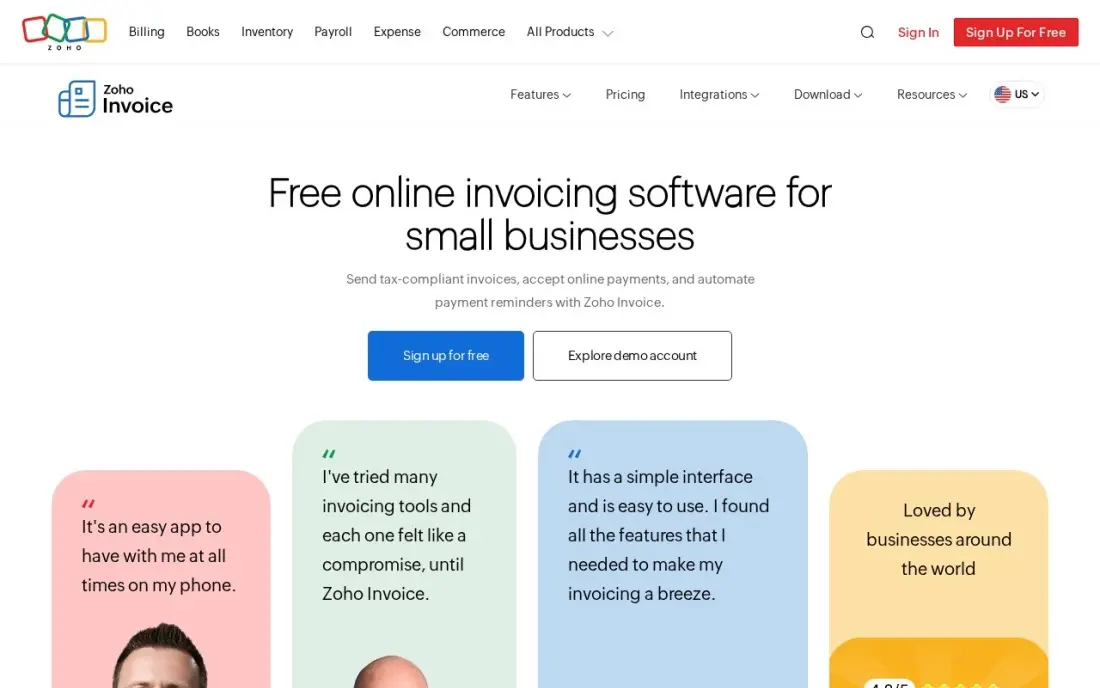
Zoho Invoice is free with no paid tier, no trial clock and no card required. It covers quotes, recurring invoices, automated payment reminders, online payments, time and expense tracking and a client portal where customers can view and accept a quote. Free email and voice support runs 24 hours a day, five days a week.
The limits are firm: 2 users, 500 invoices a year and 3 projects, with no paid Zoho Invoice plan to grow into. Outgrowing it means moving to Zoho Billing or Zoho Books. Zoho branding appears on documents, so it suits a small firm that values free over white-label.
What we like
- Completely free with no paid tier, no trial clock and no card required
- Full invoicing features at $0: quotes, recurring invoices, automated payment reminders and a client portal
- Expense and time tracking included, so billable hours flow onto invoices
- Free email and voice support, 24/5, on the free plan
Watch out for
- Hard caps: 2 users, 500 invoices a year and 3 projects — there is no paid Zoho Invoice tier to grow into
- Outgrowing it means migrating to Zoho Billing or Zoho Books, a separate product with its own price
- Zoho branding rides along; there is no white-label option on the free plan
Wave
Best for: New contractors who want free estimates tied to real double-entry bookkeeping
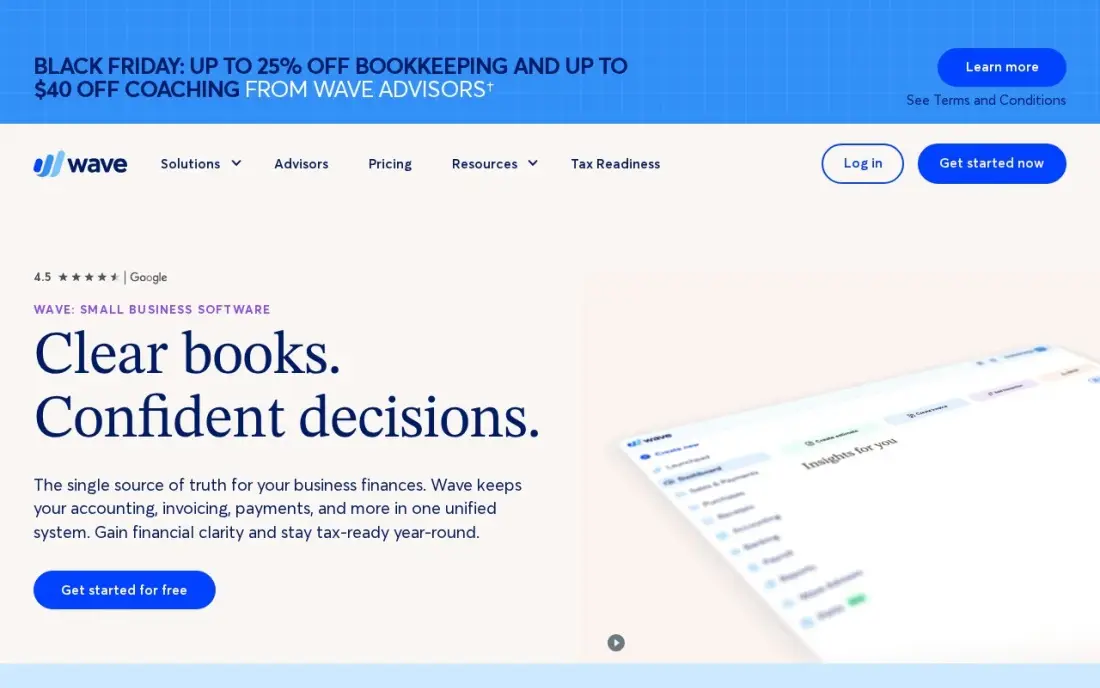
Wave gives a new contracting business free estimates and invoices with no caps, and it connects them to a free double-entry bookkeeping system, so an accepted estimate becomes an invoice and then a record in the books. G2 reviewers rate it 4.3 from 328 reviews.
The free Starter plan means manual work: automatic bank import, unlimited receipt capture and extra users need Pro at $19 a month. Card payments cost 2.9% plus 60 cents on the free plan. There is no takeoff or cost database, so it suits small jobs priced from your own rates.
What we like
- Genuinely free core: unlimited invoices, estimates, bills and bookkeeping records at $0
- Pro at $19/month adds bank auto-import, unlimited receipts and multi-user access
- No invoice or bill caps on either plan, unlike the capped entry plans elsewhere
Watch out for
- Automatic bank import, unlimited receipt capture and extra users need Pro at $19/month
- No inventory tracking and no built-in payroll on the core plans
- Card payments cost 2.9% plus $0.60 per transaction on the free Starter plan
The best free estimating software lets a contractor price a job accurately and send a professional quote without paying a monthly fee until the business is ready. We compared eight tools with genuinely free plans, from takeoff tools that measure plans to simple quoting apps that turn an accepted estimate into an invoice, and checked what each free plan covers and what the first paid step costs. Prices and limits were checked on each vendor's own page in November 2026. If you are ready to pay for a full estimating suite, see our guide to estimating software for contractors.
How to choose the best free estimating software
- Decide whether you estimate from plans. Bidding from drawings needs takeoff, which STACK and Buildxact provide; pricing a service call or small repair only needs line items.
- Read the free plan's ceiling. One project a month, 500 invoices a year or two users can be plenty or nothing, depending on your volume.
- Check how free is paid for. Ads, per-report fees and card-processing surcharges are common; Yardbook adds 1% to card payments on its free plan.
- Make sure clients can accept online. A quote the client can approve and pay a deposit on wins jobs faster than a PDF.
- Look at the next paid step before you commit. Building your price list in a tool whose first paid plan is $299 a month is a problem if you outgrow free next year.
- Prefer trade-specific tools when they exist. Yardbook for landscaping and Roofr for roofing carry measurements and workflows that general invoicing apps lack.
A good estimate wins the job once the customer has called; search decides whether they call at all. Our local SEO service helps contractors show up in Google Maps for the jobs they want, and the free local business schema generator helps Google understand your services and area.
Free estimating software pricing: what you will actually pay
Take a small contractor sending 15 estimates a month and winning 6 jobs averaging $3,000, paid by card online. On Square Invoices the software costs $0, but online card payments at 3.3% plus 30 cents come to about $596 a month on $18,000 of work. On Wave, card fees at 2.9% plus 60 cents are about $526 a month. Offering bank transfer for large invoices cuts those costs more than any plan choice. On Yardbook's free plan, the 1% extra card fee adds $180 a month on top of processing, which is why Business at $34.99 a month, which removes that fee, pays for itself quickly. Zoho Invoice costs $0 in software and handles 15 quotes a month well within its 500-invoice yearly cap.
For plan-based work the numbers change. STACK is free for one active project a month; bidding several jobs at once moves you to Premium at $299 a user a month billed annually, $3,588 a year. Buildxact Foundation costs $169 a month billed annually, $2,028 a year, with unlimited users. A roofer on Roofr's free Starter pays only for reports: 10 a month at $19 is $190.
Know the difference: takeoff estimating vs quote-and-invoice apps
Takeoff estimating software works from drawings. STACK and Buildxact let you upload plans, measure areas, lengths and counts on screen, and turn those quantities into materials and labour with prices attached. Roofr does a similar job from satellite images of a roof. This is the right tool when quantities drive the price and a mistake in measurement loses money.
Quote-and-invoice apps work from your own rates. Square Invoices, Zoho Invoice, Wave, Yardbook and Houzz Pro's free estimates let you build a line-item quote, send it, get it accepted and convert it into an invoice. They do not measure anything, but for service work, repairs and small jobs priced by the hour or the unit they are faster and entirely free.
Quick comparison: tool type by need
| Buyer | Best pick | Why |
|---|---|---|
| Bidding from plans | STACK | Free takeoff on 1 active project a month |
| Residential builders | Buildxact | Free Go plan with 5 AI estimating credits |
| Remodellers and designers | Houzz Pro | Free estimates, invoicing and 3D floor planner |
| Roofers | Roofr | Free plan, measurement reports $19 each |
| Landscapers | Yardbook | Free estimates, scheduling and invoicing, no user cap |
| Square users | Square Invoices | Unlimited free estimates and invoices |
| Solo firms wanting a client portal | Zoho Invoice | Free quotes, 2 users, 500 invoices a year |
| Estimates plus bookkeeping | Wave | Free estimates linked to free double-entry books |
Mistakes to avoid
- Ignoring card fees on a free plan. The software may be free, but processing and surcharges can cost more than a paid plan.
- Building a huge price list in a tool you will leave. Check that items and estimates can be exported before you load years of pricing.
- Quoting without a site visit or measurement. Free software makes quoting fast, not accurate; measure before you price.
- Sending estimates without terms. Add validity dates, deposit terms and exclusions to every quote template.
- Never following up. Most free tools show when a client views a quote; call within two days of the view.
Related comparisons: AI Estimating Software · Estimating Software for Contractors · Landscape Estimating Software · General Contractor Estimating Software
How we chose
We included only tools with a genuinely free plan, not just a trial, that can produce a client-ready estimate. We grouped them into takeoff tools and quote-and-invoice apps, then compared what the free plan covers, its limits, how the vendor makes money on free users and the cost of the first paid step. Prices and limits come from each vendor's own pricing page in November 2026, with annual and monthly billing labelled. Ratings come from G2 or Capterra pages on the dates shown in the sources. No vendor paid for a place in this list, and none of the links here are affiliate links.
What to do next
Take your last three real jobs and rebuild their estimates in the free tool that fits your trade, then send the next live quote from it. If clients accept faster and the numbers hold, keep it until you hit the free plan's limit. When you want more estimate requests coming in, get a free local SEO check.
Frequently asked questions
What is the best free estimating software?
STACK is the best free option for estimating from plans, with digital takeoff on one active project a month. For quick quotes, Square Invoices, Zoho Invoice and Wave send estimates free. Trade-specific free plans include Yardbook for landscaping and Roofr for roofing measurements.
Is there free construction estimating software with takeoff?
Yes. STACK's free plan includes takeoff on one active project a month with up to 300 plan pages and 50 measurements, and Buildxact's free Go plan works on pay-as-you-go with 5 complimentary AI estimating credits. Full unlimited takeoff needs a paid plan.
What are the limits of free estimating software?
Every free plan has a ceiling. STACK allows one active project a month, Zoho Invoice allows 2 users and 500 invoices a year, Yardbook shows ads and adds a 1% card fee, and Roofr charges $19 per measurement report. Payment processing fees apply on Square Invoices and Wave.
How much does estimating software cost after the free plan?
The next step varies widely: Wave Pro is $19 a month, Yardbook Business $34.99 a month, Square Invoices Plus $49 a month per location, Houzz Pro Design $99 a month billed annually, Buildxact Foundation $169 a month billed annually and STACK Premium $299 a user a month billed annually.
Can I use free invoicing software for estimates?
Yes, for simple jobs. Square Invoices, Zoho Invoice and Wave all create estimates that convert to invoices. They do not measure plans or hold cost databases, so you price each line yourself. For bids from drawings, use a takeoff tool such as STACK or Buildxact.
Is a spreadsheet good enough for estimating?
For a few small jobs, it can be. But a free estimating app sends a professional quote the client can accept online, keeps a record of every bid and turns the accepted estimate into an invoice, which a spreadsheet does not.
Sources we checked (14)
- STACK — www.stackct.com/takeoff-and-estimate-pricing (checked November 8, 2026)
- STACK reviews on Capterra (checked November 8, 2026)
- Buildxact — www.buildxact.com/pricing (checked November 12, 2026)
- Buildxact reviews on G2 (checked November 12, 2026)
- Houzz Pro — www.houzz.com/pro/pricing (checked November 12, 2026)
- Houzz Pro reviews on G2 (checked November 12, 2026)
- Roofr — www.roofr.com/pricing (checked November 8, 2026)
- Roofr reviews on G2 (checked November 8, 2026)
- Yardbook — www.yardbook.com/pricing (checked November 8, 2026)
- Yardbook reviews on Capterra (checked November 8, 2026)
- Square Invoices — squareup.com/invoices (checked November 8, 2026)
- Zoho Invoice — www.zoho.com/invoice/pricing (checked November 8, 2026)
- Wave — www.waveapps.com/pricing (checked November 10, 2026)
- Wave reviews on G2 (checked November 10, 2026)
Make one of these tools?
We re-check this list every quarter. Send a correction, request a review, or ask about a clearly labeled sponsored spot.
Request a listingShamim
Founder of SerpAstra
A full-stack digital marketer and SEO strategist covering technical and local SEO, AI search visibility, paid ads and lead generation for local businesses, e-commerce brands and SaaS teams.
Free SEO and AI visibility audit
Find out what is holding your rankings back
Send us your site. Within 2 business days you get a written audit, an AI visibility check and a short fix list ranked by impact. Free, with no contract attached.
Request my free audit→Related buying guides
 Construction & Field Service8 Best Estimating Software for Contractors in 2026, ComparedCompare the 8 best estimating software for contractors on price, takeoff, cost databases and free trials, with every price checked November 7, 2026.Read guide →
 Construction & Field Service11 Best Roof Estimating Software in 2026, ComparedCompare the 11 best roof estimating software options on price, measurement reports and proposals, with every price checked November 8, 2026.Read guide →
 Construction & Field ServiceBest Invoice Apps for Contractors (2026): 11 Apps Worth DownloadingCompare the 11 best invoice app for contractors on price, free plans, mobile invoicing and payment fees, with every price checked November 8, 2026.Read guide →