
8 Best Mobile Field Service Apps in 2026, Compared
Compare the 8 best mobile field service apps for trades and home-service crews on free plans, team pricing and real monthly cost, with prices checked in 2026.
 Shamim Mia, Founder, SerpAstraLast verified November 8, 20269 min read
We compare pricing pages, documentation and public reviews. We never accept payment for rankings.

Key takeaways
- ServiceM8 is the only app here with a real free plan: one user and 30 jobs a month, then Starter at $29 a month for 50 jobs with unlimited users.
- Jobber is the best fit for a solo operator at $49 a month billed monthly or $29 billed annually, but Core covers one user only.
- For a five-person crew, Kickserv Start at $75 a month and Housecall Pro Essentials at $189 a month billed monthly both cover five users on one price.
- ServiceTitan, Workiz and FieldPulse publish no prices, so treat them as quote-led purchases and get every fee in writing.
On this page
Quick comparison
| Tool | Best for | Starting price | Free plan |
|---|---|---|---|
| Jobber | Solo home-service operators who want quoting, scheduling, invoicing and payments from one phone app | $49/mo | No (14-day trial) |
| Housecall Pro | Small home-service crews that want dispatch, reviews and marketing in the same app | $59/mo (annual) | No (14-day trial) |
| ServiceM8 | Solo technicians and part-time operators who want a free start and pricing by jobs, not users | Free; Starter $29/mo | Yes (free) |
| Kickserv | Crews of up to five that want one flat monthly price and QuickBooks Online sync | $75/mo | No (30-day trial) |
| Workiz | Call-driven trades such as locksmiths and HVAC that need calls tied to jobs on the phone | Custom quote | No (7-day trial) |
| Service Fusion | Shops with eight or more office and field staff that want unlimited users on one flat bill | $245/mo | No (demo only) |
| FieldPulse | Maintenance-agreement businesses that want a well-reviewed technician app and support | Custom quote | No (demo only) |
| ServiceTitan | Large multi-truck trades businesses that need dispatch, memberships and marketing attribution | Custom quote | No (demo only) |
Make one of these tools?
We re-check this list every quarter. Send a correction, request a review, or ask about a clearly labeled sponsored spot.
Request a listingThe best mobile field service apps

Jobber
Best for: Solo home-service operators who want quoting, scheduling, invoicing and payments from one phone app
Jobber covers the whole job cycle in one app: a client books online, you send a quote, schedule the visit, invoice on site and take payment. Core costs $49 a month billed monthly, or $29 billed annually, for one user, and includes online booking, a client hub where customers approve quotes and pay, and more than 100 integrations including QuickBooks.
The one-user limit is the constraint. A second person means moving to Connect, the sales pipeline is a $49 a month add-on, and card payments cost 2.9% plus 30 cents each. For a cleaner, lawn care operator or plumber working alone, it is the most complete starting point here.
What we like
- Built for field service: quoting, scheduling, invoicing, online booking and payments in one place
- Core at $49/month covers a solo operator with no per-job fees
- Clients get a self-serve hub for booking, quotes and payments
- More than 100 integrations, including QuickBooks and Google Calendar
Watch out for
- Core covers one user only — a second person means Connect, which starts higher
- The sales pipeline is a $49/month add-on, not included on Core
- Card payments cost 2.9% plus 30 cents per transaction on top of the plan price

Housecall Pro
Best for: Small home-service crews that want dispatch, reviews and marketing in the same app
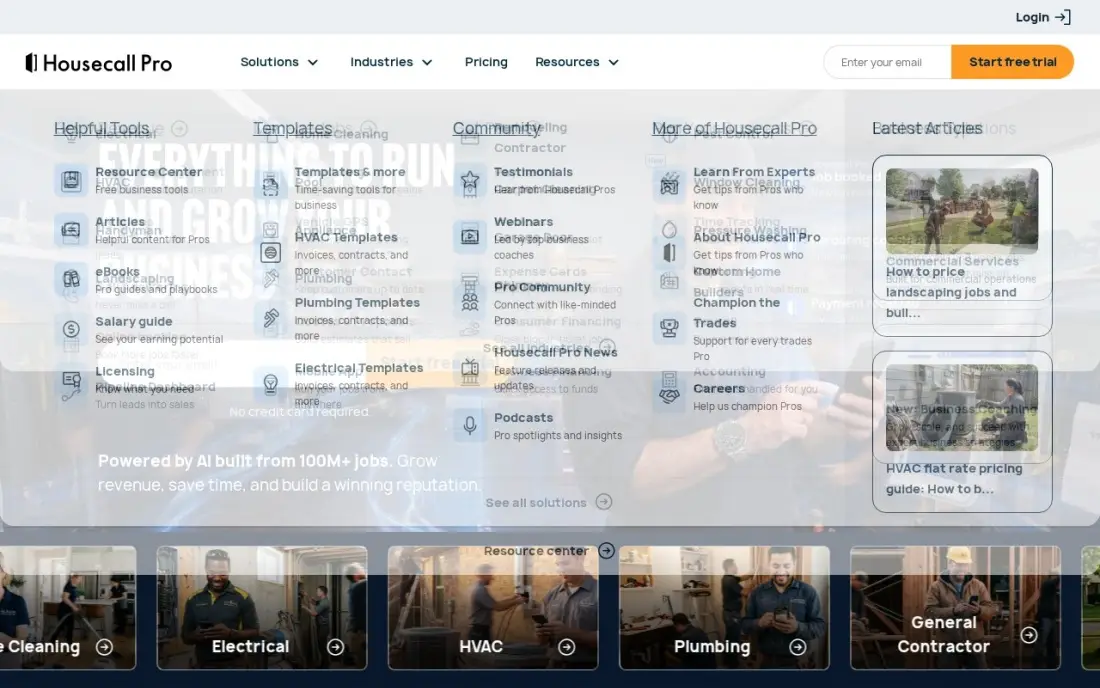
Housecall Pro adds the office side to the field app: scheduling and dispatch, estimates, invoicing and payments sit next to review management and marketing tools. Basic costs $59 a month billed annually, or $79 billed monthly, for one user, and Essentials covers up to 5 users at $149 billed annually or $189 billed monthly.
The pricing page leads with a questionnaire and can show higher prices for larger teams, so confirm your figure before signing. There is no free plan, only a 14-day trial, and card processing starts at 2.59%. Choose it when the crew wants more reviews and repeat bookings as well as a job board.
What we like
- Built for home service: scheduling, dispatch, estimates, invoicing and payments in one app
- Review management and marketing tools sit in the same platform as the job board
- Essentials covers up to 5 users, so a small crew shares one price
- Online booking and a customer portal cut down on phone tag with clients
Watch out for
- The pricing page leads with a questionnaire, so the published price is harder to find than on other tools here
- No free plan — only a 14-day trial — and Basic covers one user
- Card processing runs from 2.59% on top of the plan price, and the quiz can show higher prices for larger teams

ServiceM8
Best for: Solo technicians and part-time operators who want a free start and pricing by jobs, not users
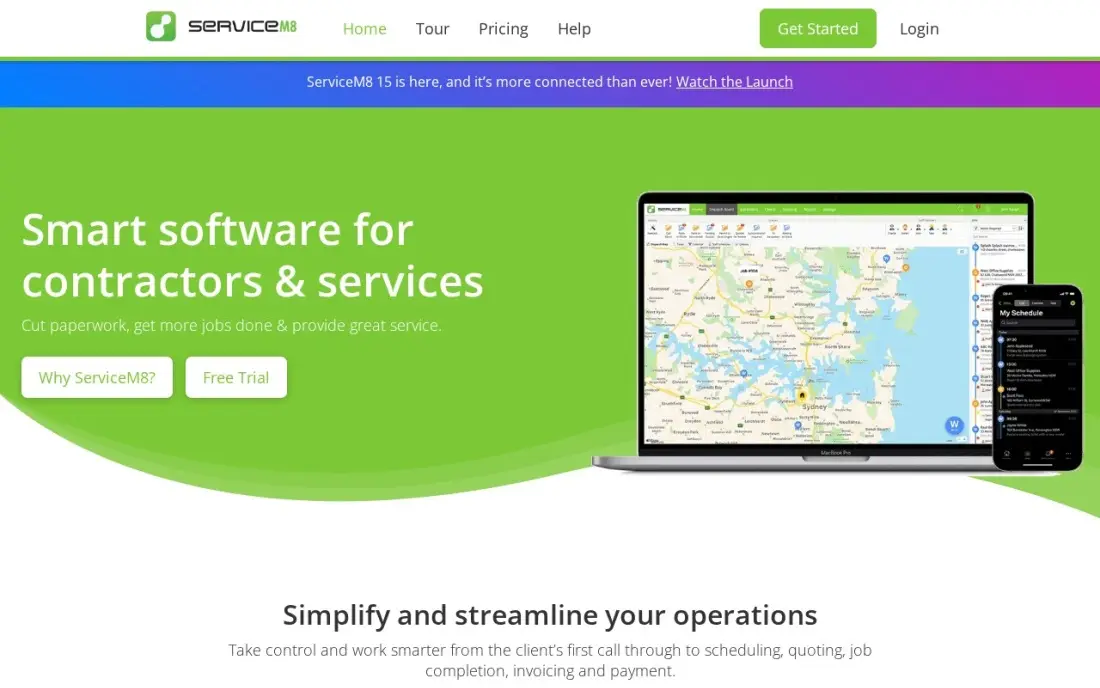
ServiceM8 charges by the job rather than the seat. The free plan covers one user and 30 jobs a month with scheduling, quoting, invoicing, payments and time tracking, and Starter costs $29 a month for 50 jobs. Every paid plan includes unlimited users, and its iPhone and iPad app is the core of the product.
The review record is the weak spot: 3.8 out of 5 on G2 from 16 reviews, with bugs and slow performance cited. Text messages cost 10 cents each on the free plan and the phone system is $19 a month extra. Start free, and test it through a busy month before trusting it with a full schedule.
What we like
- The only genuinely free plan here, and paid plans include unlimited users
- Priced by jobs a month, so hiring a technician does not raise the subscription
- AI smart helpers included, with 10 uses a day on the free plan
- Strong iPhone and iPad app for technicians working in the field
Watch out for
- Free plan covers 1 user and 30 jobs a month, so a busy shop outgrows it fast
- Lowest G2 score here at 3.8 out of 5, with reviewers citing bugs and slow performance
- Text messages cost 10 cents each on the Free plan, and the phone system is $19/month extra

Kickserv
Best for: Crews of up to five that want one flat monthly price and QuickBooks Online sync
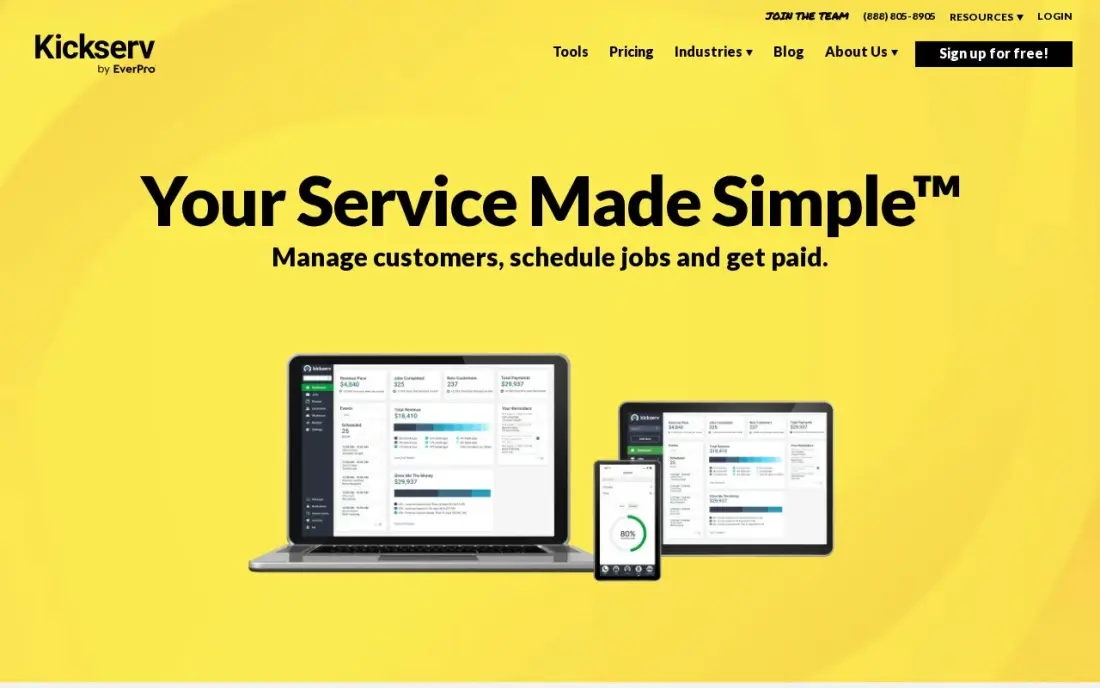
Kickserv Start costs $75 a month billed monthly, or $60 billed annually, and covers five users with scheduling, invoicing, payments, automated reminders, time and expense tracking and QuickBooks Online integration. The fifth technician costs the same as the first, and the 30-day free trial is long enough to run real jobs.
Its mobile side is the weakest here: app ratings trail the category and there is no offline mode, which matters in basements and rural areas. No plan includes two-way texting. Choose Kickserv when the price for five people matters more than a polished technician app.
What we like
- Start covers 5 users for $75/month, the cheapest flat team price in this list
- QuickBooks Online integration is included from the Start plan
- 30-day free trial, the joint-longest trial in this list
- Kickback gives 5% off the monthly fee when online payments pass $1,000 a month
Watch out for
- No two-way texting on any plan, per the vendor's own plan comparison
- QuickBooks Desktop sync is a $50/month add-on on Run, not included in any base plan
- Mobile app ratings trail the category, and there is no offline mode

Workiz
Best for: Call-driven trades such as locksmiths and HVAC that need calls tied to jobs on the phone
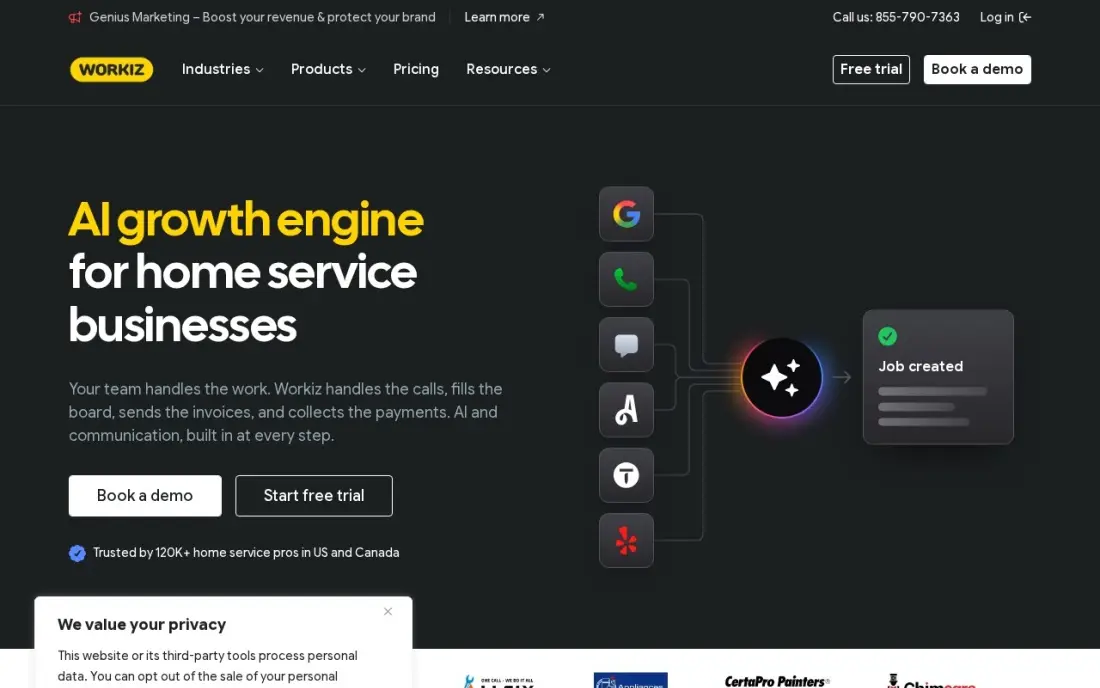
Workiz was built around the phone. Its VoIP system ties every call to a job, customer history and address, with call tracking, recording and two-way texting, and Genius AI helps answer calls and schedule work on the Pro plan. Each paid tier covers the first five users before extra-user charges.
Workiz publishes no base price, and the phone system is now a paid add-on on every plan. Third-party roundups report $225 to $325 a month for five users, but that is not a vendor figure. G2 reviewers rate it 4.5 out of 5 from 239 reviews. Get a written quote including the phone add-on.
What we like
- Built-in phone system with call tracking, recording and two-way texting
- Genius AI scheduling and lead tools on the Pro plan
- Each paid tier covers the first 5 users before extra-user charges
- Rated 4.5 out of 5 on G2 from 239 reviews, with customer support the top-cited strength
Watch out for
- No published base price, so every plan needs a sales quote before it can be compared
- The phone system is now sold separately as an add-on on every plan
- Service plans and inventory management are locked to the custom-priced top tier

Service Fusion
Best for: Shops with eight or more office and field staff that want unlimited users on one flat bill
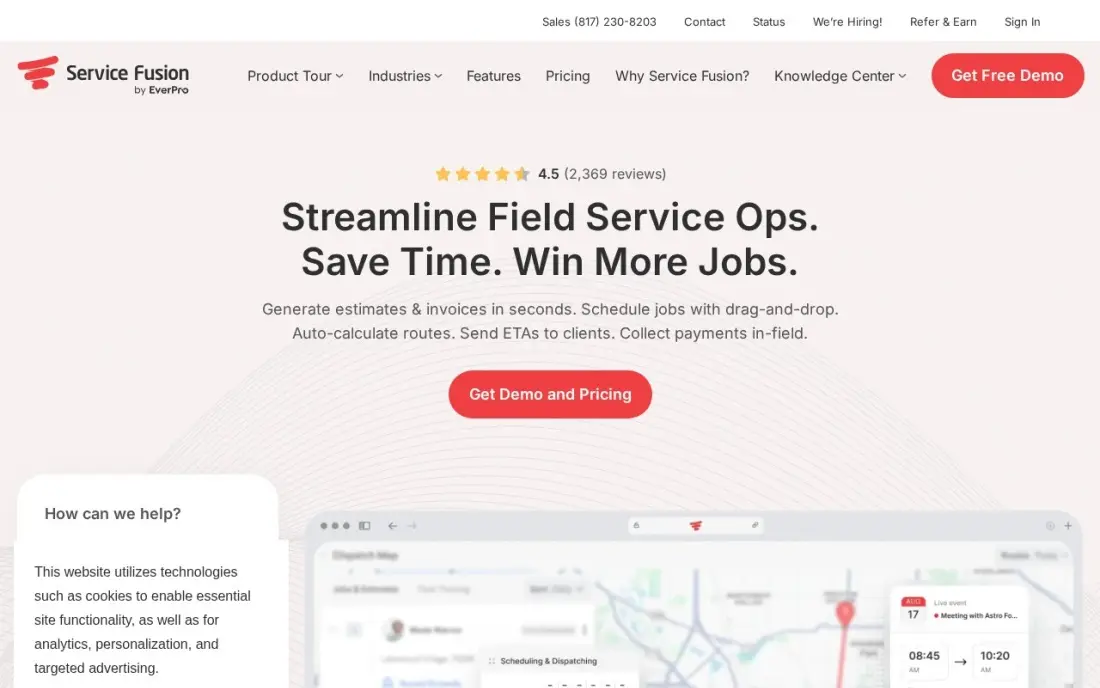
Service Fusion charges one flat price for the whole company. Starter costs $245 a month billed monthly, or $208 billed annually, with unlimited users and scheduling, dispatching, estimates, invoicing, payments and QuickBooks sync. Billing is month to month, so adding technicians never changes the bill.
The flat fee only pays off at scale; for a two-person shop it is the most expensive published price here. There is no free trial, only a sales demo, and job costing, inventory and GPS fleet tracking are paid add-ons with unpublished prices. Pick it once the crew passes about eight people.
What we like
- Unlimited users on every plan, so the bill never moves when you hire
- Scheduling, dispatching, estimates, invoicing and QuickBooks sync on Starter
- Month-to-month billing with no contract, and 15% off for annual billing
- Flat pricing beats per-user tools once the crew passes about 8 people
Watch out for
- Starter at $245/month is dear for a solo operator or a 2-person shop
- Job costing, inventory and GPS fleet tracking are paid add-ons, not included
- No free trial, only a sales-led demo, so the first bill comes before a real test drive

FieldPulse
Best for: Maintenance-agreement businesses that want a well-reviewed technician app and support
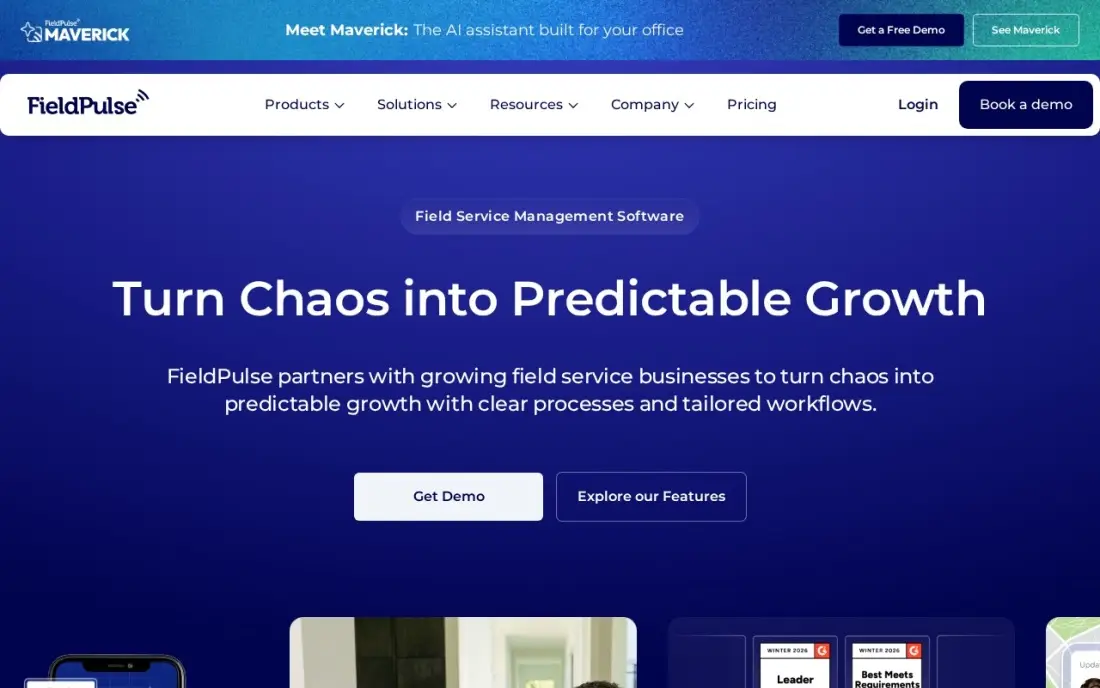
FieldPulse is the highest-rated app here, at 4.7 out of 5 from 393 G2 reviews, and it is built for crews that live on maintenance agreements. Scheduling, dispatch, estimates, invoicing, a pricebook and inventory tracking sit in one system, and field-only seats for technicians cost less than full-access office seats.
You cannot see a price before a sales demo. FieldPulse publishes none, seats are bought upfront for a contract term, add-ons are priced separately and there is no free trial. Choose it when recurring service visits drive the business and you are ready to sign a quoted contract.
What we like
- Highest G2 rating here: 4.7/5 from 393 reviews
- Built for maintenance agreements, with a pricebook and inventory tracking
- Field-only seats cost less than full-access seats for technicians
- Support earns frequent praise in reviews
Watch out for
- No published prices — a custom quote after a sales demo is the only way to know the cost
- No free trial, so you cannot test it before committing
- Seats are bought upfront for a contract term, and add-ons are priced separately

ServiceTitan
Best for: Large multi-truck trades businesses that need dispatch, memberships and marketing attribution
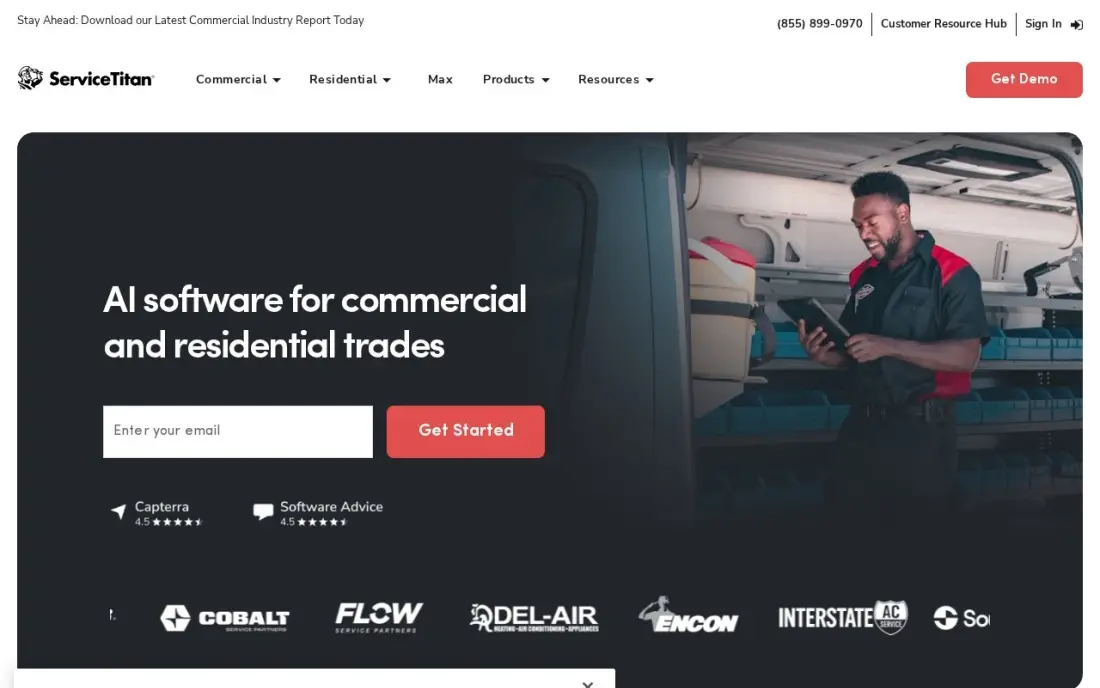
ServiceTitan is the heavyweight: dispatch, estimates, invoicing, memberships, marketing attribution and deep reporting in one platform priced per technician. It is built for operations running ten or more trucks, where knowing which campaign produced which job is worth real money.
There is no published price and no free trial. Third-party reports put it around $245 to $500 per technician per month, plus $5,000 to $50,000 for implementation, and contracts run at least 12 months. For a small crew, every other app here is the better buy; for a large shop, it is the one to benchmark against.
What we like
- The most complete trades platform here — dispatch, estimates, memberships, marketing and reporting in one system
- Per-technician pricing scales with the crew, not with office headcount
- Deep reporting and marketing attribution show which jobs and campaigns actually pay
- Built for high-volume operations, with the capacity a 10-plus-truck shop needs
Watch out for
- No published price — every package needs a sales call and a custom quote
- Third-party reports put it around $245–$500 per technician per month, plus $5,000–$50,000 implementation
- No free trial — a demo is the only way to see the inside before signing
The best mobile field service app lets a technician see the day's jobs, quote and invoice on site, collect payment and close the job from a phone, while the office sees it happen. We compared eight apps used by home-service and trades businesses on free plans, team pricing, phone and dispatch features, and what they cost for a solo operator and a five-person crew. Every price below comes from the vendor's own pricing page, checked in November 2026.
How to choose the best mobile field service app
- Check how it charges as you grow. Jobber Core covers one user, Kickserv Start five, Service Fusion unlimited, and ServiceM8 charges by jobs instead of people.
- Test the technician app, not the office demo. Ask two technicians to run a week of real jobs, including photos, signatures and payment on site.
- Check offline use. If your crews work in basements, plant rooms or rural areas, confirm what the app does with no signal. Kickserv has no offline mode.
- Count the add-ons. Phone systems, GPS fleet tracking, job costing and sales pipelines are paid extras on several apps here.
- Price card payments. Processing fees, such as Jobber's 2.9% plus 30 cents, can cost more over a year than the subscription.
- Match it to your accounting. Most apps sync with QuickBooks Online; desktop sync is often an add-on.
A field service app runs the jobs you already have; local search brings the next ones. Our local SEO service gets service businesses into the Google Maps results for the areas they cover, and the free Google review link generator makes it easy for technicians to ask for a review before they leave.
Mobile field service app pricing: what you will actually pay
For a solo operator, ServiceM8's free plan costs $0 for up to 30 jobs a month and Starter costs $29 a month for 50. Jobber Core costs $49 a month billed monthly, or $29 billed annually, so $348 a year on annual billing. Housecall Pro Basic costs $79 billed monthly or $59 billed annually, so $708 a year.
For a five-person crew, the published team prices diverge. Kickserv Start costs $75 a month billed monthly or $60 billed annually, so $720 a year. Housecall Pro Essentials costs $189 billed monthly or $149 billed annually, so $1,788 a year. Service Fusion Starter costs $245 billed monthly or $208 billed annually, so $2,496 a year, but that price stays the same at 20 or 30 users. ServiceM8 stays at its job-based price whatever the headcount.
Workiz, FieldPulse and ServiceTitan publish no prices. Third-party reports put Workiz at $225 to $325 a month for five users and ServiceTitan at $245 to $500 per technician per month plus implementation, but those are not vendor figures, so get a written quote.
Know the difference: field service app vs dispatch software
A field service app runs the whole job: the customer record, the quote, the schedule, the visit, the invoice and the payment. Jobber, Housecall Pro, ServiceM8 and Kickserv are built this way, and the technician's phone is where most of the work is recorded. For a business that sends people to customers' homes, it replaces paper job sheets and a separate invoicing tool.
Dispatch software focuses on moving people and vehicles: who goes where next, live locations and route changes during the day. Larger platforms such as ServiceTitan and Service Fusion include dispatch boards inside the field service app, while dedicated dispatch tools suit courier, taxi and fleet work. If your problem is the job paperwork, you need a field service app; if it is the routing, look at dispatch.
Quick comparison: tool type by need
| Buyer | Best pick | Why |
|---|---|---|
| Solo operators | Jobber | Quote to payment in one app, $49/month or $29 annual |
| Crews that want more reviews | Housecall Pro | Dispatch plus review and marketing tools, Essentials for 5 users |
| Free start | ServiceM8 | Free for 30 jobs a month, paid plans priced by jobs |
| Five-person crews on a budget | Kickserv | 5 users for $75/month, QuickBooks Online sync |
| Call-driven trades | Workiz | Calls tied to jobs, phone system as an add-on |
| Eight or more staff | Service Fusion | Unlimited users for $245/month or $208 annual |
| Maintenance agreements | FieldPulse | Rated 4.7/5 on G2, cheaper field-only seats |
| Large multi-truck operations | ServiceTitan | Dispatch, memberships and attribution, custom quote |
Mistakes to avoid
- Choosing from the office demo. The technicians use the app most; if they find it slow or confusing, the data never gets entered.
- Ignoring the user cap. Hiring one more technician can move you to the next plan; price the app at next year's crew size.
- Forgetting payment fees. Card processing on every invoice adds up; compare the rate as well as the plan price.
- Signing a long contract untested. Several apps here sell only through demos and term contracts; ask for a pilot or trial on real jobs.
- Leaving the old system running. Move open jobs and recurring visits on a set date so the crew works from one schedule.
Related comparisons: AI Mobile Apps · Free CRMs with Mobile Apps · Mobile Advertising Platforms · Mobile App Development Companies
How we chose
We selected eight field service apps from our database of verified tools, favouring those built for technicians working from a phone, and checked each vendor's own pricing page in November 2026. We recorded prices exactly as shown, kept monthly and annual billing separate, and labelled third-party estimates where a vendor publishes no price. Ratings come from G2 pages checked on the dates shown in the sources. No vendor paid for a place in this list, and none of the links here are affiliate links.
What to do next
Pick the two apps that match your crew size, start their trials on the same Monday and send real jobs through both for a week, including on-site payment. Keep the one your technicians finish jobs in fastest. Once the jobs run smoothly, make sure new customers can find you: check your local visibility, free.
Frequently asked questions
What is the best mobile field service app?
For solo operators, Jobber is the best all-round app at $49 a month billed monthly or $29 billed annually. ServiceM8 is best free, Housecall Pro suits small crews that want reviews and marketing, and ServiceTitan suits large multi-truck operations on a custom quote.
Is there a free field service app?
Yes. ServiceM8 has a free plan for one user and 30 jobs a month that includes scheduling, quoting, invoicing, payments and time tracking. Most other apps here offer only a free trial or a demo.
How much does a field service app cost for a five-person crew?
On published prices, Kickserv Start costs $75 a month billed monthly for five users, Housecall Pro Essentials $189 billed monthly or $149 billed annually for up to five users, and Service Fusion Starter $245 billed monthly for unlimited users. ServiceM8 prices by jobs, from $29 a month for 50.
Which field service apps charge by job instead of by user?
ServiceM8 prices by jobs a month and includes unlimited users on paid plans. Service Fusion charges one flat company price with unlimited users. Kickserv covers five users on one flat Start price.
Do field service apps work offline?
It varies, so test it before you buy. Kickserv, for example, has no offline mode, according to its plan details. Check offline job notes, photos and signatures in a trial if your technicians work in basements or rural areas.
Do I need a field service app or just a CRM?
If you send people to jobs, you need a field service app: it adds scheduling, dispatch, on-site quotes, invoicing and payments that a sales CRM does not. A general CRM only fits if most of your work is selling, not visiting.
What should a field service mobile app include?
At minimum, the technician app should handle quoting, scheduling, job photos, customer signatures, invoicing and card payment on site, which is what Jobber packs into one phone app. Check offline use if crews work without signal, since Kickserv has no offline mode. Check how the price grows, by user, by job like ServiceM8, or unlimited like Service Fusion, and whether it syncs with QuickBooks Online.
Is ServiceTitan worth it for a small field service business?
Usually not at first. ServiceTitan is built for large multi-truck trades businesses that need dispatch, memberships and marketing attribution, and it is priced per technician on request after a demo. A solo operator is better served by Jobber from $49 a month or ServiceM8's free plan, and a small crew by Housecall Pro or Kickserv, which covers five users for $75 a month.
Sources we checked (13)
- Jobber — getjobber.com/pricing (checked November 12, 2026)
- Housecall Pro — www.housecallpro.com/pricing (checked November 12, 2026)
- ServiceM8 — www.servicem8.com/pricing (checked November 10, 2026)
- ServiceM8 reviews on G2 (checked November 10, 2026)
- Kickserv — kickserv.com/pricing (checked November 10, 2026)
- Kickserv reviews on G2 (checked November 10, 2026)
- Workiz — www.workiz.com/pricing-plans (checked November 10, 2026)
- Workiz reviews on G2 (checked November 10, 2026)
- Service Fusion — www.servicefusion.com/pricing (checked November 10, 2026)
- Service Fusion reviews on G2 (checked November 10, 2026)
- FieldPulse — www.fieldpulse.com/pricing (checked November 8, 2026)
- FieldPulse reviews on G2 (checked November 8, 2026)
- ServiceTitan — www.servicetitan.com/pricing (checked November 12, 2026)
Make one of these tools?
We re-check this list every quarter. Send a correction, request a review, or ask about a clearly labeled sponsored spot.
Request a listingShamim
Founder of SerpAstra
A full-stack digital marketer and SEO strategist covering technical and local SEO, AI search visibility, paid ads and lead generation for local businesses, e-commerce brands and SaaS teams.
Free SEO and AI visibility audit
Find out what is holding your rankings back
Send us your site. Within 2 business days you get a written audit, an AI visibility check and a short fix list ranked by impact. Free, with no contract attached.
Request my free audit→Related buying guides
 Sales & CRMBest CRM for Service Business in 2026: 12 Providers Ranked by ValueCompare the 12 best crm for service business tools on price, free plans, booking and payments, with every price checked on November 12, 2026.Read guide →
 Construction & Field Service7 Best Dispatch Software in 2026: Pricing, Features and Pros & ConsCompare the 7 best dispatch software options on price, per-user and per-task billing, and dispatch features, with every price checked November 7, 2026.Read guide →
 Construction & Field Service9 Best Tools for HVAC Technician in 2026 (Free and Paid, Compared)The 9 best tools for hvac technician compared on price, free plans, dispatch, estimating and diagnostics, with every price checked November 10, 2026.Read guide →