
6 Best Network Management Software in 2026, Compared
Compare the 6 best network management software on monitoring, device discovery, free editions and real cost per sensor, site or device, checked on vendor pages.
 Shamim Mia, Founder, SerpAstraLast verified November 16, 202610 min read
We compare pricing pages, documentation and public reviews. We never accept payment for rankings.

Key takeaways
- PRTG is the best published-price network monitor: a free edition covers 100 sensors, and PRTG 500 costs $200 a month billed annually for about 50 devices.
- Domotz is the simplest flat price: $35 a month per site with unlimited devices and no per-user fees, plus a 14-day trial.
- Zabbix is free and open source on your own servers, and covers networks, servers, cloud and databases if someone can run it.
- Auvik and ManageEngine OpManager do not publish prices; LogicMonitor lists starting prices from $19 per Hybrid Unit a month.
On this page
Quick comparison
| Tool | Best for | Starting price | Free plan |
|---|---|---|---|
| PRTG Network Monitor | Small and mid-size IT teams that want an all-in-one network monitor with a published price | Free; $200/mo (annual) | Yes (100 sensors) |
| Auvik | Corporate IT teams and MSPs that want cloud-based network mapping with unlimited users and sites | Custom quote | No (trial) |
| Domotz | MSPs and small businesses that want flat per-site pricing with unlimited devices | $35/site/mo | No (14-day trial) |
| LogicMonitor | Mid-size and enterprise teams that monitor networks, servers and cloud in one platform | From $19/unit/mo | No (14-day trial) |
| Zabbix | Technical teams that want free, open-source monitoring for networks, servers and cloud | Free (self-hosted) | Yes (open source) |
| ManageEngine OpManager | IT teams that want an on-premises network monitor with device-based licensing, bought outright or yearly | Custom quote | No (30-day trial) |
Make one of these tools?
We re-check this list every quarter. Send a correction, request a review, or ask about a clearly labeled sponsored spot.
Request a listingThe best network management software

PRTG Network Monitor
Best for: Small and mid-size IT teams that want an all-in-one network monitor with a published price
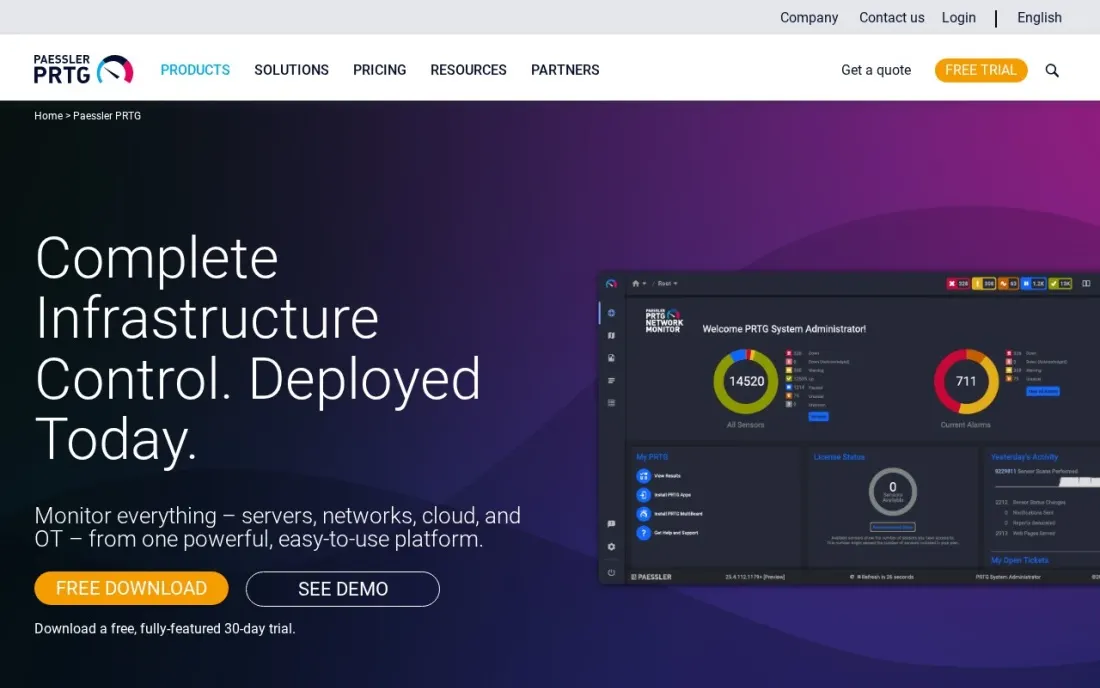
PRTG is the network monitor many small IT teams start with, because the price is on the page and there is a free edition. Monitoring is counted in sensors — one sensor checks one thing, such as a port's traffic, a server's CPU or a website's response — and the Freeware edition covers up to 100 sensors, which Paessler puts at about 10 devices.
PRTG 500 costs $200 a month paid annually for up to 500 sensors, about 50 devices; PRTG 1000 costs $358 a month and PRTG 2500 $742 a month, both paid annually. The 30-day trial has no sensor limit, so you can count how many sensors your network actually needs before you choose an edition.
What we like
- Free edition with up to 100 sensors, enough for about 10 devices
- Published prices for every size, from PRTG 500 at $200 a month to PRTG 10000 at $1,642 a month, billed annually
- 30-day trial with no limit on sensors or devices
Watch out for
- Priced by sensor, and each device uses several sensors, so counting takes care
- Prices are shown only as monthly amounts paid annually, with no monthly-billing option listed

Auvik
Best for: Corporate IT teams and MSPs that want cloud-based network mapping with unlimited users and sites
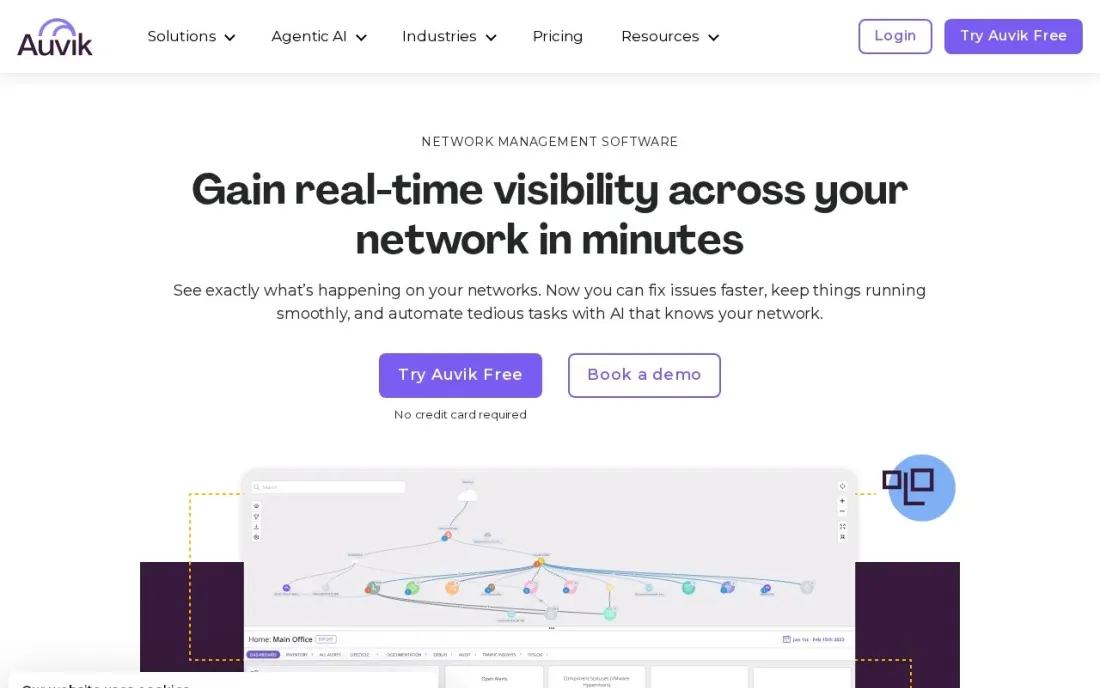
Auvik is a cloud-based network management platform built for corporate IT and MSP teams. Every plan includes unlimited users and sites, out-of-the-box alerts and support, with no maintenance fees, so an MSP can add client networks and technicians without the bill changing for seats. Alerts work from day one, so a failing device shows up before users complain.
Auvik publishes no price; the pricing page asks for a custom quote, and a kickoff call comes before the trial. A live sandbox lets you try the interface without installing anything. Choose it when you manage several sites and want a hosted tool, and ask for the quote per device in writing.
What we like
- Unlimited users and sites on every plan
- Out-of-the-box alerts and support included, with no maintenance fees
- A live sandbox lets you try the product without installing anything
Watch out for
- No published price — every plan is a custom quote
- The trial length is not stated on the pricing page

Domotz
Best for: MSPs and small businesses that want flat per-site pricing with unlimited devices
Domotz has the simplest pricing in this list. Each Collector — one site or network — costs $35 a month with every feature and unlimited devices included, and there are no per-user fees. That makes the bill easy to predict for a small business with two offices, or for an MSP adding client sites one at a time.
MSPs and commercial integrators can drop the per-site price on a 12-month term billed monthly, from $31.50 at five sites to $17.50 at 500 or more, and residential integrators pay from $20 a home. Volume rates go through sales. The 14-day trial gives full access without a credit card.
What we like
- Every feature and unlimited devices for $35 a month per site
- No per-user fees
- 14-day trial with full platform access and no credit card
Watch out for
- Volume discounts need a 12-month term and are arranged through sales
- No separate annual price is published

LogicMonitor
Best for: Mid-size and enterprise teams that monitor networks, servers and cloud in one platform
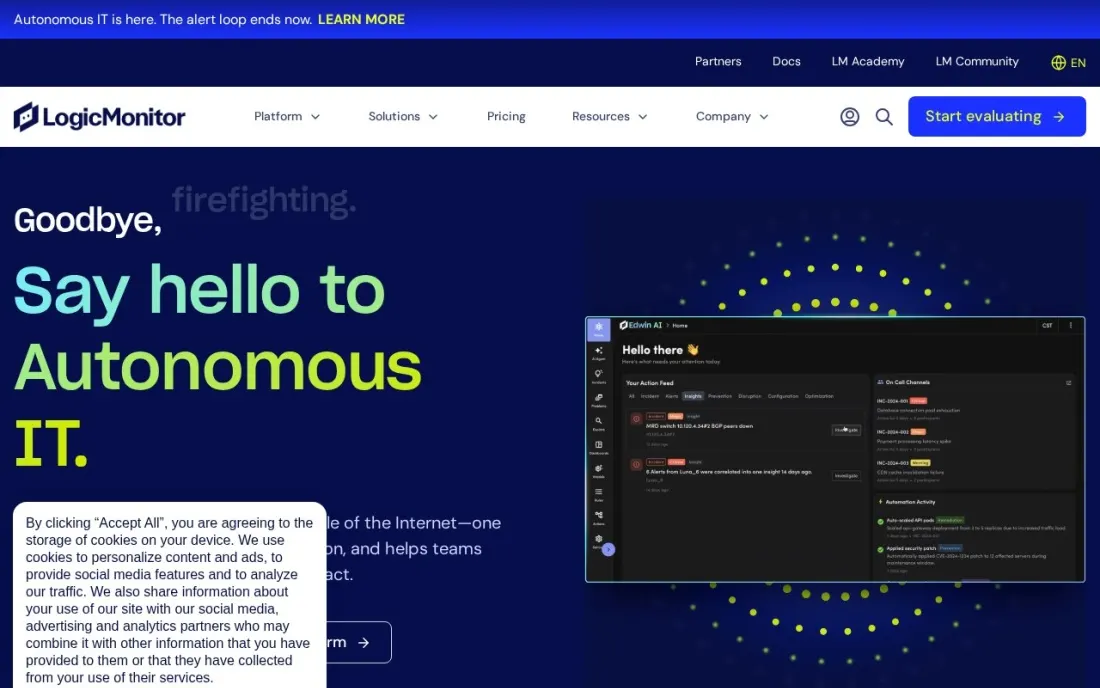
LogicMonitor covers the network as part of a wider hybrid estate: on-premises devices, cloud instances, wireless access points and OpenTelemetry metrics all count toward one bill. It prices by Hybrid Unit, where one unit is one collector-monitored resource, one cloud instance, seven cloud PaaS resources or five wireless access points.
Starting list prices are $19 per unit a month on Essentials, $37 on Advanced and $50 on Signature, each with AI credits and synthetic check points included. Those figures assume standard minimum quantities and terms, so final pricing depends on volume and contract. Every plan has a 14-day free trial.
What we like
- One platform for on-premises devices, cloud instances, wireless access points and OpenTelemetry data
- Published starting list prices per Hybrid Unit
- AI credits and synthetic checks included with each unit
Watch out for
- Starting prices assume standard minimum quantities and terms, so the real price comes from a quote
- Hybrid Unit conversions take time to work out for a mixed estate

Zabbix
Best for: Technical teams that want free, open-source monitoring for networks, servers and cloud
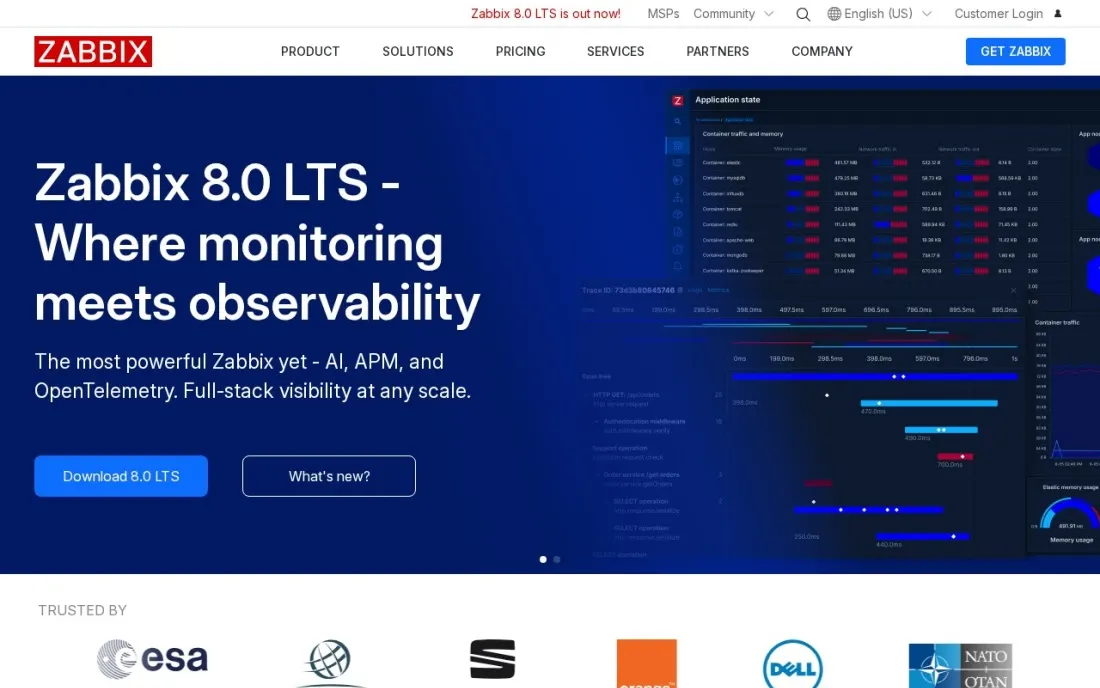
Zabbix is the free, open-source option for teams that want one monitoring system for everything. Deployed on your own servers it costs nothing to license, and it monitors networks, servers, cloud, containers, VMware, Windows, IoT devices, logs, applications and databases, so a network team and a server team can share one dashboard.
The cost is expertise: templates, triggers and alert rules take real time to tune, and someone has to maintain the servers. Zabbix sells fixed-price support with no per-device charges and a managed Zabbix Cloud with a free trial, but its home page shows no prices. Choose it if you have the skills.
What we like
- Completely free and open source when deployed on your own infrastructure
- Monitors networks, servers, cloud, containers, VMware, IoT, logs, applications and databases
- Zabbix Cloud offers a managed option with a free trial
Watch out for
- Self-hosting means installing, tuning and maintaining it yourself
- Zabbix Cloud and support prices are not shown on the home page

ManageEngine OpManager
Best for: IT teams that want an on-premises network monitor with device-based licensing, bought outright or yearly
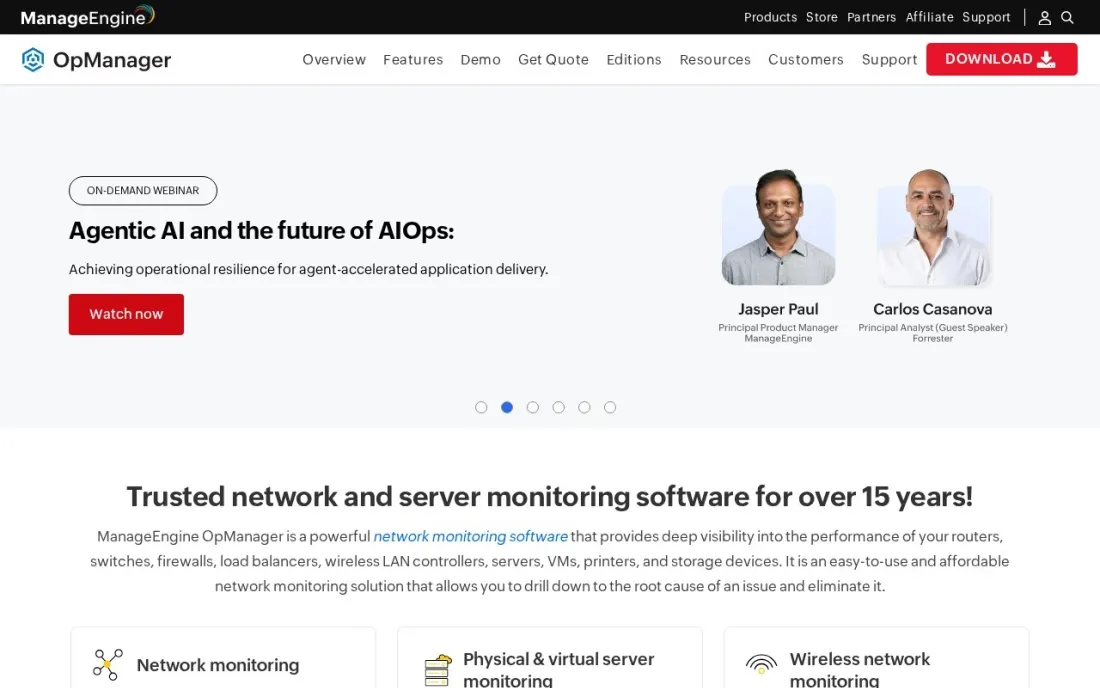
OpManager is ManageEngine's network monitoring tool, and its licensing is easy to reason about: you pay per device, and each device covers any number of interfaces, disk volumes and sensors. That avoids the sensor counting PRTG requires. You can buy it as an annual subscription or a perpetual licence, and networks above 1,000 devices move to the Enterprise edition.
The store page did not show edition prices when we checked, so pricing starts with a quote. Training is extra: about $495 per additional online training day and $1,995 per additional onsite day. There is a 30-day free trial. Choose it if you prefer on-premises software you can own.
What we like
- Device-based licensing covers any number of interfaces, disk volumes and sensors per device
- Choice of annual subscription or perpetual licence
- 30-day free trial, and an Enterprise edition for networks above 1,000 devices
Watch out for
- The store page shows no edition prices, so you need a quote
- Onsite and online training are paid extras
The best network management software tells you a link is failing before users do, shows how every device connects and keeps a record of what changed. We compared six tools across the three ways to run network monitoring in 2026 — cloud platforms, on-premises software and free open-source systems — and every price below comes from the vendor's own pricing or store page as checked in November 2026.
How to choose the best network management software
- Understand the pricing unit. Tools charge per sensor, per device, per site or per Hybrid Unit, and the cheapest choice depends on the shape of your network.
- Decide between cloud and on-premises. Cloud tools need no server and suit many sites; on-premises tools keep data inside your network.
- Check discovery and mapping. Automatic discovery and an up-to-date topology map save hours when you troubleshoot.
- Look at alerting before dashboards. Sensible default alerts, escalation and quiet hours decide whether the tool helps or becomes noise.
- Count your sites and devices first. A quick inventory makes every quote comparable and stops you paying for capacity you do not use.
- Test during a real problem. Use the trial long enough to see how the tool handles an outage or slow link, not just a quiet week.
A network outage often takes the website and booking forms down with it, and search engines notice. Our SEO audit service checks the technical health of your site after infrastructure changes, and the free robots.txt tester is a quick check after a migration.
Which network management software fits your situation
A single office with about 10 devices and no budget. PRTG's Freeware edition covers up to 100 sensors, which Paessler puts at about 10 devices, and costs nothing. Watch the sensor count, because each device uses several sensors, so a small network can outgrow the free edition faster than the device count suggests. If you grow, PRTG 500 costs $200 a month paid annually for about 50 devices.
A small business with two or three offices. Domotz is the easiest bill to predict: $35 a month per site, with unlimited devices, every feature and no per-user fees. Two offices cost $70 a month whatever you plug in. The 14-day trial needs no credit card, so run it on the busiest site first.
An MSP managing many client networks. Auvik and Domotz both suit this buyer. Auvik includes unlimited users and sites on every plan, with alerts and support and no maintenance fees, but you need a custom quote. Domotz publishes its volume rates, falling to $17.50 a site at 500 or more on a 12-month term, which makes it easier to price client contracts.
An IT team watching networks, servers and cloud together. LogicMonitor puts on-premises devices, cloud instances, wireless access points and OpenTelemetry data on one bill, from $19 per Hybrid Unit a month on Essentials. Work out your Hybrid Unit count during the 14-day trial, since list prices assume standard minimum quantities and terms.
A team with strict data rules or in-house monitoring skills. Zabbix is free and open source on your own servers and covers networks, servers, databases and more, but you install, tune and maintain it. If you would rather buy software once, OpManager offers a perpetual licence priced per device, with any number of interfaces and sensors per device, though you need a quote.
Network management software pricing: what you will actually pay
Take a business with two offices and about 50 devices. On list prices, Domotz costs $35 a month per site, or $70 a month and $840 a year for two sites, with unlimited devices. PRTG 500, sized for about 50 devices, costs $200 a month paid annually, or $2,400 a year, for both offices on one installation. Zabbix costs nothing to license if you host it, but it needs a server and someone with the skills to run it.
LogicMonitor starts at $19 per Hybrid Unit a month on Essentials, so 50 collector-monitored devices would be $950 a month at the starting list price, though LogicMonitor says final pricing depends on volume and contract terms. Auvik and OpManager publish no prices, so ask for a written quote for the same 50 devices and two sites. A larger estate changes the maths: PRTG 1000, for about 100 devices, costs $358 a month paid annually, while Domotz's two-site price stays the same.
Know the difference: cloud vs on-premises network monitoring
A cloud network monitor puts a small collector on each network and sends the data to the vendor's platform, where you see maps, alerts and history in a browser. Auvik, Domotz and LogicMonitor work this way. They are quick to roll out across many sites and need no monitoring server, which is why MSPs favour them.
An on-premises monitor runs on a server you own, and the data stays inside your network. PRTG, OpManager and self-hosted Zabbix work this way. They suit businesses with strict data rules, a single main site or existing server capacity, and OpManager's perpetual licence suits teams that prefer to buy software once. The trade-off is that you maintain the server, the updates and the backups.
Quick comparison: tool type by need
| Buyer | Best pick | Why |
|---|---|---|
| Small and mid-size IT teams | PRTG Network Monitor | Free 100-sensor edition; PRTG 500 $200/month billed annually |
| Multi-site IT and MSPs | Auvik | Cloud platform with unlimited users and sites; custom quote |
| Flat per-site pricing | Domotz | $35/month per site with unlimited devices |
| Hybrid cloud estates | LogicMonitor | Networks, servers and cloud from $19 per unit/month |
| Free with in-house skills | Zabbix | Open-source monitoring for networks, servers and cloud |
| On-premises, own the licence | ManageEngine OpManager | Device-based perpetual or annual licence; custom quote |
Mistakes to avoid
- Alerting on everything. Hundreds of alerts a day train people to ignore them; start with outages and critical thresholds only.
- Monitoring without an inventory. If you do not know what is on the network, you cannot tell what is missing from the dashboard.
- Forgetting the monitor itself. An on-premises monitoring server needs its own backups, updates and a way to alert if it goes down.
- Under-counting sensors. On sensor-based pricing, each device uses several sensors; count during the trial before you buy.
- Skipping configuration backups. Many outages follow a change; keep copies of switch and firewall configurations so you can roll back.
Related comparisons: Network Marketing Software · Network Security Software for Small Business
How we chose
We read each vendor's own pricing or store page in November 2026 and recorded the starting price exactly as shown, including whether it is billed annually. Auvik and OpManager showed no prices, and Zabbix's paid services show no prices on its home page, so we say so rather than repeat third-party estimates. We compared the tools on one test case — two offices with about 50 devices — and ranked them by fit for a small or mid-size IT team. No vendor paid for a place in this list, and none of the links here are affiliate links.
What to do next
List every device on your network in a spreadsheet, then run PRTG's 30-day trial or Domotz's 14-day trial on the busiest site and set alerts for outages only. After two weeks, check what it caught and what it missed before you pick a plan. If your website went down with the network, book a free strategy call to check the damage to search traffic.
Frequently asked questions
What is the best network management software?
PRTG is the best all-round choice for small and mid-size teams, with a free 100-sensor edition and published prices from $200 a month billed annually. Domotz is best for flat per-site pricing, Zabbix is the best free open-source option, and Auvik and LogicMonitor suit multi-site and hybrid estates.
Is there free network management software?
Yes. PRTG's Freeware edition covers up to 100 sensors, about 10 devices, and Zabbix is free and open source when you host it yourself. Domotz, LogicMonitor and OpManager offer free trials of 14 to 30 days.
How much does network monitoring software cost?
On published prices, Domotz costs $35 a month per site with unlimited devices, PRTG 500 costs $200 a month billed annually for about 50 devices, and LogicMonitor starts at $19 per Hybrid Unit a month. Auvik and OpManager are quote-only.
What is the difference between network monitoring and network management?
Monitoring watches devices and links and alerts you when something fails or slows. Management goes further, adding device discovery, network maps, configuration backup and changes. Most tools here start with monitoring and add management features on higher plans.
Should I choose cloud or on-premises network software?
Cloud tools such as Auvik, Domotz and LogicMonitor need no server and suit multi-site teams and MSPs. On-premises tools such as PRTG, Zabbix and OpManager keep data on your network and suit teams with strict rules or existing servers.
How do I count devices for pricing?
List every switch, router, firewall, access point, server and printer you want to watch. Per-site tools such as Domotz ignore the count, per-device tools such as OpManager charge for each one, and PRTG charges by sensors, which is several per device.
Sources we checked (6)
- PRTG Network Monitor — www.paessler.com/prtg/pricing (checked November 16, 2026)
- Auvik — www.auvik.com/pricing (checked November 16, 2026)
- Domotz — www.domotz.com/pricing.php (checked November 16, 2026)
- LogicMonitor — www.logicmonitor.com/pricing (checked November 16, 2026)
- Zabbix — www.zabbix.com (checked November 16, 2026)
- ManageEngine OpManager — store.manageengine.com/opmanager (checked November 16, 2026)
Make one of these tools?
We re-check this list every quarter. Send a correction, request a review, or ask about a clearly labeled sponsored spot.
Request a listingShamim
Founder of SerpAstra
A full-stack digital marketer and SEO strategist covering technical and local SEO, AI search visibility, paid ads and lead generation for local businesses, e-commerce brands and SaaS teams.
Free SEO and AI visibility audit
Find out what is holding your rankings back
Send us your site. Within 2 business days you get a written audit, an AI visibility check and a short fix list ranked by impact. Free, with no contract attached.
Request my free audit→Related buying guides
 IT Management7 Best IT Management Software in 2026, ComparedCompare the 7 best IT management software for endpoints, service desks, monitoring and IT assets, with free editions and real per-device costs checked.Read guide →
 IT Management7 Best IT Automation Software in 2026, ComparedCompare the 7 best IT automation software for patching, scripts, runbooks and service workflows, with pricing models and free editions checked on vendor pages.Read guide →
 IT Security9 Best Network Security Software for Small Business in 2026, ComparedCompare the 9 best network security software for small business options on price, free plans and firewalls, with every price checked November 7, 2026.Read guide →