
7 Best IT Management Software in 2026, Compared
Compare the 7 best IT management software for endpoints, service desks, monitoring and IT assets, with free editions and real per-device costs checked.
 Shamim Mia, Founder, SerpAstraLast verified November 4, 20268 min read
We compare pricing pages, documentation and public reviews. We never accept payment for rankings.
Key takeaways
- NinjaOne is the best all-round pick for managing endpoints, with patching, monitoring and remote access in one console at $1.50 to $3.75 per device a month by volume.
- ManageEngine Endpoint Central is the best value for small offices: a free edition covers up to 25 endpoints, and Professional costs $795 a year for 50.
- ServiceNow is the enterprise service-management platform; it publishes no price, but only the staff who fulfil tickets need paid licences.
- Free tools cover a lot: Site24x7 monitors 5 targets free, AssetExplorer's free edition covers 50 cloud nodes, and Snipe-IT is free to self-host.
On this page
Quick comparison
| Tool | Best for | Starting price | Free plan |
|---|---|---|---|
| NinjaOne | Small IT teams and MSPs that want patching, monitoring and remote access in one console | Custom quote | No (14-day trial) |
| ManageEngine Endpoint Central | Small and mid-size IT teams that want endpoint management with a free entry edition | $795/yr | Yes (free edition) |
| ServiceNow | Large enterprises that need one platform for IT service, operations and employee workflows | Custom quote | No (demo only) |
| Site24x7 | Small teams that need to know the moment a website, server or network link goes down | $9/mo | Yes (free plan) |
| ManageEngine AssetExplorer | IT teams that want hardware and software asset management with discovery and a free edition | $115/mo | Yes (50 nodes) |
| Snipe-IT | Small IT teams that want free, open-source tracking for laptops, licenses and accessories | $39.99/mo | Yes (self-hosted) |
| ControlUp | Enterprises with virtual desktops that want endpoint and VDI monitoring with automated fixes | Custom quote | No (21-day trial) |
Make one of these tools?
We re-check this list every quarter. Send a correction, request a review, or ask about a clearly labeled sponsored spot.
Request a listingThe best IT management software

NinjaOne
Best for: Small IT teams and MSPs that want patching, monitoring and remote access in one console
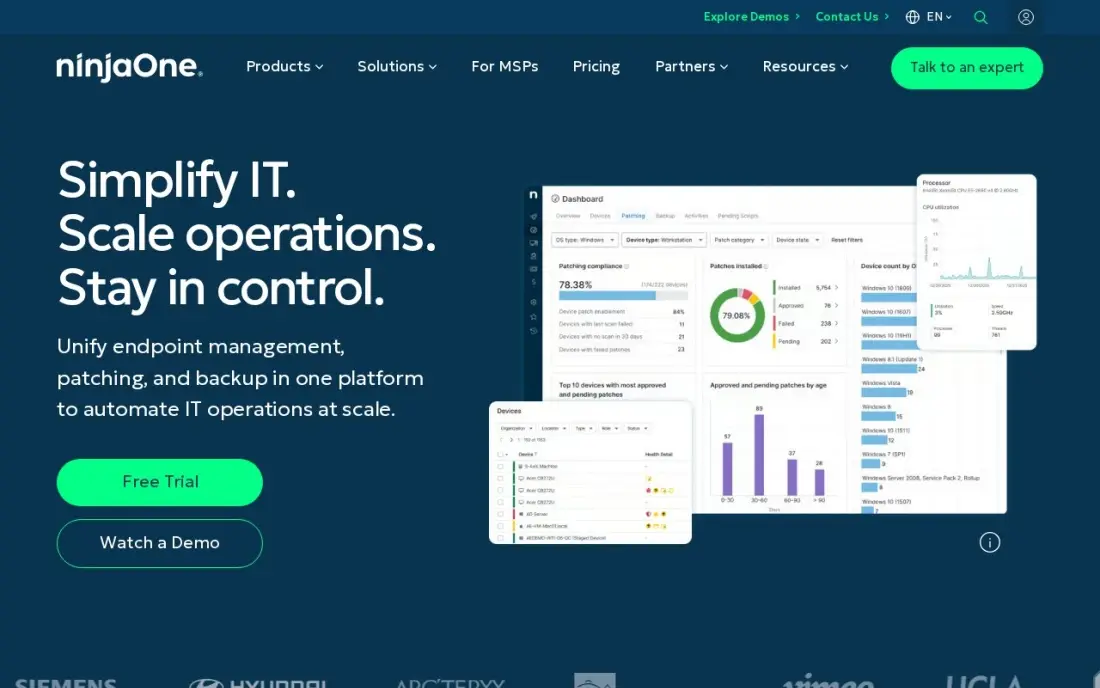
NinjaOne is the all-round IT management platform in this list. One cloud console handles remote monitoring, automated patching across Windows, Mac, Linux and third-party apps, software deployment and remote access, so a small IT team can look after hundreds of devices without visiting desks. Support and training are free and unlimited, and it is rated 4.7 out of 5 on G2 from 5,780 reviews.
NinjaOne publishes a per-device range of $1.50 to $3.75 a month by volume, with $3.75 at 50 or fewer endpoints, and the exact rate comes from a sales quote. Backup and mobile device management are separate products, so the full stack costs more. A 14-day free trial is available.
What we like
- Automated patching across Windows, Mac, Linux and third-party apps from a single cloud console
- Per-device pricing falls with volume — $3.75/device/month at 50 or fewer endpoints, $1.50 at 10,000
- Remote access, monitoring and software deployment included, with free unlimited support and training
- Highest-rated tool in this list on G2 at 4.7/5 from 5,780 reviews
Watch out for
- No fixed plan price — the exact per-device rate comes from a sales quote, so budgeting needs a conversation
- Per-device pricing grows with every endpoint, so a device-heavy office pays more than a flat-rate tool
- Backup, MDM and other modules are separate products, so the full stack costs more than the RMM alone

ManageEngine Endpoint Central
Best for: Small and mid-size IT teams that want endpoint management with a free entry edition
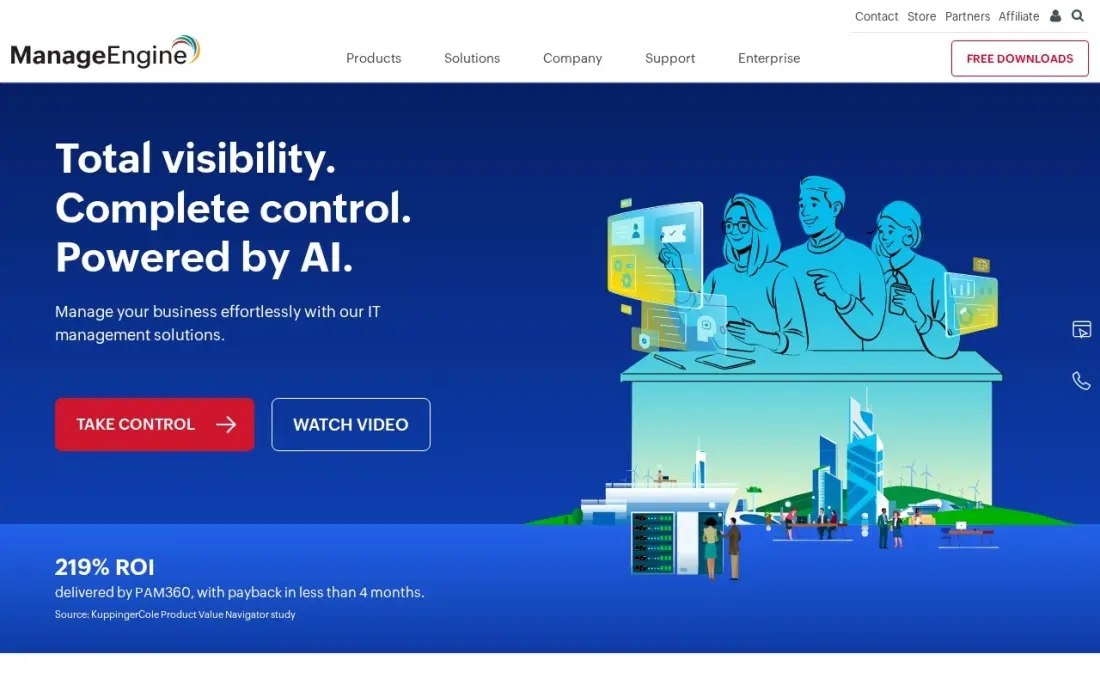
Endpoint Central covers the endpoint lifecycle: patching across Windows, Mac, Linux and more than 1,000 third-party applications, software deployment, remote troubleshooting, vulnerability assessment and device control, with next-gen antivirus built in. The free edition manages up to 25 endpoints, so a very small office can run real IT management at $0, and perpetual licences are available as well as annual subscriptions.
Professional starts at $795 a year for 50 endpoints, so a 10-device office that outgrows the free edition still pays for 50. The console is deep and can overwhelm a new administrator, and security add-ons cost more than the base edition. It is the best value here once the device count approaches 50.
What we like
- Automated patching across Windows, Mac, Linux and 1,000+ third-party applications
- Next-gen antivirus with AI-driven behavioral detection, plus vulnerability assessment and device control
- Free edition manages up to 25 endpoints, so a tiny office may never pay
- Perpetual licences available alongside annual subscriptions, which lowers long-term cost
Watch out for
- Professional starts at $795 a year for 50 endpoints — a 10-device office pays the full 50-endpoint price
- The console is deep and needs real skill; it can overwhelm a new administrator
- Security add-ons such as next-gen antivirus extras and vulnerability management cost more than the base edition

ServiceNow
Best for: Large enterprises that need one platform for IT service, operations and employee workflows
ServiceNow is the enterprise standard for IT service management. Incidents, requests, changes, problems and knowledge run on one platform with workflow automation across all of them, and ITSM is sold in three tiers, Foundation, Advanced and Prime, with AI assists bundled into every tier since April 2026. Requesters are free; only the staff who fulfil tickets need paid licences.
ServiceNow publishes no price, and every deal is a custom quote. Third-party estimates put ITSM fulfilment at roughly $70 to $200 per user a month, which is an estimate, not a ServiceNow figure. G2 reviewers report a typical implementation of about 5 months, and heavy customization needs specialist administrators. It suits companies with a large IT organization.
What we like
- IT Service Management is sold in three tiers — Foundation, Advanced and Prime — with AI assists bundled into every tier since April 2026
- One platform covers incidents, requests, changes, problems and knowledge, with workflow automation across all of them
- Rated 4.5 out of 5 on G2 from 2,021 reviews, with features and automation the most-cited strengths
- Requesters are free: only the staff who fulfil tickets need paid licences
Watch out for
- No published price: every deal is a custom quote, and third-party estimates put ITSM fulfilment at roughly $70-$200 per user per month
- G2 reviewers report a typical implementation of about 5 months
- Heavy customization needs specialist administrators, and licensing costs rise with every module

Site24x7
Best for: Small teams that need to know the moment a website, server or network link goes down
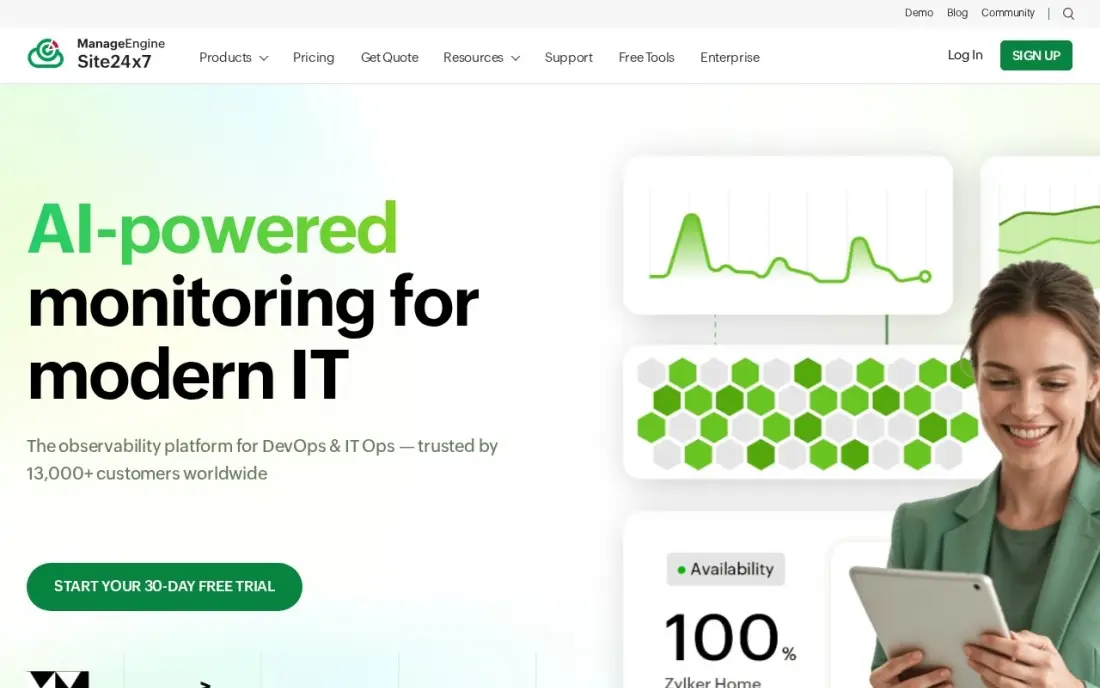
Site24x7 handles the monitoring side of IT management. It watches websites, servers, networks and cloud services from one console, running checks every minute from more than 130 locations and alerting by email, SMS and chat. The free plan covers 5 monitors, Starter costs $9 a month with 10% off billed annually, and every paid plan has a 30-day trial.
The $9 plan covers web uptime; server, network and application monitoring cost more. Site24x7 watches and alerts but does not patch or fix anything, and there is no automated remediation on the entry plan, so someone must act on alerts. It is part of the ManageEngine and Zoho family, so it pairs naturally with Endpoint Central.
What we like
- Website, server, network and cloud monitoring in one console from $9/month
- Checks run every minute from 130+ locations, with instant alerts by email, SMS and chat
- Free plan covers 5 monitors, and every paid plan includes a 30-day free trial
- Part of the ManageEngine and Zoho ecosystem, so it pairs with Endpoint Central in this list
Watch out for
- Monitoring only — it watches and alerts, but it cannot block an attack or patch a device
- The $9 plan covers web uptime; server, network and application monitoring cost more
- Alerting needs someone to act on it — there is no automated remediation on the entry plan
ManageEngine AssetExplorer
Best for: IT teams that want hardware and software asset management with discovery and a free edition
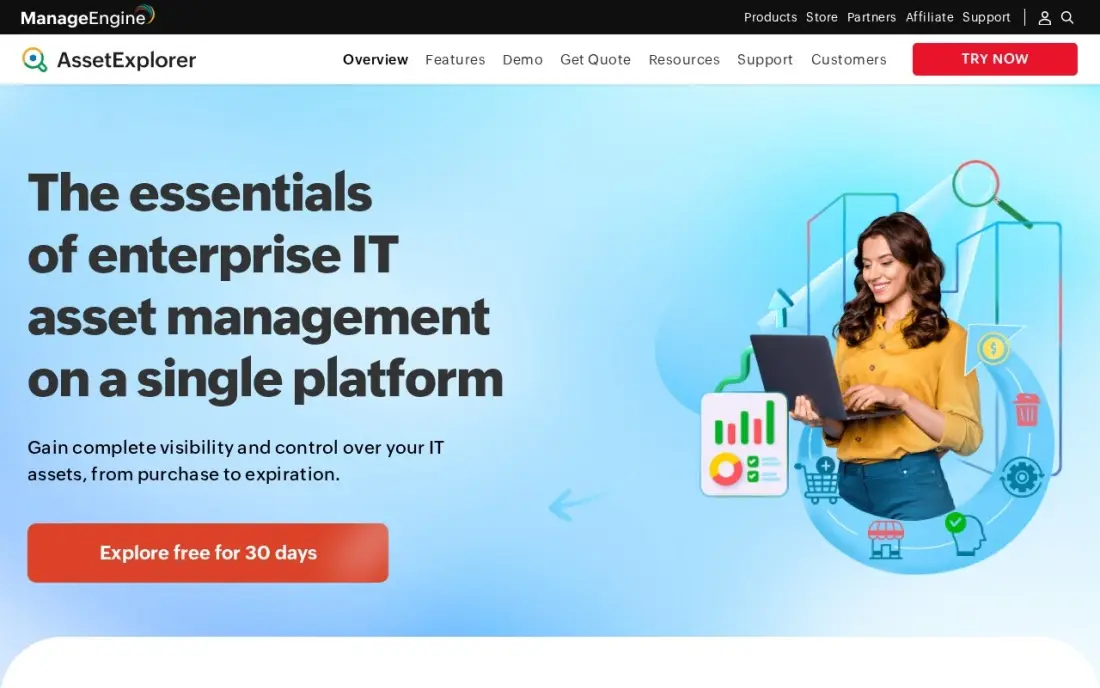
AssetExplorer is the IT asset management pick: hardware and software discovery, licence compliance, a CMDB, purchase orders and contracts, with lifecycle workflows that follow each asset from purchase to disposal. Every paid tier includes unlimited technicians, with cloud or on-premises deployment, and the free edition is fully functional, never expires and covers 50 nodes in the cloud or 25 on-premises.
Paid pricing is node-based, and the vendor's own page does not show it plainly; third-party reads of the vendor's pricing put cloud at $115 a month for 250 assets billed monthly, or $1,245 a year. It covers IT assets only, not tools or vehicles. Use it when licence compliance and audits matter.
What we like
- Free edition is fully functional and never expires — hardware and software discovery included
- Hardware and software asset discovery, licence compliance, a CMDB and purchase-order management in one platform
- Unlimited technicians on every paid tier, with cloud or on-premises deployment
- Visual lifecycle workflows and contract management cover the whole asset life, not just the inventory
Watch out for
- Paid pricing is node-based and the vendor's own page does not show the number plainly — budget from a quote or a reseller list
- The free edition caps at 50 nodes in the cloud (25 on-premises), so a 200-device office outgrows it fast
- IT-only: no help for tools, vehicles or other physical assets outside the network

Snipe-IT
Best for: Small IT teams that want free, open-source tracking for laptops, licenses and accessories
Snipe-IT is the free, open-source IT asset register. It tracks hardware, software licenses, accessories, consumables and who each item is assigned to, with no cap on assets or users when you self-host. That makes it the cheapest way to answer the question every IT team gets asked: who has which laptop, and when does that licence expire.
Self-hosting means your team owns installation, updates, backups and security patching. Managed hosting starts at $39.99 a month, or $399.99 a year, with backups, upgrades and email support included. There are no built-in bookings for shared equipment, and the official mobile app is still in beta. Choose it when someone on the team can run a server.
What we like
- Free and open source: self-host with unlimited assets and users at no licence cost
- Tracks hardware, software licenses, accessories and consumables in one register
- Managed hosting starts at $39.99/month with backups, upgrades and email support included
Watch out for
- Self-hosting means your team owns setup, updates, backups and security patching
- No built-in bookings, and the official mobile app is still in beta

ControlUp
Best for: Enterprises with virtual desktops that want endpoint and VDI monitoring with automated fixes
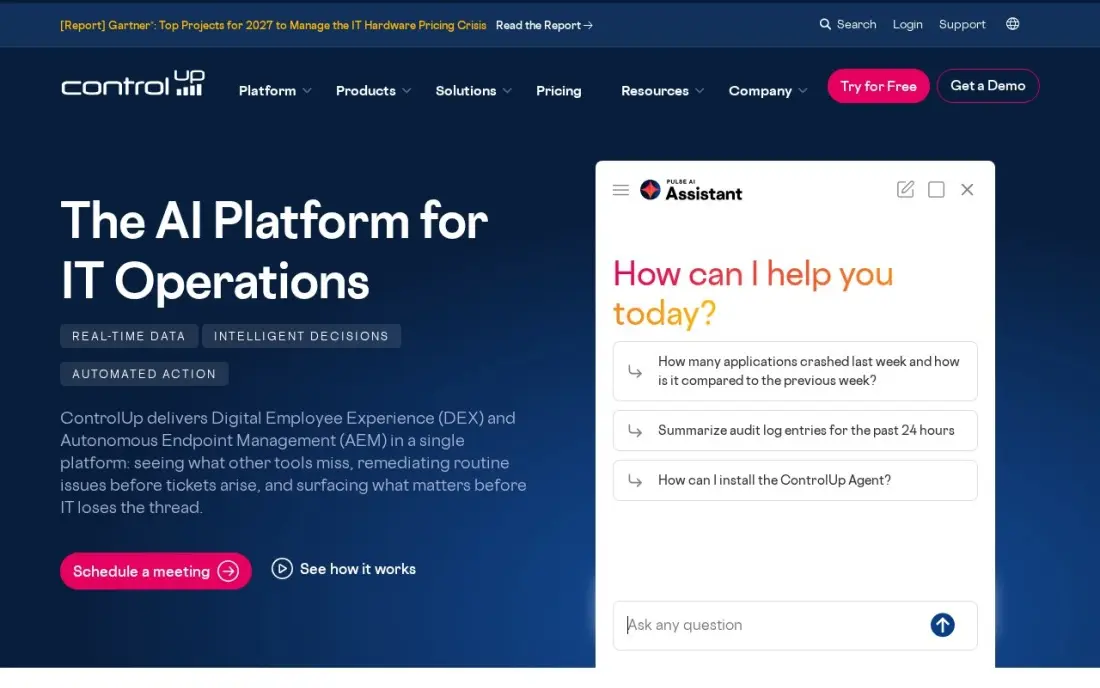
ControlUp manages the user experience side of IT. One console covers physical endpoints, Citrix, Azure Virtual Desktop and VMware Horizon, with real-time monitoring, experience scoring, remote control and automated remediation, so the IT team sees slow logins or failing apps before users raise tickets. Reviewers rate its setup and support highly, and it scores 4.7 out of 5 on G2 from 11 reviews.
There is no published price; quotes come from sales, and smaller estates may find it costly. A 21-day free trial covers up to 50 endpoints or virtual desktops with full real-time metrics. Its depth is strongest in virtual desktops, so a company with only physical laptops may get more from NinjaOne.
What we like
- One console for physical endpoints, Citrix, Azure Virtual Desktop and VMware Horizon
- Real-time monitoring with DEX scoring, remote control and automated remediation
- 21-day trial covers up to 50 endpoints with full real-time metrics
- Reviewers rate its setup and support among the highest here
Watch out for
- No published pricing — custom quote only
- VDI heritage shows in physical-endpoint depth
- Enterprise sales motion; smaller estates may find it costly
The best IT management software keeps every device patched, every service up, every asset accounted for and every request answered, without the IT team living at people's desks. We compared seven tools across the four jobs IT management covers — endpoint management, service management, monitoring and asset management — and every price below comes from the vendor's own pricing page as checked in November 2026.
How to choose the best IT management software
- Start with your biggest pain. Unpatched laptops point to endpoint management, missed outages to monitoring, lost equipment to asset management and an overflowing inbox to a service desk.
- Count devices, not just people. Per-device and per-endpoint pricing means a company with two devices per person pays double.
- Check operating system coverage. Mixed Windows, Mac and Linux fleets need patching for all three plus third-party apps.
- Use free editions to test. Several tools here are free for small fleets; prove the workflow before you buy.
- Look for one console where you can. Every extra tool is another login, another agent and another bill; ManageEngine and Zoho tools, for example, share a family.
- Plan who acts on alerts. Monitoring and dashboards only help if someone is responsible for responding.
IT management keeps the company running; it does not keep the website visible. If your site is up but not ranking or being cited by AI search, our SEO audit checks the technical side, and the free robots.txt tester shows quickly whether search engines can crawl it.
IT management software pricing: what you will actually pay
Take an office with 50 devices. NinjaOne's published rate at 50 or fewer endpoints is $3.75 per device a month, or $187.50 a month and $2,250 a year, with the exact rate set by quote. ManageEngine Endpoint Central Professional costs $795 a year for 50 endpoints, or about $66 a month, and the free edition covers the first 25 endpoints at $0.
Add monitoring and asset tracking. Site24x7 Starter costs $9 a month, or $108 a year, with 10% off on annual billing, and its free plan covers 5 monitors. AssetExplorer's free edition covers 50 cloud nodes at $0, and Snipe-IT costs $0 self-hosted or $399.99 a year with managed hosting. A small office can run endpoint management, uptime monitoring and an asset register for well under $1,000 a year.
ServiceNow and ControlUp publish no prices. Third-party estimates put ServiceNow ITSM fulfilment at $70 to $200 per user a month, so price it by the number of IT staff who work tickets, not the whole company.
Know the difference: endpoint management vs IT service management
Endpoint management looks after machines. NinjaOne and Endpoint Central install an agent on each laptop and server, then patch it, deploy software, watch its health and let a technician connect remotely. The work is mostly automatic, and the price follows the number of devices.
IT service management looks after people's requests. ServiceNow records incidents, requests, changes and problems, routes them to the right technician, tracks service levels and builds a knowledge base so the same question is answered once. The price follows the number of IT staff who fulfil tickets. A growing company usually adds endpoint management first, then a service desk once requests outgrow email.
Quick comparison: tool type by need
| Buyer | Best pick | Why |
|---|---|---|
| Small IT teams and MSPs | NinjaOne | Patching, monitoring and remote access; $1.50–$3.75/device/month |
| Small offices on a budget | ManageEngine Endpoint Central | Free up to 25 endpoints; Professional $795/year for 50 |
| Enterprise service desk | ServiceNow | Incidents, changes and knowledge on one platform; quote only |
| Uptime monitoring | Site24x7 | Free for 5 monitors; Starter $9/month |
| Licence compliance and audits | ManageEngine AssetExplorer | Discovery and CMDB; free for 50 cloud nodes |
| Free asset register | Snipe-IT | Open source and free to self-host; hosting $39.99/month |
| Virtual desktop estates | ControlUp | Endpoint and VDI monitoring with automated remediation |
Mistakes to avoid
- Buying a service desk before fixing patching. Many tickets come from unpatched, unmanaged devices; automate the basics first.
- Paying for unused endpoint tiers. A 10-device office on a 50-endpoint licence pays for 40 devices it does not have; use free editions until you grow.
- Monitoring without an owner. Alerts that go to a shared inbox at night are alerts nobody reads.
- Keeping assets in a spreadsheet. A spreadsheet never notices a new device on the network; discovery tools do.
- Underestimating enterprise rollouts. ServiceNow implementations take months and need specialist administrators; budget for both.
Related comparisons: IT Automation Software · IT Security Software · IT Asset Tracking Software · IT Company Website Design Platforms
How we chose
We checked each vendor's own pricing page in November 2026 and recorded the starting price exactly as shown, including per-device ranges and free editions. Where a vendor publishes no price, we say so and cite third-party figures only as estimates. We grouped the tools by IT management job — endpoints, service management, monitoring and assets — and ranked them by fit for the most common buyer, an IT team of one to ten people looking after 25 to 1,000 devices. Ratings come from G2 pages checked on the dates shown in the sources. No vendor paid for a place in this list, and none of the links here are affiliate links.
What to do next
Install the free edition of Endpoint Central or start a NinjaOne trial on your own laptop and five colleagues' machines, and see how many missing patches it finds in the first day. Add Site24x7's free plan for your website and key servers. When the IT side is under control and you want the website working harder, book a free SEO review.
Frequently asked questions
What is the best IT management software?
NinjaOne is the best all-round IT management software for small and mid-size IT teams, with patching, monitoring and remote access in one console from $1.50 to $3.75 per device a month. ManageEngine Endpoint Central is the best value, and ServiceNow is the enterprise service-management platform.
Is there free IT management software?
Yes. ManageEngine Endpoint Central is free for up to 25 endpoints, AssetExplorer's free edition covers 50 cloud nodes, Site24x7's free plan covers 5 monitors, and Snipe-IT is free and open source when you self-host.
How much does IT management software cost?
NinjaOne runs $1.50 to $3.75 per device a month by volume, Endpoint Central Professional costs $795 a year for 50 endpoints, Site24x7 starts at $9 a month and Snipe-IT hosting starts at $39.99 a month. ServiceNow and ControlUp are quote-only.
What is the difference between RMM and ITSM?
RMM, remote monitoring and management, looks after devices: patching, monitoring, software deployment and remote access, as in NinjaOne and Endpoint Central. ITSM, IT service management, looks after requests and incidents from people, as in ServiceNow. Many IT teams need both.
Which IT management software is best for small businesses?
ManageEngine Endpoint Central's free edition suits offices up to 25 devices, and NinjaOne suits small IT teams that manage more. Pair either with Site24x7's free plan for uptime alerts and Snipe-IT for a free asset register.
Do I need IT asset management software?
Once you have more than a few dozen devices or paid software licences, yes. AssetExplorer adds discovery and licence compliance, while Snipe-IT gives a free register of who has which device and when licences expire.
Sources we checked (13)
- NinjaOne — www.ninjaone.com/pricing (checked November 7, 2026)
- NinjaOne reviews on G2 (checked November 7, 2026)
- ManageEngine Endpoint Central — www.manageengine.com/products/desktop-central/pricing.html (checked November 7, 2026)
- ManageEngine Endpoint Central reviews on G2 (checked November 7, 2026)
- ServiceNow — www.servicenow.com/lpgp/pricing.html (checked November 4, 2026)
- ServiceNow reviews on G2 (checked November 4, 2026)
- Site24x7 — www.site24x7.com/site24x7-pricing.html (checked November 7, 2026)
- Site24x7 reviews on G2 (checked November 7, 2026)
- ManageEngine AssetExplorer — www.manageengine.com/products/asset-explorer (checked November 10, 2026)
- Snipe-IT — snipeitapp.com/pricing (checked November 10, 2026)
- Snipe-IT reviews on G2 (checked November 10, 2026)
- ControlUp — www.controlup.com (checked November 6, 2026)
- ControlUp reviews on G2 (checked November 6, 2026)
Make one of these tools?
We re-check this list every quarter. Send a correction, request a review, or ask about a clearly labeled sponsored spot.
Request a listingShamim
Founder of SerpAstra
A full-stack digital marketer and SEO strategist covering technical and local SEO, AI search visibility, paid ads and lead generation for local businesses, e-commerce brands and SaaS teams.
Free SEO and AI visibility audit
Find out what is holding your rankings back
Send us your site. Within 2 business days you get a written audit, an AI visibility check and a short fix list ranked by impact. Free, with no contract attached.
Request my free audit→Related buying guides
 IT Security9 Best Network Security Software for Small Business in 2026, ComparedCompare the 9 best network security software for small business options on price, free plans and firewalls, with every price checked November 7, 2026.Read guide →
 Manufacturing, Maintenance & ERP8 Best Asset Tracking Software for Small Business in 2026, ComparedCompare the 8 best asset tracking software for small business options on price, free plans and check-out features, with prices checked November 10, 2026.Read guide →
 HR & Payroll9 Best Digital Employee Experience Software in 2026, ComparedCompare the 9 best digital employee experience software platforms on telemetry, experience scoring and remediation, with prices checked November 6, 2026.Read guide →