
7 Best IT Automation Software in 2026, Compared
Compare the 7 best IT automation software for patching, scripts, runbooks and service workflows, with pricing models and free editions checked on vendor pages.
 Shamim Mia, Founder, SerpAstraLast verified November 2, 20268 min read
We compare pricing pages, documentation and public reviews. We never accept payment for rankings.

Key takeaways
- For device work — patching, scripts and software installs — an RMM such as NinjaOne, Atera or ManageEngine Endpoint Central automates most of what a small IT team does by hand.
- Atera prices per technician, not per device: Professional costs $149 a technician a month billed annually, or $169 monthly, with no device cap.
- ManageEngine Endpoint Central has a free edition for up to 25 endpoints, and Rundeck's Community edition is free open source, so a small team can automate before it buys.
- Ansible Automation Platform and ServiceNow are the enterprise end: both are quote-only, and both suit organisations automating infrastructure or service processes at scale.
On this page
Quick comparison
| Tool | Best for | Starting price | Free plan |
|---|---|---|---|
| NinjaOne | Small IT teams and MSPs that want patching, scripting and monitoring automated from one console | $1.50–$3.75/device/mo | No (14-day trial) |
| Atera | Internal IT teams with many devices per technician that want flat per-technician pricing | $149/tech/mo (annual) | No (30-day trial) |
| ManageEngine Endpoint Central | IT teams that want automated patching and software deployment with a free edition to start | $795/yr (50 endpoints) | Yes (25 endpoints) |
| Red Hat Ansible Automation Platform | Infrastructure and network teams automating servers, cloud and network devices as code | Custom quote | No (trial available) |
| Rundeck | DevOps and operations teams that want safe self-service runbooks with an audit trail | Free (Community) | Yes (open source) |
| Microsoft Power Automate | IT teams on Microsoft 365 automating approvals, onboarding steps and Teams notifications | $15/user/mo (annual) | Yes (M365) |
| ServiceNow | Large enterprises automating IT service requests, changes and incidents across departments | Custom quote | No (demo only) |
Make one of these tools?
We re-check this list every quarter. Send a correction, request a review, or ask about a clearly labeled sponsored spot.
Request a listingThe best IT automation software

NinjaOne
Best for: Small IT teams and MSPs that want patching, scripting and monitoring automated from one console
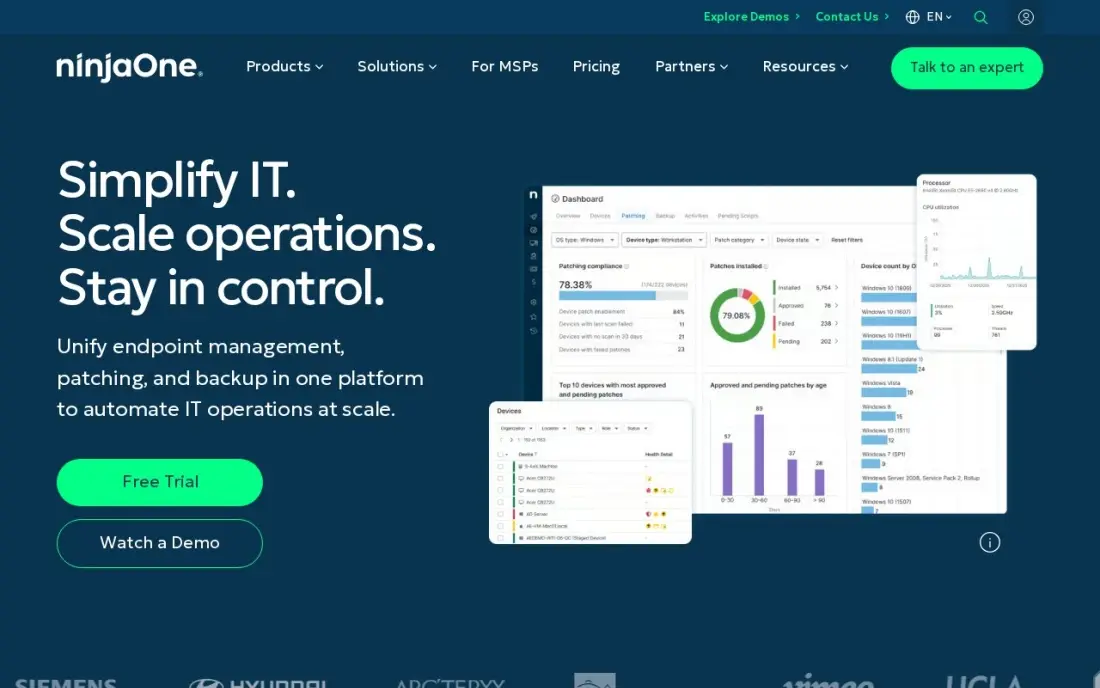
NinjaOne is the most complete device-automation console in this list. Policies patch Windows, Mac, Linux and more than 1,000 third-party apps on a schedule, scripts run on conditions or timers, and software deploys to groups of devices without anyone touching them. Remote access and monitoring sit in the same console, and support and training are free and unlimited.
Pricing is per device and falls with volume: NinjaOne publishes a range of $1.50 to $3.75 a device a month, with the top rate at 50 or fewer endpoints, and the exact figure comes from a quote. Backup and mobile device management are separate products. It is rated 4.7 out of 5 on G2 from 5,780 reviews.
What we like
- Automated patching across Windows, Mac, Linux and third-party apps from a single cloud console
- Per-device pricing falls with volume — $3.75/device/month at 50 or fewer endpoints, $1.50 at 10,000
- Remote access, monitoring and software deployment included, with free unlimited support and training
- Highest-rated tool in this list on G2 at 4.7/5 from 5,780 reviews
Watch out for
- No fixed plan price — the exact per-device rate comes from a sales quote, so budgeting needs a conversation
- Per-device pricing grows with every endpoint, so a device-heavy office pays more than a flat-rate tool
- Backup, MDM and other modules are separate products, so the full stack costs more than the RMM alone

Atera
Best for: Internal IT teams with many devices per technician that want flat per-technician pricing
Atera combines remote monitoring, patch management, scripting and a help desk, and it flips the usual pricing: you pay per technician, not per device. That suits an internal IT team of two or three people looking after hundreds of laptops, because adding devices does not change the bill. Patch management and IT automation are included from the first plan.
Professional costs $149 a technician a month billed annually, or $169 monthly; Expert costs $189 annually or $229 monthly, and Master $219 or $269. Professional lacks asset management, which starts on Expert. There is a 30-day free trial with no credit card. For a large team with few devices each, per-device tools come out cheaper.
What we like
- Priced per technician with no device cap, so adding endpoints does not raise the bill
- Patch management, scripting and IT automation included from the Professional plan
- 30-day free trial without a credit card
Watch out for
- Professional has no asset management; custom asset types start on Expert
- A large team of technicians pays more than a per-device tool would
- Enterprise is quote-only

ManageEngine Endpoint Central
Best for: IT teams that want automated patching and software deployment with a free edition to start
Endpoint Central automates the endpoint lifecycle: patches for Windows, Mac, Linux and more than 1,000 third-party applications, software deployment, configuration and remote troubleshooting, with next-gen antivirus and vulnerability assessment built in. The free edition manages up to 25 endpoints, so a small office can automate patching at $0.
Professional starts at $795 a year for 50 endpoints, and ManageEngine also sells perpetual licences, which lowers long-term cost for a stable fleet. The 50-endpoint floor means a 10-device office pays the full price. The console is deep and can overwhelm a new administrator, so allow time to set up patch policies and test groups properly.
What we like
- Automated patching across Windows, Mac, Linux and 1,000+ third-party applications
- Next-gen antivirus with AI-driven behavioral detection, plus vulnerability assessment and device control
- Free edition manages up to 25 endpoints, so a tiny office may never pay
- Perpetual licences available alongside annual subscriptions, which lowers long-term cost
Watch out for
- Professional starts at $795 a year for 50 endpoints — a 10-device office pays the full 50-endpoint price
- The console is deep and can overwhelm a new administrator, so patch policies take time to set up
- Security add-ons such as next-gen antivirus extras and vulnerability management cost more than the base edition

Red Hat Ansible Automation Platform
Best for: Infrastructure and network teams automating servers, cloud and network devices as code
Ansible Automation Platform is Red Hat's commercial version of Ansible, the agentless tool that describes server, cloud and network configuration in readable YAML playbooks. The subscription wraps that open-source tool in Red Hat maintenance, upgrades and support for production use, and it can run on premises or through the Azure, AWS, Google Cloud and Oracle Cloud marketplaces.
Red Hat publishes no price: it says pricing varies with sizing and subscription, and quotes come from a representative or partner. Standard includes business-hours support and Premium 24x7 support. It suits teams that treat infrastructure as code; a help desk wanting to patch laptops is better served by an RMM.
What we like
- Automation written as readable playbooks, built on the open-source Ansible project
- Runs on premises or through Azure, AWS, Google Cloud and Oracle Cloud marketplaces
- Premium subscription includes 24x7 support
Watch out for
- No published price; every subscription is a quote based on sizing
- Needs people comfortable writing and maintaining automation code
- Standard support covers business hours only

Rundeck
Best for: DevOps and operations teams that want safe self-service runbooks with an audit trail
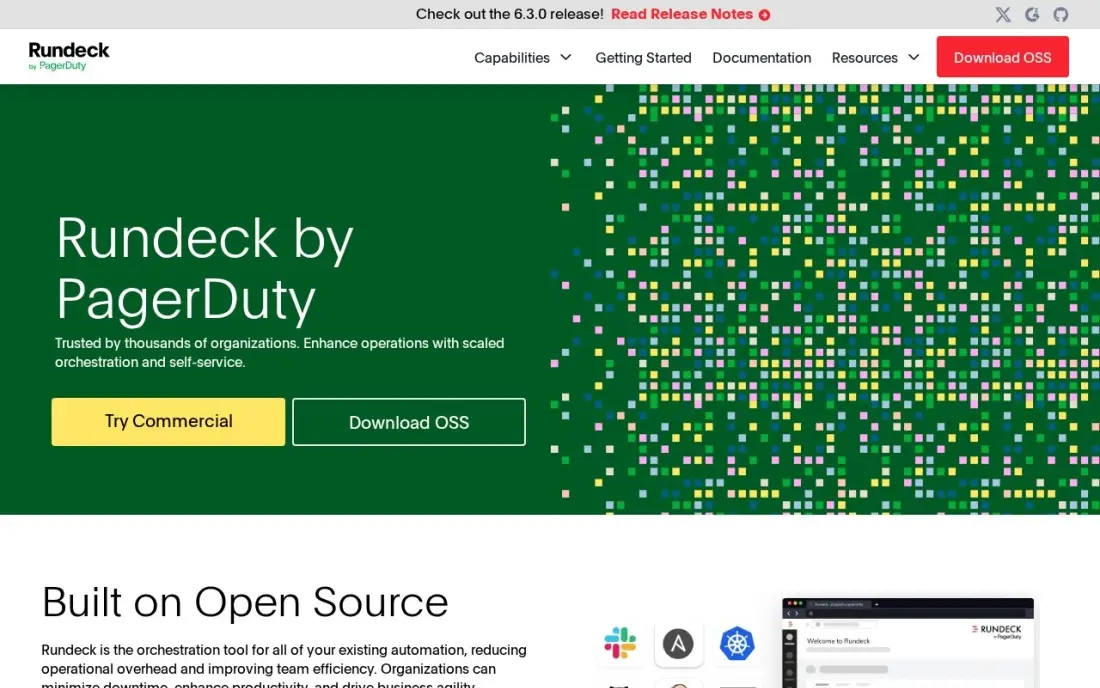
Rundeck turns operational procedures — restart a service, clear a cache, rotate logs, run a diagnostic — into jobs that other people can run safely. Access control decides who may run what, every run is logged, and jobs execute across servers over SSH or WinRM, which cuts the number of tickets that wait for one senior engineer.
The Community edition is free open source under the Apache 2.0 licence. Clustering, high availability, advanced access controls and enterprise support need the commercial PagerDuty Runbook Automation, which is quote-only. Community is small-scale by design, so plan for the paid edition if runbooks become part of production incident response.
What we like
- Free Community edition under the Apache 2.0 licence, maintained on GitHub
- Self-service access with access control and a full audit trail for every job
- Commercial PagerDuty Runbook Automation adds clustering, high availability and enterprise support
- Strong with SSH and WinRM node execution across existing infrastructure
Watch out for
- Enterprise features such as clustering, high availability and advanced access controls need the paid commercial edition
- Runbook-focused, so weaker than the enterprise schedulers on ERP and mainframe depth
- Community edition is small-scale by design; production scale needs the commercial bundle

Microsoft Power Automate
Best for: IT teams on Microsoft 365 automating approvals, onboarding steps and Teams notifications
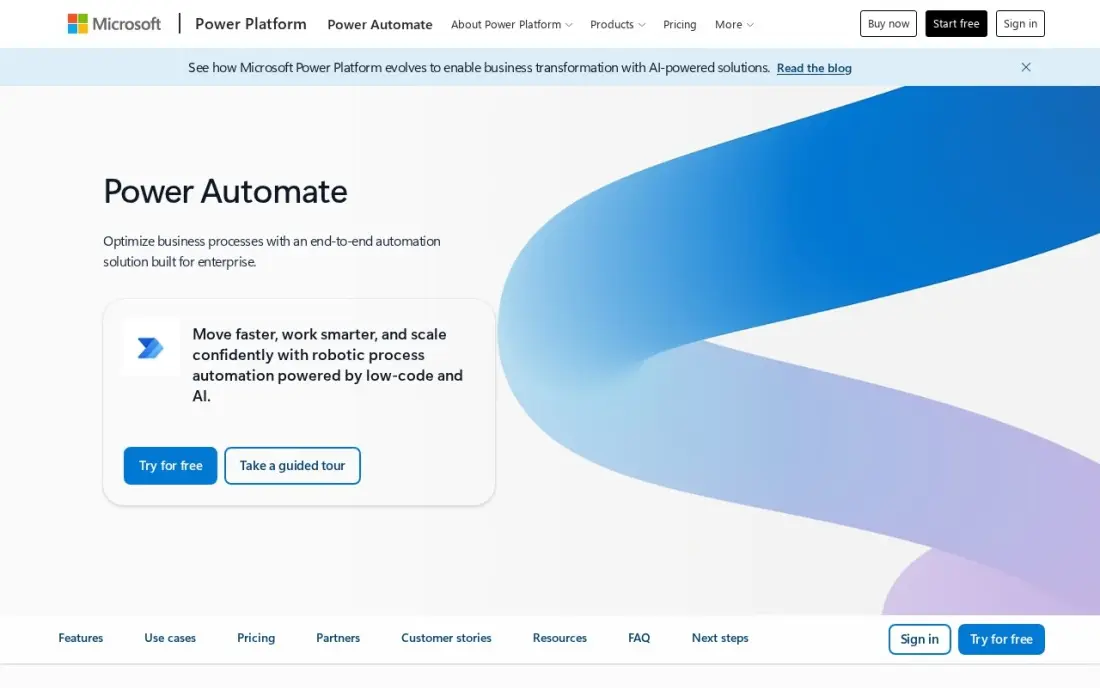
Power Automate handles the paperwork side of IT automation: access request approvals, new-starter checklists, licence notifications and alerts posted to Teams. Basic cloud flows with standard connectors are included with most Microsoft 365 plans, so many IT teams can start without buying anything new.
Premium costs $15 a user a month billed annually and adds premium connectors, attended desktop automation and AI Builder credits. Licensing depends on who runs a flow: an instant flow needs Premium for every person who runs it. Reviewers find debugging hard, with vague error messages, so keep flows short and document them.
What we like
- Already included with most Microsoft 365 plans for standard connectors, so many teams pay nothing extra
- Premium adds premium connectors, attended desktop RPA and AI Builder credits in one licence
- Approval flows, SharePoint and Teams triggers are native, not bolted on
Watch out for
- Per-user licensing multiplies fast: every person running an instant premium flow needs a licence
- Debugging is hard work; error messages are vague and trigger delays hit time-sensitive flows
- Works best inside Microsoft tools; non-Microsoft apps connect, but less smoothly than on Zapier

ServiceNow
Best for: Large enterprises automating IT service requests, changes and incidents across departments
ServiceNow is where enterprise IT automates its service processes: requests routed and fulfilled automatically, change approvals, incident workflows and knowledge, all on one platform, with AI assists bundled into every IT Service Management tier since April 2026. Requesters are free; only staff who fulfil tickets need licences.
There is no published price, and every deal is a custom quote. G2 reviewers report a typical implementation of about five months, and heavy customisation needs specialist administrators. It is rated 4.5 out of 5 on G2 from 2,021 reviews. Choose it when the process layer, not the device layer, is where the work piles up.
What we like
- IT Service Management is sold in three tiers — Foundation, Advanced and Prime — with AI assists bundled into every tier since April 2026
- One platform covers incidents, requests, changes, problems and knowledge, with workflow automation across all of them
- Rated 4.5 out of 5 on G2 from 2,021 reviews, with features and automation the most-cited strengths
- Requesters are free: only the staff who fulfil tickets need paid licences
Watch out for
- No published price: every deal is a custom quote, and third-party estimates put ITSM fulfilment at roughly $70-$200 per user per month
- G2 reviewers report a typical implementation of about 5 months
- Heavy customization needs specialist administrators, and licensing costs rise with every module
The best IT automation software takes the repeat work off your IT team: patches that install themselves, scripts that fix known problems, runbooks anyone can run safely and service requests that route without a person. We compared seven tools across three layers — device management, infrastructure and runbooks, and service workflows — and checked every price and free edition on vendor pages in November 2026.
How to choose the best IT automation software
- Name the work you want gone. Patching and installs point to an RMM; server and network configuration points to Ansible; approvals and onboarding point to a workflow tool.
- Match the pricing model to your ratio. Per-device pricing favours few devices per technician; per-technician pricing favours many.
- Check operating system coverage. Confirm Mac and Linux patching, not just Windows, and third-party apps such as browsers and PDF readers.
- Look for an audit trail. Every automated change should be logged with who approved it and what it touched.
- Start with a free edition or trial. ManageEngine's free edition, Rundeck Community and Atera's 30-day trial let you prove the time saving first.
- Count the skills you have. Code-based tools such as Ansible need people who write and review automation; RMM policies are point-and-click.
Automation frees time; spend some of it on the systems customers see. If your company website needs the same kind of routine care, our monthly SEO service keeps it maintained, and the free XML sitemap generator is a quick check that search engines can find every page.
IT automation software pricing: what you will actually pay
Take an internal IT team of 2 technicians looking after 150 devices. On Atera Professional at $149 a technician a month billed annually, that is $298 a month, or $3,576 a year, however many devices are added. On NinjaOne at the top of its published range, $3.75 a device a month, 150 devices would cost $562.50 a month; the actual rate at 150 devices comes from a quote and should be lower, so ask for it in writing.
ManageEngine Endpoint Central Professional starts at $795 a year for 50 endpoints, and its free edition covers 25, so a very small office can patch for nothing. Power Automate Premium costs $15 a user a month billed annually, or $360 a year for the two technicians, if their flows need premium connectors. Rundeck Community is free. Ansible Automation Platform and ServiceNow publish no prices, so budget them through a quote that includes implementation.
Know the difference: endpoint automation vs infrastructure automation
Endpoint automation works on the devices people use. An RMM agent sits on every laptop and server, reports its health and applies whatever policy you set: install this patch on Tuesday night, run this script when disk space falls below 10%, deploy this app to the sales team. NinjaOne, Atera and ManageEngine Endpoint Central are built for this job.
Infrastructure automation works on servers, cloud resources and network gear, usually as code. An Ansible playbook describes the state a system should be in, and running it makes the system match, the same way every time. Rundeck wraps operational tasks into safe jobs, and ServiceNow and Power Automate automate the requests and approvals around both. Most organisations end up with one tool per layer.
Quick comparison: tool type by need
| Buyer | Best pick | Why |
|---|---|---|
| Small IT teams and MSPs | NinjaOne | Patching, scripts and monitoring in one console, $1.50–$3.75/device/month |
| Many devices per technician | Atera | Per-technician pricing from $149/month annual, no device cap |
| Patching on a budget | ManageEngine Endpoint Central | Free edition for 25 endpoints, Professional $795/year for 50 |
| Infrastructure as code | Red Hat Ansible Automation Platform | Playbook automation for servers, cloud and network, quote-only |
| Self-service runbooks | Rundeck | Free Community edition with access control and audit trail |
| Microsoft 365 workflows | Microsoft Power Automate | Standard flows included with Microsoft 365, Premium $15/user/month |
| Enterprise service automation | ServiceNow | Requests, changes and incidents on one platform, quote-only |
Mistakes to avoid
- Automating a broken process. If the manual steps are unclear, the automated version fails faster; write the process down first.
- Patching everything at once. Use a test group and a staged rollout so one bad update does not take down every machine.
- Running scripts without review. A script with admin rights on every device is a risk; keep scripts in version control and require a second pair of eyes.
- Ignoring the per-unit maths. Compare per-device and per-technician totals at your real numbers, including growth over the next year.
- Buying enterprise tools for a small team. A quote-only platform with a months-long implementation rarely pays off for a handful of technicians.
Related comparisons: IT Management Software · IT Security Software · IT Asset Tracking Software · Marketing Automation Tools
How we chose
We read each vendor's pricing page in November 2026 and recorded plan prices, billing terms and free editions exactly as shown; where a vendor publishes no price, we say so instead of repeating third-party estimates. We grouped tools by the layer they automate — endpoints, infrastructure and runbooks, or service workflows — and favoured tools a small or mid-sized IT team can start without a long implementation. Ratings come from G2 pages checked on the dates shown in the sources. No vendor paid for a place in this list, and none of the links here are affiliate links.
What to do next
Pick the one task your team repeats most — usually patching — and automate it on a free edition or trial for 30 days, measuring the hours saved. If the time saved goes into growing the business online, book a free SEO consultation.
Frequently asked questions
What is the best IT automation software?
For automating devices, NinjaOne is the strongest all-round console, Atera is the value pick for small teams with many devices and ManageEngine Endpoint Central has a free edition for up to 25 endpoints. For infrastructure as code, Red Hat Ansible Automation Platform leads, and ServiceNow leads for enterprise service workflows.
Is there free IT automation software?
Yes. ManageEngine Endpoint Central's free edition covers up to 25 endpoints, Rundeck's Community edition is free open source, and Power Automate's standard cloud flows are included with most Microsoft 365 plans. Atera offers a 30-day free trial with no credit card.
How much does IT automation software cost?
On published prices, NinjaOne runs $1.50 to $3.75 a device a month, Atera costs $149 a technician a month billed annually, ManageEngine Endpoint Central starts at $795 a year for 50 endpoints and Power Automate Premium costs $15 a user a month billed annually. Ansible Automation Platform and ServiceNow are quote-only.
What is the difference between RMM and IT automation?
An RMM (remote monitoring and management) tool is one kind of IT automation focused on endpoints: patching, scripts, software installs and alerts. IT automation is broader and also covers infrastructure as code, runbooks and service-desk workflows.
Should I pay per device or per technician?
Per-technician pricing, as on Atera, favours a small team managing many devices. Per-device pricing, as on NinjaOne, favours a larger team with fewer devices each. Work out both totals for your real numbers before choosing.
What IT tasks should I automate first?
Start with patching, because it is repetitive and security-critical, then new-starter and leaver steps, software installs and routine fixes such as restarting a stuck service. Each one removes tickets that otherwise wait for a person.
What are some examples of IT automation software?
The tools fall into a few groups. NinjaOne, Atera and ManageEngine Endpoint Central automate patching, scripting and software deployment on endpoints. Red Hat Ansible Automation Platform automates servers, cloud and network devices as code, and Rundeck runs self-service runbooks with an audit trail. Microsoft Power Automate handles approvals and onboarding flows, and ServiceNow automates IT service requests, changes and incidents.
Sources we checked (11)
- NinjaOne — www.ninjaone.com/pricing (checked November 7, 2026)
- NinjaOne reviews on G2 (checked November 7, 2026)
- Atera — www.atera.com/msp/pricing (checked November 16, 2026)
- ManageEngine Endpoint Central — www.manageengine.com/products/desktop-central/pricing.html (checked November 7, 2026)
- ManageEngine Endpoint Central reviews on G2 (checked November 7, 2026)
- Red Hat Ansible Automation Platform — redhat.com/en/technologies/management/ansible/pricing (checked November 16, 2026)
- Rundeck — docs.rundeck.com/5.7.0/about/introduction.html (checked November 2, 2026)
- Microsoft Power Automate — powerautomate.microsoft.com/en-us/pricing (checked November 2, 2026)
- Microsoft Power Automate reviews on G2 (checked November 2, 2026)
- ServiceNow — www.servicenow.com/lpgp/pricing.html (checked November 4, 2026)
- ServiceNow reviews on G2 (checked November 4, 2026)
Make one of these tools?
We re-check this list every quarter. Send a correction, request a review, or ask about a clearly labeled sponsored spot.
Request a listingShamim
Founder of SerpAstra
A full-stack digital marketer and SEO strategist covering technical and local SEO, AI search visibility, paid ads and lead generation for local businesses, e-commerce brands and SaaS teams.
Free SEO and AI visibility audit
Find out what is holding your rankings back
Send us your site. Within 2 business days you get a written audit, an AI visibility check and a short fix list ranked by impact. Free, with no contract attached.
Request my free audit→Related buying guides
 IT Management10 Best Workload Automation Tools in 2026 (Free and Paid, Compared)10 best workload automation tools compared on price, platforms and scheduling depth in 2026. Only two publish a price; the rest are custom quote.Read guide →
 Business Software7 Best Enterprise Automation Software in 2026, ComparedCompare the 7 best enterprise automation software on RPA, integration, governance, free editions and real cost, with every price checked on vendor pages.Read guide →
 Productivity & Office8 Best Workflow Automation Software in 2026, ComparedCompare the 8 best workflow automation software on app connections, task limits, free plans and real monthly cost, with every price checked on vendor pages.Read guide →