
8 Best Platforms for Freelancers in 2026, Compared
Compare the 8 best platforms for freelancers: marketplaces to win clients and tools to invoice and track time, with freelancer fees checked in November 2026.
 Shamim Mia, Founder, SerpAstraLast verified November 7, 202610 min read
We compare pricing pages, documentation and public reviews. We never accept payment for rankings.

Key takeaways
- Upwork is the best platform for freelancers who want the most client demand, but its service fee runs from 0% to 15% and proposals cost Connects.
- Fiverr suits freelancers who sell fixed packages; it takes a 20% commission from sellers. Freelancer.com charges freelancers 10% of each project or payment.
- Contra says freelancers keep 100% of their earnings, which makes it a good home for clients you bring yourself.
- Once clients arrive, Bonsai or HoneyBook handles proposals, contracts and invoices, Wave invoices for free, and Toggl Track records billable hours.
On this page
Quick comparison
| Tool | Best for | Starting price | Free plan |
|---|---|---|---|
| Upwork | Freelancers who want the largest pool of clients posting ongoing and one-off work | Free; 0–15% fee | Yes (Basic) |
| Fiverr | Freelancers who sell clearly defined packages at fixed prices | Free; 20% seller fee | Yes (free to join) |
| Freelancer.com | Freelancers comfortable bidding on fixed-price projects and contests | Free; 10% fee | Yes (6 bids/mo) |
| Contra | Independent freelancers who want a portfolio and commission-free payments | Free; 0% commission | Yes |
| Bonsai | Freelancers who want proposals, contracts, invoicing and time tracking in one app | $15/user/mo | No (7-day trial) |
| HoneyBook | Creative and service freelancers who sell projects and want booking-to-payment in one flow | $29/mo (annual) | No (7-day trial) |
| Wave | New freelancers who need free invoicing and bookkeeping | $0 | Yes (free forever) |
| Toggl Track | Freelancers who bill by the hour and need accurate timesheets | $9/user/mo | Yes (up to 3 users) |
Make one of these tools?
We re-check this list every quarter. Send a correction, request a review, or ask about a clearly labeled sponsored spot.
Request a listingThe best platforms for freelancers

Upwork
Best for: Freelancers who want the largest pool of clients posting ongoing and one-off work
Upwork is where most freelancers start looking for clients, because it has the most of them. Businesses post projects across writing, design, development, marketing and admin, and you apply with proposals. The Basic plan is free and includes 10 Connects a month; extra Connects cost $0.15 each, with a minimum purchase of 10.
Upwork's service fee ranges from 0% to 15% depending on the contract type and demand, and you see it before you bid. Freelancer Plus at $19.99 a month raises your allowance to 100 Connects and removes the 5% fee on direct contracts with clients you bring. Track what you spend on Connects against the work you win.
What we like
- The largest client marketplace in this list, covering almost every skill
- Service fees run from 0% to 15% and are shown before you submit a proposal or accept an offer
- Freelancer Plus at $19.99 a month adds 100 Connects a month and a 0% fee on direct contracts
- Payment protection on contracts, with fees charged only when you are paid
Watch out for
- Each proposal costs Connects at $0.15 each, so winning work has an upfront cost
- Basic includes only 10 free Connects a month
- Direct contracts carry a 5% fee on Basic

Fiverr flips the usual process: instead of bidding on jobs, you list gigs with a fixed price, delivery time and number of revisions, and buyers order them directly. For freelancers with a repeatable service, such as logo design, voice-overs or SEO audits, that removes the proposal grind, and every gig shows its seller ratings to buyers.
Joining is free, but Fiverr takes a flat 20% commission from sellers on every order, so a $100 gig pays you $80. Buyers also pay a service fee, which can make cheap gigs less competitive. Price your packages with the commission included, and use higher tiers to lift the average order value.
What we like
- You set a fixed price, delivery time and number of revisions for each gig, and buyers order it directly
- Huge catalogue of packaged services, from a $5 logo tweak to full website builds, with seller ratings on every gig
- Fiverr holds the buyer's payment in escrow until the delivery is approved, so the money is secured up front
- Fiverr Pro vets sellers for quality, so experienced freelancers can stand apart from the cheapest gigs
Watch out for
- Buyers pay a 5.5% service fee plus $3.50 on orders under $200, which can make cheap gigs less competitive
- You compete on price with the cheapest gigs, which are often templates rather than custom work
- Sellers pay a flat 20% commission, which pushes some experienced freelancers to charge more or leave

Freelancer.com
Best for: Freelancers comfortable bidding on fixed-price projects and contests
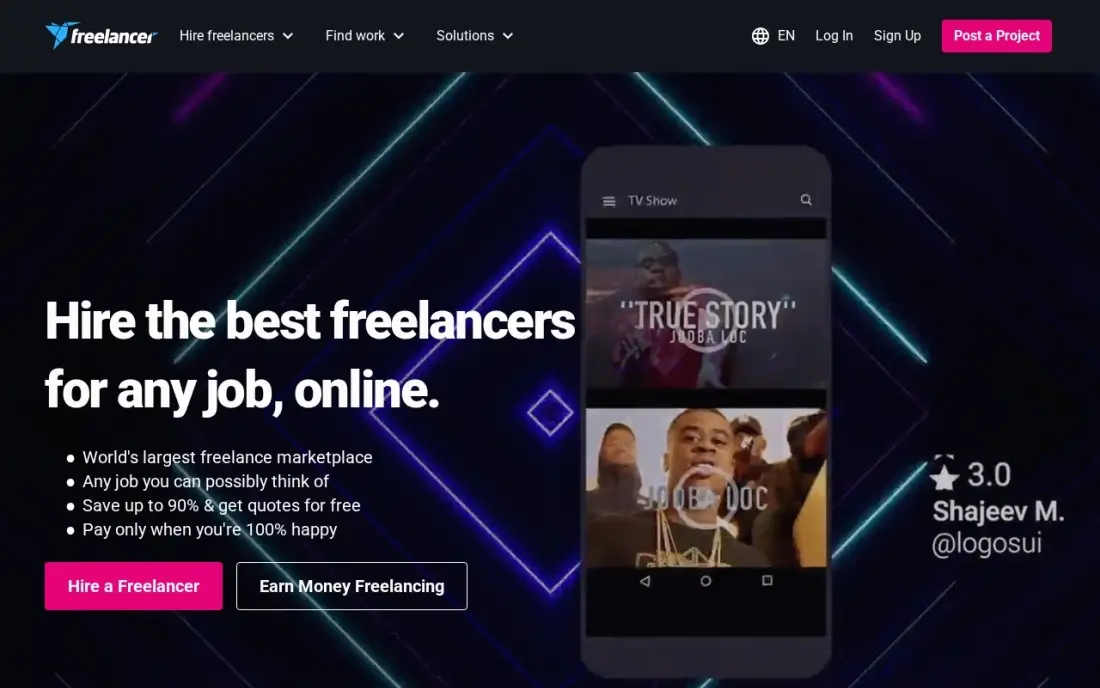
Freelancer.com is a bidding marketplace: clients post projects and contests, and freelancers compete with bids. The free membership includes 6 bids a month, and the fee is easy to understand: 10% of the bid or $5, whichever is greater, on fixed-price projects, and 10% of each hourly payment.
Two costs catch new users. Bidding needs a minimum account balance of $20, held until the bid is accepted or withdrawn, and withdrawals cost $1 by PayPal, Skrill or Payoneer and $25 by international wire, with a $50 minimum. Competition on price is strong, so lead with a clear, specific bid rather than the lowest number.
What we like
- Free membership includes 6 bids a month
- A flat, published fee: 10% on fixed-price projects (minimum $5) and 10% on hourly payments
- Contests let you win work by submitting entries instead of proposals
Watch out for
- You need a $20 minimum account balance to bid
- Withdrawals carry fees, from $1 for PayPal or Payoneer to $25 for an international wire
- Open bidding pushes prices down in crowded categories

Contra
Best for: Independent freelancers who want a portfolio and commission-free payments
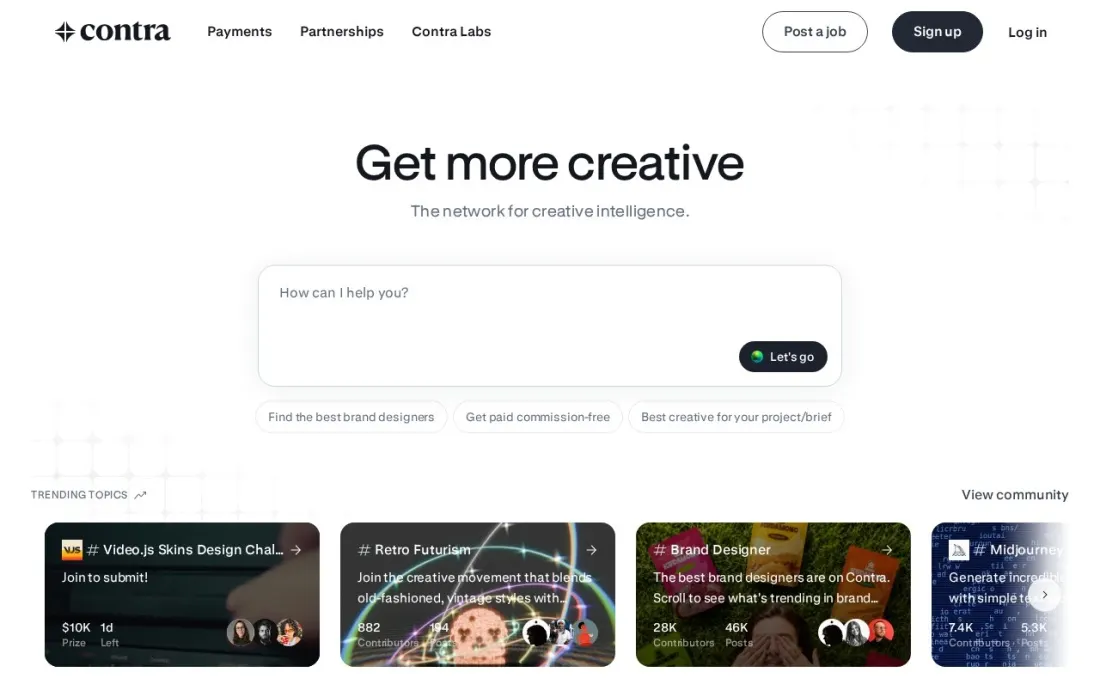
Contra is built around the freelancer's profile: a portfolio, services and payments in one place, with clients able to post jobs and invite freelancers for free. Its main draw is the fee model. Contra's own pricing article says freelancers get paid commission-free, while clients pay a contract fee only on the first payment each month, capped at $29.
That article is dated December 2023, so check the current terms in your dashboard before you rely on them, and Contra Pro's price was not shown on the page we read. The client marketplace is smaller than Upwork's, which makes Contra best as a place to invoice clients you already have and to show your work.
What we like
- Contra says freelancers get paid commission-free and keep 100% of what they earn
- Clients post jobs and invite freelancers for free
- The client contract fee applies only to the first payment each month and is capped at $29
Watch out for
- Contra's fee article we read is dated December 2023, so confirm current terms in your account
- The page we read does not list the price of Contra Pro
- A smaller client marketplace than Upwork or Fiverr

Bonsai
Best for: Freelancers who want proposals, contracts, invoicing and time tracking in one app
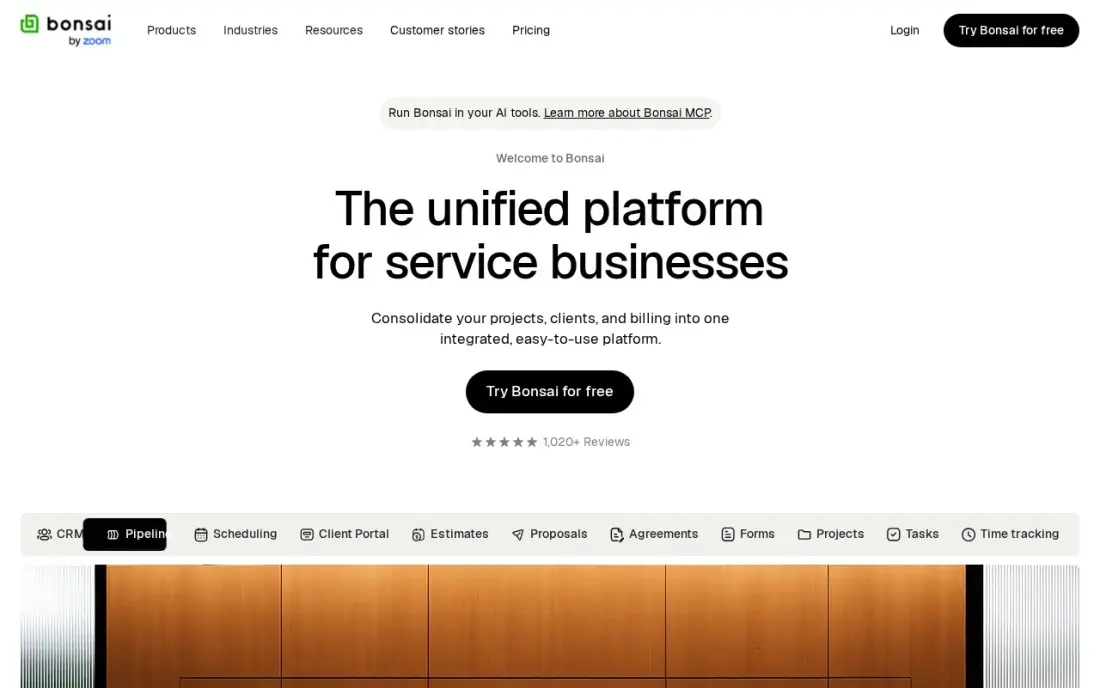
Bonsai is the platform for running the freelance business once clients arrive. Proposals, contracts, time tracking, invoicing and payments sit in one subscription, with unlimited clients and projects on every plan and a client portal for approvals and signatures. Income and expense tracking keeps the books next to the client work.
Basic costs $15 a user a month, or $9 billed annually, but invoicing, proposals and payments start on Essentials at $25 a user a month, so most freelancers need that tier. There is a 7-day trial and no free plan, and tax filing still needs another tool.
What we like
- Proposals, contracts, invoicing and time tracking in one place, built for freelancers
- Unlimited clients and projects on every plan, including Basic at $15/user/month
- Client portal, scheduling and expense tracking arrive on Essentials at $25/user/month
- Income and expense tracking keeps the books next to the client work, not in a second app
Watch out for
- Invoicing, proposals and payments start on Essentials at $25/user/month, not on Basic at $15
- Per-user pricing — a second seat doubles the bill for a two-person practice
- No mileage tracking and no tax filing, so the tax side still needs another tool

HoneyBook
Best for: Creative and service freelancers who sell projects and want booking-to-payment in one flow

HoneyBook suits freelancers who sell projects rather than hours, such as photographers, designers and consultants. A lead becomes a proposal, the proposal becomes a signed contract, and the invoice is paid, all in one flow, with a client portal and templates for each step. HoneyBook AI is included on every plan.
Starter costs $36 a month, or $29 billed annually, with unlimited clients and projects, but it covers one user and leaves out the scheduler and automations, which start on Essentials. Card payments cost 2.9% plus $0.25 each, so factor that into your rates.
What we like
- Proposals, contracts, invoices and payments in one flow, built for project-based service work
- Flat monthly price per account, not per seat, with unlimited clients and projects on every plan
- HoneyBook AI is included on every plan, including Starter
- Client portal and templates keep the whole booking-to-payment journey in one place
Watch out for
- Starter is one user only — a team needs Essentials at $49/month billed annually
- No scheduler and no automations on Starter; both start on Essentials
- Card processing fees of 2.9% plus $0.25 apply on every card payment collected

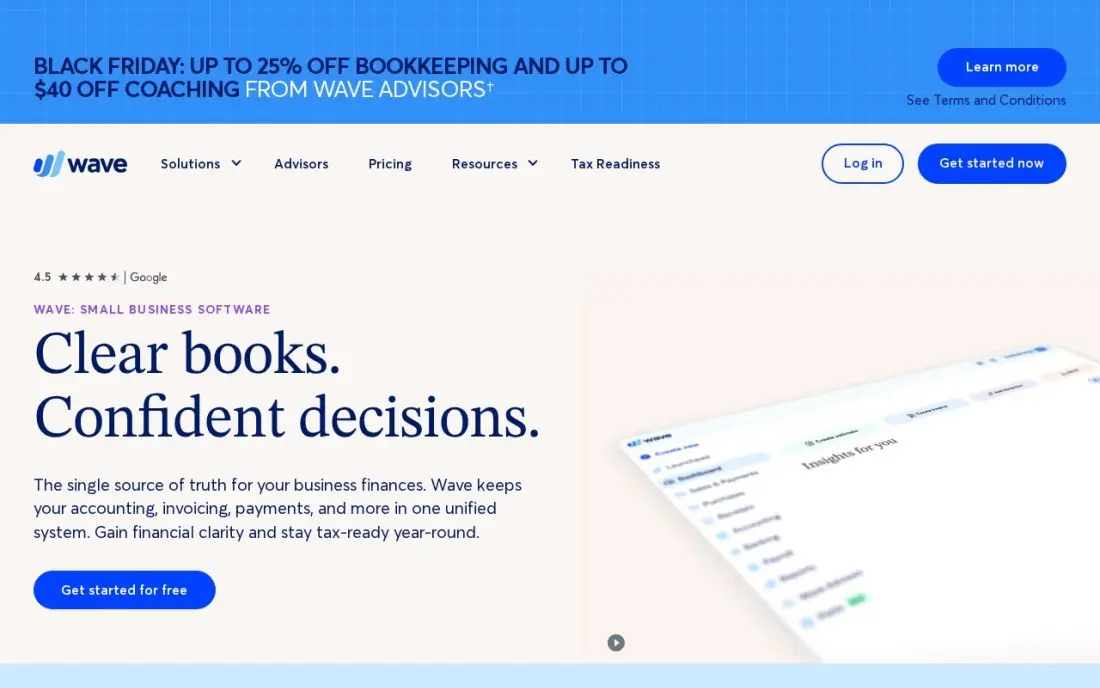
Wave is the free starting point for a freelancer's money. The Starter plan is free forever and covers unlimited invoices, estimates and double-entry bookkeeping, with no caps or trial clock, so you can bill your first clients and keep proper books from day one without paying for software.
Card payments on the free plan cost 2.9% plus $0.60 per transaction, and bank import, unlimited receipt capture and extra users need Pro at $19 a month. There are no proposals or contracts, so pair it with a marketplace or a template when you win work.
What we like
- Genuinely free core: unlimited invoices, estimates, bills and bookkeeping records at $0
- Pro at $19/month adds bank auto-import, unlimited receipts and multi-user access
- No invoice or bill caps on either plan, unlike the capped entry plans elsewhere
Watch out for
- Automatic bank import, unlimited receipt capture and extra users need Pro at $19/month
- No inventory tracking and no built-in payroll on the core plans
- Card payments cost 2.9% plus $0.60 per transaction on the free Starter plan
Toggl Track
Best for: Freelancers who bill by the hour and need accurate timesheets
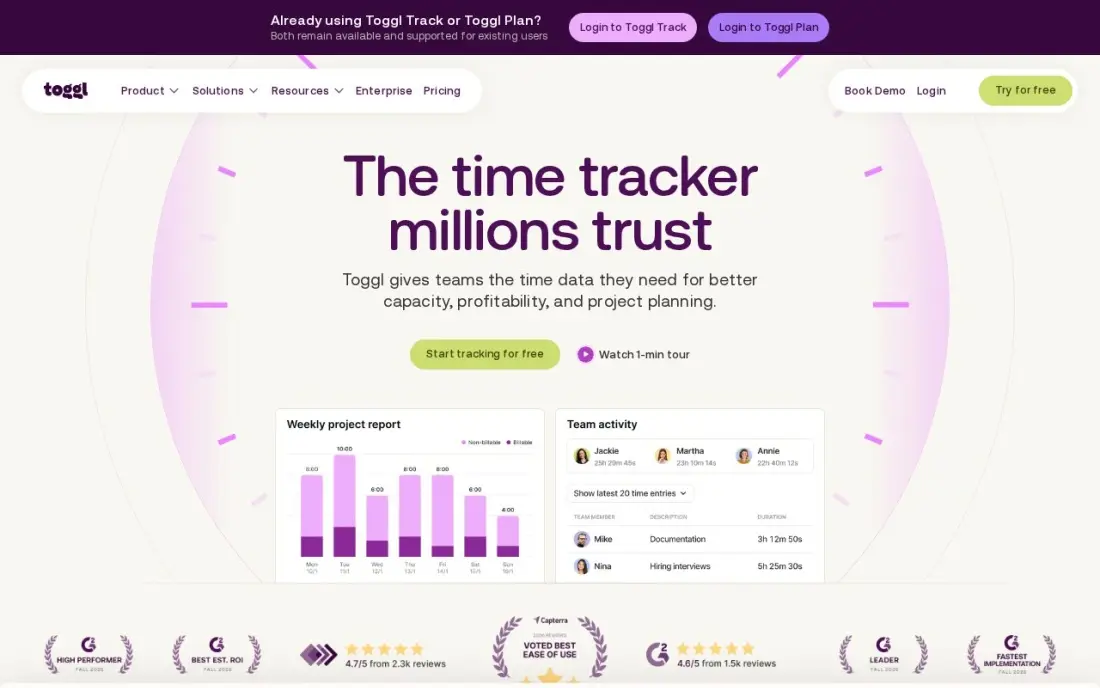
Toggl Track is the simplest way to record billable hours. One click starts the timer, it syncs across browser, desktop and phone, and reports group time by client, project and tag, which makes month-end invoices quick to check. It does not take screenshots or monitor keystrokes.
The free plan covers up to 3 users, which is plenty for a solo freelancer, and Starter at $9 a user a month billed annually ($12 monthly) adds billable rates and project estimates. It does not create invoices, so export your hours into Wave, Bonsai or your invoicing tool.
What we like
- The fastest, simplest timer in this list — one click starts it, and it syncs everywhere
- No screenshots or keystroke monitoring — it simply records the hours you work
- Starter adds billable rates, project estimates and team reports from $9/user/month
- Strong reporting by project, client and tag with no learning curve
Watch out for
- Starter costs $12/user/month billed monthly; the $9 rate needs annual billing
- No invoicing, so billable hours still need an accounting export
- Timesheet approvals and profitability reports wait for Premium at $16/user/month billed annually
The best platform for freelancers depends on the job you need it to do: find clients, or run the business once clients arrive. We compared eight platforms across both jobs — four marketplaces where freelancers win work and four tools for proposals, invoicing and time tracking — and looked at the costs that matter to the freelancer, not the client: commissions, bid costs, subscriptions and payment fees. Every fee below comes from the vendor's own pages as read in November 2026, and where a page is older or incomplete we say so.
How to choose the best platform for freelancers
- Count the full take. Add the commission, bid costs such as Upwork Connects, subscriptions and withdrawal fees before comparing platforms.
- Match the selling style. Proposals suit Upwork, fixed packages suit Fiverr, bids and contests suit Freelancer.com.
- Bring your own clients somewhere cheap. Contra and Upwork Freelancer Plus charge freelancers 0% on clients you invite yourself.
- Separate finding work from billing. A marketplace finds clients; Bonsai, HoneyBook or Wave handles contracts and invoices.
- Track time from day one. Hourly freelancers lose money on untracked minutes; Toggl Track is free for a solo user.
- Plan your exit. Keep a portfolio and contact details off-platform so one policy change does not end your income.
Marketplaces rent you attention; a website you own keeps it. Our local SEO service helps freelancers and small studios get found by nearby clients on Google, and our guide to the best software for consultants covers the business side in more depth.
Which platform for freelancers fits your situation
A new freelancer with no clients and no reviews yet. Start on Upwork, because it has the largest client marketplace across almost every skill. The free Basic plan includes 10 Connects a month, and extra Connects cost $0.15 each, so track what you spend on proposals against the work you win. Pair it with Wave's free Starter plan, which covers unlimited invoices and bookkeeping at $0.
A designer, voice-over artist or SEO specialist with a repeatable service. Fiverr lets you list fixed-price gigs that buyers order directly, which removes the proposal grind. Price your packages with the flat 20% seller commission included, so a $100 gig pays you $80, and use higher tiers to lift the average order value.
A freelancer comfortable competing on bids. Freelancer.com's free membership includes 6 bids a month and a published 10% fee, with contests as another way to win work. Keep $20 in your account to bid, and pick your withdrawal method with care: $1 by PayPal or Payoneer against $25 by international wire.
An established freelancer with clients of their own. Move repeat work off the marketplaces. Contra says freelancers pay no commission, though confirm current terms in your dashboard, and Upwork Freelancer Plus at $19.99 a month removes the 5% fee on direct contracts. Then run the business in Bonsai Essentials at $25 a user a month for proposals, contracts and invoicing, or HoneyBook Starter at $29 a month billed annually if you sell projects rather than hours and want booking-to-payment in one flow.
A developer or consultant who bills by the hour. Toggl Track is free for up to 3 users, starts a timer in one click and reports time by client and project. It does not create invoices, so export your hours into Wave or Bonsai at month end, and budget for card fees: 2.9% plus $0.60 per payment on Wave's free plan.
Platforms for freelancers pricing: what you will actually pay
Take a freelancer who earns $2,000 in a month from one client. On Freelancer.com the project fee is 10%, so $200. On Fiverr, as four $500 orders, the 20% seller commission costs $400. On Upwork the fee depends on the contract, from $0 to $300 at the 15% top rate, plus Connects at $0.15 each beyond the 10 free ones. On Contra, the freelancer pays no commission, according to Contra's own pricing article.
Running the business adds a smaller, steadier cost. Wave invoicing is free, with card fees of 2.9% plus $0.60 per payment. Toggl Track is free for a solo user. Bonsai Essentials costs $25 a month and HoneyBook Starter costs $36 a month billed monthly, or $29 billed annually.
Know the difference: freelance marketplaces vs freelance business tools
A freelance marketplace such as Upwork, Fiverr or Freelancer.com brings clients to you and handles payment protection, but it takes a cut of every job and sets the rules. It is the fastest way to get first clients and reviews, and the most expensive place to keep them.
A freelance business tool such as Bonsai, HoneyBook, Wave or Toggl Track does not find clients. It sends proposals, contracts and invoices, records your time and keeps your books, for a flat monthly price or free. Most established freelancers use both: marketplaces for new work, their own tools for repeat clients.
Quick comparison: tool type by need
| Need | Best pick | Why |
|---|---|---|
| Most client demand | Upwork | Free Basic plan, 0%–15% service fee |
| Fixed-price packages | Fiverr | Buyers order gigs directly, 20% seller fee |
| Bidding and contests | Freelancer.com | 6 free bids a month, 10% project fee |
| Commission-free payments | Contra | Freelancers keep 100%, per Contra |
| All-in-one business admin | Bonsai | Proposals to payments, Essentials $25/user/month |
| Project-based creatives | HoneyBook | Booking-to-payment flow, from $29/month billed annually |
| Free invoicing | Wave | Unlimited invoices and bookkeeping at $0 |
| Hourly billing | Toggl Track | Free for up to 3 users |
Mistakes to avoid
- Pricing without the commission. On Fiverr a $100 gig pays $80; set rates with the fee already included.
- Spending Connects on every job. Bid only where your profile matches closely, and track proposals against wins.
- Working without a contract. Off-platform clients need a signed agreement and a deposit before work starts.
- Ignoring withdrawal fees. Small, frequent withdrawals add up; check each platform's payout costs.
- Keeping every client on a marketplace forever. Where the platform's terms allow it, move long-term clients to your own invoicing to cut fees.
Related comparisons: Invoicing Software for Freelancers
How we chose
We read each platform's own fees or pricing page in November 2026 and recorded the costs that fall on the freelancer, noting where a page was older or left a price out. We grouped the platforms by job — winning clients or running the business — and ranked them for a solo freelancer weighting client demand, total fees, ease of use and free options. Ratings, where shown, come from G2 pages on the dates in the sources. No vendor paid for a place in this list, and none of the links here are affiliate links.
What to do next
Pick one marketplace that matches how you sell, set up a free Wave and Toggl Track account the same day, and log every hour and fee for your first month so you know your real take-home rate. When you are ready to win clients directly instead of paying commission, book a free call and we will show you how to get found in search.
Frequently asked questions
What is the best platform for freelancers?
Upwork is the best platform for finding clients, with free Basic membership and a 0% to 15% service fee. Fiverr suits fixed-price packages, and Contra suits freelancers who want commission-free payments from clients they bring.
Which freelance platform has the lowest fees?
Contra says freelancers pay no commission. Freelancer.com charges freelancers 10% (minimum $5 on fixed-price projects), Upwork charges 0% to 15%, and Fiverr takes 20% from sellers.
How much does Upwork charge freelancers?
Upwork's freelancer service fee ranges from 0% to 15% per contract. Proposals use Connects at $0.15 each; Basic includes 10 free Connects a month and Freelancer Plus, at $19.99 a month, includes 100.
Is Fiverr or Upwork better for beginners?
Fiverr suits beginners with one clear service to package, since buyers come to your gig. Upwork suits beginners who can write strong proposals, but each proposal costs Connects.
What software do freelancers need besides a marketplace?
At minimum, invoicing and time tracking. Wave invoices free, Toggl Track tracks time free for up to 3 users, and Bonsai or HoneyBook combine proposals, contracts and invoices.
Should freelancers rely on one platform?
No. Use marketplaces to win early clients, then move repeat clients to your own contracts and invoices, and build a website so new clients can find you directly.
Sources we checked (13)
- Upwork — www.upwork.com/resources/is-upwork-free (checked November 16, 2026)
- Fiverr — www.fiverr.com (checked November 12, 2026)
- Fiverr reviews on G2 (checked November 12, 2026)
- Freelancer.com — www.freelancer.com/feesandcharges (checked November 16, 2026)
- Contra — contra.com/blog/client-contract-fees-how-pricing-works (checked November 16, 2026)
- Bonsai — hellobonsai.com/pricing (checked November 7, 2026)
- Bonsai reviews on G2 (checked November 7, 2026)
- HoneyBook — www.honeybook.com/pricing (checked November 12, 2026)
- HoneyBook reviews on G2 (checked November 12, 2026)
- Wave — www.waveapps.com/pricing (checked November 10, 2026)
- Wave reviews on G2 (checked November 10, 2026)
- Toggl Track — toggl.com/track/pricing (checked November 10, 2026)
- Toggl Track reviews on G2 (checked November 10, 2026)
Make one of these tools?
We re-check this list every quarter. Send a correction, request a review, or ask about a clearly labeled sponsored spot.
Request a listingShamim
Founder of SerpAstra
A full-stack digital marketer and SEO strategist covering technical and local SEO, AI search visibility, paid ads and lead generation for local businesses, e-commerce brands and SaaS teams.
Free SEO and AI visibility audit
Find out what is holding your rankings back
Send us your site. Within 2 business days you get a written audit, an AI visibility check and a short fix list ranked by impact. Free, with no contract attached.
Request my free audit→Related buying guides
 Business SoftwareBest Crowdsourcing Platforms (2026): 9 Options Ranked for Every BudgetCompare the 9 best crowdsourcing platforms for hiring freelancers, running design contests and sourcing data work, with real fees checked November 12, 2026.Read guide →
 Business Software8 Best Software for Consultants in 2026, ComparedCompare the 8 best software for consultants for proposals, contracts, time tracking, invoicing and booking calls, with every price checked on vendor pages.Read guide →
 Accounting & Finance10 Best CRM and Invoicing Software in 2026, ComparedCompare the 10 best crm and invoicing software tools on price, free plans, native invoicing and CRM depth, with every price checked November 12, 2026.Read guide →