
8 Best Software for Consultants in 2026, Compared
Compare the 8 best software for consultants for proposals, contracts, time tracking, invoicing and booking calls, with every price checked on vendor pages.
 Shamim Mia, Founder, SerpAstraLast verified November 7, 20269 min read
We compare pricing pages, documentation and public reviews. We never accept payment for rankings.

Key takeaways
- Bonsai is the best single tool for an independent consultant who bills by the hour: proposals, contracts, time tracking and invoicing sit in one subscription, with the money features on Essentials at $25 a user a month.
- HoneyBook fits consultants who sell fixed-fee projects: Starter costs $36 a month, or $29 billed annually, with proposals, contracts, invoices and payments in one flow.
- Scoro is the pick for a growing firm that needs utilization and profitability reporting, but its 5-user minimum makes the floor $130 a month.
- Most solo consultants can run on free tiers at first: Toggl Track is free for up to 3 users, Calendly has a free plan and PandaDoc's free plan sends 5 documents a month.
On this page
Quick comparison
| Tool | Best for | Starting price | Free plan |
|---|---|---|---|
| Bonsai | Independent consultants who bill by the hour and want proposals, contracts, time and invoices in one tool | $15/user/mo | No (7-day trial) |
| HoneyBook | Consultants who sell fixed-fee projects and want proposal-to-payment in one flat-priced system | $29/mo (annual) | No (7-day trial) |
| Scoro | Consulting firms of five or more that need utilization, budgets and profitability in one system | $26/user/mo | No (14-day trial) |
| Harvest | Hourly consultants and small firms that want tracked time to become an invoice in a few clicks | $9/user/mo | Yes (1 seat) |
| FreshBooks | Solo consultants who want invoicing and light accounting in the same app | $23/mo | No (30-day trial) |
| PandaDoc | Consultants who win work through detailed proposals and statements of work | $35/seat/mo | Yes (5 docs/mo) |
| Calendly | Consultants who book discovery calls and paid sessions through a link | $12/seat/mo | Yes (free plan) |
| Toggl Track | Consultants who want a free, simple timer to see where billable hours actually go | $9/user/mo | Yes (up to 3 users) |
Make one of these tools?
We re-check this list every quarter. Send a correction, request a review, or ask about a clearly labeled sponsored spot.
Request a listingThe best software for consultants

Bonsai
Best for: Independent consultants who bill by the hour and want proposals, contracts, time and invoices in one tool
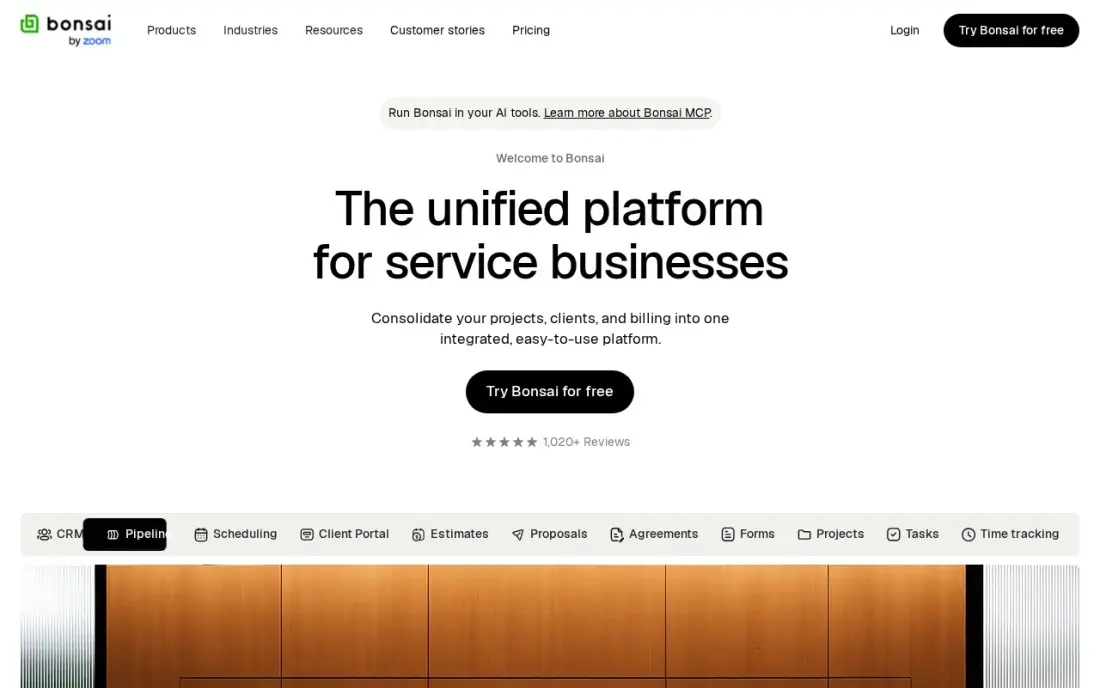
Bonsai covers the whole consulting loop in one subscription: send a proposal, turn it into a contract the client signs online, track hours against the engagement and bill them. Every plan includes unlimited clients and projects, and the client portal gives the client one place to approve, sign and pay. Basic costs $15 per user a month, or $9 billed annually.
Read the tiers before you pick Basic. Invoicing, proposals and payments start on Essentials at $25 per user a month, so most consultants need that plan, not the headline one. Pricing is per user, so a two-partner practice pays twice. There is no tax filing, so keep an accountant for year-end.
What we like
- Proposals, contracts, invoicing and time tracking in one place, built for freelancers
- Unlimited clients and projects on every plan, including Basic at $15/user/month
- Client portal, scheduling and expense tracking arrive on Essentials at $25/user/month
- Income and expense tracking keeps the books next to the client work, not in a second app
Watch out for
- Invoicing, proposals and payments start on Essentials at $25/user/month, not on Basic at $15
- Per-user pricing — a second seat doubles the bill for a two-person practice
- No mileage tracking and no tax filing, so the tax side still needs another tool
HoneyBook
Best for: Consultants who sell fixed-fee projects and want proposal-to-payment in one flat-priced system
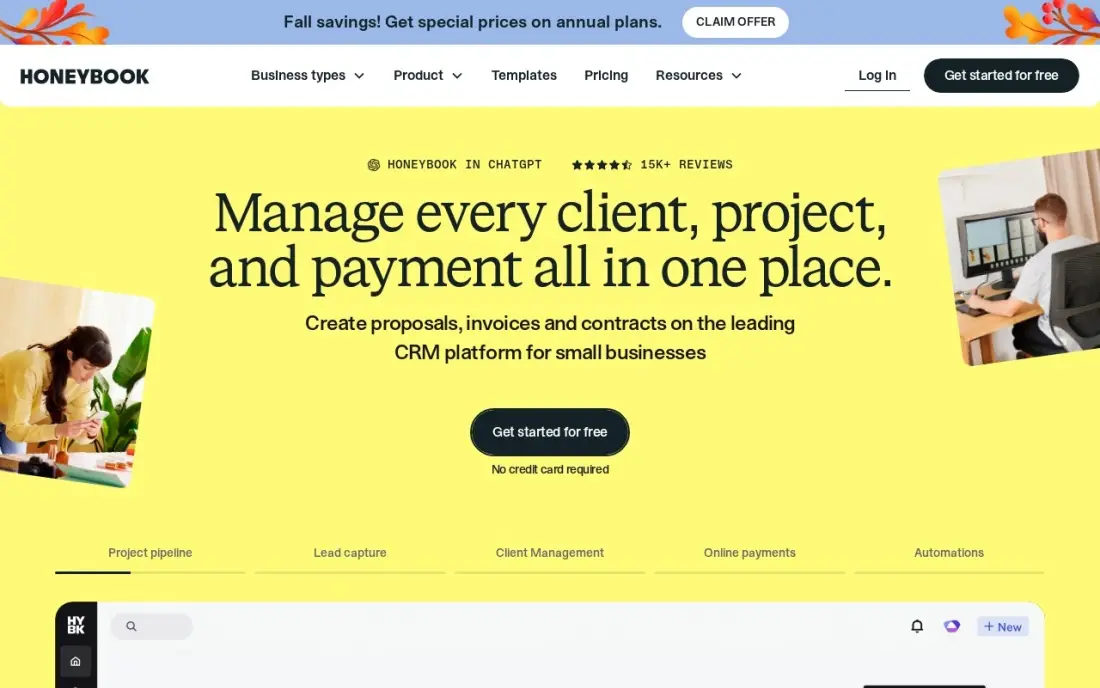
HoneyBook suits the consultant who prices by project rather than by hour. A lead becomes a proposal, the proposal carries the contract and the first invoice, and the client signs and pays in one sitting. Starter costs $36 a month, or $29 billed annually, with unlimited clients and projects and HoneyBook AI included.
Starter is one user only and has no scheduler and no automations; both arrive on Essentials at $49 a month billed annually, which is the plan most busy consultants end up on. Card payments carry 2.9% plus $0.25 each, so steer large retainers to bank transfer. There is no detailed time tracking, so hourly billers should look at Bonsai or Harvest.
What we like
- Proposals, contracts, invoices and payments in one flow, built for project-based service work
- Flat monthly price per account, not per seat, with unlimited clients and projects on every plan
- HoneyBook AI is included on every plan, including Starter
- Client portal and templates keep the whole booking-to-payment journey in one place
Watch out for
- Starter is one user only — a team needs Essentials at $49/month billed annually
- No scheduler and no automations on Starter; both start on Essentials
- Card processing fees of 2.9% plus $0.25 apply on every card payment collected

Scoro
Best for: Consulting firms of five or more that need utilization, budgets and profitability in one system
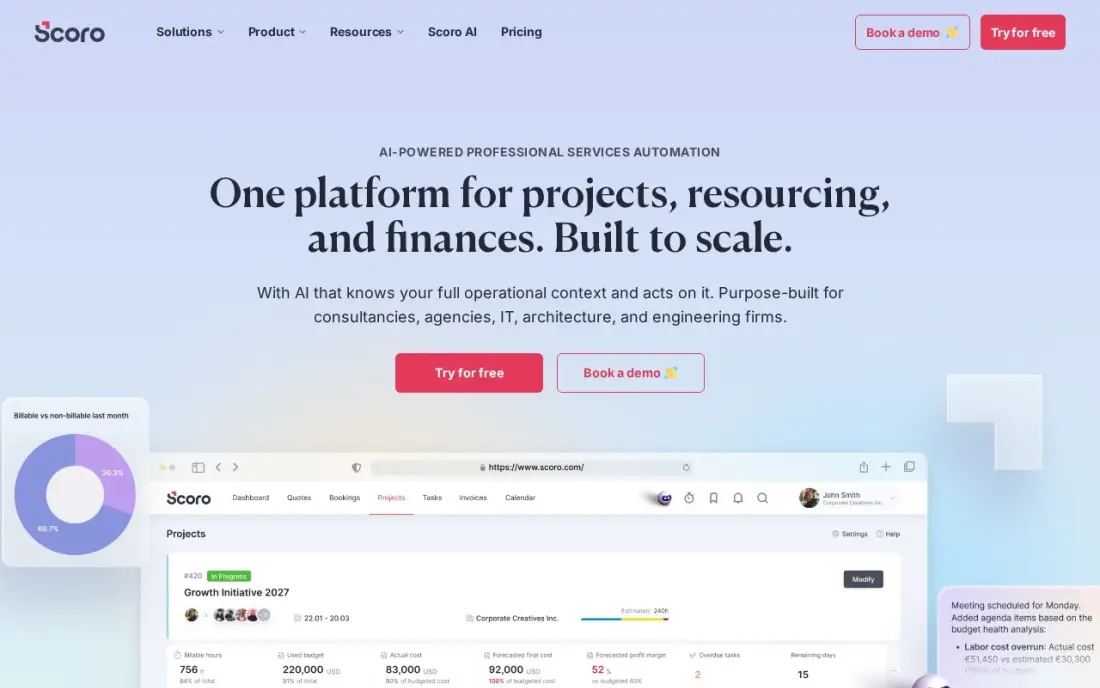
Scoro is built for a consulting firm rather than a solo consultant. Quotes, projects, time entries and invoices share one database, so the partners can see in real time which clients and engagements make money and who on the team has spare capacity. Essential costs $26 a user a month billed annually and includes work and financial reports.
The floor is the deciding number: every plan needs at least five users, so the smallest possible bill is $130 a month even for a team of two. There is no free plan and no client portal, and the setup takes a few weeks before the dashboards earn their keep. For a firm of five to fifty billing staff, that trade is usually worth it.
What we like
- KPIs sit next to the work that drives them — projects, time, quotes and invoices in one place
- Real-time profitability and capacity reports show which clients and projects actually make money
- Detailed work reports and summary financial reports come with the entry plan
- A 14-day trial covers the full entry plan, so the whole team can test it before paying
Watch out for
- The 5-user minimum means a solo owner or a 2-person team pays for 5 seats — $130 a month minimum
- No free plan, and setup takes a learning period before the dashboards feel natural
- No client-facing portal, so clients cannot log in to see their own project status

Harvest
Best for: Hourly consultants and small firms that want tracked time to become an invoice in a few clicks
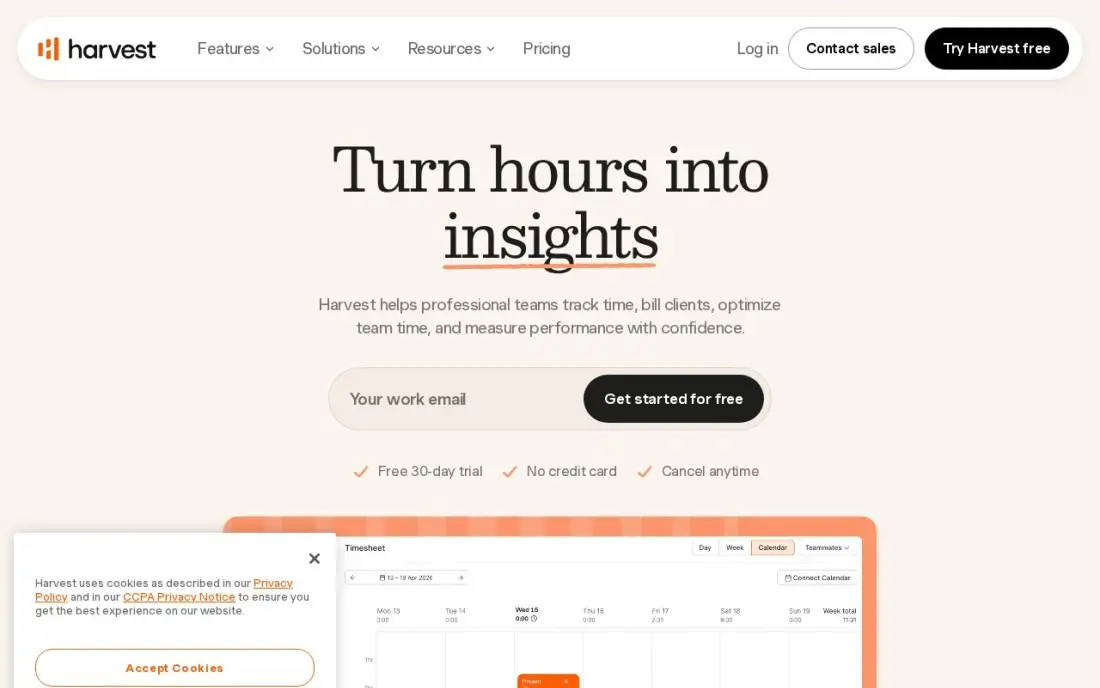
Harvest gives a consultant the shortest path from hours to invoice. Track time against a client project, attach expenses, and Harvest builds the invoice and takes payment through Stripe, with sync to QuickBooks and Xero for the books. Project budgets send an alert before an engagement burns through its hours. Teams costs $9 per user a month billed annually, or $11 billed monthly.
The free plan is 1 seat and 2 projects, so it works only for a trial or a single retainer. Harvest's 2026 Flex billing also adds usage fees for extra invoices, projects and clients on top of the seat price, so check the meter if you run many small engagements. There are no proposals or contracts, so pair it with PandaDoc.
What we like
- The shortest path from tracked time to invoice in this list, with expenses attached
- Project budgets with alerts warn before a job eats its hours
- One flat per-seat price with no tier ladder to climb for the core features
- Integrates with QuickBooks, Xero and Stripe for payments
Watch out for
- No proposals or contracts, so a consultant who closes work by contract pairs it with PandaDoc
- Flex billing adds usage fees for extra invoices, projects and clients on top of the $9 seat price
- The free plan covers 1 seat and 2 projects, so a real team pays from the first hire

FreshBooks
Best for: Solo consultants who want invoicing and light accounting in the same app
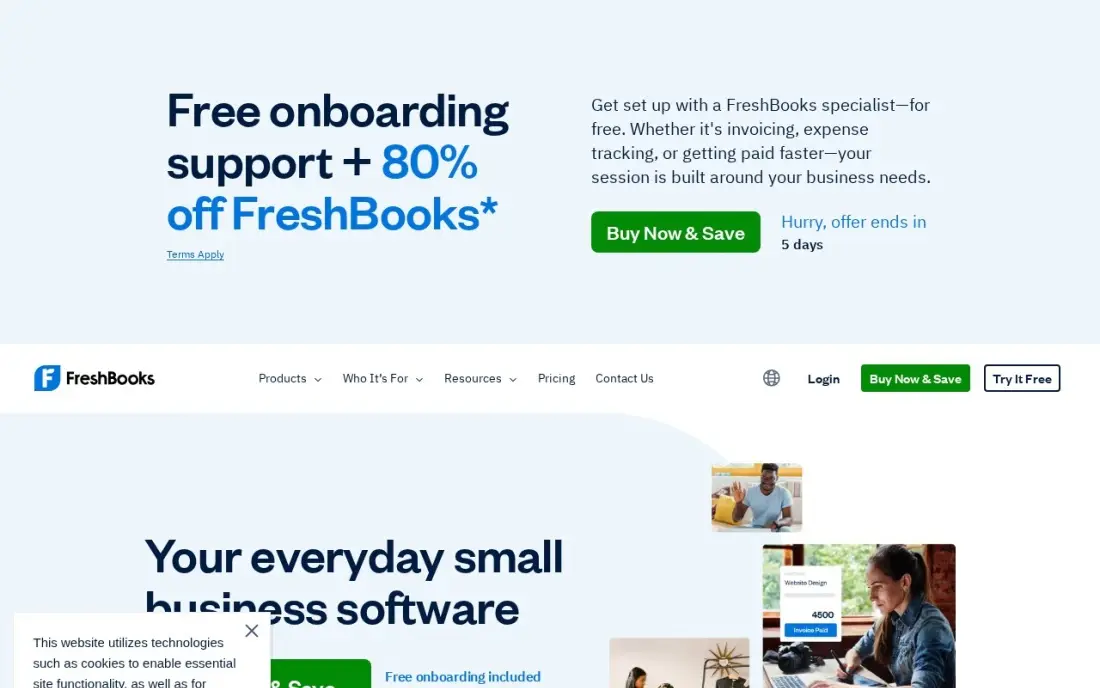
FreshBooks puts invoicing at the front and keeps the books behind it, which fits a consultant who does not want separate billing and accounting apps. Time tracking and expenses flow onto invoices, and recurring invoices handle monthly retainers. Lite costs $23 a month billed monthly, with 10% off billed annually.
The client cap decides the bill. Lite covers 5 billable clients, so a sixth moves you to Plus at $43 a month, which also adds double-entry reports, bank reconciliation and free accountant access. Each extra team member costs $11 a month. There are no proposals with e-signature, so a consultant who closes work by contract adds PandaDoc or uses Bonsai instead.
What we like
- The easiest invoicing in this list: clean invoices, estimates, recurring billing and payment reminders
- Time tracking and expense tracking built in, so billable hours flow straight onto invoices
- Client records, project notes and late-payment reminders cover the basics of a small CRM
- Plus adds double-entry reports, bank reconciliation and free accountant access for $43/month
Watch out for
- Lite covers only 5 billable clients — a sixth client forces Plus at $43/month
- Every extra team member costs $11/month on top of the plan price
- No inventory tracking, and bank reconciliation and double-entry reports start on Plus, not Lite

PandaDoc
Best for: Consultants who win work through detailed proposals and statements of work
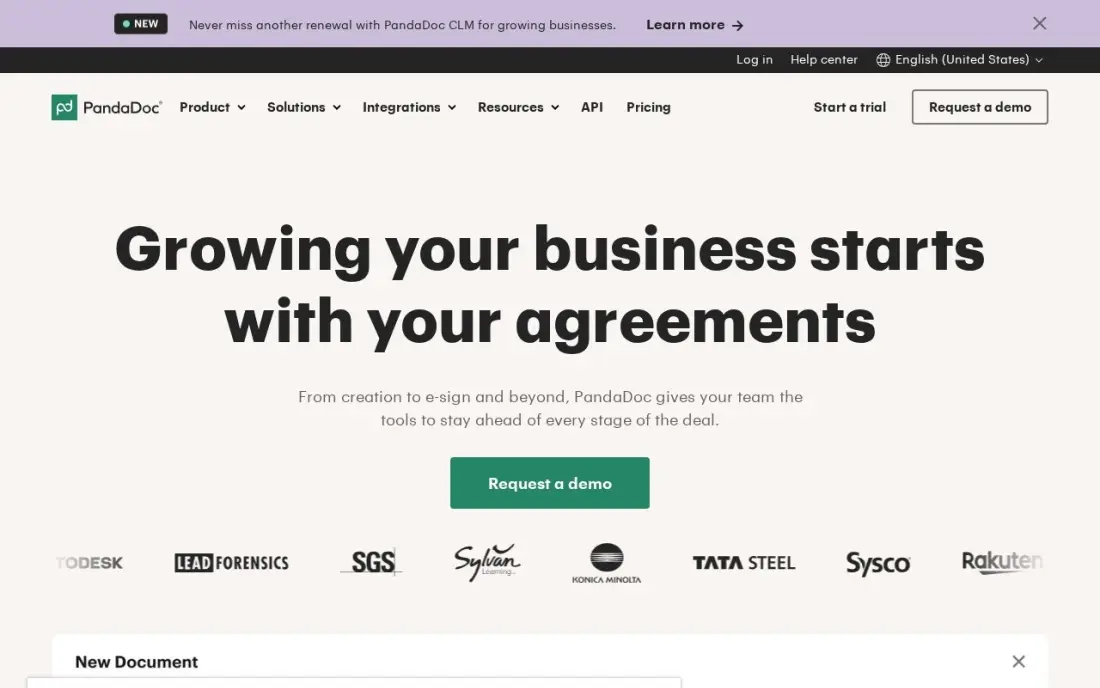
PandaDoc is where a consultant builds the proposal or statement of work itself: scope, a pricing table with options, terms and a signature block in one document the client can read, comment on and sign. You can see when the client opened it and which page they read longest, which helps you time the follow-up. Starter costs $35 a seat a month billed monthly, or $19 billed annually.
The free plan sends 5 documents a month with unlimited seats, which covers many independent consultants. Starter allows only five templates, and CRM integrations and custom branding wait for Business at $49 a seat billed annually. PandaDoc does not track time or send invoices, so it sits beside a billing tool, not in place of one.
What we like
- Builds the document and collects the signature in one place, with pricing tables and payments
- Free plan covers a whole team: 5 documents a month with unlimited seats
- Unlimited documents and e-signatures on every paid plan, with document analytics
Watch out for
- Only 5 templates on Starter; unlimited templates need Business at $49/seat/month billed annually
- Bulk send, web forms and API calls can require usage credits the pricing page does not price
- Custom branding and CRM integrations wait for Business, not Starter

Calendly
Best for: Consultants who book discovery calls and paid sessions through a link
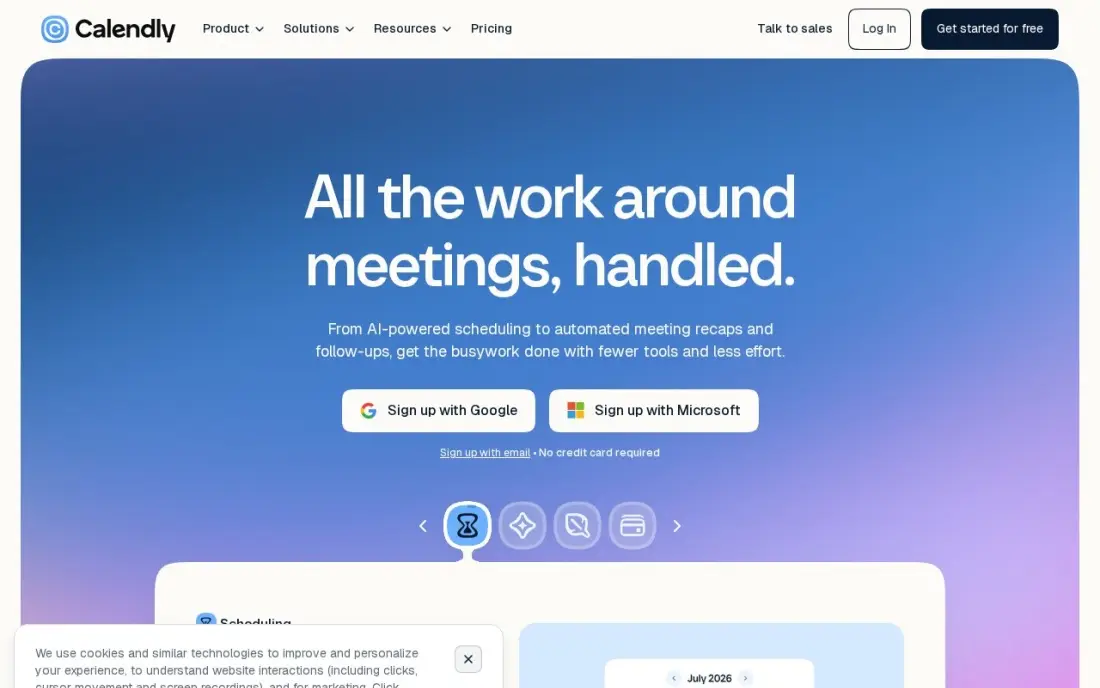
Calendly removes the email back-and-forth from discovery calls. Share one link, the prospect picks a slot that fits your calendar, and the meeting lands with a video link and reminders already attached. The free plan covers one event type and one calendar. Standard costs $12 a seat a month billed monthly, or $10 billed annually.
Standard is worth it for consultants who sell paid sessions: it adds unlimited event types, six connected calendars, reminders and payment at booking through Stripe or PayPal. Calendly schedules meetings only; it keeps no client records, proposals or invoices. Round-robin booking across a team needs the Teams plan at $16 a seat billed annually.
What we like
- The fastest setup here: one booking link, unlimited one-on-one meetings and no booking cap on every plan
- Free plan is genuinely usable for a solo pro, with one event type and one calendar connection
- Payments at booking through Stripe and PayPal from Standard, plus automated reminders that cut no-shows
- 129 integrations, including Zoom, Google Meet, Salesforce and HubSpot
Watch out for
- Schedules meetings only: it keeps no client records, proposals or invoices
- Round-robin and team scheduling need Teams at $16/seat/month billed annually
- AI add-ons (Notetaker and Callie) cost extra on top of the per-seat price
Toggl Track
Best for: Consultants who want a free, simple timer to see where billable hours actually go
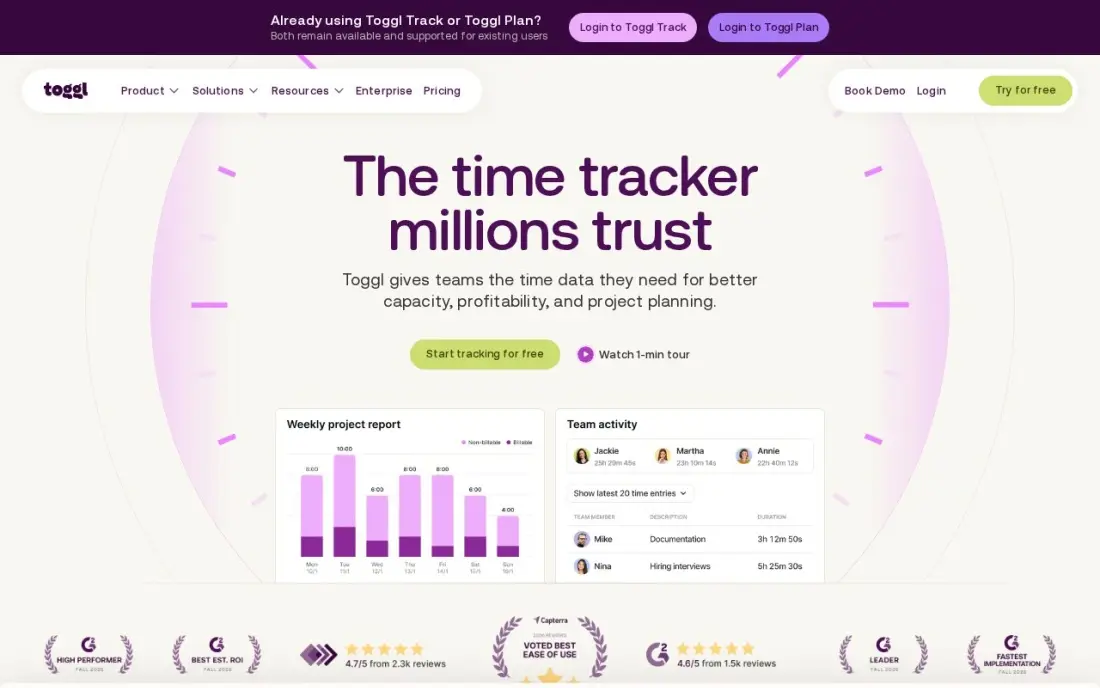
Toggl Track is the easiest way to learn where a consulting week really goes. One click starts the timer in the browser, desktop app or phone, and reports split the hours by client, project and tag, which shows quickly which retainers are under-priced. The free plan covers up to 3 users, and Starter costs $9 per user a month billed annually, or $12 billed monthly.
Starter adds billable rates and project estimates. Toggl Track does not send invoices, so hours still have to reach FreshBooks, QuickBooks or another billing tool by export or integration, and timesheet approvals wait for Premium at $16 a user a month billed annually. For a solo consultant the free plan is often enough.
What we like
- The fastest, simplest timer in this list — one click starts it, and it syncs everywhere
- No screenshots, keystroke or location monitoring, so a consulting team adopts it without pushback
- Starter adds billable rates, project estimates and team reports from $9/user/month
- Strong reporting by project, client and tag with no learning curve
Watch out for
- The free plan stops at 3 users, so a larger firm pays per seat from the fourth person
- No invoicing, so billable hours still need an accounting export
- Timesheet approvals and profitability reports wait for Premium at $16/user/month billed annually
The best software for consultants handles the work around the advice: winning the engagement, agreeing the scope, tracking the hours and getting paid on time. We compared eight tools across the four jobs a consulting practice runs every week — proposals, time, billing and booking — and every price below comes from the vendor's own pricing page as checked in November 2026.
How to choose the best software for consultants
- Match the tool to how you price. Hourly consultants need a timer that feeds invoices; fixed-fee consultants need proposals that set the price and payment schedule up front.
- Count the apps you will really run. One all-in-one such as Bonsai or HoneyBook often costs less than a proposal tool, a timer and an invoicing app stacked together.
- Check which plan holds the features you need. Several tools here keep invoicing, automations or scheduling one tier above the headline price.
- Watch per-seat and minimum-seat pricing. Bonsai, Harvest and PandaDoc charge per user, and Scoro needs at least five users, so adding one associate can change the bill.
- Look at the client side. A portal where clients sign, approve and pay in one place makes a small practice look more organized and gets invoices paid faster.
- Plan the accountant hand-off. Make sure invoices and payments sync to QuickBooks or Xero, or that the tool keeps clean books itself.
Software keeps the practice running; clients still have to find you. If your consulting site needs to rank for the services you sell, our monthly SEO service covers that work, and the free title tag checker is a quick way to test your service pages.
Software for consultants pricing: what you will actually pay
Take a solo consultant who sends proposals, signs contracts and bills monthly. On list prices, Bonsai Essentials costs $25 a user a month, HoneyBook Starter costs $36 a month billed monthly or $29 billed annually, and FreshBooks Lite costs $23 a month billed monthly. Over a year that is $300 for Bonsai Essentials, $432 for HoneyBook Starter billed monthly or $348 billed annually, and $276 for FreshBooks Lite before you add a proposal tool.
The stacked alternative costs more than it looks. Harvest Teams at $9 a month billed annually, PandaDoc Starter at $19 billed annually and Calendly Standard at $10 billed annually add up to $38 a month, or $456 a year, for one consultant. That buys stronger individual tools, but three logins and three bills.
A five-person firm pays a different kind of price. Scoro Essential at $26 a user a month billed annually comes to $130 a month, or $1,560 a year, and replaces the timer, the project tracker and the invoicing app. Bonsai Essentials for the same five people costs $125 a month, but gives less firm-level reporting.
Know the difference: all-in-one vs best-of-breed
An all-in-one practice tool — Bonsai, HoneyBook or Scoro — keeps the client, the proposal, the hours and the invoice in one record. Nothing is retyped, and the client sees one portal. The cost is depth: the proposal editor is simpler than PandaDoc's and the timer is simpler than Toggl Track's.
A best-of-breed stack picks the strongest tool for each job — PandaDoc for proposals, Harvest or Toggl Track for time, FreshBooks or QuickBooks for billing, Calendly for calls — and connects them. It suits consultants with complex proposals or heavy reporting needs, but every connection is one more thing to maintain. Most solo consultants are better served by one all-in-one plus Calendly.
Quick comparison: tool type by need
| Buyer | Best pick | Why |
|---|---|---|
| Hourly solo consultant | Bonsai | Proposals, contracts, time and invoices in one tool |
| Fixed-fee projects | HoneyBook | Proposal-to-payment flow from $29/month billed annually |
| Firm of 5+ people | Scoro | Utilization and profitability reports, 5-user minimum |
| Time-to-invoice | Harvest | Tracked hours become invoices, from $9/user/month annually |
| Invoicing plus books | FreshBooks | Lite from $23/month for up to 5 billable clients |
| Complex proposals | PandaDoc | Pricing tables, e-signature and view tracking |
| Discovery calls | Calendly | Booking link with a free plan |
| Free time tracking | Toggl Track | Free for up to 3 users |
Mistakes to avoid
- Buying the headline plan. Bonsai Basic and HoneyBook Starter both leave out features most consultants need, so price the plan you will actually use.
- Tracking time you never bill. A timer only pays off if the hours reach an invoice, so connect it to billing on day one.
- Sending proposals without a signed scope. A proposal the client signs protects you when the project grows; an email thread does not.
- Taking large payments by card. Card fees of around 3% on a big retainer add up; offer bank transfer for anything large.
- Paying for seats nobody uses. Per-seat and minimum-seat plans punish a practice that buys ahead of its headcount.
Related comparisons: Free eSignature Software · Travel Management Apps · Office Management Software · Translation Software
How we chose
We checked each vendor's own pricing page in November 2026 and recorded the starting price exactly as shown, including the annual-billing figure where the page lists one. We grouped the tools by the job they do for a consulting practice and ranked them by fit for the most common buyer, an independent consultant or a small firm. Ratings come from G2 pages checked on the dates shown in the sources, and we left ratings out where we could not confirm them. No vendor paid for a place in this list, and none of the links here are affiliate links.
What to do next
Write down how you price — hourly or fixed fee — and trial the one all-in-one that matches it for a full billing cycle: send one real proposal, track one week and send one invoice. If the practice is set up but the pipeline is thin, book a free call about your visibility.
Frequently asked questions
What is the best software for consultants?
For an independent consultant who bills hourly, Bonsai is the strongest all-in-one, with the proposal, contract, invoicing and payment features on Essentials at $25 a user a month. HoneyBook suits fixed-fee project work from $29 a month billed annually, and Scoro suits firms of five or more from $26 a user a month billed annually.
Is there free software for consultants?
Yes, for parts of the job. Toggl Track is free for up to 3 users, Calendly has a free plan with one event type, PandaDoc's free plan sends 5 documents a month, and Harvest's free plan covers 1 seat and 2 projects. None of these covers the full proposal-to-payment loop for free.
How much does consulting software cost per month?
On published prices, a solo consultant pays $23 a month for FreshBooks Lite, $25 a month for Bonsai Essentials, or $36 a month for HoneyBook Starter billed monthly. A firm on Scoro pays at least $130 a month because of its 5-user minimum.
Do consultants need a CRM?
Most independent consultants do not need a separate sales CRM. HoneyBook and Bonsai keep client records, proposals and project history together, which covers the pipeline for a practice with a few dozen active clients. A firm with a sales team and long deal cycles may need a dedicated CRM beside them.
What software do consultants use to write proposals?
PandaDoc is the dedicated proposal builder here, with pricing tables, e-signature and view tracking. Bonsai and HoneyBook also include proposals that turn into signed contracts and invoices, which saves a step for a solo consultant.
Should consultants bill hourly or by project in their software?
Pick the tool that matches how you price. Hourly consultants get the most from Harvest, Bonsai or Toggl Track, where tracked time becomes billable hours. Fixed-fee consultants get more from HoneyBook, where the proposal sets the price and the payment schedule.
What is the best billing software for consultants?
For hourly work, Harvest turns tracked time into an invoice in a few clicks, from $9 per user a month billed annually, with a free plan for one seat and two projects. Bonsai covers proposals, contracts, time and invoices in one tool from $9 per user billed annually. For fixed-fee projects, HoneyBook runs proposal to payment for one flat price from $29 a month billed annually.
What is the best accounting software for consultants?
For a solo consultant, FreshBooks puts invoicing and light accounting in the same app, from $23 a month on Lite with a 30-day free trial. If you use Bonsai, Harvest or another billing tool, check that invoices and payments sync to QuickBooks or Xero so your accountant gets clean books. Firms of five or more can track budgets and profitability in Scoro.
Sources we checked (14)
- Bonsai — hellobonsai.com/pricing (checked November 7, 2026)
- Bonsai reviews on G2 (checked November 7, 2026)
- HoneyBook — www.honeybook.com/pricing (checked November 12, 2026)
- HoneyBook reviews on G2 (checked November 12, 2026)
- Scoro — www.scoro.com/pricing (checked November 12, 2026)
- Harvest — www.getharvest.com/pricing (checked November 10, 2026)
- Harvest reviews on G2 (checked November 10, 2026)
- FreshBooks — www.freshbooks.com/pricing (checked November 12, 2026)
- PandaDoc — www.pandadoc.com/blog/pandadoc-pricing-value (checked November 12, 2026)
- PandaDoc reviews on G2 (checked November 12, 2026)
- Calendly — calendly.com/pricing (checked November 12, 2026)
- Calendly reviews on G2 (checked November 12, 2026)
- Toggl Track — toggl.com/track/pricing (checked November 10, 2026)
- Toggl Track reviews on G2 (checked November 10, 2026)
Make one of these tools?
We re-check this list every quarter. Send a correction, request a review, or ask about a clearly labeled sponsored spot.
Request a listingShamim
Founder of SerpAstra
A full-stack digital marketer and SEO strategist covering technical and local SEO, AI search visibility, paid ads and lead generation for local businesses, e-commerce brands and SaaS teams.
Free SEO and AI visibility audit
Find out what is holding your rankings back
Send us your site. Within 2 business days you get a written audit, an AI visibility check and a short fix list ranked by impact. Free, with no contract attached.
Request my free audit→Related buying guides
 Accounting & Finance10 Best CRM and Invoicing Software in 2026, ComparedCompare the 10 best crm and invoicing software tools on price, free plans, native invoicing and CRM depth, with every price checked November 12, 2026.Read guide →
 Productivity & Office12 Best Time Tracking Software for Small Business in 2026, ComparedThe 12 best time tracking software for small business compared on price, free plans and billing features, with real starting prices checked November 10, 2026.Read guide →
 Productivity & Office12 Best Scheduling Software for Small Business in 2026, ComparedCompare the 12 best scheduling software for small business options on price, free plans and features, with every price checked November 12, 2026.Read guide →