
9 Best Invoicing Software for Freelancers in 2026, Compared
Compare the 9 best invoicing software for freelancers on free plans, client caps, payment fees and time-to-invoice, with every price checked on vendor pages.
 Shamim Mia, Founder, SerpAstraLast verified November 2, 202610 min read
We compare pricing pages, documentation and public reviews. We never accept payment for rankings.
Key takeaways
- Zoho Invoice is the best free pick for most freelancers: no paid tier, 2 users and 500 invoices a year, with time tracking and payment reminders included.
- FreshBooks is the easiest paid invoicing at $23 a month, but Lite stops at 5 billable clients, so a busy freelancer usually lands on Plus at $43.
- HoneyBook and Bonsai suit freelancers who sell projects with proposals and contracts; check which plan includes invoicing before you compare prices.
- Payment fees cost more than software for many freelancers: compare 2.9% + $0.25 on HoneyBook, 2.9% + $0.60 on Wave and 2.99% + $0.49 on PayPal before choosing.
On this page
Quick comparison
| Tool | Best for | Starting price | Free plan |
|---|---|---|---|
| Zoho Invoice | Freelancers who send fewer than 500 invoices a year and want to pay nothing for software | Free | Yes (free) |
| FreshBooks | Freelancers who bill for time and want the cleanest invoices with little setup | $23/mo | No (30-day trial) |
| HoneyBook | Solo creatives who book projects and want proposal, contract and invoice in one flow | $29/mo (annual) | No (7-day trial) |
| Bonsai | Freelancers who want proposals, contracts, time tracking and invoicing in one app | $15/user/mo | No (7-day trial) |
| Wave | New freelancers who want free invoicing plus real bookkeeping in the same login | $0 | Yes (free forever) |
| Invoice Ninja | Freelancers who want free invoicing with an open-source, self-hosted option | Free; Pro $14/mo | Yes (free) |
| Harvest | Freelancers who bill by the hour and want time tracking that turns into invoices | $9/user/mo | Yes (1 seat) |
| Stripe Invoicing | Freelancers who sell online and already take payments through Stripe | 0.4% per invoice | Yes (pay per invoice) |
| PayPal Invoicing | Freelancers whose clients already pay through PayPal or Venmo | Free (per-payment fees) | Yes (pay per payment) |
Make one of these tools?
We re-check this list every quarter. Send a correction, request a review, or ask about a clearly labeled sponsored spot.
Request a listingThe best invoicing software for freelancers

Zoho Invoice
Best for: Freelancers who send fewer than 500 invoices a year and want to pay nothing for software
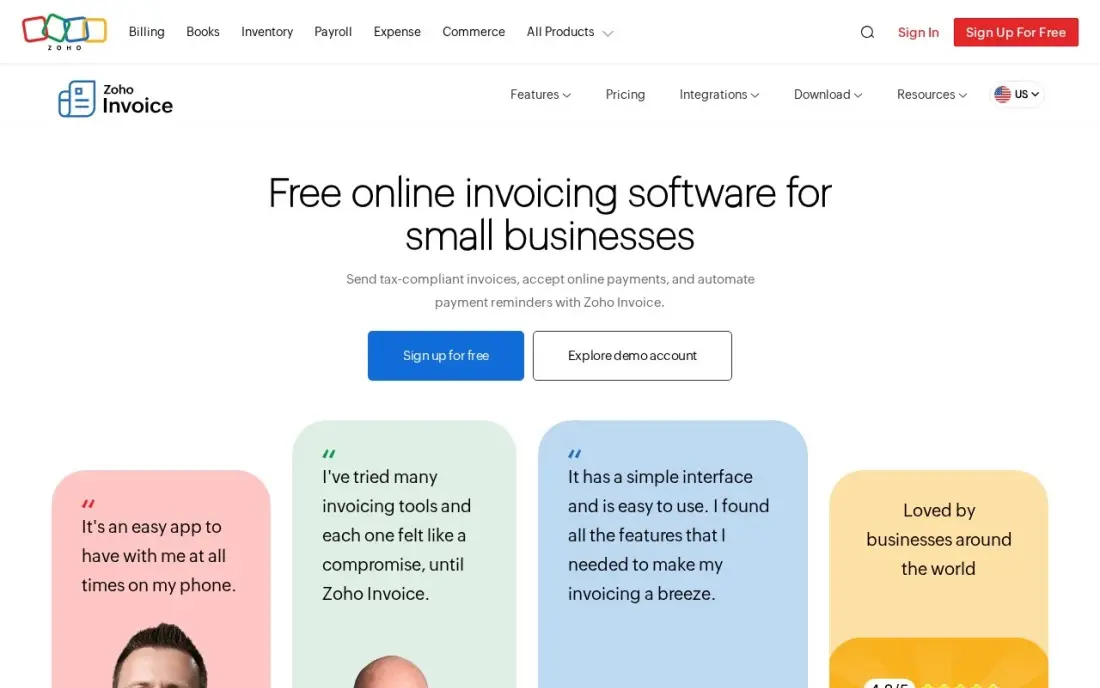
Zoho Invoice is the rare free tool with no catch on the clock: there is no paid tier, no trial and no card required. The free plan covers 2 users and 500 invoices a year, and it includes quotes, recurring invoices, automated payment reminders, a client portal, and time and expense tracking, so billable hours flow onto the invoice.
The ceiling is real, though. Alongside the 500-invoice cap, the plan allows 3 projects, and there is no paid Zoho Invoice tier to grow into; outgrowing it means moving to Zoho Billing or Zoho Books, which are separate products with their own prices. For a solo designer, writer or consultant billing a handful of clients a month, that limit may never arrive.
What we like
- Completely free with no paid tier, no trial clock and no card required
- Full invoicing features at $0: quotes, recurring invoices, automated payment reminders and a client portal
- Expense and time tracking included, so billable hours flow onto invoices
- Free email and voice support, 24/5, on the free plan
Watch out for
- Hard caps: 2 users, 500 invoices a year and 3 projects — there is no paid Zoho Invoice tier to grow into
- Outgrowing it means migrating to Zoho Billing or Zoho Books, a separate product with its own price
- Zoho branding rides along; there is no white-label option on the free plan

FreshBooks
Best for: Freelancers who bill for time and want the cleanest invoices with little setup
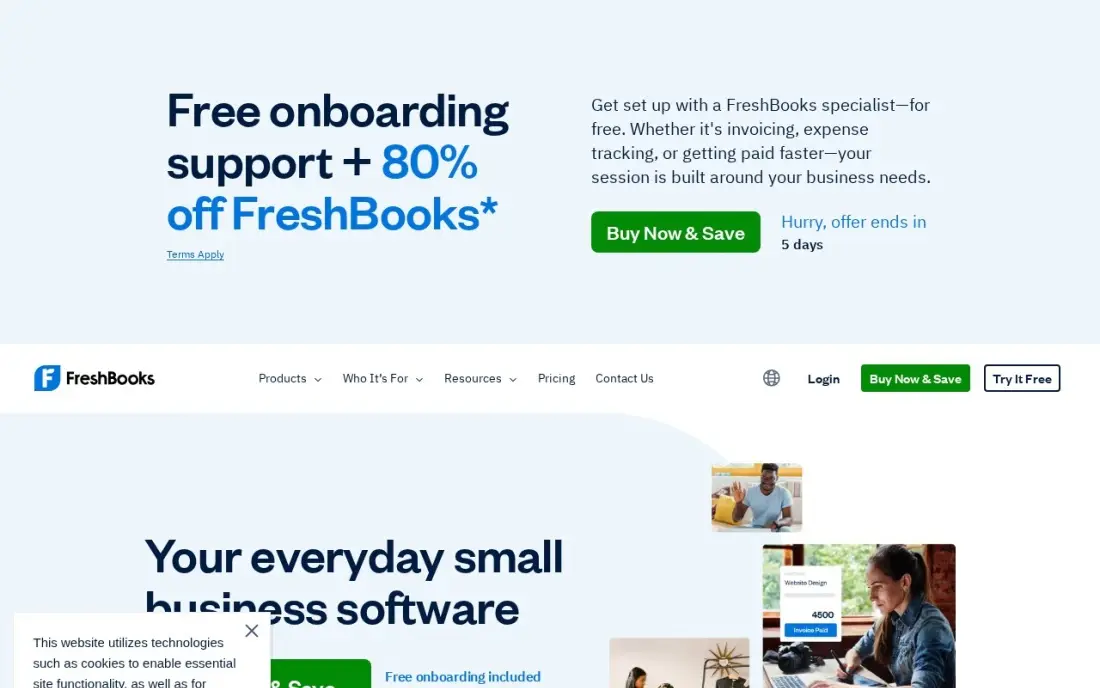
FreshBooks is the invoicing tool most freelancers find easiest on day one: clean invoices, estimates, recurring billing and late-payment reminders, with time and expense tracking built in so billable hours land on the invoice without copying. Lite costs $23 a month billed monthly, with 10% off for annual billing, and there is a 30-day free trial.
Watch the client count. Lite covers only 5 billable clients, so a sixth client pushes you to Plus at $43 a month, which also adds double-entry reports, bank reconciliation and free accountant access. Each extra team member costs $11 a month. For a freelancer with a few steady retainers, Lite is a comfortable fit; for one juggling a dozen small clients, price it as Plus.
What we like
- The easiest invoicing in this list: clean invoices, estimates, recurring billing and payment reminders
- Time tracking and expense tracking built in, so billable hours flow straight onto invoices
- Recurring billing and late-payment reminders suit freelancers with a few steady retainer clients
- Plus adds double-entry reports, bank reconciliation and free accountant access for $43/month
Watch out for
- Lite covers only 5 billable clients — a sixth client forces Plus at $43/month
- Every extra team member costs $11/month on top of the plan price
- No inventory tracking, and bank reconciliation and double-entry reports start on Plus, not Lite

HoneyBook
Best for: Solo creatives who book projects and want proposal, contract and invoice in one flow
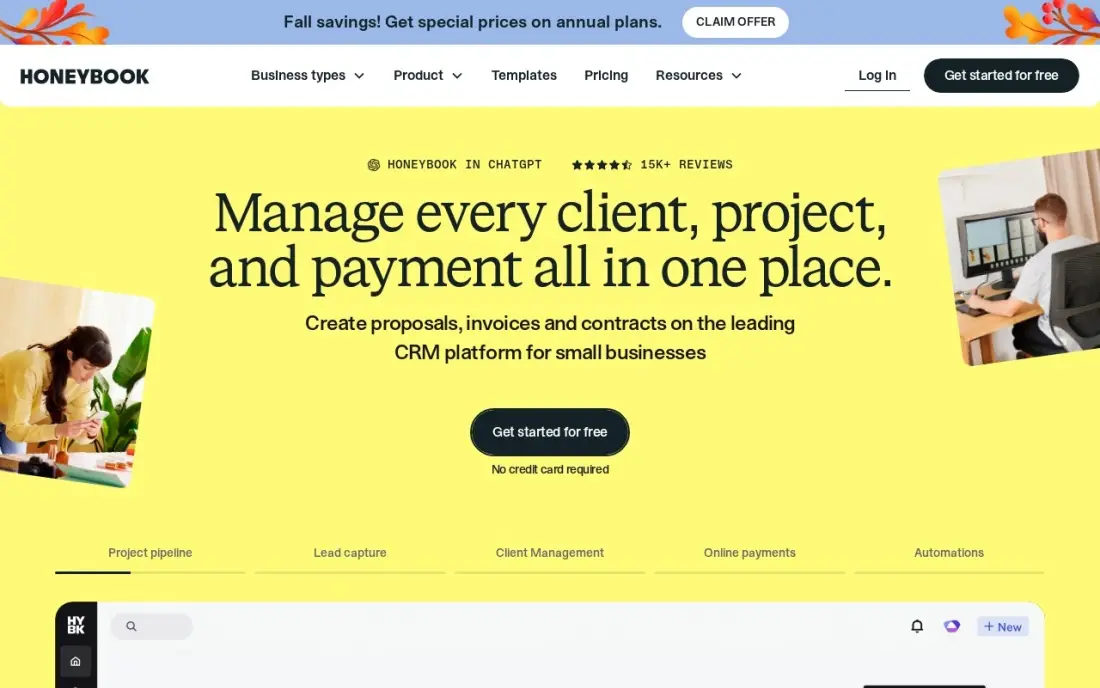
HoneyBook is built around how project freelancers actually get paid: a client accepts a proposal, signs the contract and pays the first invoice in one flow, then the rest of the schedule follows. Starter costs $36 a month billed monthly or $29 billed annually, priced per account rather than per seat, with unlimited clients and projects and HoneyBook AI included.
Starter is one user only, and the scheduler and automations wait for Essentials at $49 a month billed annually. Card payments carry 2.9% plus $0.25 each, which on a $3,000 project is about $87. Pick HoneyBook when you sell packaged projects with deposits and payment schedules; for simple hourly billing it is more system than you need.
What we like
- Proposals, contracts, invoices and payments in one flow, built for project-based service work
- Flat monthly price per account, not per seat, with unlimited clients and projects on every plan
- HoneyBook AI is included on every plan, including Starter
- Client portal and templates keep the whole booking-to-payment journey in one place
Watch out for
- Starter is one user only — a team needs Essentials at $49/month billed annually
- No scheduler and no automations on Starter; both start on Essentials
- Card processing fees of 2.9% plus $0.25 apply on every card payment collected

Bonsai
Best for: Freelancers who want proposals, contracts, time tracking and invoicing in one app
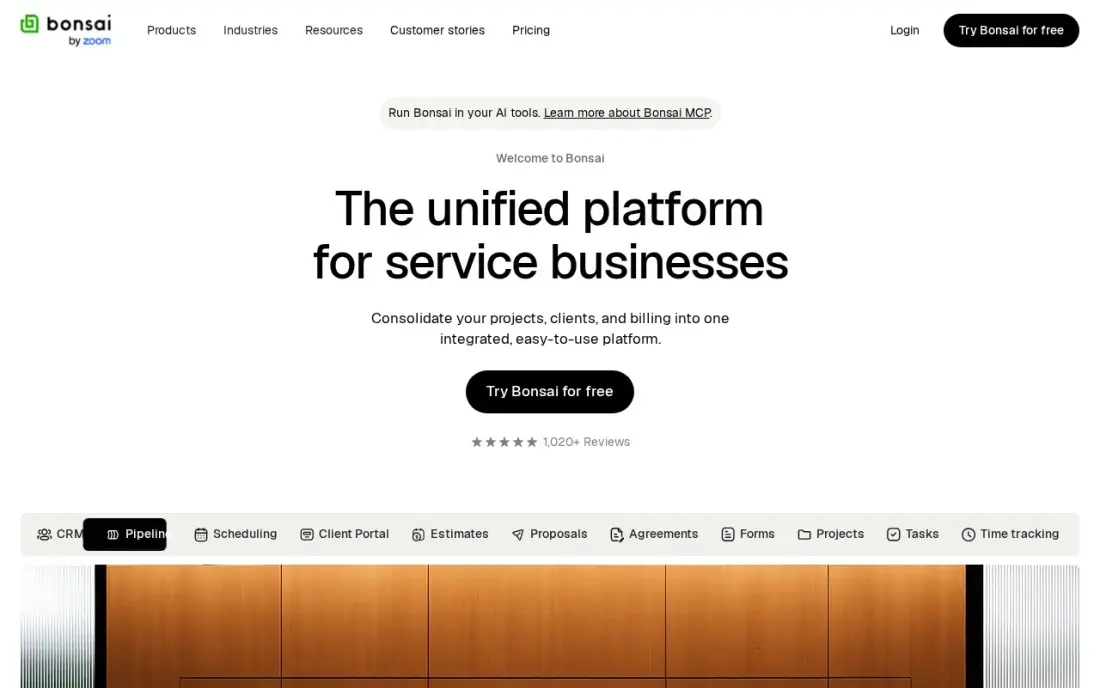
Bonsai bundles the paperwork side of freelancing — proposals, contracts, time tracking, invoices and income and expense tracking — into one subscription, with unlimited clients and projects on every plan. It holds a 4.3 rating on G2, and a 7-day free trial lets you send a real proposal before paying.
Read the plan table carefully: Basic costs $15 a user a month billed monthly, or $9 billed annually, but invoicing, proposals and payments start on Essentials at $25 a user a month. Pricing is per user, so a two-person studio pays twice, and there is no mileage tracking or tax filing. It suits a solo consultant who wants one tool from pitch to payment.
What we like
- Proposals, contracts, invoicing and time tracking in one place, built for freelancers
- Unlimited clients and projects on every plan, including Basic at $15/user/month
- Client portal, scheduling and expense tracking arrive on Essentials at $25/user/month
- Income and expense tracking keeps the books next to the client work, not in a second app
Watch out for
- Invoicing, proposals and payments start on Essentials at $25/user/month, not on Basic at $15
- Per-user pricing — a second seat doubles the bill for a two-person practice
- No mileage tracking and no tax filing, so the tax side still needs another tool

Wave
Best for: New freelancers who want free invoicing plus real bookkeeping in the same login
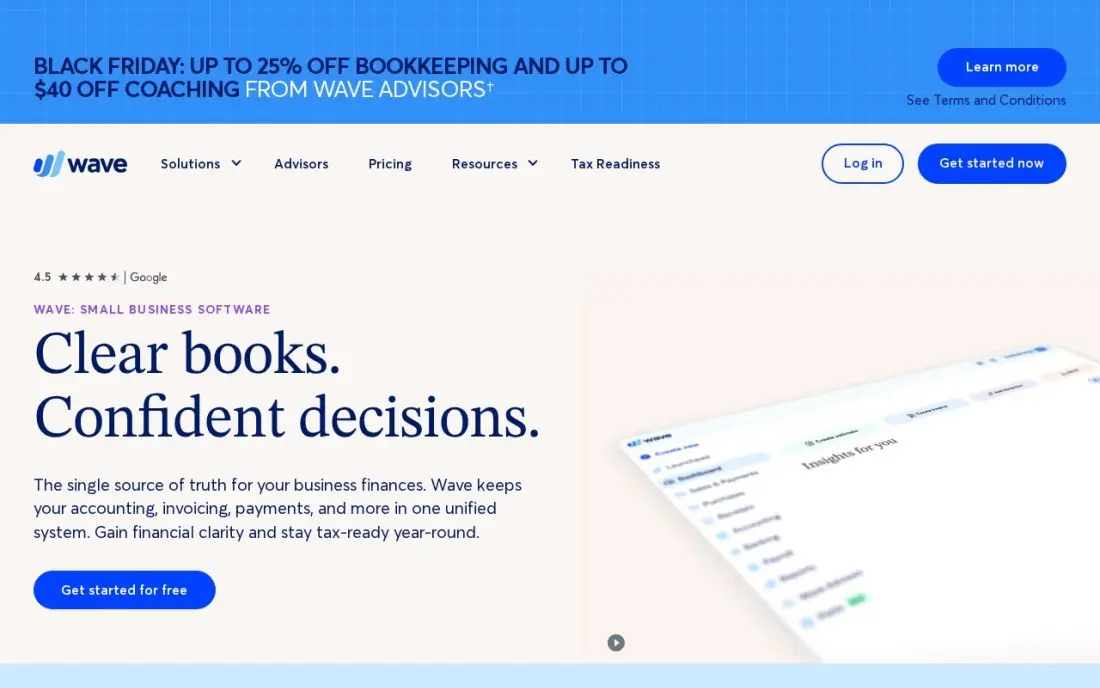
Wave's Starter plan costs $0 and covers unlimited invoices and estimates plus double-entry bookkeeping, so a new freelancer gets invoicing and the books that feed a tax return in one free tool, with no invoice caps. It carries a 4.3 rating on G2.
The free plan earns its keep through payments: card payments on Starter cost 2.9% plus $0.60 each, a higher fixed fee than Stripe's 30 cents. Automatic bank import, unlimited receipt capture and extra users need Pro at $19 a month. If you invoice a few clients a month and want your income tracked properly for tax time, Wave is the cheapest complete setup.
What we like
- Genuinely free core: unlimited invoices, estimates, bills and bookkeeping records at $0
- Pro at $19/month adds bank auto-import, unlimited receipts and multi-user access
- No invoice or bill caps on either plan, unlike the capped entry plans elsewhere
Watch out for
- Automatic bank import, unlimited receipt capture and extra users need Pro at $19/month
- No inventory tracking and no built-in payroll on the core plans
- Card payments cost 2.9% plus $0.60 per transaction on the free Starter plan

Invoice Ninja
Best for: Freelancers who want free invoicing with an open-source, self-hosted option
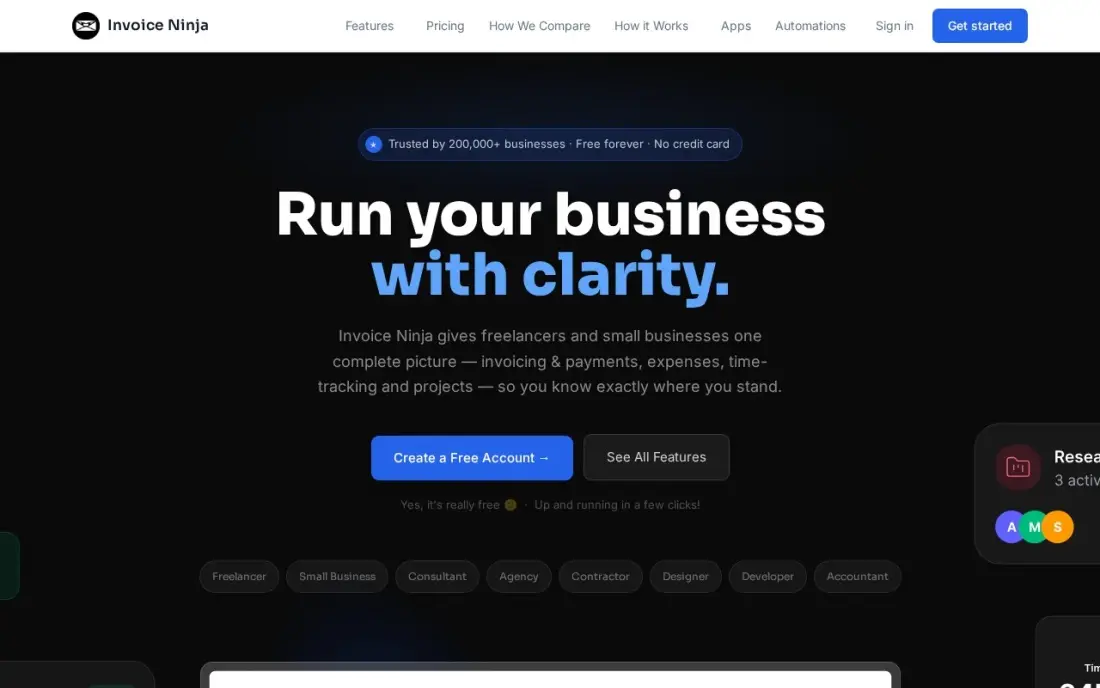
Invoice Ninja's free plan sends unlimited invoices for up to 5 clients, with recurring invoices, auto-billing, deposits and partial payments included, and there are native apps for macOS, Windows, Linux, iOS and Android. Developers can also self-host the open-source version and keep the data on their own server.
A sixth client means Ninja Pro at $14 a month billed monthly, or $140 a year, which also removes Invoice Ninja branding from your invoices. Bank sync and team users wait for Enterprise from $18 a month, and the interface feels more technical than FreshBooks. For a technical freelancer with a small client list, it is the most flexible free option here.
What we like
- Free plan with unlimited invoicing for up to 5 clients — no trial clock, no card required
- Ninja Pro is a single $14/month upgrade that removes client caps and Invoice Ninja branding
- Recurring invoices, auto-billing, deposits and partial payments on every plan, including free
- Native apps for macOS, Windows, Linux, iOS and Android, plus an open-source self-hosted option
Watch out for
- Free plan caps at 5 clients — a sixth client forces Ninja Pro at $14/month
- Bank account sync and team users wait for Enterprise, which starts at $18/month
- Smaller support team than the big suites, and the interface feels more technical than Joist or FreshBooks

Harvest
Best for: Freelancers who bill by the hour and want time tracking that turns into invoices
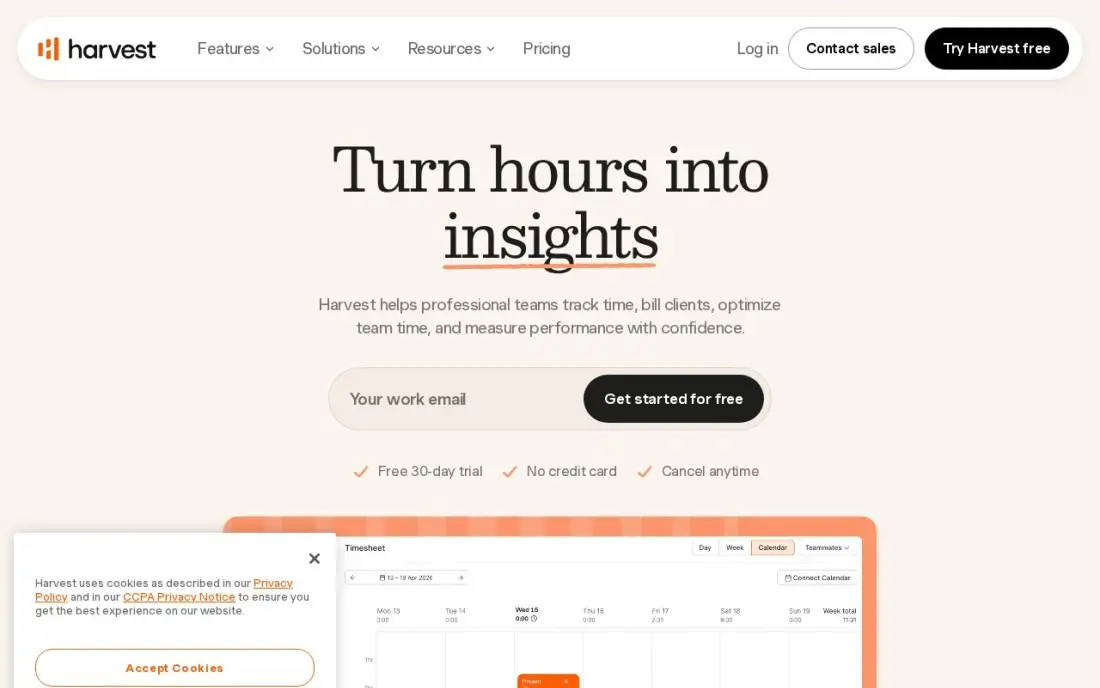
Harvest starts with the timer, not the invoice, and that suits hourly freelancers: track time against a project, attach expenses, and turn the hours into an invoice in a couple of clicks. Project budgets warn before a fixed-fee job eats its hours, and it integrates with QuickBooks, Xero and Stripe. G2 reviewers rate it 4.3.
The free plan covers 1 seat and 2 projects, which is enough to test it but tight for a freelancer with several clients. Teams costs $11 a user a month billed monthly, or $9 billed annually, and Flex billing can add usage fees for extra invoices, projects and clients. Choose Harvest when unbilled hours are your biggest leak.
What we like
- The shortest path from tracked time to invoice in this list, with expenses attached
- Project budgets with alerts warn before a job eats its hours
- One flat per-seat price with no tier ladder to climb for the core features
- Integrates with QuickBooks, Xero and Stripe for payments
Watch out for
- Teams costs $11 a user a month billed monthly; the $9 price needs annual billing
- Flex billing adds usage fees for extra invoices, projects and clients on top of the $9 seat price
- The free plan covers 1 seat and 2 projects, so a real team pays from the first hire

Stripe Invoicing
Best for: Freelancers who sell online and already take payments through Stripe
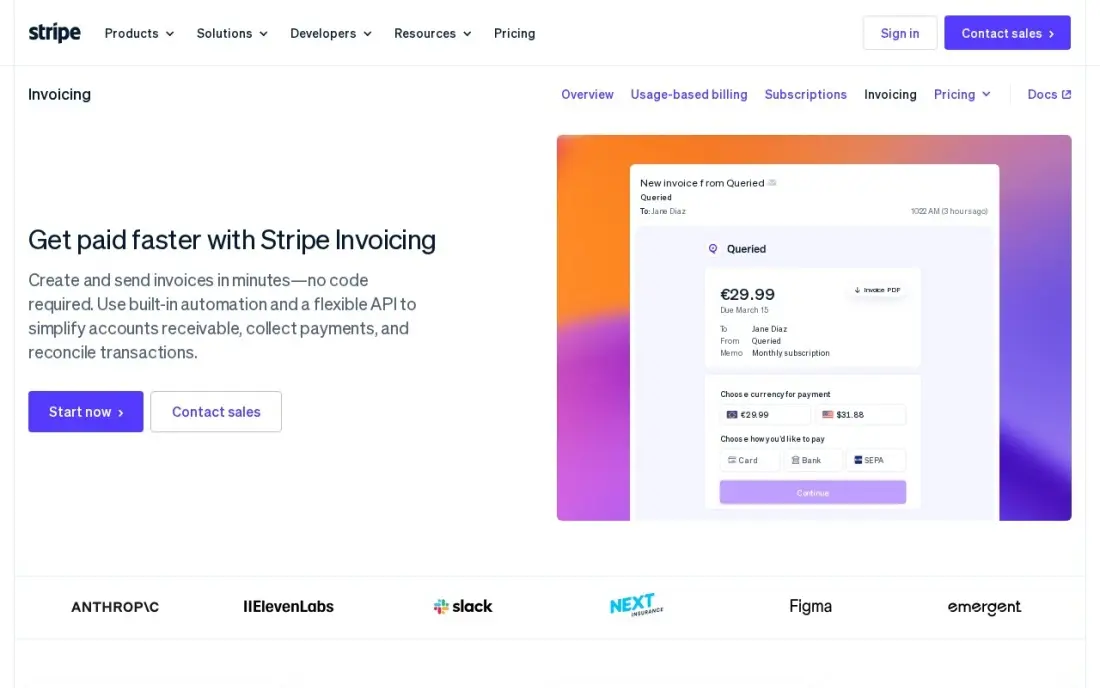
Stripe Invoicing has no monthly fee: you pay 0.4% only when an invoice is paid on Starter, or 0.5% on Plus. Clients pay through a hosted invoice page, Smart Retries recover failed card payments, and ACH Direct Debit costs 0.8% capped at $5, which makes it the cheapest way to collect a large invoice by bank transfer.
The 0.4% sits on top of processing, so a card-paid invoice costs 2.9% plus 30 cents plus 0.4%. Starter has no estimates, time tracking or accounting; quotes need Plus. It is a payments tool, not a freelance business suite, and it fits a developer or SaaS freelancer whose clients already pay through Stripe.
What we like
- No monthly fee and no setup cost — you pay 0.4% only when an invoice is paid
- Hosted invoice pages and a customer portal, with Smart Retries recovering failed payments
- Card payments at 2.9% + 30¢ and ACH Direct Debit at 0.8%, capped at $5
Watch out for
- The 0.4% fee sits on top of processing, so a card-paid invoice costs 2.9% + 30¢ plus 0.4%
- No accounting, time tracking or estimates on Starter — quotes need Plus at 0.5%
- Built for businesses already on Stripe; it is a payments add-on, not a business suite

PayPal Invoicing
Best for: Freelancers whose clients already pay through PayPal or Venmo
PayPal Invoicing costs nothing to set up and nothing a month: you create and send invoices by email, text, QR code or payment link, and clients can pay by PayPal, Venmo, card, Apple Pay or bank transfer without opening a PayPal account. For freelancers with international or one-off clients who trust PayPal, that familiarity speeds up payment.
The fees are the price. Card payments cost 2.99% plus $0.49, and PayPal or Venmo payments cost 3.49% plus $0.49, so a $1,000 invoice paid by PayPal costs about $35. There is no client portal and no time tracking. Use it as a payment option alongside a proper invoicing tool rather than as the whole system.
What we like
- No setup or monthly fee — creating and sending invoices costs nothing
- Clients pay with PayPal, Venmo, cards, Apple Pay or bank transfer, without a PayPal account
- Send invoices by email, SMS, messaging apps, QR code or a payment link
Watch out for
- Card payments cost 2.99% + $0.49, and PayPal or Venmo payments cost 3.49% + $0.49
- Fees add up fast at volume, and PayPal also lists an unexplained $14.99/month Invoicing Subscription
- No client portal and PayPal branding on checkout — it is not white-label
The best invoicing software for freelancers gets a professional invoice to a client in minutes, chases late payers for you and takes as little of the payment as possible in fees. We compared nine tools freelancers actually use — free invoicing apps, freelance business suites, time trackers and payment platforms — on client caps, payment fees and how quickly tracked work becomes a bill, with every price checked on the vendor's own pricing page in November 2026.
How to choose the best invoicing software for freelancers
- Count your clients, not your invoices. FreshBooks Lite and Invoice Ninja's free plan both stop at 5 clients, while Zoho Invoice caps invoices at 500 a year instead. Match the cap to how you work.
- Price the payment fees. On a $2,000 invoice paid by card, the difference between 2.9% plus $0.25 and 2.99% plus $0.49 is small, but across a year of invoices the fee usually costs more than the software.
- Decide whether you sell hours or projects. Hourly freelancers need a timer that feeds the invoice, which Harvest and FreshBooks do well. Project freelancers need proposals and contracts, which HoneyBook and Bonsai are built around.
- Check which plan actually invoices. Bonsai's cheapest plan does not include invoicing, so compare its $25 Essentials plan, not the $15 headline.
- Plan for tax time. If you want income and expenses tracked in the same place, choose a tool with bookkeeping such as Wave or FreshBooks.
- Test the client's side. Send a test invoice to yourself and pay it on your phone; a clumsy payment page costs you days of waiting.
Getting paid is half the job; getting found is the other half. If clients do not find you through search yet, our guide to the best platforms for freelancers covers where work comes from, and a quick SEO audit shows why your own portfolio site is not bringing enquiries.
Invoicing software for freelancers pricing: what you will actually pay
Take a freelancer with 8 active clients who bills $4,000 a month by card. Zoho Invoice costs $0 and fits, since 8 clients sending one invoice a month is 96 invoices a year, well under the 500 cap. Invoice Ninja would need Ninja Pro at $14 a month, or $140 a year, because the free plan stops at 5 clients. FreshBooks would need Plus at $43 a month, or $516 a year before the 10% annual discount, because Lite covers 5 billable clients.
Project tools cost more but do more. HoneyBook Starter is $36 a month billed monthly, or $348 a year at the $29 annual rate, and Bonsai Essentials is $25 a user a month. Harvest Teams costs $11 a month, or $108 a year at $9 billed annually, for one seat.
Then add payment fees on the $4,000 a month. At HoneyBook's 2.9% plus $0.25 on 8 card payments, that is about $118 a month; at PayPal's 2.99% plus $0.49 it is about $124. Stripe Invoicing adds 0.4% on top of its card processing, but if clients pay by ACH Direct Debit at 0.8% capped at $5, eight $500 invoices cost $32 plus the invoicing fee. Steering clients to bank payment saves more than any plan choice.
Know the difference: invoicing app vs freelance business suite
An invoicing app does one job: it creates the invoice, sends it, reminds the client and records the payment. Zoho Invoice, Invoice Ninja, Stripe Invoicing and PayPal Invoicing work this way, and so does Wave with bookkeeping added. They are cheap or free, quick to learn, and fine for a freelancer whose clients send work by email and pay on terms.
A freelance business suite runs the whole client journey. HoneyBook and Bonsai start at the proposal, move to a signed contract, then send invoices on a payment schedule, with a client portal holding everything. FreshBooks and Harvest sit between the two, adding time tracking and projects. A suite saves real time when every job starts with a quote and a contract; if most of your work is repeat billing for the same clients, the extra steps get in the way.
Quick comparison: tool type by need
| Buyer | Best pick | Why |
|---|---|---|
| Free and simple | Zoho Invoice | No paid tier; 2 users and 500 invoices a year |
| Easiest paid invoicing | FreshBooks | Lite $23/month for up to 5 billable clients |
| Project creatives | HoneyBook | Proposal, contract and invoice in one flow from $29/month billed annually |
| All-in-one freelance admin | Bonsai | Invoicing, proposals and payments on Essentials at $25/user/month |
| Free invoicing plus books | Wave | Free Starter with unlimited invoices and bookkeeping |
| Technical freelancers | Invoice Ninja | Free for 5 clients, open-source self-hosting |
| Hourly billing | Harvest | Time tracking that becomes an invoice; Teams from $9/user/month billed annually |
| Clients already on Stripe | Stripe Invoicing | No monthly fee; 0.4% per paid invoice |
| Clients who pay by PayPal | PayPal Invoicing | No monthly fee; clients pay by PayPal, Venmo or card |
Mistakes to avoid
- Ignoring the client cap. Free and entry plans that stop at 5 clients look free until a busy month, so check the cap against your real client list.
- Comparing the wrong plan. Bonsai's $15 Basic plan does not invoice, and HoneyBook's Starter is one user; compare the plan you will actually use.
- Letting every client pay by card. Offer bank transfer or ACH on large invoices; card fees on a $5,000 project can exceed a year of software.
- Skipping late-payment reminders. Most tools here send them automatically, but only if you switch them on and set the terms on the invoice.
- Keeping income records in a different place from invoices. At tax time you need both; pick a tool with bookkeeping or export your paid invoices every month.
Related comparisons: Platforms for Freelancers · CRM and Invoicing Software · Accounting and Invoicing Software for Small Business · Invoicing Software for Contractors
How we chose
We checked each vendor's pricing page in November 2026 and recorded starting prices as shown, including annual-billing rates where the page lists them. We favoured tools a solo freelancer can set up in an afternoon, then compared client and invoice caps, which plan includes invoicing, payment fees and how hours or projects become invoices. Ratings come from G2 pages checked on the dates shown in the sources; where a tool shows no rating, we did not have a verified figure. No vendor paid for a place in this list, and none of the links here are affiliate links.
What to do next
Pick one free option and one paid option from this list, send a real invoice from each to yourself, and pay it from your phone; keep the one your clients will find easiest. Once billing runs itself, the next job is a steadier flow of new clients. Get a free visibility check for your freelance site.
Frequently asked questions
What is the best invoicing software for freelancers?
Zoho Invoice is the best free choice, with 2 users and 500 invoices a year at no cost. FreshBooks is the easiest paid option at $23 a month for up to 5 billable clients, and HoneyBook or Bonsai suit freelancers who sell projects with proposals and contracts.
Is there free invoicing software for freelancers?
Yes. Zoho Invoice is free with no paid tier, Wave Starter is free with unlimited invoices and bookkeeping, Invoice Ninja is free for up to 5 clients, and PayPal Invoicing and Stripe Invoicing charge no monthly fee, only payment fees.
How much does invoicing software cost for a freelancer?
On published prices, FreshBooks Lite costs $23 a month, HoneyBook Starter $36 a month or $29 billed annually, Bonsai Essentials $25 a user a month, Harvest Teams $11 a user a month or $9 billed annually, and Invoice Ninja Pro $14 a month. Several strong options are free.
Which invoicing app has the lowest payment fees?
For bank transfers, Stripe's ACH Direct Debit at 0.8% capped at $5, plus the 0.4% Invoicing fee, is the cheapest on a large invoice. For cards, HoneyBook charges 2.9% plus $0.25, Wave 2.9% plus $0.60 and PayPal 2.99% plus $0.49.
Do freelancers need accounting software or just invoicing?
Most freelancers need invoicing plus a record of income and expenses for tax time. Wave and FreshBooks cover both; Zoho Invoice, Invoice Ninja and PayPal handle invoicing only, so you would track expenses elsewhere.
Can I send invoices from my phone as a freelancer?
Yes. FreshBooks, Wave, Invoice Ninja, HoneyBook, Harvest and PayPal all let you create or send invoices from a phone, and Invoice Ninja has native apps for iOS and Android as well as desktop.
What is the best invoicing software for self-employed people who also need to track taxes?
Pick a tool that keeps income and expenses next to your invoices. Wave's free Starter plan includes unlimited invoices plus real bookkeeping, and FreshBooks Plus adds double-entry reports, bank reconciliation and free accountant access for $43/month. Bonsai tracks income and expenses beside client work, but has no mileage tracking or tax filing, so the tax side still needs another tool.
Is there invoicing software for freelancers on Mac?
Yes. Invoice Ninja has native apps for macOS, Windows, Linux, iOS and Android, and its free plan covers unlimited invoicing for up to 5 clients, with Ninja Pro at $14/month removing the cap. Recurring invoices, auto-billing, deposits and partial payments are included even on the free plan, and an open-source self-hosted option suits freelancers who want to run it themselves.
Sources we checked (13)
- Zoho Invoice — www.zoho.com/invoice/pricing (checked November 8, 2026)
- FreshBooks — www.freshbooks.com/pricing (checked November 12, 2026)
- HoneyBook — www.honeybook.com/pricing (checked November 12, 2026)
- HoneyBook reviews on G2 (checked November 12, 2026)
- Bonsai — hellobonsai.com/pricing (checked November 7, 2026)
- Bonsai reviews on G2 (checked November 7, 2026)
- Wave — www.waveapps.com/pricing (checked November 10, 2026)
- Wave reviews on G2 (checked November 10, 2026)
- Invoice Ninja — www.invoiceninja.com/pricing (checked November 8, 2026)
- Harvest — www.getharvest.com/pricing (checked November 10, 2026)
- Harvest reviews on G2 (checked November 10, 2026)
- Stripe Invoicing — stripe.com/invoicing (checked November 2, 2026)
- PayPal Invoicing — www.paypal.com/us/business/accept-payments (checked November 2, 2026)
Make one of these tools?
We re-check this list every quarter. Send a correction, request a review, or ask about a clearly labeled sponsored spot.
Request a listingShamim
Founder of SerpAstra
A full-stack digital marketer and SEO strategist covering technical and local SEO, AI search visibility, paid ads and lead generation for local businesses, e-commerce brands and SaaS teams.
Free SEO and AI visibility audit
Find out what is holding your rankings back
Send us your site. Within 2 business days you get a written audit, an AI visibility check and a short fix list ranked by impact. Free, with no contract attached.
Request my free audit→Related buying guides
 Business Software8 Best Platforms for Freelancers in 2026, ComparedCompare the 8 best platforms for freelancers: marketplaces to win clients and tools to invoice and track time, with freelancer fees checked in November 2026.Read guide →
 Accounting & Finance11 Best Invoicing Software for Small Business in 2026, Compared11 best invoicing software for small business compared on price, free plans and payment fees. Prices checked on vendor pricing pages, November 2, 2026.Read guide →
 Accounting & Finance8 Best Accounting Software for 1099 Contractors in 2026, ComparedCompare the 8 best accounting software for 1099 contractors on price, mileage, tax estimates and 1099 filing, with every price checked November 7, 2026.Read guide →