
8 Best Punch List Apps in 2026, Compared
Compare the 8 best punch list apps for contractors on free plans, plan-pinned items, photos, offline use and real per-user cost, with prices checked Nov 2026.
 Shamim Mia, Founder, SerpAstraLast verified November 7, 20269 min read
We compare pricing pages, documentation and public reviews. We never accept payment for rankings.

Key takeaways
- Fieldwire is the best punch list app for most crews: the free Basic plan covers 5 users, 3 projects and 100 sheets, with punch items pinned to the drawing.
- PlanRadar suits firms that hand punch items to many subcontractors, because subcontractors and watchers are free and unlimited on every plan; Basic costs $32 a user a month.
- Procore and Buildertrend include punch lists inside a full project platform, but neither publishes a price, so they only make sense if you need the rest of the system.
- A punch list app only saves time if subcontractors can open their items on a phone without a paid seat, so check guest access before you count licences.
On this page
Quick comparison
| Tool | Best for | Starting price | Free plan |
|---|---|---|---|
 Fieldwire | Crews that want punch items pinned to the current drawing, starting on a free plan | Free; Pro $39/user/mo (annual) | Yes (free) |
 PlanRadar | Contractors and owners who send punch items to many subcontractors and want them free to join | $32/user/mo | No (30-day trial) |
 Procore | Commercial general contractors that want punch lists inside the platform already running the job | Custom quote | No (demo only) |
 Buildertrend | Residential builders and remodelers who want homeowners to see and sign off punch items | Custom quote | No (demo only) |
 Bluebeam Revu | Design teams and GCs who already mark up PDFs and want punch walks on the same drawings | $330/user/yr (Core) | No (14-day trial) |
 Raken | Self-performing contractors who want punch items and daily reports from one field app | Custom quote | No (trial reported) |
 Mitti (by SafetyCulture) | Small contractors who want a free, template-based punch checklist on a phone | Free; Premium $24/seat/mo (annual) | Yes (free plan) |
 JobTread | Remodelers who want punch items tied to the job budget and the final invoice | $199/mo | No (no free trial) |
Make one of these tools?
We re-check this list every quarter. Send a correction, request a review, or ask about a clearly labeled sponsored spot.
Request a listingThe best punch list apps
Fieldwire
Best for: Crews that want punch items pinned to the current drawing, starting on a free plan

Fieldwire treats a punch item as a task pinned to a spot on the sheet, with a photo, an assignee, a due date and a status, so a superintendent can walk the floor, drop items on the plan and hand them to the right trade before leaving the room. The free Basic plan covers 5 users, 3 projects and 100 sheets with punch lists, tasks, photos and checklists included.
The limit is reporting. A clean punch list PDF for the owner needs Pro, at $39 a user a month billed annually or $54 billed monthly, which also adds offline access and sheet compare. For a small GC closing out a handful of jobs a year, the free plan is enough to stop using spreadsheets.
What we like
- Only genuinely free plan here: 5 users, 3 projects and 100 sheets at $0
- Plan viewing, tasks, punch lists and photo markups are built for the field, with offline access on paid plans
- Strongest drawing-first workflow here: the current plan set on any device, with sheet compare on Pro
- Per-user pricing with no company-wide minimum, so a small crew starts cheap
Watch out for
- Reports and exports start on Pro at $54/user/month billed monthly, so the free plan cannot produce daily reports
- RFIs, submittals, change orders and budget tools need Business Plus at $104/user/month billed monthly
- Per-user pricing adds up fast: 4 users on Pro cost $216/month billed monthly
PlanRadar
Best for: Contractors and owners who send punch items to many subcontractors and want them free to join
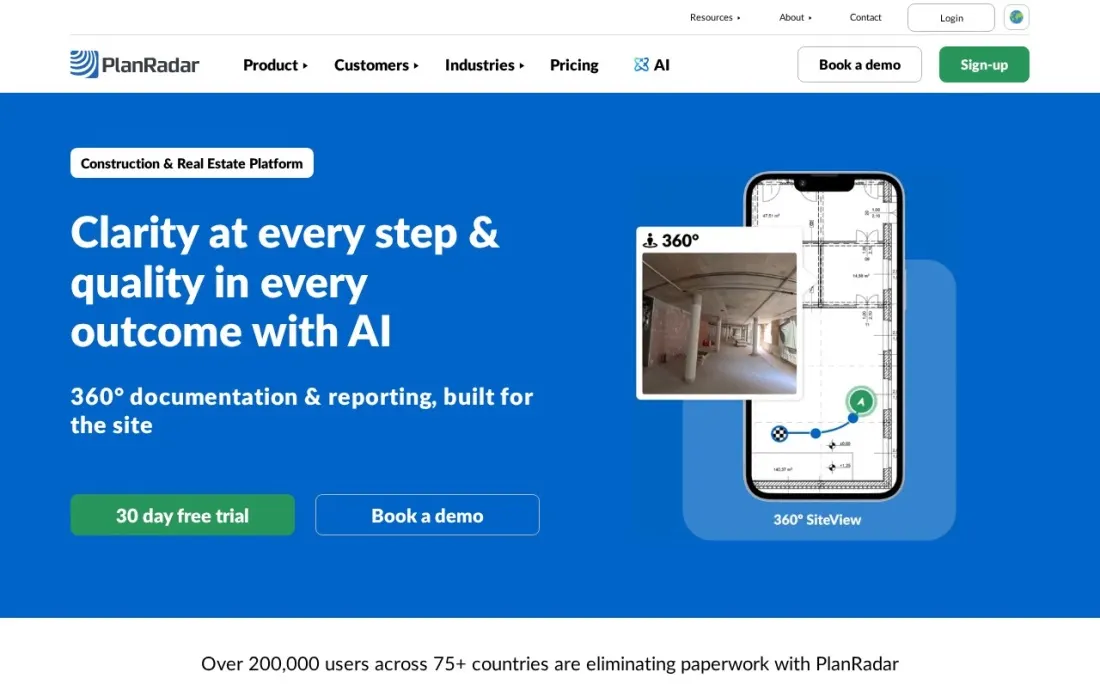
PlanRadar works in tickets: each defect or snag is pinned to the plan with photos, data fields and, on Pro, a signature, then sent to whoever has to fix it. Its best feature for punch work is the licence rule. Subcontractors and watchers are free and unlimited on every plan, so a GC can hand items to twenty trades without paying for twenty seats, and projects are unlimited too.
Basic costs $32 a user a month for one user and 10 plans, Starter $107 and Pro $159 a user a month. Annual billing saves more than 10%, and a 4% innovation fee is added from the second year. Use the 30-day trial on a real close-out before you commit.
What we like
- Subcontractors and watchers are free and unlimited on every plan
- Unlimited projects and offline use on every plan
- Pro adds QR and NFC tags, ticket signatures, custom report templates and approval workflows
Watch out for
- Basic is limited to 1 user and 10 digital plans
- Annual prices are not listed; the page only says annual billing saves more than 10%
- A 4% innovation fee applies to annual contracts from the second billing period
Procore
Best for: Commercial general contractors that want punch lists inside the platform already running the job
Procore's punch list tool lives inside its quality and project management products, so a punch item can link to the drawing, the RFI and the subcontractor's commitment, and the owner sees it in the same system as the rest of the project. Pricing is based on the products you choose and your annual construction volume, with unlimited users, which suits a GC with many trades logging in.
There is no published price and only a demo, so it is not a tool you buy for punch lists alone. Third-party estimates put small GC entry around $15,000 to $30,000 a year. If you already run Procore, use its punch list before buying another app; if you do not, start smaller.
What we like
- The enterprise default: project management, financials, field tools, BIM and preconstruction in one platform
- No per-seat fees — pricing is by products selected and annual construction volume, with unlimited users
- Bundled packages (Project Execution, Cost Management, Resource Management) added in February 2026 simplify buying
- Highest-rated tool here on G2 at 4.6/5 from more than 4,200 reviews
Watch out for
- No published price — quotes are sized to annual construction volume, and third-party estimates put small GC entry around $15,000–$30,000 a year
- Implementation is a real project: expect weeks of setup and training before the team is fluent
- The depth that makes it powerful also makes it heavy — small firms pay for capability they never use
Buildertrend
Best for: Residential builders and remodelers who want homeowners to see and sign off punch items
Buildertrend's value on a punch list is the homeowner. Residential close-out is a walk-through with a client, and Buildertrend's client portal lets the homeowner see the items, the photos and the fixes in the same place they approved selections and change orders, which cuts the calls in the last two weeks of a job. Every tier includes unlimited users and projects.
Buildertrend publishes no price; every quote comes from a sales call, and its last published plans started at $499 a month. Long-term users report renewal increases of 50 to 75%. Buy it as the system for the whole residential job, with punch lists as one part, not as a standalone punch app.
What we like
- The residential default: estimating, scheduling, change orders, selections, warranty and payments in one subscription
- A client portal homeowners actually use, cutting the back-and-forth on selections and change orders
- Unlimited users and unlimited projects on every tier — no per-seat math as the team grows
- Absorbed CoConstruct in 2021, so the residential market's two biggest names are now one company
Watch out for
- No published price — every quote comes from a sales call, so budgeting starts with a demo
- Renewal increases of 50–75% are reported by long-term users, with no notice in some cases
- Onboarding takes about two months on average, and the interface feels dated to some users
Bluebeam Revu
Best for: Design teams and GCs who already mark up PDFs and want punch walks on the same drawings
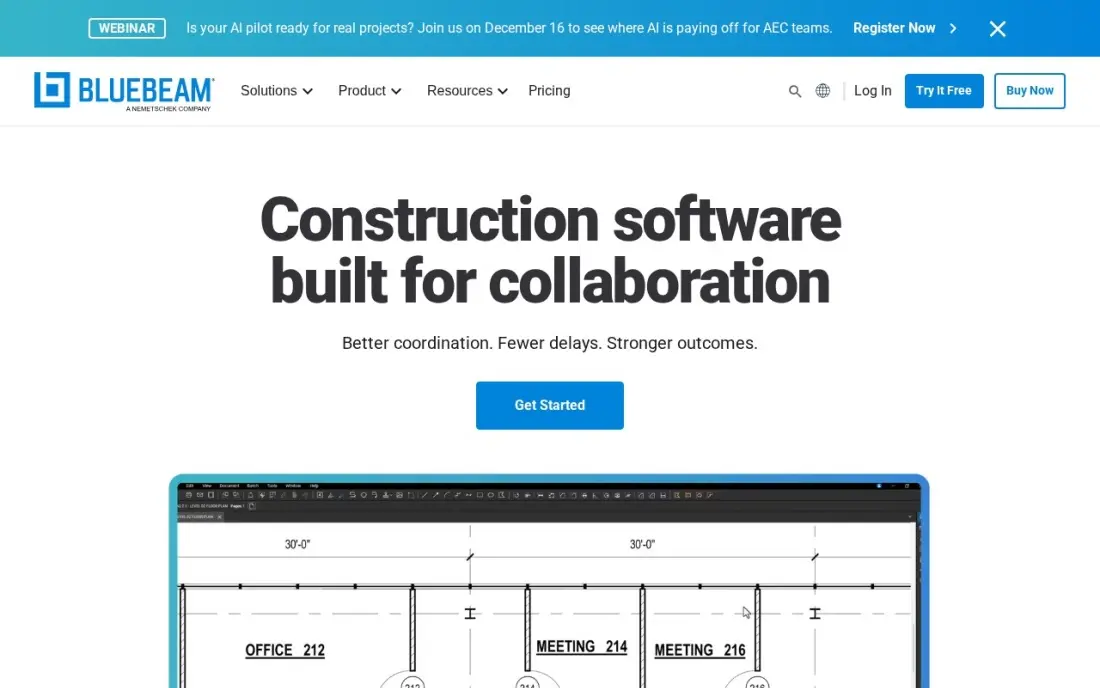
Bluebeam Revu is a PDF markup tool rather than a punch app, but many architects and GCs run punch walks in it because the drawings are already there. Markups carry status and comments, the markups list exports to a report, and Studio sessions let the architect, GC and owner mark the same set together. Core costs $330 a user a year billed annually and Basics $260.
The weakness is the field. Revu is Windows desktop first, with web and mobile as companions, so a superintendent with a phone and no laptop will find a dedicated punch app faster. It fits best where the architect issues the punch list and the GC works through it on the same PDF.
What we like
- Markups carry status and comments, and the markups list exports to a punch report
- Industry-standard PDF markup with measurement, counts and drawing compare
- Studio collaboration lets the whole team mark up together
- You can mix plan tiers across the team
Watch out for
- Windows desktop first, with web and mobile as companions
- A superintendent with only a phone will find a dedicated punch app faster in the field
- AI drawing reviews wait for Max at $590/user/year (introductory price)
Raken
Best for: Self-performing contractors who want punch items and daily reports from one field app
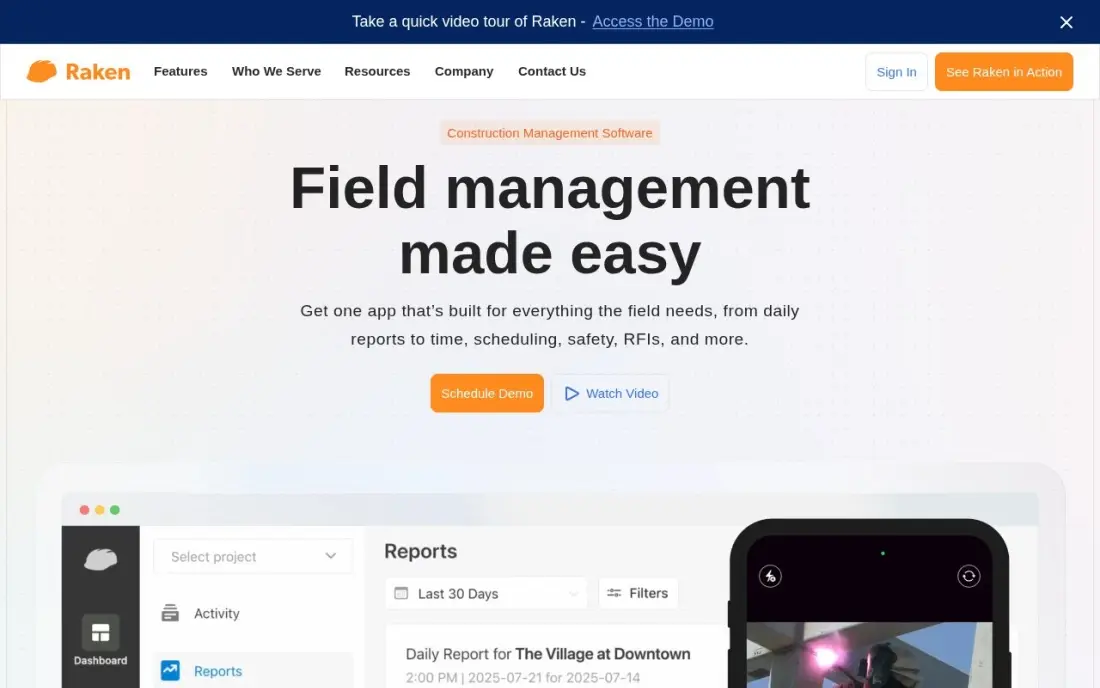
Raken is built around the daily report, and its punch and quality tools sit beside it, so the crew that logs the day's work, weather and photos can log open items from the same phone app. The office gets a branded PDF per job per day, and integrations with Procore, Sage 100 Contractor, Foundation and QuickBooks keep the office systems in step.
Raken does not publish prices; the pricing page is a request form. Third-party reviews report about $23 a user a month for Basic, but sources disagree, so get a quote. Choose it when daily reporting is the main job and punch lists are a close-out step, not when punch work is the whole need.
What we like
- Daily reports, photos, weather and surveys in one branded PDF per job per day
- Time cards, production tracking, safety and quality tools on the Performance tier
- Syncs with Procore, Sage 100 Contractor, Foundation and QuickBooks, so office systems stay in step
- Rated 4.6/5 on G2 from 116 reviews
Watch out for
- No published price — the pricing page is a request form, so budgeting needs a sales call
- Time tracking and production tracking sit on Performance, the top tier
- Reported prices disagree between sources, so the real number is only known after a quote
Mitti (by SafetyCulture)
Best for: Small contractors who want a free, template-based punch checklist on a phone
Mitti, the new name for SafetyCulture and iAuditor, turns a punch walk into a checklist: pick or build a template, walk the rooms, mark each item pass or fail, add a photo and raise an action for whoever fixes it. The free plan covers teams of up to 10 seats, and the template library usually has a close-out checklist ready to edit.
It does not pin items to a drawing, which is the main gap against Fieldwire and PlanRadar. Premium costs $24 a seat a month billed annually, or $29 billed monthly, and every paid seat adds $288 a year. It is the cheapest start for a small crew that thinks in checklists rather than sheets.
What we like
- Free plan covers teams up to 10 seats with inspections, tasks and training
- Huge template library, so most checklists already exist before you build one
- AI features included on every plan, including photo-based issue creation
- Offline mobile app that field crews already know from the iAuditor years
Watch out for
- Premium per-seat pricing adds up fast once the crew grows past the 10-seat free plan
- Per-seat billing means every subcontractor login is a paid seat on Premium
- The August 2026 rebrand from SafetyCulture to Mitti still confuses some buyers and reviewers
JobTread
Best for: Remodelers who want punch items tied to the job budget and the final invoice
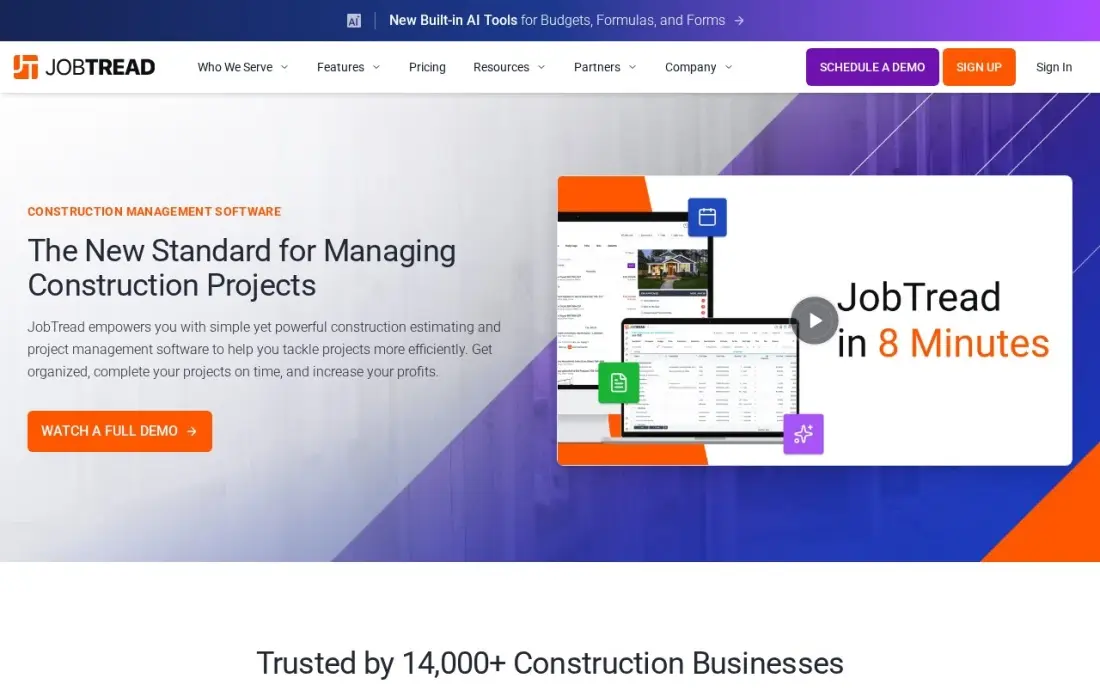
JobTread is a job-costing platform first, and its tasks and daily logs handle punch items as part of the same job record that holds the estimate, the budget and the invoices. That matters at close-out: the punch list and the final draw sit in one place, so the last payment is not chased while open items are tracked in another app.
JobTread costs $199 a month with one internal user included, or $159 billed annually, plus $20 a month for each extra internal user. There is no free trial, only a demo and a 30-day money-back guarantee on monthly plans. Choose it if you also need job costing; for punch lists alone it costs too much.
What we like
- The cleanest pricing here: one plan, every feature included, $199 a month plus $20 per internal user
- Estimates link to budgets, purchase orders, invoices and job costing, so the number that wins the job becomes the number you track
- Per-user rates step down after 10 users ($15, then $10, then $5), so growth gets cheaper per seat
- Highest-rated tool in this list on G2 at 5.0/5, with customer support the top reviewer-cited strength
Watch out for
- No free trial — you book a demo, and the 30-day money-back guarantee covers monthly plans only
- The $199 base fee is heavy for a solo operator: one person pays the same base as a nine-seat office
- Anyone who tracks time counts as an internal user, so field staff add $20 a month each
The best punch list app gets a job closed out faster: every open item pinned to a place, photographed, assigned to the right trade and checked off before the final payment. We compared eight apps, from dedicated field tools to the punch modules inside full construction platforms, and every price below comes from the vendor's own pricing page or our database records, checked in November 2026.
How to choose the best punch list app
- Pin items to the drawing. An item that sits on the sheet at the right spot needs no description of where it is; Fieldwire and PlanRadar both work this way, checklist tools do not.
- Count who needs access. A punch list touches every trade, so check whether subcontractors need a paid seat. PlanRadar makes them free; per-seat tools charge for each login.
- Check offline use. Basements, new builds and stairwells often have no signal, so the app must save items offline and sync later.
- Look at the report. The owner and architect want a clean list with photos and status, so test the PDF or export on a trial before you buy.
- Match the tool to the rest of your stack. If you already run Procore or Buildertrend, their punch tools beat a separate app because the items link to the rest of the job.
- Price by the year, not the month. Per-user rates look small until you multiply them by the crew and twelve months.
Close-out is also when happy clients leave reviews and referrals. If you want those reviews to help you win local jobs, our local SEO service handles the Google side, and the free Google review link generator gives you a one-tap link to send at handover.
Punch list app pricing: what you will actually pay
Take a small general contractor with three office and site users who want punch lists with reports. Fieldwire Pro at $39 a user a month billed annually costs $117 a month, or $1,404 a year; billed monthly at $54 it is $162 a month, or $1,944 a year. Three users on PlanRadar Starter at $107 a user a month cost $321 a month, but every subcontractor joins free. Mitti Premium at $24 a seat a month billed annually costs $72 a month, or $864 a year.
Bluebeam Revu Core is billed annually only, at $330 a user a year, so three users cost $990 a year. JobTread costs $199 a month with one user plus $20 for each extra, so three users cost $239 a month billed monthly. Procore, Buildertrend and Raken publish no price, so get a written first-year quote that includes setup and training.
If the crew is five people or fewer and the jobs are small, Fieldwire's free Basic plan or Mitti's free plan costs $0 and covers the punch walk itself.
Know the difference: punch list app vs project management platform
A punch list app does one job well: capture, assign and close defects near the end of a job. Fieldwire, PlanRadar and Mitti are quick to set up, cheap per user and easy for a foreman to learn in an afternoon, and they work alongside whatever you use for scheduling and billing.
A project management platform such as Procore, Buildertrend or JobTread includes punch lists as one module among budgets, RFIs, change orders, schedules and client portals. The punch tool is often no better than a dedicated app, but the item links to the rest of the job record. Buy a platform for the whole job and use its punch tool; do not buy a platform just to get punch lists.
Quick comparison: tool type by need
| Buyer | Best pick | Why |
|---|---|---|
| Most small crews | Fieldwire | Plan-pinned punch items, free for 5 users and 3 projects |
| Many subcontractors | PlanRadar | Subcontractors and watchers free on every plan, from $32/user/month |
| Commercial GCs | Procore | Punch lists linked to the full project record, unlimited users, quote only |
| Residential builders | Buildertrend | Homeowner portal for close-out walk-throughs, quote only |
| Architect-led punch walks | Bluebeam Revu | PDF markups with status, Core $330/user/year |
| Daily-report crews | Raken | Punch and quality items beside daily reports, quote only |
| Checklist-first crews | Mitti | Free for up to 10 seats, template-based punch checklists |
| Remodelers tracking job cost | JobTread | Punch items in the same job as budget and invoices, $199/month |
Mistakes to avoid
- Starting the punch list at the end. Logging items as they appear during the job keeps the final list short; a tool only helps if the crew uses it before the last week.
- Paying for subcontractor seats you do not need. Check guest and subcontractor access before you count licences, or a cheap per-user price becomes an expensive one.
- Skipping the photo. An item without a before and after photo starts an argument at the final walk; make the photo a required field.
- Running two lists. If the architect keeps one list in a PDF and the GC another in an app, items get lost; agree on one list and one tool for the job.
- Ignoring the export. Owners and lenders often want a PDF sign-off, so test the report on a trial project before you roll the app out.
Related comparisons: To-Do List Apps for Small Business
How we chose
We started from tools that contractors actually use for punch and defect work, checked each vendor's pricing page or our records from November 2026, and recorded prices exactly as published, including the billing term. PlanRadar's page was read on November 16, 2026. Tools without a published price are listed as custom quote, with third-party estimates marked as such. Ratings come from G2 pages on the dates shown in the sources. No vendor paid for a place in this list, and none of the links here are affiliate links.
What to do next
Pick the next job that is about four weeks from handover and run its punch list in Fieldwire's free plan or a PlanRadar trial, with every subcontractor invited. Compare the close-out time with your last job. If finished jobs are not turning into new enquiries, book a free local visibility check.
Frequently asked questions
What is the best punch list app?
Fieldwire is the best punch list app for most contractors, with punch items pinned to the drawing and a free Basic plan for 5 users, 3 projects and 100 sheets. PlanRadar is the pick when many subcontractors need access, because subcontractors are free on every plan.
Is there a free punch list app?
Yes. Fieldwire's Basic plan is free for 5 users, 3 projects and 100 sheets, and Mitti's free plan covers teams of up to 10 seats with checklists, photos and actions. PlanRadar has a 30-day free trial rather than a free plan.
How much does a punch list app cost?
On published prices, Fieldwire Pro costs $39 a user a month billed annually, PlanRadar Basic $32 a user a month, Mitti Premium $24 a seat a month billed annually and Bluebeam Revu Core $330 a user a year. Procore, Buildertrend and Raken quote on request.
Do subcontractors need a paid licence to see punch items?
It depends on the app. PlanRadar makes subcontractors and watchers free and unlimited on every plan, and Procore prices with unlimited users. On per-seat tools such as Mitti Premium, every subcontractor login is a paid seat.
What should a punch list item include?
A location on the plan or room, a photo, a short description of the defect, the trade responsible, a due date and a status. The best apps also record who closed it and when, so the final list you send the owner shows the history.
Can I run a punch list offline?
Yes, with the right app. PlanRadar offers offline use on every plan, Fieldwire includes offline access on paid plans, and Mitti's mobile app works offline. Items sync when the phone reconnects.
Sources we checked (15)
- Fieldwire — www.fieldwire.com/pricing (checked November 10, 2026)
- Fieldwire reviews on G2 (checked November 10, 2026)
- PlanRadar — www.planradar.com/pricing (checked November 16, 2026)
- Procore — www.procore.com/pricing (checked November 12, 2026)
- Procore reviews on G2 (checked November 12, 2026)
- Buildertrend — buildertrend.com/pricing (checked November 12, 2026)
- Buildertrend reviews on G2 (checked November 12, 2026)
- Bluebeam Revu — www.bluebeam.com/pricing (checked November 7, 2026)
- Bluebeam Revu reviews on G2 (checked November 7, 2026)
- Raken — www.rakenapp.com/pricing (checked November 7, 2026)
- Raken reviews on G2 (checked November 7, 2026)
- Mitti (by SafetyCulture) — miti.com (checked November 7, 2026)
- Mitti (by SafetyCulture) reviews on G2 (checked November 7, 2026)
- JobTread — www.jobtread.com/pricing (checked November 12, 2026)
- JobTread reviews on G2 (checked November 12, 2026)
Make one of these tools?
We re-check this list every quarter. Send a correction, request a review, or ask about a clearly labeled sponsored spot.
Request a listingShamim
Founder of SerpAstra
A full-stack digital marketer and SEO strategist covering technical and local SEO, AI search visibility, paid ads and lead generation for local businesses, e-commerce brands and SaaS teams.
Free SEO and AI visibility audit
Find out what is holding your rankings back
Send us your site. Within 2 business days you get a written audit, an AI visibility check and a short fix list ranked by impact. Free, with no contract attached.
Request my free audit→Related buying guides
 Construction & Field Service12 Best General Contractor Software in 2026, ComparedCompare the 12 best general contractor software tools on price, free plans, estimating and field features, with every price checked November 7, 2026.Read guide →
 Governance, Risk & Compliance7 Best Inspection Management Software in 2026, ComparedCompare the 7 best inspection management software on mobile checklists, scoring, corrective actions, free plans and real per-user cost, with prices checked.Read guide →
 Construction & Field Service10 Best Project Management Software for Contractors in 2026, ComparedCompare the 10 best project management software for contractors on price, free plans, field tools and AI features, with every price checked November 8, 2026.Read guide →