
8 Best Shared Inbox Software in 2026, Compared
Compare the 8 best shared inbox software for teams on assignment, collision detection, channels, AI add-ons and real per-seat cost, with vendor prices.
 Shamim Mia, Founder, SerpAstraLast verified November 2, 20269 min read
We compare pricing pages, documentation and public reviews. We never accept payment for rankings.
Key takeaways
- Front is the most complete dedicated shared inbox, from $25 a seat a month billed annually, but Starter covers one channel type and stops at 10 seats.
- Help Scout is the best free start: its Free plan covers 5 users and 1 inbox at $0, and Standard costs $25 a user a month billed annually.
- Gmail teams should look at Hiver, which turns Gmail itself into a shared inbox from $25 a user a month billed annually; Missive is the budget multichannel pick at $14 a user billed annually.
- Once you need SLAs, a customer portal and heavy automation, a help desk such as Freshdesk or Zendesk is the next step up rather than a bigger shared inbox.
On this page
Quick comparison
| Tool | Best for | Starting price | Free plan |
|---|---|---|---|
| Front | Customer-facing teams that want the most polished dedicated shared inbox with rules and analytics | $25/seat/mo | No (14-day trial) |
| Help Scout | Small teams that want a free shared inbox that feels like ordinary email | Free; Standard $25/mo | Yes (free plan) |
| Hiver | Google Workspace teams that want a shared inbox inside Gmail rather than a new app | $35/mo | No (7-day trial) |
| Missive | Small teams that want email, SMS, WhatsApp and social in one shared inbox at a low seat price | $18/mo | No (30-day trial) |
| Freshdesk | Teams that have outgrown a shared inbox and need ticket numbers, SLAs and a customer portal | $19/agent/mo (annual) | No (6-month program) |
| Zendesk | Mid-size support teams that need email, chat, voice and social in one agent workspace | $55/agent/mo (annual) | No (14-day trial) |
| Gorgias | Shopify and ecommerce brands that want order details next to every customer email | $10/mo | No (7-day trial) |
| HubSpot Service Hub | Teams already on HubSpot CRM that want shared inbox conversations on the same contact record | $20/mo | Yes (free tools) |
Make one of these tools?
We re-check this list every quarter. Send a correction, request a review, or ask about a clearly labeled sponsored spot.
Request a listingThe best shared inbox software

Front
Best for: Customer-facing teams that want the most polished dedicated shared inbox with rules and analytics
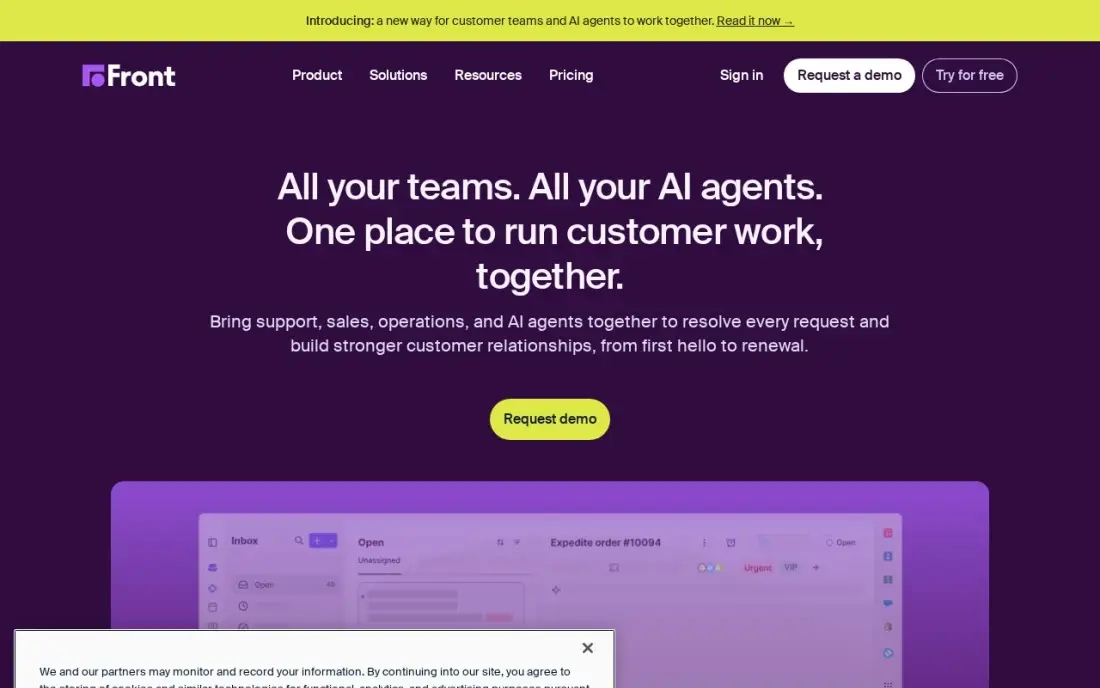
Front is built around the shared inbox itself: email, chat and SMS land in one queue, every conversation has a clear owner, and collision detection stops two people answering the same customer. Rules, tags, assignment, analytics and a knowledge base are all on Starter, which costs $25 a seat a month billed annually or $35 billed monthly.
The limits show up as you grow. Starter covers one channel type and stops at 10 seats, so a second channel or an eleventh hire moves every seat to Professional at $65. Copilot is a $20-a-seat add-on. For an account management, operations or support team of up to ten that lives in email, it is the cleanest tool in this list.
What we like
- The cleanest shared inbox here: chat, email and SMS in one queue with collision detection
- Front Chat is a real channel on Starter, so a chat-only team can buy in at $25 a seat
- Rules, tagging and assignment keep a small team organized without a separate help desk
- Strong analytics and a knowledge base on the entry plan, with AI Topics included
Watch out for
- Starter covers one channel type only — email plus chat together need Professional at $65
- Starter stops at 10 seats, so the 11th hire moves every seat to Professional
- Copilot is a $20-a-seat add-on on Starter and Professional, and Autopilot is metered per conversation

Help Scout
Best for: Small teams that want a free shared inbox that feels like ordinary email
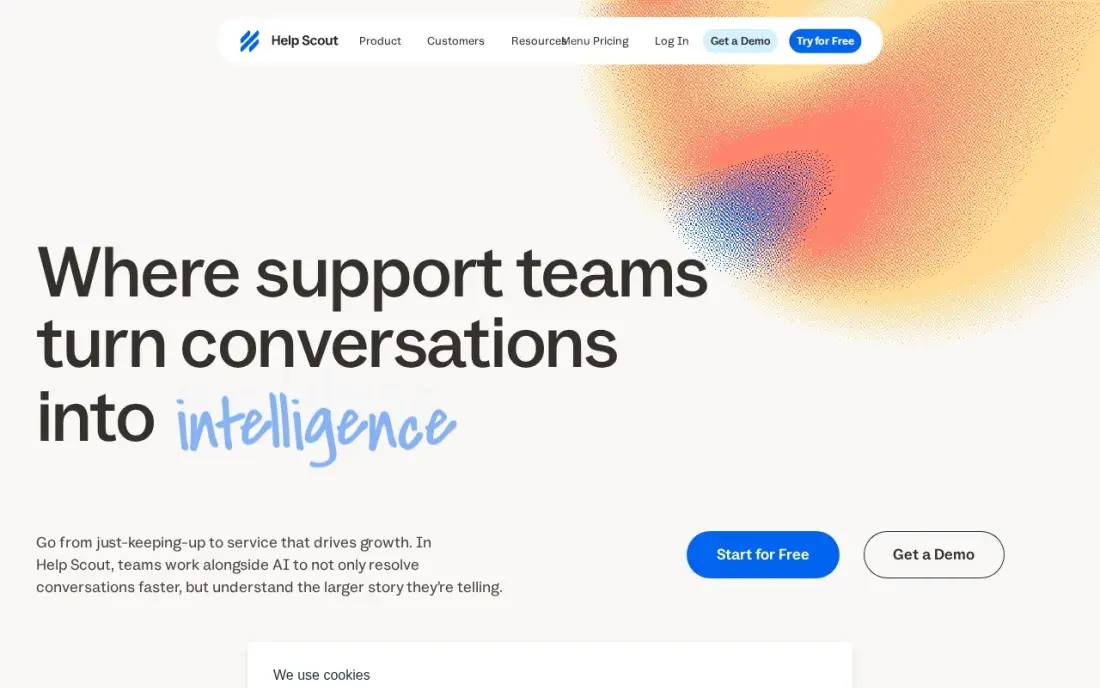
Help Scout is the easiest shared inbox to adopt, because it works like email with ownership added: new teammates need almost no training. The Free plan covers 5 users, 1 inbox and 1 Docs site at $0, and Standard costs $25 a user a month billed annually, or $30 monthly, adding more inboxes, Beacon live chat, WhatsApp, Instagram and Messenger.
Price the extras before you commit. Docs costs $10 a user extra on Standard, the AI agent is $0.75 per resolved conversation, and Standard stops at 25 users, so the 26th hire moves everyone to Plus at $45. For a small support or info@ team that wants to stop forwarding emails, the free plan is the right first step.
What we like
- A real free plan for 5 users, with 1 inbox and 1 Docs site at $0
- Beacon, the live chat widget, comes with Standard — chat is not a separate product
- The inbox feels like email with ownership added, so new agents need almost no training
- WhatsApp, Instagram and Messenger sit on the entry paid plan, not a higher tier
Watch out for
- The AI agent is an add-on at $0.75 per resolved conversation, on top of every paid tier
- Standard stops at 25 users — the 26th hire forces every seat onto Plus at $45
- Docs costs $10 a user extra on Standard, so the knowledge base is not in the headline price

Hiver
Best for: Google Workspace teams that want a shared inbox inside Gmail rather than a new app
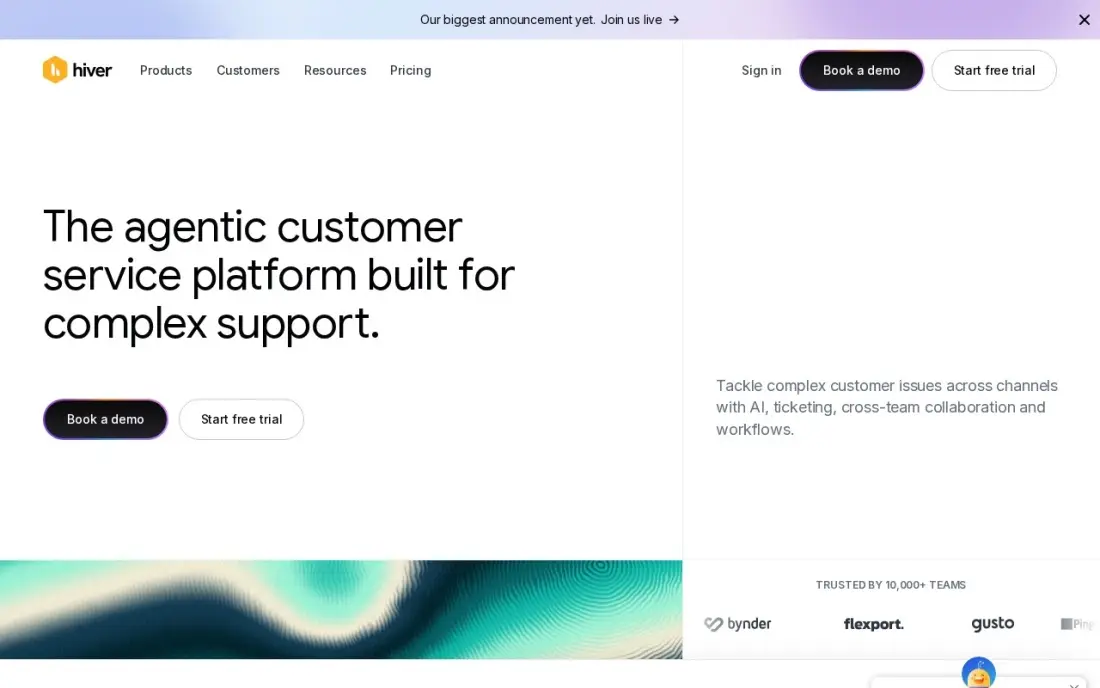
Hiver turns Gmail itself into a shared inbox. Addresses like support@ or billing@ appear in each teammate's Gmail with assignment, collision detection, tags, internal notes, SLAs and analytics layered on top, so there is no new interface to learn. Growth costs $35 a user a month, or $25 billed annually, and AI Agents and Copilot are included on paid plans rather than sold as add-ons.
There is no longer a free plan, only a 7-day trial, and paid plans start at 2 seats and scale in packs of 5 past five users. Outlook support through Hiver Omni is newer and less proven than the Gmail experience. If your team already lives in Gmail, it is the shared inbox that changes the least.
What we like
- Runs inside Gmail, so there is no new interface for the team to learn
- AI Agents and Copilot are included on paid plans, not sold as add-ons
- Assignments, collision detection, SLAs and analytics turn Gmail into a help desk
- Hiver Omni adds a standalone web platform for Outlook and other providers
Watch out for
- Paid plans start at 2 seats and scale in packs of 5 past five users
- The free plan was removed from the pricing page in September 2026 — only a 7-day trial remains
- Outlook support is newer and less proven than the Gmail experience

Missive
Best for: Small teams that want email, SMS, WhatsApp and social in one shared inbox at a low seat price
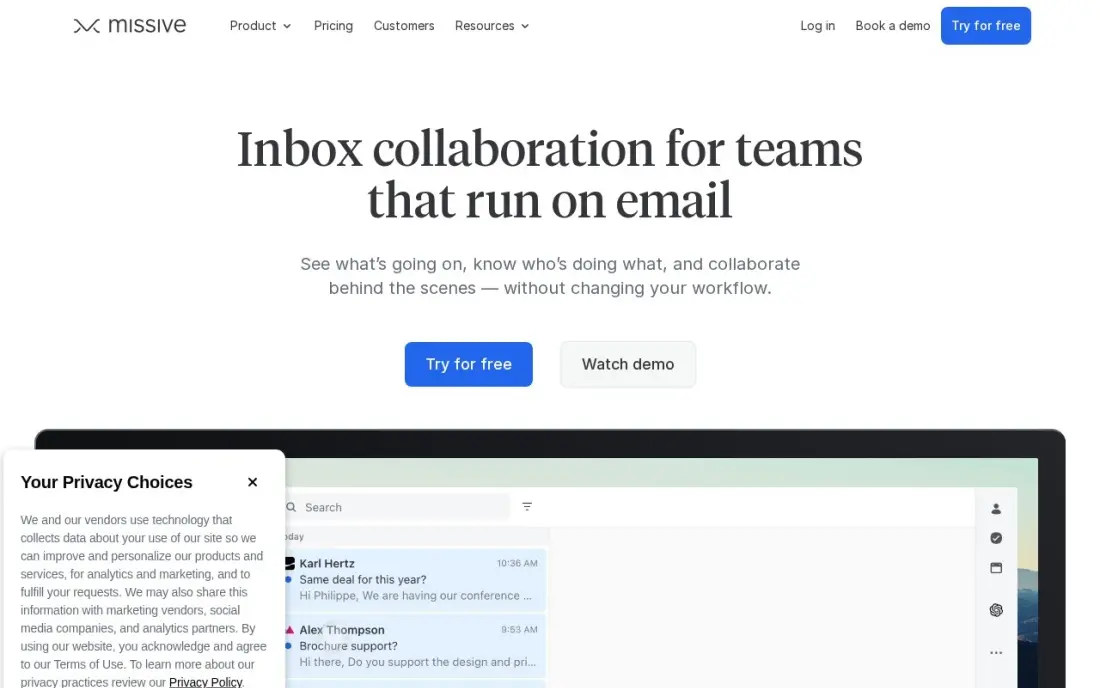
Missive is the value alternative to Front. Shared inboxes work the same way across Gmail, Microsoft 365, iCloud or any IMAP account, and email sits beside SMS, WhatsApp and social messages in one workspace from the entry plan. Teammates can comment inside a thread, turn an email into a task and see who is replying. Starter costs $18 a user a month, or $14 billed annually, for up to 5 users.
The 5-user cap is the main limit: a sixth seat means Productive at $24 a user a month, which is also where rules, API access and the AI assistant arrive. The 30-day free trial needs no credit card. For a small agency or office that wants a multichannel team inbox cheaply, it is hard to beat.
What we like
- Email, SMS, WhatsApp and social in one workspace from the entry plan
- Turn any email into a task and comment inside threads without forwarding
- 30-day free trial with no credit card required
- Works with Gmail, Microsoft 365, iCloud or any IMAP account
Watch out for
- Starter caps at 5 users — a sixth seat means Productive at $24/user/month
- API and MCP access, rules and the AI assistant wait for Productive
- AI usage is billed at the model provider's price plus a markup unless you bring your own key

Freshdesk
Best for: Teams that have outgrown a shared inbox and need ticket numbers, SLAs and a customer portal
Freshdesk is where a shared inbox becomes a help desk. Growth costs $19 an agent a month billed annually, or $23 monthly, and turns incoming email into numbered tickets with a shared inbox view, a customer portal, a knowledge base and automations from day one. Freddy AI answers are on the entry plan, with 500 AI Agent sessions included once per account.
There is no free plan any more, only a six-month Free Program for up to two agents. Freddy AI Copilot costs $29 an agent a month on Pro and Enterprise, and chat and messaging sit in Freshdesk Omni, a separate and pricier product line. Choose it when customers need ticket tracking, not just faster replies.
What we like
- The cheapest entry among the big three help desks at $19 an agent a month billed annually
- Growth covers email ticketing, a shared inbox, a customer portal, a knowledge base and automations from day one
- 500 Freddy AI Agent sessions included once per account, with AI answers on the entry plan
Watch out for
- No free plan anymore — only a six-month Free Program for up to two agents
- Freddy AI Copilot costs $29 an agent a month on Pro and Enterprise, and extra AI sessions cost $49 per 100
- Omnichannel messaging and chat sit on Freshdesk Omni, a separate, pricier product line

Zendesk
Best for: Mid-size support teams that need email, chat, voice and social in one agent workspace
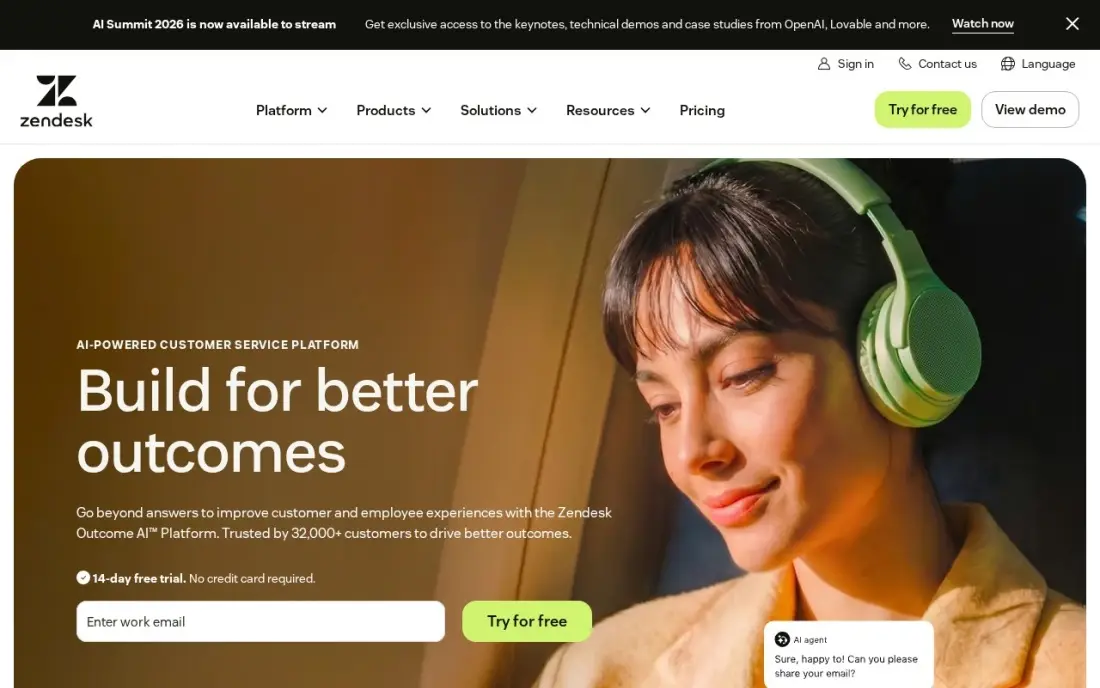
Zendesk is the heavyweight option. Suite Team, at $55 an agent a month billed annually or $69 monthly, puts email, chat, messaging, voice and social into one agent workspace, includes AI agents with five automated resolutions per agent a month, and connects to the deepest integration catalog in this list. Its G2 base of more than 7,000 reviews is also the largest.
It is more than a shared inbox, and priced that way. The cheaper Support Team plan is ticketing only, extra AI resolutions cost $1.50 each committed or $2.00 pay-as-you-go, and Copilot is $50 an agent a month on Suite Professional and above. Pick it when support is a department, not a shared address.
What we like
- The broadest channel coverage here: email, chat, messaging, voice and social in one agent workspace
- AI agents included on Suite Team, with five automated resolutions per agent a month
- The largest review base in this list — over 7,000 G2 reviews — and the deepest integration catalog
Watch out for
- The $19 Support Team plan is ticketing only; chat, the help center and AI agents start on Suite Team at $55
- AI resolutions beyond the allowance cost $1.50 each committed or $2.00 pay-as-you-go
- Copilot costs $50 an agent a month and only on Suite Professional and above

Gorgias
Best for: Shopify and ecommerce brands that want order details next to every customer email

Gorgias is the shared inbox for online stores. Every email, chat and social message shows the customer's order history, tracking and refund options beside the conversation, so agents can answer where-is-my-order questions and process changes without opening Shopify. Starter costs $10 a month for 50 tickets, on monthly billing only, and pricing is never per agent, so adding teammates costs nothing on Basic and above.
The trade-off is ticket-based billing: a holiday spike can push you into a higher tier mid-month, and every AI Agent resolution also counts as a billable helpdesk ticket. For a non-ecommerce team it makes little sense, but for a store whose inbox is mostly order questions it saves the most time.
What we like
- Agents see order history, tracking and refunds inside the ticket and can act without leaving the inbox
- AI Agent resolves order-status and shipping questions and takes simple order actions on its own
- Never priced per agent, so adding teammates costs nothing on Basic and above
Watch out for
- Every AI Agent resolution also counts as a billable helpdesk ticket, so one answer is billed twice
- Ticket-based pricing means a holiday spike can push you into a higher tier mid-month

HubSpot Service Hub
Best for: Teams already on HubSpot CRM that want shared inbox conversations on the same contact record
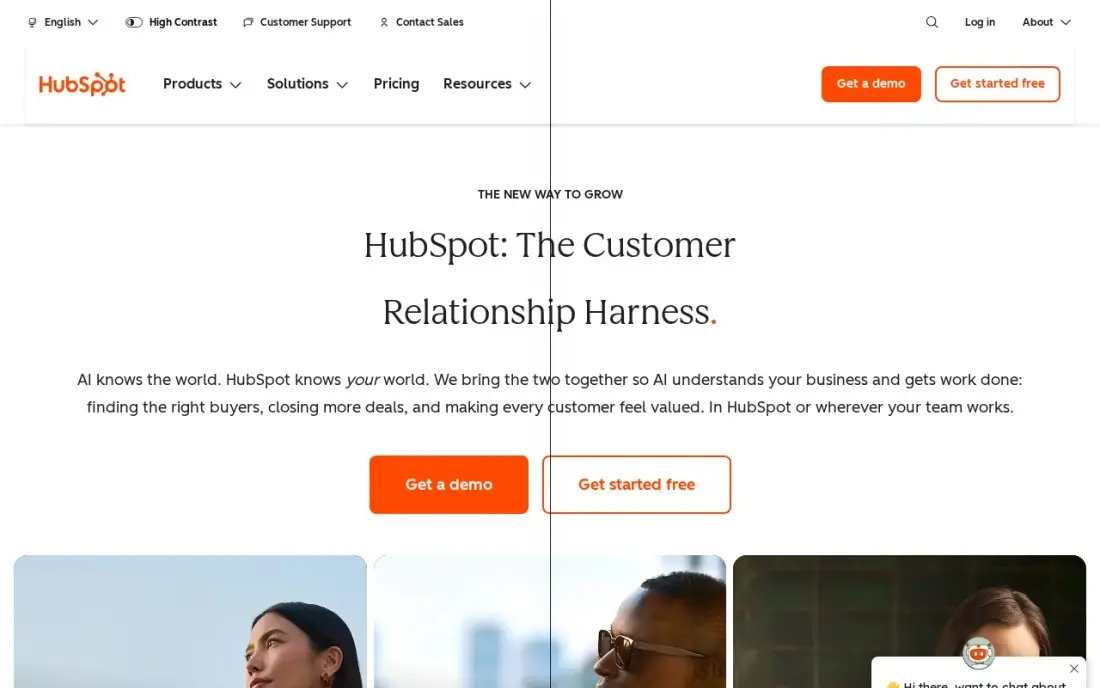
HubSpot's shared inbox makes most sense when the rest of the business already runs on HubSpot CRM. Emails and chats land in a team inbox tied to the same contact record as deals and marketing, so nobody re-types details. Free tools for up to 2 users include live chat, tickets and a knowledge base at $0, and Service Hub Starter lists at $20 a seat a month.
Read the Starter price carefully: $7 a seat billed annually is a limited-time offer for new customers, so budget renewals at $20. Starter also lacks the full help desk workspace, customer portal and AI features, which need Professional at $90 a seat. For a HubSpot team, it avoids running a second contact database.
What we like
- Tickets, deals and marketing share one contact record, so nothing is re-typed
- Free tools for up to 2 users cover live chat, tickets and a knowledge base at $0
- Starter at $20 a seat is the cheapest way into the HubSpot service suite
- More than 1,000 integrations in the App Marketplace
Watch out for
- Starter has no full help desk workspace, customer portal or knowledge base — those need Professional at $90 a seat
- AI features, including the Breeze Customer Agent, are excluded from Starter
- The $7 a seat Starter price is a new-customer promotion — budget renewals at the $20 list price
The best shared inbox software lets a team answer support@, sales@ or info@ together without forwarding emails, double replies or messages that nobody owns. We compared eight tools, from dedicated shared inboxes such as Front, Help Scout, Hiver and Missive to the help desks and CRMs teams move up to, and every price below comes from the vendor's own pricing page as checked in November 2026.
How to choose the best shared inbox software
- Start from the email client your team already uses. Hiver lives inside Gmail; Front, Missive and Help Scout are separate apps that connect to Gmail or Microsoft 365.
- Check assignment and collision detection first. The core job is clear ownership and a warning when someone else is already replying — every tool here does it, but test how visible it is.
- Count the channels you need now. Missive includes SMS, WhatsApp and social on its entry plan, while Front Starter covers one channel type only.
- Find the seat cliff. Missive Starter stops at 5 users, Front Starter at 10 and Help Scout Standard at 25; the next hire can move every seat to a pricier plan.
- Price AI separately. Several tools bill AI per resolution or per seat on top of the plan, so a cheap seat can carry an expensive AI line.
- Decide whether you need tickets. If customers expect a ticket number and status updates, start with a help desk instead.
A shared inbox speeds up replies; search decides how many enquiries arrive in it. If you want more qualified leads landing in your sales@ inbox, our monthly SEO service works on that side, and our guide to the best email management software covers tools for individual inbox overload.
Shared inbox software pricing: what you will actually pay
Take a five-person team on email only. Missive Starter costs $70 a month billed annually ($14 x 5), or $90 billed monthly. Front Starter costs $125 a month billed annually ($25 x 5), or $175 billed monthly. Hiver Growth costs $125 a month billed annually, or $175 monthly. Help Scout costs $0 on the Free plan, or $125 a month on Standard billed annually.
Over a year, that is $840 for Missive, $1,500 for Front, Hiver or Help Scout Standard on annual billing, and $1,140 for Freshdesk Growth at $19 an agent billed annually. Now add a sixth hire: Missive moves every seat to Productive at $24 a user, so the team pays $144 a month. Zendesk Suite Team at $55 an agent billed annually would cost $275 a month for five agents, which only makes sense when you need its voice, chat and AI features.
Know the difference: shared inbox vs help desk
A shared inbox keeps the conversation looking like email. Customers see a normal reply from a person, and the team gets assignment, internal notes, tags and collision detection behind the scenes. It suits account managers, operations teams, agencies and small support teams who want to stay personal and fast.
A help desk turns each message into a ticket with a number, status, priority and SLA, and adds a customer portal, a knowledge base and deeper reporting. It suits teams handling hundreds of requests a day where tracking matters more than tone. Freshdesk and Zendesk are help desks; Gorgias and HubSpot sit between the two, tied to orders or CRM records.
Quick comparison: tool type by need
| Buyer | Best pick | Why |
|---|---|---|
| Most teams up to 10 | Front | Polished shared inbox, Starter $25/seat/month billed annually |
| Free start | Help Scout | Free plan for 5 users and 1 inbox |
| Gmail teams | Hiver | Shared inbox inside Gmail, $25/user/month billed annually |
| Budget multichannel | Missive | Email, SMS and social, $14/user/month billed annually up to 5 users |
| Outgrowing the inbox | Freshdesk | Tickets, portal and SLAs, $19/agent/month billed annually |
| Omnichannel support teams | Zendesk | Email, chat, voice and social, Suite Team $55/agent/month billed annually |
| Ecommerce stores | Gorgias | Order data in every ticket, from $10/month for 50 tickets |
| HubSpot CRM users | HubSpot Service Hub | Inbox on the CRM contact record, free tools for 2 users |
Mistakes to avoid
- Buying a help desk when you need an inbox. Ticket numbers and portals add friction for account managers who just need ownership and notes.
- Ignoring the seat cliff. Check what happens to every seat's price when you add the next hire, not just the entry price.
- Forgetting promotional pricing. HubSpot's $7 Starter seat is a new-customer offer; renewals are budgeted at $20.
- Leaving rules unset. Without assignment rules, a shared inbox quickly becomes a shared mess — set owners by address or topic on day one.
- Switching without a trial on live email. Run one real address through the trial for a week before moving every inbox.
Related comparisons: Shared Calendar Apps
How we chose
We checked each vendor's own pricing page in November 2026 and recorded the starting price exactly as shown, with annual and monthly billing stated separately where the vendor lists both. We ranked tools by fit for the most common buyer, a team of 3 to 15 people sharing one or more email addresses, and noted seat caps and AI charges that change the real cost. Ratings come from G2 pages checked on the dates shown in the sources; tools without a verified rating show none. No vendor paid for a place in this list, and none of the links here are affiliate links.
What to do next
Pick the tool that matches your email client and team size, connect one shared address such as info@ and run it for a week with assignment rules switched on. Track first-reply time before and after. If the inbox is quiet because too few customers find you, book a free SEO review.
Frequently asked questions
What is the best shared inbox software?
Front is the most complete dedicated shared inbox, from $25 a seat a month billed annually. Help Scout is the best free start with a Free plan for 5 users, Hiver is best for Gmail teams, and Missive is the cheapest multichannel option at $14 a user a month billed annually for up to 5 users.
Is there free shared inbox software?
Yes. Help Scout's Free plan covers 5 users, 1 inbox and 1 Docs site at $0, and HubSpot's free tools include a shared inbox with tickets and live chat for up to 2 users. Hiver no longer has a free plan, and Freshdesk offers a six-month Free Program for up to two agents.
Can you make a shared inbox in Gmail without extra software?
Google Workspace lets several people access a group address or a delegated mailbox, but it has no assignment, collision detection or reporting. Tools such as Hiver add those features inside Gmail, from $25 a user a month billed annually.
What is the difference between a shared inbox and a help desk?
A shared inbox keeps conversations looking like email and adds ownership, notes and collision detection. A help desk turns each message into a numbered ticket with statuses, SLAs, a customer portal and reporting. Front, Help Scout, Hiver and Missive lean toward shared inbox; Freshdesk and Zendesk are help desks.
How much does shared inbox software cost?
On published prices, Missive starts at $14 a user a month billed annually, Front and Hiver at $25 billed annually, Help Scout Standard at $25 billed annually, and Freshdesk Growth at $19 an agent billed annually. Gorgias starts at $10 a month for 50 tickets, billed monthly.
Which shared inbox works best for ecommerce?
Gorgias, because it shows Shopify order history, tracking and refunds inside each conversation and does not charge per agent. Its Starter plan costs $10 a month for 50 tickets on monthly billing.
How do you manage a shared inbox?
Give every conversation one clear owner, and make sure teammates can see when someone else is already replying. Assignment and collision detection do both, and every tool in this list has them. Add rules and tags to route messages automatically, as Front does, and set SLAs so nothing waits too long, as Hiver does. If customers expect ticket numbers and status updates, move to a help desk such as Freshdesk.
Which shared inbox is best for team collaboration?
Missive is the strongest for collaboration: you can turn any email into a task and comment inside threads without forwarding, from $14 a user a month billed annually. Front offers rules, tagging and assignment with collision detection, and Hiver adds assignments and collision detection inside Gmail. HubSpot Service Hub suits teams that want conversations on the same contact record as deals.
Sources we checked (13)
- Front — front.com/pricing (checked November 12, 2026)
- Help Scout — www.helpscout.com/pricing (checked November 12, 2026)
- Hiver — hiverhq.com/pricing (checked November 6, 2026)
- Hiver reviews on G2 (checked November 6, 2026)
- Missive — www.missiveapp.com/pricing (checked November 6, 2026)
- Missive reviews on G2 (checked November 6, 2026)
- Freshdesk — www.freshworks.com/freshdesk/pricing (checked November 12, 2026)
- Freshdesk reviews on G2 (checked November 12, 2026)
- Zendesk — www.zendesk.com/pricing (checked November 12, 2026)
- Zendesk reviews on G2 (checked November 12, 2026)
- Gorgias — www.gorgias.com/pricing (checked November 2, 2026)
- Gorgias reviews on G2 (checked November 2, 2026)
- HubSpot Service Hub — www.hubspot.com/pricing/service (checked November 12, 2026)
Make one of these tools?
We re-check this list every quarter. Send a correction, request a review, or ask about a clearly labeled sponsored spot.
Request a listingShamim
Founder of SerpAstra
A full-stack digital marketer and SEO strategist covering technical and local SEO, AI search visibility, paid ads and lead generation for local businesses, e-commerce brands and SaaS teams.
Free SEO and AI visibility audit
Find out what is holding your rankings back
Send us your site. Within 2 business days you get a written audit, an AI visibility check and a short fix list ranked by impact. Free, with no contract attached.
Request my free audit→Related buying guides
 Productivity & Office10 Best Email Management Software in 2026, ComparedCompare the 10 best email management software tools on price, free plans, shared inboxes and AI features, with every price checked November 6, 2026.Read guide →
 Business Software7 Best Support Ticket Systems for SAAS Companies in 2026, ComparedCompare the 7 best support ticket systems for saas companies on price, free plans, AI features and per-seat costs, with every price checked November 4, 2026.Read guide →
 Customer Service11 Best Live Chat Platforms for SAAS Businesses in 2026, ComparedCompare the 11 best live chat platforms for saas businesses on price, free plans, and AI agents, with every price checked November 12, 2026.Read guide →