
8 Best Shared Calendar Apps in 2026, Compared
Compare the 8 best shared calendar apps for families, couples and teams on free plans, sharing controls and real cost, with prices checked in November 2026.
 Shamim Mia, Founder, SerpAstraLast verified November 6, 20269 min read
We compare pricing pages, documentation and public reviews. We never accept payment for rankings.

Key takeaways
- Google Calendar is the best shared calendar app for most people: free on every device, with shared calendars and booking pages included.
- Cozi and TimeTree are built for households. Both are free to start; Cozi adds shopping lists and a recipe box, while TimeTree gives each shared calendar its own comment thread.
- For a business, a shared calendar comes with the email suite: Google Workspace and Microsoft 365 Business Basic both start at $7 a user a month billed annually.
- OneCal solves a different problem — keeping calendars on different providers in step — from $5 a user a month billed annually.
On this page
Quick comparison
| Tool | Best for | Starting price | Free plan |
|---|---|---|---|
| Google Calendar | Families, friends and small teams that want a free shared calendar on every device | Free | Yes (free plan) |
| Cozi | Busy households that want one family calendar plus shopping lists, to-dos and recipes | Free; Gold in-app | Yes |
| TimeTree | Couples, friend groups and clubs that want several shared calendars with chat on each event | Free | Yes |
| Outlook Calendar | Households and teams that already use Outlook.com or Microsoft 365 email | Free | Yes (free plan) |
| Google Workspace | Small businesses that want shared team calendars, room booking and business email together | $7/user/mo (annual) | No (14-day trial) |
| Microsoft 365 | Businesses on Outlook and Exchange that want shared calendars inside the Office suite | $7/mo | No (1-month trial) |
| Calendar.com | Small teams that share one team view and book meetings with outsiders all day | $20/mo | No (14-day trial) |
| OneCal | People whose shared family calendar and work calendar live on different providers | $5/mo | No (14-day trial) |
Make one of these tools?
We re-check this list every quarter. Send a correction, request a review, or ask about a clearly labeled sponsored spot.
Request a listingThe best shared calendar apps

Google Calendar
Best for: Families, friends and small teams that want a free shared calendar on every device
Google Calendar is the shared calendar most people already have. It is free with any Google account on iPhone, Android, the web and desktop, and you can create separate calendars — family, school runs, the football team — and share each one with exactly the people who need it, choosing whether they can only see times, see details or make changes.
Because almost every other calendar app connects to Google, it also works as the shared base for people who prefer a different app on their own phone. What it lacks is household extras: there are no shopping lists or chore lists, and sharing controls are basic next to paid team tools. For most families, it is still the place to start.
What we like
- Free on iOS, Android, web and desktop, with the same events everywhere
- Connects to almost every calendar app, so it works as the shared base layer
- Booking pages, shared calendars and room booking cost nothing extra
- Search, time-zone support and recurring events all work on the free plan
Watch out for
- No built-in time-blocking or AI scheduling, so planning work still needs a second tool
- Sharing controls are basic next to paid team planners
- Google account required, which some workplaces do not allow

Cozi
Best for: Busy households that want one family calendar plus shopping lists, to-dos and recipes
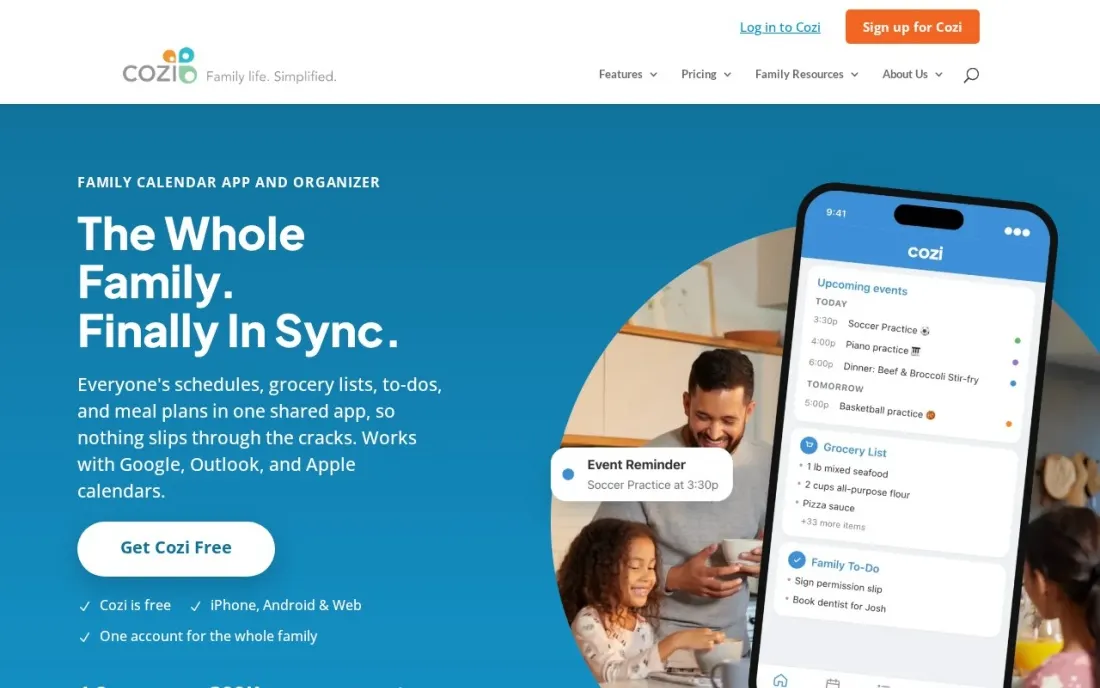
Cozi is a family organiser built around one shared calendar. Each person gets a colour, reminders and agenda emails keep everyone on schedule, and shopping lists, to-do lists and a recipe box sit in the same app, so the person at the supermarket sees the list the rest of the family has been adding to. It is rated 4.8 out of 5 on the App Store from 403,000 ratings.
The free version has real limits: events more than 30 days ahead, the mobile month view, change notifications and the birthday tracker need Cozi Gold, and free users see ads. The App Store lists a one-year Gold subscription at $29.99, with other Gold listings up to $59.99, so confirm the price in the app.
What we like
- Colour-coded family calendar with reminders and daily or weekly agenda emails on the free version
- Shopping lists, to-do lists and a recipe box sit beside the calendar
- Rated 4.8 out of 5 on the App Store from 403,000 ratings
Watch out for
- Viewing and adding events more than 30 days ahead, the mobile month view and change notifications need Cozi Gold
- The free version shows ads
- App Store Gold prices vary by listing, so check the exact price in the app

TimeTree
Best for: Couples, friend groups and clubs that want several shared calendars with chat on each event
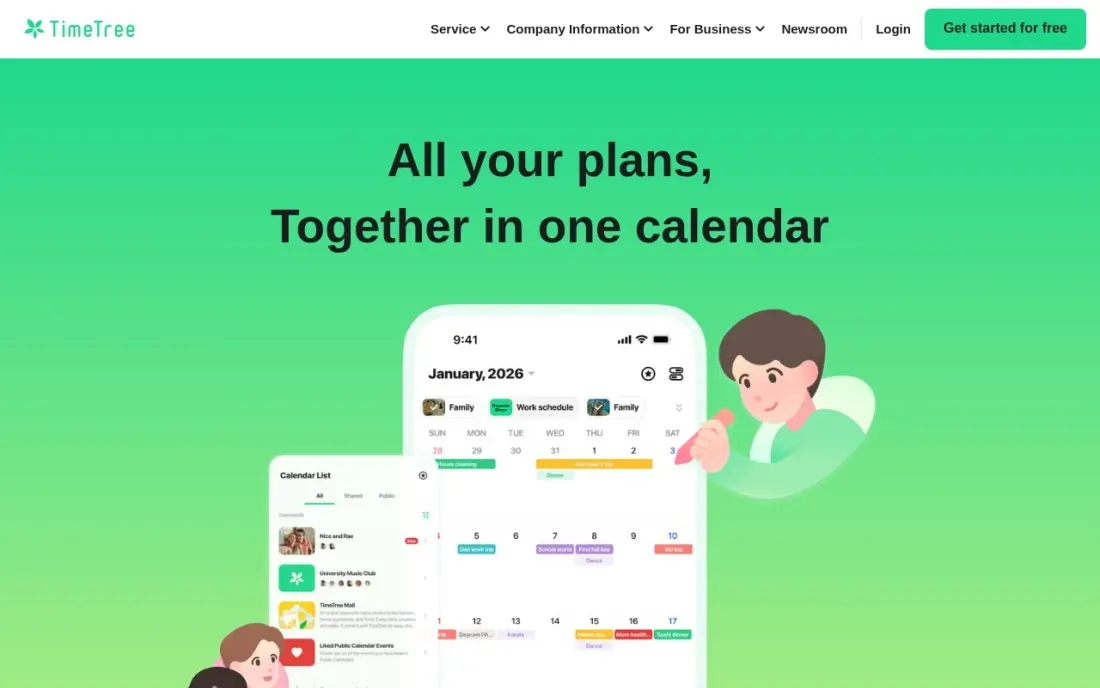
TimeTree is built for the many small groups in one person's life. You can make a calendar for your partner, another for your parents and another for a club, and each one has its own members. Members can post comments and photos on an event, so the conversation about Saturday's dinner sits on the event itself rather than in a separate chat.
The basics are free: making and sharing several calendars, comments and photos, importing other calendars and using or creating public calendars. TimeTree Premium is an optional upgrade, but its help page does not list the price, so check it in the app. Choose TimeTree for shared plans across several groups; choose Cozi if you also want household lists.
What we like
- Making and sharing multiple calendars is free
- Comments and photos on events keep plans and chat in one place
- Imports other calendars and supports public calendars
Watch out for
- Premium pricing is not shown on TimeTree's help page
- No shopping lists or recipe tools like Cozi

Outlook Calendar
Best for: Households and teams that already use Outlook.com or Microsoft 365 email
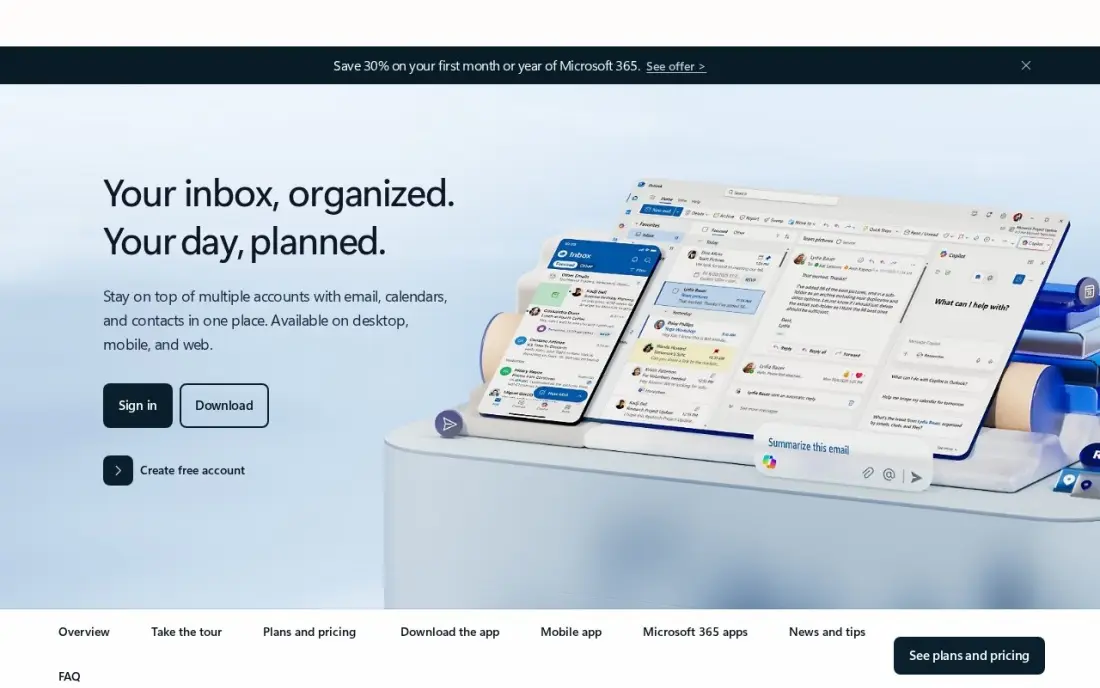
Outlook Calendar is the free shared calendar for people on Microsoft's side. Any Outlook.com account includes a calendar on iOS, Android, web and desktop, and because email and calendar share an app, an invitation becomes a shared event in one tap. You can share a calendar with family members or colleagues and decide what they can see or edit.
Sharing works most smoothly inside a Microsoft 365 organisation; with people outside it, setup takes more steps than on Google. The desktop app and ad-free inbox need Microsoft 365 Personal at $9.99 a month. If your family or team already reads email in Outlook, there is no reason to add another app.
What we like
- Free with any Outlook.com account on iOS, Android, web and desktop
- Email and calendar sit in one app, so invites become events in one tap
- Shared calendars, groups and room booking work well inside Microsoft 365
- Strongest choice where work already runs on Exchange or Microsoft 365
Watch out for
- The desktop app and ad-free inbox need Microsoft 365 Personal at $9.99 a month
- Shared-calendar setup is fiddly outside a Microsoft 365 organisation
- No AI time-blocking; focus time needs Viva Insights or a second tool

Google Workspace
Best for: Small businesses that want shared team calendars, room booking and business email together
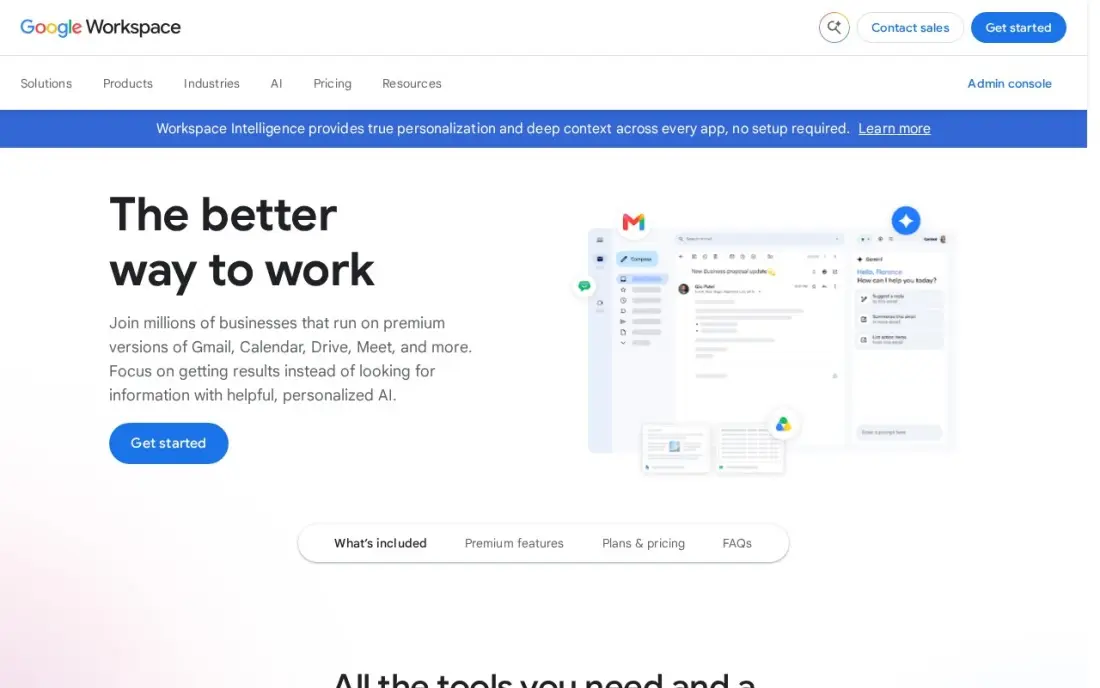
For a business, the shared calendar usually arrives with the email suite. Google Workspace Business Starter costs $7 a user a month billed annually, or $8.40 on the flexible monthly plan, and puts every employee's calendar, shared team calendars and meeting rooms under one admin, with Gmail, Drive and Meet for up to 100 participants in the same subscription.
The value is control: when someone leaves, the company keeps their calendars and events, which never happens with personal accounts. Business editions cap at 300 users, and Meet recording needs Business Standard at $14 a user a month. It is rated 4.6 out of 5 on G2 from 48,169 reviews.
What we like
- Business email, Docs, Sheets, Slides, Drive and Meet in one subscription from $7 a user a month billed annually
- Gemini AI is included in Gmail and the Gemini app on every Business plan
- 30 GB of pooled storage per user on Business Starter, with Meet for up to 100 participants
- The suite most clients already use, so sharing files and calendars needs no training
Watch out for
- Business editions cap at 300 users, so a growing company must move to Enterprise
- Meet recording and advanced admin controls need Business Standard ($14) or higher
- The 50%-off new-customer offer covers only the first 20 users for 12 months

Microsoft 365
Best for: Businesses on Outlook and Exchange that want shared calendars inside the Office suite
Microsoft 365 Business Basic is the Exchange route to shared team calendars. It costs $7 a user a month billed annually, or $8.40 month to month, and includes Outlook, Teams, SharePoint and 1 TB of OneDrive per user, so shared calendars, group calendars and meeting invitations work across the company with central admin control.
Basic rose from $6 to $7 on July 1, 2026, so older comparisons quoting $6 are out of date, and desktop Office apps need Business Standard at $14 a user a month. There is a one-month free trial but no free plan. Rated 4.6 out of 5 on G2 from 5,879 reviews, it is the default where clients already use Outlook.
What we like
- Exchange email with Outlook, Teams and 1 TB of OneDrive per user in the $7 Business Basic plan
- Shared calendars, group calendars and meeting invitations work across the company with central admin control
- Web and mobile Office apps are included, with desktop apps one tier up on Standard
- Business plans cover up to 300 users with admin controls and security defaults
Watch out for
- Business Basic has no desktop Office apps — those start on Business Standard at $14/user/month
- The July 1, 2026 price rise took Basic from $6 to $7, so older comparisons quoting $6 are out of date
- No free plan — only a 1-month trial, and Copilot AI costs extra on every plan

Calendar.com
Best for: Small teams that share one team view and book meetings with outsiders all day
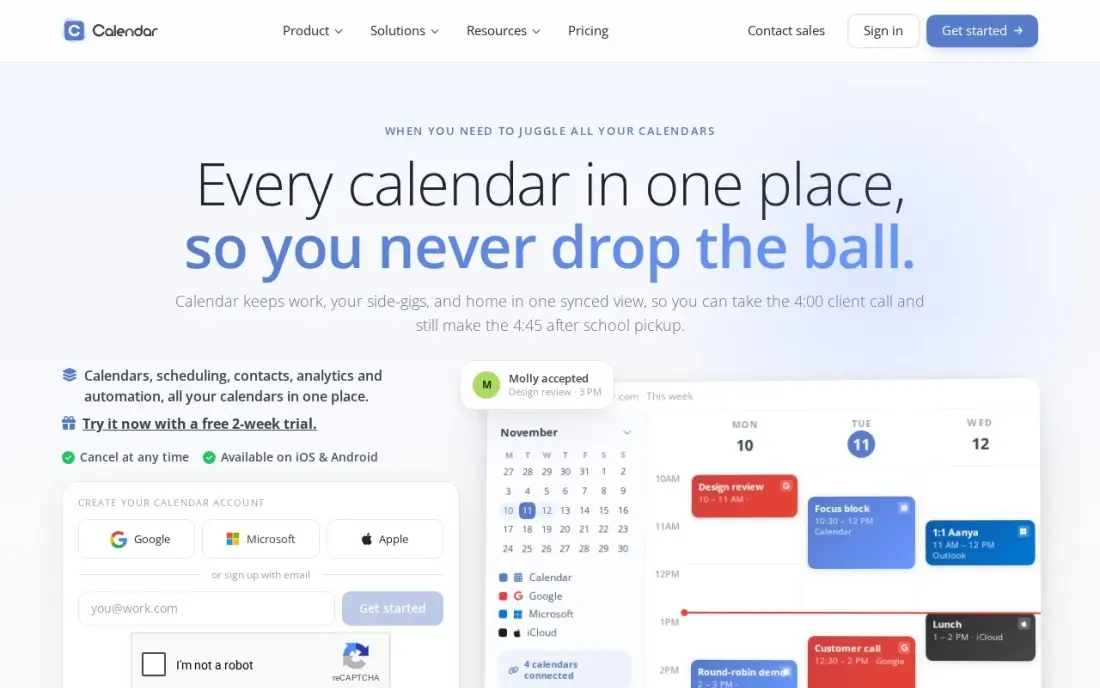
Calendar.com turns several people's calendars into one team view. It connects Google, Outlook and other calendars, then adds booking pages, meeting polls and round-robin scheduling, so a client can book whoever is free without a chain of emails. Standard also takes payment for events and adds custom branding, and team analytics show who is booked and when.
The $20 price is per user per month billed monthly, or $192 per user per year billed annually, so five people cost $100 a month on monthly billing. Standard caps at 10 users and 6 connected calendars. It is a team scheduling tool; families will do better with the free apps above.
What we like
- Unifies Google, Outlook and other calendars into one team view
- Booking pages, meeting polls and round-robin scheduling are built in
- Takes payment for events and adds custom branding on Standard
- Individual and team analytics show who is booked and when
Watch out for
- The $20 headline is per user, so five people cost $100 a month, not $20
- SSO is a paid add-on on Pro and included only on Enterprise
- Standard caps at 10 users and 6 connected calendars per workspace

OneCal
Best for: People whose shared family calendar and work calendar live on different providers
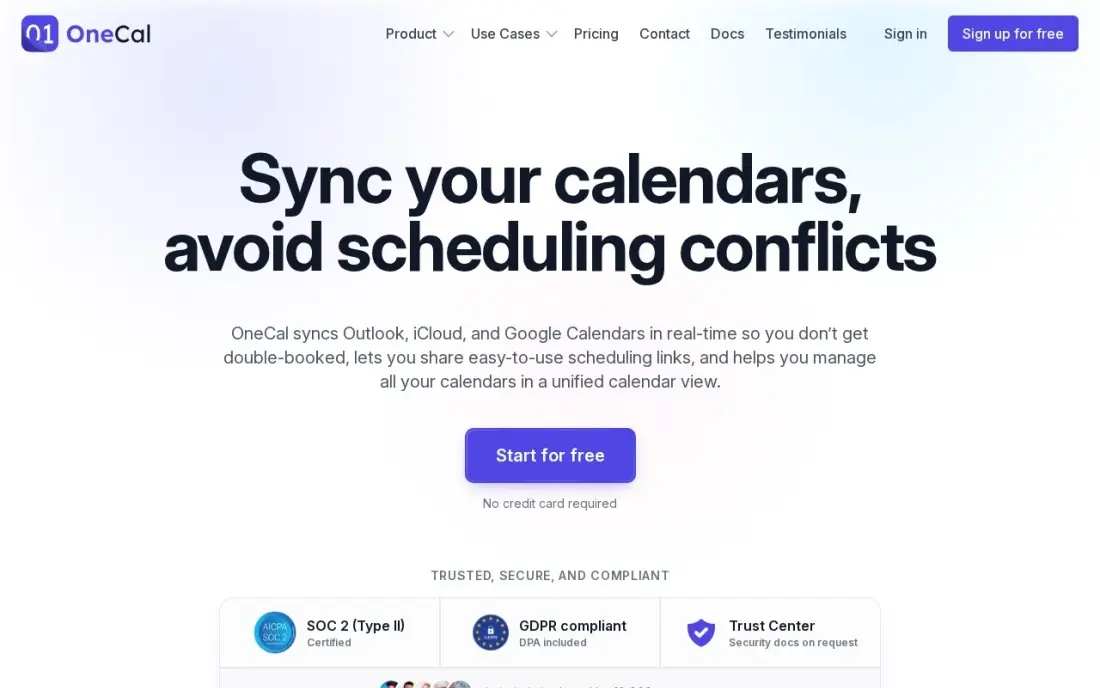
OneCal fixes the most common shared-calendar headache: your family shares a Google calendar, but your employer runs Outlook. OneCal syncs Google, Outlook, iCloud and CalDAV calendars in several directions at once, so a school event on the family calendar blocks the same slot at work, and privacy controls decide which details cross over.
Starter costs $5 a user a month billed annually, or $60 a year, for up to two connected calendars, and the monthly rate is not published. There is no free plan, only a 14-day trial. It is a sync layer, not a calendar, so you keep Google or Outlook underneath.
What we like
- Multi-way sync keeps Google, Outlook, iCloud and CalDAV calendars mutually current
- Privacy controls choose which event details cross from one calendar to another
- Unlimited booking links and a unified calendar view come with every plan
- iOS, Android, macOS and web apps, with real-time sync
Watch out for
- It syncs calendars rather than replacing them, so you still need Google or Outlook underneath
- No free plan, only a 14-day trial, and the price rises with every extra calendar
- The monthly rate is not published, so month-to-month buyers cannot see the cost up front
The best shared calendar app shows everyone the same plan at the same time: who has the car on Thursday, which client meeting moved, and when the whole team is free. We compared eight apps across the three ways people share calendars — free general calendars, family organisers and business suites — plus one sync tool, and every price below comes from the vendor's own page or app listing as checked in November 2026.
How to choose the best shared calendar app
- Start with what everyone already uses. If your family or team is on Gmail, a shared Google calendar costs nothing and needs no new app; the same goes for Outlook.
- Check permissions, not just sharing. You want to decide who can see only busy times, who sees details and who can edit, especially for work calendars.
- Make sure it works on every phone in the group. A shared calendar fails the day one person cannot open it; all the apps here except the business suites' admin tools run on iPhone and Android.
- Decide whether you need more than dates. Cozi adds shopping lists, to-dos and recipes; TimeTree adds comments on events; a plain calendar keeps things simple.
- Read the free version's limits. Cozi's free version stops at 30 days ahead and shows ads, which matters if you plan holidays months out.
- Keep business calendars on business accounts. Company-owned calendars stay with the company when someone leaves; personal ones go with the person.
If your shared calendar includes customer bookings, the booking page is also a search result. Our local SEO service helps local businesses get found on Google Maps, and the free local business schema generator adds your hours and booking link to your site in a format Google reads.
Shared calendar app pricing: what you will actually pay
For a family of four, the cost can be zero: Google Calendar, Outlook Calendar, Cozi and TimeTree all have free versions. The first paid step is usually a household upgrade — the App Store lists a one-year Cozi Gold subscription at $29.99 — or a sync tool such as OneCal at $60 a year for one user billed annually.
For a business of ten, the calendar comes with email. Google Workspace Business Starter costs $7 a user a month billed annually, or $840 a year for ten people, and $8.40 a user on the flexible monthly plan, or $1,008 a year. Microsoft 365 Business Basic also costs $7 a user a month billed annually, or $840 a year for ten. A dedicated team scheduler costs more: Calendar.com Standard at $192 per user per year billed annually is $1,920 a year for ten users, on top of the email suite.
Know the difference: family calendar vs team calendar
A family calendar is about coordination between people who are not in the same organisation. Anyone can join with a personal account, the calendar sits next to lists and reminders, and the main features are colour-coding, notifications and simple permissions. Cozi and TimeTree are built for this, and a shared Google calendar does it well for free.
A team calendar is about control and availability. An administrator owns the accounts, meeting rooms and shared resources are bookable, and the calendar connects to email, video calls and booking pages. Google Workspace and Microsoft 365 provide this, and Calendar.com adds a shared team view for booking outsiders. Mixing the two — running a business from personal calendars — works until someone leaves and takes the bookings with them.
Quick comparison: tool type by need
| Buyer | Best pick | Why |
|---|---|---|
| Most families and friends | Google Calendar | Free shared calendars on every device |
| Busy households | Cozi | Family calendar, shopping lists and recipes; free version |
| Several small groups | TimeTree | Multiple shared calendars with comments, free |
| Outlook users | Outlook Calendar | Free with an Outlook.com account |
| Small businesses on Gmail | Google Workspace | Team calendars and rooms from $7/user/month billed annually |
| Businesses on Exchange | Microsoft 365 | Business Basic from $7/user/month billed annually |
| Teams booking outsiders | Calendar.com | Team view, booking pages and polls; $20/user/month |
| Calendars on mixed providers | OneCal | Multi-way sync from $5/user/month billed annually |
Mistakes to avoid
- Sharing your whole personal calendar. Create a separate shared calendar for the family or team so private appointments stay private.
- Giving everyone edit rights. Let one or two people edit and the rest view, or events will move without anyone knowing why.
- Running two calendars that never sync. If work and home are on different providers, connect them or use a sync tool, or you will double-book yourself.
- Ignoring notification settings. Too many alerts and people mute the app; set reminders for the events that matter, not every change.
- Using personal accounts for company scheduling. When staff leave, their calendars leave with them; keep business calendars on business accounts.
Related comparisons: Marketing Calendar Software · Content Calendar Software · Cross-Platform Calendar · Shared Inbox Software
How we chose
We checked each vendor's own pricing page, help page or App Store listing in November 2026 and recorded the starting price exactly as shown, including the annual-billing figure where one is listed. Cozi Gold prices vary between App Store listings and TimeTree does not publish its Premium price on its help page, so we say that rather than guess. We ranked the apps by fit for the most common buyer — a family or small team sharing one plan across different phones. Ratings come from G2 or the App Store where shown. No vendor paid for a place in this list, and none of the links here are affiliate links.
What to do next
Create one shared calendar today in the app your group already uses, add the next month's fixed events and invite everyone with the right permission level. After two weeks, check whether people are adding events themselves; if not, try Cozi or TimeTree for a friendlier app. If the calendar runs a business, book a free strategy call to make sure customers can find and book you.
Frequently asked questions
What is the best shared calendar app?
Google Calendar is the best shared calendar app for most people because it is free, works on every device and lets you share separate calendars with different people. Cozi is the best family organiser with lists, TimeTree is best for several small groups, and Google Workspace or Microsoft 365 suit businesses.
What is the best free shared calendar for families?
Google Calendar, Cozi and TimeTree are all free. Cozi adds shopping lists, to-do lists and a recipe box, though events more than 30 days ahead need Cozi Gold. TimeTree lets you run several shared calendars with comments on each event.
Can iPhone and Android users share one calendar?
Yes. Google Calendar, Outlook Calendar, Cozi and TimeTree all run on both iPhone and Android, so a mixed family can share one calendar without everyone switching phones.
How much does a shared calendar app cost?
For personal use, it can cost nothing: Google Calendar, Outlook Calendar, Cozi and TimeTree have free versions. Business shared calendars come with Google Workspace or Microsoft 365 Business Basic from $7 a user a month billed annually, and Calendar.com costs $20 a user a month billed monthly.
How do I keep my work and family calendars in sync?
If both are on the same provider, share the family calendar to your work account. If they are on different providers, a sync tool such as OneCal copies events between Google, Outlook and iCloud from $5 a user a month billed annually, with privacy controls for what crosses over.
Is a shared calendar safe for business use?
Use a business account rather than personal ones. Google Workspace and Microsoft 365 keep calendars under company control, so when someone leaves, the events and room bookings stay with the business.
What is the best shared calendar app for divorced parents?
None of the apps here is built only for co-parenting, but TimeTree fits well: you can run a separate shared calendar for the children, free, with a comment thread on each event so pickup details stay on the event instead of in texts. Google Calendar is the free alternative when both parents already use Gmail, and both apps run on iPhone and Android.
Sources we checked (10)
- Google Calendar — calendar.google.com (checked November 10, 2026)
- Cozi — apps.apple.com/app/id407108860 (checked November 16, 2026)
- TimeTree — support.timetreeapp.com/hc/en-us/articles/360000290802-How-much-does-TimeTree-cost (checked November 16, 2026)
- Outlook Calendar — www.microsoft.com/en-us/microsoft-365/buy/compare-all-microsoft-365-products (checked November 10, 2026)
- Google Workspace — workspace.google.com/pricing (checked November 10, 2026)
- Google Workspace reviews on G2 (checked November 10, 2026)
- Microsoft 365 — www.microsoft.com/en-us/microsoft-365/business/compare-all-microsoft-365-business-products (checked November 6, 2026)
- Microsoft 365 reviews on G2 (checked November 6, 2026)
- Calendar.com — www.calendar.com/pricing (checked November 10, 2026)
- OneCal — onecal.io/pricing (checked November 10, 2026)
Make one of these tools?
We re-check this list every quarter. Send a correction, request a review, or ask about a clearly labeled sponsored spot.
Request a listingShamim
Founder of SerpAstra
A full-stack digital marketer and SEO strategist covering technical and local SEO, AI search visibility, paid ads and lead generation for local businesses, e-commerce brands and SaaS teams.
Free SEO and AI visibility audit
Find out what is holding your rankings back
Send us your site. Within 2 business days you get a written audit, an AI visibility check and a short fix list ranked by impact. Free, with no contract attached.
Request my free audit→Related buying guides
 Productivity & Office12 Best Cross-Platform Calendar for 2026 (Pros, Cons and Pricing)Compare the 12 best cross-platform calendar apps for 2026, with real starting prices, free plans and sync across iOS, Android and the web checked.Read guide →
 Productivity & OfficeBest Digital Planner Apps (2026): 12 Apps Worth DownloadingCompare the 12 best digital planner app options for iPad, Android and desktop on price, free plans and features, with every price checked November 12, 2026.Read guide →
 Project & Product Management7 Best To-Do List Apps for Small Business in 2026Compare the 7 best to-do list app for small business options on price, free plans and features, with every single price checked November 12, 2026.Read guide →