
8 Best Translation Software in 2026, Compared
Compare the 8 best translation software for machine translation, translator CAT tools and team localization, with free plans and prices checked on vendor pages.
 Shamim Mia, Founder, SerpAstraLast verified November 4, 20268 min read
We compare pricing pages, documentation and public reviews. We never accept payment for rankings.
Key takeaways
- DeepL gives the most natural machine translation for documents and email, with a free plan of 50,000 characters a month and Individual at $8.74 a month billed annually.
- Google Translate and Microsoft Translator are free and cover far more languages, but read more literally on long text.
- Professional translators work in a CAT tool such as Trados, where translation memory and terminology make repeat work faster; Trados Freelance costs £408 a year.
- Teams translating apps and websites need a translation management system: Crowdin has the most usable free plan, while Phrase, Lokalise and Smartling suit larger programmes.
On this page
Quick comparison
| Tool | Best for | Starting price | Free plan |
|---|---|---|---|
| DeepL | Businesses and writers that want the most natural machine translation of documents and email | $10.49/mo | Yes (free plan) |
| Google Translate | Anyone who needs free translation across 130+ languages, including camera and voice | Free | Yes (free) |
| Microsoft Translator | Microsoft 365 teams that want free translation inside Office, Edge and live meetings | Free | Yes (free) |
| Trados | Freelance and in-house professional translators who need translation memory and terminology | £24/mo; £288/yr | 14-day trial |
| Phrase | Enterprises translating both app strings and long-form documents in one suite | $27/mo* | No (14-day trial) |
| Smartling | Companies that want machine, AI and human translation billed per word from one platform | Free Core; MT $0.0075/word | Yes (free Core) |
| Crowdin | Small teams translating an app or website that want a real free plan and unlimited translators | Free; Pro $50/mo yearly | Yes (free plan) |
| Lokalise | Product teams that ship web and mobile releases often and want translation automated into the workflow | $169/mo | No (14-day trial) |
Make one of these tools?
We re-check this list every quarter. Send a correction, request a review, or ask about a clearly labeled sponsored spot.
Request a listingThe best translation software

DeepL
Best for: Businesses and writers that want the most natural machine translation of documents and email
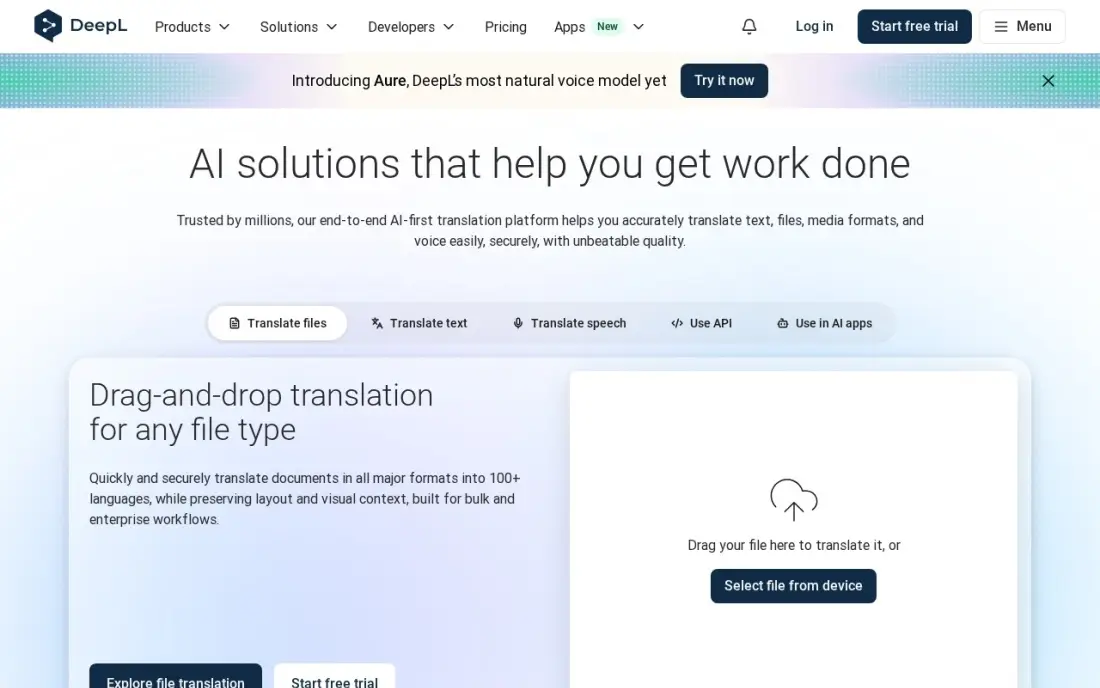
DeepL is the machine translation tool to start with when the output goes to a client. Its translations read naturally, it offers alternative wordings, and document translation keeps the original formatting. A glossary keeps your preferred terms consistent. The free plan covers 50,000 characters and one file a month.
Individual costs $10.49 a month billed monthly, or $8.74 billed annually, and allows three file translations a month. The limits are coverage and speech: DeepL supports 33 languages, far fewer than Google or Microsoft, and has no camera or conversation mode. For written business text in major languages, it is the quality pick.
What we like
- Most natural-sounding translations in this list, with alternative wordings to pick from
- Free plan covers 50,000 characters a month, enough for everyday messages
- Document translation keeps formatting, with 3 files a month on Individual
- Glossary keeps your preferred terms consistent across translations
Watch out for
- Only 33 languages, far fewer than Google Translate or Microsoft Translator
- No camera translation and no conversation mode for live spoken chats
- Free plan stops at 50,000 characters a month and 1 file translation a month

Google Translate
Best for: Anyone who needs free translation across 130+ languages, including camera and voice
Google Translate covers the most ground for nothing. Text, voice, camera and two-way conversation translation are free, it supports more than 130 languages, and offline language packs work without a connection. Camera mode reads menus, signs and printed documents live through the phone.
The weakness is wording. Long sentences and idioms can come out literal, so anything you publish or send to a customer needs a fluent check. Document translation is also more limited than DeepL's. Use it for understanding incoming text and for languages the paid tools do not cover, not as the last step before publishing.
What we like
- Completely free with no paid tier: text, voice, camera and conversation translation cost nothing
- 130+ languages, the widest coverage in this list, with offline language packs for use without a connection
- Camera mode translates menus, signs and documents live through the phone camera
- Conversation mode translates two-way speech in real time
Watch out for
- Translations can sound literal on idioms and long sentences, so check important text before sending it
- Built for understanding text, so anything you publish or send to a customer needs a fluent check
- Document translation is limited next to DeepL and Reverso

Microsoft Translator
Best for: Microsoft 365 teams that want free translation inside Office, Edge and live meetings
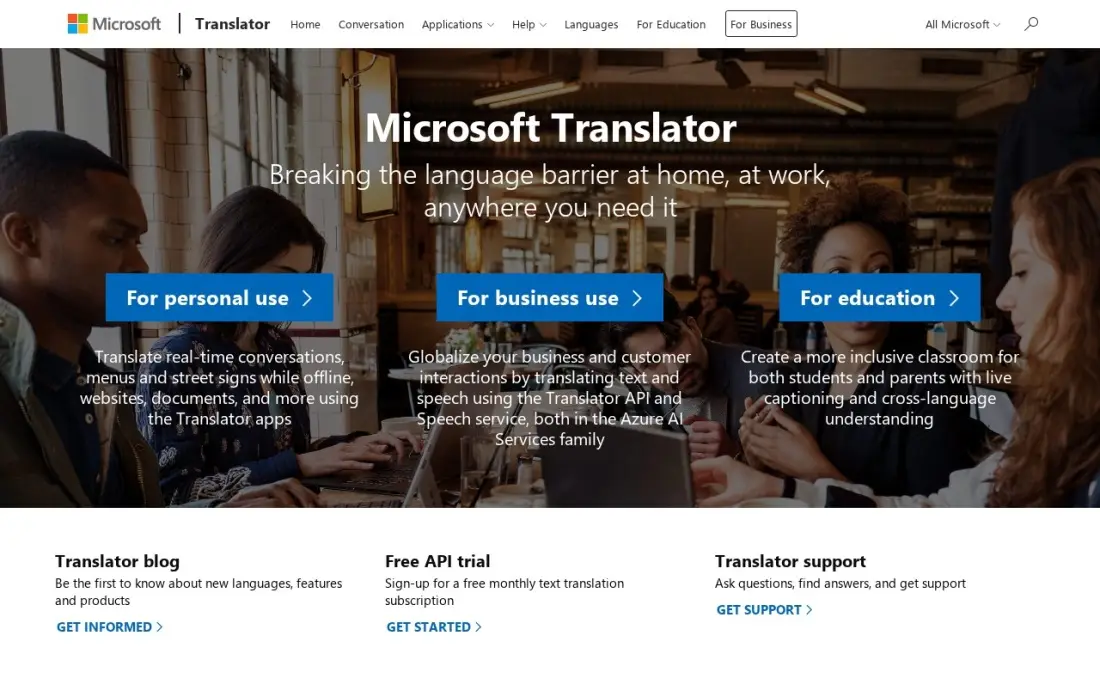
Microsoft Translator is free and already built into Office, Edge and Windows, so a team on Microsoft 365 can translate where it already works. Conversation mode links up to 100 people for live two-way translation, which suits multilingual meetings and training sessions, and offline packs cover travel.
On longer written text its wording can sound stiffer than DeepL's, and its camera translation is less polished than Google's. It also offers no dictionary or example sentences. For a business that mainly needs to understand colleagues and customers across languages, the free price and the Office integration make it an easy default.
What we like
- Completely free with no paid tier, including offline packs and conversation mode
- Conversation mode links up to 100 people for live two-way translation
- Built into Office, Edge and Windows, so it translates where you already work
- Phrasebooks and a split-screen conversation view suit travel and meetings
Watch out for
- Wording on longer written text can sound stiff next to DeepL
- No dictionary or example sentences to check how a translated word is used
- Camera translation is less polished than Google Translate's

Trados
Best for: Freelance and in-house professional translators who need translation memory and terminology
Trados is the computer-assisted translation tool many professional translators and agencies standardise on. Instead of translating from scratch, the translator works segment by segment while translation memory suggests earlier matches and a termbase enforces approved terms. Machine translation and, on Freelance, LLMs through AI Bridge can draft first passes for review.
Trados Go is browser-based at £24 a month, billed annually at £288, with 1 million cloud target words a year. Trados Freelance costs £34 a month, £408 a year, adding the desktop app with unlimited target words. Both have 14-day trials. Team and Business plans publish no prices, and support is an add-on on Freelance.
What we like
- Translation memory and terminology management reuse every past translation, so repeat work gets faster
- Trados Freelance includes unlimited target words on desktop plus 1 million cloud words a year
- Connects to third-party machine translation and, on Freelance, to LLMs through AI Bridge
Watch out for
- Prices on the pricing page are shown in GBP only
- Team, Business and Enterprise plans publish no price
- Support is an add-on on the monthly and annual Freelance plans

Phrase
Best for: Enterprises translating both app strings and long-form documents in one suite
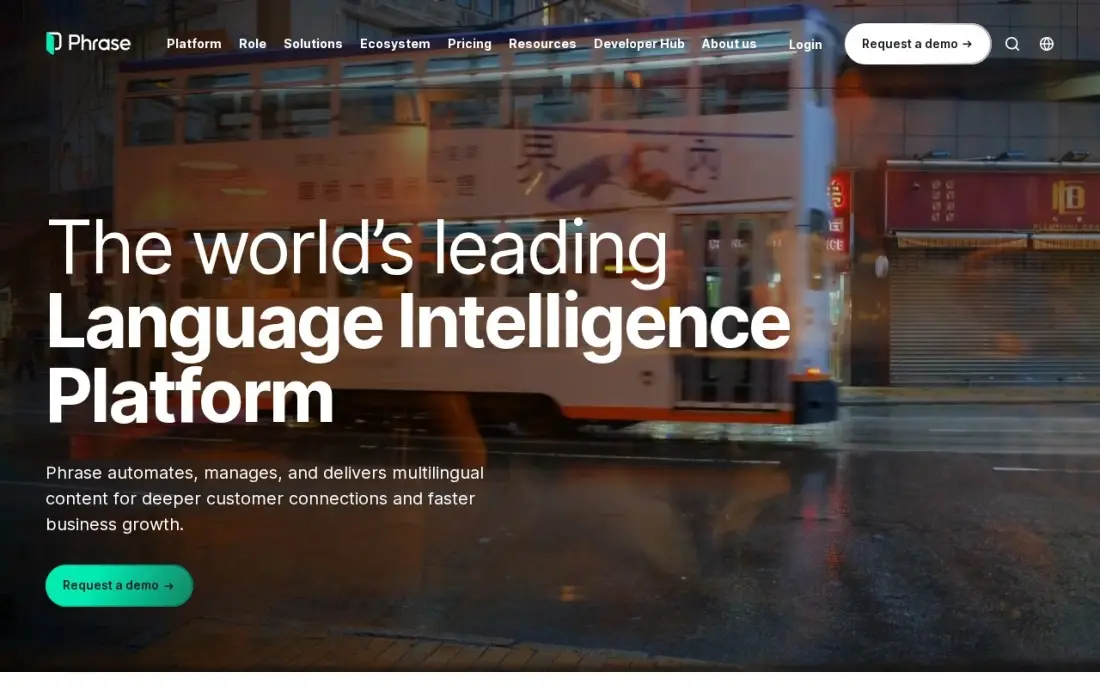
Phrase, which grew out of Memsource, covers both sides of business translation: Phrase TMS for documents and Phrase Strings for software, sharing one translation memory. Its Language AI routes each language pair to the engine that performs best, including DeepL and custom engines. It has 1,354 G2 reviews, the largest base in this list.
The $27 Freelancer plan, billed annually, is one TMS seat with no Strings seats. Real app work starts at Software UI/UX at $525 a month billed annually, and Business and Enterprise are quote-only. The pricing page is split into three plan families, so book a call with your word volumes ready. There is a 14-day trial on every plan.
What we like
- One suite for app strings (Phrase Strings) and documents (Phrase TMS), with shared translation memory
- Language AI routes each language through the best engine, including DeepL and custom engines
- Largest review base here at 1,354 G2 reviews, with a 4.5/5 score
- 14-day free trial on every plan, with 24/7 support included
Watch out for
- The $27 Freelancer plan has no Strings seats — real app work starts at Software UI/UX, $525/month billed annually
- Three separate plan families (Freelancer, Developer, Business) make the pricing page hard to read
- Business and Enterprise plans are quote-only, so large teams cannot see the full price upfront

Smartling
Best for: Companies that want machine, AI and human translation billed per word from one platform
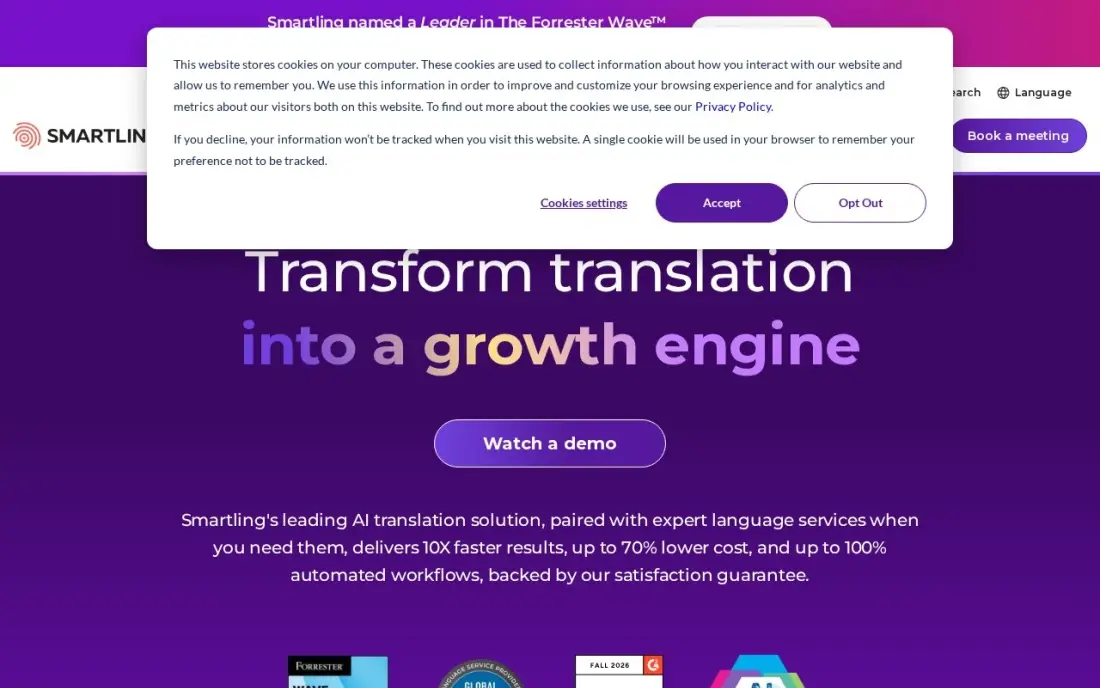
Smartling has no monthly subscription at entry: a free Core plan includes the translation management platform, AI translation and connectors, and you pay per word. Published rates start at $0.0075 a word for machine translation, $0.06 for AI translation and $0.20 for professional human translation, with more than 4,000 linguists available.
Per-word billing makes small jobs cheap and large releases expensive. Machine translating 50,000 words costs $375, while human translation of the same text costs $10,000. Enterprise plans are quote-only, and the free plan keeps translation memory for only 180 days. Every translation gets an MQM-based quality score, which helps when you need to prove quality.
What we like
- Free Core plan includes the real platform — TMS, AI translation and connectors — not a demo
- Published per-word rates: machine translation from $0.0075/word, AI from $0.06, human from $0.20
- 50+ integrations and 4,000+ professional linguists cover app, web and marketing content
- MQM-based quality scoring gives every translation a measurable quality grade
Watch out for
- No published monthly price — Enterprise is quote-only, so small teams cannot budget it upfront
- Per-word billing can surprise at volume: a big release costs more than a flat subscription
- Free Core plan keeps translation memory only 180 days, so the reuse savings reset if you wait to upgrade

Crowdin
Best for: Small teams translating an app or website that want a real free plan and unlimited translators
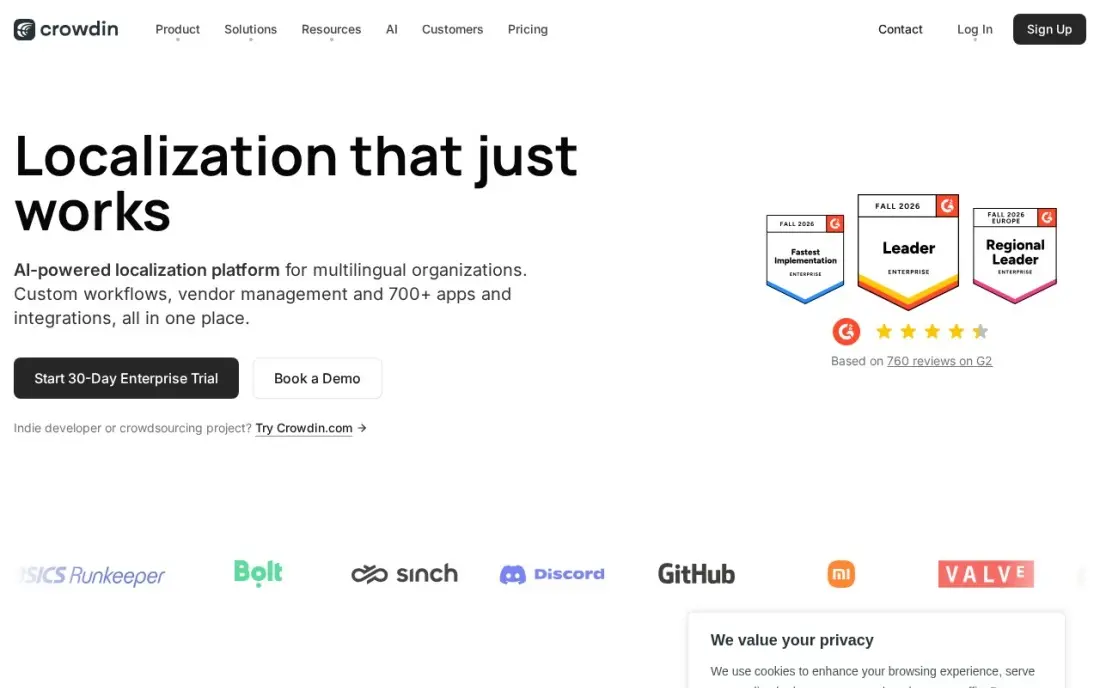
Crowdin is the easiest translation management system to start on. The free plan covers 60,000 hosted words and one private project, translators are unlimited on every plan, and GitHub, GitLab and Bitbucket integrations sync strings with each release. Crowdin AI pre-translates new strings so reviewers edit rather than type.
Pro costs $59 a month, or $50 billed annually. Hosted words multiply by language, so a 10,000-word site in five languages uses 50,000 of the allowance. The in-context editor waits for Team at $150 a month billed annually, and free-plan translations feed Crowdin's shared translation memory, so keep sensitive content on a paid plan.
What we like
- Free plan covers 60,000 hosted words and 1 private project — the most usable free tier here
- Unlimited translator seats on every plan, including free, so the team size never changes the price
- GitHub, GitLab and Bitbucket integrations plus over-the-air delivery push translations straight to the app
- Crowdin AI pre-translation is included, so new strings arrive already drafted for review
Watch out for
- Hosted words multiply by language count, so a 10,000-word app in 5 languages already uses 50,000 of the 60,000-word Pro allowance
- The in-context editor and custom QA checks wait for Team at $150/month billed annually
- Free-plan translations feed Crowdin's shared translation memory, per its pricing-page terms

Lokalise
Best for: Product teams that ship web and mobile releases often and want translation automated into the workflow
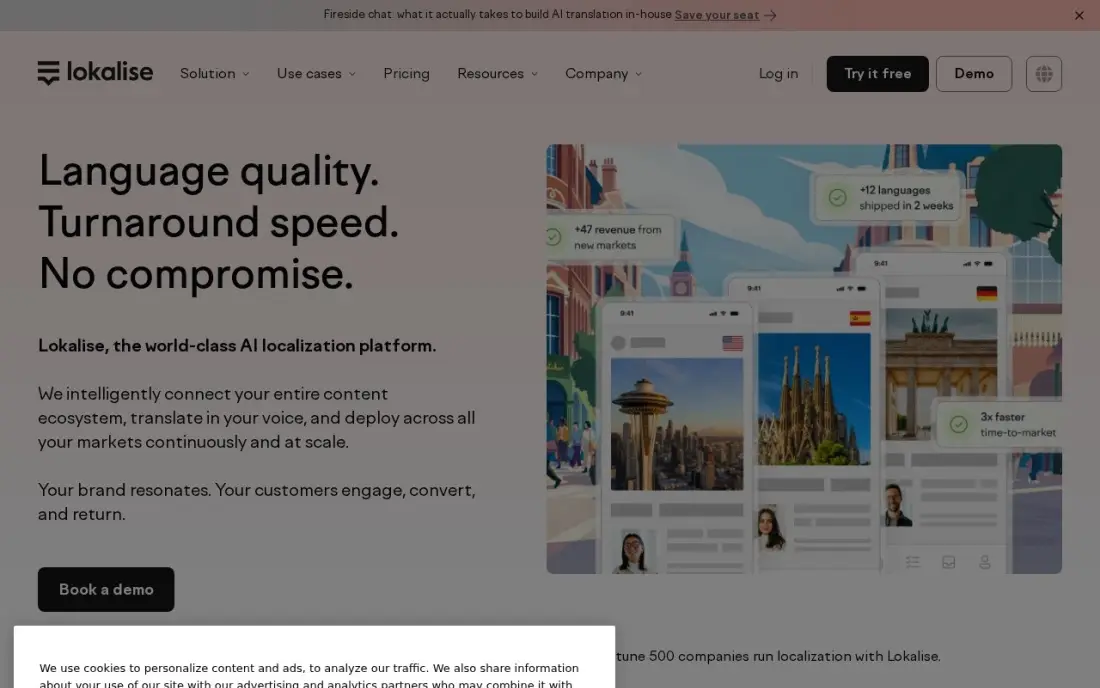
Lokalise suits a product team that ships every week. New strings flow from the repository to translators as code changes, with machine translation drafting them first, and over-the-air SDKs update text in iOS and Android apps without a new store release. Every paid plan has unlimited hosted words and unlimited translator seats.
Explorer costs $169 a month, or $149 billed annually, with 24/7 support. There is no free plan, only a 14-day trial, and two-factor authentication, branching and style guides need Advanced from $999 a month billed annually. G2 reviewers rate it 4.7 from more than 750 reviews, the highest score among the team tools here.
What we like
- Unlimited hosted words and unlimited translator and reviewer seats on every paid plan
- Strong GitHub, GitLab, Bitbucket and Figma integrations keep strings in sync with releases
- Over-the-air SDKs for iOS and Android update in-app copy without a new store release
- 24/7 support on every plan, including the entry Explorer tier
Watch out for
- No free plan — only a 14-day trial, and the free tier exists only for approved open-source projects
- Two-factor authentication, branching and style guides wait for Advanced from $999/month billed annually
- Processed-word caps push a growing app up a tier faster than the headline price suggests
The best translation software turns text from one language into another quickly enough to keep up with the work and accurately enough that a customer never notices. We compared eight tools across three kinds of translation software — machine translation engines, a CAT tool for professional translators and translation management systems for teams — and every price below comes from the vendor's own pricing page as checked in November 2026.
How to choose the best translation software
- Decide who does the translating. A machine engine translates on its own, a CAT tool helps a human translator, and a translation management system coordinates many translators and reviewers.
- Check the language pairs. Coverage varies widely: DeepL supports 33 languages while Google Translate supports more than 130.
- Look for translation memory. Reusing approved translations cuts cost and keeps wording consistent on every release.
- Protect your terms. A glossary or termbase stops product names and legal terms being translated differently each time.
- Price by your volume. Character limits, hosted words and per-word rates reward different workloads, so model a real month.
- Check where data goes. Free plans may use your text to improve shared services, so keep confidential documents on paid plans.
A translated website only brings in customers if search engines show each version to the right audience. Our free hreflang tag generator builds the language tags, and our SEO audit checks that multilingual pages are indexed and not competing with each other.
Translation software pricing: what you will actually pay
Take a small business translating about 50,000 words a year of documents and web copy. DeepL Individual costs $8.74 a month billed annually, about $105 a year, or $10.49 billed monthly. Google Translate and Microsoft Translator cost $0 but need more editing. A freelance translator on Trados Freelance pays £408 a year, or £288 for browser-only Trados Go.
For a team translating a website, Crowdin Pro costs $50 a month billed annually, $600 a year, and Lokalise Explorer costs $149 a month billed annually, $1,788 a year. On Smartling's per-word rates, the same 50,000 words cost $375 by machine translation or $10,000 by professional human translation. Phrase starts at $27 a month billed annually for one TMS seat, but app work starts at $525 a month billed annually.
Know the difference: machine translation vs translation management
A machine translation engine such as DeepL, Google Translate or Microsoft Translator takes text in and returns a translation in seconds. It has no memory of what your reviewers approved last month and no workflow for review, so each job stands alone.
A translation management system such as Crowdin, Lokalise, Phrase or Smartling sits around the engines. It pulls new text from your code or CMS, drafts it with machine translation, routes it to translators and reviewers, stores approved wording in translation memory and pushes the result back. A CAT tool such as Trados is the translator's own workbench inside that process.
Quick comparison: tool type by need
| Buyer | Best pick | Why |
|---|---|---|
| Natural business text | DeepL | Free plan; Individual $8.74/month billed annually |
| Most languages, free | Google Translate | 130+ languages with camera and voice |
| Microsoft 365 teams | Microsoft Translator | Free, built into Office and live meetings |
| Professional translators | Trados | Translation memory and termbase; £408/year |
| Enterprise strings and documents | Phrase | One suite for TMS and Strings |
| Pay-per-word buyers | Smartling | Free Core plan; MT from $0.0075/word |
| Small app and web teams | Crowdin | Free plan with 60,000 hosted words |
| Fast-shipping product teams | Lokalise | Repo sync and over-the-air updates; $149/month billed annually |
Mistakes to avoid
- Publishing raw machine translation. Customer-facing text needs a fluent review, especially for tone, idioms and legal terms.
- Skipping a glossary. Without one, product names and key terms drift from page to page.
- Pasting confidential text into free tools. Check each vendor's data terms and use paid plans for contracts and client files.
- Forgetting the language multiplier. Word-based plans count every target language, so five languages can use five times the allowance.
- Translating pages search engines cannot match. Without hreflang tags and translated metadata, translated pages may never reach the right market.
Related comparisons: Spanish Translation Apps · English to Spanish Translation App
How we chose
We checked each vendor's own pricing page in November 2026 and recorded the starting price as shown, with billing terms and currency. Trados publishes prices in GBP only, so we quote them in GBP. We grouped the tools by who does the translating and ranked them by fit for the most common buyer, a small or mid-size business translating documents or a website. Ratings come from G2 pages checked on the dates shown in the sources. No vendor paid for a place in this list, and none of the links here are affiliate links.
What to do next
Take one real page and one real document, run both through DeepL and Google Translate, and have a fluent colleague mark the errors. If the review takes longer than the translation, move to a tool with translation memory. When the translated site is live, book a free international SEO check.
Frequently asked questions
What is the best translation software?
For natural machine translation of documents and email, DeepL. For free translation across the most languages, Google Translate. For professional translators, a CAT tool such as Trados. For teams translating apps and websites, a translation management system such as Crowdin, Phrase or Lokalise.
Is there free translation software?
Yes. Google Translate and Microsoft Translator are free, DeepL has a free plan with 50,000 characters a month, Crowdin has a free plan with 60,000 hosted words and Smartling has a free Core plan with per-word billing.
How much does translation software cost?
On published prices, DeepL Individual costs $8.74 a month billed annually, Trados Freelance £408 a year, Crowdin Pro $50 a month billed annually, Lokalise Explorer $149 a month billed annually and Phrase from $27 a month billed annually for one TMS seat.
What is a CAT tool?
A computer-assisted translation tool splits text into segments and stores every approved translation in a translation memory, so repeated sentences are suggested automatically. It also checks terminology. Trados and Phrase TMS are CAT tools; DeepL and Google Translate are machine translation engines.
Is machine translation good enough for business use?
For understanding incoming text and drafting internal documents, usually yes. For anything customer-facing, legal or published, have a fluent person review the output, because errors in tone, terms and idioms still slip through.
What software do I need to translate my website?
A translation management system such as Crowdin, Lokalise, Phrase or Smartling connects to your code or CMS, sends new text to translators and pushes translations back. Add hreflang tags so search engines show each language version to the right audience.
What is the best translation software for PC?
Microsoft Translator is the natural pick on a Windows PC: it is free and built into Office, Edge and Windows, so it translates where you already work. DeepL gives more natural wording for documents and email and keeps formatting, with a free plan of 50,000 characters a month. Professional translators on a PC use Trados Freelance, which includes unlimited target words on desktop.
Is translation software secure enough for confidential documents?
Use a paid plan for anything confidential. Free plans may use your text to improve shared services; Crowdin's pricing-page terms, for example, say free-plan translations feed its shared translation memory. Professional suites add control: Trados and Phrase keep your own translation memory and terminology, and Lokalise adds two-factor authentication on Advanced. Check each vendor's data terms before uploading sensitive files.
Sources we checked (13)
- DeepL — www.deepl.com/en/pro (checked November 4, 2026)
- DeepL reviews on G2 (checked November 4, 2026)
- Google Translate — translate.google.com (checked November 4, 2026)
- Microsoft Translator — www.microsoft.com/en-us/translator (checked November 4, 2026)
- Trados — www.trados.com/pricing (checked November 16, 2026)
- Phrase — phrase.com/pricing (checked November 4, 2026)
- Phrase reviews on G2 (checked November 4, 2026)
- Smartling — www.smartling.com/plans (checked November 4, 2026)
- Smartling reviews on G2 (checked November 4, 2026)
- Crowdin — crowdin.com/pricing (checked November 4, 2026)
- Crowdin reviews on G2 (checked November 4, 2026)
- Lokalise — lokalise.com/pricing (checked November 4, 2026)
- Lokalise reviews on G2 (checked November 4, 2026)
Make one of these tools?
We re-check this list every quarter. Send a correction, request a review, or ask about a clearly labeled sponsored spot.
Request a listingShamim
Founder of SerpAstra
A full-stack digital marketer and SEO strategist covering technical and local SEO, AI search visibility, paid ads and lead generation for local businesses, e-commerce brands and SaaS teams.
Free SEO and AI visibility audit
Find out what is holding your rankings back
Send us your site. Within 2 business days you get a written audit, an AI visibility check and a short fix list ranked by impact. Free, with no contract attached.
Request my free audit→Related buying guides
 Developer ToolsBest App Localization Providers (2026): 7 Apps Worth DownloadingCompare the 7 best app localization providers on price, free plans and AI translation, ranked by use case, with every price checked November 4, 2026.Read guide →
 Developer Tools11 Best Localization Companies (2026): Who to Hire and What It CostsCompare 11 best localization companies on price, per-word rates and services, with every price checked November 4, 2026 — from custom quotes to $0.09 a word.Read guide →
 Productivity & Office7 Best English to Spanish Translation App in 2026Compare the 7 best English to Spanish translation app picks for 2026, with real prices, free plans, offline modes, camera translation and conversation mode.Read guide →