
6 Best Web Scraping Software for Beginners in 2026
Compare the 6 best web scraping software for beginners: no-code extensions, visual builders and ready-made scrapers, with free plans and prices checked.
 Shamim Mia, Founder, SerpAstraLast verified November 6, 20268 min read
We compare pricing pages, documentation and public reviews. We never accept payment for rankings.
Key takeaways
- WebScraper.io is the cheapest way to learn: a free Chrome and Firefox extension with unlimited local scraping and no signup.
- Octoparse is the best visual builder for beginners, with 500+ templates, a free plan of 10 tasks and Standard at $69 a month billed annually or $83 monthly.
- Apify suits beginners who would rather run a ready-made scraper than build one; the free plan includes $5 of platform usage a month.
- ParseHub handles hard JavaScript pages for free up to 200 pages a run, but the next step is Standard at $189 a month with nothing in between.
On this page
Quick comparison
| Tool | Best for | Starting price | Free plan |
|---|---|---|---|
| WebScraper.io | Complete beginners who want to learn scraping in the browser for free | Free; Cloud $50/mo | Yes (free extension) |
| Octoparse | Beginners who want a visual point-and-click builder with templates and cloud scheduling | $83/mo | Yes (free plan) |
| Apify | Beginners who want to run ready-made scrapers for common sites instead of building their own | $19/mo | Yes (free plan) |
| Bardeen | Beginners who want an AI agent to scrape a list in the browser and drop it into a spreadsheet | Free; Basic $10/mo | Yes (free) |
| ParseHub | Beginners whose target sites use logins, dropdowns or infinite scroll | $189/mo | Yes (free plan) |
| Browse AI | Beginners who want to record a scraper once and have it monitor a page for changes | $19/mo (annual) | Yes (50 credits/mo) |
Make one of these tools?
We re-check this list every quarter. Send a correction, request a review, or ask about a clearly labeled sponsored spot.
Request a listingThe best web scraping software for beginners

WebScraper.io
Best for: Complete beginners who want to learn scraping in the browser for free
WebScraper.io is where most people should start. It is a free Chrome and Firefox extension: you open the page, click the elements you want and build a sitemap that tells the scraper how to move through pages, then export the results as CSV, XLSX or JSON. There is no account, no install beyond the extension and no cap on local runs.
The free version has clear limits. It stops when you close the browser, has no scheduling or API, and its selectors break when a site changes its layout. When a job needs to run unattended, Web Scraper Cloud adds scheduling, proxies and an API from $50 a month billed annually, though its 5,000 URL credits go quickly on paginated sites.
What we like
- Free Chrome and Firefox extension with unlimited local scraping and no signup
- Visual sitemap builder lets you define extraction by clicking, with no code
- Cloud adds scheduling, an API, proxies and stored results from $50 a month
- Exports to CSV, XLSX and JSON, plus Dropbox, Google Sheets and Amazon S3
Watch out for
- The extension stops when you close the browser, and scheduling needs Cloud
- Cloud Project covers only 5,000 URL credits a month, which pagination eats quickly
- No AI adaptation: selectors break when a site changes its layout, so you fix them by hand

Octoparse
Best for: Beginners who want a visual point-and-click builder with templates and cloud scheduling
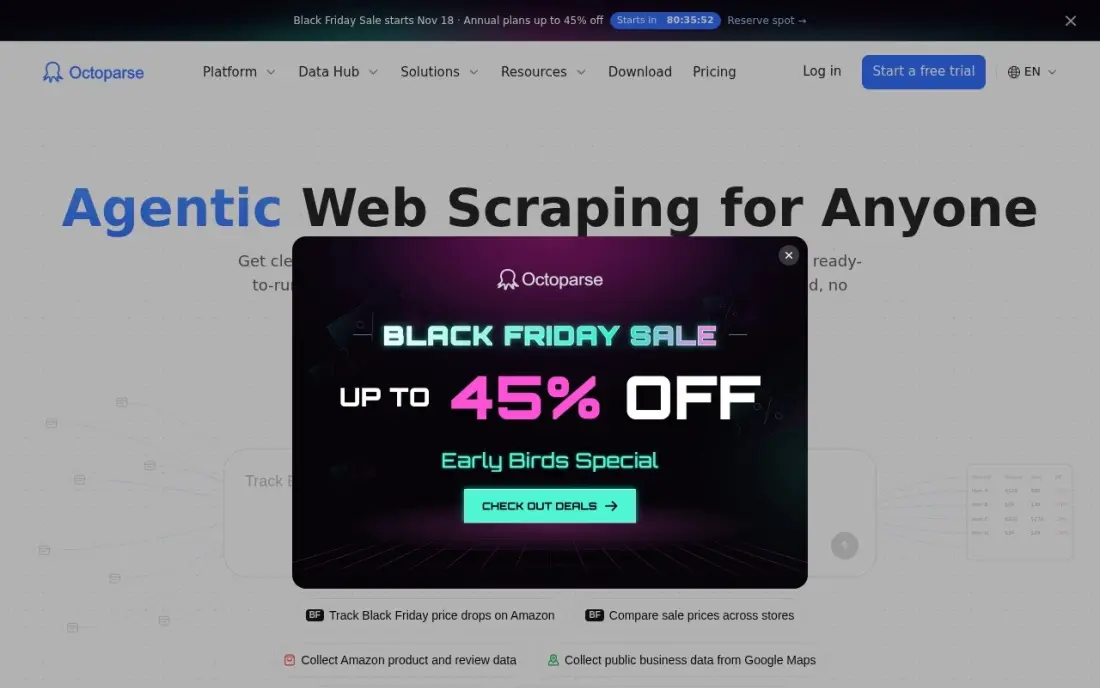
Octoparse is the most beginner-friendly visual builder in this list. More than 500 preset templates cover common sites, AI-assisted task creation detects fields on the page for you, and the workflow view shows each click, scroll and pagination step in order. The free plan covers 10 tasks with local extraction, enough to learn the tool properly.
Standard costs $69 a month billed annually, or $83 billed monthly, and adds scheduling, IP rotation, CAPTCHA solving and cloud runs. Residential proxies and CAPTCHA solving bill separately, and Trustpilot reviews mention billing and cancellation complaints, so start on the free plan and read the plan table before upgrading. It holds the highest G2 score here at 4.8 out of 5.
What we like
- Point-and-click workflow builder with more than 500 preset scraping templates
- Free plan covers 10 tasks with local extraction, so you can learn the tool at $0
- Standard adds scheduling, IP rotation, CAPTCHA solving and the Data Export API
- AI-assisted task creation and automatic field detection speed up new scrapers
Watch out for
- The $69 headline is the annual figure; month-to-month Standard is $83
- Residential proxy bandwidth and CAPTCHA solving bill separately on top of the plan
- Trustpilot reviews are polarized at 4.1/5, with billing and cancellation complaints prominent

Apify
Best for: Beginners who want to run ready-made scrapers for common sites instead of building their own
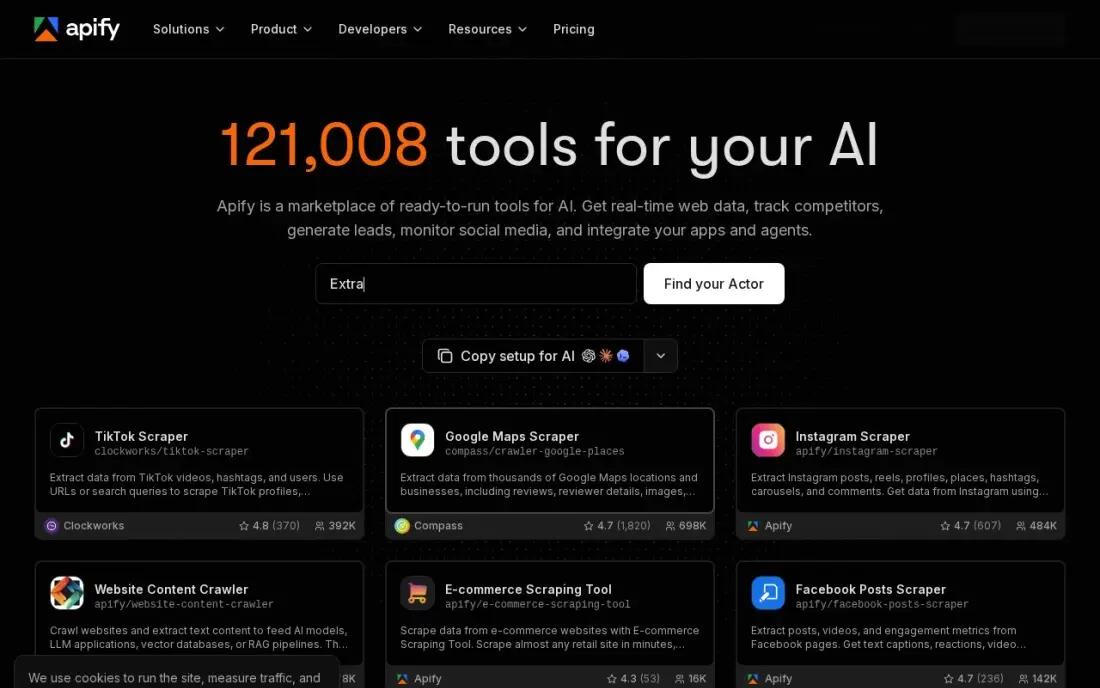
Apify lets a beginner skip building altogether. Its marketplace holds thousands of ready-made scrapers, called Actors, for sites such as Google Maps, Instagram and TikTok: you fill in a form with the search or URLs, press start and download the results. The free plan includes $5 of platform usage every month with no card required, which covers small test runs.
Starter costs $19 a month, or $17 billed annually, and the fee comes back as $19 of prepaid usage. The risk for a beginner is the meter: compute, proxies and storage all draw on the credit, and a misconfigured run can burn through it, so set a billing limit first. Apify also scales up, since developers can write their own Actors later.
What we like
- Free plan includes $5 of platform usage every month, with no card required
- Starter is $19 a month and includes $19 of prepaid usage, with 10% off billed annually
- Marketplace of thousands of ready-made Actors for Google Maps, Instagram, TikTok and more
- Pay-as-you-go overage beyond the included credit, so light months stay cheap
Watch out for
- Usage billing can spike if an Actor is misconfigured or a target triggers heavy proxy use
- Starter buys the same $0.20 compute-unit rate as the free plan, so the $19 mainly buys overage rights, concurrency and a Store discount
- Building your own Actors has a learning curve for non-developers

Bardeen
Best for: Beginners who want an AI agent to scrape a list in the browser and drop it into a spreadsheet
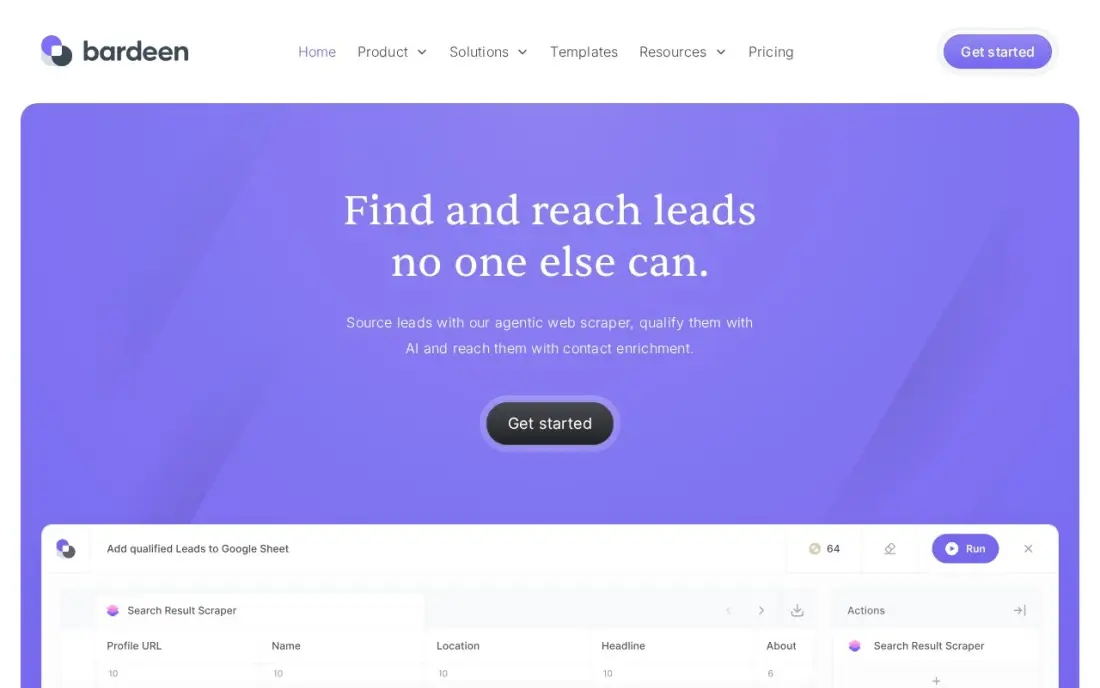
Bardeen works inside Chrome rather than in the cloud, which makes it feel familiar to a beginner. You pick or build a no-code playbook, and its AI agent scrapes a list of profiles, products or posts from the page you are on and sends the rows to Google Sheets or a CRM. The free plan gives 100 credits a month forever, with unlimited testing in Builder Mode.
Credits are the thing to understand: scraping costs 1 credit a row and enrichment costs 3. Basic costs $10 a month for more credits. Because it runs in your browser, large jobs tie up your machine, so Bardeen suits quick lists of a few hundred rows rather than a nightly crawl of thousands of pages.
What we like
- An AI agent scrapes a list, qualifies it and enriches contact details in one flow
- No-code playbooks run inside Chrome, so there is no server to set up
- Free plan gives 100 credits a month forever, with unlimited Builder Mode testing
- SOC 2 Type II and GDPR certifications cover the security side
Watch out for
- Runs in your browser, so heavy jobs tie up your machine and scale poorly next to cloud runners
- The credit system confuses buyers: scraping costs 1 credit a row and enrichment costs 3
- Only 36 G2 reviews, and the profile has not been actively maintained in over a year

ParseHub
Best for: Beginners whose target sites use logins, dropdowns or infinite scroll
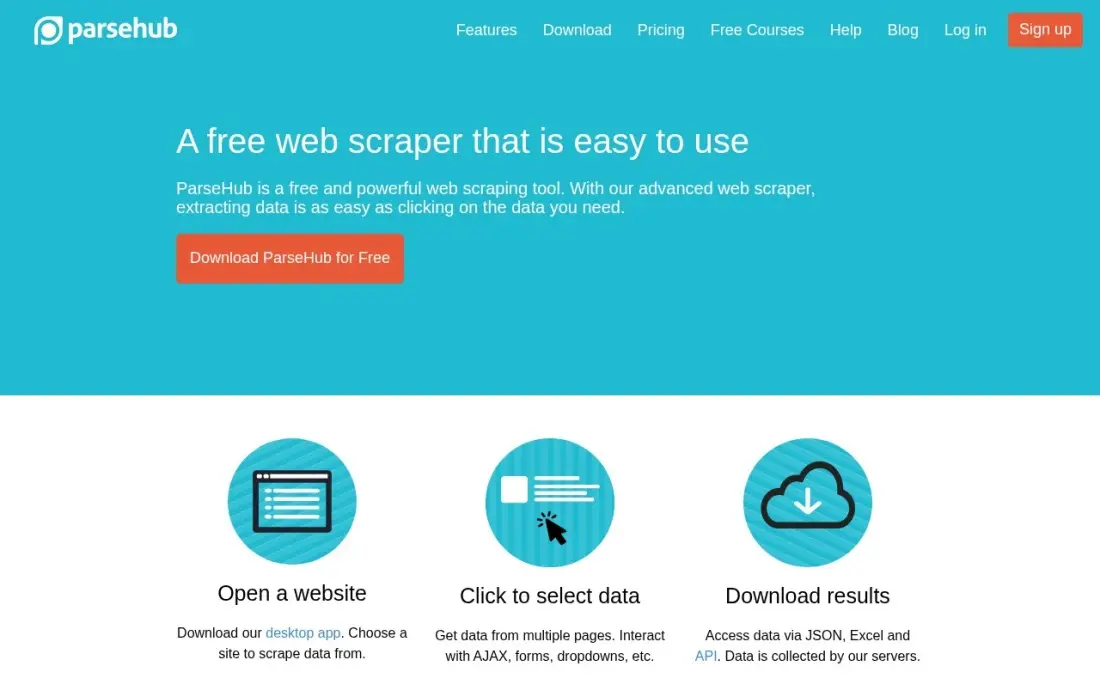
ParseHub is the free option for awkward pages. Its desktop app for Windows, macOS and Linux lets you click the elements you want while a machine-learning engine works out the page structure, and it handles logins, forms, dropdowns, infinite scroll and JavaScript-heavy pages that simpler extensions miss. The free plan covers 5 public projects at 200 pages per run, with no card.
The jump to paid is steep: there is no plan between free and Standard at $189 a month, which adds private projects, scheduling and IP rotation. G2 has only 10 reviews, so treat its 4.3 score as a rough guide. Use the free plan to learn and to handle the occasional hard site.
What we like
- Free plan handles 200 pages per run across 5 public projects, with no card
- Machine-learning engine infers page structure from the elements you click
- Handles logins, forms, dropdowns, infinite scroll and AJAX-heavy pages
- Desktop apps for Windows, macOS and Linux, with Dropbox and Amazon S3 export on paid plans
Watch out for
- Steep price jump: nothing sits between the free plan and Standard at $189 a month
- Only 10 reviews on G2, so the 4.3/5 score is directional rather than solid
- Scheduling, IP rotation and API access are all paid-only features

Browse AI
Best for: Beginners who want to record a scraper once and have it monitor a page for changes
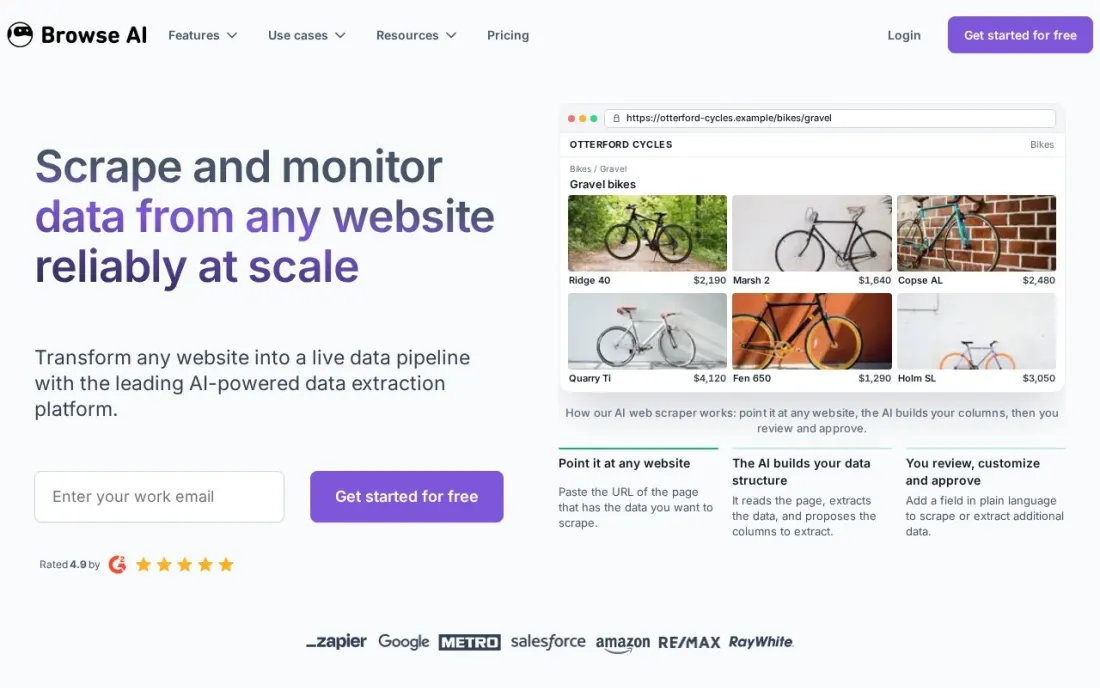
Browse AI turns scraping into training a robot. You show it the data you want on a page, and it builds a robot that can rerun the extraction on a schedule or watch the page and alert you when something changes, such as a price or a new listing. There are more than 250 prebuilt robots for common sites, and the free plan includes 50 credits a month with no card.
A credit is one page or ten rows, whichever is more, so the free plan covers up to 50 pages a month. Personal costs $19 a month billed annually, or $228 upfront, for 12,000 credits a year and 10 domains. Premium sites cost 2 to 10 credits a run, so check the credit maths before you monitor big marketplaces.
What we like
- Free plan gives 50 credits a month with no credit card
- 250+ prebuilt robots and unlimited robots on every plan
- Monitoring, REST API, webhooks and Google Sheets integration included even on the free plan
Watch out for
- Paid plans are shown billed annually, with all credits paid upfront
- Premium sites such as Amazon cost 2 to 10 credits a run, so credits go faster
The best web scraping software for beginners turns a web page into a spreadsheet without asking you to write code, and makes it obvious what went wrong when a run fails. We compared six no-code tools across the three ways beginners scrape in 2026 — free browser extensions, visual desktop builders and ready-made cloud scrapers — and every price below comes from the vendor's own pricing page as checked in November 2026.
How to choose the best web scraping software for beginners
- Start with a free tier you can learn on. Every tool here has one; use it to scrape a real site before paying for anything.
- Pick the build style that suits you. Point-and-click builders teach you how scraping works; ready-made scrapers and AI agents hide the detail but can be harder to fix.
- Check how it handles pagination and scrolling. Most beginner jobs fail on page two, so test a site with several pages of results.
- Know when you will need the cloud. Extensions stop when the browser closes; scheduled and overnight jobs need a cloud plan.
- Read the usage unit. Tasks, pages, credits, rows and compute units all mean different things, and the cheapest plan depends on the size of your job.
- Look at the export options. CSV and Google Sheets are enough for most beginners; an API matters only when another tool needs the data automatically.
Scraped data is often the first step in competitor and keyword research. Our SEO audit service turns that kind of data into a fix list for your own site, and the free keyword density checker is a quick way to analyse a page you have scraped. For heavier jobs, see our full web scraping software reviews.
Web scraping software for beginners pricing: what you will actually pay
Take a beginner who wants to pull a product list from a competitor's site every week. On list prices, the WebScraper.io extension costs $0 if you run the job yourself in the browser, and Web Scraper Cloud costs $50 a month billed annually, or $600 a year, to run it on a schedule. Octoparse costs $0 on the free plan with local runs, and Standard costs $69 a month billed annually, or $828 a year, against $83 a month, or $996 a year, billed monthly.
Apify's free plan includes $5 of usage a month, which may cover a small weekly job; Starter costs $19 a month, or $228 a year, and the fee comes back as usage credit. Bardeen Basic costs $10 a month, or $120 a year, for a credit-based browser agent, and ParseHub stays free up to 200 pages a run before jumping to $189 a month. Browse AI Personal costs $19 a month billed annually, or $228 paid upfront, for 12,000 credits a year, which suits a weekly job that also needs change alerts. For a weekly job of a few hundred rows, most beginners never need to pay at all.
Know the difference: visual builder vs ready-made scraper
A visual builder makes you the designer. You click the title, price and link on the page, tell the tool how to reach the next page, and it repeats that pattern. WebScraper.io, Octoparse and ParseHub work this way. You learn how pages are structured, and when a site changes, you know how to fix the scraper yourself.
A ready-made scraper or AI agent does the design for you. Apify's marketplace Actors already know how a site such as Google Maps is laid out, and Bardeen and Browse AI work from your recording or description. You get results in minutes, but when the output looks wrong there is less you can adjust. Many beginners use a ready-made scraper for popular sites and a visual builder for everything else.
Quick comparison: tool type by need
| Buyer | Best pick | Why |
|---|---|---|
| First-time learners | WebScraper.io | Free extension with unlimited local scraping |
| Visual builder with templates | Octoparse | 500+ templates, free plan of 10 tasks |
| Popular sites, no building | Apify | Thousands of ready-made scrapers, $5 free usage a month |
| Quick lists into a sheet | Bardeen | AI agent in Chrome, 100 free credits a month |
| Watching pages for changes | Browse AI | Trained robots with monitoring, 50 free credits a month |
| Hard JavaScript pages | ParseHub | Free up to 200 pages a run, handles logins and scrolling |
Mistakes to avoid
- Scraping too fast. Hitting a site with hundreds of requests a minute gets you blocked; add delays and respect robots.txt.
- Collecting personal data without thinking. Names, emails and phone numbers bring privacy-law duties; scrape only what you have a lawful reason to use.
- Paying before testing. Run the job on a free plan first, so you know it works on your target site before you buy capacity.
- Ignoring broken selectors. Sites change their layouts; check a sample of every run so a silent failure does not leave you with empty columns.
- Leaving usage billing uncapped. Credit and compute plans can overrun on a bad run, so set a spending limit where the tool allows it.
How we chose
We read each vendor's own pricing page in November 2026 and recorded the free tier and first paid plan exactly as shown, with the billing period. We tested the fit for a beginner: no code required, a free tier you can learn on and clear help when a run fails. We ranked the tools by how quickly a first-time user can get a clean spreadsheet out of a real site. Ratings come from G2 pages where we list them. No vendor paid for a place in this list, and none of the links here are affiliate links.
What to do next
Install the free WebScraper.io extension, scrape one page of results from a site you know, then add pagination and export to CSV. If the data is for competitor or keyword research on your own website, book a free SEO review.
Frequently asked questions
What is the best web scraping software for beginners?
WebScraper.io is the best place to start because the browser extension is free with unlimited local scraping. Octoparse is the best visual builder once you need scheduling, with a free plan of 10 tasks, and Apify is best when a ready-made scraper for the site already exists.
Can I scrape websites without coding?
Yes. Every tool in this list works without code: WebScraper.io, Octoparse and ParseHub use point-and-click builders, Apify offers ready-made scrapers you configure with a form, and Bardeen and Browse AI let you record or describe the data you want.
Is there free web scraping software?
Yes. WebScraper.io's extension is free for local use, Octoparse has a free plan with 10 tasks, ParseHub's free plan covers 5 public projects at 200 pages per run, Apify includes $5 of free usage a month, and Bardeen's free plan gives 100 credits a month, and Browse AI's free plan gives 50 credits a month.
How much does beginner web scraping software cost?
Paid plans start at $10 a month for Bardeen Basic, $19 a month billed annually for Browse AI Personal, $17 a month billed annually for Apify Starter, $50 a month billed annually for Web Scraper Cloud, $69 a month billed annually for Octoparse Standard and $189 a month for ParseHub Standard.
Is web scraping legal?
Scraping public data is legal in many places, but it depends on the site's terms, the data and local law. Avoid personal data unless you have a lawful basis, respect robots.txt and rate limits, and do not scrape content behind a login you are not allowed to use. Get legal advice for commercial projects.
Browser extension or cloud scraper: which should a beginner use?
Start with an extension or free desktop plan to learn how selectors and pagination work. Move to a cloud plan only when a job must run on a schedule, run while your computer is off or handle thousands of pages.
Sources we checked (11)
- WebScraper.io — www.webscraper.io/pricing (checked November 7, 2026)
- WebScraper.io reviews on G2 (checked November 7, 2026)
- Octoparse — www.octoparse.com/pricing (checked November 7, 2026)
- Octoparse reviews on G2 (checked November 7, 2026)
- Apify — apify.com/pricing (checked November 7, 2026)
- Apify reviews on G2 (checked November 7, 2026)
- Bardeen — www.bardeen.ai/pricing (checked November 6, 2026)
- Bardeen reviews on G2 (checked November 6, 2026)
- ParseHub — www.parsehub.com/pricing (checked November 7, 2026)
- ParseHub reviews on G2 (checked November 7, 2026)
- Browse AI — www.browse.ai/pricing (checked November 21, 2026)
Make one of these tools?
We re-check this list every quarter. Send a correction, request a review, or ask about a clearly labeled sponsored spot.
Request a listingShamim
Founder of SerpAstra
A full-stack digital marketer and SEO strategist covering technical and local SEO, AI search visibility, paid ads and lead generation for local businesses, e-commerce brands and SaaS teams.
Free SEO and AI visibility audit
Find out what is holding your rankings back
Send us your site. Within 2 business days you get a written audit, an AI visibility check and a short fix list ranked by impact. Free, with no contract attached.
Request my free audit→Related buying guides
 Data, Analytics & AIBest Web Scraping Software Reviews for 2026: 10 Options Compared by Use CaseCompare the 10 best web scraping software reviews by price, free plan and use case, from $19 APIs to enterprise tools, with prices checked November 7, 2026.Read guide →
 Data, Analytics & AI9 Best Web Scraping Tools for E-commerce in 2026, ComparedCompare the 9 best web scraping tools for e-commerce for competitor prices, product data and reviews, from Octoparse to Bright Data, with prices checked.Read guide →
 Sales & CRM9 Best Lead Scraping Tools in 2026, ComparedCompare the 9 best lead scraping tools for LinkedIn, Google Maps and websites on credits, enrichment, free plans and cost, with prices checked November 2026.Read guide →