
7 Best Website Platforms for Photographers in 2026, Compared
Compare the 7 best website platforms for photographers on galleries, client proofing, print sales and real yearly cost, with prices from vendor pages.
 Shamim Mia, Founder, SerpAstraLast verified November 2, 20268 min read
We compare pricing pages, documentation and public reviews. We never accept payment for rankings.

Key takeaways
- Squarespace is the best all-round photography website platform: polished image-led templates from $25 a month, or $19 billed annually.
- Zenfolio is the cheapest photography-specific option at $8 a month, or $6 billed annually, but its plans are only sold in the US, UK and Australia.
- Pixieset suits photographers who deliver client galleries, with a free Studio Manager plan and a website-plus-galleries Suite from $28 a month billed annually.
- Showit gives wedding and portrait photographers full drag-and-drop design control from $34 a month, or $27 billed annually, with a WordPress blog option.
On this page
Quick comparison
| Tool | Best for | Starting price | Free plan |
|---|---|---|---|
| Squarespace | Photographers who want a polished portfolio site with little setup | $25/mo | No (14-day trial) |
| Zenfolio | Budget-minded photographers in the US, UK or Australia who want a portfolio plus client galleries | $8/mo | No |
| Pixieset | Photographers who deliver client galleries and want the website, galleries and bookings in one account | Free; Plus $15/mo | Yes (free plan) |
| Showit | Wedding and portrait photographers who want full design control without code | $34/mo | No (14-day trial) |
| Wix | Photographers who want a free start and bookings, store and blog in one builder | $36/mo | Yes (free plan) |
| WordPress.org | Photographers who blog heavily and want full control of SEO and hosting | Free (software) | Yes (software free) |
| Framer | Photographers who want a fast, minimal portfolio with modern motion | $10/mo (annual) | Yes (free plan) |
Make one of these tools?
We re-check this list every quarter. Send a correction, request a review, or ask about a clearly labeled sponsored spot.
Request a listingThe best website platforms for photographers

Squarespace
Best for: Photographers who want a polished portfolio site with little setup
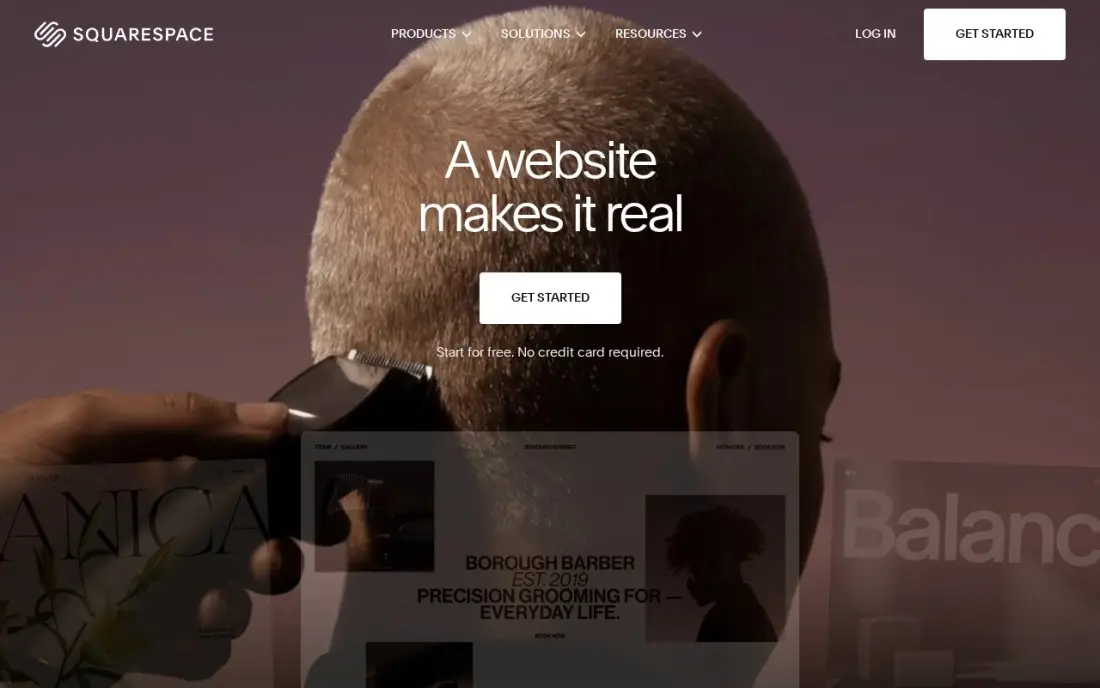
Squarespace is the safe default for a photography website because its templates are built around large images: full-bleed galleries, clean grids and slideshows that look right on a phone without any tuning. Hosting and SSL come with every plan, and you can sell prints or sessions through the built-in store with unlimited products. Basic costs $25 a month, or $19 billed annually, after a 14-day trial.
It is not a client-gallery tool, so proofing, downloads and print fulfilment for clients need a separate service. Basic also adds a 2% fee on store sales and allows two contributors. Choose Squarespace when the site's job is to show your best work and win enquiries.
What we like
- The most polished templates here, with strong photography and video presentation for skin care
- Unlimited products, subscription products and abandoned cart recovery on every plan
- Hosting, SSL and a free custom domain for the first year are included on annual billing
- Invoices, memberships and digital content are built in, not add-ons
Watch out for
- Basic adds a 2% Squarespace fee on every online store sale, on top of card processing
- Only two contributors on Basic, so a team quickly outgrows it
- No code injection on Basic, which limits custom tracking and widgets

Zenfolio
Best for: Budget-minded photographers in the US, UK or Australia who want a portfolio plus client galleries
Zenfolio is built for photographers from the ground up: every plan includes a multi-page website, shareable client galleries, mobile-friendly designs and, on the entry plan, custom watermarks and SEO tools. Portfolio costs $8 a month, or $6 billed annually, with 15 GB of storage and 25 hosted videos — the cheapest photography-specific platform here.
Selling is the reason to step up. PortfolioPlus at $18 a month, or $15 billed annually, adds an online store with integrated lab access and 100 GB of storage, and ProSuite at $36 a month, or $30 billed annually, raises storage to 1 TB. The catch is geography: these plans are sold only in the US, UK and Australia.
What we like
- Portfolio at $8 a month includes a multi-page website, client galleries, watermarking and SEO tools
- PortfolioPlus at $18 a month adds an online store with integrated lab access and 100 GB of storage
- ProSuite raises storage to 1 TB with 250 hosted videos for busy studios
- Annual billing saves $24 to $72 a year depending on the plan
Watch out for
- Portfolio, PortfolioPlus and ProSuite are only sold in the US, UK and Australia
- The entry Portfolio plan has no online store
- Promotional first-year prices renew at the standard rate

Pixieset
Best for: Photographers who deliver client galleries and want the website, galleries and bookings in one account
Pixieset is where many portrait and wedding photographers already deliver galleries, and its website builder, client gallery and store connect to the same account. Studio Manager handles contracts, invoices and a booking site, with a free plan covering unlimited invoices, three contracts and one session type, so a new photographer can run the business side for nothing.
The full stack costs more than any single app. Website, galleries and store are separate subscriptions, and the Suite bundle that covers them starts at $28 a month billed annually. Studio Manager Plus costs $15 a month, or $12 billed annually. Choose Pixieset when client delivery matters as much as the portfolio.
What we like
- The only free start in this list that is a real CRM: unlimited invoices, contracts and a booking site at $0
- Plus at $15 a month unlocks unlimited contracts and quotes, custom branding and payment reminders
- The Suite bundle adds the website and galleries from $28 a month billed annually
Watch out for
- The free plan stops at 3 contracts and 1 session type, so a fourth booking needs Plus at $15 a month
- Galleries, website and store are separate paid apps, so the full Pixieset stack costs more than Studio Manager alone
- No free trial on paid plans; the free plan is the only way to try it

Showit
Best for: Wedding and portrait photographers who want full design control without code
Showit is the builder many wedding and portrait photographers pick when templates feel limiting. Its drag-and-drop builder is sold on complete design control, so a portfolio can look exactly as planned instead of following a template grid. The base Showit plan costs $34 a month, or $27 billed annually ($326 a year), with hosting, HTTPS and 20 GB of media storage.
Blogging runs on WordPress through Showit's blog plans, which cost more but give real SEO room for posting full sessions and venue guides. The 14-day trial needs no card but does not let you connect a domain. Choose Showit when the website is your brand and you will spend time designing it.
What we like
- Drag-and-drop builder aimed at complete design control without code
- Hosting, HTTPS and 20 GB of media storage on the base plan
- Blog plans run on WordPress, with migration help from WordPress or Squarespace
- 14-day free trial with no credit card
Watch out for
- No custom domain during the trial
- Blog plans cost more than the base Showit plan
- Design freedom means more time spent on layout than on a template builder

Wix
Best for: Photographers who want a free start and bookings, store and blog in one builder

Wix works for photographers who need more than a portfolio: session bookings, a blog, a print store and a contact funnel can all live in one dashboard, with hundreds of templates and no code. The free plan lets you build and test a full site before paying, which no photography-specific platform here offers.
To sell anything you need Core at $36 a month, or $29 billed annually; Light at $17 billed annually cannot take payments. Core caps storage at 50 GB, which is tight for a large high-resolution archive, and frequent first-year discounts mean the renewal price is the one to budget. Pick Wix when bookings and selling matter as much as galleries.
What we like
- Core takes payments with 0% platform fee through Wix Payments, at 2.9% + 30c a card sale
- Bookings, a blog and marketing tools sit in the same dashboard as the store
- Hundreds of templates and an app market, with no code needed to launch
- A free plan exists for the website, so the brand can build before it pays
Watch out for
- Light at $17 a month billed annually cannot take payments, so selling starts at Core
- Core's 50 GB of storage and 5 collaborators cap a growing catalog and team
- Wix runs 50%-off first-year promotions often, so the renewal price is the honest one to budget

WordPress.org
Best for: Photographers who blog heavily and want full control of SEO and hosting
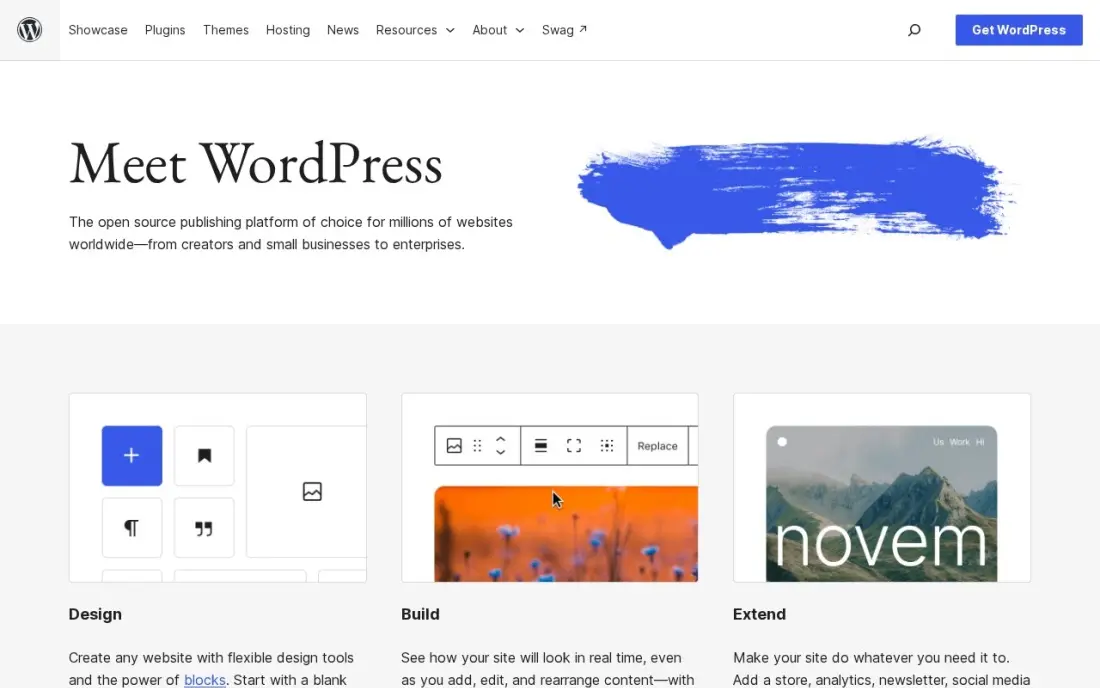
WordPress.org suits the photographer who gets most bookings from search. The software is free, every technical SEO setting is yours, and the plugin library includes gallery, proofing and booking tools, so a site can rank for location and venue searches with a post for every session. You own the site and can change hosts or themes freely.
The software is free, but hosting and a domain are paid separately, and you handle updates, backups and security. Large image libraries also need a good host and image optimisation, or the site slows down. Choose WordPress when blogging for local search is your main source of clients.
What we like
- Full control of technical SEO: URLs, redirects, schema, sitemaps and robots rules are all yours to change
- Largest plugin ecosystem of any platform here, including free SEO plugins such as Rank Math and Yoast SEO
- No platform lock-in: move hosts, change themes and keep your content and data
Watch out for
- You arrange hosting, security, backups and updates yourself, or pay someone to do it
- Speed and security depend on your host and plugin choices, so a bad setup can hold rankings back

Framer
Best for: Photographers who want a fast, minimal portfolio with modern motion
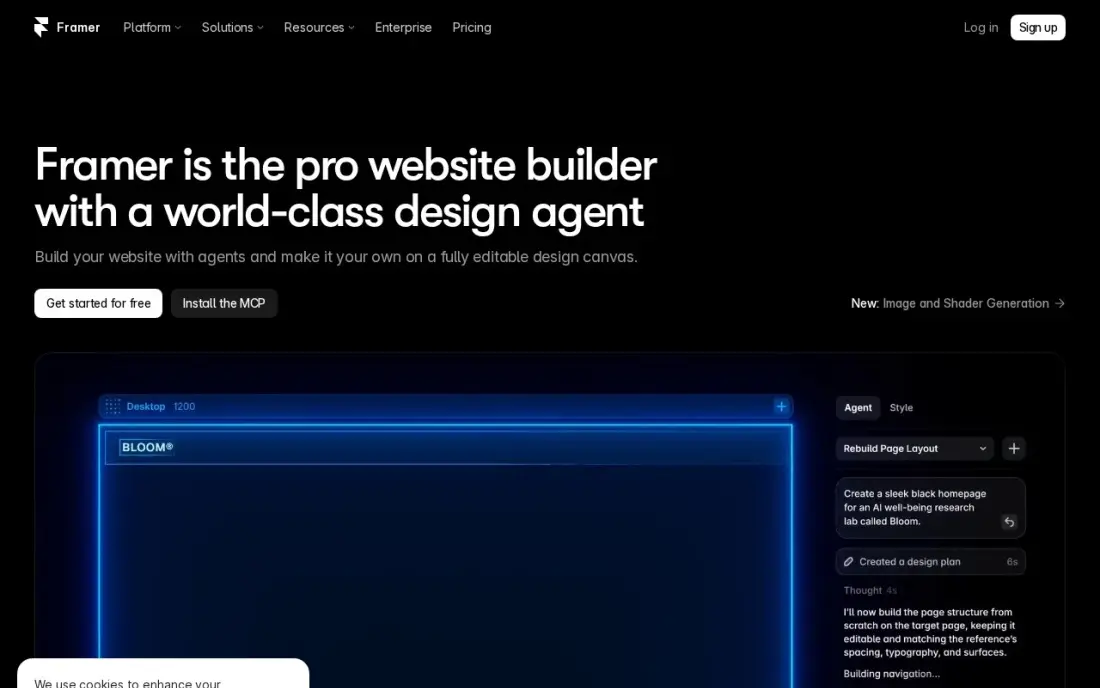
Framer suits a photographer who wants a modern, minimal portfolio rather than a gallery business. The AI builder and templates produce smooth layouts with motion and fast hosting, and SEO controls come included. Basic costs $10 a month billed yearly with a custom domain, and the free plan lets you build on a framer.website address first.
It has no client galleries, proofing or print sales, and Basic allows 2 CMS collections with 1,000 items, so it is a showcase, not a delivery platform. Extra editors cost $20 a month each. Pair Framer with a gallery service if you need client delivery.
What we like
- AI generation turns a prompt into a publishable modern site
- Modern templates and smooth interactions with no code
- Custom domain and your own branding on Basic
- Fast managed hosting with SEO controls included
Watch out for
- Basic allows only 2 CMS collections and 1,000 items
- Extra editors cost $20/month each, on top of the site plan
- A smaller ecosystem than WordPress — no plugin marketplace
The best website platform for photographers shows your work at full quality, loads fast on a phone and turns visitors into booked sessions. We compared seven platforms — general builders with strong image templates and photography-specific tools with client galleries and print sales — on design, delivery features, SEO and yearly cost. If you are looking for the best platform for a photography website, the same trade-offs apply, and every price below comes from the vendor's own page as checked in November 2026.
How to choose the best website platform for photographers
- Decide whether you need client delivery. Zenfolio and Pixieset include client galleries; the general builders are portfolios that need a separate gallery service.
- Check storage against your archive. Plans range from 15 GB on Zenfolio Portfolio to 1 TB on ProSuite, and a large high-resolution archive fills small plans fast.
- Look at print and session sales. Integrated lab access saves hours of manual fulfilment if you sell prints regularly.
- Test the mobile layout. Most clients see your portfolio on a phone first, so check how galleries crop and load there.
- Plan for blogging. Session and venue posts are how many photographers rank locally, so make sure the blog is easy to use.
- Price a full year. Annual billing saves money on every platform here, but first-year discounts often renew higher.
Most photographers book clients from their local area, so the website has to rank in local search and on Google Maps. Our local SEO service handles the Google Business Profile and location pages, and the free Google review link generator makes it easy to ask happy clients for reviews.
Website platforms for photographers pricing: what you will actually pay
Take a photographer who wants a portfolio site and pays annually. Zenfolio Portfolio costs $6 a month billed annually, or $72 a year, and PortfolioPlus with an online store costs $15 a month, or $180 a year. Framer Basic costs $10 a month billed yearly, or $120. Squarespace Basic costs $19 a month billed annually, or $228 a year, and Wix Core costs $29 a month billed annually, or $348 a year.
Showit costs $27 a month billed annually, or $326 a year, before any blog plan. Pixieset's Suite bundle with website and galleries starts at $28 a month billed annually, or $336 a year. Billed monthly, the same plans cost more: Zenfolio Portfolio $8, Squarespace Basic $25, Showit $34 and Wix Core $36 a month. WordPress.org software is free, so the cost is hosting and a domain plus any paid plugins.
Know the difference: portfolio builder vs photography platform
A portfolio builder such as Squarespace, Wix, Showit, Framer or WordPress is a general website tool with strong image templates. It is best at presenting your work, writing a blog and turning visitors into enquiries, and it usually needs a separate service for proofing, downloads and print orders.
A photography platform such as Zenfolio or Pixieset is built around client delivery. Galleries, downloads, watermarks, print fulfilment and sales sit next to the website, so the whole job from shoot to sale happens in one account. The trade-off is less design freedom and fewer general website features.
Quick comparison: tool type by need
| Buyer | Best pick | Why |
|---|---|---|
| Most photographers | Squarespace | Image-led templates, Basic $19/month billed annually |
| Budget, US, UK or Australia | Zenfolio | Website and client galleries from $6/month billed annually |
| Client gallery delivery | Pixieset | Galleries, website and studio manager in one account |
| Wedding and portrait brands | Showit | Free-form design, $27/month billed annually |
| Bookings and selling | Wix | Free plan, bookings and store in one dashboard |
| Blog-led local SEO | WordPress.org | Free software with full SEO control |
| Minimal modern portfolio | Framer | Basic $10/month billed yearly, free plan |
Mistakes to avoid
- Uploading full-size files. Huge images slow the site and hurt rankings; export web-sized versions and keep originals in your archive.
- Showing everything. A tight portfolio of your best 30 images converts better than 300 average ones.
- Hiding prices and contact details. Clients want to know your starting price and how to book without hunting through pages.
- Ignoring alt text and file names. Search engines read images through text, so describe the subject and location.
- Building on a platform that cannot deliver. If you sell prints or deliver galleries, test that workflow before you commit.
How we chose
We read each platform's pricing page in November 2026 and recorded the plan prices as shown, including the annual-billing figure where listed. We ranked platforms for a working photographer who needs a portfolio that wins bookings, weighting image presentation, client delivery, selling, SEO and yearly cost. Ratings come from G2 pages checked on the dates shown in the sources; Zenfolio, Showit and Framer show none because we did not read a review page for them. No vendor paid for a place in this list, and none of the links here are affiliate links.
What to do next
Pick your top two platforms, start the free plan or trial on each, and build the same gallery and contact page on both to see which one looks and loads better on your phone. If you want the finished site to bring in local bookings, book a free call and we will review your local search setup.
Frequently asked questions
What is the best website platform for photographers?
Squarespace is the best all-round choice for a portfolio, from $25 a month or $19 billed annually. Zenfolio is the cheapest photography-specific platform at $8 a month, Pixieset is best for client galleries, and Showit is best for full design control.
What is the best platform for a photography website on a budget?
Zenfolio Portfolio costs $8 a month, or $6 billed annually, with a website, client galleries and watermarking, but only in the US, UK and Australia. Framer Basic costs $10 a month billed yearly, and Wix and Framer both have free plans for building before you pay.
Can I sell prints from my photography website?
Yes. Zenfolio PortfolioPlus at $18 a month adds an online store with integrated lab access, Pixieset has a separate store app, and Squarespace and Wix can sell prints and sessions through their stores. Squarespace Basic adds a 2% fee on store sales.
Do photographers need client galleries on their website?
If you deliver images to clients, yes, or you need a separate gallery service. Zenfolio and Pixieset include client galleries; Squarespace, Wix, Showit, WordPress and Framer are portfolio builders that usually pair with a separate gallery tool.
Is Showit better than Squarespace for photographers?
Showit gives more design freedom and a WordPress blog option, at $34 a month or $27 billed annually. Squarespace is quicker to set up with polished templates, at $25 a month or $19 billed annually. Choose Showit if you want a fully custom look, Squarespace if you want to launch fast.
How do photographers get found on Google?
Through a Google Business Profile, location-specific pages and regular blog posts about sessions and venues, with descriptive file names and alt text on images. Image-heavy sites also need compressed photos so pages load fast on mobile.
Sources we checked (11)
- Squarespace — www.squarespace.com/pricing (checked November 12, 2026)
- Squarespace reviews on G2 (checked November 12, 2026)
- Zenfolio — zenfolio.com/pricing-plans (checked November 16, 2026)
- Pixieset — pixieset.com/pricing (checked November 12, 2026)
- Pixieset reviews on G2 (checked November 12, 2026)
- Showit — showit.com/pricing (checked November 16, 2026)
- Wix — www.wix.com/plans (checked November 12, 2026)
- Wix reviews on G2 (checked November 12, 2026)
- WordPress.org — wordpress.org (checked November 2, 2026)
- WordPress.org reviews on G2 (checked November 2, 2026)
- Framer — www.framer.com/pricing (checked November 5, 2026)
Make one of these tools?
We re-check this list every quarter. Send a correction, request a review, or ask about a clearly labeled sponsored spot.
Request a listingShamim
Founder of SerpAstra
A full-stack SEO and digital marketer who spends most days on Local SEO for dental practices, AI search visibility and lead generation.
Free SEO and AI visibility audit
Find out what is holding your rankings back
Send us your site. Within 2 business days you get a written audit, an AI visibility check and a short fix list ranked by impact. Free, with no contract attached.
Request my free audit→Related buying guides
 Photo Editing & Photography10 Best CRM Software for Photographers in 2026, ComparedCompare the 10 best CRM software for photographers on price, free plans and features for wedding and portrait studios, with prices checked November 12, 2026.Read guide →
 Photo Editing & Photography10 Best Booking Software for Photographers in 2026, ComparedCompare the 10 best booking software for photographers on price, free plans, galleries and booking tools, with every price checked November 7, 2026.Read guide →
 Photo Editing & Photography7 Best Digital Asset Management Software for Photographers in 2026, ComparedCompare the 7 best digital asset management software for photographers on price, catalogs, culling speed and free plans, with prices checked November 7, 2026.Read guide →