
8 Best Academic Writing Software in 2026, Compared
Compare the 8 best academic writing software for theses and papers: editors, LaTeX, citation managers and checkers, with free plans and prices checked Nov 2026.
 Shamim Mia, Founder, SerpAstraLast verified November 4, 20268 min read
We compare pricing pages, documentation and public reviews. We never accept payment for rankings.
Key takeaways
- Most academic writers need three tools, not one: an editor (Word, Google Docs or Overleaf), a reference manager (Zotero or EndNote) and a language checker (Grammarly or Trinka).
- Overleaf is the best academic writing software for LaTeX papers and STEM theses; the free plan allows 1 collaborator per project, and Student costs $98 a year.
- Zotero is the best free reference manager, with 9,000+ citation styles and plugins for Word, LibreOffice and Google Docs; EndNote costs $275 one-time, or $150 for students.
- Trinka is built for academic English and costs $80 a year on Premium; Grammarly is the broader checker at $12 a month billed annually.
On this page
Quick comparison
| Tool | Best for | Starting price | Free plan |
|---|---|---|---|
| Overleaf | STEM researchers and thesis writers who write in LaTeX and co-author with supervisors | Free; Student $98/yr | Yes (1 collaborator) |
| Microsoft Word | Students and researchers in fields where supervisors and journals expect a Word file with tracked changes | $99.99/yr | Yes (web version) |
| Google Docs | Students co-writing papers in real time who need a free editor with comments and suggestions | Free | Yes (free) |
| Scrivener | PhD candidates and book-length authors who want to organise a thesis in movable sections | $59.99 once | No (30-day trial) |
| Zotero | Students and researchers who want a free reference manager that works with every editor | Free (storage $20/yr) | Yes (300 MB free) |
| EndNote | Researchers with very large Word bibliographies who need precise citation-style control | $275 once | Yes (Online Basic) |
| Grammarly | Students who want grammar, clarity and tone checks inside Word, Google Docs and the browser | Free; Pro $12/mo (annual) | Yes (free) |
| Trinka | Researchers polishing journal manuscripts who want checks built for academic English | Free; Premium $80/yr | Yes (free plan) |
Make one of these tools?
We re-check this list every quarter. Send a correction, request a review, or ask about a clearly labeled sponsored spot.
Request a listingThe best academic writing software

Overleaf
Best for: STEM researchers and thesis writers who write in LaTeX and co-author with supervisors
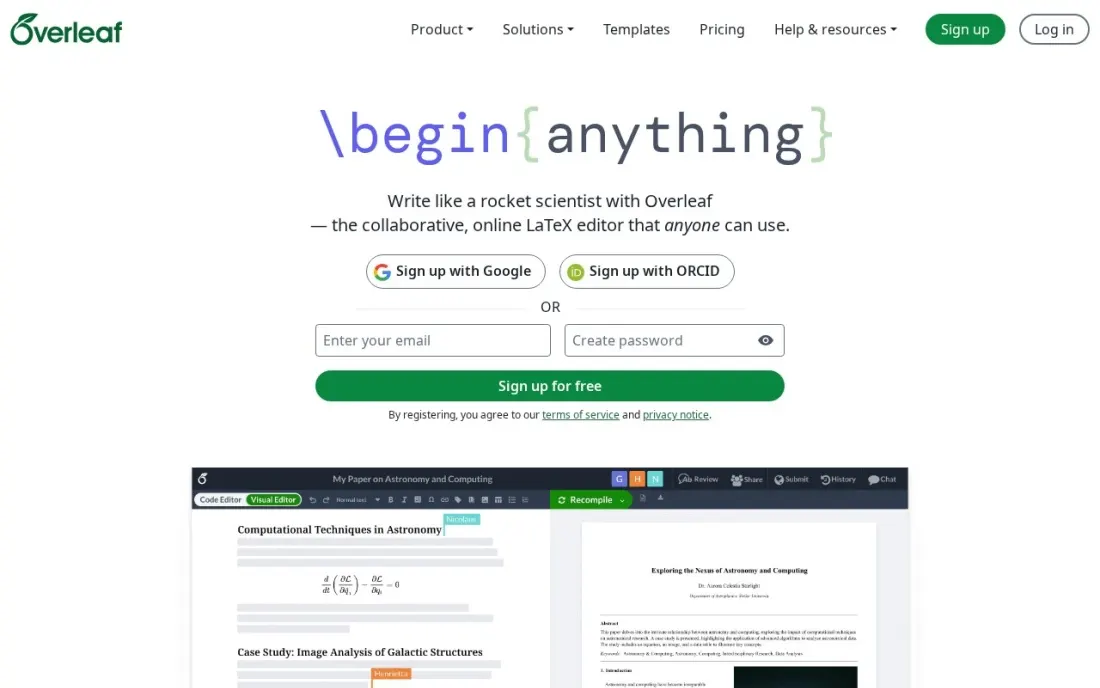
Overleaf is the standard place to write a LaTeX paper or thesis. It runs in the browser, compiles the PDF as you type, and handles equations, figures and journal templates that are painful in a word processor. The free plan gives unlimited projects but only 1 collaborator per project, 24 hours of history and no track changes, which is fine for a solo draft.
Student costs $98 a year, or $13 billed monthly, and adds 10 collaborators, full history, track changes and Zotero, Mendeley, Git and GitHub sync. Standard costs $199 a year and Pro $399 a year with unlimited collaborators. If your field publishes in LaTeX, start here.
What we like
- Browser-based LaTeX editor with unlimited projects on the free plan
- Student plan adds track changes, full history and Zotero, Mendeley and GitHub integrations for $98 a year
- Pro allows unlimited collaborators per project
Watch out for
- Free plan keeps only 24 hours of document history and has no track changes
- Free plan allows just 1 collaborator per project
- LaTeX itself has a learning curve for writers used to Word

Microsoft Word
Best for: Students and researchers in fields where supervisors and journals expect a Word file with tracked changes
Microsoft Word is still the default for most humanities, social science and medical writing, because supervisors comment in it and many journals ask for a .docx. Track changes, comments, styles for headings and captions, and automatic tables of contents cover what a thesis needs, and Zotero, Mendeley and EndNote all plug in to insert citations as you write.
Microsoft 365 Personal costs $99.99 a year or $9.99 a month and includes desktop Word, 1 TB of OneDrive storage and Copilot. Word for the web is free with a Microsoft account but cut down. Many universities license it for students, so check before paying. Long theses work better split into chapter files.
What we like
- The format most supervisors and journals already expect, with track changes built in
- OneDrive autosave and version history, plus 1 TB of cloud storage on Personal
- Copilot AI help is included in Microsoft 365 Personal since the 2025 repricing
- Runs on Windows, Mac, web, iOS and Android, with the same files everywhere
Watch out for
- A general word processor, with no binder or corkboard for reordering thesis sections
- A long manuscript in one file gets slow, and navigation relies on headings alone
- Desktop Word needs the $99.99-a-year subscription; the free web version is cut down

Google Docs
Best for: Students co-writing papers in real time who need a free editor with comments and suggestions
Google Docs is the free choice for group papers and early drafts. Several authors can write at once, the supervisor can leave suggestions instead of edits, and version history keeps every change, all in a browser with no install. Zotero's Google Docs integration inserts citations and builds a bibliography, which covers most course papers.
It is free with a Google account. The limits show on long work: a 200-page thesis in one document slows down, and journal formatting and complex numbering are weaker than in Word or LaTeX. Use it for drafting and collaboration, then move to Word or Overleaf for the final formatted submission if the template demands it.
What we like
- Free with a Google account, with autosave and version history on every document
- The best free collaboration here: comments, suggestions and simultaneous editing
- Works on any device in a browser, with voice typing and offline mode via Chrome
- Exports to Word, PDF and EPUB, so a manuscript moves anywhere
Watch out for
- One long document per file, so a thesis needs manual chapter files or a single giant doc
- Journal formatting and complex numbering are weaker than in Word or LaTeX
- Offline work needs the Chrome extension set up in advance, and large manuscripts slow down

Scrivener
Best for: PhD candidates and book-length authors who want to organise a thesis in movable sections
Scrivener suits the long, messy middle of a thesis or academic book. Its binder splits the work into chapters, sections and notes you can reorder, the corkboard shows the structure at a glance, and research files such as PDFs and images sit beside the draft. Snapshots save a version before each rewrite, so cutting a section is safe.
The Standard licence costs $59.99 one-time for macOS or Windows, with a 30-day trial counted in days of use. Citations need a reference manager and a little setup, and Compile, the export step, takes practice. Draft in Scrivener and export to Word for your supervisor when you need tracked comments.
What we like
- Binder, corkboard and outliner keep a whole thesis organised in movable sections, not one long document
- One-time licence with no subscription, and minor updates inside Scrivener 3 are free
- Snapshots save a version of a section before every rewrite, so no draft is ever lost
- Compile exports to Word, PDF, EPUB and print-ready files from the same manuscript
Watch out for
- One licence covers one desktop platform only, so Mac plus Windows costs $95.98 as a bundle
- Syncing between devices runs through Dropbox, and there is no native cloud sync or web version
- Compile, the export system, has a real learning curve before a manuscript comes out clean

Zotero
Best for: Students and researchers who want a free reference manager that works with every editor
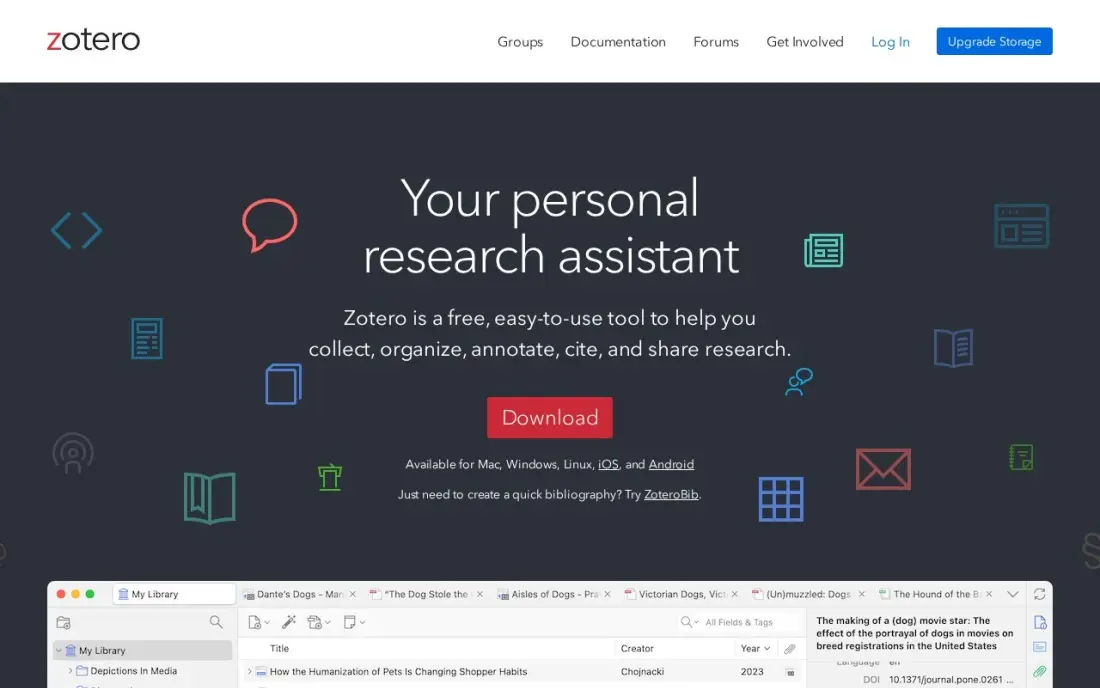
Zotero is the reference manager most students should start with. The browser connector saves a paper, PDF or web page in one click with its metadata, and the Word, LibreOffice and Google Docs plugins insert citations and build the bibliography in any of more than 9,000 styles. Changing from APA to Chicago takes one click instead of an afternoon.
The core app is free and open source with unlimited references. Free cloud storage is only 300 MB, so a PDF-heavy library needs paid storage from $20 a year for 2 GB, or your own WebDAV server. It has no built-in AI summarising, but for citations it does everything a thesis needs at no cost.
What we like
- Completely free core app: unlimited references, 9,000+ citation styles and Word, LibreOffice and Google Docs integration
- Browser connector captures papers, PDFs and web pages in one click, with notes and tags on every item
- Open-source with a large plugin ecosystem, group libraries and WebDAV support for self-hosted storage
Watch out for
- Free cloud storage is only 300 MB, so a PDF-heavy library needs a paid storage tier or WebDAV
- No built-in AI screening or summarising — those come from community plugins, not the core app

EndNote
Best for: Researchers with very large Word bibliographies who need precise citation-style control
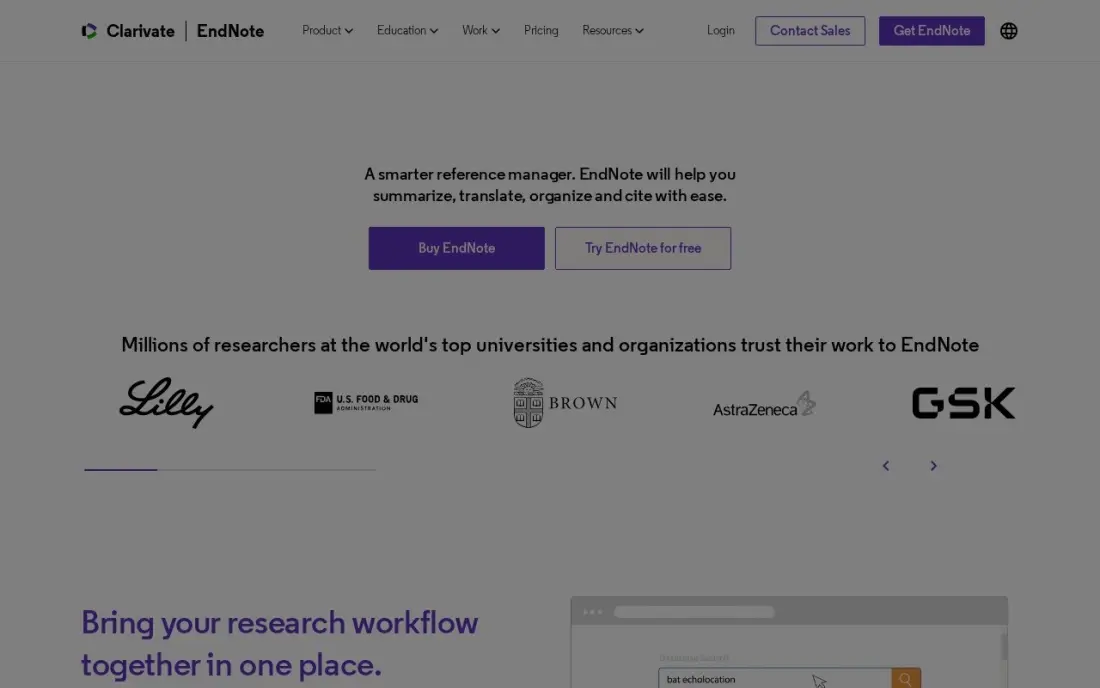
EndNote is the reference manager many labs and medical schools standardise on. Cite While You Write in Word is the deepest here, with thousands of output styles and custom style editing for journals with unusual rules, and it handles libraries of thousands of references with automatic duplicate detection. EndNote 2025 adds a Research Assistant that summarises and translates PDFs.
The full licence costs $275 one-time, $150 for students, and EndNote Online is free. It is desktop-first and harder to learn than Zotero, so pick it if your institution provides it or your field depends on its styles, not as a first reference manager.
What we like
- Cite While You Write in Word is the deepest in this list, with thousands of output styles and custom style editing
- Handles libraries of thousands of references and flags duplicates automatically on import
- EndNote 2025 adds a Research Assistant that answers questions about a document, summarises research and translates PDFs
Watch out for
- One-time licence is $275 for new buyers, the most expensive entry in this list for a solo researcher
- Desktop-first and dense to learn — reviewers rate its ease of use well below Zotero and Mendeley

Grammarly
Best for: Students who want grammar, clarity and tone checks inside Word, Google Docs and the browser
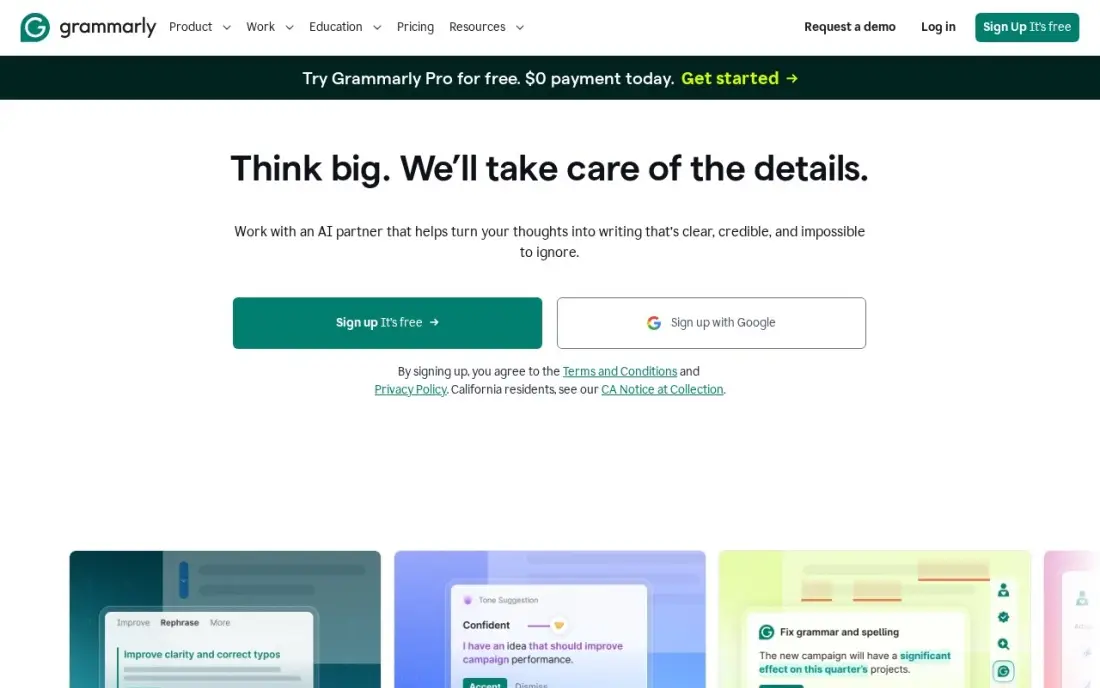
Grammarly catches the grammar, punctuation and clarity errors that slip through after the fifth draft, and it works inside Word, Google Docs, browsers and desktop apps from one account. The free plan covers grammar, spelling and tone detection, which is enough for most course papers. Pro adds full-sentence rewrites, plagiarism checks and AI detection.
Pro costs $12 a month billed annually, or $30 billed monthly. It checks only English and is tuned for general writing, so it may push academic prose toward a plainer style. Check your university's rules on AI rewriting before you use the rewrite features on assessed work.
What we like
- Works in browsers, Google Docs, Microsoft Office, desktop apps and mobile from one account
- Pro adds full-sentence rewrites, tone adjustment, plagiarism and AI detection
- 2,000 AI prompts a member a month on Pro, with style guides and brand tones for teams
- Free plan covers grammar, spelling and tone detection, so the paid tier is easy to test against
Watch out for
- Monthly billing costs $30 a member, two and a half times the $12 annual rate
- Only checks English, so multilingual teams get no value from it
- The free plan covers grammar and spelling, so Pro only pays off if you need rewrites and tone control

Trinka
Best for: Researchers polishing journal manuscripts who want checks built for academic English
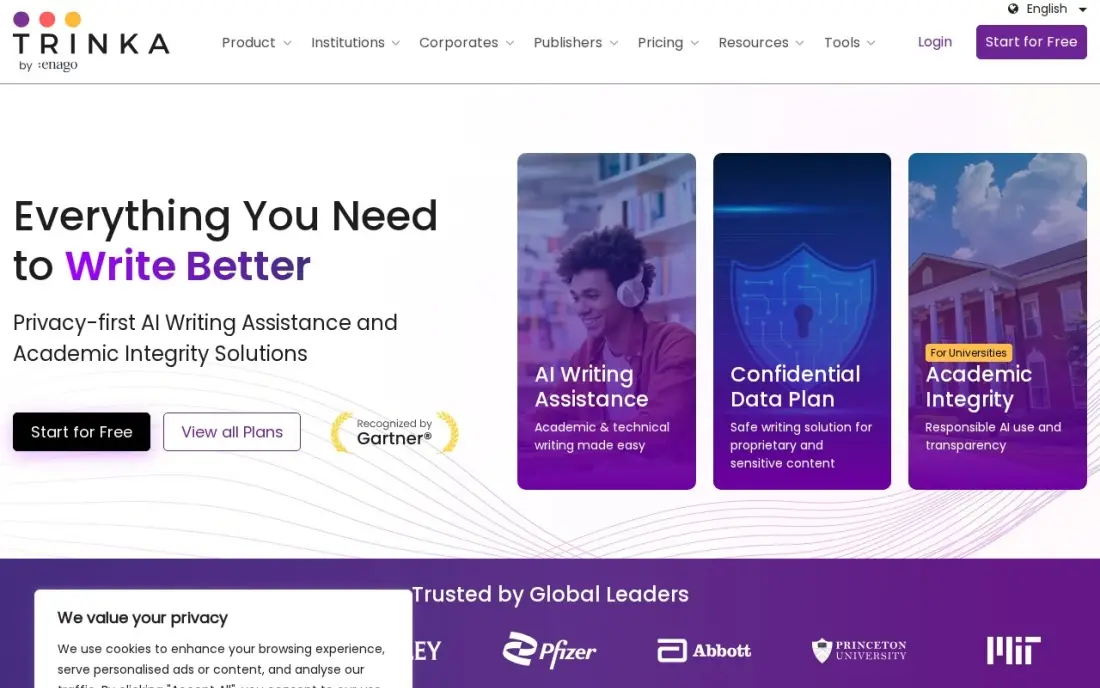
Trinka is a language checker built for academic and technical writing rather than email. It flags formal-tone issues, inconsistent terms and subject-specific usage, and adds publication-readiness checks and a journal finder, which help a non-native English author before submission. The free Basic plan covers 5,000 words a month with advanced grammar checks.
Premium costs $80 a year billed annually, or $20 billed monthly, with plagiarism and AI-detection credits included. Its G2 score is the lowest here at 3.9 from 17 reviews, and some reviewers report missed errors in long paragraphs. Use it for the final pass on a paper headed to a journal.
What we like
- Built for academic and technical writing, with publication-readiness checks and a journal finder
- Premium at $80 a year is cheaper than Grammarly Pro and ProWritingAid on annual billing
- Plagiarism and AI-detection checks run on the same platform, with credits included
- Free Basic plan covers 5,000 words a month with advanced grammar checks
Watch out for
- Lowest G2 score here at 3.9 out of 5 from 17 reviews, with some reviewers reporting missed errors in long paragraphs
- Formal academic tone is the default — it suits papers better than casual marketing copy
- Premium Plus and data-privacy plans add cost quickly for heavy plagiarism-check users
The best academic writing software helps you draft long, structured work, cite sources correctly and submit clean prose in the format your supervisor or journal expects. We compared eight tools across the three jobs every thesis or paper involves, writing, referencing and checking, and every price below comes from the vendor's pricing page or our database records, checked in November 2026.
How to choose the best academic writing software
- Match your field's format. If your department and target journals use LaTeX, write in Overleaf; if supervisors review in Word, write in Word or export to it.
- Pick a reference manager on day one. Adding citations by hand to a 200-reference thesis is where errors creep in; Zotero or EndNote should be installed before the first chapter.
- Check editor integration. Your reference manager must plug into the editor you use, and your checker must run inside it too, or you will copy text between apps.
- Plan for collaboration. Co-authors and supervisors need comments and tracked changes, which some free plans leave out.
- Protect your drafts. Use version history or snapshots and keep a backup outside the app; a lost chapter is the worst week of any thesis.
- Read your university's AI policy. Grammar checks and AI rewriting are treated differently, so know the rules before you use rewrite features.
If you are publishing research for a lab, department or company, how it reads to search engines matters too. The free readability checker shows where web summaries of your work get too dense, and our guide to AI tools for research covers the reading and discovery side.
Academic writing software pricing: what you will actually pay
A student can run a full setup for $0: Google Docs or Word for the web to write, Zotero to cite and Grammarly's free plan to check. The first paid step is usually one tool, not all three.
Here is a typical paid setup for a PhD candidate over one year. Overleaf Student costs $98 billed annually, or $156 if paid monthly at $13. Trinka Premium costs $80 billed annually, or $240 at $20 a month. Zotero storage for a large PDF library starts at $20 a year for 2 GB. That totals $198 a year on annual billing. A Word-based candidate would swap Overleaf for Microsoft 365 Personal at $99.99 a year, and might add Scrivener at $59.99 once.
EndNote is the biggest single cost at $275 one-time, or $150 for students, but many universities provide it, so check your library's software page before buying anything.
Know the difference: word processor vs LaTeX editor
A word processor such as Word or Google Docs shows the page as it will print. You format headings, captions and references with styles, and supervisors can comment and track changes in a tool they already know. It is the easier start and the common format for humanities, social science and many medical journals.
A LaTeX editor such as Overleaf separates content from layout. You write plain text with markup, and the compiler produces a typeset PDF with consistent numbering, cross-references and equations. It takes longer to learn but handles maths, long documents and journal templates far better, which is why STEM fields use it.
Quick comparison: tool type by need
| Buyer | Best pick | Why |
|---|---|---|
| LaTeX papers and STEM theses | Overleaf | Free plan, Student $98/year with track changes |
| Supervisor-reviewed theses | Microsoft Word | Track changes and .docx templates, $99.99/year |
| Group papers on a budget | Google Docs | Free real-time co-writing and suggestions |
| Long, complex drafts | Scrivener | Binder and corkboard, $59.99 one-time |
| Free citations | Zotero | Free, 9,000+ styles, works with every editor |
| Large Word bibliographies | EndNote | Deep style control, $275 or $150 for students |
| Everyday grammar checks | Grammarly | Free plan, Pro $12/month billed annually |
| Journal submissions | Trinka | Academic English checks, Premium $80/year |
Mistakes to avoid
- Citing by hand. Manual references break the moment you change style or reorder chapters; use a reference manager from the first draft.
- Writing a thesis in one giant file. Long documents slow down and corrupt more easily; split chapters into separate files or use Scrivener's binder.
- Letting a checker rewrite your argument. Accept grammar fixes, but think twice about full-sentence rewrites that change meaning or breach AI rules.
- Paying for software your university already licenses. Word, EndNote and sometimes Overleaf come free through many institutions.
- Leaving formatting to the last week. Apply the university or journal template early, so the final submission is a check, not a rebuild.
Related comparisons: AI Writing Tools for Students · AI Blog Writing Tools · AI Book Writing Software · AI Writing Tools for Content Workflows
How we chose
We grouped tools by the job they do in academic writing and chose the most widely used option for each budget and field. Prices come from vendor pages and our records checked in November 2026; Overleaf's plans page was read on November 16, 2026. Ratings come from G2 pages on the dates shown in the sources. No vendor paid for a place in this list, and none of the links here are affiliate links.
What to do next
Install Zotero today, save the ten sources you cite most, and insert them into your current draft in Word, Google Docs or Overleaf. If you are publishing research online and want it found, book a free SEO review.
Frequently asked questions
What is the best academic writing software?
There is no single best tool: most academics combine an editor, a reference manager and a checker. Overleaf is the best for LaTeX papers, Microsoft Word for supervisor-reviewed theses, Zotero for free citations and Trinka or Grammarly for language checks.
Is there free academic writing software?
Yes. Google Docs and Zotero are free, Overleaf has a free plan with 1 collaborator per project, Word for the web is free with a Microsoft account, EndNote Online is free and Trinka's Basic plan covers 5,000 words a month.
Should I write my thesis in Word or LaTeX?
Use LaTeX in Overleaf if your field and supervisor use it, especially for maths, physics and computer science. Use Word if your supervisor reviews with tracked changes or your university template is a .docx. Switching halfway through a thesis is painful, so decide early.
Which reference manager is best for students?
Zotero is the best for most students: free, open source and compatible with Word, LibreOffice and Google Docs. EndNote costs $275 one-time or $150 for students and suits large Word bibliographies, and Mendeley is free with 2 GB of storage.
Is Grammarly allowed for academic writing?
Grammar and spelling checks are usually fine, but rules on AI rewriting differ by university and course. Read your institution's policy before using Grammarly Pro's rewrite features or any AI tool on assessed work, and keep your drafts as evidence of your own writing.
How much does academic writing software cost?
A full setup can cost nothing using Google Docs, Zotero and Grammarly's free plan. Paid upgrades include Overleaf Student at $98 a year, Microsoft 365 Personal at $99.99 a year, Trinka Premium at $80 a year, Scrivener at $59.99 one-time and EndNote at $150 for students.
What is the most popular academic writing software?
Microsoft Word is the most widely used, because most humanities, social science and medical supervisors comment in it and many journals ask for a .docx. In STEM fields Overleaf is the standard for LaTeX papers and theses, Google Docs is the common free choice for group papers, and Zotero is the reference manager most students start with.
Which software helps with academic writing format and citation style?
Use a reference manager for citations and your editor's templates for layout. Zotero formats references in more than 9,000 styles, so switching from APA to Chicago takes one click, and EndNote adds custom style editing. Word handles headings, captions and automatic tables of contents with styles, while Overleaf compiles journal templates with consistent numbering and cross-references.
Sources we checked (11)
- Overleaf — www.overleaf.com/user/subscription/plans (checked November 16, 2026)
- Microsoft Word — www.microsoft.com/en-us/microsoft-365 (checked November 4, 2026)
- Google Docs — docs.google.com (checked November 4, 2026)
- Scrivener — www.literatureandlatte.com/store/scrivener?tab=Windows (checked November 4, 2026)
- Zotero — www.zotero.org (checked November 10, 2026)
- Zotero reviews on G2 (checked November 10, 2026)
- EndNote — endnote.com (checked November 10, 2026)
- EndNote reviews on G2 (checked November 10, 2026)
- Grammarly — www.grammarly.com/plans (checked November 10, 2026)
- Trinka — www.trinka.ai/pricing (checked November 8, 2026)
- Trinka reviews on G2 (checked November 8, 2026)
Make one of these tools?
We re-check this list every quarter. Send a correction, request a review, or ask about a clearly labeled sponsored spot.
Request a listingShamim
Founder of SerpAstra
A full-stack digital marketer and SEO strategist covering technical and local SEO, AI search visibility, paid ads and lead generation for local businesses, e-commerce brands and SaaS teams.
Free SEO and AI visibility audit
Find out what is holding your rankings back
Send us your site. Within 2 business days you get a written audit, an AI visibility check and a short fix list ranked by impact. Free, with no contract attached.
Request my free audit→Related buying guides
 Education & E-Learning11 Best Literature Review Software in 2026, Compared11 best literature review software compared on price, free plans and G2 ratings, with real prices checked November 10, 2026 — from Zotero to Covidence.Read guide →
 Productivity & OfficeBest Proofreading Software for 2026: 10 Options Compared by Use CaseCompare the 10 best proofreading software tools on price, free plans, grammar depth and plagiarism checks, with every price checked November 8, 2026.Read guide →
 Education & E-Learning9 Best AI Writing Tools for Students in 2026, ComparedCompare the 9 best AI writing tools for students on grammar, paraphrasing, citations, research and real cost, with every price checked in November 2026.Read guide →