
6 Best AI Apps for Exterior Home Design in 2026
Compare the 6 best AI app for exterior home design picks for facade restyles, siding and paint previews and 3D models, with credits and prices checked for 2026.
 Shamim Mia, Founder, SerpAstraLast verified November 4, 20268 min read
We compare pricing pages, documentation and public reviews. We never accept payment for rankings.

Key takeaways
- HomeDesigns AI is the most exterior-focused app here, with front, side and back-of-house redesigns, sky swaps and video walkthroughs from $9 a month billed yearly.
- REimagine Home is the quickest low-cost test: 5 free designs for new users, then Essential at $19 a month for 30 credits.
- Hover is different: it builds a measured 3D model of the house from about eight phone photos, so it suits real siding, roof and window projects.
- AI restyles are inspiration, not plans — anything you build still needs measurements, local rules and a contractor's quote.
On this page
Quick comparison
| Tool | Best for | Starting price | Free plan |
|---|---|---|---|
 HomeDesigns AI | Homeowners who want many exterior restyles of the front, side or back of the house for little money | $9/mo billed yearly | No |
 REimagine Home | Homeowners and realtors who want a quick, cheap test of exterior refresh ideas from one photo | $19/mo | Yes (5 free designs) |
 Interior AI | Homeowners who want interior and exterior restyles from the same app | $29/mo billed yearly | No |
 Hover | Homeowners and exterior contractors planning real siding, roof and window work from a measured 3D model | Free to start | Yes (free to start) |
 Homestyler | Homeowners who want a free 3D model of the house with AI restyling on the side | Free; Pro+ from $6.80/mo | Yes (free) |
 Cedreo | Home builders and remodelers who need exterior elevations, roofs and AI renderings for clients | $129/mo | Yes (free plan) |
Make one of these tools?
We re-check this list every quarter. Send a correction, request a review, or ask about a clearly labeled sponsored spot.
Request a listingThe best AI apps for exterior home design
HomeDesigns AI
Best for: Homeowners who want many exterior restyles of the front, side or back of the house for little money
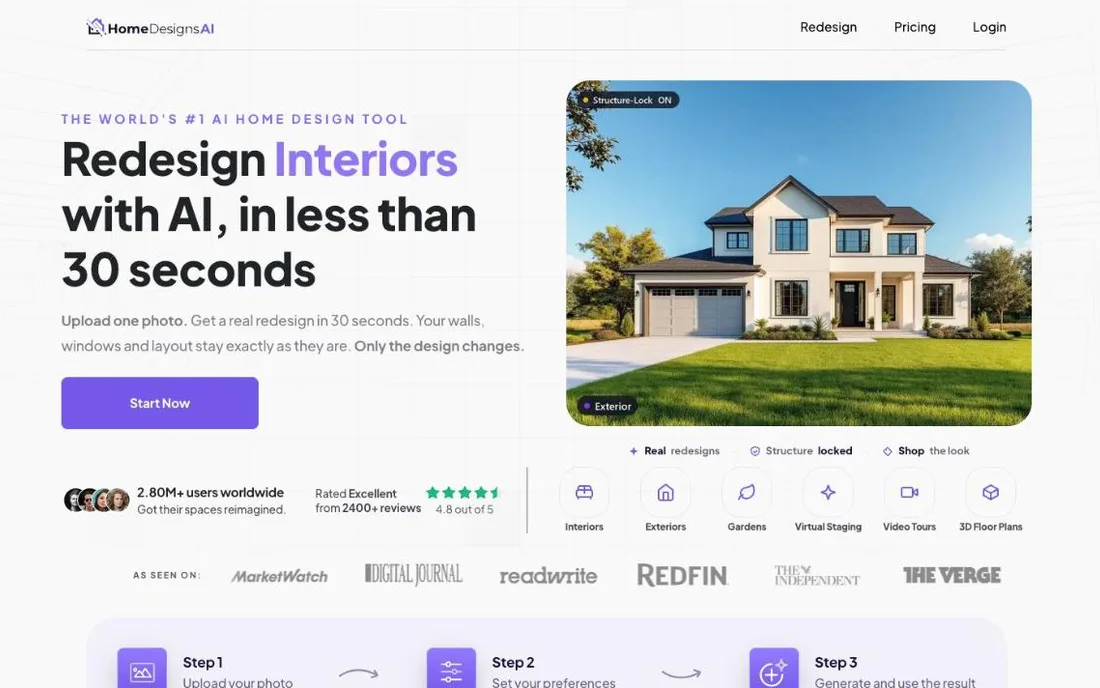
HomeDesigns AI is the most exterior-minded app in this list. Upload a photo of the front, side or back of the house and restyle it as Modern, Craftsman, Farmhouse, Mediterranean, Victorian and dozens more, then swap the sky for golden hour, sunset or fresh snow. Sketch-to-render and short video walkthroughs of 10, 20 or 30 seconds are listed on every plan.
Standard costs $22 a month with 100 design credits, or $9 a month billed yearly, and a photo redesign uses one credit. Pro is $29 a month, or $11 billed yearly, for 1,000 credits. There is no free plan, and the page's FAQ and plan lists disagree on which tools sit in which tier, so check before paying.
What we like
- Exterior redesigns for the side, front or back of the house in dozens of styles
- Sky and weather swap, sketch-to-render and photo-to-video walkthroughs
- Month to month with no contract; 1 credit per photo redesign
Watch out for
- No free plan or trial listed on the pricing page
- The page's FAQ and plan lists disagree on which tools each tier includes
REimagine Home
Best for: Homeowners and realtors who want a quick, cheap test of exterior refresh ideas from one photo
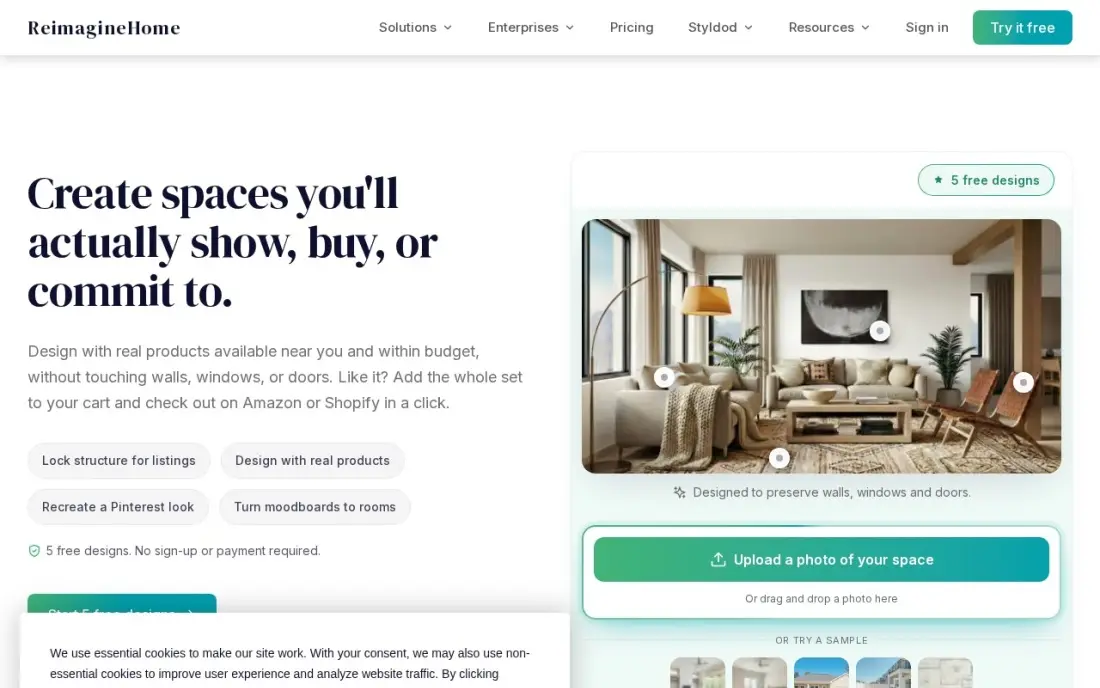
REimagine Home covers exterior refreshes alongside virtual staging and renovation previews on one subscription, so you can upload a photo of the facade, pick a style and get several redesigned versions in seconds. New users get 5 free designs with no card required, which is enough to see whether a darker siding or a new porch idea works before spending anything.
Essential costs $19 a month billed monthly with 30 credits, and a standard design uses one credit. The vendor notes that Essential runs on older AI models, and credits do not roll over, so buy a month when you have a batch of ideas to test rather than leaving it running.
What we like
- Generates redesigned yard photos in seconds, with multiple styles per photo
- Covers virtual staging, renovation previews and exterior refreshes on one subscription
- New users get 5 free designs with no card required
- One credit per standard design keeps the cost of each idea easy to count
Watch out for
- Entry Essential plan uses older AI models, per the vendor's own page
- Credits do not roll over month to month
- No free plan beyond 5 free designs for new users
Interior AI
Best for: Homeowners who want interior and exterior restyles from the same app

Interior AI is best known for restyling rooms, but it also has an outdoor design mode with a house exterior room type and outdoor spaces such as gardens and pool areas. That makes it the pick for a homeowner who is redoing the inside and outside together and wants one app with one style language across both.
Pro costs $49 a month with 1,000 designs, or $29 a month billed yearly ($349 a year); Premium is $99 a month or $49 billed yearly for 5,000 designs. There is no free tier, as sign-up asks for a payment method, and the page does not say which plans include the outdoor mode, so confirm before you subscribe.
What we like
- Outdoor design mode with a house exterior room type, plus garden and pool areas
- Pro includes 1,000 designs a month
- Handles indoor rooms too, so one subscription covers the whole house
Watch out for
- No free tier; sign-up needs a payment method
- The pricing page does not say which plans include the outdoor mode
Hover
Best for: Homeowners and exterior contractors planning real siding, roof and window work from a measured 3D model
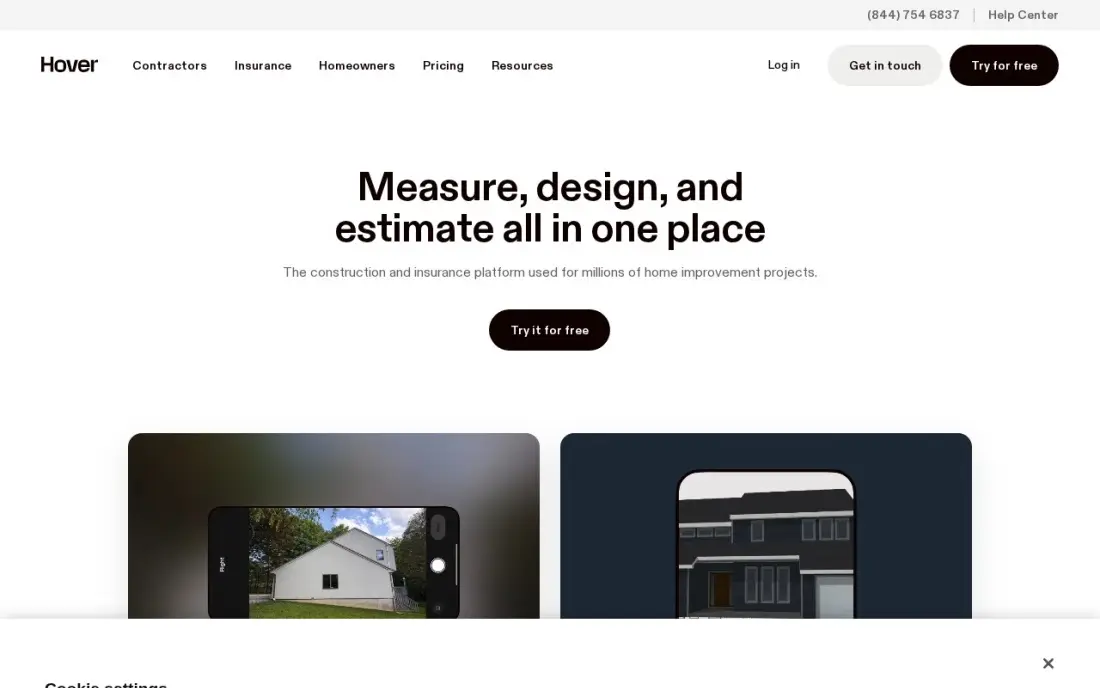
Hover is the most practical app here for a real exterior project. Instead of restyling a photo, you walk around the house and take about eight smartphone photos, and Hover builds a measured 3D model of the roof, siding, windows and doors. That model is what turns a nice idea into accurate quantities and a quote.
Starter has no plan fee and the first 3 projects are free; after that, roof-only scans cost $29 to $69 and full exterior scans $59 to $139 by complexity. Pro at $999 a year takes $20 off every project and unlocks estimates and 2D design, which is pricing for contractors rather than one homeowner.
What we like
- Builds a 3D model from about eight smartphone photos taken on site
- Free to start: no plan fee, and the first 3 projects are free
- Roof-only scans cost $29-$69 a project on Starter, $9-$49 on Pro
- Pro pays for itself at about 4 projects a month through the $20-per-project discount
Watch out for
- You still pay per project on Pro ($999/year); the plan only discounts the scan
- Roof-only scans are the cheapest tier; full exterior scans run $59-$139 on Starter
- Estimates, 2D design and agreements wait for the $999/year Pro plan
Homestyler
Best for: Homeowners who want a free 3D model of the house with AI restyling on the side
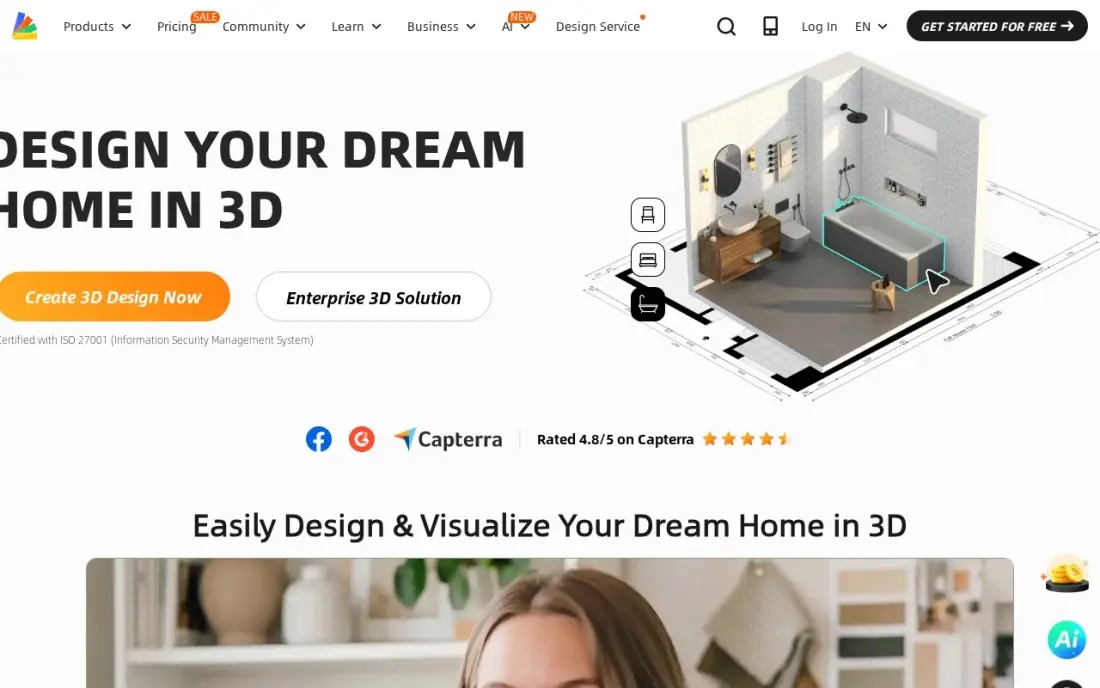
Homestyler is a free 3D home designer with AI tools added: you build the house in its cloud planner, render it as often as you like at 1K on the free Basic plan, and use AI to restyle a space from a photo or turn an image into a 3D model. More than 100,000 free models and materials help with the outdoor dressing.
The limits sit on the AI side. The free plan includes only 3 AI credits in total, and free renders are 1K with a watermark. Pro+ starts from $6.80 a month with 180 AI credits and 2K and 4K renders, though the page does not publish which billing term that price belongs to.
What we like
- Unlimited 1K renders on the free plan — no other free tool here renders without a cap
- AI tools restyle a room from a photo and turn images into 3D models
- A library of more than 100,000 free 3D models and materials on the free plan
- The cheapest paid step up here: Pro+ starts from $6.80 a month
Watch out for
- The paid price is a 'from' figure and the billing term is not published on the pricing page
- Free renders are 1K only and carry a watermark; 2K and 4K need Pro+
- Only 3 AI credits in total on the free plan, so AI restyling runs out fast
Cedreo
Best for: Home builders and remodelers who need exterior elevations, roofs and AI renderings for clients
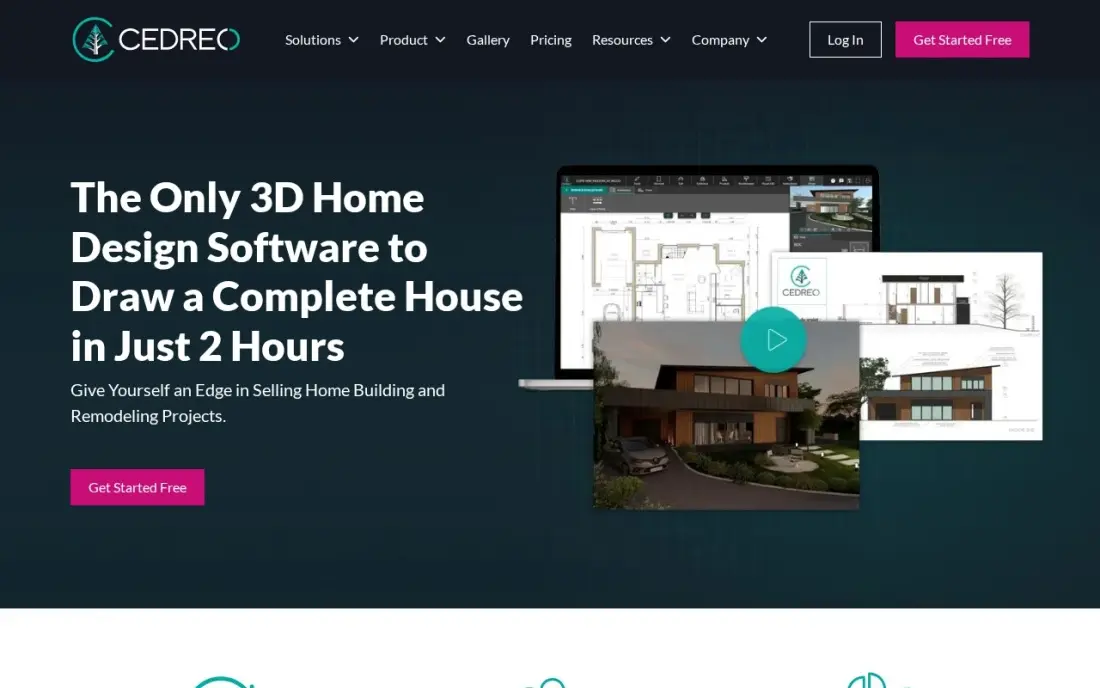
Cedreo is for professionals who need the exterior to be buildable as well as attractive. It draws floor plans, sections, elevations, roofs, terrain and site plans in one browser tool, and Pro includes 40 realistic 3D renderings and 10 AI renderings a month for client presentations, with unlimited projects.
Pro costs $79 a month billed annually, or $129 billed monthly, and prices vary by visitor location. The free plan covers 1 user and 1 project with no renderings, and a homeowner with one house can buy Personal at $139 a project instead of subscribing. Curved shapes and custom material imports are limited.
What we like
- Draws a full plan set: floor plans, sections, elevations, roofs, terrain and site plans in one tool
- Pro includes 40 realistic 3D renderings a month and 10 AI renderings, with unlimited projects
- Free plan covers 1 user and 1 project, so the drawing tools can be tested before paying
- Personal at $139 a project suits a homeowner with a single house to draw
Watch out for
- Pro at $129 a month billed monthly is the priciest subscription here after Chief Architect
- Prices vary by visitor location, so the checkout total can differ from the US list price
- Customization is limited for curved lines and importing custom materials or shapes
The best AI app for exterior home design lets you see a new facade, paint colour or porch on your own house before anyone picks up a ladder. We compared six apps: three that restyle a photo of the house with AI, one that builds a measured 3D model from phone photos, and two 3D home designers with AI rendering. Every price below comes from the vendor's own pricing page or our verified database, checked in November 2026.
How to choose the best AI app for exterior home design
- Decide if you want ideas or a plan. Photo restyling apps are fast and cheap for ideas; measured models and plan tools are what you need to build.
- Check that exterior is really supported. Many AI design apps are built for rooms; look for an exterior or outdoor mode, house-side options and sky controls.
- Count credits per idea. Most apps charge one credit per photo redesign, so 30 credits is 30 versions, not 30 projects.
- Compare monthly and yearly prices. HomeDesigns AI drops from $22 to $9 a month on yearly billing, a big gap if you only need one month.
- Use a good photo. A straight-on daytime photo with the whole facade in frame gives far better results than an angled evening shot.
- Plan the hand-off. If a contractor will quote the work, a measured model or elevation drawing saves a site visit.
Exterior work is one of the most searched local services. If you run a siding, roofing or painting business, our local SEO service helps homeowners find you on Google Maps, and the free local business schema generator makes your service area clear to search engines.
AI exterior home design app pricing: what you will actually pay
Take a homeowner who wants to try about 50 exterior ideas over one month before choosing a contractor. REimagine Home's 5 free designs cover a first test, then Essential at $19 a month gives 30 credits, so 50 ideas means two months or $38. HomeDesigns AI Standard costs $22 for one month with 100 credits, which covers all 50. Interior AI Pro costs $49 for a month with 1,000 designs, or $349 if you pay for a year.
For a real project the costs are different. Hover's first 3 projects are free on Starter, then a full exterior scan costs $59 to $139 depending on the house. Cedreo Pro costs $129 a month billed monthly or $79 a month billed annually, which only makes sense for builders, while Personal at $139 a project suits one homeowner. Homestyler is free for the 3D model but includes only 3 AI credits before you need Pro+.
Know the difference: AI photo restyle vs measured 3D model
An AI photo restyle takes a picture of your house and paints a new version over it: different siding, a new colour, a modern porch. HomeDesigns AI, REimagine Home and Interior AI all work this way. It is quick and cheap, and great for choosing a direction with your family. But the AI can quietly change window positions, roof pitches or proportions, so the picture is not something a builder can price.
A measured 3D model, such as Hover's model from phone photos or a Cedreo plan, knows the actual size of every wall, roof face and opening. That makes it slower and usually more expensive, but it gives material quantities and drawings a contractor can quote from. Most homeowners should use both: a restyle app to decide the look, then a measured model to plan the job.
Quick comparison: tool type by need
| Buyer | Best pick | Why |
|---|---|---|
| Exterior restyles in bulk | HomeDesigns AI | Front, side and back redesigns; $9/month billed yearly |
| A cheap first test | REimagine Home | 5 free designs, then $19/month for 30 credits |
| Inside and outside together | Interior AI | Outdoor mode plus rooms; Pro $29/month billed yearly |
| Real siding and roof projects | Hover | Measured 3D model from phone photos, first 3 projects free |
| Free 3D model with AI extras | Homestyler | Unlimited free 1K renders, Pro+ from $6.80/month |
| Builders and remodelers | Cedreo | Elevations, roofs and 10 AI renderings a month on Pro |
Mistakes to avoid
- Building from an AI picture. A restyle can change proportions that cannot be built; measure before you order materials.
- Picking colours from a screen. Paint and siding look different in daylight; order samples of anything you like.
- Leaving a subscription running. Credits on several apps do not roll over, so cancel once you have chosen a design.
- Ignoring local rules. HOA guidelines and permits can rule out colours, materials or additions the AI happily suggests.
- Using a poor photo. Shadows, cars and trees in front of the house confuse the AI; clear the shot or try several angles.
How we chose
We read the HomeDesigns AI and Interior AI pricing pages on November 19, 2026, and used verified database entries for REimagine Home, Hover, Homestyler and Cedreo, checked earlier in November 2026. We ranked apps for a homeowner planning an exterior refresh, with one pick for contractors. Where a page left something unclear, such as which Interior AI plans include the outdoor mode, we say so. We did not use review-site ratings because none were verified for most of these apps. No vendor paid for a place in this list, and none of the links here are affiliate links.
What to do next
Take one clear daytime photo of the front of your house and run it through REimagine Home's free designs to narrow down a style. Then get a measured model or a contractor visit before you commit. If you are the contractor, see how homeowners find you locally.
Frequently asked questions
What is the best AI app for exterior home design?
HomeDesigns AI is the most exterior-focused, with front, side and back-of-house restyles and sky swaps from $9 a month billed yearly. REimagine Home is the cheapest test, with 5 free designs. Hover is best for a real project because it builds a measured 3D model.
Is there a free AI app for exterior home design?
REimagine Home gives new users 5 free designs with no card, Hover's Starter plan includes the first 3 projects free, and Homestyler's free plan has 3 AI credits plus unlimited 1K renders. HomeDesigns AI and Interior AI have no free plan.
Can AI show my house with new siding or paint?
Yes. Upload a clear daytime photo of the facade to an app such as HomeDesigns AI, REimagine Home or Interior AI and choose a style. The result shows the look, but colours and materials vary on screen, so check real samples before you buy.
How accurate are AI exterior design apps?
They are accurate about mood, not measurements. Photo restyles can change window sizes or rooflines that cannot be built. For quantities and quotes, use a measured model such as Hover's or plans from a tool like Cedreo.
How much do AI exterior design apps cost?
HomeDesigns AI starts at $22 a month or $9 billed yearly, REimagine Home Essential is $19 a month, Interior AI Pro is $49 a month or $29 billed yearly, and Cedreo Pro is $79 a month billed annually. Hover charges per project, from $29.
Do I still need an architect or contractor?
For anything structural, permitted or expensive, yes. AI apps help you decide what you want and explain it clearly; a contractor or architect checks it against local rules and prices it.
Sources we checked (7)
- HomeDesigns AI — homedesigns.ai/pricing (checked November 19, 2026)
- REimagine Home — www.reimaginehome.ai/pricing (checked November 7, 2026)
- Interior AI — interiorai.com/pricing (checked November 19, 2026)
- Hover — hover.to/pricing (checked November 8, 2026)
- Homestyler — www.homestyler.com/pricing (checked November 4, 2026)
- Cedreo — www.cedreo.com/pricing (checked November 12, 2026)
- Cedreo reviews on G2 (checked November 12, 2026)
Make one of these tools?
We re-check this list every quarter. Send a correction, request a review, or ask about a clearly labeled sponsored spot.
Request a listingShamim
Founder of SerpAstra
A full-stack digital marketer and SEO strategist covering technical and local SEO, AI search visibility, paid ads and lead generation for local businesses, e-commerce brands and SaaS teams.
Free SEO and AI visibility audit
Find out what is holding your rankings back
Send us your site. Within 2 business days you get a written audit, an AI visibility check and a short fix list ranked by impact. Free, with no contract attached.
Request my free audit→Related buying guides
 Architecture & Interior Design7 Best AI Home Design Apps in 2026, ComparedCompare the 7 best AI home design apps for room restyling, virtual staging and 3D floor plans on free tiers, credits and real cost, checked on vendor pages.Read guide →
 Architecture & Interior Design8 Best Exterior Design Software in 2026, ComparedCompare the 8 best exterior design software for facades, roofs, siding and yards on price, free plans, one-time licences and 3D renders, checked November 2026.Read guide →
 Architecture & Interior Design12 Best AI Landscape Design Software in 2026, ComparedCompare the 12 best ai landscape design software tools on price, free plans, AR previews and AI restyles, with every price checked November 7, 2026.Read guide →