
7 Best AI Home Design Apps in 2026, Compared
Compare the 7 best AI home design apps for room restyling, virtual staging and 3D floor plans on free tiers, credits and real cost, checked on vendor pages.
 Shamim Mia, Founder, SerpAstraLast verified November 4, 20269 min read
We compare pricing pages, documentation and public reviews. We never accept payment for rankings.

Key takeaways
- Interior AI is the strongest dedicated AI room restyler, with 1,000 designs a month on Pro at $49 monthly or $29 a month billed yearly, but there is no free plan.
- REimagine Home is the cheapest way to try AI restyling: 5 free designs for new users, then $19 a month for 30 credits.
- Planner 5D and Coohom combine AI with real 3D floor plans; Planner 5D Premium is $59.99 a year, and Coohom Pro gives unlimited 4K renders for $29 a month.
- AI restyles are inspiration, not plans: pair them with a measured floor plan from RoomSketcher or Planner 5D before you buy furniture or hire a contractor.
On this page
Quick comparison
| Tool | Best for | Starting price | Free plan |
|---|---|---|---|
| Interior AI | Homeowners, realtors and stagers who want many photorealistic AI restyles of real rooms | $29/mo (yearly) | No |
| REimagine Home | Homeowners and realtors who want quick AI restyles and virtual staging on a small budget | 5 free designs; $19/mo | Yes (5 free designs) |
| Homestyler | Homeowners who want AI room restyling plus a free 3D floor planner with unlimited renders | Free; Pro+ from $6.80/mo | Yes (free) |
| Planner 5D | Homeowners planning one renovation who want AI floor-plan recognition and a large furniture catalog | Free; $59.99/yr | Yes (free plan) |
| Coohom | Interior designers who want AI layouts and unlimited 4K renders every day | Free; Pro $29/mo | Yes (free Basic) |
| RoomSketcher | Homeowners and agents who need an accurate, measured floor plan to pair with AI restyles | Free; Pro $144/yr | Yes (free plan) |
| Floorplanner | Budget users who want a cheap browser floor planner to measure rooms before AI restyling | Free; Plus $4.08/mo (annual) | Yes (free Basic) |
Make one of these tools?
We re-check this list every quarter. Send a correction, request a review, or ask about a clearly labeled sponsored spot.
Request a listingThe best AI home design apps

Interior AI
Best for: Homeowners, realtors and stagers who want many photorealistic AI restyles of real rooms
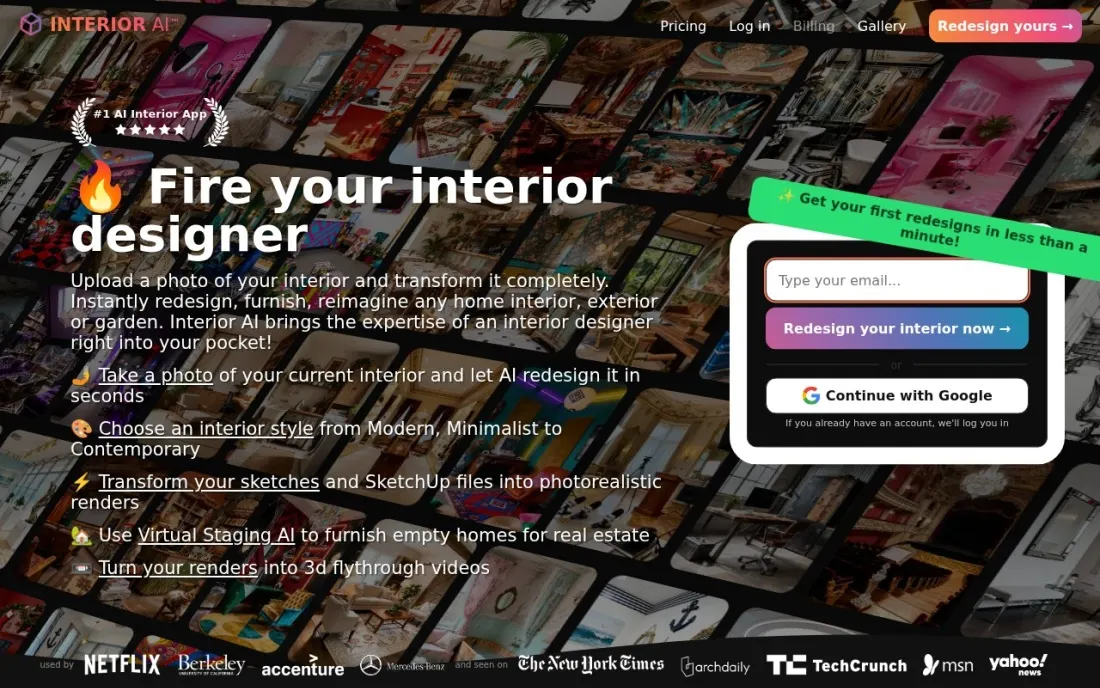
Interior AI is a dedicated AI room restyler: upload a photo of a real room, pick or write a style, and it renders redesigned versions, up to four rooms at a time on Pro. Pro costs $49 a month, or $29 a month billed yearly, and includes 1,000 designs a month with a commercial use license, which suits realtors and home stagers as well as homeowners.
Virtual staging, editing a design, painting walls, changing lighting and walkthrough videos need Premium at $99 a month, or $49 billed yearly. Pro renders are labelled low quality on the vendor's own page, and there is no free plan or trial shown. The pricing page also lists two different yearly totals for Pro, so confirm the figure at checkout.
What we like
- Pro includes 1,000 designs a month, with your own room photos, your own prompts and style remixing
- Premium adds virtual staging, design editing, wall painting, lighting changes, upscaling and walkthrough videos
- Commercial use license on every plan, which matters for realtors and stagers
Watch out for
- No free plan or trial is shown, and signup asks for a payment method
- Pro renders are labelled low quality; higher-realism renders need Premium or Ultra
- The pricing page shows inconsistent yearly figures for Pro ($349 in one place, $390 in another)

REimagine Home
Best for: Homeowners and realtors who want quick AI restyles and virtual staging on a small budget
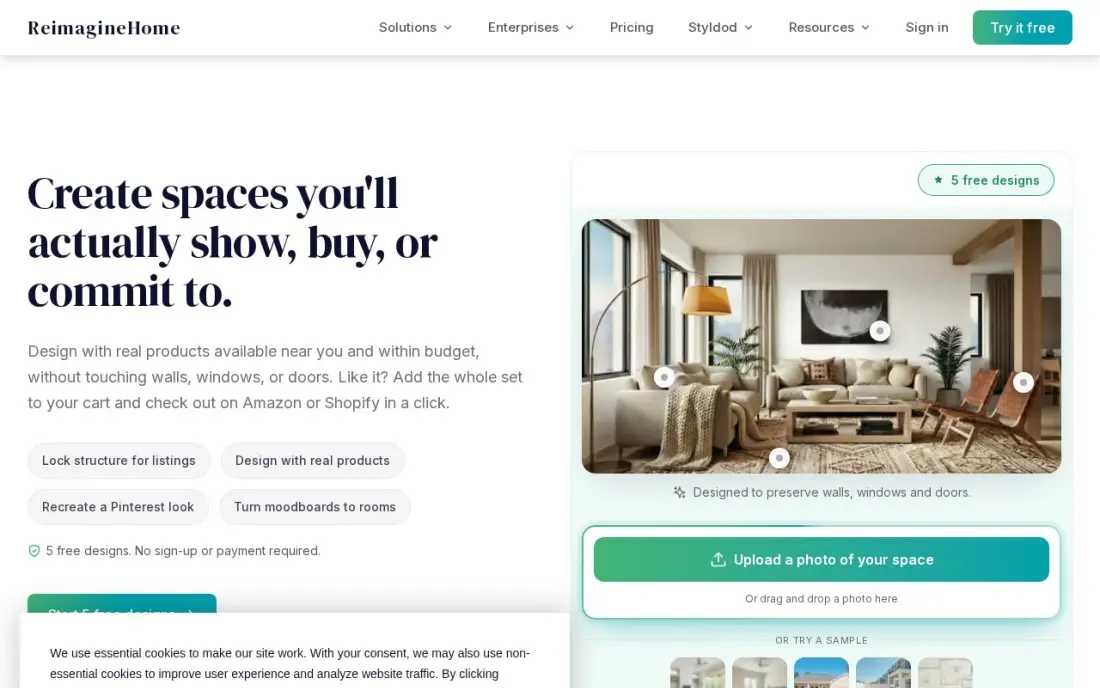
REimagine Home generates redesigned photos of rooms and exteriors in seconds, with several styles per photo, and covers virtual staging, renovation previews and exterior refreshes on one subscription. New users get 5 free designs with no card required, which is the easiest way to see whether AI restyling helps your project.
The Essential plan costs $19 a month for 30 credits, and one standard design uses one credit, so the cost of each idea is easy to count. The vendor's own page says Essential uses older AI models, and credits do not roll over. Treat results as inspiration; the AI can suggest pieces that would not fit your space or budget.
What we like
- Generates redesigned photos of rooms and exteriors in seconds, with multiple styles per photo
- Covers virtual staging, renovation previews and exterior refreshes on one subscription
- New users get 5 free designs with no card required
- One credit per standard design keeps the cost of each idea easy to count
Watch out for
- Entry Essential plan uses older AI models, per the vendor's own page
- Credits do not roll over month to month
- No free plan beyond 5 free designs for new users

Homestyler
Best for: Homeowners who want AI room restyling plus a free 3D floor planner with unlimited renders
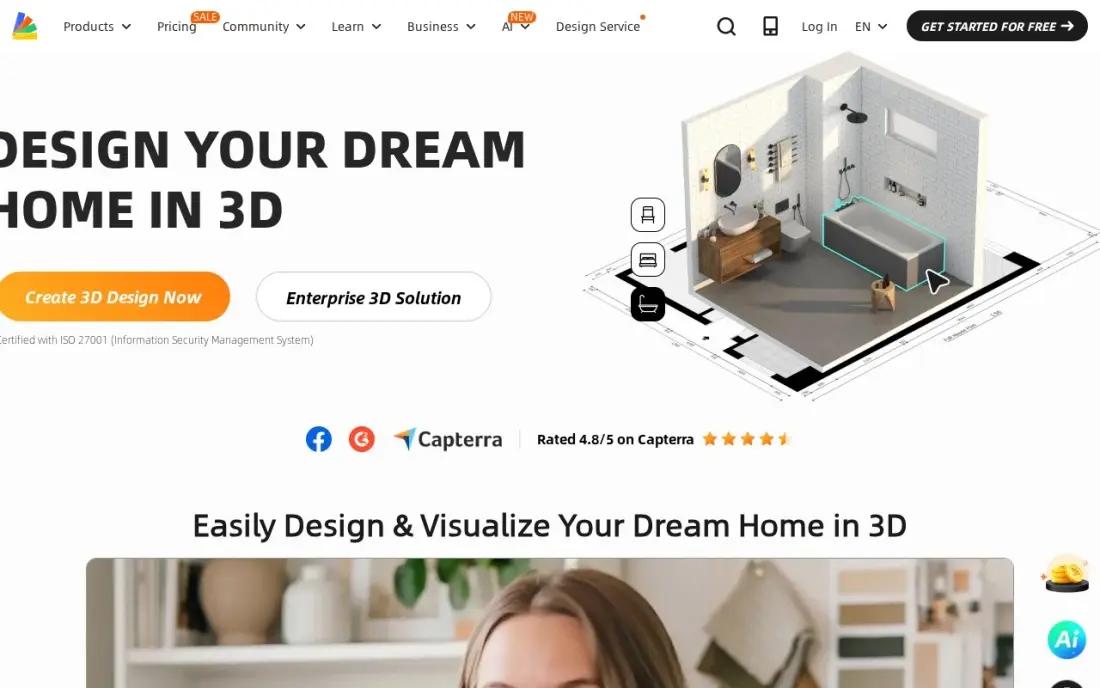
Homestyler combines a cloud 3D floor planner with AI tools that restyle a room from a photo, turn an image into a 3D model and generate layouts from text. The free Basic plan includes more than 100,000 models and materials and unlimited 1K renders with no monthly cap.
The AI side of the free plan is thin: only 3 AI credits in total, so restyling runs out fast, and free renders carry a watermark. Pro+ starts from $6.80 a month and adds 2K and 4K renders and more AI credits, but the pricing page does not say which billing term that figure belongs to, so check before you pay.
What we like
- Unlimited 1K renders on the free plan — no other free tool here renders without a cap
- AI tools restyle a room from a photo and turn images into 3D models
- A library of more than 100,000 free 3D models and materials on the free plan
- The cheapest paid step up here: Pro+ starts from $6.80 a month
Watch out for
- The paid price is a 'from' figure and the billing term is not published on the pricing page
- Free renders are 1K only and carry a watermark; 2K and 4K need Pro+
- Only 3 AI credits in total on the free plan, so AI restyling runs out fast

Planner 5D
Best for: Homeowners planning one renovation who want AI floor-plan recognition and a large furniture catalog
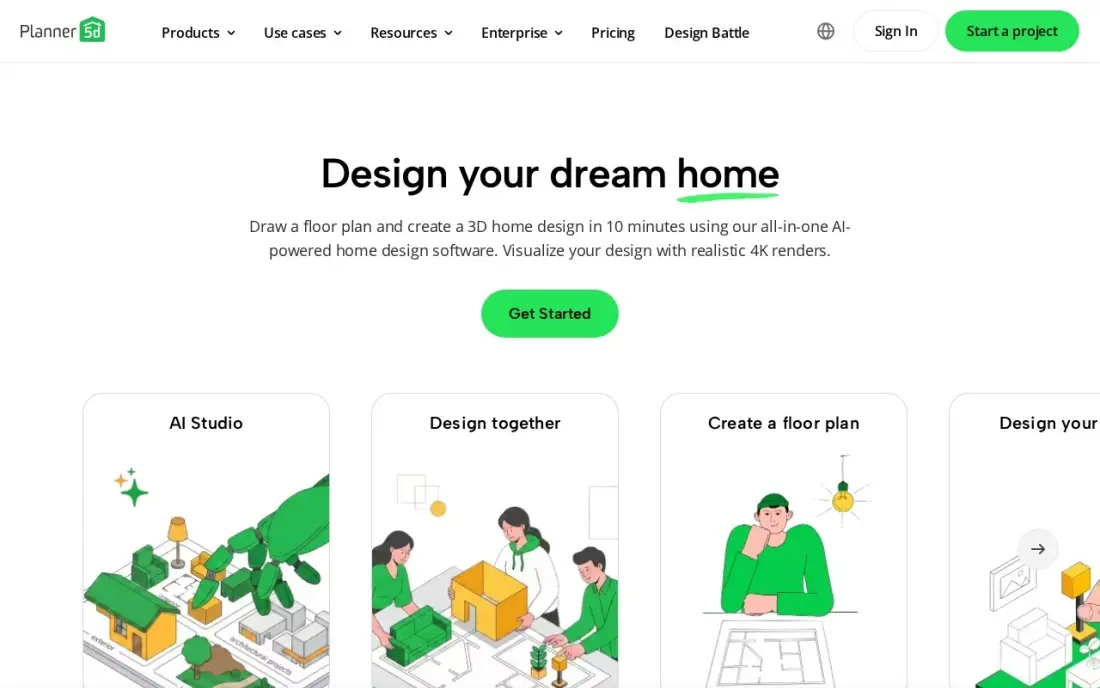
Planner 5D's AI turns a photo or sketch of a floor plan into an editable 3D layout, so you start from your real rooms instead of drawing walls by hand. The free plan includes unlimited projects and half of the catalog, and Premium unlocks the full catalog of more than 10,000 items for $59.99 a year, or $19.99 billed monthly.
It runs on web, iOS, Android, Windows, macOS and visionOS, with projects syncing across devices. Watermark-free 4K renders and CAD export need Professional at $399.99 a year, and subscriptions auto-renew with no refunds. G2 rates it 4.7 from 188 reviews. It is the best value for a homeowner who wants AI and accurate plans together.
What we like
- Premium at $59.99 a year is the cheapest paid plan in this list for the full 10,000-plus item catalog
- AI floor-plan recognition turns a photo or sketch of a plan into an editable 3D layout
- Free plan includes unlimited projects and half the catalog, with no time limit
- Runs on web, iOS, Android, Windows, macOS and visionOS, with projects syncing across devices
Watch out for
- Watermark-free 4K renders, 3D model upload and CAD export need Professional at $399.99 a year
- Subscriptions auto-renew and Planner 5D gives no refunds, so the renewal date needs a reminder
- Android-only subscriptions do not sync across platforms

Coohom
Best for: Interior designers who want AI layouts and unlimited 4K renders every day

Coohom pairs AI tools that generate layouts and renders from a photo or prompt with a full interior design workspace. Pro costs $29 a month, or $300 a year, and includes unlimited projects, unlimited watermark-free 4K renders and 360-degree walkthroughs, which is strong value for anyone rendering client rooms daily. A free Basic plan covers 3 projects with watermarked 1K renders.
The AI features run on credits on top of the subscription, so heavy AI use costs more than $29. Prices vary by region and have changed before, and reviewers report auto-renewal surprises, including annual charges after a monthly signup. Elite at $69 a seat adds construction drawings and team collaboration.
What we like
- Pro includes unlimited projects, unlimited watermark-free 4K renders and 360-degree walkthroughs for $29 a month
- AI tools generate layouts and renders from a photo or a prompt, with credits on top of the subscription
- Elite at $69 a seat adds downloadable construction drawings and team collaboration
- Free Basic plan covers 3 projects with watermarked 1K renders
Watch out for
- AI tools run on credits on top of the subscription, so heavy AI use costs more than $29 a month
- Prices vary by region and have changed before, so the checkout total can differ from the list price
- Reviewers report auto-renewal surprises, including annual charges after a monthly signup

RoomSketcher
Best for: Homeowners and agents who need an accurate, measured floor plan to pair with AI restyles
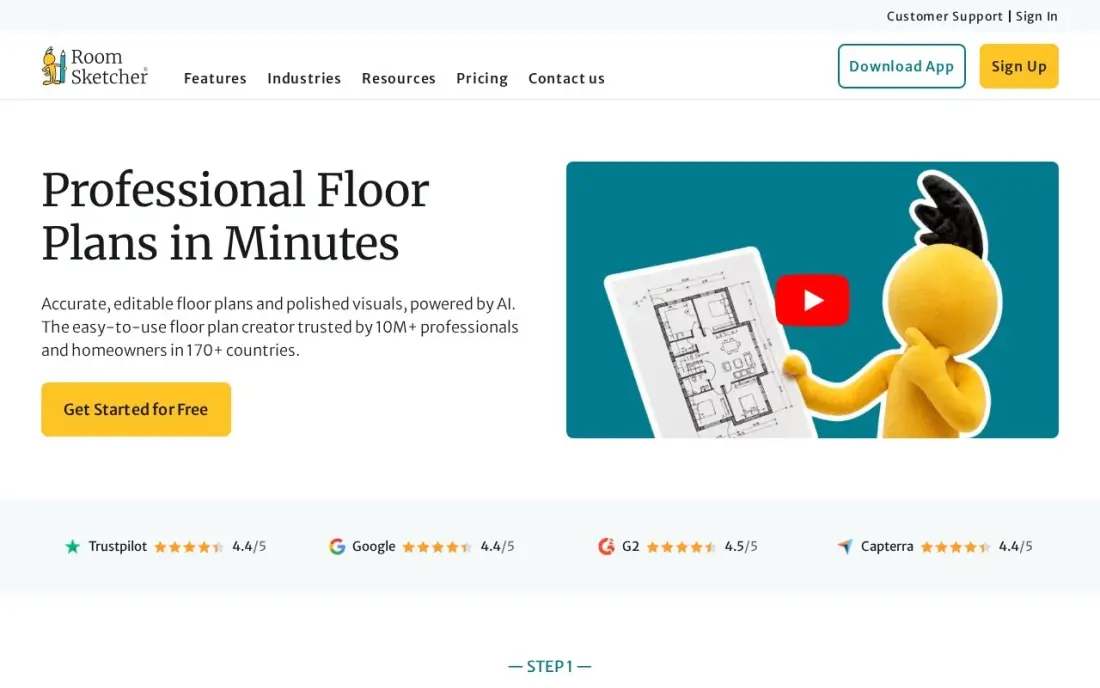
RoomSketcher is the measured-plan partner to the AI apps here. It does not restyle photos; it draws 2D floor plans printed to scale with measurements and total floor area, plus furnished 3D views and 360-degree walkthroughs from the same drawing. That accuracy matters when a contractor prices the work or you check whether a sofa fits.
A free plan covers basic drawing and 3D viewing, and Pro costs $24 a month, or $144 a year, with 5 credits a month for 3D photos and 360 views. Ordered floor plans cost from $18 a floor on top. It runs on desktop and tablet only. G2 rates it 4.5 from 150 reviews.
What we like
- Pro prints floor plans to scale with measurements and total floor area, which matters when a contractor prices the work
- Generates 2D plans, furnished 3D views and 360-degree walkthroughs from the same drawing, with no CAD training
- Free plan covers basic drawing and 3D viewing, so the workflow can be tested before paying
- Team at $420 a year adds five users and collaboration for a small studio
Watch out for
- Premium outputs run on credits: Pro includes 5 a month, and each 3D photo or 360 view spends one
- Ordering a finished floor plan costs from $18 a floor for Pro subscribers, on top of the subscription
- No desktop app for phones; it runs on desktop and tablet only

Floorplanner
Best for: Budget users who want a cheap browser floor planner to measure rooms before AI restyling
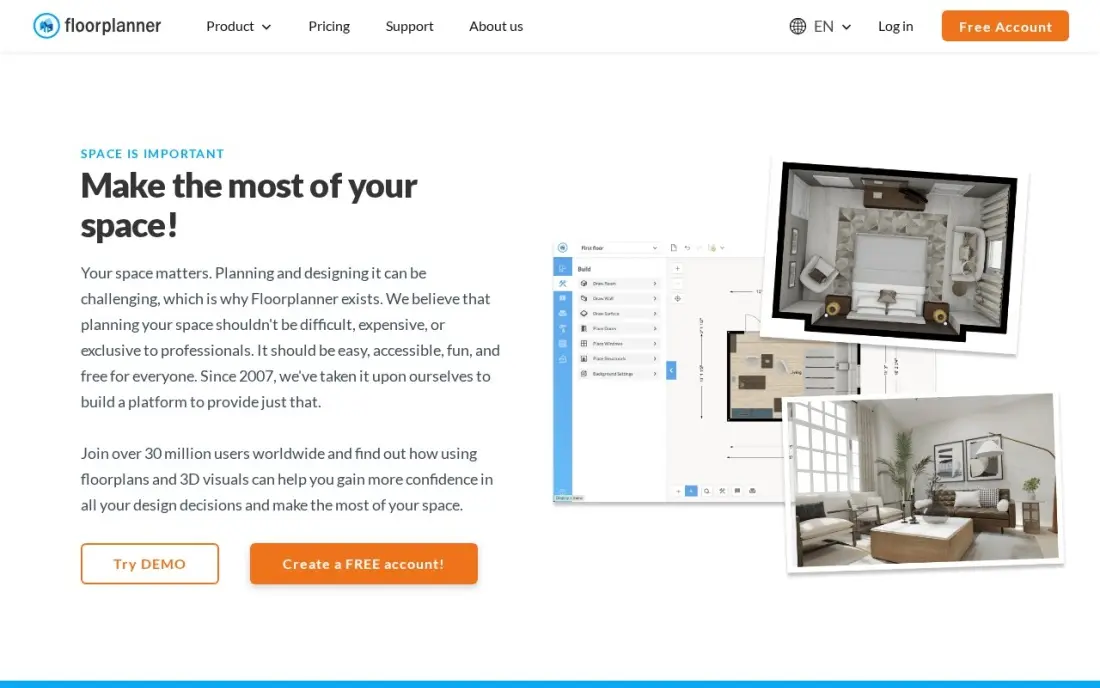
Floorplanner is the cheapest way to get an accurate, dimensioned floor plan in a browser, with no install and no CAD training. The free Basic plan covers up to 5 projects, which is enough to draw a house and test layouts, and Plus costs $5 a month, or $4.08 billed annually, with 4 credits a month and no export cooldown.
Like RoomSketcher, it is a planner rather than an AI restyler, and its 3D furniture catalog is smaller than Planner 5D's or Coohom's. Free exports are watermarked and slowed by cooldowns, and one HD project upgrade costs 5 credits. Use it to get the measurements right, then take photos of the finished rooms into an AI app for style ideas.
What we like
- Plus at $5 a month is the cheapest paid plan here, with 4 credits a month and no export cooldown
- Draws accurate dimensioned plans in the browser with no install and no CAD training
- Free Basic plan covers up to 5 projects, enough to test the editor properly
- Credit packs are a flat $1.63 per credit, so occasional exports can be bought without a subscription
Watch out for
- Plus includes only 4 credits a month, and one HD project upgrade costs 5, so heavy exporters buy extra credits
- Exports on the free plan are watermarked, limited in resolution and slowed by cooldowns
- No 3D furniture catalog as deep as Planner 5D or Coohom
The best AI home design app shows you what a room could look like before you spend money on it, and the best ones also keep you honest about whether it fits. We compared seven apps — AI room restylers, 3D planners with AI built in, and measured floor planners to pair with them — on what the AI does, how credits and free tiers work and what each really costs. Every price was checked on the vendor's own pricing page in November 2026.
How to choose the best AI home design app
- Decide whether you want ideas or a plan. Restylers such as Interior AI and REimagine Home produce images; planners such as Planner 5D and RoomSketcher produce measured layouts.
- Count your designs. Credits decide the real cost: REimagine Home's $19 plan covers 30 designs, while Interior AI Pro covers 1,000 a month.
- Check render quality on the plan you buy. Interior AI labels Pro renders low quality, and several apps watermark free renders.
- Look at commercial terms if you sell property. Realtors and stagers need a commercial license; Interior AI includes one on every plan.
- Read the renewal rules. Planner 5D gives no refunds on auto-renewal, and Coohom reviewers report surprise annual charges.
- Use your own photos and measurements. AI does better with a clear, well-lit photo, and the plan only helps if the dimensions are right.
If you design or stage homes for clients, the next step is being found by them. Our local SEO service helps interior designers, stagers and remodelers show up on Google Maps, and our guide to the best space planning software covers the planning tools in more depth.
AI home design app pricing: what you will actually pay
Take a homeowner redesigning three rooms over one month. REimagine Home's 5 free designs give a first look, and the Essential plan at $19 covers 30 more designs. Homestyler's free plan renders without limit but has only 3 AI credits in total, so restyling on it means Pro+ from $6.80 a month. Interior AI Pro costs $49 for one month and includes 1,000 designs, far more than one project needs.
For a full year of use, the picture changes. Interior AI Pro costs $29 a month billed yearly, which the page shows as $349 a year in one place and $390 in another. Coohom Pro costs $300 a year, Planner 5D Premium $59.99 a year, RoomSketcher Pro $144 a year and Floorplanner Plus $4.08 a month billed annually, about $49 a year.
A practical setup for most homeowners is one measured planner plus one month of a restyler: Planner 5D Premium at $59.99 and a month of REimagine Home at $19 comes to under $80 for the whole project.
Know the difference: AI restyling vs 3D floor planning
AI restyling starts from a photo. You upload a picture of your living room and get back the same room in Scandinavian, industrial or coastal style, with new furniture, colours and lighting. Interior AI, REimagine Home and Homestyler's photo tools work this way. It is quick and inspiring, but the AI does not know your room's real dimensions, so a sofa that looks perfect may be 30 centimetres too long.
3D floor planning starts from measurements. You draw or import the walls, doors and windows to scale, then place real furniture sizes and view the result in 3D. Planner 5D, Coohom, RoomSketcher and Floorplanner do this, and Planner 5D and Coohom add AI to speed up the drawing or the rendering. Use restyling to choose a direction and planning to make sure it works.
Quick comparison: tool type by need
| Buyer | Best pick | Why |
|---|---|---|
| High-volume room restyling | Interior AI | 1,000 designs a month on Pro, $29/month billed yearly |
| Trying AI on a small budget | REimagine Home | 5 free designs, then $19/month for 30 credits |
| Free renders plus AI | Homestyler | Unlimited free 1K renders, AI restyle from a photo |
| One home renovation | Planner 5D | AI floor-plan recognition, Premium $59.99/year |
| Interior designers | Coohom | AI layouts and unlimited 4K renders, Pro $29/month |
| Measured plans for agents | RoomSketcher | Plans to scale with floor area, Pro $144/year |
| Cheapest measured plan | Floorplanner | Free for 5 projects, Plus $4.08/month annual |
Mistakes to avoid
- Buying furniture from an AI image. Restyles do not hold exact sizes; check every piece against a measured plan.
- Uploading dark or cluttered photos. The AI copies what it sees, so clear the room and shoot in daylight for better results.
- Paying a year upfront for one project. A single renovation rarely needs more than a month or two of a restyler.
- Forgetting the renewal date. Several of these apps auto-renew without refunds; set a reminder when you subscribe.
- Treating AI as a design professional. It will not check structure, wiring or building rules; involve a professional for any construction.
Related comparisons: Free CAD Software for Home Design · Home Improvement Apps · Home Builder Software · Exterior Design Software
How we chose
We checked each vendor's own pricing page in November 2026 and recorded prices, credits and free allowances exactly as shown, separating monthly and yearly billing; we read Interior AI's pricing page directly on November 16, 2026, and note the inconsistent figures it shows. We ranked apps by how much useful AI design a typical homeowner, agent or designer gets for the money, then by how well the result connects to a real, measured plan. Ratings come from G2 and Capterra pages where we show them. No vendor paid for a place in this list, and none of the links here are affiliate links.
What to do next
Measure one room, draw it in Planner 5D or Floorplanner, then run a daylight photo of it through REimagine Home's free designs and see which style you keep coming back to. If you design homes for a living and want more clients finding you, book a free local visibility check.
Frequently asked questions
What is the best AI home design app?
Interior AI is the best AI home design app for restyling real rooms, with 1,000 designs a month on Pro at $49 monthly or $29 a month billed yearly. REimagine Home is the cheapest way to try it, with 5 free designs, and Planner 5D is best when you also need an accurate 3D floor plan.
Is there a free AI home design app?
Several have free starts. REimagine Home gives new users 5 free designs, Homestyler's free plan includes 3 AI credits and unlimited 1K renders, and Planner 5D and Coohom both have free plans for trying their planners.
Can AI design my house from a photo?
AI can restyle a room from a photo: Interior AI, REimagine Home, Homestyler and Coohom all take an uploaded picture and render new styles. The results are visual ideas, not measured plans, so check sizes against a floor plan before buying or building.
How much do AI home design apps cost?
On published prices, REimagine Home costs $19 a month for 30 credits, Interior AI Pro $49 a month or $29 a month billed yearly, Coohom Pro $29 a month, Planner 5D Premium $59.99 a year and Homestyler Pro+ from $6.80 a month.
What is virtual staging?
Virtual staging adds furniture and decor to a photo of an empty or dated room, mainly for property listings. REimagine Home includes it, and Interior AI includes it on Premium at $99 a month or $49 a month billed yearly.
Do I still need a floor plan if I use an AI design app?
Yes, for anything you will buy or build. AI restyles do not keep exact dimensions. RoomSketcher, Floorplanner and Planner 5D produce measured plans that show whether a layout actually fits.
What is the best AI home design app for iPhone?
Planner 5D is the safest pick for iPhone. It runs on iOS as well as web, Android, Windows, macOS and visionOS, and projects sync across devices. Its AI turns a photo or sketch of a floor plan into an editable 3D layout. The free plan includes unlimited projects and half the catalog, and Premium costs $59.99 a year for the full catalog of more than 10,000 items.
Are AI home design apps legit and safe to pay for?
Yes, the apps here are real products, but read the terms before paying. Planner 5D subscriptions auto-renew with no refunds, Coohom reviewers report annual charges after a monthly signup, and Interior AI shows no free plan or trial. REimagine Home gives 5 free designs with no card required, so it is a low-risk way to test AI restyling. Treat AI results as inspiration, not a buildable plan.
What is the best AI interior design app for beginners?
REimagine Home is the easiest start: upload a photo and get redesigned versions in seconds, with 5 free designs and no card required. Homestyler is free with unlimited 1K renders, though only 3 AI credits in total. If you also need measurements, Floorplanner draws dimensioned plans in the browser with no install and no CAD training, and its free Basic plan covers up to 5 projects.
Sources we checked (11)
- Interior AI — interiorai.com/pricing (checked November 16, 2026)
- REimagine Home — www.reimaginehome.ai/pricing (checked November 7, 2026)
- Homestyler — www.homestyler.com/pricing (checked November 4, 2026)
- Planner 5D — planner5d.com/pricing (checked November 12, 2026)
- Planner 5D reviews on G2 (checked November 12, 2026)
- Coohom — www.coohom.com/pricing (checked November 12, 2026)
- Coohom reviews on G2 (checked November 12, 2026)
- RoomSketcher — www.roomsketcher.com/pricing (checked November 12, 2026)
- RoomSketcher reviews on G2 (checked November 12, 2026)
- Floorplanner — floorplanner.com/pricing (checked November 12, 2026)
- Floorplanner reviews on Capterra (checked November 12, 2026)
Make one of these tools?
We re-check this list every quarter. Send a correction, request a review, or ask about a clearly labeled sponsored spot.
Request a listingShamim
Founder of SerpAstra
A full-stack digital marketer and SEO strategist covering technical and local SEO, AI search visibility, paid ads and lead generation for local businesses, e-commerce brands and SaaS teams.
Free SEO and AI visibility audit
Find out what is holding your rankings back
Send us your site. Within 2 business days you get a written audit, an AI visibility check and a short fix list ranked by impact. Free, with no contract attached.
Request my free audit→Related buying guides
 Productivity & OfficeBest Space Planning Software for 2026: 9 Options Compared by Use CaseCompare the 9 best space planning software options for homeowners and designers on price, free plans and 3D features, with prices checked November 12, 2026.Read guide →
 Architecture & Interior Design10 Best Free CAD Software for Home Design in 2026, ComparedCompare the 10 best free cad software for home design options on price, free plans, 3D views and rendering, with every price checked November 4, 2026.Read guide →
 Architecture & Interior Design12 Best AI Landscape Design Software in 2026, ComparedCompare the 12 best ai landscape design software tools on price, free plans, AR previews and AI restyles, with every price checked November 7, 2026.Read guide →