
8 Best Exterior Design Software in 2026, Compared
Compare the 8 best exterior design software for facades, roofs, siding and yards on price, free plans, one-time licences and 3D renders, checked November 2026.
 Shamim Mia, Founder, SerpAstraLast verified November 7, 20269 min read
We compare pricing pages, documentation and public reviews. We never accept payment for rankings.

Key takeaways
- SketchUp is the most flexible tool for modeling a house exterior, with a free web version for personal projects and Pro at $399 a year.
- Chief Architect ($1,995 a year) and Home Designer ($495 a year) generate roofs, foundations and elevations automatically, which is what makes them faster for whole-house exteriors.
- Hover is the contractor pick: about eight phone photos become a 3D model of the roof, siding and windows, and the first 3 projects are free.
- Live Home 3D ($149.99 once) and Realtime Landscaping Pro ($279 once) are the buy-once options for homeowners who want to design the house and yard without a subscription.
On this page
Quick comparison
| Tool | Best for | Starting price | Free plan |
|---|---|---|---|
| SketchUp | Designers and homeowners who want to model a facade, porch or addition freely in 3D | $99.99/mo | Yes (free web) |
| Chief Architect | Residential designers and builders who need permit-ready exterior elevations and roof plans | $229/mo | No (free trial) |
| Home Designer | Homeowners and DIY remodelers who want Chief Architect-style automatic roofs and elevations at a lower price | $495/yr; $79/mo | Trial |
| Hover | Roofing, siding and window contractors who sell exterior jobs from a 3D model of the customer's house | Free to start | Yes (free to start) |
| Cedreo | Home builders and remodelers who need exterior elevations, roofs and renders for client proposals | $129/mo | Yes (free plan) |
| Live Home 3D | Homeowners on Mac or Windows who want to model the house exterior and sloped lot without a subscription | $149.99 one-time | Yes (free version) |
| Realtime Landscaping Pro | Homeowners and small firms designing the yard, driveway and outdoor lighting around a house | $279 one-time | No (free trial) |
| Lumion Pro | Design firms that present exterior designs as photorealistic stills, videos and panoramas | $96/mo | No (14-day trial) |
Make one of these tools?
We re-check this list every quarter. Send a correction, request a review, or ask about a clearly labeled sponsored spot.
Request a listingThe best exterior design software

SketchUp
Best for: Designers and homeowners who want to model a facade, porch or addition freely in 3D
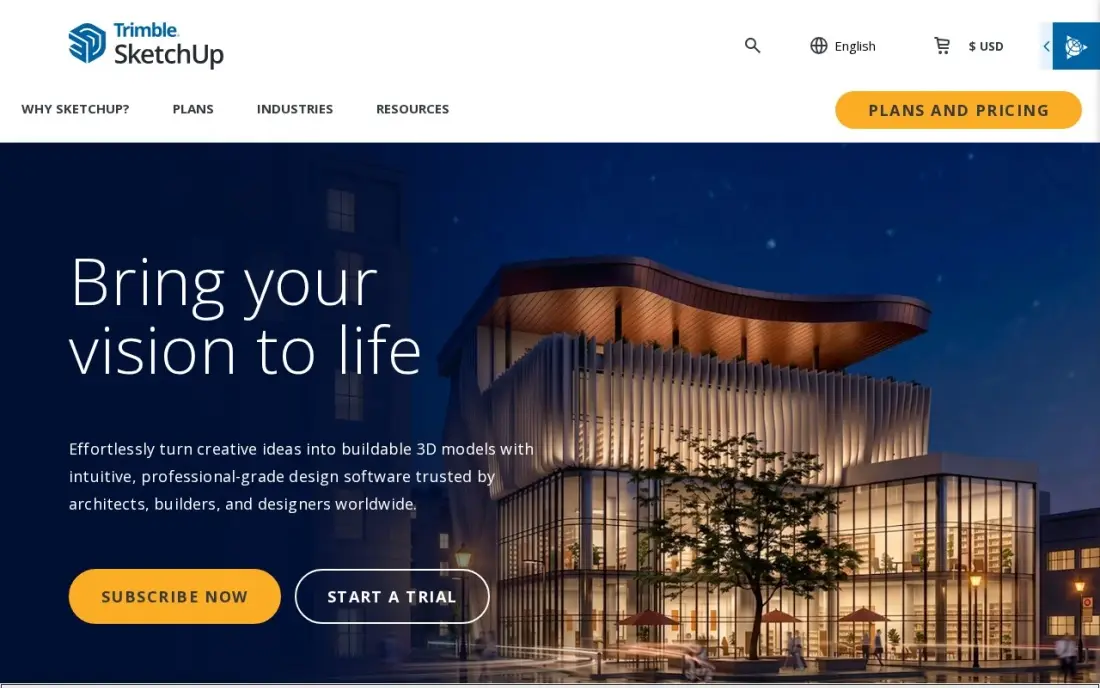
SketchUp is the most flexible way to model a house exterior: push and pull walls into shape, try three porch or dormer options in one sitting, and pull ready-made windows, doors and cladding from 3D Warehouse. The free web version covers personal, non-commercial projects, which is enough for a homeowner planning a facade refresh or an addition.
Pro costs $399 a year billed annually, or $99.99 a month, and adds the desktop app, LayOut for 2D drawings and more than 1,000 extensions. SketchUp has no built-in photorealistic rendering, so realistic exterior images need Studio at $859 a year or a separate renderer such as Lumion. Use it when you want freedom of form more than automatic roofs.
What we like
- The fastest professional 3D modeler here: mass a building, test options and walk a client through it in one session
- Pro includes LayOut for 2D documentation, plus the Extension Warehouse with more than 1,000 extensions
- Free web version covers personal, non-commercial projects at $0
- 3D Warehouse holds millions of ready-made models, from furniture to appliances
Watch out for
- Pro rose from $349 to $399 a year in July 2025, and monthly billing costs $99.99 a month
- No native photorealistic rendering; Studio at $859 a year adds V-Ray, or a separate renderer is needed
- The free web version is personal use only and has no desktop app

Chief Architect
Best for: Residential designers and builders who need permit-ready exterior elevations and roof plans
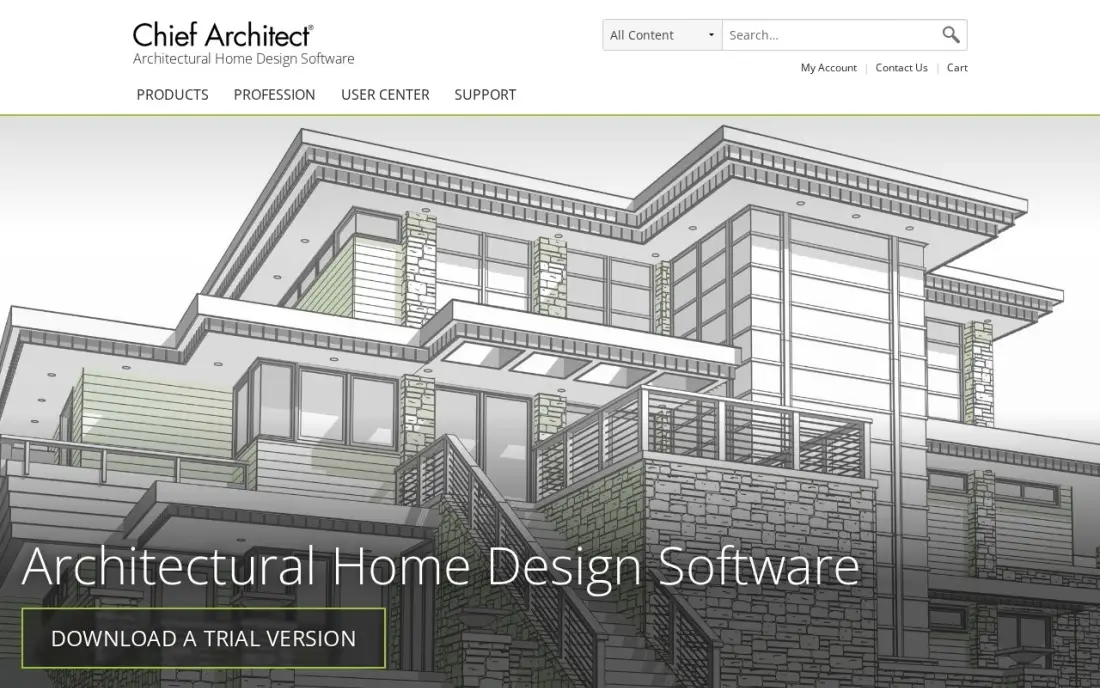
Chief Architect Premier builds the exterior for you from the plan: draw the walls and it generates the roof, framing and foundation with real building logic, then produces elevations, cross sections and a materials list. For a residential designer or builder, that turns exterior options such as a new roofline or a garage addition into drawings a permit office will accept.
It is the most expensive tool here at $1,995 a year billed annually or $229 a month billed monthly, and it is built for residential work only. The free trial never expires but blocks saving, printing and exporting, so it is for evaluation only. Buy it when exterior drawings are part of what you sell, not for a single home project.
What we like
- The only tool here that produces permit-ready construction documents: framing, roofs, stairs and materials lists generate automatically
- Draws walls and the roof, framing and foundation follow with real building logic, not manual drafting
- Annual billing saves 27% over monthly, and Support & Software Assurance is bundled in
- Free trial never expires, so the full tool can be explored before paying
Watch out for
- At $229 a month or $1,995 a year, it costs more than every other tool in this list combined
- Built for residential design only; it is the wrong tool for commercial or office space planning
- The free trial blocks saving, printing and exporting, so no real project can be finished on it

Home Designer
Best for: Homeowners and DIY remodelers who want Chief Architect-style automatic roofs and elevations at a lower price
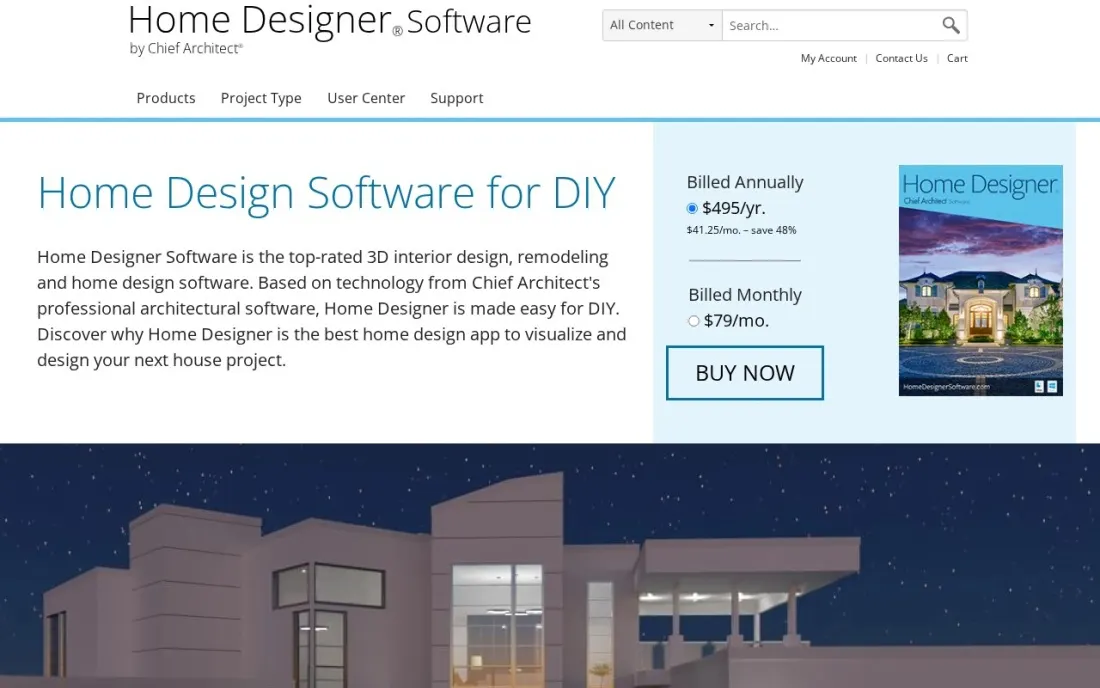
Home Designer is Chief Architect's line for homeowners and DIY remodelers, and it brings the same building logic to exterior work at a lower price. Popular roof styles come with step-by-step instructions, foundations generate automatically and follow changes to the floor plan, and you can draw site and terrain plans with lot boundaries and setbacks, decks and detailed elevations.
The product page now lists Home Designer as a subscription at $495 a year billed annually, which it shows as $41.25 a month, or $79 a month billed monthly, including upgrades, catalog downloads and support. A trial download is offered, but its length and limits are not stated. It suits a homeowner planning a remodel who wants automatic roofs without Chief Architect's price.
What we like
- Built by Chief Architect, with step-by-step roof styles and a manual roof tool for custom designs
- Foundations generate automatically and update as the floor plan changes
- Site and terrain plans with lot boundaries and setbacks, plus deck tools that produce a materials list
- Detailed cross sections and elevations with automatic or manual dimensions
Watch out for
- Subscription only: $495 a year billed annually or $79 a month billed monthly
- The pricing page does not describe dedicated siding tools
- Trial length and limits are not stated on the product page

Hover
Best for: Roofing, siding and window contractors who sell exterior jobs from a 3D model of the customer's house
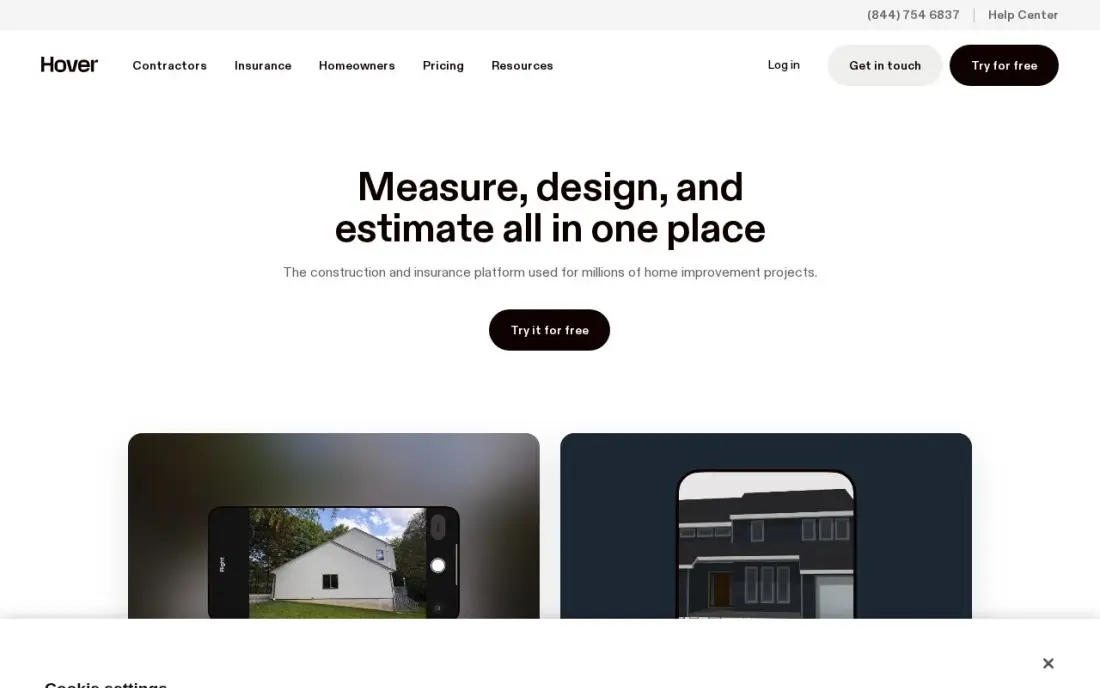
Hover is the exterior tool built for contractors. Walk around the house, take about eight smartphone photos, and Hover builds a measured 3D model of the whole exterior, including roof, siding, windows and doors, which you can use to show a homeowner new materials and to price the job. Starter has no plan fee and the first 3 projects are free.
After that you pay per project: roof-only scans cost $29 to $69 on Starter, and full exterior scans run $59 to $139. Pro at $999 a year takes $20 off each project and unlocks estimates, 2D design and agreements. It is not a drawing tool for new builds; it is a sales and measuring tool for existing houses.
What we like
- Builds a 3D model from about eight smartphone photos taken on site
- Free to start: no plan fee, and the first 3 projects are free
- Roof-only scans cost $29-$69 a project on Starter, $9-$49 on Pro
- Pro pays for itself at about 4 projects a month through the $20-per-project discount
Watch out for
- You still pay per project on Pro ($999/year); the plan only discounts the scan
- Roof-only scans are the cheapest tier; full exterior scans run $59-$139 on Starter
- Estimates, 2D design and agreements wait for the $999/year Pro plan

Cedreo
Best for: Home builders and remodelers who need exterior elevations, roofs and renders for client proposals
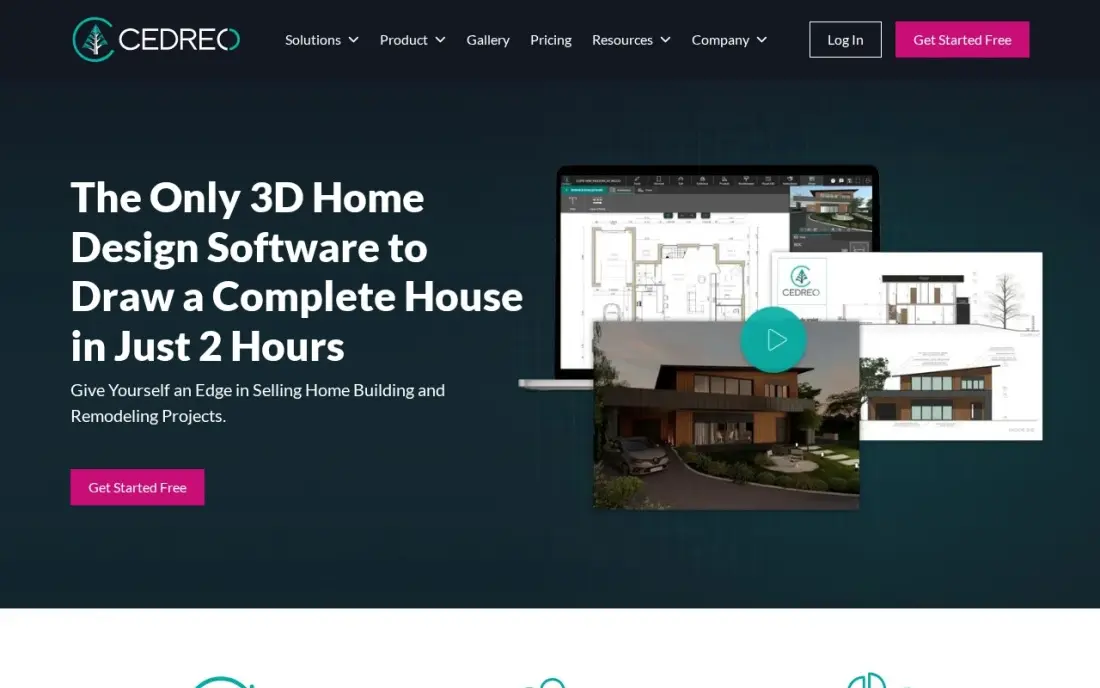
Cedreo lets builders and remodelers draw a house, add roofs and terrain, and produce elevations, sections and realistic exterior renders from one browser tool, which makes it quick to present two or three facade options to a client. Pro includes 40 realistic 3D renderings a month and 10 AI renderings, with unlimited projects.
Pro costs $79 a month billed annually or $129 billed monthly, and prices vary by visitor location, so check the checkout total. The free plan covers 1 user and 1 project without renderings, and a homeowner with a single house can buy Personal at $139 a project instead. Curved shapes and custom materials are limited, so very bespoke facades may need SketchUp.
What we like
- Draws a full plan set: floor plans, sections, elevations, roofs, terrain and site plans in one tool
- Pro includes 40 realistic 3D renderings a month and 10 AI renderings, with unlimited projects
- Free plan covers 1 user and 1 project, so the drawing tools can be tested before paying
- Personal at $139 a project suits a homeowner with a single house to draw
Watch out for
- Pro at $129 a month billed monthly is the priciest subscription here after Chief Architect
- Prices vary by visitor location, so the checkout total can differ from the US list price
- Customization is limited for curved lines and importing custom materials or shapes
Live Home 3D
Best for: Homeowners on Mac or Windows who want to model the house exterior and sloped lot without a subscription
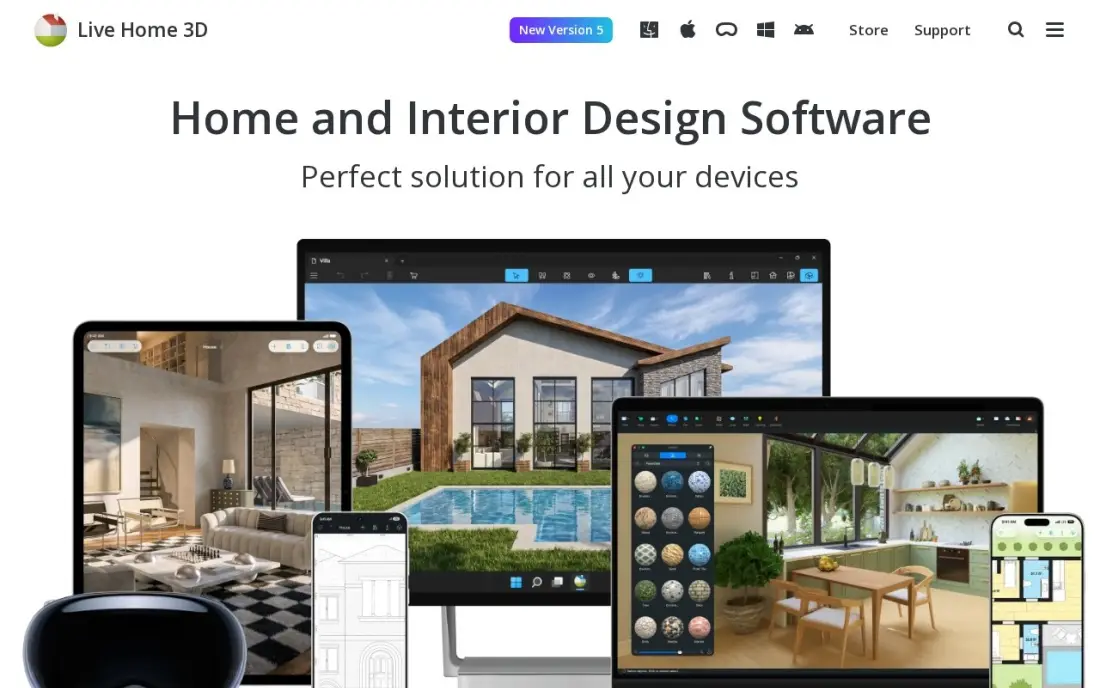
Live Home 3D is a polished home designer with native apps for Mac, Windows, iPhone and iPad, and it handles the outside of the house as well as the rooms: model the exterior walls and roof, shape the terrain for a sloped lot, and walk around the result in 3D. Real measurements throughout keep the design buildable.
The free version lets you design but watermarks exports and caps video at 720p, while terrain editing and enhanced materials need the Pro edition, a one-time licence listed at $149.99. Store pricing can vary, so check before you buy. For a homeowner who wants to see a new facade and yard together without paying monthly, it is the easiest choice here.
What we like
- Native apps for Mac, Windows, iPhone, iPad and Apple Vision Pro
- Proper terrain editing with elevation points, so sloped lots model correctly
- Precise measurements throughout, so the design is buildable, not just pretty
- One-time licence — no subscription to keep paying after you buy
Watch out for
- Free version watermarks exports and caps video at 720p
- Terrain editing and enhanced materials need the paid Pro edition
- One-time licence pricing varies by store, so check the price before you buy

Realtime Landscaping Pro
Best for: Homeowners and small firms designing the yard, driveway and outdoor lighting around a house
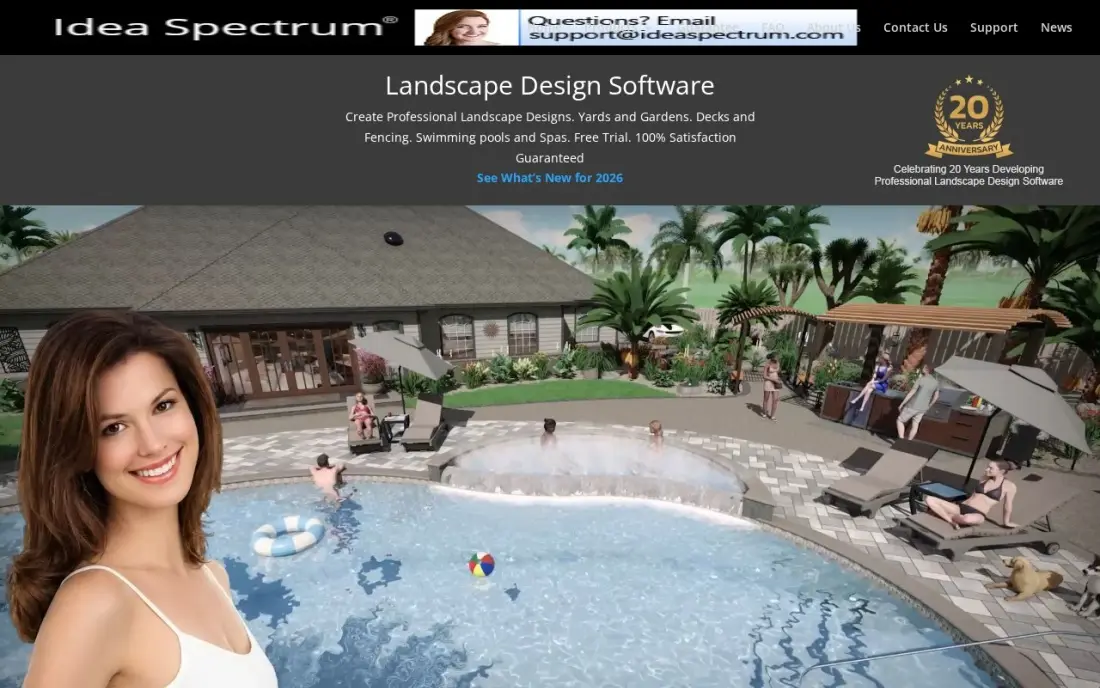
Exterior design does not stop at the walls, and Realtime Landscaping Pro covers the rest: terrain sculpting, a plant library of more than 6,000 entries with growth previews up to 20 years ahead, outdoor lighting simulation and 3D walkthroughs. Photo-based design lets you build the plan on a picture of the actual house and yard.
It costs $279 once, with no subscription, and there are Plus at $149 and Architect at $599 editions. It runs only on Windows 10 and 11, the free trial watermarks output, and large projects can lag on older machines. Pair it with a house modeler when the job is curb appeal, or use it alone for a front-yard makeover.
What we like
- One $279 payment and you own it — no subscription, no monthly bill, no renewal
- Plant library of more than 6,000 entries with growth previews up to 20 years ahead
- Terrain sculpting, outdoor lighting simulation and 3D walkthroughs included
- Photo-based design lets you build the plan on a photo of the actual yard
Watch out for
- Windows 10 and 11 only — no Mac version and no mobile app
- The free trial watermarks output and trims the plant and object library
- Large, complex projects can lag on older hardware

Lumion Pro
Best for: Design firms that present exterior designs as photorealistic stills, videos and panoramas

Lumion Pro turns an exterior model from SketchUp, Revit, Archicad or Rhino into photorealistic stills, flythrough videos and 360-degree panoramas in real time, with ray tracing and more than 10,000 models and materials. LiveSync means a change to the facade in the modeling tool shows in the render within seconds, which speeds up client reviews.
It does not model anything itself, so it is an addition to a design tool, not a replacement. Pro costs $96 a month billed annually, $1,149 a year up front, with no monthly plan, and it runs only on Windows with a strong graphics card. Buy it when the quality of exterior images wins you work.
What we like
- Real-time rendering with ray tracing, so a design change shows in the image within seconds
- More than 10,000 models and materials, including fine-detail nature assets for planting
- AI image enhancer, AI material generator and AI upscaler are included in Pro
- LiveSync links the render to SketchUp, Revit, Archicad and Rhino models
Watch out for
- A steep price for a single-purpose tool: $1,149 a year, billed up front
- Windows only, with no Mac version at any price
- Demands a powerful Windows PC with a strong graphics card, or render times drag
The best exterior design software shows you what a house will look like from the street before anyone buys siding, shingles or plants: the roofline, the facade materials, the porch and the yard around it. We compared eight tools across the three ways people design exteriors — 3D modelers, home design programs that generate roofs and elevations, and contractor tools that model an existing house from photos — plus two tools for the yard and the final render. Every price below comes from the vendor's own page, checked in November 2026.
How to choose the best exterior design software
- Start with whether the house exists. For an existing house, a photo-based tool such as Hover models it in minutes; for a new build or addition, you draw it in a modeler or home design program.
- Decide how much the software should build for you. Chief Architect and Home Designer generate roofs and foundations from the walls you draw; SketchUp gives you complete freedom but makes you model every surface.
- Check the materials library. Siding, stone, brick, shingles, windows and doors are what make an exterior look real, so test the library with the materials you actually plan to use.
- Count the renders you need. Some plans cap realistic renders each month, and SketchUp needs a separate renderer for photorealistic images.
- Do not forget the lot. Terrain, driveways and planting change how a facade reads; Live Home 3D and Realtime Landscaping handle slopes and planting better than most house tools.
- Match the price model to the project. A homeowner with one project should look at free versions and one-time licences; a builder or designer can justify an annual plan.
Contractors who use these tools to win exterior jobs still need homeowners to find them first. Our local SEO service gets roofing, siding and remodeling companies into the Google map pack, and the free Google review link generator makes it easy to ask happy customers for reviews.
Exterior design software pricing: what you will actually pay
Take a homeowner planning one facade and front-yard makeover. SketchUp's free web version costs $0, Live Home 3D Pro is a one-time $149.99, Realtime Landscaping Pro is a one-time $279, and Cedreo's Personal option is $139 for a single project. Any of these covers the project for under $300.
A builder or designer pays by the year. SketchUp Pro is $399 a year billed annually, against $99.99 a month billed monthly; Home Designer is $495 a year, or $79 a month; Cedreo Pro is $79 a month billed annually, or $948 a year, against $129 billed monthly; and Chief Architect Premier is $1,995 a year, or $229 a month. Adding Lumion Pro for photorealistic renders puts another $1,149 a year on top. Hover works per project instead: the first 3 are free, full exterior scans then cost $59 to $139 on Starter, and Pro at $999 a year takes $20 off each one, which pays off for a contractor scanning several houses a month.
Know the difference: modeling tools vs building-logic tools
Modeling tools such as SketchUp treat the house as shapes. You can draw anything, from a curved porch to an unusual roofline, and you control every surface, but the software does not know what a rafter or a footing is. That freedom suits designers and homeowners exploring ideas, and it is why SketchUp pairs so often with a separate renderer.
Building-logic tools such as Chief Architect, Home Designer and Cedreo treat the house as a building. Draw the walls and they work out the roof, foundation and elevations, which is much faster for conventional houses and produces drawings closer to what a builder needs. The trade-off is less freedom for unusual shapes. Photo-based tools such as Hover are a third kind: they do not design new buildings at all, they measure existing ones so you can show and price new materials.
Quick comparison: tool type by need
| Buyer | Best pick | Why |
|---|---|---|
| Free-form exterior modeling | SketchUp | Free web version; Pro $399/year billed annually |
| Permit-ready residential drawings | Chief Architect | Automatic roofs, framing and elevations, $1,995/year |
| DIY remodelers | Home Designer | Chief Architect logic for homeowners, $495/year |
| Exterior contractors | Hover | 3D model from phone photos, first 3 projects free |
| Builder proposals | Cedreo | Elevations and 40 renders a month, $79/month billed annually |
| Homeowners who buy once | Live Home 3D | House and terrain in 3D, Pro $149.99 once |
| Yard and curb appeal | Realtime Landscaping Pro | 6,000+ plants and lighting, $279 once |
| Photorealistic presentations | Lumion Pro | Real-time renders from your model, $1,149/year |
Mistakes to avoid
- Designing the house without the lot. A facade that looks right on a flat plane can look wrong on a sloped lot or behind a tall hedge; model the terrain and planting too.
- Trusting colours on screen. Rendered siding and paint colours shift with lighting and monitors, so confirm choices with physical samples before ordering.
- Buying a professional plan for one project. Chief Architect and Lumion are priced for firms; a homeowner usually gets the same answer from a free version or a one-time licence.
- Skipping measurements on an existing house. Guessing window and roof sizes makes the design and the quote wrong; measure properly or use a photo-based tool.
- Ignoring local rules. Setbacks, height limits and neighbourhood design rules can rule out an exterior change, so check them before you fall in love with a design.
Related comparisons: App Design Software · AI Design Apps Free to Use · AI Home Design Apps · PCB Design Software
How we chose
We checked each vendor's own pricing or product page in November 2026 and recorded the starting price exactly as listed, including annual and monthly billing and one-time licences. We picked tools that handle the outside of a house — walls, roofs, cladding, terrain or rendering — and grouped them by buyer: homeowners, builders and designers, and exterior contractors. Ratings come from G2 pages checked on the dates shown in the sources; where no rating is shown, we did not verify one. No vendor paid for a place in this list, and none of the links here are affiliate links.
What to do next
Photograph your house from the street, then rebuild it in SketchUp's free web version or Live Home 3D's free version and try one change, such as a new porch or siding colour, before paying for anything. If you are a contractor and want more homeowners to find your work, book a free local SEO call.
Frequently asked questions
What is the best exterior design software?
SketchUp is the best all-round exterior modeler, with a free web version for personal projects and Pro at $399 a year. Chief Architect is the best for permit-ready elevations and roofs at $1,995 a year, and Hover is the best for contractors selling roof and siding jobs on existing houses.
Is there free exterior design software?
Yes. SketchUp's free web version covers personal, non-commercial projects, Live Home 3D has a free version with watermarked exports, Cedreo's free plan covers 1 project without renderings, and Hover's first 3 projects are free. Fully featured exterior rendering usually needs a paid plan.
Can I see new siding or a new roof on my own house?
Hover is built for that: it turns about eight phone photos of your house into a 3D model of the roof, siding, windows and doors. Many contractors use it during the sale. Homeowners can also model their house in SketchUp or Live Home 3D, which takes longer but costs less.
What exterior design software do home builders use?
Builders who need construction drawings use Chief Architect, which generates roofs, framing, foundations and elevations from the plan. Cedreo is a lower-cost option for proposals with elevations and 40 realistic renders a month on Pro, at $79 a month billed annually.
Is there exterior design software I can buy once?
Yes. Live Home 3D Pro is a one-time licence listed at $149.99, and Realtime Landscaping Pro costs $279 once for yard and outdoor design. SketchUp, Chief Architect, Home Designer, Cedreo and Lumion are subscriptions.
Do I need rendering software for exterior design?
Only if you need photorealistic images. Chief Architect, Cedreo and Live Home 3D render inside the tool, while SketchUp needs Studio or a separate renderer such as Lumion Pro at $1,149 a year. For a homeowner deciding on colours, built-in renders are usually enough.
Sources we checked (12)
- SketchUp — www.sketchup.com/plans-and-pricing (checked November 12, 2026)
- SketchUp reviews on G2 (checked November 12, 2026)
- Chief Architect — www.chiefarchitect.com/offers (checked November 12, 2026)
- Chief Architect reviews on G2 (checked November 12, 2026)
- Home Designer — www.homedesignersoftware.com/products (checked November 16, 2026)
- Hover — hover.to/pricing (checked November 8, 2026)
- Cedreo — www.cedreo.com/pricing (checked November 12, 2026)
- Cedreo reviews on G2 (checked November 12, 2026)
- Live Home 3D — tidbits.com/watchlist/live-home-3d-5-1 (checked November 7, 2026)
- Realtime Landscaping Pro — www.ideaspectrum.com (checked November 8, 2026)
- Lumion Pro — www.lumion.com (checked November 8, 2026)
- Lumion Pro reviews on G2 (checked November 8, 2026)
Make one of these tools?
We re-check this list every quarter. Send a correction, request a review, or ask about a clearly labeled sponsored spot.
Request a listingShamim
Founder of SerpAstra
A full-stack digital marketer and SEO strategist covering technical and local SEO, AI search visibility, paid ads and lead generation for local businesses, e-commerce brands and SaaS teams.
Free SEO and AI visibility audit
Find out what is holding your rankings back
Send us your site. Within 2 business days you get a written audit, an AI visibility check and a short fix list ranked by impact. Free, with no contract attached.
Request my free audit→Related buying guides
 Architecture & Interior Design9 Best Landscape Design Software in 2026, ComparedCompare the 9 best landscape design software options on price, free plans, 3D rendering and plant libraries, with every price checked November 8, 2026.Read guide →
 Productivity & OfficeBest Space Planning Software for 2026: 9 Options Compared by Use CaseCompare the 9 best space planning software options for homeowners and designers on price, free plans and 3D features, with prices checked November 12, 2026.Read guide →
 Architecture & Interior Design10 Best Free CAD Software for Home Design in 2026, ComparedCompare the 10 best free cad software for home design options on price, free plans, 3D views and rendering, with every price checked November 4, 2026.Read guide →