
9 Best Study Apps in 2026, Compared
Compare the 9 best study apps for flashcards, note-taking and planning, with free plans, student-friendly prices and limits checked on each vendor's own pages.
 Shamim Mia, Founder, SerpAstraLast verified November 4, 20269 min read
We compare pricing pages, documentation and public reviews. We never accept payment for rankings.

Key takeaways
- Anki is the strongest free flashcard app, free on desktop, Android and the web, with AnkiMobile for iPhone at $24.99 once.
- Quizlet is the easiest start, with the biggest shared deck library and Plus at $35.99 a year billed annually.
- For notes, OneNote is free on every platform, while GoodNotes ($11.99 a year) and Notability ($14.99 a year) lead handwriting on iPad.
- A good study setup usually combines three jobs: a notes app, a flashcard app and a planner such as Todoist or Notion.
On this page
Quick comparison
| Tool | Best for | Starting price | Free plan |
|---|---|---|---|
| Quizlet | Students who want ready-made flashcards for almost any class | $7.99/mo | Yes (free plan) |
| Anki | Serious learners who want the most powerful free spaced-repetition scheduler | Free | Yes (free) |
| Notion | Students who want one workspace for notes, class trackers and assignment calendars | $10/member/mo | Yes (free plan) |
| GoodNotes | iPad students who handwrite notes and annotate lecture slides and PDFs | $11.99/yr | Yes (3 notebooks) |
| Notability | Students who record lectures and want notes synced to the audio | $14.99/yr | Yes (5 notes) |
| RemNote | Note-takers who want flashcards built directly from their lecture notes | $10/mo | Yes (free plan) |
| Brainscape | Exam candidates who want expert-made decks for licensing and board exams | $19.99/mo | Yes (Basic free) |
| Microsoft OneNote | Students who want a free notebook that syncs on every device | Free | Yes (free) |
| Todoist | Students who want a fast planner for assignments, deadlines and study sessions | $5/user/mo | Yes (5 projects) |
Make one of these tools?
We re-check this list every quarter. Send a correction, request a review, or ask about a clearly labeled sponsored spot.
Request a listingThe best study apps

Quizlet is the quickest way to start studying because someone has usually already made the deck: its shared library covers sets for almost every textbook and exam. Learn, Test, Match and Write modes turn one deck into four kinds of practice, and Magic Notes converts your notes into flashcards. The free plan covers creating and studying flashcards, with ads and daily caps.
Plus costs $35.99 a year billed annually, or $7.99 a month billed monthly, and adds AI practice tests, but practice tests and textbook solutions stay capped at 3 a month unless you move to Plus Unlimited at $44.99 a year. Check shared decks for errors before you trust them.
What we like
- Largest shared deck library here, with sets for almost every textbook and exam
- Learn, Test, Match and Write modes make the same deck feel like four different tools
- Magic Notes turns notes into flashcards, with AI practice tests on Plus
- The free plan covers creating and studying flashcards, so you can try it properly before paying
Watch out for
- Plus still caps practice tests and textbook solutions at 3 a month; unlimited needs Plus Unlimited at $44.99/year
- The free plan shows ads and caps daily Learn rounds
- Shared decks vary in quality, and popular sets can contain errors

Anki
Best for: Serious learners who want the most powerful free spaced-repetition scheduler
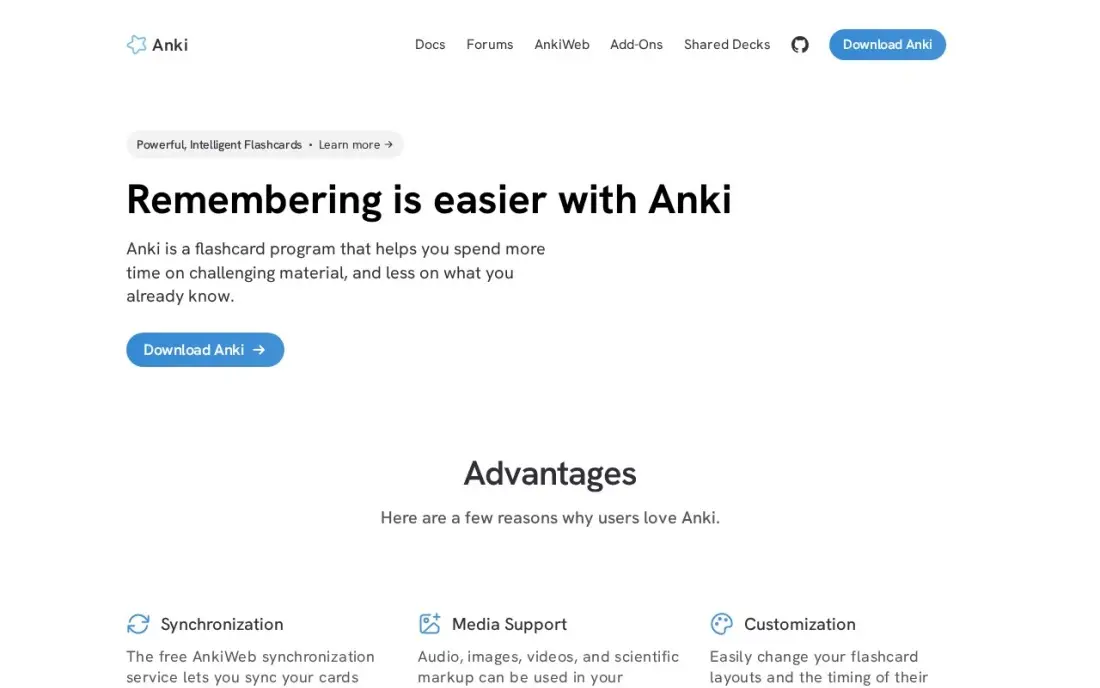
Anki is the flashcard app medical, law and language students swear by. It is free and open source on Windows, Mac, Linux, Android and the web, with no limits on cards or decks, and its FSRS scheduling adapts review intervals to how well you remember each card. Free AnkiWeb sync keeps devices in step, and add-ons bring image occlusion and extra statistics.
The interface looks dated and the settings take real time to learn, and there is no ready-made course, so you build or download decks yourself. The only paid piece is AnkiMobile for iPhone and iPad at $24.99 once, which funds the project.
What we like
- Free and open source on Windows, Mac, Linux, Android and the web, with no card or deck limits
- FSRS scheduling adapts intervals to your memory, and the shared-deck library covers medicine, law and languages
- Add-ons extend it with image occlusion, extra stats and bulk import
- Free AnkiWeb sync keeps desktop, Android and the web in step
Watch out for
- The interface looks dated and the settings take a weekend to learn
- You build or find your own decks; there is no ready-made course or content
- AnkiMobile for iPhone and iPad costs $24.99 once, the only paid piece

Notion
Best for: Students who want one workspace for notes, class trackers and assignment calendars
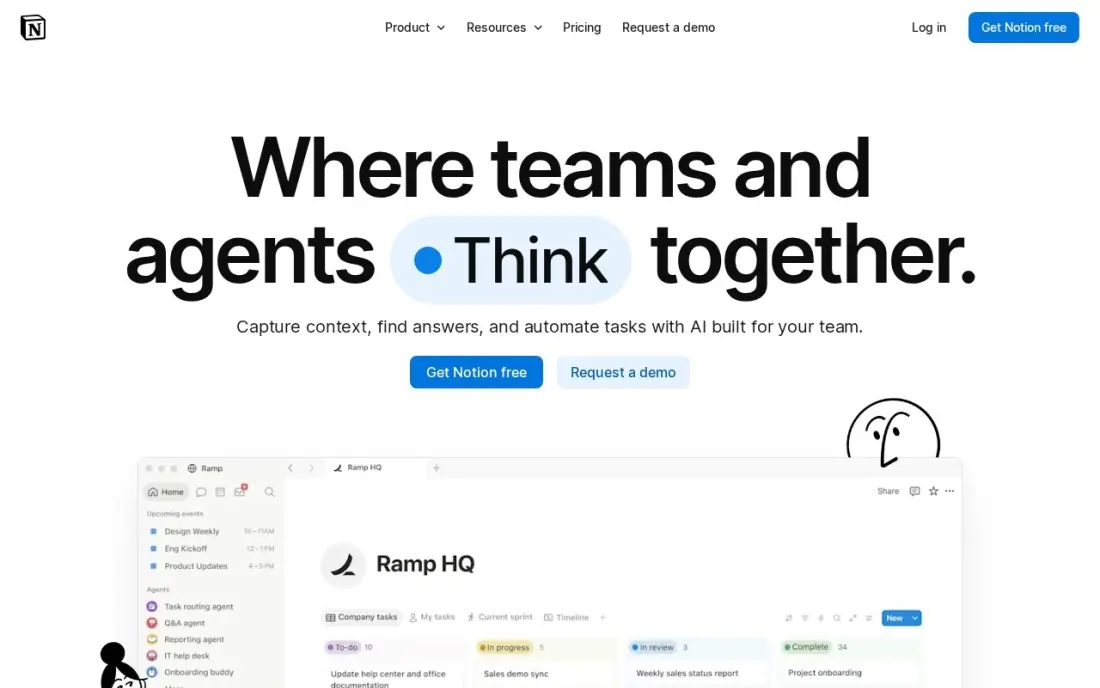
Notion lets a student build a whole study system in one place: lecture notes, a database of assignments with due dates, a reading list and a revision calendar, all linked together. The free plan is effectively unlimited for one person and syncs on every device, and templates help you avoid starting from a blank page.
That freedom is also the weakness. Setting up a good system takes time that could go into studying, and there is no built-in spaced repetition. Plus costs $10 a member a month billed annually, or $12 monthly, and full Notion AI sits on Business at $20 a member a month.
What we like
- Databases, calendars, kanban boards and templates combine into any planner you can design
- Free plan is genuinely unlimited for one person, with sync on every device
- Plus adds unlimited file uploads, 30-day page history and unlimited guests
- Rated 4.6/5 on G2 from 13,975 reviews, the largest review base in this list
Watch out for
- Full Notion AI sits on Business ($20/member/month), not Plus — Plus gets an AI trial only
- Per-member pricing means a 5-person team pays $50 a month on Plus
- Blank-page freedom is a learning curve: building a good planner takes setup time

GoodNotes
Best for: iPad students who handwrite notes and annotate lecture slides and PDFs
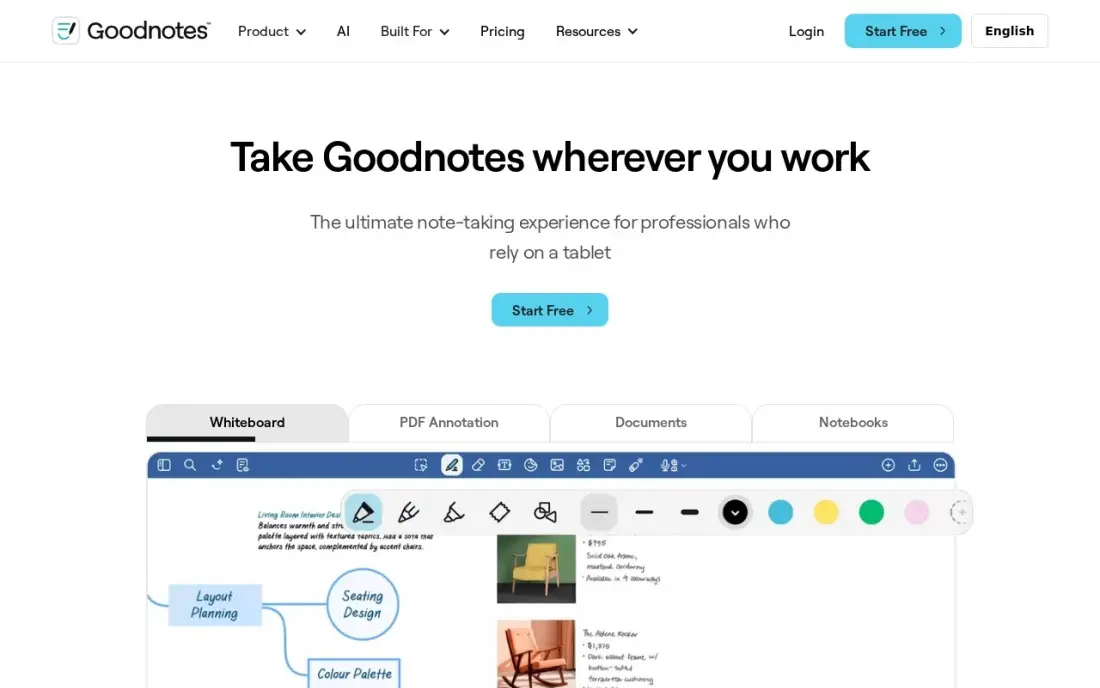
GoodNotes is the leading handwriting notebook for students on iPad, with deep PDF annotation, handwriting search and a large template library for planners and notebooks. Essential costs $11.99 a year billed annually, the cheapest paid start among the handwriting apps here, and the subscription syncs across iOS, iPadOS, macOS, Windows, Android and the web.
The free plan stops at 3 notebooks, so a full course load needs a paid plan from the start. The strongest AI features sit on Pro at $35.99 a year or a $9.99-a-month AI Pass add-on, and a one-time Special Edition at $35.99 covers Apple devices only.
What we like
- The deepest PDF annotation toolkit on iPad, with handwriting search and a huge template library
- Essential costs $11.99 a year, the cheapest paid start among the dedicated handwriting apps here
- Syncs across iOS, iPadOS, macOS, Windows, Android and the web on the subscription
- A one-time Special Edition purchase ($35.99) exists for buyers who refuse subscriptions
Watch out for
- The best AI features sit on Pro ($35.99/year) or the $9.99/month AI Pass add-on, not Essential
- The one-time Special Edition ($35.99) covers Apple devices only and leaves out Goodnotes Cloud
- Free plan stops at 3 notebooks, so heavy users pay from the start

Notability
Best for: Students who record lectures and want notes synced to the audio
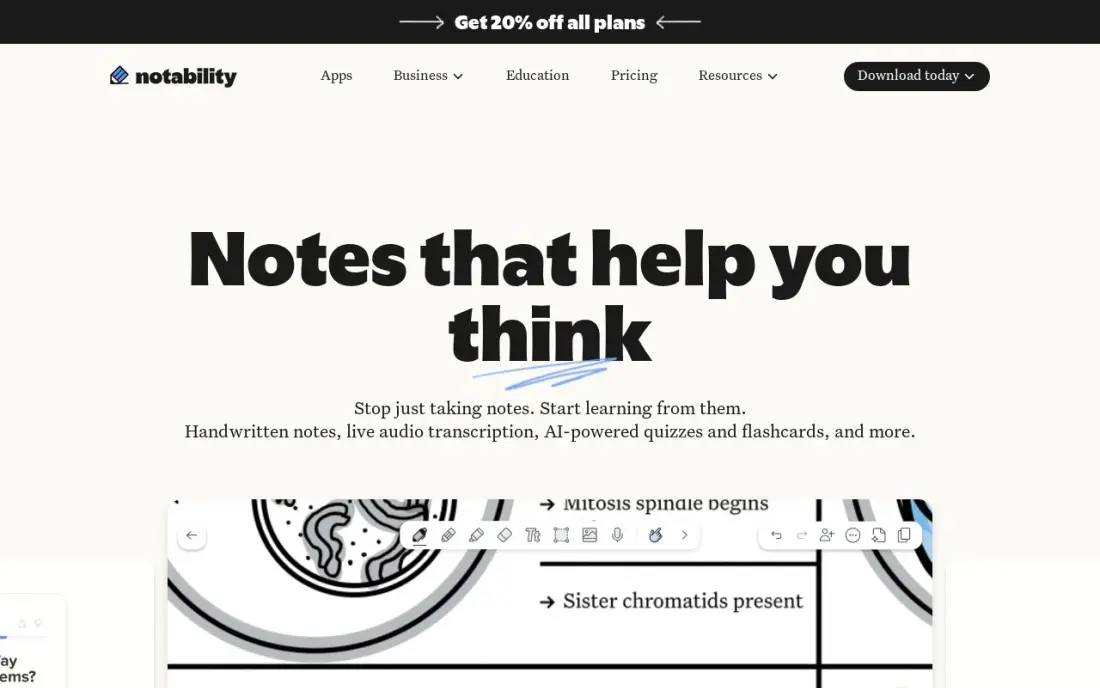
Notability's standout feature for students is audio sync: record a lecture while you write, then tap any line of your notes to replay what the lecturer said at that moment. That makes revision of a fast-paced class far easier than relying on handwriting alone. Lite costs $14.99 a year billed annually, or $4.99 a month, for unlimited notes and third-party backups.
It runs on Apple devices only, with no Android, Windows or web version, so it suits students already on an iPad. The free Starter plan stops at 5 notes, and audio transcription and AI study tools need Plus at $19.99 a year or Pro at $99.99 a year.
What we like
- Audio recording syncs to handwriting, so tapping a note replays what was said at that moment
- Lite costs $14.99 a year for unlimited notes and third-party backups
- A one-time Classic purchase ($49.99) exists for buyers who refuse subscriptions
- Rated 4.6/5 on G2, the joint-highest score among the handwriting apps here
Watch out for
- Apple devices only — no Android, Windows or web version
- Free Starter plan stops at 5 notes, so real use needs a paid tier
- Audio transcription and AI study tools need Plus ($19.99/year) or Pro ($99.99/year)

RemNote
Best for: Note-takers who want flashcards built directly from their lecture notes
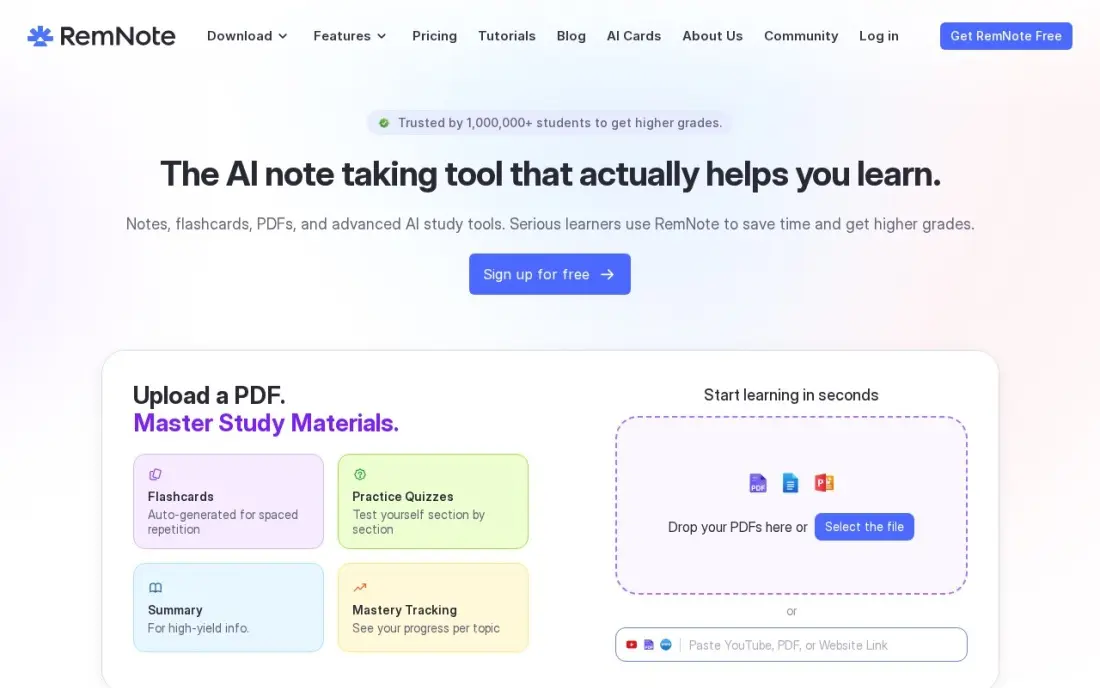
RemNote merges two study apps into one: notes and flashcards live in the same document, so writing up a lecture builds the review deck at the same time. Image occlusion turns diagrams and slides into cards in seconds, and FSRS and SM-2 scheduling come with detailed retention statistics. The free plan includes unlimited notes and flashcards plus 250 AI credits a month.
The free plan caps annotated PDFs at 3 and image-occlusion cards at 5. Pro costs $8 a month billed annually, or $10 monthly, and the AI features that matter most sit on Pro with AI at $18 a month billed yearly. Casual learners may find it busy.
What we like
- Notes and flashcards are one document, so writing lectures builds the deck for free
- Image occlusion turns diagrams and slides into cards in seconds
- Free plan includes unlimited notes and flashcards, with 250 AI credits a month
- FSRS and SM-2 scheduling with detailed retention stats
Watch out for
- The free plan caps annotated PDFs at 3 and image-occlusion cards at 5
- The AI features that matter sit on Pro with AI at $18 a month billed yearly
- The interface rewards power users and can feel busy for casual study

Brainscape
Best for: Exam candidates who want expert-made decks for licensing and board exams
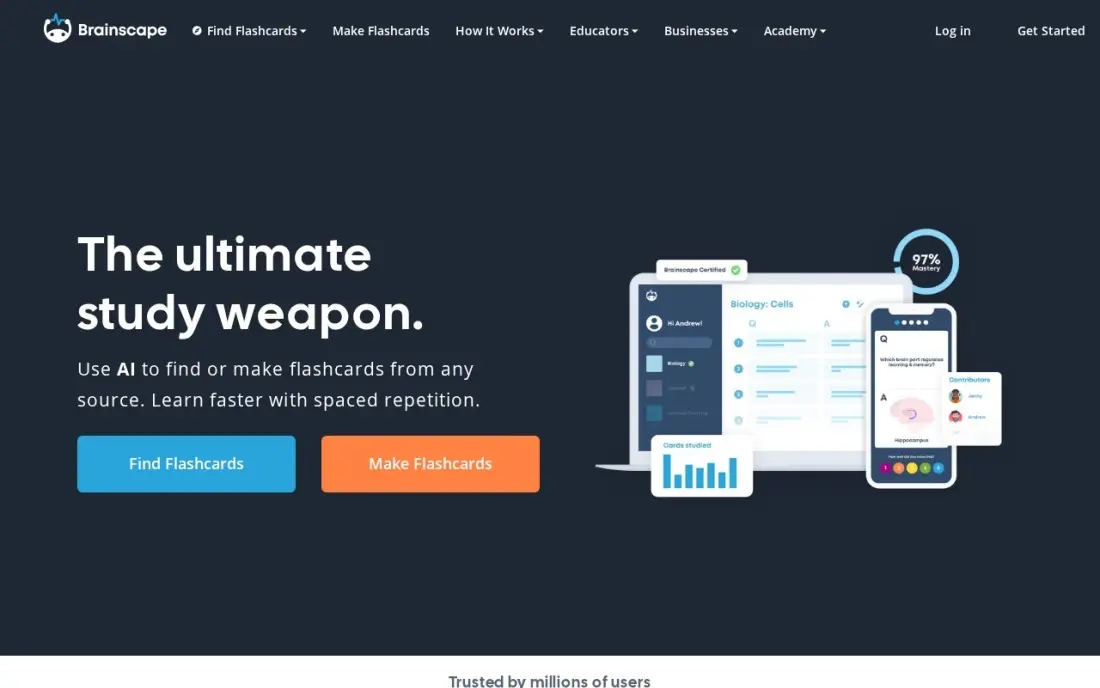
Brainscape sells something the other flashcard apps do not: certified classes built by experts for exams such as the bar, medical boards and real estate licensing. Its confidence-based repetition asks how well you knew each card and schedules from that. The Basic plan is free with unlimited typed flashcards of your own, and AI flashcard creation is included.
Pro is the most expensive monthly plan here at $19.99 a month, falling to $95.99 a year billed annually. The free plan caps you at 100 cards per class and locks certified content, and image and sound cards need Pro.
What we like
- Certified classes built by experts for exams like the bar, medical boards and real estate licensing
- Confidence-based repetition asks how well you knew each card and schedules from that
- Basic plan is genuinely usable: unlimited own typed flashcards with spaced repetition
- AI flashcard creation on the free plan covers hundreds of cards
Watch out for
- Monthly billing at $19.99 is the dearest here; the annual plan drops it to $95.99 a year
- The free plan caps you at 100 cards per class and locks certified content
- Making your own image and sound cards needs Pro
Microsoft OneNote
Best for: Students who want a free notebook that syncs on every device
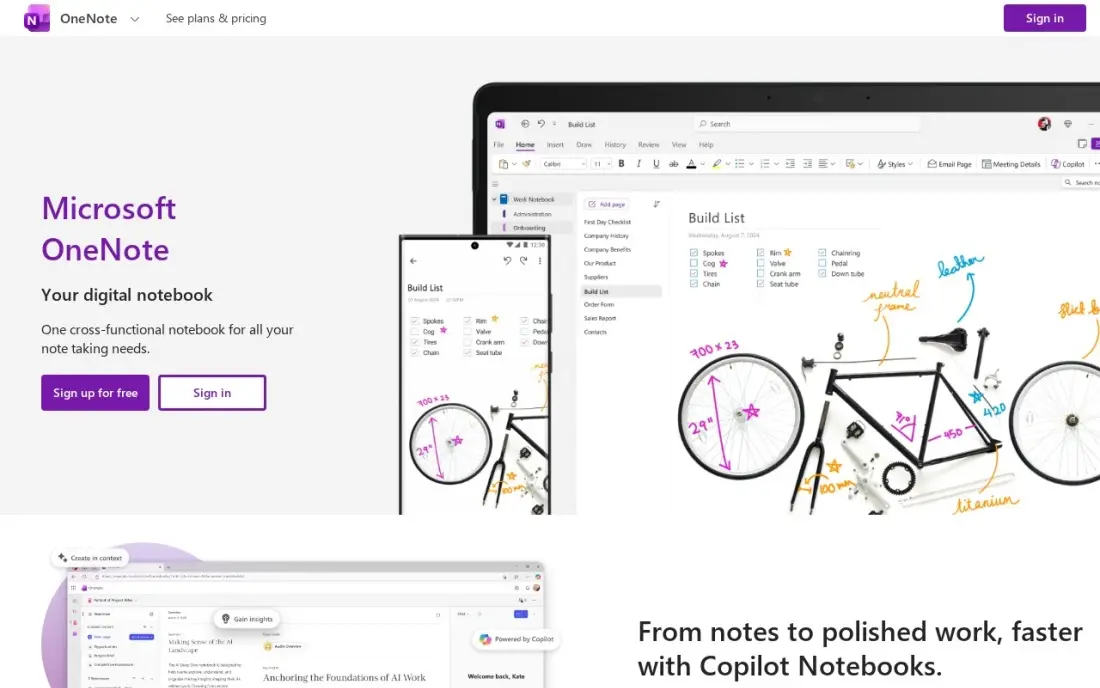
OneNote is the best free notes app for most students. It runs on Windows, Mac, the web, iPhone, iPad and Android with no paid tier for core use, and its free-form pages mix typed notes, handwriting, images, audio and clipped web pages side by side. Notebooks sync through OneDrive, so the same notes open on a laptop in class and a phone on the bus.
Free notebooks share the 5 GB of OneDrive storage on a free Microsoft account, and Copilot and premium features such as Math Assistant need a Microsoft 365 subscription. There is no spaced repetition, so pair it with a flashcard app for exam review.
What we like
- Free on Windows, Mac, web, iPhone, iPad and Android with no paid tier for core use
- Free-form pages take handwriting, typed text, images, audio and clipped web pages side by side
- Syncs through OneDrive, so the same planner opens on every device
- Rated 4.5/5 on G2 from 1,873 reviews, the largest review base here
Watch out for
- No built-in daily planner templates — you build planner pages yourself or import them
- Copilot and premium features such as Math Assistant need a Microsoft 365 subscription
- Free notebooks are capped by the 5 GB of OneDrive storage on a free Microsoft account

Todoist
Best for: Students who want a fast planner for assignments, deadlines and study sessions
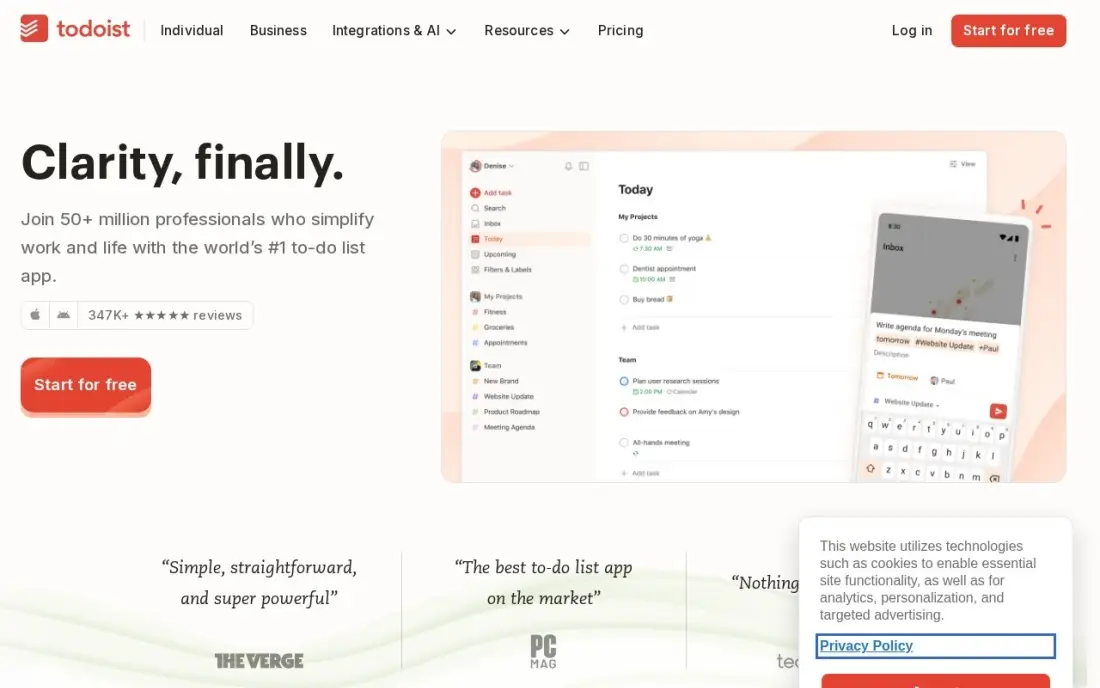
Todoist keeps the study plan out of your head. Natural-language entry turns "essay draft Friday 4pm" into a dated task, and it runs on every platform, including web, Linux and Apple Watch. The free Beginner plan covers 5 projects, which is enough for a term's worth of classes if you keep one project per course.
The free plan has no reminders, which is the feature that stops deadlines slipping. Pro costs $5 a user a month billed annually, or $7 monthly, and adds 300 projects, filters, the calendar layout and the AI Assistant. It is a task list, not a timetable or habit tracker.
What we like
- Natural-language entry turns 'call Sara tomorrow 9am' into a dated, reminded task
- Pro costs $5 a user a month billed annually, with 300 projects, filters and calendar layout
- Runs on every platform, including web, Linux and Apple Watch
- Rated 4.5/5 on G2 from 855 reviews
Watch out for
- Free plan stops at 5 projects and has no reminders — the feature most planners need
- No built-in calendar or habit tracking; the calendar layout is a view, not a planner
- AI Assistant and task duration sit on Pro, so the free plan is a capture box only
The best study apps help you do three things well: capture what you learn, remember it until the exam and plan when to review it. We compared nine apps across flashcards, note-taking and planning on free plans, platforms and student-friendly prices, and every price below comes from the vendor's own pricing page as checked in November 2026.
How to choose the best study apps
- Choose by the job, not the hype. Flashcard apps (Anki, Quizlet, Brainscape, RemNote) build memory; notes apps (OneNote, GoodNotes, Notability, Notion) capture lectures; planners (Todoist, Notion) schedule the work.
- Prefer real spaced repetition for exams. Apps that schedule reviews from your answers, such as Anki's FSRS or Brainscape's confidence ratings, beat rereading notes.
- Check your devices. Notability runs on Apple devices only, AnkiMobile is paid on iPhone, and OneNote and Todoist run almost everywhere.
- Read the free plan cap. GoodNotes stops at 3 notebooks, Notability at 5 notes, Todoist at 5 projects and Brainscape at 100 cards per class.
- Take annual billing for a full school year. Quizlet Plus is $35.99 a year against $7.99 a month, and RemNote Pro is $8 a month annually against $10 monthly.
- Watch setup time. Notion and Anki reward effort, but a student with exams next week is better served by Quizlet's ready-made decks.
Many students also study for marketing and digital careers. If you are learning SEO, our free readability checker and keyword density checker are useful practice tools for writing assignments and portfolio articles.
Study app pricing: what you will actually pay
Take one student who wants a paid flashcard app, a handwriting notebook and a planner for a nine-month school year. Quizlet Plus on annual billing costs $35.99, GoodNotes Essential costs $11.99 a year and Todoist Pro costs $5 a month billed annually, or $60 a year. That stack costs about $108 for the year. Paying monthly instead would cost $7.99 a month for Quizlet Plus and $7 a month for Todoist Pro, or about $135 over nine months before the notebook.
The free route is real. Anki is free on desktop, Android and the web, OneNote is free with a Microsoft account, and Todoist's free plan covers 5 projects. A student on an iPhone who wants Anki on the go pays $24.99 once for AnkiMobile, which is cheaper than a single year of most subscriptions.
Know the difference: flashcard apps vs note-taking apps
Flashcard apps test you. They show a question, make you recall the answer and then schedule the next review based on how well you did. That active recall and spacing is what moves facts into long-term memory, which is why Anki, Quizlet, Brainscape and RemNote are the core of exam revision.
Note-taking apps store and organise what you learned. OneNote, GoodNotes, Notability and Notion are better for understanding a topic, keeping lecture material and annotating slides, but reading notes again does little for recall on its own. The best routine uses both: take notes in class, then turn the key facts into flashcards the same day. RemNote is the one app here that does both jobs in a single document.
Quick comparison: tool type by need
| Buyer | Best pick | Why |
|---|---|---|
| Ready-made decks | Quizlet | Largest shared library, Plus $35.99/year billed annually |
| Free memorisation | Anki | Free FSRS flashcards, AnkiMobile $24.99 one-time |
| All-in-one student hub | Notion | Notes, assignments and calendars in one free workspace |
| iPad handwriting | GoodNotes | PDF annotation and handwriting search, from $11.99/year |
| Recorded lectures | Notability | Audio synced to notes, Lite $14.99/year |
| Notes into flashcards | RemNote | Notes and cards in one document, Pro $8/month annual |
| Licensing and board exams | Brainscape | Expert-certified decks, Pro $95.99/year |
| Free notes everywhere | Microsoft OneNote | Free on every platform with OneDrive sync |
| Deadlines and planning | Todoist | Natural-language tasks, Pro $5/month annual |
Mistakes to avoid
- Collecting apps instead of studying. Pick one app per job and stop there; three good tools beat eight half-used ones.
- Rereading instead of testing. Notes feel productive but flashcards and practice tests are what improve exam recall.
- Trusting shared decks blindly. Popular Quizlet and Anki decks can contain errors, so check cards against your course material.
- Skipping reviews for a week. Spaced repetition only works if you clear the daily queue; a backlog of hundreds of cards is how most students quit.
- Paying monthly all year. If an app earns a place for the whole school year, the annual plan is usually far cheaper.
Related comparisons: Bible Study Apps Market Leaders User Base
How we chose
We checked each vendor's own pricing page in November 2026 and recorded free plans and paid tiers exactly as shown, including annual and monthly billing where both are offered. We chose nine apps that cover the three study jobs — memorising, note-taking and planning — and compared them on free-plan limits, platforms, study features and total cost for a school year. Ratings come from G2 pages checked on the dates shown in the sources. No vendor paid for a place in this list, and none of the links here are affiliate links.
What to do next
Pick one flashcard app and one notes app from this list, and after your next class turn the five most important facts into flashcards and review them the next morning. Keep that routine for two weeks before adding anything else. If you are building a study or tutoring business and want students to find it online, book a free SEO consultation.
Frequently asked questions
What is the best study app?
Quizlet is the best study app for most students because its shared deck library means you can start revising immediately. Anki is the best free flashcard app for long-term memorisation, and OneNote is the best free notes app.
What is the best free study app?
Anki is free on desktop, Android and the web with no card limits, and OneNote is free on every platform. Quizlet, Notion, RemNote, Brainscape and Todoist also have usable free plans with limits.
Is Anki better than Quizlet?
Anki is better for long-term memorisation because its FSRS scheduler adapts to your memory and it is free. Quizlet is easier to start, with a much bigger shared deck library and more study modes, but its free plan has ads and daily caps.
Which study app is best for taking notes on iPad?
GoodNotes is best for handwritten notes and PDF annotation, from $11.99 a year. Notability is best if you record lectures, because it syncs audio to your notes, from $14.99 a year. Notability runs on Apple devices only.
How much do study apps cost?
Many core features are free. Paid plans run from $11.99 a year for GoodNotes Essential and $35.99 a year for Quizlet Plus to $95.99 a year for Brainscape Pro. AnkiMobile for iPhone is a one-time $24.99.
What study apps do top students use?
Most strong students combine three jobs: a notes app such as OneNote, GoodNotes or Notion, a flashcard app with spaced repetition such as Anki or Quizlet, and a planner such as Todoist to schedule review sessions.
What are the best study apps for PC?
Anki is free and open source on Windows, Mac, Linux, Android and the web, with no limits on cards or decks. Microsoft OneNote is the best free notes app for a laptop, running on Windows, Mac and the web with notebooks synced through OneDrive. Todoist runs on every platform for planning assignments. GoodNotes and Notability are the exceptions, built for iPad and Apple devices.
What are the best study apps for nursing and medical students?
Anki is the flashcard app medical, law and language students swear by: it is free on desktop, Android and the web, and its FSRS scheduling adapts reviews to how well you remember each card. Brainscape adds certified classes built by experts for exams such as medical boards, with a free Basic plan and Pro at $95.99 a year billed annually.
Sources we checked (16)
- Quizlet — quizlet.com/upgrade (checked November 4, 2026)
- Quizlet reviews on G2 (checked November 4, 2026)
- Anki — apps.ankiweb.net (checked November 4, 2026)
- Anki reviews on G2 (checked November 4, 2026)
- Notion — www.notion.com/pricing (checked November 12, 2026)
- Notion reviews on G2 (checked November 12, 2026)
- GoodNotes — www.goodnotes.com/pricing (checked November 12, 2026)
- GoodNotes reviews on G2 (checked November 12, 2026)
- Notability — notability.com/pricing (checked November 12, 2026)
- Notability reviews on G2 (checked November 12, 2026)
- RemNote — www.remnote.com/pricing (checked November 4, 2026)
- Brainscape — www.brainscape.com/pricing (checked November 4, 2026)
- Microsoft OneNote — www.onenote.com (checked November 12, 2026)
- Microsoft OneNote reviews on G2 (checked November 12, 2026)
- Todoist — todoist.com/pricing (checked November 12, 2026)
- Todoist reviews on G2 (checked November 12, 2026)
Make one of these tools?
We re-check this list every quarter. Send a correction, request a review, or ask about a clearly labeled sponsored spot.
Request a listingShamim
Founder of SerpAstra
A full-stack digital marketer and SEO strategist covering technical and local SEO, AI search visibility, paid ads and lead generation for local businesses, e-commerce brands and SaaS teams.
Free SEO and AI visibility audit
Find out what is holding your rankings back
Send us your site. Within 2 business days you get a written audit, an AI visibility check and a short fix list ranked by impact. Free, with no contract attached.
Request my free audit→Related buying guides
 Business Software9 Best Spaced Repetition Apps in 2026: Free and Paid Apps RankedCompare the 9 best spaced repetition apps on price, free plans and scheduling, with every price checked November 4, 2026 — from Anki to $24.99/month Memrise.Read guide →
 Productivity & Office7 Best Tools for Digital Note Taking in 2026 (Free and Paid, Compared)Compare the 7 best tools for digital note taking on price, free plans, sync, storage and handwriting, with every price checked November 12, 2026.Read guide →
 Productivity & OfficeBest Digital Planner Apps (2026): 12 Apps Worth DownloadingCompare the 12 best digital planner app options for iPad, Android and desktop on price, free plans and features, with every price checked November 12, 2026.Read guide →