
9 Best AI Tools for Startups in 2026, Compared
Compare the 9 best AI tools for startups for writing, code, automation, email, support and sales data, with free plans and every price checked on vendor sites.
 Shamim Mia, Founder, SerpAstraLast verified November 2, 20269 min read
We compare pricing pages, documentation and public reviews. We never accept payment for rankings.

Key takeaways
- A lean startup can cover writing, code and automation for free: ChatGPT, Claude, GitHub Copilot, Zapier and Lindy all have free plans.
- Paid seats add up fast: ChatGPT Plus, Claude Pro, GitHub Copilot Pro and Notion Business for five people already cost several hundred dollars a month.
- Usage meters, not seats, decide the bill for Zapier tasks, Lindy credits, Clay credits and Intercom's Fin at $0.99 per resolved outcome.
- Buy AI for a job you already do every week; an agent that automates a process nobody owns saves nothing.
On this page
Quick comparison
| Tool | Best for | Starting price | Free plan |
|---|---|---|---|
| ChatGPT | Founders who want one general assistant for drafting, analysis and everyday questions | Free; Plus $20/mo | Yes |
| Claude | Teams writing long documents — specs, proposals, docs and content — and working with large files | Free; Pro $20/mo | Yes (usage limits) |
| GitHub Copilot | Technical founders and small engineering teams on GitHub who want AI coding and code review | $10/user/mo | Yes (Free plan) |
| Notion | Startups that want docs, wikis, tasks and AI search in one workspace | Free; AI on Business $20/mo | Yes (free plan) |
| Zapier | Non-technical teams that want to connect their apps and add AI steps without code | From $29.99/mo | Yes (free plan) |
| Lindy | Founders who want AI agents to handle inbox triage, scheduling and lead follow-up | $19.99/mo | Yes (400 credits) |
| Fyxer | Founders buried in email who want AI drafts and sorting inside Gmail or Outlook | $49/mo | Yes (free plan) |
| Intercom | Product-led startups that want an AI agent to answer customers inside the app | $29/seat/mo (annual) | No (14-day trial) |
| Clay | B2B startups building targeted outbound lists with AI research on each account | $185/mo | Yes (free plan) |
Make one of these tools?
We re-check this list every quarter. Send a correction, request a review, or ask about a clearly labeled sponsored spot.
Request a listingThe best AI tools for startups

ChatGPT
Best for: Founders who want one general assistant for drafting, analysis and everyday questions
ChatGPT is the default first AI tool for a startup because it covers so many small jobs: first drafts of investor updates, summaries of customer calls, rough market sizing, job descriptions and help with spreadsheets. The free plan includes unlimited everyday text chats plus limited image generation, which is enough for a founder to test it on real work.
Plus costs $20 a month, billed monthly only, and adds advanced reasoning and higher limits. Treat its facts as leads to check, not sources, and keep confidential customer or investor data out until you have read the data terms for your plan. For most founding teams it is the tool everyone already knows how to use.
What we like
- Covers first drafts, call summaries, rough market sizing and job descriptions in one assistant
- Free plan includes unlimited everyday text chats plus limited image generation
- The tool most founding teams already know how to use, so there is little to train
- Plus raises image limits and adds advanced reasoning for $20 a month
Watch out for
- Free plan caps image generation at an unpublished number of images
- Its facts are leads to check, not sources, so research and figures need verifying
- Plus is billed monthly only, so there is no annual discount to take

Claude
Best for: Teams writing long documents — specs, proposals, docs and content — and working with large files
Claude is the assistant for the long documents a startup produces: product specs, grant and investor proposals, documentation and blog posts. It handles up to 1M tokens of context depending on the model, so a full contract, data room document or codebase file can go in at once, and Projects keep a company's style guide and background together.
Pro costs $20 a month billed monthly or $17 billed annually, and includes Claude Code for developers. The free plan has usage limits that reset every five hours and every week, which can interrupt long sessions, and answers can run longer than asked. Many startups run ChatGPT and Claude side by side and keep whichever the team uses more.
What we like
- The strongest long-form writing in this list, with a clean interface and Projects for organizing drafts
- Handles long documents well, with up to 1M tokens of context depending on the model
- Pro includes Claude Code, task scheduling and access to more models
Watch out for
- Answers can run longer than asked, so short-form copy needs extra editing
- Usage limits reset on rolling five-hour and weekly windows, which can interrupt a long work session
- No image generation on the scale of ChatGPT, and no built-in publishing or scheduling

GitHub Copilot
Best for: Technical founders and small engineering teams on GitHub who want AI coding and code review
GitHub Copilot puts AI where a startup's engineers already work: completions in the editor, explanations of unfamiliar code, PR descriptions and merge-conflict help, plus code review on pull requests in github.com, VS Code and JetBrains. Review is included on every plan, including the $0 Free plan with limited completions and premium requests.
Pro costs $10 a user a month, the cheapest paid AI seat in this list. The limits are platform and metering: it works with GitHub only, and review and agent work use GitHub AI Credits, so heavy use costs more than the seat price. For a small team already on GitHub, it is the easiest AI to add.
What we like
- Code review is included on every plan, including the $0 Free plan, with no separate reviewer to install
- Reviews live where the code lives — pull requests on github.com and file diffs in VS Code and JetBrains
- Also writes PR descriptions, explains code in the IDE and fixes merge conflicts
- Pro is $10 a user a month, the lowest paid entry price in this list
Watch out for
- GitHub only — no GitLab, Bitbucket or Azure DevOps support at any price
- Review and agent work consume GitHub AI Credits, so heavy use costs more than the $10 seat price
- Context is diff-only on some plans, so it can miss issues that span the wider codebase

Notion
Best for: Startups that want docs, wikis, tasks and AI search in one workspace
Notion is where many startups keep their company brain: the wiki, meeting notes, roadmap, hiring pipeline and investor updates. Adding AI to that workspace means summaries, drafts and answers drawn from documents the team already wrote. The free plan is genuinely unlimited for one person, and it is rated 4.6 out of 5 on G2 from 13,975 reviews.
The pricing detail to know is that full Notion AI sits on Business at $20 a member a month; Plus, at $10 a member a month billed annually, only gets an AI trial. A five-person team on Business pays $100 a month. Notion also needs setup time before it is useful, so give one person the job of building the structure.
What we like
- Databases, calendars, kanban boards and templates combine into a wiki, roadmap or tracker you design
- Free plan is genuinely unlimited for one person, with sync on every device
- Plus adds unlimited file uploads, 30-day page history and unlimited guests
- Rated 4.6/5 on G2 from 13,975 reviews, the largest review base in this list
Watch out for
- Full Notion AI sits on Business ($20/member/month), not Plus — Plus gets an AI trial only
- Per-member pricing means a 5-person team pays $50 a month on Plus
- Blank-page freedom is a learning curve: building a good structure takes setup time

Zapier
Best for: Non-technical teams that want to connect their apps and add AI steps without code
Zapier is the fastest way for a startup to stop copying data between tools. A new form lead can create a CRM contact, post to Slack and get an AI-written summary in one Zap, and AI by Zapier adds drafting, summarising and routing steps. It connects thousands of apps, and the free plan covers 100 tasks a month.
Professional costs $29.99 a month billed monthly or $19.99 billed annually for 750 tasks, with multi-step Zaps, webhooks and filters. The bill follows task volume, so a busy workflow can jump to $49 a month or more, and Professional covers one user; Team costs $69 a month. Teams that want more volume for less money should compare Make, which starts at $9 a month billed annually for 10,000 credits.
What we like
- Connects thousands of apps, so the tools a business already uses can share data
- Multi-step Zaps, webhooks, filters and paths come with Professional
- AI by Zapier is included, so workflows can draft, summarise and route work
- 2-minute polling on Professional keeps automations close to real time
Watch out for
- The bill is set by task volume, not seats: a busy workflow can jump from $19.99 to $89 a month
- Professional covers only 1 user, so a team that builds Zaps together needs Team at $69 a month
- No free plan beyond 100 tasks a month, so real automation starts on a paid tier

Lindy
Best for: Founders who want AI agents to handle inbox triage, scheduling and lead follow-up
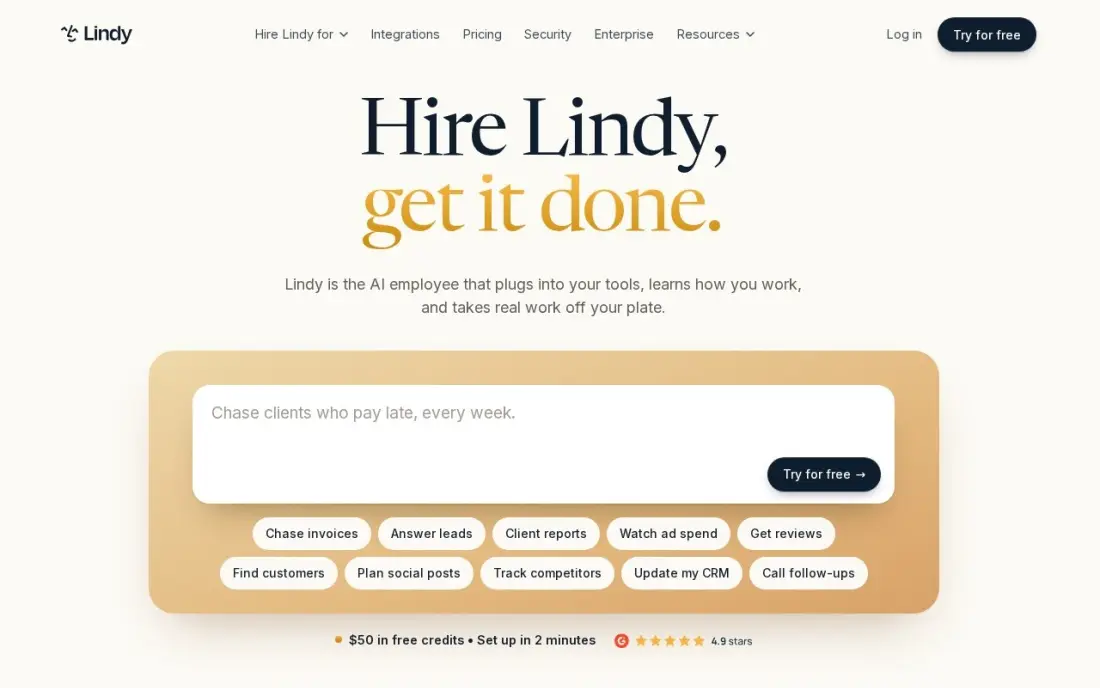
Lindy builds AI agents from plain-English instructions rather than step-by-step workflows. Describe the job — triage the inbox, draft replies, book meetings, update the CRM after a call — and the agent does it, with templates for the common founder tasks. Phone calls and voice minutes can be added, so an agent can call a lead as well as email one.
The free plan gives 400 credits a month, which is enough to test one agent properly. Starter costs $19.99 a month, but daily agent use usually means Pro at $49.99, and complex tasks burn credits much faster than simple ones. A misbehaving agent is also harder to debug than a visible workflow, so start with low-risk jobs.
What we like
- Build agents in plain English that triage email, schedule meetings and update the CRM by themselves
- Pre-built templates cover the common jobs: meeting notes, email drafts and lead follow-up
- Phone calls and voice minutes can be added, so an agent can ring a lead, not just email one
Watch out for
- Credit-based billing is hard to budget: complex agent work burns credits far faster than simple tasks
- Starter at $19.99/month is light on credits, so daily agent use usually means Pro at $49.99
- Debugging a misbehaving agent is harder than debugging a step-by-step workflow

Fyxer
Best for: Founders buried in email who want AI drafts and sorting inside Gmail or Outlook
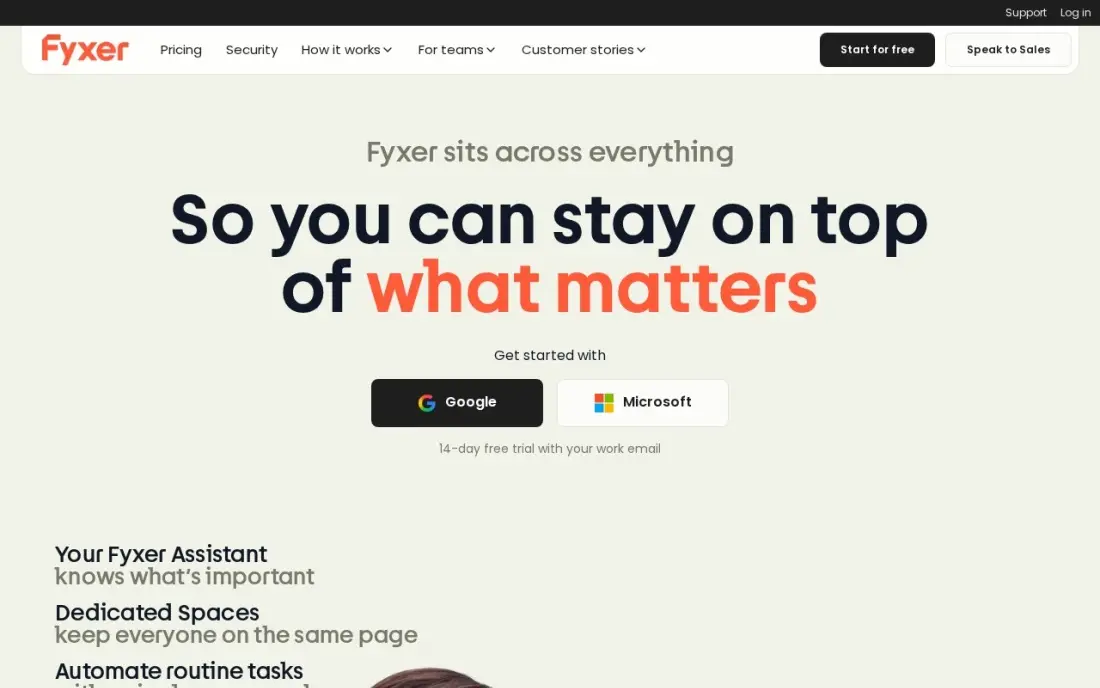
Fyxer suits the founder whose day disappears into email. It works inside the Gmail or Outlook inbox you already use, sorts incoming mail into labels as it arrives and drafts replies in your voice, with meeting notes and scheduling help in the same assistant. There is no new email app to learn.
There is a free plan, and Pro costs $49 a month billed monthly or $37 billed annually. That is steep for one person, and every draft still needs a human read before sending, so the saving is drafting time rather than judgment. It pays off when a founder spends hours a day on email that follows a few predictable patterns.
What we like
- Drafts replies in your voice without forcing a new email app on you
- Sorts mail into labels automatically as it arrives
- Works with both Gmail and Outlook, unlike Gmail-only rivals
- Meeting notes and scheduling sit inside the same assistant
Watch out for
- No full client of its own: you keep working in Gmail or Outlook
- Pro at $49 a month is steep for one person
- Drafts are drafts: you still review and send every message yourself

Intercom
Best for: Product-led startups that want an AI agent to answer customers inside the app
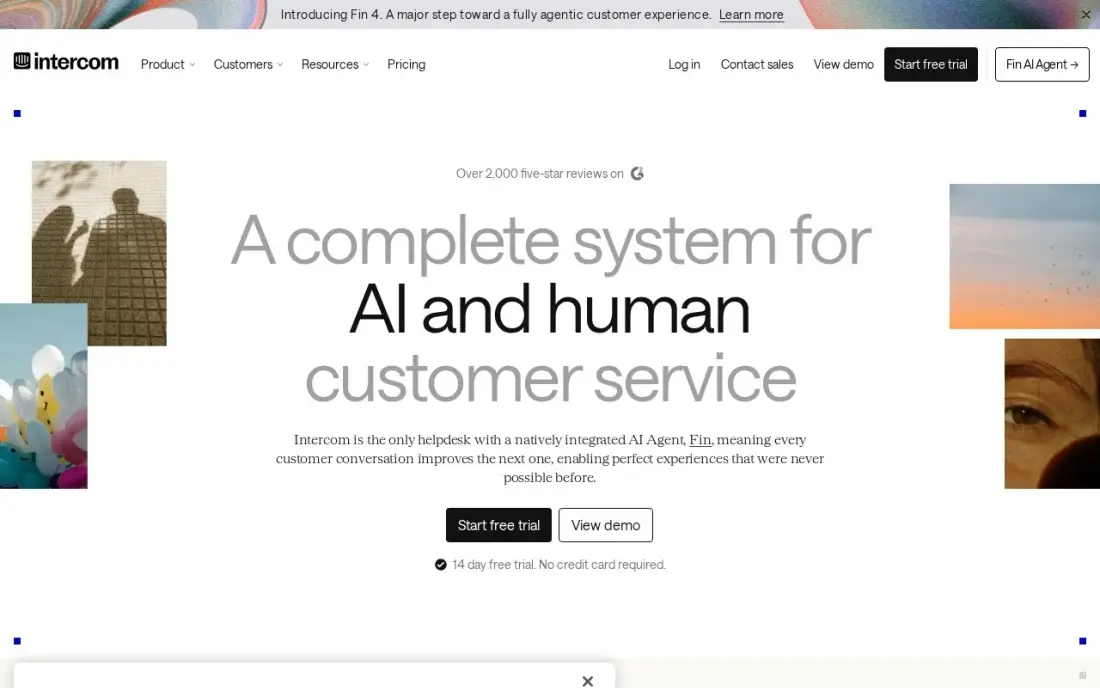
Intercom gives an early startup AI customer support without hiring a support team. Fin, its AI agent, is included on every plan and answers routine questions inside the in-app Messenger, the shared inbox and the help center, handing harder conversations to a person. The Messenger also covers email, SMS, WhatsApp and social in one inbox.
Essential costs $29 a seat a month billed annually or $39 billed monthly, and Fin adds $0.99 per resolved outcome with a 50-outcome monthly minimum. There is no free plan, only a 14-day trial. Salesforce completed its acquisition of the company, now called Fin, in September 2026, so watch the roadmap before signing a long contract.
What we like
- Fin AI Agent is included on every plan and resolves routine questions inside Messenger, the inbox and the help center
- The most polished messenger in this category, with in-app chat, email, SMS, WhatsApp and social in one inbox
- Workflow automation, round-robin assignment and a multilingual help center from Advanced
Watch out for
- Fin costs $0.99 per resolved outcome on top of seats, with a 50-outcome monthly minimum
- No free plan — only a 14-day trial — and Copilot is another $29 a seat a month
- Salesforce completed its acquisition of the company, now called Fin, in September 2026, so the roadmap bears watching

Clay
Best for: B2B startups building targeted outbound lists with AI research on each account
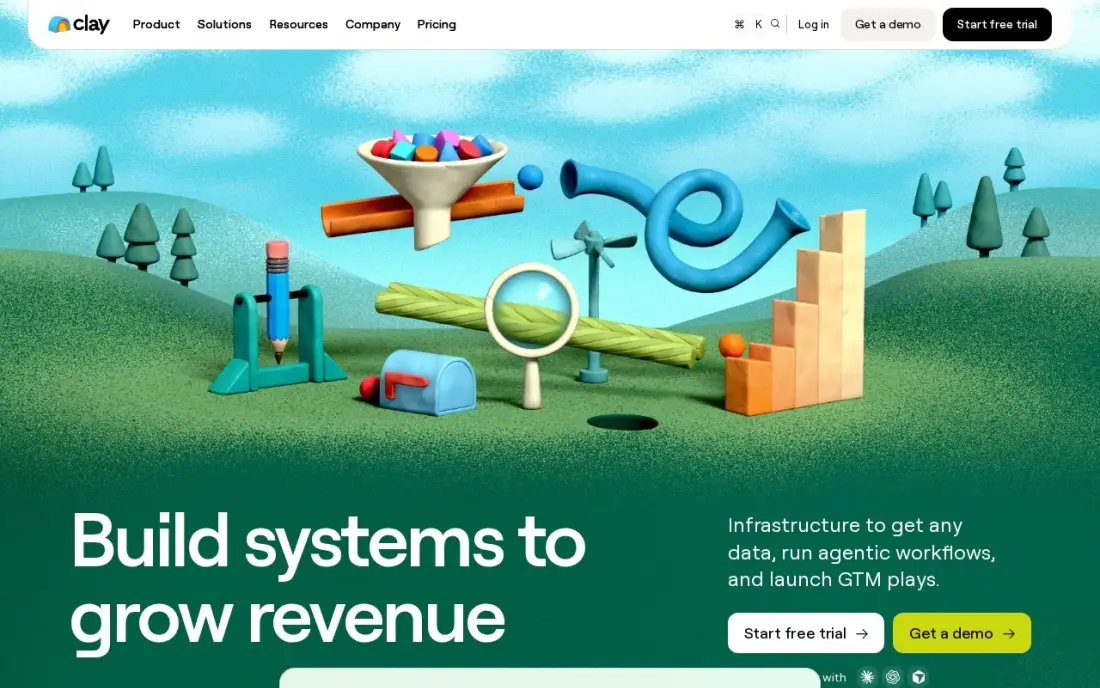
Clay is the AI tool for founder-led outbound. Build a list in a spreadsheet-style table, filter it by more than 300 attributes, enrich each row from more than 150 data providers, and let Claygent AI research each account and draft a personal first line. Every paid plan includes unlimited seats, and the free plan includes 100 credits a month.
Launch costs $185 a month billed monthly or $167 billed annually for 2,500 Data Credits and 15,000 Actions, and API access waits for the $495 Growth plan. The learning curve is the top complaint on G2, and big lists use credits fast. It suits a startup with a clear target customer and someone willing to learn the tool.
What we like
- 150+ data providers and 300+ filter attributes in one spreadsheet-style workspace
- Launch includes 2,500 Data Credits and 15,000 Actions a month, with Claygent AI
- Free plan with 100 credits a month, and all paid plans include unlimited seats
- Waterfall enrichment pulls from several providers until it finds a match
Watch out for
- Launch at $185 a month is the priciest entry here, and credits run out fast on big lists
- The learning curve is the top G2 complaint — one reviewer spent 5–6 hours building a single workflow
- API access sits on the $495-a-month Growth plan, not Launch
The best AI tools for startups give a small team the output of a larger one: faster drafts, faster code, fewer manual handoffs and quicker answers for customers. We compared nine tools across the jobs a startup actually has — writing and analysis, coding, knowledge management, automation, AI agents, email, customer support and outbound sales — on what they do, what the free plan covers and how usage-based pricing changes the bill. Every price was checked on vendor pages in November 2026.
How to choose the best AI tools for startups
- Start with a weekly job, not a tool. List the tasks that take the most founder hours each week and buy AI for those first.
- Use free plans to test on real work. Most tools here have a free plan; run a real task through it for two weeks before paying.
- Model usage pricing. Tasks, credits and per-resolution fees can cost more than seats once a workflow is busy, so estimate monthly volume.
- Avoid overlapping assistants. Two or three general chat tools at $20 a seat each add up; pick one for the team.
- Check data handling. Read each vendor's data and training terms before putting customer, investor or code data into it.
- Keep humans on customer-facing output. AI drafts, agents and support bots need a review step until you trust their accuracy.
AI tools speed up making content and product; they do not decide whether buyers find you. Our AI search optimization service helps a startup appear when buyers ask ChatGPT, Perplexity and Google for recommendations in its category.
AI tools for startups pricing: what you will actually pay
Take a five-person startup with two developers. ChatGPT Plus for five people costs $100 a month, billed monthly only. GitHub Copilot Pro for the two developers costs $20 a month. Zapier Professional costs $19.99 a month billed annually, or $29.99 billed monthly, for 750 tasks. Notion Business, the plan with full Notion AI, costs $20 a member a month, or $100 for five. Together that is about $240 a month on annual billing for Zapier, or roughly $2,880 a year.
Usage fees come on top. Intercom Essential costs $29 a seat a month billed annually, plus $0.99 per resolved outcome with a 50-outcome monthly minimum, so the AI support line starts at $49.50 a month before seats. Clay Launch costs $185 a month billed monthly or $167 billed annually. Swapping ChatGPT Plus for Claude Pro on annual billing saves $3 a seat a month, or $180 a year for five people.
Know the difference: AI assistants vs AI agents
AI assistants such as ChatGPT, Claude and the AI inside Notion respond when someone asks. A person writes the prompt, reads the output and decides what to do with it. They speed up thinking and writing, and the risk is contained because a human sees every result.
AI agents and automations such as Lindy, Zapier's AI steps, Fyxer's drafting and Intercom's Fin act on their own once they are set up: they sort email, update the CRM, answer customers and book meetings. They save more time, but mistakes reach customers or data before anyone notices, so start agents on low-risk tasks and review their work until the error rate is clear.
Quick comparison: tool type by need
| Buyer | Best pick | Why |
|---|---|---|
| Everyday founder work | ChatGPT | Free everyday chats, Plus $20/month |
| Long documents | Claude | Up to 1M tokens of context, Pro $17/month annual |
| Engineering teams | GitHub Copilot | Coding and code review, Pro $10/user/month |
| Company knowledge base | Notion | Wiki and docs with full AI on Business at $20/member |
| No-code automation | Zapier | Thousands of apps, free 100 tasks a month |
| AI agents for admin | Lindy | Plain-English agents, free 400 credits a month |
| Founder email | Fyxer | AI drafts and sorting in Gmail or Outlook |
| AI customer support | Intercom | Fin AI agent on every plan, $0.99 per resolution |
| Outbound sales research | Clay | Enrichment from 150+ providers with Claygent AI |
Mistakes to avoid
- Buying a seat for every tool for every person. Give paid seats to the people who use the tool daily; others can share or use free plans.
- Automating a process that does not exist yet. Write the process down and run it by hand first, then automate it.
- Ignoring usage meters. Zapier tasks, Lindy and Clay credits and Intercom resolutions grow with success, so set alerts on spend.
- Letting AI answer customers unsupervised on day one. Review AI support answers until you know where it gets things wrong.
- Pasting sensitive data into consumer plans. Check the data terms before sharing contracts, financials or customer records.
Related comparisons: Ecommerce Platforms for Startups · Platforms for Content for Startups · SAAS Tools for Startups · Marketing Automation Platforms for Startups
How we chose
We read each vendor's pricing page in November 2026 and recorded prices, free plans and usage limits exactly as published, including annual and monthly billing. We picked one strong tool per startup job and judged each on time saved for a small team, how well the free plan supports a real test, and how predictable the bill is as usage grows. Ratings come from G2 pages checked on the dates shown in the sources. No vendor paid for a place in this list, and none of the links here are affiliate links.
What to do next
List the five tasks that took the most founder hours last week, match each to one tool here, and run the free plans for two weeks before you pay for anything. When you are ready for buyers to find you in search and AI answers, book a free SEO consultation.
Frequently asked questions
What are the best AI tools for startups?
For most startups, ChatGPT or Claude for writing and analysis, GitHub Copilot for code, Notion for a shared knowledge base and Zapier for automation cover the core. Add Intercom for AI customer support, Fyxer for founder email and Clay for outbound sales research as those jobs grow.
Which AI tools can a startup use for free?
ChatGPT, Claude, GitHub Copilot, Notion, Zapier, Lindy, Fyxer and Clay all have free plans. Zapier's covers 100 tasks a month, Lindy's 400 credits a month and Clay's 100 credits a month. Intercom has a 14-day trial instead of a free plan.
How much should a startup spend on AI tools?
A five-person team on ChatGPT Plus at $20 a seat, GitHub Copilot Pro for two developers at $10 each and Zapier Professional at $19.99 billed annually spends about $140 a month. Adding Notion Business at $20 a member raises that to about $240 a month before usage fees.
Should a startup use ChatGPT or Claude?
Both cost $20 a month billed monthly and both have free plans. Claude is stronger for long documents and long-form writing and offers $17 a month on annual billing; ChatGPT is the more general tool and adds image generation. Try both free and pay for the one the team uses.
What is the best AI tool for startup customer support?
Intercom, because Fin, its AI agent, is included on every plan and answers inside the in-app Messenger and help center. Essential costs $29 a seat a month billed annually, plus $0.99 per resolved outcome with a 50-outcome monthly minimum.
Are AI agents ready for startup operations?
For narrow, repeatable jobs such as inbox triage, meeting scheduling and lead follow-up, tools like Lindy and Fyxer work well. Keep a human review step on anything that reaches customers, and start with low-risk tasks.
What are the best AI tools for beginners?
Start with one general assistant: ChatGPT or Claude, both with free plans and $20-a-month paid tiers, cover drafting, analysis and everyday questions in plain language. Notion's free plan adds docs and AI search in one workspace, and Fyxer drafts email replies inside Gmail or Outlook with no new app to learn. Leave tools like Clay and Zapier until you have a repeated workflow worth automating.
How do I get started using AI tools in a startup?
List the tasks that take the most founder hours each week, then pick one tool for the biggest one. Run a real task through its free plan for two weeks before paying; most tools here, including ChatGPT, Claude, Zapier, Lindy and Clay, have one. Avoid paying for overlapping chat assistants, read each vendor's data terms before sharing customer or code data, and keep a human review step on anything customers see.
Sources we checked (14)
- ChatGPT — chatgpt.com/pricing (checked November 2, 2026)
- Claude — claude.com/pricing (checked November 2, 2026)
- Claude reviews on G2 (checked November 2, 2026)
- GitHub Copilot — github.com/features/copilot/plans (checked November 6, 2026)
- GitHub Copilot reviews on G2 (checked November 6, 2026)
- Notion — www.notion.com/pricing (checked November 12, 2026)
- Notion reviews on G2 (checked November 12, 2026)
- Zapier — zapier.com/pricing (checked November 12, 2026)
- Zapier reviews on G2 (checked November 12, 2026)
- Lindy — www.lindy.ai/pricing (checked November 2, 2026)
- Fyxer — www.fyxer.com/pricing (checked November 5, 2026)
- Intercom — www.intercom.com/pricing (checked November 12, 2026)
- Clay — www.clay.com/pricing (checked November 12, 2026)
- Clay reviews on G2 (checked November 12, 2026)
Make one of these tools?
We re-check this list every quarter. Send a correction, request a review, or ask about a clearly labeled sponsored spot.
Request a listingShamim
Founder of SerpAstra
A full-stack digital marketer and SEO strategist covering technical and local SEO, AI search visibility, paid ads and lead generation for local businesses, e-commerce brands and SaaS teams.
Free SEO and AI visibility audit
Find out what is holding your rankings back
Send us your site. Within 2 business days you get a written audit, an AI visibility check and a short fix list ranked by impact. Free, with no contract attached.
Request my free audit→Related buying guides
 Business Software11 Best SAAS Tools for Startups in 2026 (Free and Paid, Compared)Compare the 11 best saas tools for startups on price, free plans and the limits that force an upgrade, with every price checked November 4, 2026.Read guide →
 Productivity & Office10 Best AI Automation Tools for Small Business in 2026, Compared10 best ai automation tools for small business compared on price, free plans and AI features, with real starting prices checked November 2, 2026.Read guide →
 Sales & CRM8 Best CRM Tools for B2B Startups in 2026, ComparedCompare the 8 best CRM tools for B2B startups on free plans, founder-led sales, pipeline and price per seat, with every price checked on vendor pages.Read guide →