
6 Best AI Clipping Software in 2026, Compared
Compare the 6 best AI clipping software tools that turn long videos into Shorts, Reels and TikToks, on source minutes, captions, free plans and monthly cost.
 Shamim Mia, Founder, SerpAstraLast verified November 5, 20267 min read
We compare pricing pages, documentation and public reviews. We never accept payment for rankings.

Key takeaways
- Vizard gives the most source minutes for the money: Creator includes 600 minutes a month at $29 billed monthly, or $14.50 billed annually, with 4K and no watermark.
- OpusClip is the simplest pure clipper, with a virality score on every clip and Starter at $15 a month, billed monthly only.
- Descript and Kapwing suit creators who want to clip and then properly edit in the same tool, from $16 a month billed annually.
- Every AI clipper still cuts jokes before the punchline sometimes, so plan to review each clip before it posts.
On this page
Quick comparison
| Tool | Best for | Starting price | Free plan |
|---|---|---|---|
 Vizard | Creators who clip a lot of long video and want the most source minutes per dollar | $29/mo | Yes (free plan) |
 OpusClip | Podcasters and talking-head creators who want scored vertical clips with minimal setup | $15/mo | Yes (free plan) |
 Descript | Podcasters who want to clip and edit by editing the transcript | $16/mo (annual) | Yes (1 hour/mo) |
 Kapwing | Small teams that clip, caption and resize videos together in the browser | $24/mo | Yes (free plan) |
 VEED | Creators whose clips live or die on accurate subtitles and translations | $24/mo | Yes (free plan) |
 CapCut | Short-form creators who finish clips on a phone with templates, effects and music | $19.99/mo | Yes |
Make one of these tools?
We re-check this list every quarter. Send a correction, request a review, or ask about a clearly labeled sponsored spot.
Request a listingThe best AI clipping software
Vizard
Best for: Creators who clip a lot of long video and want the most source minutes per dollar

Vizard finds highlights in long videos, reframes them to vertical and adds captions, and its pricing is the most generous in this list. Creator includes 600 source minutes a month — four times OpusClip Starter's allowance — with 4K export, no watermark and no length limit, and built-in scheduling posts clips to six social accounts without a second tool.
Creator costs $29 a month billed monthly, or $14.50 a month billed annually. It is the highest-rated clipper here, at 4.7 from 434 G2 reviews. The free plan gives 60 credits a month at 720p with a watermark, caps exports at 10 minutes and keeps clips for 3 days, so treat it as a test.
What we like
- 600 source minutes a month on Creator, four times Opus Clip Starter at the same price
- 4K export with no watermark and no length limit from the entry paid plan
- Built-in scheduling posts clips to six social accounts without a second tool
- The highest-rated clipper here at 4.7/5 on G2 across 434 reviews
Watch out for
- The free plan caps exports at 10 minutes and keeps clips only 3 days
- Its virality score is directional, not a prediction you should trust blindly
- The AI can cut a joke before the punchline, so every clip still needs a review
OpusClip
Best for: Podcasters and talking-head creators who want scored vertical clips with minimal setup
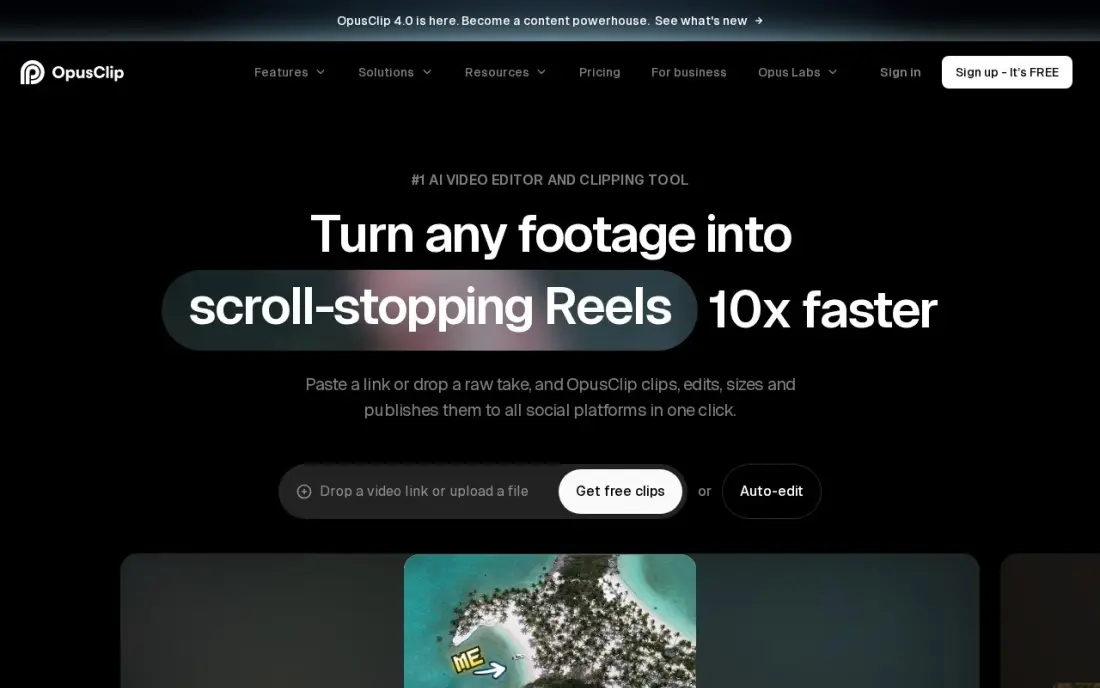
OpusClip does one job well: you paste a long video, and it returns a stack of vertical clips, each with a virality score that ranks which to post first. Animated captions, auto-reframe and filler removal come with every clip, and Starter can auto-post to YouTube Shorts, TikTok and Instagram Reels.
Starter costs $15 a month, billed monthly only, and one credit equals one minute of source video, so costs are easy to predict. Credits expire after 60 days, Starter exports only 9:16 clips, and scheduling starts on Pro. Billing and cancellation complaints are the most common theme in its reviews, so note your renewal date.
What we like
- One credit is one minute of source video, so the cost of a clip run is easy to predict
- Virality score ranks every clip before you publish it
- Auto-posts clips to Shorts, TikTok and Reels from the Starter plan
- Exports to Premiere Pro and DaVinci Resolve on Pro for a final polish pass
Watch out for
- Starter is monthly-only and has no social scheduler — scheduling starts on Pro
- Credits expire after 60 days, so a quiet month wastes paid minutes
- Trustpilot reviewers report difficult cancellations and refund disputes
Descript
Best for: Podcasters who want to clip and edit by editing the transcript
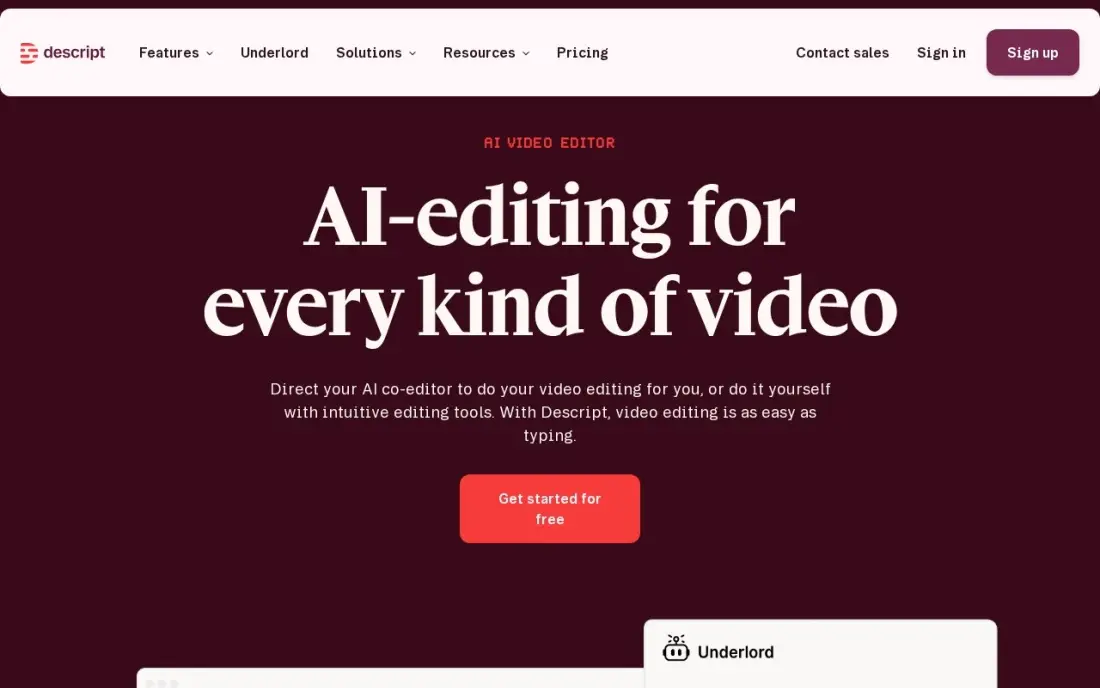
Descript is an editor first and a clipper second, which suits podcasters who want more control than a one-click tool. You edit video by editing the transcript, so finding a quote and cutting it into a clip is as easy as highlighting text. Studio Sound and filler-word removal clean the audio in the same project.
Hobbyist costs $24 a month billed monthly, or $16 billed annually, and covers 10 media hours a month, and Creator, at $24 a month billed annually, is the practical entry for serious creators. The free plan gives 1 media hour a month at 720p. G2 reviewers rate it 4.6 from 936 reviews, though large projects can feel slow.
What we like
- Text-based editing: delete a word in the transcript and the video and audio follow
- Studio Sound, filler-word removal and Overdub clean up recordings without a separate audio tool
- Rated 4.6/5 on G2 from 936 reviews, with easy editing the most cited strength
Watch out for
- Hobbyist covers only 10 media hours a month, and the two meters (hours plus AI credits) confuse new buyers
- The app can feel slow or glitchy on large projects, per G2 reviewers
- Creator at $24/month billed annually is the practical entry for serious creators, not Hobbyist
Kapwing
Best for: Small teams that clip, caption and resize videos together in the browser
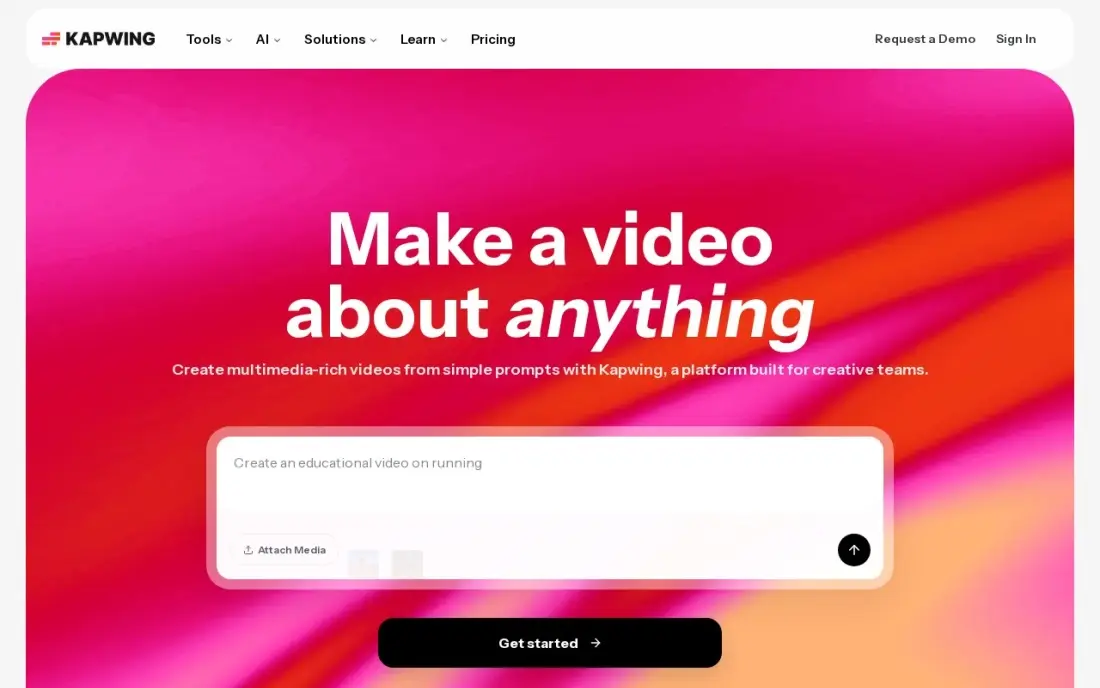
Kapwing's Smart Cut and Repurpose tools turn one long video into short clips with little manual work, and they sit inside a full browser editor with auto-captions in more than 100 languages, translation and dubbing. Workspaces let a small team share projects and a brand kit, which helps when several people post for one channel.
Pro costs $24 per member a month billed monthly, or $16 billed annually, so a second editor doubles the bill. Its 1,000 monthly AI credits do not roll over. The free plan includes 10 AI credits and the full editor, but exports are watermarked, 720p and capped at four minutes.
What we like
- Auto-captions in 100-plus languages with translation and dubbing built into the same timeline
- Smart Cut and Repurpose turn one long video into clips for Shorts with almost no manual work
- The browser editor runs anywhere, and workspaces let a team share projects and a brand kit
- The free plan includes 10 AI credits and the full editor, so you can test it properly before paying
Watch out for
- Pro is priced per member, so a second editor doubles the bill
- The 1,000 monthly AI credits do not roll over, and you cannot buy more on Pro
- Free exports are watermarked, capped at 720p and four minutes, and projects are stored for only three days
VEED
Best for: Creators whose clips live or die on accurate subtitles and translations
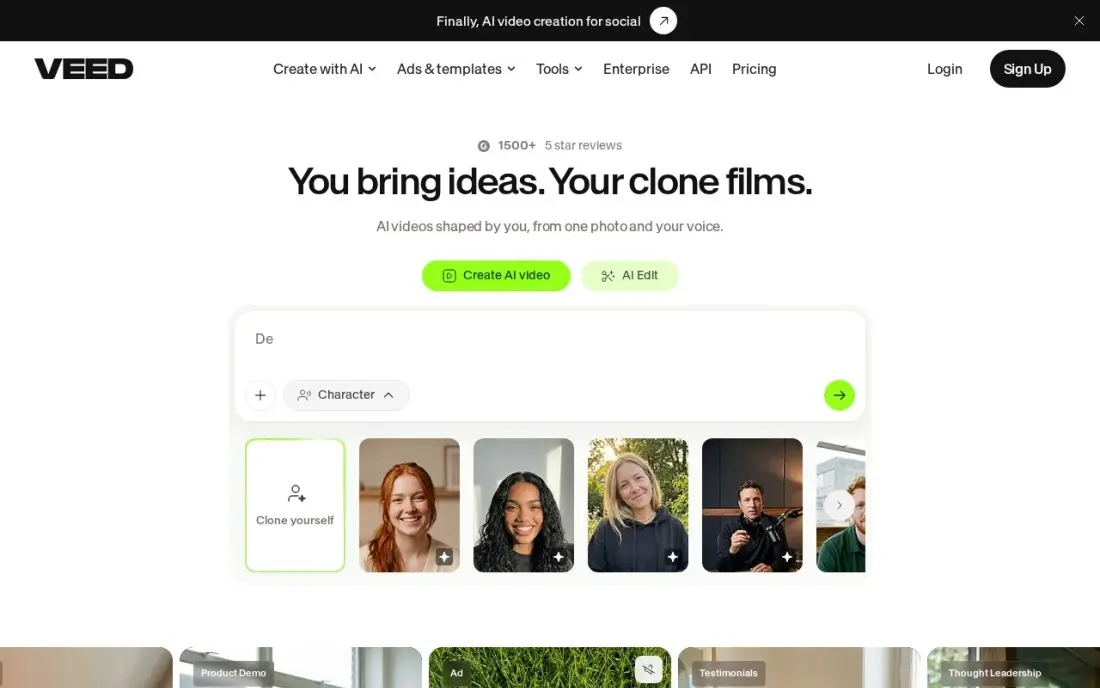
VEED is the caption-first option. Automatic subtitles are its core strength, with translation into more than 50 languages on Pro, and Eye Contact AI and Clean Audio fix common talking-head problems in one click. It runs in the browser, and paid plans include stock audio and video for filling gaps in a clip.
Lite costs $24 a month billed monthly, or $12 billed annually, and includes 120 subtitling minutes a year, which runs out quickly for weekly publishers. Free exports are watermarked at 720p, and 4K waits for Pro. G2 reviewers rate VEED 4.6 from 2,192 reviews.
What we like
- Automatic subtitles are the core strength, with 120 minutes a year on Lite and translation in 50-plus languages on Pro
- Lite costs $12 a month billed annually, half the monthly-billing price
- The browser editor needs no install, and stock audio and video are included on paid plans
- Eye Contact AI and Clean Audio fix the two most common talking-head problems in one click
Watch out for
- Subtitling minutes are capped per year — 120 minutes on Lite runs out fast for weekly publishers
- Monthly billing doubles the price: Lite is $24 a month monthly against $12 billed annually
- Free exports are watermarked at 720p, and 4K export waits for the Pro plan
CapCut
Best for: Short-form creators who finish clips on a phone with templates, effects and music
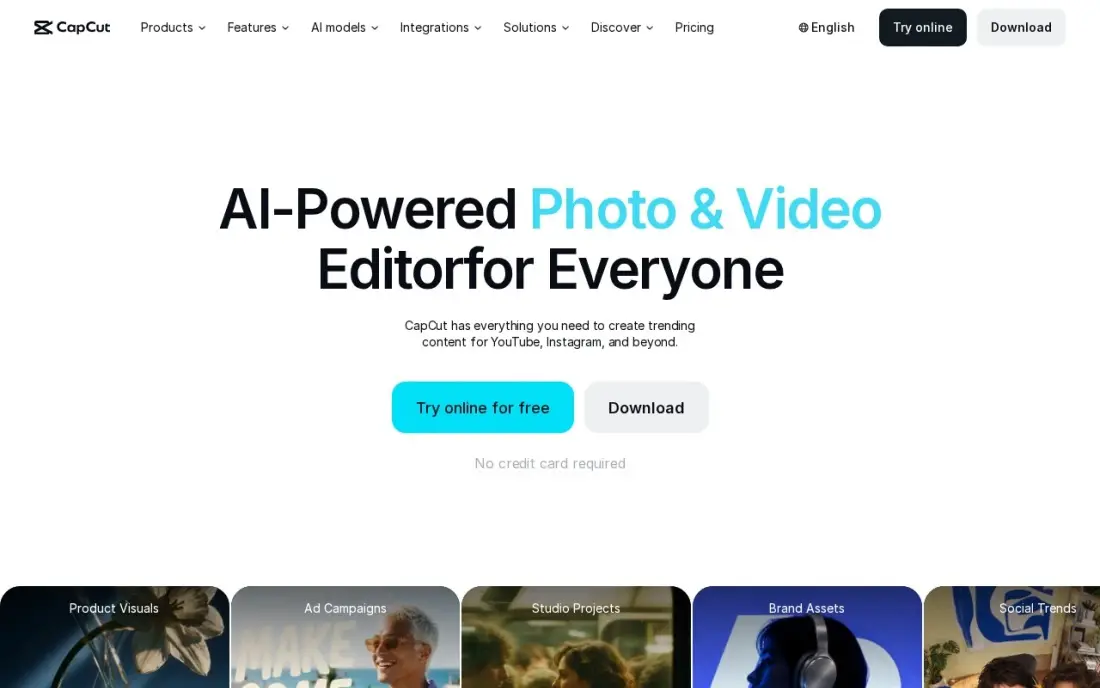
CapCut is where many creators finish a clip after the AI has found it. Templates, auto-captions, effects and a music library built for short video make it the fastest route from footage to a finished TikTok or Reel, on phone or desktop. The free plan covers the core editor, with exports capped at 1080p.
Pro costs $19.99 a month billed monthly, or $179.99 a year, and adds 4K export at 60fps, 1 TB of cloud storage and about 1,200 AI credits a month. CapCut publishes no fixed global price, so checkout can differ by region and device. Trustpilot scores it 1.2 out of 5, mostly over billing and paywalls.
What we like
- Fastest path from phone footage to a finished Reel: templates, auto-captions, effects and a music library built for short video
- Pro adds 4K export at 60fps with HDR, 1 TB of cloud storage and about 1,200 AI credits a month
- Free plan covers the core editor, so you can test the workflow before paying
Watch out for
- No G2 rating is published, and Trustpilot scores it 1.2 out of 5, mostly over billing and paywalls
- CapCut publishes no fixed global price, so the figure at your checkout can differ by region, device and promotion
- Features keep moving from free to paid, and the free plan caps exports at 1080p
The best AI clipping software watches your long video for you, finds the moments worth sharing and turns them into captioned vertical clips for Shorts, Reels and TikTok. We compared six tools: two dedicated AI clippers, two full editors with strong clipping tools, a caption-first editor and a phone-first finisher. Every price below comes from our verified database of vendor pricing pages, checked in November 2026.
How to choose the best AI clipping software
- Count your source minutes. Most clippers bill by minutes of long video uploaded; a weekly two-hour podcast needs about 500 minutes a month.
- Check credit expiry. OpusClip credits expire after 60 days and Kapwing's do not roll over, so unused minutes are lost.
- Decide how much editing you want. A pure clipper is fastest; an editor like Descript or Kapwing gives more control over each cut.
- Look at captions closely. Animated captions drive watch time; test accuracy on names, numbers and your niche's jargon.
- Check export formats. OpusClip Starter exports 9:16 only, so square or landscape clips need a higher plan or another tool.
- See if it posts for you. Auto-posting and scheduling save time if you publish daily.
Clips build an audience on social platforms, but search still matters for the long videos and your website. Our AI search optimization service helps your content show up in Google and AI answers, and our guide to AI tools for YouTube automation covers the rest of a video workflow.
AI clipping software pricing: what you will actually pay
Take a creator who publishes one 60-minute podcast episode a week, about 260 source minutes a month. Vizard Creator covers that comfortably with 600 minutes, at $29 a month billed monthly or $14.50 billed annually, which is $174 a year. OpusClip Starter costs $15 a month, or $180 a year with no annual discount; check that its monthly credit allowance covers your minutes before choosing it.
If you edit as well as clip, the editors cost about the same. Descript Hobbyist is $16 a month billed annually, or $192 a year, and covers 10 media hours a month. Kapwing Pro is $16 per member a month billed annually, so two editors pay $384 a year. VEED Lite is $12 a month billed annually, and CapCut Pro is $179.99 a year. Many creators pair one clipper with CapCut for final touches.
Know the difference: AI clipper vs AI video editor
A dedicated AI clipper, such as Vizard or OpusClip, is built around one input and many outputs. You upload a long video, and it returns ranked clips already reframed and captioned. You can tweak each clip, but the tool assumes the AI's choices are mostly right. That makes it the fastest option for podcasts, webinars and streams.
An AI video editor, such as Descript, Kapwing, VEED or CapCut, starts from your timeline. Clipping is one feature among many, alongside transcript editing, audio clean-up, subtitles and effects. It is slower per clip but gives you full control and doubles as the tool you edit the long video in. If you already edit in one of these, try its clipping features before buying a separate clipper.
Quick comparison: tool type by need
| Buyer | Best pick | Why |
|---|---|---|
| High-volume clipping | Vizard | 600 source minutes a month; $14.50/month billed annually |
| Simple scored clips | OpusClip | Virality score and auto-posting; Starter $15/month |
| Podcasters who edit by text | Descript | Transcript editing; Hobbyist $16/month billed annually |
| Small teams in the browser | Kapwing | Smart Cut and Repurpose; Pro $16/member billed annually |
| Caption-first clips | VEED | Auto-subtitles and translation; Lite $12/month billed annually |
| Finishing on a phone | CapCut | Templates, effects and music; Pro $179.99/year |
Mistakes to avoid
- Posting every clip the AI suggests. Pick the strongest few; a feed of weak clips trains viewers to scroll past.
- Trusting captions blindly. Check names, brands and numbers in every subtitle before publishing.
- Uploading poor audio. Clippers rely on the transcript, so a muddy recording produces worse clip choices.
- Letting credits expire. Upload on a schedule so paid minutes do not lapse at 60 days or month end.
- Forgetting the hook. The first two seconds decide a short; trim the start so the clip opens on the point.
How we chose
We used verified entries from our database of vendor pricing pages, checked between November 5 and November 10, 2026, and recorded prices exactly as listed, with monthly and annual billing stated. Ratings come from G2 pages checked on the dates shown in the sources; CapCut has no G2 rating, so we note its Trustpilot score instead. We ranked the tools for a creator turning weekly long-form video into daily shorts. No vendor paid for a place in this list, and none of the links here are affiliate links.
What to do next
Take your last long video and run it through the free plans of Vizard and OpusClip on the same day. Post the best three clips from each and compare views after a week. If your long videos also need to rank in search, book a free content visibility check.
Frequently asked questions
What is the best AI clipping software?
Vizard gives the most source minutes for the price, with 600 minutes a month on Creator at $14.50 billed annually. OpusClip is the simplest pure clipper at $15 a month. Descript and Kapwing suit creators who also want a full editor.
Is there free AI clipping software?
Yes. Vizard and OpusClip both have free plans with 60 credits a month and watermarks, Kapwing's free plan includes 10 AI credits, Descript gives 1 media hour a month, and CapCut and VEED have free editors.
How does AI clipping software choose clips?
It transcribes the video, looks for complete thoughts, strong hooks and changes in energy, then ranks moments. OpusClip and Vizard show a virality score, which is a useful guide but not a guarantee of views.
How much does AI clipping software cost?
OpusClip Starter is $15 a month billed monthly. Vizard Creator is $29 a month or $14.50 billed annually. Descript Hobbyist and Kapwing Pro are $16 billed annually, VEED Lite is $12 billed annually and CapCut Pro is $19.99 a month.
Can AI clipping tools post directly to TikTok and YouTube Shorts?
Some can. OpusClip Starter auto-posts to YouTube Shorts, TikTok and Instagram Reels, and Vizard Creator includes scheduling to six social accounts. The editors in this list mostly export files for you to upload.
Do I still need to edit AI-generated clips?
Yes, briefly. AI can cut a joke before the punchline or start a clip mid-sentence. Watch each clip, trim the start and end, and check captions for names and jargon before posting.
Sources we checked (11)
- Vizard — vizard.ai/pricing (checked November 5, 2026)
- Vizard reviews on G2 (checked November 5, 2026)
- OpusClip — www.opus.pro/pricing (checked November 5, 2026)
- OpusClip reviews on G2 (checked November 5, 2026)
- Descript — www.descript.com/pricing (checked November 10, 2026)
- Descript reviews on G2 (checked November 10, 2026)
- Kapwing — www.kapwing.com/pricing (checked November 6, 2026)
- Kapwing reviews on G2 (checked November 6, 2026)
- VEED — www.veed.io/pricing (checked November 6, 2026)
- VEED reviews on G2 (checked November 6, 2026)
- CapCut — www.capcut.com/pricing (checked November 10, 2026)
Make one of these tools?
We re-check this list every quarter. Send a correction, request a review, or ask about a clearly labeled sponsored spot.
Request a listingShamim
Founder of SerpAstra
A full-stack digital marketer and SEO strategist covering technical and local SEO, AI search visibility, paid ads and lead generation for local businesses, e-commerce brands and SaaS teams.
Free SEO and AI visibility audit
Find out what is holding your rankings back
Send us your site. Within 2 business days you get a written audit, an AI visibility check and a short fix list ranked by impact. Free, with no contract attached.
Request my free audit→Related buying guides
 Video Editing & Streaming9 Best AI Video Editing Software in 2026, ComparedCompare the 9 best AI video editing software on text editing, auto-captions, clipping and real cost, with every price checked on vendor pages in November 2026.Read guide →
 Video Editing & Streaming10 Best AI Tools for YouTube Automation in 2026, ComparedCompare the 10 best ai tools for youtube automation on price, free plans and AI features, with every starting price checked November 5, 2026.Read guide →
 Audio, Music & Podcasting7 Best AI Podcast Editing Software in 2026, ComparedCompare the 7 best AI podcast editing software on text-based editing, filler-word removal, audio cleanup, free plans and real cost, checked on vendor pages.Read guide →