
7 Best AI Tools to Animate Still Photos in 2026, Compared
Compare the 7 best AI tools to animate still photos, from moving family portraits to 3D motion and image-to-video clips, with prices checked on vendor pages.
 Shamim Mia, Founder, SerpAstraLast verified November 5, 20268 min read
We compare pricing pages, documentation and public reviews. We never accept payment for rankings.

Key takeaways
- For old family portraits, MyHeritage Deep Nostalgia is the purpose-built choice: it animates detected faces, gives several free animations, and needs a Complete subscription for unlimited, logo-free ones.
- Immersity AI turns a flat photo into 3D motion from $4.99 a month, with a free tier for watermarked, non-commercial 720p tests.
- Adobe Firefly gives the most control for photo-to-video, with a first and optional last frame and camera moves, from $9.99 a month or limited free daily generations.
- To turn a set of photos into a narrated video rather than animate one image, CapCut's free web tool builds the video, script and voiceover for you.
On this page
Quick comparison
| Tool | Best for | Starting price | Free plan |
|---|---|---|---|
 MyHeritage Deep Nostalgia | Families and genealogists who want faces in old portraits to move, smile and blink | Free; Complete plan | Yes (several) |
 Immersity AI | Creators who want a flat photo to gain depth and camera motion as a short 3D clip | $4.99/mo | Yes (720p, watermark) |
 Adobe Firefly | Marketers and designers who want controlled photo-to-video clips they can use commercially | Free; $9.99/mo | Yes (daily limit) |
 Luma AI | Filmmakers who want to animate stills, build transitions between frames and export for finishing | $25/mo (annual) | No |
 Google Veo | Google AI subscribers who want photos turned into a 10-second clip with sound | $19.99/mo (Pro) | No |
 Runway | Creators who want to try several image-to-video models on the same photo in one account | $15/mo | Yes (free plan) |
 CapCut | Anyone turning a set of photos into a narrated slideshow-style video for social media | Free web tool | Yes |
Make one of these tools?
We re-check this list every quarter. Send a correction, request a review, or ask about a clearly labeled sponsored spot.
Request a listingThe best AI tools to animate still photos
MyHeritage Deep Nostalgia
Best for: Families and genealogists who want faces in old portraits to move, smile and blink

Deep Nostalgia is the tool most people mean when they ask how to make an old photo move. Upload a portrait and MyHeritage enhances it, finds each face and animates it with a short head turn, blink and smile drawn from pre-recorded driver videos. Each face takes about 10 to 20 seconds, and the animation is attached to the original photo on MyHeritage.
MyHeritage's launch post says anyone can create several animations for free with a logo in the corner, and a Complete subscription gives unlimited logo-free ones. It animates faces only, one at a time, with no speech, and MyHeritage asks users to animate historical photos rather than living people without consent. Check the current Complete price at checkout.
What we like
- Built for old portraits: detects faces, enhances the photo, then animates it
- Each face takes about 10 to 20 seconds to animate
- Complete subscribers get unlimited animations without the logo
Watch out for
- Animates faces only, one face at a time, with no speech
- Free animations carry a MyHeritage logo
- The Complete subscription price is not published on the page we could read
Immersity AI
Best for: Creators who want a flat photo to gain depth and camera motion as a short 3D clip
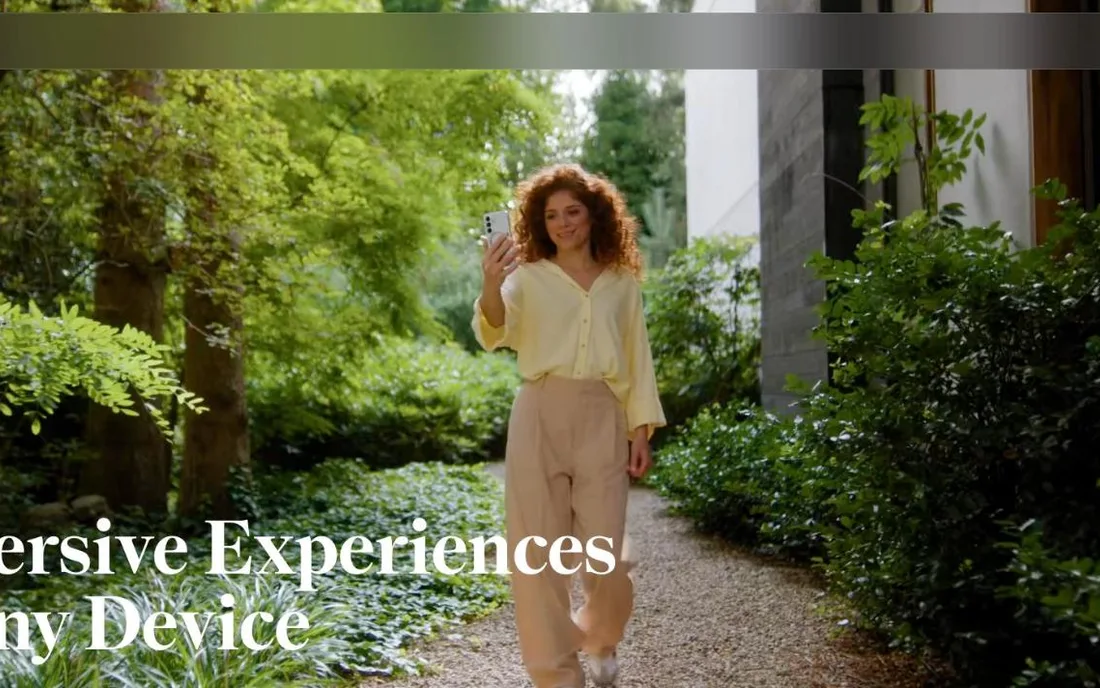
Immersity AI, from Leia, animates a still photo by giving it depth rather than by inventing new action. It builds a depth map of the image and moves a virtual camera through it, so a landscape, product shot or portrait gains a slow parallax push that looks like it was filmed. It also outputs 3D images and 3D video for depth-capable screens.
The free tier makes watermarked, non-commercial conversions up to 720p, though the FAQ says there is no free version, so check before relying on it. The Image plan costs $4.99 a month for 500 credits, or up to 16 Immersive Motion clips, with 4K export and commercial use. Credits expire monthly and cannot be topped up separately.
What we like
- Converts 2D photos into Immersive Motion, 3D images and 3D video
- Paid plans export up to 4K with no watermark and commercial use
- Image plan covers up to 16 Immersive Motion clips a month
Watch out for
- Credits expire monthly and can no longer be bought separately
- Only monthly prices are listed, with no annual discount
Adobe Firefly
Best for: Marketers and designers who want controlled photo-to-video clips they can use commercially

Adobe Firefly's image-to-video tool gives the most control over how a still photo moves. Upload a JPG or PNG as the first frame, add an optional last frame, write a prompt of up to 1,024 characters and choose a pan, zoom or tilt. Clips run about five seconds, up to 4K depending on the model, with Veo 3.1 Fast, Ray3.14, Runway Gen-4.5 and Kling 3.0 among the options.
A free Adobe account gets limited daily generations with the Firefly Video Model. Standard costs $9.99 a month for up to 20 five-second videos, and Pro is $19.99 a month for up to 40, on a $9.99 promotion until December 6. For product and brand photos, Adobe's commercial-use stance is the deciding factor.
What we like
- Set the first frame and an optional last frame of the clip
- Camera moves such as pan, zoom and tilt, plus shot-size and angle presets
- Adobe says outputs from its Firefly models are safe for commercial use
Watch out for
- Clips are about five seconds
- Uploads must be JPG or PNG under 50MB, one at a time
Luma AI
Best for: Filmmakers who want to animate stills, build transitions between frames and export for finishing

Luma AI suits photographers and filmmakers who want a still to become a shot in a larger project. Its Ray models animate a still image, create a transition between two frames and extend a clip, and finished work can be exported as EXR files for colour grading. Luma's agent takes a plain description of the motion you want, so there are few settings to learn.
Plus costs $30 a month, or $25 billed annually, for 10,000 credits and commercial use, and credits for failed generations are returned. Ray3.2 starts at 20 credits per five seconds at 360p and costs more at higher resolutions. It is more than a casual user needs, but the best fit here for professional stills-to-motion work.
What we like
- Animates still images and creates transitions between two frames
- Failed generations have their credits returned automatically
- Plus includes 10,000 credits a month and commercial use
Watch out for
- Highest starting price in this list
- Credit cost rises with resolution
Google Veo
Best for: Google AI subscribers who want photos turned into a 10-second clip with sound
In the Gemini app, Google's video model can turn up to five photos into a 10-second clip with native audio, so a holiday picture can gain moving water, wind and ambient sound in one step. Gemini Omni is replacing Veo in the app, and every clip carries SynthID, Google's invisible watermark for identifying AI-generated content.
Video needs a paid Google AI plan. Pro costs $19.99 a month and includes only a limited trial of Veo 3.1 Lite, while Veo 3.1 itself is part of Ultra from $99.99 a month. Google gives usage as multiples rather than clip counts, so a Pro subscriber should test a few photos before treating it as an everyday tool.
What we like
- Turns up to five photos into one 10-second video
- Native audio generation, so clips come with sound
- Videos carry Google's SynthID watermark for AI detection
Watch out for
- Pro includes only a limited trial of Veo 3.1 Lite
- Google publishes no videos-per-day figure, and features vary by country
Runway
Best for: Creators who want to try several image-to-video models on the same photo in one account

Runway turns a photo into motion with its own Gen-4.5 model and, on paid plans, Kling 4.0 and Seedance models in the same credit balance, which lets you run one image through several models and keep the best result. Clips can go straight into Runway's editor, and Standard removes watermarks and adds 4K upscaling.
The free plan gives 125 one-time credits with watermarked 720p exports. Standard costs $15 a month, or $12 billed annually, for 625 credits, which buys about 52 seconds of Gen-4.5. Credits do not roll over on Standard, and a generation that misses costs the same as one that works, so plan on several tries per photo.
What we like
- Its own Gen-4.5 model plus resold models like Kling in one subscription
- Generates cinematic B-roll, product shots and transitions from text or images
- 4K upscaling and no watermarks from the Standard plan upward
- A real editing studio sits next to generation, so clips go straight into the cut
Watch out for
- 625 credits buy only about 52 seconds of Gen-4.5 video, so the meter runs out fast
- A generation that misses the prompt costs exactly the same as one that lands
- Credits reset monthly with no rollover on Standard, so unused credits vanish
CapCut
Best for: Anyone turning a set of photos into a narrated slideshow-style video for social media
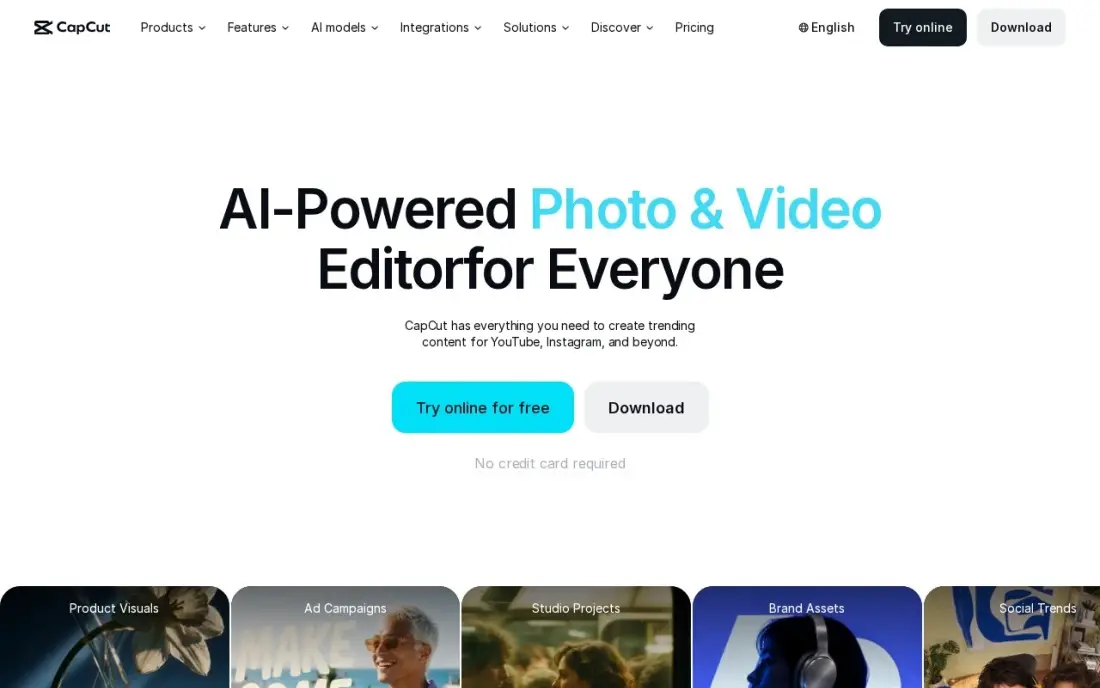
CapCut's image-to-video tool on CapCut Web solves a different problem: turning a set of photos into a finished video rather than animating one picture. Upload your images, write a script or let CapCut generate one, pick an AI voiceover and a duration, and it adds transitions, pacing and layouts before you fine-tune text, music and captions.
CapCut describes the web tool as free with watermark-free export. The wider app's free plan caps exports at 1080p, and Pro costs $19.99 a month or $179.99 a year for 4K, though CapCut publishes no fixed global price. For a birthday montage or a product round-up, it is the fastest free route from photos to a postable video.
What we like
- Fastest path from phone footage to a finished Reel: templates, auto-captions, effects and a music library built for short video
- Pro adds 4K export at 60fps with HDR, 1 TB of cloud storage and about 1,200 AI credits a month
- Free plan covers the core editor, so you can test the workflow before paying
Watch out for
- No G2 rating is published, and Trustpilot scores it 1.2 out of 5, mostly over billing and paywalls
- CapCut publishes no fixed global price, so the figure at your checkout can differ by region, device and promotion
- Features keep moving from free to paid, and the free plan caps exports at 1080p
The best AI tools to animate still photos make a picture move in a way that looks natural: a grandparent's portrait that blinks and smiles, a landscape with a slow camera push, or a product photo that turns into a short clip. We compared seven tools across the three ways AI animates a photo — face animation, 3D depth motion and full image-to-video generation — plus one tool that turns a set of photos into a video, and every price below was checked on the vendor's own page in November 2026.
How to choose the best AI tools to animate still photos
- Match the method to the photo. Old portraits suit face animation, landscapes and rooms suit depth motion, and product or creative shots suit image-to-video models that can add new action.
- Decide how much control you need. Deep Nostalgia is one click; Adobe Firefly lets you set the first and last frame and the camera move.
- Check the watermark on free output. MyHeritage adds a logo, Immersity's free tier is watermarked and non-commercial, and Runway's free exports are watermarked at 720p.
- Confirm commercial rights. For client or brand work, use a paid plan that grants commercial use; Adobe says its own Firefly model outputs are safe for commercial use.
- Look at clip length. Most tools make clips of five to ten seconds, so plan to join clips if you need more.
- Respect consent. Animate historical photos freely, but ask living people before you make their photo move.
Animated photos make strong social and website content. If you publish them on a business site, our video SEO guide covers how to get the clips indexed, and our monthly SEO service can handle the rest of the site.
AI tools to animate still photos pricing: what you will actually pay
Take someone animating 15 photos a month for social posts. Immersity AI's Image plan covers up to 16 Immersive Motion clips for $4.99 a month, the cheapest paid route here. Adobe Firefly Standard covers up to 20 five-second videos for $9.99 a month. Runway Standard costs $15 a month, or $12 billed annually, but its 625 credits buy about 52 seconds of Gen-4.5, roughly ten five-second clips before any retries.
At the top end, Luma Plus costs $30 a month, or $300 a year, and Google's full Veo 3.1 sits in Google AI Ultra from $99.99 a month. For a one-off family project, the free routes are enough: several free Deep Nostalgia animations, Firefly's daily generations and CapCut's free web tool for a photo montage.
Know the difference: photo animation vs image-to-video
Photo animation keeps the picture and moves what is already there. Deep Nostalgia moves a face that is in the photo; Immersity AI moves a virtual camera through the scene's depth. Nothing new is invented, so the result stays faithful to the original — important for family history.
Image-to-video uses the photo as a first frame and then generates new frames, so people can walk, waves can break and the camera can travel into parts of the scene that were never photographed. Adobe Firefly, Luma, Runway and Google's model in Gemini work this way. The results are more dramatic, but faces and details can drift from the original.
Quick comparison: tool type by need
| Buyer | Best pick | Why |
|---|---|---|
| Old family portraits | MyHeritage Deep Nostalgia | Animates detected faces; several free animations |
| Depth and camera motion | Immersity AI | 2D to 3D motion from $4.99/month |
| Controlled brand clips | Adobe Firefly | First and last frame, camera moves, $9.99/month |
| Professional stills to motion | Luma AI | Transitions between frames, EXR export |
| Photos to a clip with sound | Google Veo | Up to five photos into a 10-second video in Gemini |
| Trying several models | Runway | Gen-4.5, Kling 4.0 and Seedance in one plan |
| Photo montage for social | CapCut | Free web tool with script and voiceover |
Mistakes to avoid
- Starting from a low-quality scan. Scan old prints at high resolution and fix scratches first; animation exaggerates damage.
- Using image-to-video on family history. Generative models can change a relative's face; use face animation or depth motion when likeness matters.
- Overdoing the movement. Subtle motion looks real; big camera moves and exaggerated gestures look uncanny.
- Posting client work from a free tier. Watermarks and non-commercial terms on free plans rule them out for paid projects.
- Hiding that it is AI. Say a photo has been animated, especially for historical images that viewers may take as real footage.
How we chose
We read each vendor's pricing or product page on November 19, 2026 and recorded prices exactly as shown. MyHeritage's pricing page could not be read, so we describe its free and Complete terms from MyHeritage's own Deep Nostalgia announcement and do not quote a price. We grouped tools by how they animate a photo and ranked them by fit for the most common buyer — a family or small business animating a handful of photos a month. No ratings are shown because we did not read review pages for these tools. No vendor paid for a place in this list, and none of the links here are affiliate links.
What to do next
Choose one photo of each kind you care about — a portrait, a landscape and a product shot — and run each through the free tier of the matching tool. Keep the method that looks most natural, then pay only for the plan that covers your monthly volume. If those clips are meant to win customers, book a free call with us.
Frequently asked questions
What is the best AI tool to animate still photos?
For old family portraits, MyHeritage Deep Nostalgia is the best fit because it animates detected faces in a few seconds. For depth and camera motion, Immersity AI starts at $4.99 a month. For controlled photo-to-video clips, Adobe Firefly starts at $9.99 a month with limited free daily generations.
Can I animate old photos for free?
Yes, within limits. MyHeritage lets anyone create several Deep Nostalgia animations with a logo, Immersity AI's free tier makes watermarked 720p conversions, Adobe Firefly Free gives limited daily generations and Runway's free plan gives 125 one-time credits.
How does AI photo animation work?
There are three methods. Face animation tools such as Deep Nostalgia map a recorded head movement onto a detected face. Depth tools such as Immersity AI build a 3D depth map and move a virtual camera. Image-to-video models such as Firefly, Luma and Runway generate new frames that start from your photo.
Can I make a photo talk with these tools?
Not with Deep Nostalgia, which MyHeritage says uses driver videos with no speech. Google's video model in Gemini generates native audio, but for a photo that speaks a specific script, an avatar or talking-photo tool is the better choice.
Is it legal to animate photos of other people?
It depends on use and local law, but get consent from living people before animating their photos, and never use an animation to deceive. MyHeritage itself asks users to animate historical photos rather than living people without permission.
How long are AI photo animations?
Short. Adobe Firefly clips run about five seconds, Google's Gemini clips are 10 seconds, and Deep Nostalgia animations are a brief head movement. Longer videos are built by joining several clips, or by turning a set of photos into a slideshow-style video in CapCut.
Sources we checked (8)
- MyHeritage Deep Nostalgia — blog.myheritage.com/2021/02/new-animate-the-faces-in-your-family-photos (checked November 19, 2026)
- Immersity AI — www.leiainc.com/pricing (checked November 19, 2026)
- Adobe Firefly — www.adobe.com/products/firefly/plans.html (checked November 19, 2026)
- Luma AI — lumalabs.ai/pricing (checked November 19, 2026)
- Google Veo — gemini.google/subscriptions (checked November 19, 2026)
- Runway — runwayml.com/pricing (checked November 5, 2026)
- Runway reviews on G2 (checked November 5, 2026)
- CapCut — www.capcut.com/pricing (checked November 10, 2026)
Make one of these tools?
We re-check this list every quarter. Send a correction, request a review, or ask about a clearly labeled sponsored spot.
Request a listingShamim
Founder of SerpAstra
A full-stack digital marketer and SEO strategist covering technical and local SEO, AI search visibility, paid ads and lead generation for local businesses, e-commerce brands and SaaS teams.
Free SEO and AI visibility audit
Find out what is holding your rankings back
Send us your site. Within 2 business days you get a written audit, an AI visibility check and a short fix list ranked by impact. Free, with no contract attached.
Request my free audit→Related buying guides
 Video Editing & Streaming8 Best AI Video Generation Tools Comparison for 2026Our best AI video generation tools comparison: 8 platforms for text-to-video, image-to-video and avatars, with credits and real prices from vendor pages.Read guide →
 Photo Editing & Photography8 Best AI Apps for Photos in 2026, ComparedCompare the 8 best AI apps for photos on object removal, enhancing, sky swaps, free plans and real cost, with every price checked on the vendor's own pages.Read guide →
 Video Editing & Streaming7 Best Slideshow Software in 2026, ComparedCompare the 7 best slideshow software for PC, Mac and web on templates, music, watermark-free exports and real cost, with every price checked on vendor pages.Read guide →