
7 Best Slideshow Software in 2026, Compared
Compare the 7 best slideshow software for PC, Mac and web on templates, music, watermark-free exports and real cost, with every price checked on vendor pages.
 Shamim Mia, Founder, SerpAstraLast verified November 4, 20268 min read
We compare pricing pages, documentation and public reviews. We never accept payment for rankings.
Key takeaways
- Animoto is the fastest dedicated slideshow maker: photos and music become a video in minutes, with Basic at $9 a month billed annually or $19 monthly.
- Clipchamp has the best free plan for PC users: unlimited 1080p exports with no watermark, and it comes with Windows 11.
- iMovie is free on every Mac, iPhone and iPad and shares to YouTube in 4K, but there is no Windows version.
- Wondershare Filmora is the cheapest paid desktop editor at $49.99 a year for Basic, with one licence covering Windows and Mac.
On this page
Quick comparison
| Tool | Best for | Starting price | Free plan |
|---|---|---|---|
| Animoto | Anyone who wants a polished photo-and-music slideshow video in minutes without learning an editor | Free; Basic $9/mo (annual) | Yes (free plan) |
| Clipchamp | Windows PC users who want free, watermark-free slideshow exports in a browser editor | Free; $9.99/mo via M365 | Yes (1080p) |
| iMovie | Mac, iPhone and iPad users who want a free slideshow maker with themes and 4K sharing | Free (Apple devices) | Yes (free with Apple) |
| Wondershare Filmora | PC and Mac users who want a full desktop editor for slideshows with transitions and titles | $49.99/yr (Basic) | Yes (free plan) |
| Canva | Non-designers who want slideshow templates that match their social posts and other designs | Free; Pro $18/mo | Yes (free plan) |
| Adobe Express | Creators who want Adobe Stock photos and Adobe Fonts in quick slideshow-style videos | Free; Premium $9.99/mo | Yes (free plan) |
| CapCut | Creators turning photos into short vertical slideshows for TikTok, Reels and Shorts | Free; Pro $19.99/mo | Yes |
Make one of these tools?
We re-check this list every quarter. Send a correction, request a review, or ask about a clearly labeled sponsored spot.
Request a listingThe best slideshow software

Animoto
Best for: Anyone who wants a polished photo-and-music slideshow video in minutes without learning an editor
Animoto is built for exactly this job: drop in photos and clips, pick a style and a song, and it assembles a finished slideshow video with no timeline to learn. The free plan makes unlimited videos at 720p with a watermark, which is enough to test a birthday, memorial or product slideshow before paying.
Basic costs $9 a month billed annually or $19 billed monthly and removes the watermark. 4K export, voice-over and more than a million Getty stock photos and videos wait for Professional at $19 a month billed annually. It is weak for filmed footage, and some reviewers report difficulty cancelling auto-renewal, so note the renewal date.
What we like
- Fastest slideshow builder here — photos plus music become a finished slideshow video in minutes
- 1M+ Getty stock photos and videos on Professional
- Free plan makes unlimited videos at 720p
- Drag-and-drop editing needs no training at all
Watch out for
- Basic is a slideshow tool, not a timeline editor — fine for photo slideshows, weak for filmed footage
- 4K export and voice-over wait for Professional at $19 a month billed annually
- Animoto publishes no refund policy, and some reviewers report difficulty cancelling auto-renewal

Clipchamp
Best for: Windows PC users who want free, watermark-free slideshow exports in a browser editor
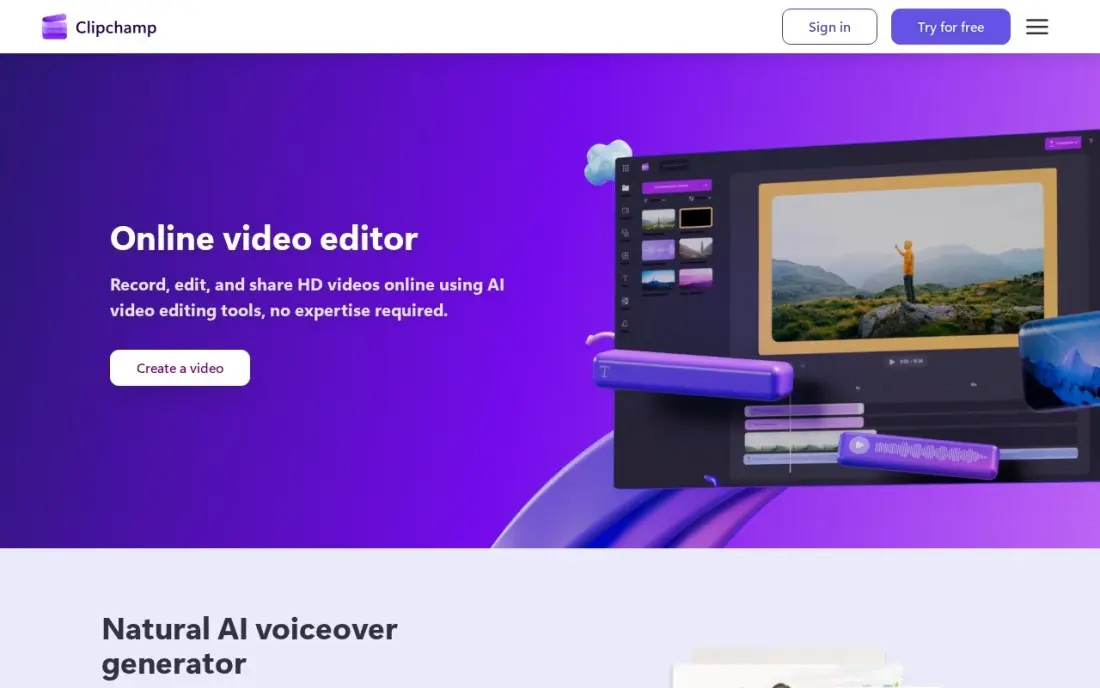
Clipchamp is the best free slideshow tool for PC users. It comes with Windows 11, runs in Edge or Chrome, and the free plan allows unlimited 1080p exports with no watermark, plus auto-captions, voiceovers and text to speech in more than 80 languages for narrated slideshows.
Premium is not sold on its own: 4K export comes through Microsoft 365 Personal at $9.99 a month or $99.99 a year, so it suits people who already pay for Microsoft 365. There is no Mac app, the iOS app ended in June 2026, and longer timelines can lag. For a family or class slideshow, the free plan is enough.
What we like
- Best free plan in this list: unlimited 1080p exports with no watermark, plus auto-captions and voiceovers
- Bundled with Windows 11 and Microsoft 365, so many buyers already own Premium
- Text to speech covers over 80 languages, and the screen and camera recorder is built in
Watch out for
- Premium is not sold on its own, so 4K export means paying for the whole Microsoft 365 suite
- Runs in Edge and Chrome only, with no Mac app, and the iOS app ended in June 2026
- Performance degrades on longer timelines, with lag and export failures reported in 2026

iMovie
Best for: Mac, iPhone and iPad users who want a free slideshow maker with themes and 4K sharing
iMovie is free on every Mac, iPhone and iPad, so Apple users already own a capable slideshow maker. Drag photos and clips onto the timeline, add a theme, titles and music, and share straight to YouTube in 4K from the phone or the Mac. The templates and trailers make a first slideshow look finished with little effort.
The limits are platform and depth. There is no Windows version, and the editing tools stay basic, with no keyframes or advanced color controls, so complex animated slideshows outgrow it. For holiday recaps, school projects and simple event videos on Apple hardware, there is no reason to pay for something else.
What we like
- Free on every Mac, iPhone and iPad — nothing to buy or install
- The simplest editor here: drag, drop, trim and publish in minutes
- Clean templates, trailers and themes that make first videos look polished
- Shares straight to YouTube in 4K from the phone or the Mac
Watch out for
- No Windows version and no paid upgrade path inside the app
- Limited to basic editing — no multicam, keyframes or advanced color tools
- Complex animated slideshows outgrow it, since the editing tools stay basic

Wondershare Filmora
Best for: PC and Mac users who want a full desktop editor for slideshows with transitions and titles
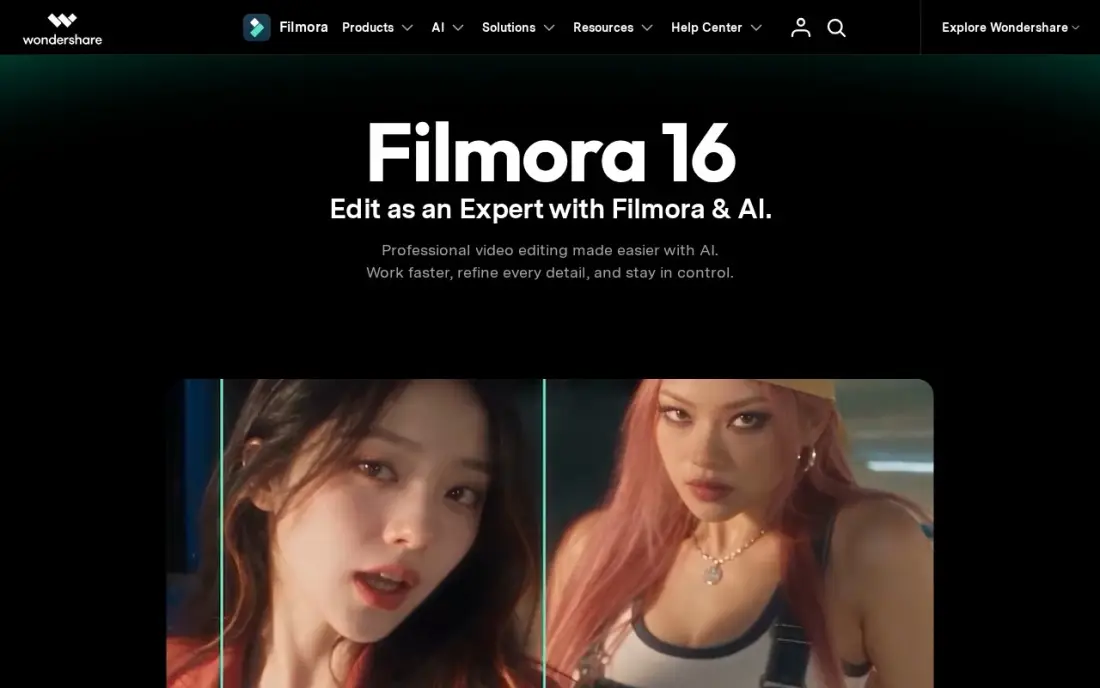
Filmora is the step up when a slideshow needs more control than a template tool allows. Drag-and-drop transitions, titles and effects need no training, it runs well on mid-range laptops, and one licence covers Windows and Mac with the mobile apps in the same account. It is rated 4.4 out of 5 across 613 G2 reviews.
Basic costs $49.99 a year billed annually with watermark-free 4K export, while the Month Plan costs $19.99 a month. The free plan watermarks exports. AI tools on Basic run on credits bought separately, and the full stock library is a $19.99 monthly add-on, so bring your own music and photos to keep the cost down.
What we like
- The cheapest paid desktop editor here: Basic is $49.99 a year with watermark-free 4K export
- Drag-and-drop workflow with ready-made transitions, titles and effects needs no training
- Runs well on mid-range laptops where Premiere Pro stutters
- One licence covers Windows and Mac, and the mobile apps are included in the same account
Watch out for
- AI tools on Basic run on credits you buy separately — the plan itself includes none
- The full stock library is a separate add-on at $19.99 a month
- Advanced color grading and multicam are thinner than in Premiere Pro or DaVinci Resolve

Canva
Best for: Non-designers who want slideshow templates that match their social posts and other designs
Canva suits slideshows that need to look designed rather than edited. Its template library and drag-and-drop editor let a non-designer lay out photo slides with text and branding, and the free plan includes more than 250,000 templates and 5GB of storage. It is rated 4.7 out of 5 across more than 7,600 G2 reviews.
Pro costs $18 a month billed monthly or $144 a year and adds the Brand Kit, background remover, Magic Resize and Magic Studio AI tools. It is a design tool first, so timing and transitions are simpler than in a video editor. Choose it when the same slideshow also needs to become a post or flyer.
What we like
- The easiest way to lay out photo slides with text and branding: a huge template library with drag-and-drop editing
- Magic Studio AI tools and Brand Kit come with Pro, so a small team can stay on-brand without a designer
- The free plan includes more than 250,000 templates and 5GB of storage, enough to build a full slideshow at $0
Watch out for
- A design tool first, so slide timing and transitions are simpler than in a video editor
- Brand Kit, background remover and Magic Resize all need Pro, so the free plan is template-only for branding
- Pro costs $18 a month billed monthly; the $144 annual plan is the cheaper way to pay

Adobe Express
Best for: Creators who want Adobe Stock photos and Adobe Fonts in quick slideshow-style videos
Adobe Express gives a beginner Adobe's assets in an editor that takes an afternoon to learn. The free plan covers basic templates and tools, and files sync between web and mobile, so a slideshow started on a phone can be finished on a laptop. It is rated 4.5 out of 5 across 835 G2 reviews.
Premium costs $9.99 a month and adds premium templates, Adobe Stock photos, Adobe Fonts and Brand Kits, and Firefly AI can generate images to fill a missing slide. The template library is thinner than Canva's and each person needs their own subscription, but for a stock-heavy slideshow it is good value.
What we like
- Adobe Stock photos and Adobe Fonts are included in the price
- Firefly AI generates images and text effects from a prompt
- Brand Kits keep logos and colors consistent across every design
- Works on web and mobile with the same files
Watch out for
- Each person needs their own Premium subscription to use the premium assets
- Fewer ready-made templates than Canva
- The free plan covers basic templates only; premium templates and Adobe Stock need Premium at $9.99 a month

CapCut
Best for: Creators turning photos into short vertical slideshows for TikTok, Reels and Shorts
CapCut is the pick when the slideshow is going to TikTok, Reels or Shorts. Templates, auto-captions, effects and a music library are built for short vertical video, and it works on phone and desktop. The free plan covers the core editor with exports capped at 1080p, which is fine for social feeds.
Pro costs $19.99 a month or $179.99 a year and adds 4K export at 60fps, 1 TB of cloud storage and about 1,200 AI credits a month. CapCut publishes no fixed global price, so checkout can differ by region and device, and features keep moving from free to paid. Its Trustpilot score is 1.2 out of 5, mostly over billing.
What we like
- Fastest path from phone footage to a finished Reel: templates, auto-captions, effects and a music library built for short video
- Pro adds 4K export at 60fps with HDR, 1 TB of cloud storage and about 1,200 AI credits a month
- Free plan covers the core editor, so you can test the workflow before paying
Watch out for
- No G2 rating is published, and Trustpilot scores it 1.2 out of 5, mostly over billing and paywalls
- CapCut publishes no fixed global price, so the figure at your checkout can differ by region, device and promotion
- Features keep moving from free to paid, and the free plan caps exports at 1080p
The best slideshow software turns a folder of photos and a song into a video you can play at an event, post online or send to family, without a steep learning curve. We compared seven tools for PC, Mac and the web, from template-driven slideshow makers to full desktop editors, and every price below comes from the vendor's pricing page as recorded in our checked database in November 2026.
How to choose the best slideshow software
- Check the free plan's export. Clipchamp exports 1080p free with no watermark; Animoto's free plan is 720p with a watermark, and Filmora watermarks free exports.
- Match your computer. iMovie is Apple-only and Clipchamp has no Mac app, while Filmora covers Windows and Mac on one licence and Canva, Adobe Express and Animoto run in a browser.
- Decide how much control you want. Template tools build the slideshow for you; timeline editors let you time every photo and transition.
- Plan for music rights. A song you own on a phone is not licensed for a public YouTube video; use the tool's library or royalty-free tracks.
- Look at export resolution. 4K export is on Animoto Professional, Clipchamp via Microsoft 365, Filmora Basic and CapCut Pro.
- Compare annual and monthly billing. Animoto Basic is $9 a month billed annually against $19 monthly, and Filmora Basic costs $49.99 a year billed annually against $19.99 a month on the Month Plan.
A slideshow on a product or service page can keep visitors watching, but only if search engines can find the page first. Our monthly SEO service handles that side, and our guide to video editing software for YouTube beginners covers the next step up.
Slideshow software pricing: what you will actually pay
For one person making slideshows through the year, iMovie and Clipchamp's free plan cost $0. Filmora Basic costs $49.99 a year. Animoto Basic costs $9 a month billed annually, or $108 a year, against $228 a year on monthly billing at $19. Adobe Express Premium costs $9.99 a month, or $119.88 a year.
The bigger tools cost more. Canva Pro costs $144 a year billed annually or $18 a month, CapCut Pro costs $179.99 a year or $19.99 a month, and Clipchamp's 4K Premium comes only through Microsoft 365 Personal at $99.99 a year. If you make one slideshow for a wedding or memorial, the free plans of Clipchamp, iMovie or Canva are enough; pay only when you make slideshows every month.
Know the difference: slideshow maker vs video editor
A slideshow maker starts from a template. Animoto, Canva and Adobe Express ask for photos, text and a song, then handle timing, transitions and layout for you. The result looks consistent and takes minutes, but every slideshow follows the template's rhythm.
A video editor starts from a timeline. Filmora, iMovie, Clipchamp and CapCut let you set how long each photo stays on screen, add pans and zooms, layer titles and cut to the beat of the music. It takes longer and needs a little skill, but it handles mixed photos and video clips and gives a more personal result.
Quick comparison: tool type by need
| Buyer | Best pick | Why |
|---|---|---|
| Fastest photo-to-video | Animoto | Templates build the slideshow, Basic $9/month billed annually |
| Free on Windows PC | Clipchamp | Unlimited 1080p exports with no watermark |
| Free on Apple devices | iMovie | Themes, music and 4K sharing at no cost |
| Desktop editing on a budget | Wondershare Filmora | Basic $49.99/year, Windows and Mac on one licence |
| Designed, branded slides | Canva | Free plan with 250,000+ templates, Pro $18/month |
| Stock-heavy slideshows | Adobe Express | Adobe Stock and Fonts on Premium at $9.99/month |
| Vertical social slideshows | CapCut | Templates and auto-captions for TikTok and Reels, free plan |
Mistakes to avoid
- Building the whole slideshow before a test export. Export a 20-second draft first to check the watermark, resolution and file size.
- Using a song you do not have rights to. YouTube and social platforms can mute or block videos with unlicensed music.
- Mixing photo orientations without a plan. Portrait and landscape photos in one widescreen video leave black bars; crop or choose a vertical format.
- Leaving every photo on screen too long. Three to five seconds a photo keeps a slideshow moving; long holds lose the room.
- Paying monthly for a one-off event. For a single wedding or memorial slideshow, a free plan or one month of a paid plan is enough.
Related comparisons: Text to Video Software · Subtitle Software Tools · Video Platforms for Enterprises · Video Collaboration Software
How we chose
We took every price, plan and export limit from our verified tool database, built from each vendor's own pricing page and checked in November 2026, and recorded monthly and annual billing exactly as shown. We ranked tools by how well they handle a photo slideshow — speed, templates, music and free exports — then by price and platform coverage. Ratings come from G2 pages on the dates shown in the sources; Animoto, iMovie and CapCut have no G2 rating listed because we had none verified. No vendor paid for a place in this list, and none of the links here are affiliate links.
What to do next
Pick 20 photos and one song, build the same slideshow in Clipchamp or iMovie and in Animoto's free plan, and compare the results on the screen where it will play. If the slideshow is for your business website, book a free SEO review to make sure people find the page.
Frequently asked questions
What is the best slideshow software?
Animoto is the fastest dedicated slideshow maker, with Basic at $9 a month billed annually. Clipchamp is the best free option for Windows PCs, iMovie is free on Apple devices, and Filmora is the best paid desktop editor at $49.99 a year.
What is the best free slideshow software for PC?
Clipchamp. It comes with Windows 11 and its free plan allows unlimited 1080p exports with no watermark. Canva, CapCut and Adobe Express also have free plans, while Animoto and Filmora watermark free exports.
Is there free slideshow software without a watermark?
Yes. Clipchamp's free plan exports at 1080p with no watermark, and iMovie is free with no watermark on Apple devices. Animoto's free plan adds a watermark at 720p, and Filmora's free plan watermarks exports.
How much does slideshow software cost?
On published prices, Animoto Basic costs $9 a month billed annually, Adobe Express Premium $9.99 a month, Filmora Basic $49.99 a year, Canva Pro $18 a month or $144 a year, and CapCut Pro $19.99 a month or $179.99 a year. Clipchamp Premium comes with Microsoft 365 Personal at $9.99 a month.
Can I make a slideshow with music?
Yes, every tool here supports music. Animoto pairs photos with a song in its templates, CapCut includes a music library, and Filmora and iMovie let you add your own tracks. Check the licence before posting music to YouTube or social media.
Should I use slideshow software or presentation software?
Use slideshow software when the result is a video that plays on its own, such as an event recap or memorial. Use presentation software when someone will click through slides live in front of an audience.
What is the best slideshow software for Mac?
iMovie is the best free pick: it comes with every Mac, iPhone and iPad, with themes and 4K sharing to YouTube. For more control, Wondershare Filmora runs on Mac and Windows on one licence, with Basic at $49.99 a year. Canva, Adobe Express and Animoto run in a browser, so they also work on a Mac; Clipchamp has no Mac app.
What is the best slideshow software for a funeral or memorial?
For a memorial video, the fastest route is Animoto, which turns photos and music into a polished slideshow in minutes with drag-and-drop editing and no training; its free plan exports 720p with a watermark. On a Mac, iMovie is free with clean themes. On Windows, Clipchamp's free plan exports 1080p with no watermark, so a family pays nothing.
Sources we checked (11)
- Animoto — www.animoto.com/pricing (checked November 8, 2026)
- Clipchamp — clipchamp.com/en/pricing (checked November 10, 2026)
- Clipchamp reviews on G2 (checked November 10, 2026)
- iMovie — www.apple.com/imovie (checked November 6, 2026)
- Wondershare Filmora — filmora.wondershare.com/shop/buy/buy-video-editor.html (checked November 4, 2026)
- Wondershare Filmora reviews on G2 (checked November 4, 2026)
- Canva — www.canva.com/pricing (checked November 12, 2026)
- Canva reviews on G2 (checked November 12, 2026)
- Adobe Express — www.adobe.com/express/pricing (checked November 12, 2026)
- Adobe Express reviews on G2 (checked November 12, 2026)
- CapCut — www.capcut.com/pricing (checked November 10, 2026)
Make one of these tools?
We re-check this list every quarter. Send a correction, request a review, or ask about a clearly labeled sponsored spot.
Request a listingShamim
Founder of SerpAstra
A full-stack digital marketer and SEO strategist covering technical and local SEO, AI search visibility, paid ads and lead generation for local businesses, e-commerce brands and SaaS teams.
Free SEO and AI visibility audit
Find out what is holding your rankings back
Send us your site. Within 2 business days you get a written audit, an AI visibility check and a short fix list ranked by impact. Free, with no contract attached.
Request my free audit→Related buying guides
 Video Editing & Streaming10 Best Video Editing Software for YouTube Beginners in 2026, ComparedCompare the 10 best video editing software for youtube beginners on price, free plans, 4K export and AI tools, with every price checked November 6, 2026.Read guide →
 Photo Editing & Photography7 Best Photo Collage Software in 2026, ComparedCompare the 7 best photo collage software on layouts, AI photo fixes, free plans, watermarks and real monthly cost, with every price checked on vendor pages.Read guide →
 Video Editing & Streaming10 Best Real Estate Video Editing Software in 2026, ComparedCompare the 10 best real estate video editing software tools on price, free plans and AI features, with every price checked November 8, 2026.Read guide →