
8 Best AI Apps for Photos in 2026, Compared
Compare the 8 best AI apps for photos on object removal, enhancing, sky swaps, free plans and real cost, with every price checked on the vendor's own pages.
 Shamim Mia, Founder, SerpAstraLast verified November 8, 20269 min read
We compare pricing pages, documentation and public reviews. We never accept payment for rankings.

Key takeaways
- Adobe Lightroom is the best all-round AI photo app for people who shoot a lot, with AI masking and Generative Remove for $11.99 a month on an annual plan.
- Photoshop's Generative Fill is the most capable AI edit here, but the Photography plan at $19.99 a month adds Lightroom for less than Photoshop alone.
- Luminar Neo is the buy-once option at $99, though its generative tools need Luminar Prime after the first year.
- Picsart, Fotor, Pixlr and Canva all have free plans; their AI features run on monthly credits, so heavy users hit caps.
On this page
Quick comparison
| Tool | Best for | Starting price | Free plan |
|---|---|---|---|
| Adobe Lightroom | Photographers and hobbyists who edit many photos and want AI masking and object removal | $11.99/mo | No (7-day trial) |
| Adobe Photoshop | People who need the most capable generative edits: extending, replacing and rebuilding parts of a photo | $22.99/mo | No (7-day trial) |
| Luminar Neo | Desktop users who want one-click AI sky, light and portrait fixes without a subscription | $99 one-time | No (14-day trial) |
| Topaz Photo | Anyone rescuing soft, noisy or small photos that other apps cannot save | $25/mo | No (free trial) |
| Picsart | Phone users who want AI editing, background removal and AI image generation in one app | $15/mo | Yes |
| Fotor | Casual users who want one-click AI enhancement and background removal at a low price | $8.99/mo | Yes (free) |
| Pixlr | People who want a free browser-based AI photo editor with nothing to install | $2.49/mo | Yes (free plan) |
| Canva | People who edit photos to use in social posts, invitations and presentations | $18/mo | Yes (free plan) |
Make one of these tools?
We re-check this list every quarter. Send a correction, request a review, or ask about a clearly labeled sponsored spot.
Request a listingThe best AI apps for photos

Adobe Lightroom
Best for: Photographers and hobbyists who edit many photos and want AI masking and object removal
Adobe Lightroom is the AI photo app for people who take a lot of pictures. AI masking selects areas such as skies automatically, Generative Remove erases distractions, and presets plus sync apply one look across a whole set. It runs on desktop, mobile and web, so a photo edited on a phone looks the same on a laptop, and edits never touch the original file.
The Lightroom plan costs $11.99 a month on an annual plan, or $119.88 a year prepaid, and includes Lightroom Classic and 1TB of cloud storage. It is subscription only, so the app stops working if you stop paying, and 1TB fills quickly with RAW files. Choose it when you edit sets of photos rather than one at a time.
What we like
- Batch editing with presets and sync applies one look across a whole set of photos in minutes
- AI masking selects skies, windows and interiors automatically, and Generative Remove erases clutter
- Non-destructive edits with a catalog, so the original RAW files are never touched
- Lightroom Classic is included, which is the desktop catalog most working photographers already use
Watch out for
- Subscription only — stop paying and the app stops working, with no perpetual license to fall back on
- Cloud storage caps bite fast: the 1TB on the Lightroom plan fills quickly with RAW files
- Lightroom Classic's catalog workflow takes real setup before batch editing feels fast

Adobe Photoshop
Best for: People who need the most capable generative edits: extending, replacing and rebuilding parts of a photo
Adobe Photoshop has the strongest generative tools in this list. Generative Fill adds or replaces parts of an image from a text prompt, Generative Remove clears clutter, and layers and masks give full control when the AI result needs fixing. For a photo that needs more than a filter — a missing corner, a busy background, a sky that needs replacing — it is the most complete tool.
The single-app plan costs $22.99 a month on an annual plan, or $34.49 billed monthly, and the annual contract carries an early-termination fee of 50% of the remaining months. Check the Photography plan first: at $19.99 a month it adds Lightroom, Lightroom Classic and 1TB of storage. The learning curve is steep, so casual users may prefer a simpler app.
What we like
- Generative Fill and Remove rebuild window views, skies and missing corners from a text prompt
- Layers, masks and frequency separation give full control over every pixel of a hero shot
- The largest plugin ecosystem here, including preset packs, sky packs and retouching tools
- Runs as a Lightroom plugin, so the batch workflow and the retouching stay in one pipeline
Watch out for
- Costs more than the Photography plan while delivering less: $22.99 a month against $19.99 for Photoshop plus Lightroom and 1TB
- The annual contract carries an early-termination fee of 50% of the remaining months
- Steep learning curve — the full toolset takes weeks to learn, not an afternoon

Luminar Neo
Best for: Desktop users who want one-click AI sky, light and portrait fixes without a subscription
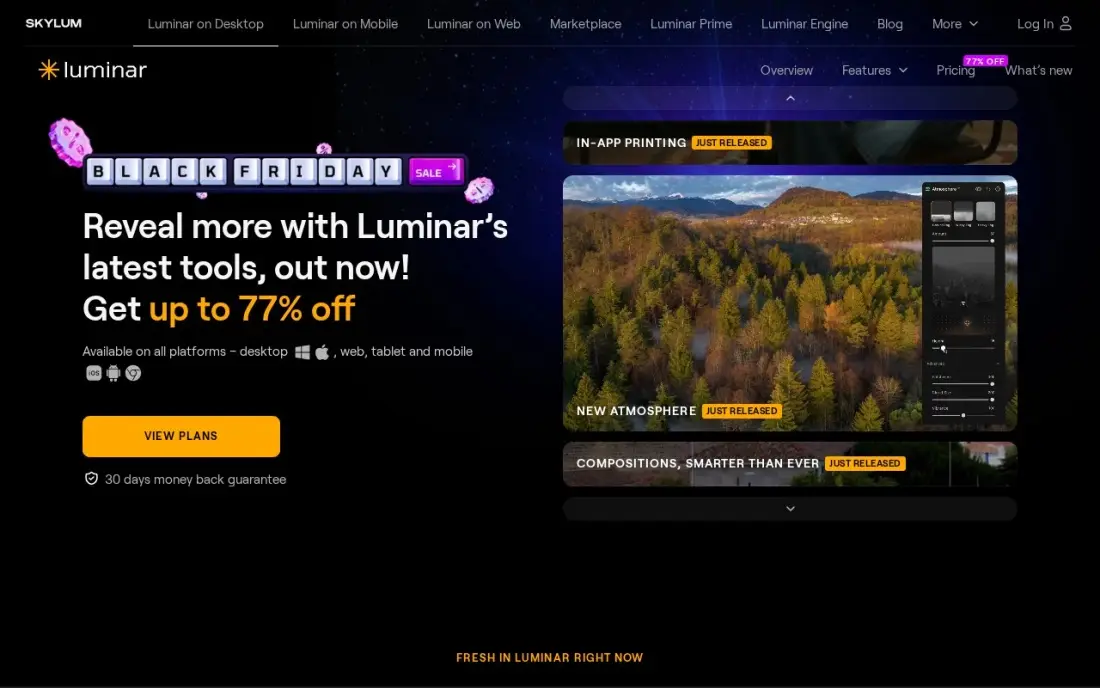
Luminar Neo is the AI editor for people who would rather pay once. Sky AI replaces a dull sky, Relight AI and Atmosphere AI fix dim scenes without manual masks, and Twilight Enhancer AI turns a daytime exterior into a dusk shot. The Desktop Only licence costs $99 once, with All Platforms at $139 and Max at $159.
The fine print matters: the generative tools — GenErase, GenSwap and GenExpand — are included for only one year from purchase, then need the Luminar Prime subscription. It is also heavy on older computers when several AI effects are stacked, and it has no library to match Lightroom for a large archive. Buy it for one-click looks on a modest photo collection.
What we like
- Sky AI replaces a dull sky and Twilight Enhancer AI turns a daytime shot into a dusk scene in one click
- Relight AI and Atmosphere AI fix dim scenes without manual masking or layers
- One-time perpetual license — pay once and keep the app, with no subscription to maintain
- Preset and extension marketplace covers one-click looks, skies and LUTs
Watch out for
- The generative tools (GenErase, GenSwap, GenExpand) are included for only one year, then need Luminar Prime
- Heavy on system resources — it lags on older machines with stacked AI effects on high-resolution RAW files
- No catalog or library depth to match Lightroom, so a large photo archive is harder to manage

Topaz Photo
Best for: Anyone rescuing soft, noisy or small photos that other apps cannot save
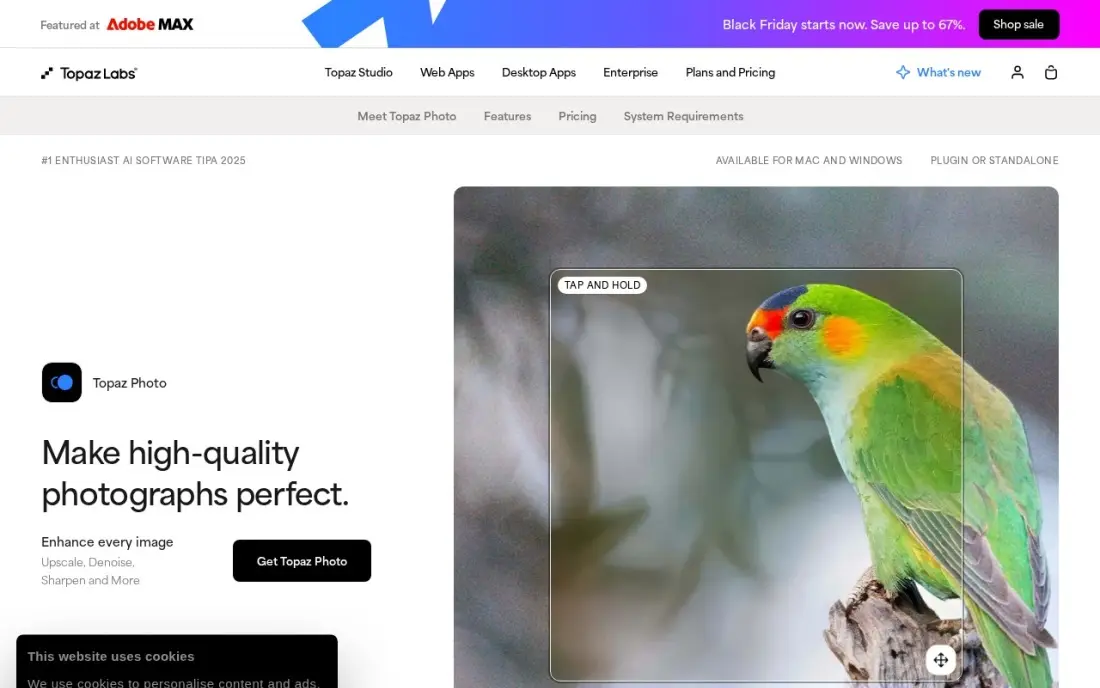
Topaz Photo is not a general editor; it is the AI app for saving photos you would otherwise delete. AI denoise cleans up dark, grainy shots, sharpening and Super Focus recover slightly soft images, and upscaling enlarges small files for print. It runs on your own computer, standalone or as a plugin in Lightroom and Photoshop.
It costs $25 a month on an annual commitment, or $199 a year, and $39 a month billed monthly; the old $199 one-time licence ended in October 2025. It needs a recent GPU with at least 4GB of VRAM, and large batches are slow on older machines. Pair it with Lightroom or Luminar rather than using it alone.
What we like
- AI denoise, sharpen and upscaling recover detail other editors cannot reach
- Super Focus rescues slightly soft shots that would otherwise be deleted
- Works standalone or as a plugin inside Lightroom and Photoshop
- Local processing keeps your photos on the computer, not uploaded to a cloud
Watch out for
- Not a full editor — it only enhances, so it pairs with Lightroom or Luminar rather than replacing them
- Subscription only since October 2025: the old $199 one-time license is no longer sold
- Needs a recent GPU with at least 4GB of VRAM, and processing large batches is slow on older machines

Picsart
Best for: Phone users who want AI editing, background removal and AI image generation in one app

Picsart is the phone-first AI photo app. It combines editing, a one-tap enhancer, advanced background and object removal and AI image and video generation, so a photo can go from camera roll to finished post without leaving the app. Bulk editing handles 50 images at once, and Pro includes 100 GB of storage.
The free plan covers basic editing with ads, and several of the best tools are locked behind Pro at $15 a month or $126 a year. Pro includes 500 AI credits a month, which heavy AI users will run through quickly. In-app prices can differ from the website — the App Store sells Pro from $13.99 a month — so compare before you subscribe.
What we like
- Photo and video editing plus AI image and video generation in one app, with 500 AI credits a month on Pro
- Pro includes advanced background and object removal, a one-tap enhancer, premium templates and 100 GB of storage
- Bulk editing handles 50 images at once, and three brand kits come with Pro
Watch out for
- AI generation is capped at 500 credits a month on Pro, so heavy AI use hits the ceiling fast
- In-app prices differ from the website: the App Store sells Pro from $13.99 a month, cheaper on yearly billing
- Free tier locks several desirable features behind the paywall and shows ads

Fotor
Best for: Casual users who want one-click AI enhancement and background removal at a low price
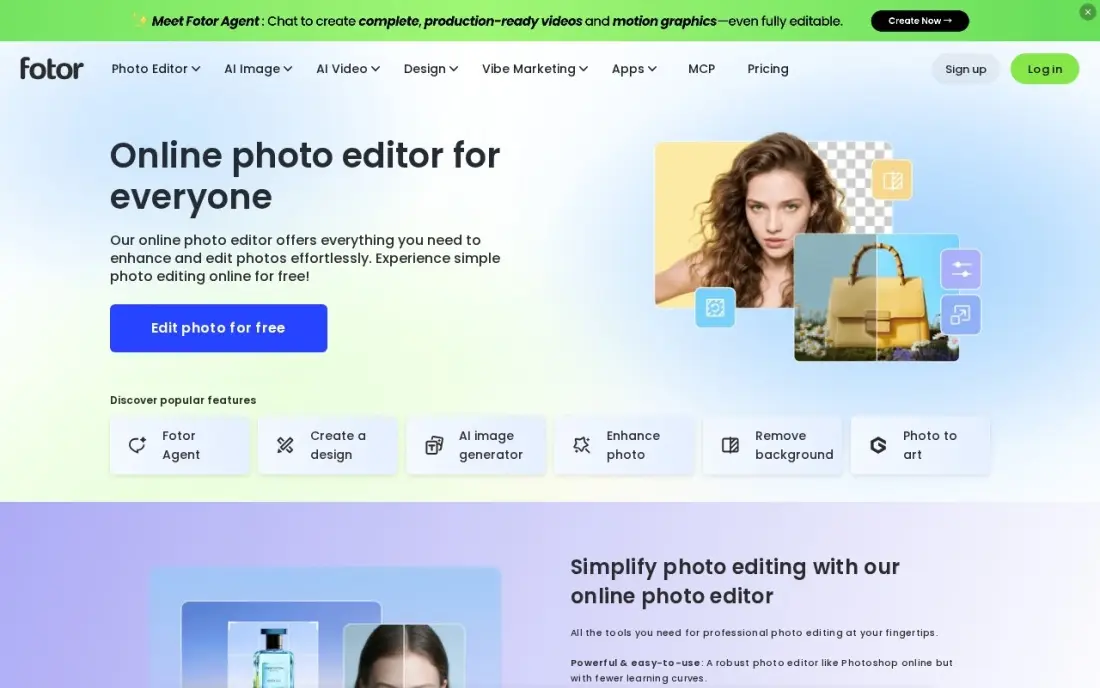
Fotor is the low-cost pick for everyday photo fixes. Its one-click AI enhancer brightens and sharpens dull phone photos, the background remover cuts out a subject in seconds, and batch editing applies changes to a whole album at once. More than 1,000 collage layouts help turn the results into something to share.
Pro costs $8.99 a month or $39.99 a year, and includes 100 AI credits a month, HD export and transparent PNG export. The free Basic plan watermarks exports and locks most AI tools, so it is a trial more than a working plan. Fees once billed are non-refundable, so start with the 7-day Pro trial.
What we like
- One-click AI enhancer and background remover fix phone photos fast
- Over 1,000 collage layouts plus batch editing for whole albums at once
- Pro includes brand kits, HD export and transparent PNG export
- Free Basic plan covers simple edits, with a 7-day Pro trial to test the paid tools
Watch out for
- AI tools run on monthly credits: Pro gets 100 a month, so heavy AI use hits a ceiling fast
- Free plan exports carry a watermark and lock most AI tools behind Pro
- Fees once billed are non-refundable, so a mistaken subscription cannot be clawed back

Pixlr
Best for: People who want a free browser-based AI photo editor with nothing to install
Pixlr runs in the browser, so a quick AI fix works on any computer, including a school or work machine where you cannot install software. Generative Fill, generative expand and a background remover handle the common jobs, and Pixlr Editor adds layers and masks for more careful work.
The free plan shows ads, limits saves and gives limited AI credits. Plus is the cheapest paid plan in this list at $2.49 a month, or $1.99 billed yearly, and adds 80 AI credits a month; heavier users need Premium at $9.99 a month. There is no RAW processing or photo library, so it is a quick-fix tool rather than a home for your whole collection.
What we like
- Runs in the browser with nothing to install, so a quick fix works from any computer
- Plus is the cheapest paid plan here at $2.49 a month, or $1.99 a month billed yearly
- Generative Fill, generative expand and background remover handle common photo fixes
- Pixlr Editor adds layers and masks for people who want more than one-click fixes
Watch out for
- AI actions run on monthly credits, so heavy use on many photos burns through the allowance
- No RAW processing and no catalog, so it cannot replace a desktop editor for full shoots
- The free plan shows ads and limits saves, and paid tiers are the only way past the credit caps

Canva
Best for: People who edit photos to use in social posts, invitations and presentations
Canva fits photos that are going into a design rather than an album. Magic Studio's AI tools edit and generate images inside the same canvas where you add text and layout, so a product shot, event photo or portrait can become a social post or flyer in one step. The free plan includes more than 250,000 templates and 5GB of storage.
The useful photo tools, including the background remover and Magic Resize, need Pro at $18 a month or $144 a year. Canva is not built for careful photo correction — there is no RAW editing or detailed masking — so pair it with Lightroom or Fotor when the photo itself needs work, and use Canva for what happens next.
What we like
- Magic Studio AI tools edit and generate images inside the same canvas where you add text and layout
- Magic Studio AI tools and Brand Kit come with Pro, so a small team can stay on-brand without a designer
- Turns a product shot, event photo or portrait into a social post or flyer in one step
Watch out for
- Not built for careful photo correction — there is no RAW editing or detailed masking
- Brand Kit, background remover and Magic Resize all need Pro, so the free plan is template-only for branding
- Pro costs $18 a month or $144 a year, so the useful photo tools are not free
The best AI apps for photos do in seconds what used to take an hour of careful editing: remove a stranger from the background, replace a dull sky, rescue a blurry shot or cut out a subject cleanly. We compared eight apps, from professional editors to free phone apps, on the AI tools that matter most, how well the results hold up, free plans and the real cost of the AI credits. Every price was checked on vendor pages in November 2026.
How to choose the best AI apps for photos
- Decide how many photos you edit. One photo at a time suits a phone or browser app; whole shoots and albums need batch editing and presets.
- Check which AI tools you actually need. Object removal, sky replacement, enhancement, upscaling and background removal are different features, and few apps are best at all of them.
- Read the credit rules. Many apps meter AI edits with monthly credits, so the price that matters is the cost per AI edit at your volume.
- Choose between subscription and one-time. Most apps here are subscription only; Luminar Neo is the main buy-once option, with limits on its generative tools.
- Check where it runs. Phone apps, browser editors and desktop software suit different devices and computers, and some AI tools need a recent graphics card.
- Keep your originals. Prefer apps that edit non-destructively, so an AI change you regret can be undone.
Photos often end up on a website, and large image files are one of the most common reasons pages load slowly. If your photos sit on a business site that is not getting found, our SEO audit checks image weight, alt text and the rest of the page.
AI apps for photos pricing: what you will actually pay
Free plans cover light use: Picsart, Fotor, Pixlr and Canva all have one, with ads, watermarks or credit limits. Paid plans range widely. Pixlr Plus costs $2.49 a month, or $1.99 billed yearly; Fotor Pro costs $8.99 a month or $39.99 a year; Picsart Pro costs $15 a month or $126 a year; and Canva Pro costs $18 a month or $144 a year.
For more serious editing, the Adobe Lightroom plan costs $11.99 a month on an annual plan, or $119.88 a year prepaid, and the Photography plan with Photoshop costs $19.99 a month. Photoshop on its own costs $22.99 a month on an annual plan, or $34.49 billed monthly — $413.88 a year if you pay monthly for twelve months. Topaz Photo costs $199 a year. Luminar Neo is the only one-time option at $99, but its generative tools need Luminar Prime after a year, so plan for that if you depend on them.
Know the difference: generative AI edits vs AI enhancement
Generative AI edits create new pixels. Photoshop's Generative Fill, Lightroom's Generative Remove, Luminar's GenErase and Pixlr's Generative Fill invent what should be behind a removed object or beyond the edge of the frame. They are powerful for clean-ups and creative changes, but the new content is made up, so check it closely and avoid it where a photo must stay a faithful record.
AI enhancement works with the pixels you already have. Topaz Photo's denoise and sharpening, Fotor's one-click enhancer and Lightroom's AI masking improve light, detail and colour without adding objects. For documentary, real estate or news photos, enhancement is usually the safer choice.
Quick comparison: tool type by need
| Buyer | Best pick | Why |
|---|---|---|
| Frequent photographers | Adobe Lightroom | AI masking, Generative Remove and batch editing, $11.99/month annual |
| Complex generative edits | Adobe Photoshop | Generative Fill with layers and masks |
| No subscription | Luminar Neo | One-time licence from $99 |
| Rescuing poor photos | Topaz Photo | AI denoise, sharpening and upscaling |
| Phone-first editing | Picsart | Free plan, Pro with 500 AI credits a month |
| Low-cost quick fixes | Fotor | One-click enhancer, Pro $39.99/year |
| Browser, no install | Pixlr | Free plan, Plus from $1.99/month yearly |
| Photos for designs | Canva | AI photo tools inside a design canvas |
Mistakes to avoid
- Paying for Photoshop alone. The Photography plan includes Photoshop and Lightroom for less than the single app on an annual plan.
- Ignoring credit caps. A cheap plan with 80 or 100 AI credits a month can cost more than a bigger plan if you edit every day.
- Over-editing faces. Heavy AI smoothing and generative changes make portraits look artificial; keep edits subtle.
- Using generative edits on photos that must be accurate. Listings, evidence and news photos should not contain invented details.
- Uploading full-size files straight to a website. Resize and compress edited photos before publishing, or the page will load slowly.
Related comparisons: Apps to Edit Photos · AI Companies · AI Marketing Platforms · AI Tools for Startups
How we chose
We checked each vendor's pricing page in November 2026 and recorded the prices exactly as published, including annual and monthly billing and credit allowances. We compared the AI tools most people use — object removal, sky replacement, enhancement, upscaling and background removal — along with free plans, devices and the cost of heavy use. Ratings come from G2 pages checked on the dates shown in the sources. No vendor paid for a place in this list, and none of the links here are affiliate links.
What to do next
Pick five photos you actually want to fix, run them through one free app and one trial of a paid app, and compare the results side by side before you subscribe. If those photos are going on a business website that needs more visitors, book a free SEO consultation.
Frequently asked questions
What is the best AI app for photos?
Adobe Lightroom is the best all-round AI photo app for people who edit a lot, with AI masking and Generative Remove for $11.99 a month on an annual plan. Photoshop has the most powerful generative edits, and Picsart is the best phone-first app with a free plan.
Is there a free AI app for editing photos?
Yes. Picsart, Fotor, Pixlr and Canva all have free plans. Expect ads, watermarks or limited AI credits: Fotor's free plan watermarks exports, and Pixlr's free plan shows ads and limits saves. Lightroom, Photoshop, Luminar Neo and Topaz Photo offer free trials instead.
Which AI photo app can remove objects from photos?
Lightroom and Photoshop both include Generative Remove, Luminar Neo has GenErase, Picsart has advanced object removal on Pro, and Pixlr includes Generative Fill. For a single quick fix, Pixlr Plus at $2.49 a month is the cheapest paid option.
Can AI improve blurry or low-quality photos?
Topaz Photo is the strongest tool here for that job, with AI denoise, sharpening, Super Focus and upscaling. It costs $25 a month on an annual commitment or $39 billed monthly. Fotor and Picsart have one-tap enhancers for lighter fixes.
Is there an AI photo editor without a subscription?
Luminar Neo sells a one-time licence from $99 for Desktop Only. Its generative tools are included for one year only, then need the Luminar Prime subscription, while the rest of the editor keeps working.
Do AI photo apps work on phones?
Yes. Picsart is built for phones, Lightroom runs on mobile as well as desktop and web, and Canva, Fotor and Pixlr all work on mobile or in a mobile browser. Topaz Photo and Luminar Neo are desktop-focused.
What is the best AI app for photos and videos?
Picsart is the pick here for both. It combines photo and video editing with AI image and video generation in one phone-first app, so a shot can go from camera roll to finished post without switching apps. Pro costs $15 a month and includes 500 AI credits, advanced background and object removal, a one-tap enhancer and 100 GB of storage, and a free plan lets you try it first.
Sources we checked (14)
- Adobe Lightroom — www.adobe.com/products/photoshop-lightroom.html (checked November 8, 2026)
- Adobe Photoshop — www.adobe.com/products/photoshop.html (checked November 8, 2026)
- Adobe Photoshop reviews on G2 (checked November 8, 2026)
- Luminar Neo — skylum.com/luminar/pricing (checked November 8, 2026)
- Luminar Neo reviews on G2 (checked November 8, 2026)
- Topaz Photo — www.topazlabs.com/pricing (checked November 8, 2026)
- Topaz Photo reviews on G2 (checked November 8, 2026)
- Picsart — www.picsart.com/pricing (checked November 10, 2026)
- Picsart reviews on G2 (checked November 10, 2026)
- Fotor — www.fotor.com/pricing (checked November 10, 2026)
- Fotor reviews on G2 (checked November 10, 2026)
- Pixlr — pixlr.com/pricing (checked November 8, 2026)
- Canva — www.canva.com/pricing (checked November 12, 2026)
- Canva reviews on G2 (checked November 12, 2026)
Make one of these tools?
We re-check this list every quarter. Send a correction, request a review, or ask about a clearly labeled sponsored spot.
Request a listingShamim
Founder of SerpAstra
A full-stack digital marketer and SEO strategist covering technical and local SEO, AI search visibility, paid ads and lead generation for local businesses, e-commerce brands and SaaS teams.
Free SEO and AI visibility audit
Find out what is holding your rankings back
Send us your site. Within 2 business days you get a written audit, an AI visibility check and a short fix list ranked by impact. Free, with no contract attached.
Request my free audit→Related buying guides
 Photo Editing & Photography7 Best Photo Editing Software for Real Estate Photography in 2026, ComparedCompare the 7 best photo editing software for real estate photography on price, batch editing, sky swaps and free plans, with prices checked November 8, 2026.Read guide →
 Photo Editing & Photography8 Best AI Headshot App Free Picks for 2026, Tested on Features and Price8 best ai headshot app free picks for 2026, compared on free limits, likeness and price, with real prices checked on the vendors' own pages.Read guide →
 Photo Editing & PhotographyBest Image Cropper Apps (2026): 10 Apps Worth DownloadingCompare the 10 best image cropper app picks for social and web images, with real starting prices, free plans and crop presets, checked November 4, 2026.Read guide →