
9 Best Android Development Platforms in 2026, Compared
Compare the 9 best Android development platforms, from Android Studio and Kotlin to Flutter, React Native and no-code builders, with real costs checked.
 Shamim Mia, Founder, SerpAstraLast verified November 10, 20269 min read
We compare pricing pages, documentation and public reviews. We never accept payment for rankings.
Key takeaways
- Android Studio is the starting point for any native Android app: Google's official IDE is a free download for Windows, macOS, Linux and ChromeOS.
- Flutter, React Native and Kotlin Multiplatform are all free and open source; pick by the language your team already writes, not by the price.
- Expo is the easiest way to ship a React Native app to Google Play, with 15 free Android cloud builds a month on the EAS Free tier.
- No-code builders cost money from day one of publishing: FlutterFlow Basic is $39 a month and Adalo Builder is $65 a month billed monthly.
On this page
Quick comparison
| Tool | Best for | Starting price | Free plan |
|---|---|---|---|
| Android Studio | Developers building native Android apps in Kotlin or Java with Google's own tools | Free | Yes (free IDE) |
| Kotlin Multiplatform | Android teams writing Kotlin that also need an iOS app without rewriting the logic | Free | Yes (open source) |
| Flutter | Teams that want one Dart codebase for Android and iOS with an identical custom UI | Free | Yes (open source) |
| React Native | JavaScript and React teams that want native Android controls and a large hiring pool | Free | Yes (open source) |
| Expo | React Native teams that want managed Android builds and over-the-air updates | Free; EAS from $19/mo | Yes (free tier) |
| .NET MAUI | C# and .NET teams that want Android apps plus Windows and macOS from one project | Free | Yes (open source) |
| Ionic | Web teams that want to ship an existing HTML and TypeScript app to Google Play | Free | Yes (open source) |
| FlutterFlow | Non-developers who want a visual Android app builder that exports real Flutter code | Free; Basic $39/mo | Yes (free plan) |
| Adalo | Founders with no coding background who want a database-driven Android app in the store | Free; Builder $65/mo | Yes (free plan) |
Make one of these tools?
We re-check this list every quarter. Send a correction, request a review, or ask about a clearly labeled sponsored spot.
Request a listingThe best Android development platforms

Android Studio
Best for: Developers building native Android apps in Kotlin or Java with Google's own tools
Android Studio is the official IDE for Android, and every other platform in this list still leans on its SDK, emulator or build tools somewhere. It gives you an editor with code completion for Kotlin, Java and C/C++, Jetpack Compose design tools with Live Edit, a Gradle build system for multiple variants, the Android Emulator, and an APK Analyzer to trim app size before publishing. Gemini in Android Studio adds AI help for writing and fixing code.
It is a free download for Windows, macOS, Linux and ChromeOS, and the installer runs about 1.5 GB. The limit is scope: it builds Android apps, so an iPhone version means a second codebase. Choose it when Android is the priority and you want native performance and the newest platform features first.
What we like
- Google's official IDE for Android, with code completion for Kotlin, Java and C/C++
- Jetpack Compose design tools, Live Edit and layout previews on any screen size
- Built-in Android Emulator plus Android Device Streaming to test on real devices
- Gemini in Android Studio and agent tools help generate and fix code
Watch out for
- Installers are large, about 1.5 GB, and the emulator needs a capable machine
- Builds Android apps only; an iOS version needs a second codebase or a cross-platform framework
- Gradle build configuration has a learning curve for newcomers

Kotlin Multiplatform
Best for: Android teams writing Kotlin that also need an iOS app without rewriting the logic
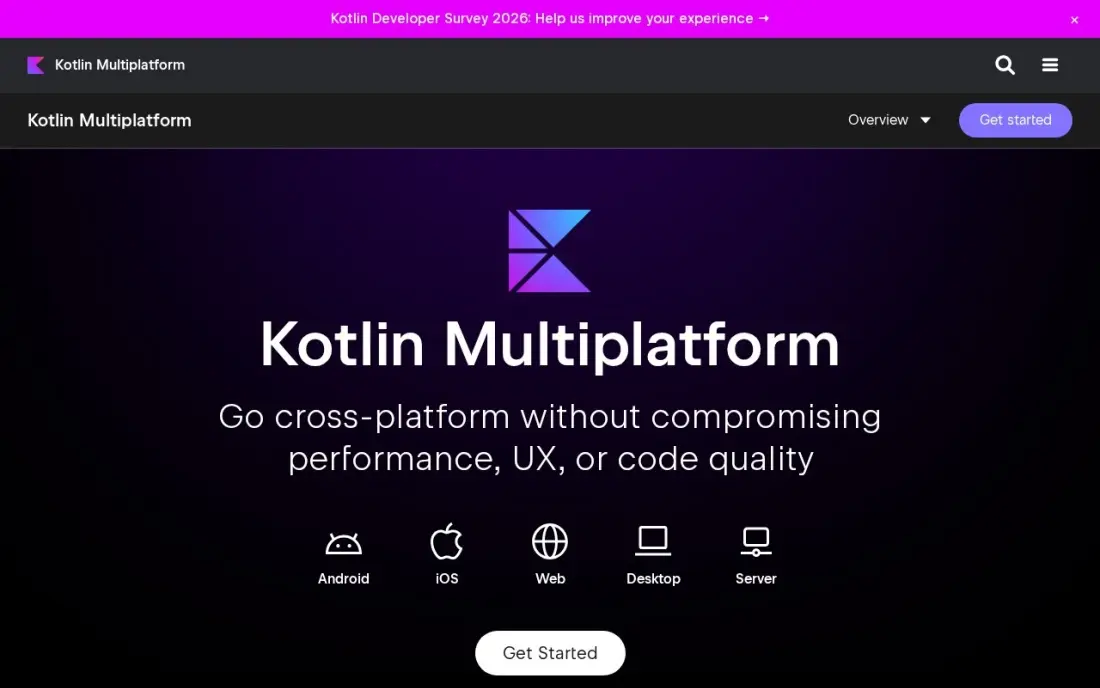
Kotlin Multiplatform is the natural next step for an Android team that gets asked for an iPhone version. It shares business logic such as networking, storage and validation in Kotlin, while each platform keeps a genuinely native interface. It has been stable since November 2023, Google officially supports it for sharing logic between Android and iOS, and Compose Multiplatform adds shared UI when you want it.
It is free and open source under the Apache 2.0 licence. The cost is skill: someone on the team needs Swift for the iOS side, and the multiplatform library shelf is thinner than Flutter's. Adopt it one feature at a time inside an existing Android app.
What we like
- Shares business logic in Kotlin while each platform keeps its genuinely native interface
- Stable since November 2023, with official Google support for sharing logic between Android and iOS
- Adopts gradually: share one feature first, keep the rest native, and expand when it proves itself
- Compose Multiplatform, the shared UI option, is stable on iOS since version 1.8.0
Watch out for
- The multiplatform library ecosystem is thinner than Flutter's pub.dev or the React Native community
- Needs developers who know both Kotlin and Swift, so the hiring bar is higher than a single-language stack
- iOS tooling still lags Android, and debugging shared code across platforms takes practice

Flutter
Best for: Teams that want one Dart codebase for Android and iOS with an identical custom UI
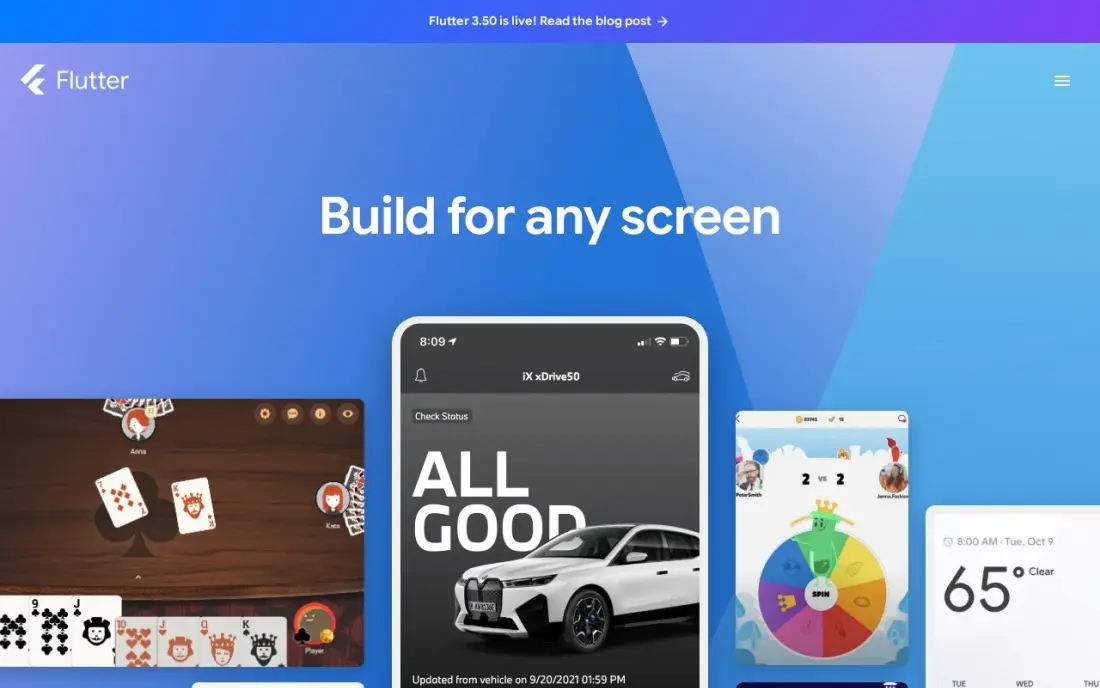
Flutter is the most popular way to build an Android app and an iOS app from one codebase. You write Dart, Flutter draws every pixel with its own rendering engine, and the same design looks identical on a Pixel and an iPhone. Hot reload shows a change in under a second, and pub.dev holds thousands of maintained plugins for payments, maps and device features.
It is free and open source under the BSD licence, maintained by Google. The trade-offs are Dart, which is a smaller hiring pool than Kotlin or JavaScript, and app sizes larger than a native build. Because Flutter does not use Android's own controls, an app can feel slightly off-platform unless you design for it. For a new product that needs both stores, it is the safest default.
What we like
- One Dart codebase ships to iOS, Android, web, Windows, macOS and Linux from a single project
- Its own rendering engine draws the same interface on both phones, so the design never drifts between platforms
- Hot reload shows code changes in under a second, which keeps the design and fix loop short
- The largest cross-platform package library here: pub.dev lists thousands of maintained plugins
Watch out for
- Dart is a smaller hiring pool than JavaScript or Kotlin, so recruiting takes longer
- Apps ship larger than native ones, and some platform features still need a plugin or native code
- Its custom rendering means the app does not use the platform's own native controls
React Native
Best for: JavaScript and React teams that want native Android controls and a large hiring pool
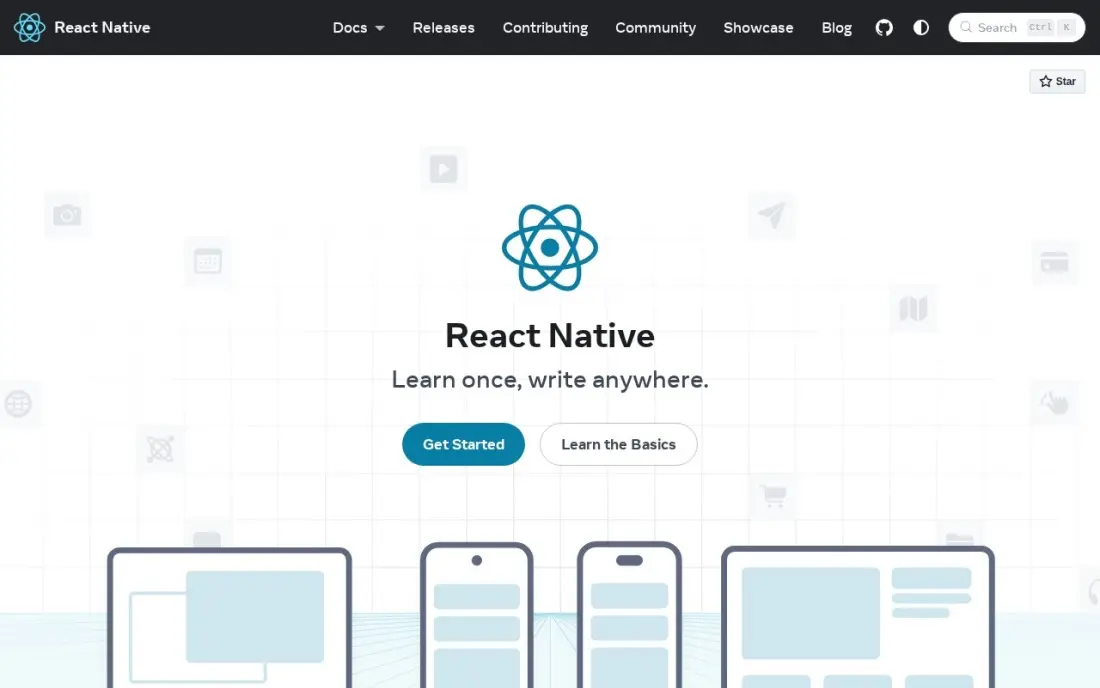
React Native lets a team that already writes React on the web build Android apps with the same language and habits. Its components render as real native Android controls, so the app looks and behaves like it belongs on the phone, and the same code ships to iOS. Meta maintains it, and the community is the largest in cross-platform development.
It is free under the MIT licence, so the spend is developers and store fees. The honest cost is upkeep: framework upgrades and third-party libraries can break, and heavy animations or long lists may need native tuning. Start it with Expo rather than a bare project, and keep someone on the team who can read Kotlin for the days a native module is needed.
What we like
- Renders real native controls, so the app feels like it belongs on each platform
- The largest hiring pool here: most web developers already know JavaScript and React
- Expo, the recommended starter, adds managed builds, routing and device APIs for free
- Code sharing with a React web app is straightforward, so one team can cover web and mobile
Watch out for
- Upgrades and third-party libraries can break, and dependency fixes eat real sprint time
- Heavy animation and lists can lag behind native, and some features need a native module
- Debugging across the JavaScript and native bridge is harder than debugging a single language
Expo
Best for: React Native teams that want managed Android builds and over-the-air updates
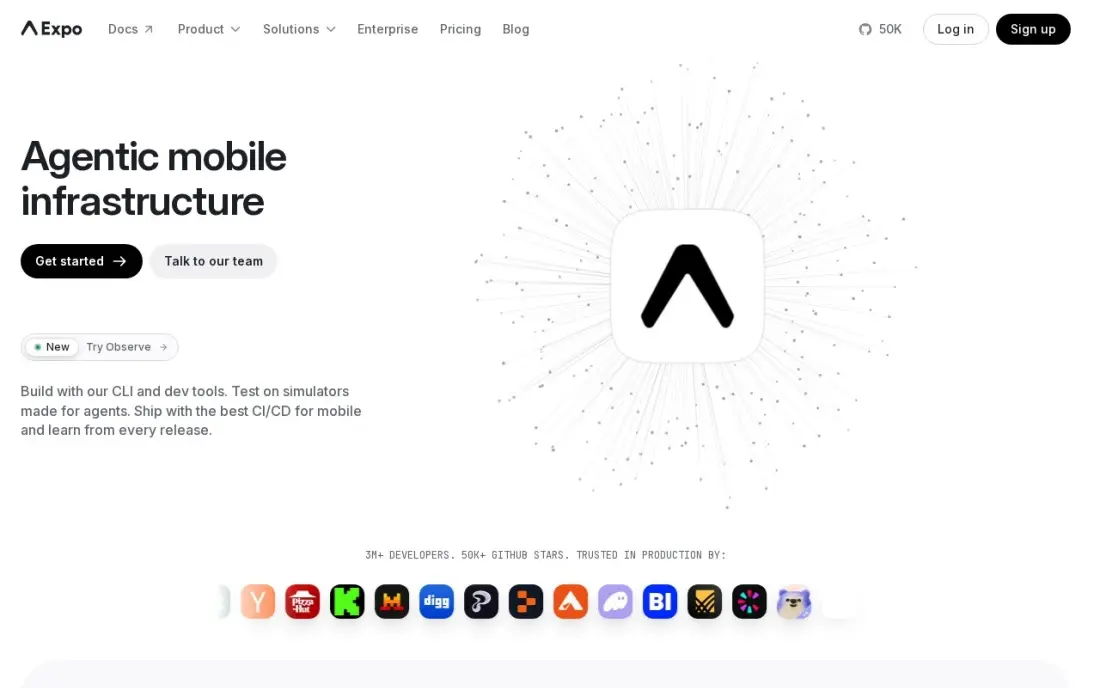
Expo is the toolkit that makes React Native practical for a small team: managed builds, file-based routing, device APIs and push notifications, with no Android Studio setup needed to produce a first build. EAS Update pushes JavaScript fixes to users without waiting for a full store review, which shortens the bug-fix loop on Google Play.
The framework and the EAS Free tier cost $0, including 15 Android and 15 iOS cloud builds a month. Paid EAS plans start at $19 a month and Production is $199, so heavy build volume adds up. Apps that need custom native code move to a development build, and free-tier build queues can wait 90 minutes or more at busy times.
What we like
- The recommended way to start React Native: no Xcode or Android Studio setup to ship a first build
- EAS Update pushes JavaScript changes to users without a full App Store review
- Managed workflow handles routing, device APIs, push notifications and store submission in one place
- The free tier covers 15 iOS and 15 Android cloud builds a month, enough for a small launch
Watch out for
- Paid EAS plans start at $19 a month and Production is $199, so heavy build volume gets dear
- Apps that need custom native code must leave the managed workflow for a development build
- Cloud build queues on the free tier can wait 90 minutes or more at peak times

.NET MAUI
Best for: C# and .NET teams that want Android apps plus Windows and macOS from one project
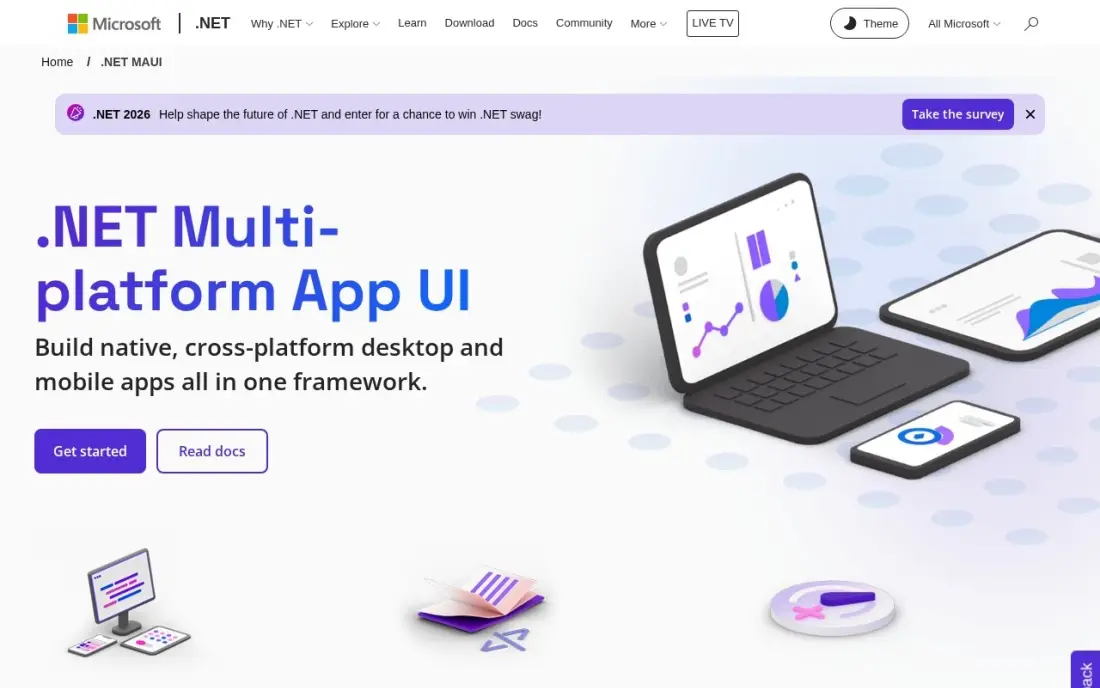
.NET MAUI is Microsoft's platform for building Android apps in C# and XAML, and the successor to Xamarin.Forms, which Microsoft retired in May 2024. One project builds native Android and iOS apps plus Windows and macOS desktop versions, with direct access to native APIs and shared libraries from an existing .NET backend.
It is free and open source under the MIT licence, bundled with the .NET SDK, and Visual Studio provides the tooling, including hot reload. The community and third-party control market are smaller than Flutter's or React Native's, and some teams still report rough edges in complex interfaces. Choose it when your developers already live in C#; it is not worth learning .NET just to build an Android app.
What we like
- One C# and XAML project builds native apps for iOS, Android, Windows and macOS
- Shares code and libraries with an existing .NET backend, so one team covers the whole product
- Direct access to every native API, with no bridge between the app and the platform
- Visual Studio tooling, including hot reload and the .NET Upgrade Assistant from Xamarin
Watch out for
- Smaller community and fewer third-party controls than Flutter or React Native
- Early releases had stability complaints, and some teams still report rough edges in complex UIs
- Desktop and mobile in one project sounds simple, but each platform still needs its own testing

Ionic
Best for: Web teams that want to ship an existing HTML and TypeScript app to Google Play
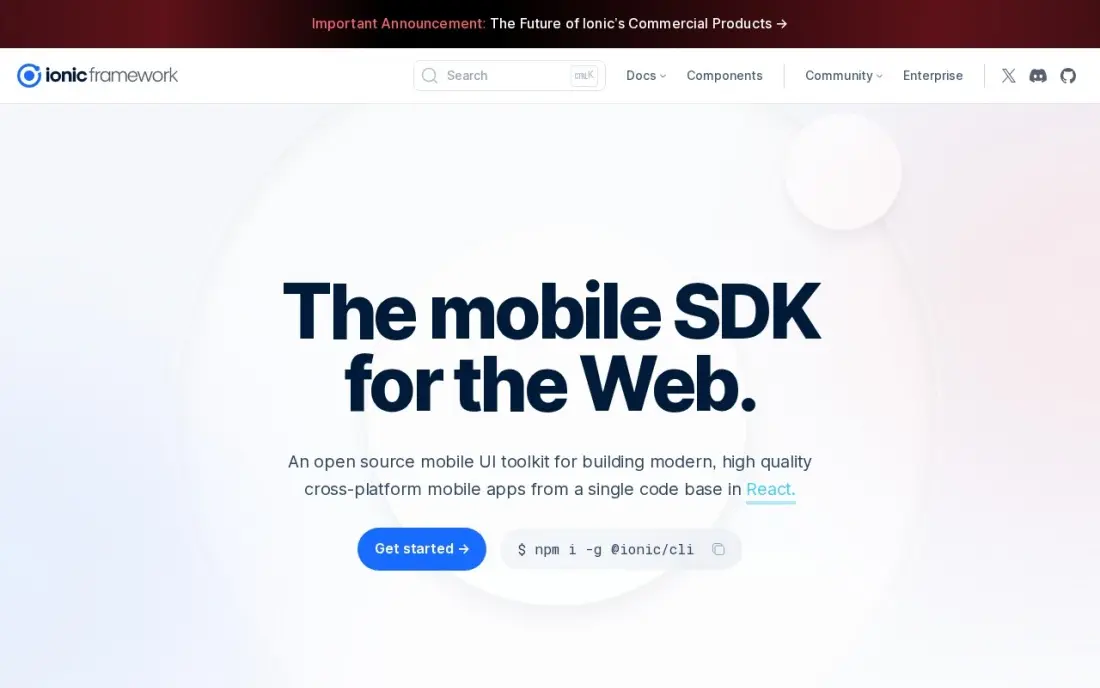
Ionic is the shortest route from a web app to an Android app. The team keeps writing HTML, CSS and TypeScript, Ionic's components adapt to Android and iOS design patterns automatically, and Capacitor wraps the result in a native shell with access to the camera, GPS and notifications. The same code also ships as a progressive web app.
The framework is free and open source under the MIT licence. The limit is the WebView: animation-heavy screens and long scrolling lists will not feel as smooth as Kotlin or Flutter. Ionic also stopped selling its Appflow cloud build service to new customers in February 2025, so you will need another way to automate builds and live updates.
What we like
- Web developers build mobile apps with the HTML, CSS and TypeScript they already know
- One codebase also ships as a progressive web app, so the web version costs nothing extra
- Adaptive components follow iOS and Android design patterns automatically
- Pairs with Capacitor, the maintained native runtime, for camera, GPS and notifications
Watch out for
- Apps run in a WebView, so heavy animation and scrolling feel less native than Flutter or React Native
- Ionic stopped selling Appflow to new customers in February 2025, so cloud builds and live updates need another service
- Reaching native performance often means dropping into Capacitor plugins or native code

FlutterFlow
Best for: Non-developers who want a visual Android app builder that exports real Flutter code
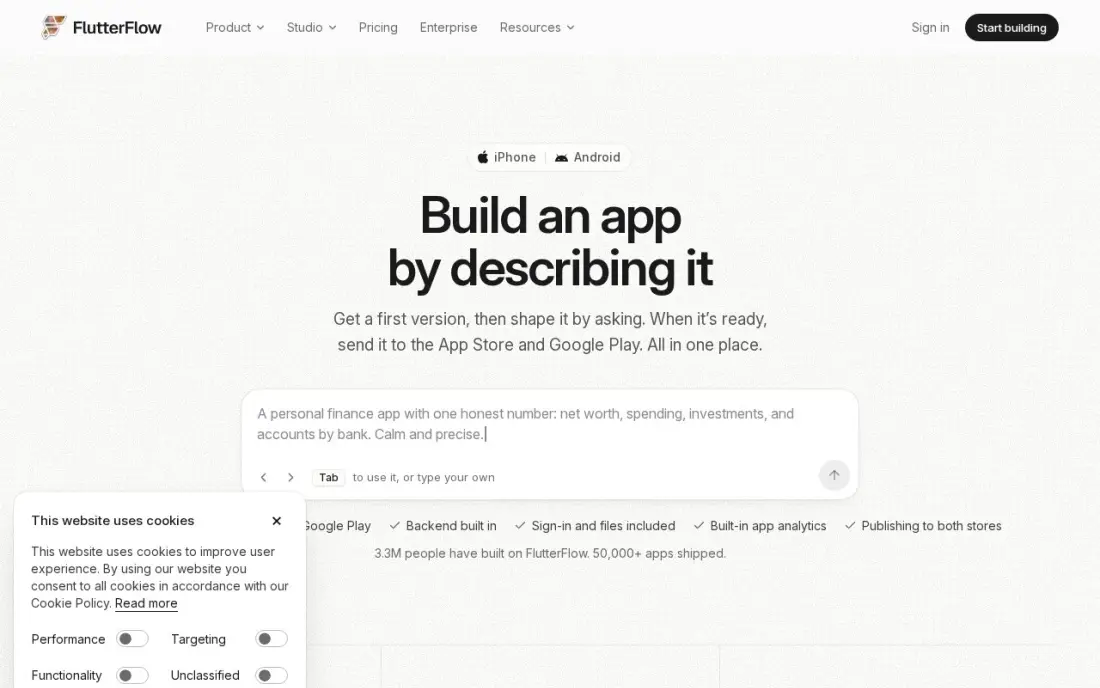
FlutterFlow is a visual builder that generates real Flutter code, so a founder or designer can lay out screens, connect Firebase or Supabase for login and data, and publish to Google Play without hand-writing Dart. Because the output is Flutter, a developer can take over the exported code later instead of starting again.
The free plan covers two projects but no code download. Basic costs $39 a month, or $29.25 a month billed annually, and adds code export and one-click deployment to both stores. Team editing needs Growth at $80 a month for the first seat, AI usage is metered, and Firebase or Supabase bills arrive separately. It is the best no-code option here for anyone who wants an exit path.
What we like
- Visual drag-and-drop builder that generates real Flutter code you can download and own
- One-click deployment to the App Store and Google Play from the Basic plan up
- Firebase and Supabase integrations cover auth, database and push notifications without a backend team
- Free plan lets a team prototype the whole app before paying anything
Watch out for
- Code download needs Basic at $39 a month; the free plan locks your project inside FlutterFlow
- Team editing needs Growth at $80 a month for the first seat, and a second seat adds $55 a month
- AI usage allowances are metered, and Firebase or Supabase bills arrive separately
Adalo
Best for: Founders with no coding background who want a database-driven Android app in the store
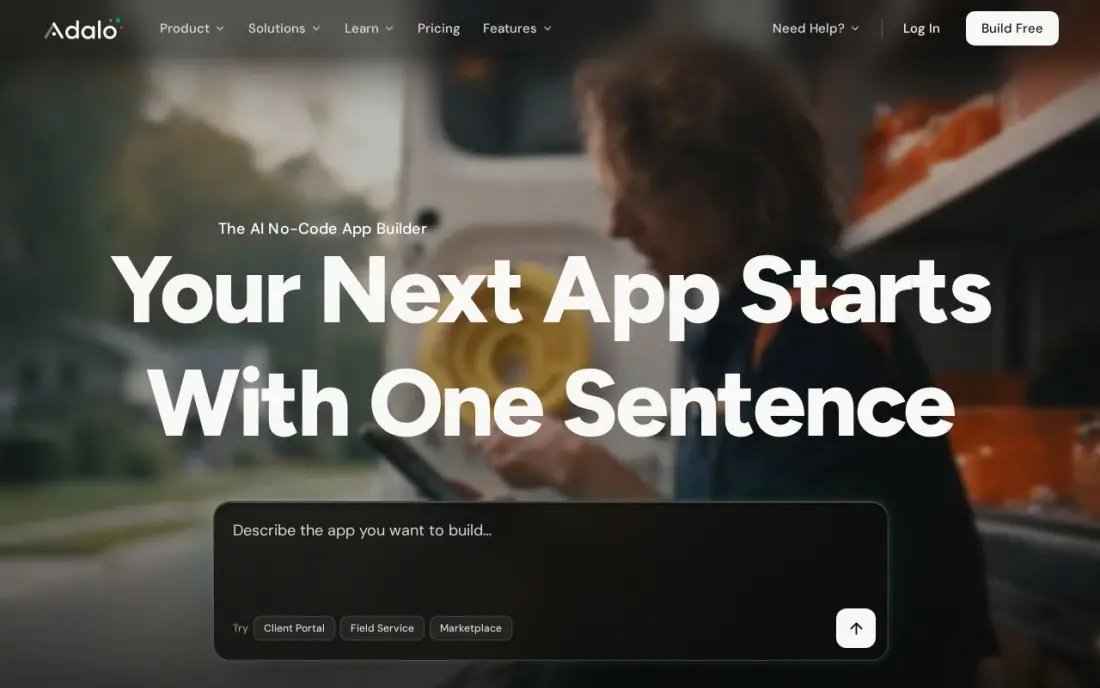
Adalo is the simplest way in this list to get a working Android app without any code. A visual canvas and a built-in database produce native Android and iOS builds from one version, Stripe, maps and push notifications are included on the Builder plan, and Ada, the AI assistant, can build screens from a description.
The free plan builds and tests only. Publishing to Google Play needs Builder at $65 a month billed monthly, or $624 a year billed annually, with no per-action usage charges. The catch is the exit: Adalo does not export source code, so leaving means a rebuild, and reviewers report slowdowns past a few thousand users. Use it to validate an idea before paying developers.
What we like
- A visual canvas with a built-in database publishes true native iOS and Android builds from one version
- Flat monthly pricing with no per-action or usage charges, so the bill does not grow with users
- Ada, the AI assistant, builds screens from a description, and the free plan includes 5 prompts a month
- Stripe, Maps, push notifications and custom actions are included on the Builder plan
Watch out for
- Store publishing starts at $65 a month; the free plan cannot publish anywhere
- You cannot export the source code, so leaving Adalo means rebuilding the app
- Reviewers report performance problems once an app passes a few thousand users
The best Android development platform is the one that matches the language your team already writes and the phones you need to reach. We compared nine options across three groups — Google's native tools, cross-platform frameworks that also produce an iOS app, and no-code builders — and every price below comes from the vendor's own page, checked in November 2026.
How to choose the best Android development platform
- Decide Android-only or Android plus iOS. If Android is the whole market, native Kotlin in Android Studio wins; if you need both stores, a cross-platform framework halves the work.
- Start from your team's language. Kotlin teams fit Kotlin Multiplatform, JavaScript teams fit React Native or Ionic, C# teams fit .NET MAUI, and anyone starting fresh can learn Dart for Flutter.
- Check how the UI is drawn. Native Kotlin and React Native use Android's own controls, Flutter draws its own, and Ionic runs in a WebView — that choice shapes how the app feels.
- Price the build and update service, not the framework. Most frameworks here are free, but cloud builds and over-the-air updates, such as Expo's EAS, are where the monthly bill appears.
- Plan the exit before you pick a no-code tool. FlutterFlow exports real Flutter code from its Basic plan; Adalo does not export source code at all.
- Look at the plugin shelf. Payments, maps, camera and push notifications should exist as maintained packages for the framework you choose.
An Android app still needs people to find it. If your app has a website or landing page, our SEO audit shows what is stopping it from ranking, and the free UTM builder lets you track which campaigns send installs.
Android development platform pricing: what you will actually pay
For a developer or a technical team, the tools cost nothing. Android Studio is a free download, and Kotlin Multiplatform, Flutter, React Native, .NET MAUI and Ionic are all free and open source. The real costs are developer time, a Google Play developer account and any cloud services the app uses.
The bill starts when you buy convenience. Expo's framework and EAS Free tier cost $0 with 15 Android builds a month, then EAS Starter is $19 a month and Production is $199, both plus usage. Over a year that is $228 on Starter or $2,388 on Production.
No-code builders charge from the day you publish. FlutterFlow Basic costs $39 a month, or $351 a year billed annually, which works out to $29.25 a month. Adalo Builder costs $65 a month billed monthly, or $624 a year billed annually. A founder testing an idea for six months pays about $234 on FlutterFlow Basic billed monthly or $390 on Adalo Builder, before any database or backend bills.
Know the difference: native Android vs cross-platform
Native Android development means Kotlin or Java in Android Studio, building against Google's own SDK and Jetpack libraries. You get the newest Android features on release day, Android's real controls, the smallest app size and the best performance. The price is that an iPhone version is a separate project in Swift, with its own team or a lot of extra hours.
Cross-platform development means one codebase that produces both an Android and an iOS app. Flutter and React Native share almost everything, including the interface, while Kotlin Multiplatform shares only the logic and keeps each interface native. You save roughly half the build effort for two platforms, but you wait a little for new Android features to reach the framework and occasionally need native code for a device feature.
Quick comparison: tool type by need
| Buyer | Best pick | Why |
|---|---|---|
| Native Android apps | Android Studio | Google's official IDE, free, with emulator and Compose tools |
| Kotlin teams adding iOS | Kotlin Multiplatform | Shares logic in Kotlin, keeps native UI, free and open source |
| New apps for both stores | Flutter | One Dart codebase, identical UI on Android and iOS, free |
| React and JavaScript teams | React Native | Native Android controls from React code, free |
| Small React Native teams | Expo | Managed builds and OTA updates, 15 free Android builds a month |
| C# and .NET teams | .NET MAUI | Android, iOS, Windows and macOS from one C# project, free |
| Existing web apps | Ionic | Reuses HTML, CSS and TypeScript, also ships as a PWA |
| No-code with code export | FlutterFlow | Visual Flutter builder, Basic $39/month with code download |
| No-code founders | Adalo | Built-in database and native builds, Builder $65/month |
Mistakes to avoid
- Choosing a framework your team cannot hire for. A Dart or C# codebase is a fine choice only if you can recruit or train people to maintain it next year.
- Ignoring app size and performance on cheap phones. Many Android users run budget devices, so test on a low-end phone, not just the emulator and a flagship.
- Locking a growing product into a no-code tool without export. If the app becomes the business, a platform with no code export means paying for a complete rebuild.
- Forgetting the iOS question until later. Starting native Android and then adding iOS costs more than choosing a cross-platform route on day one, if you knew both were coming.
- Underestimating upgrade work. Framework and library upgrades take real sprint time on every platform here, so budget for them every quarter.
How we chose
We checked each vendor's own product or pricing page in November 2026 and recorded the starting price exactly as shown, including the annual-billing figure where one is listed. We grouped the platforms by approach — native, cross-platform and no-code — and ranked them by fit for the most common buyer, a small team building its first or second Android app. Several open-source frameworks have no review page with a meaningful count, so we show ratings only where a G2 page was checked. No vendor paid for a place in this list, and none of the links here are affiliate links.
What to do next
Build the same two-screen prototype — a list and a detail page — in your top two choices this week, run it on a cheap Android phone and compare how long it took. Once the app is live, its store listing and website need traffic; our monthly SEO service covers that side. Book a free strategy call.
Frequently asked questions
What is the best Android development platform?
Android Studio, Google's free official IDE, is the best platform for native Android apps written in Kotlin or Java. If you also need an iOS app, Flutter is the safest cross-platform default, and React Native with Expo suits teams that already write JavaScript.
Is Android Studio free?
Yes. Android Studio is a free download for Windows, macOS, Linux and ChromeOS. Publishing on Google Play is a separate step with its own developer account, which is not part of the IDE.
Should I use Kotlin or Flutter for Android development?
Use Kotlin in Android Studio when Android is your main platform and you want native controls and the newest Android features first. Use Flutter when you need Android and iOS from one codebase with the same design on both.
Can I build an Android app without coding?
Yes. FlutterFlow and Adalo are visual builders that publish to Google Play. FlutterFlow Basic costs $39 a month and lets you download the Flutter code; Adalo Builder costs $65 a month billed monthly but does not export source code.
Which Android development platform is best for web developers?
React Native with Expo suits developers who know React, and Ionic with Capacitor suits teams that want to reuse an existing HTML, CSS and TypeScript web app. All three are free and open source.
Do I need a Mac to develop Android apps?
No. Android Studio runs on Windows, macOS, Linux and ChromeOS, and Flutter, React Native and Kotlin Multiplatform all build Android apps on any of them. You need a Mac only when you also build the iOS version, unless you use a cloud build service such as Expo's EAS.
Sources we checked (11)
- Android Studio — developer.android.com/studio (checked November 21, 2026)
- Kotlin Multiplatform — kotlinlang.org/multiplatform (checked November 10, 2026)
- Flutter — flutter.dev (checked November 10, 2026)
- Flutter reviews on G2 (checked November 10, 2026)
- React Native — reactnative.dev (checked November 10, 2026)
- React Native reviews on G2 (checked November 10, 2026)
- Expo — expo.dev/pricing (checked November 10, 2026)
- .NET MAUI — dotnet.microsoft.com/en-us/apps/maui (checked November 10, 2026)
- Ionic — ionicframework.com (checked November 10, 2026)
- FlutterFlow — flutterflow.io/pricing (checked November 10, 2026)
- Adalo — adalo.com/pricing (checked November 10, 2026)
Make one of these tools?
We re-check this list every quarter. Send a correction, request a review, or ask about a clearly labeled sponsored spot.
Request a listingShamim
Founder of SerpAstra
A full-stack digital marketer and SEO strategist covering technical and local SEO, AI search visibility, paid ads and lead generation for local businesses, e-commerce brands and SaaS teams.
Free SEO and AI visibility audit
Find out what is holding your rankings back
Send us your site. Within 2 business days you get a written audit, an AI visibility check and a short fix list ranked by impact. Free, with no contract attached.
Request my free audit→Related buying guides
 Developer Tools10 Best Cross-Platform App Development in 2026, ComparedCompare the 10 best cross-platform app development options for iOS and Android in 2026, with real prices, free frameworks and low-code builders.Read guide →
 Developer Tools8 Best Software for iOS App Development in 2026, ComparedCompare the 8 best software for iOS app development, from Xcode and Swift to Flutter, React Native and no-code builders, on cost, Mac needs and App Store path.Read guide →
 Developer Tools10 Best Software Development Tools in 2026, ComparedCompare the 10 best software development tools, from editors and Git hosting to app development frameworks, on free plans and real per-seat cost in 2026.Read guide →