
8 Best Software for iOS App Development in 2026, Compared
Compare the 8 best software for iOS app development, from Xcode and Swift to Flutter, React Native and no-code builders, on cost, Mac needs and App Store path.
 Shamim Mia, Founder, SerpAstraLast verified November 10, 20269 min read
We compare pricing pages, documentation and public reviews. We never accept payment for rankings.
Key takeaways
- Xcode is the essential software for iOS app development: it is free on the Mac App Store, but needs a Mac with Apple silicon, and publishing on the App Store needs the $99-a-year Apple Developer Program.
- Flutter and React Native are the best free frameworks for building iOS and Android from one codebase; Expo makes React Native the easiest to start, with 15 free iOS cloud builds a month.
- FlutterFlow is the pick for non-developers, from $29.25 a month billed annually with code download and one-click App Store deployment.
- Kotlin Multiplatform, .NET MAUI and Capacitor make sense when your team already writes Kotlin, C# or a web app.
On this page
Quick comparison
| Tool | Best for | Starting price | Free plan |
|---|---|---|---|
| Xcode | Every iOS developer, and the only choice for fully native Swift and SwiftUI apps | Free | Yes |
| Flutter | Teams building one app for iPhone and Android with a custom, identical design on both | Free | Yes (open source) |
| React Native | Teams that already write JavaScript and React and want a native-feeling iPhone app | Free | Yes (open source) |
| Expo | Small React Native teams that want to ship to the App Store without managing native builds | Free; EAS $19/mo | Yes (free tier) |
| FlutterFlow | Founders and non-developers who want a real iOS app without writing code | $29.25/mo (annual) | Yes (free plan) |
| Kotlin Multiplatform | Android teams that want to share logic with iOS while keeping a native SwiftUI interface | Free | Yes (open source) |
| .NET MAUI | C# and .NET teams that want to build iOS apps without learning Swift | Free | Yes (open source) |
| Capacitor | Teams with an existing web app that want it in the App Store quickly | Free | Yes (open source) |
Make one of these tools?
We re-check this list every quarter. Send a correction, request a review, or ask about a clearly labeled sponsored spot.
Request a listingThe best software for iOS app development

Xcode
Best for: Every iOS developer, and the only choice for fully native Swift and SwiftUI apps
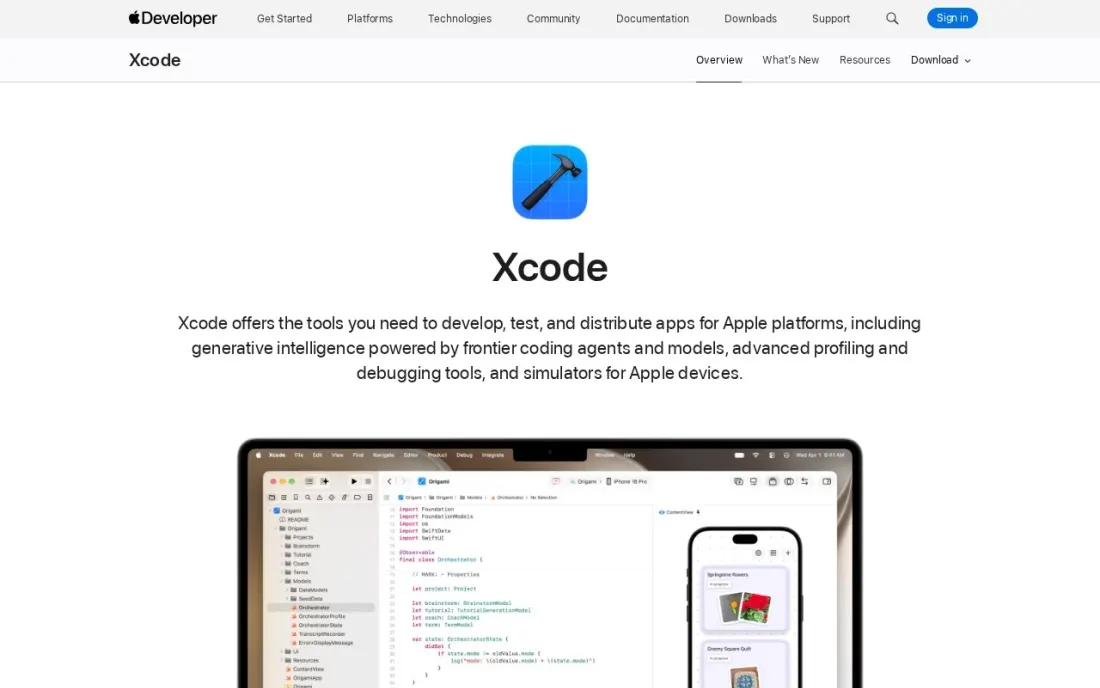
Xcode is the one piece of software every iOS app needs, whatever else you use. It is Apple's free development environment: Xcode 27.2 ships with Swift 6.4 and the iOS 27.2 SDK, live previews for SwiftUI and UIKit views, simulators for Apple devices and Instruments for profiling. It also works with coding models and agents from Anthropic, Google and OpenAI. Flutter, React Native and the others still use Xcode to build and sign iOS apps.
There are two costs. Xcode runs only on a Mac with an M1 chip or newer and macOS 26.6 or later. And while a free Apple Account lets you test on your own iPhone, with installs that expire after seven days, publishing on the App Store needs the Apple Developer Program at $99 a year.
What we like
- Free, with Swift 6.4 and the iOS 27.2 SDK in Xcode 27.2
- SwiftUI, UIKit and AppKit previews, simulators for Apple devices and Instruments for profiling
- Works with coding models and agents from Anthropic, Google and OpenAI, plus MCP extensions
- Free Apple Account lets you install and test apps on your own iPhone
Watch out for
- Runs only on a Mac: Xcode 27.2 needs macOS 26.6 or later and an Apple M1 chip or newer
- App Store distribution, TestFlight and App Store Connect need the $99-a-year Developer Program
- Free personal-team test installs expire after 7 days and are limited to 3 devices

Flutter
Best for: Teams building one app for iPhone and Android with a custom, identical design on both
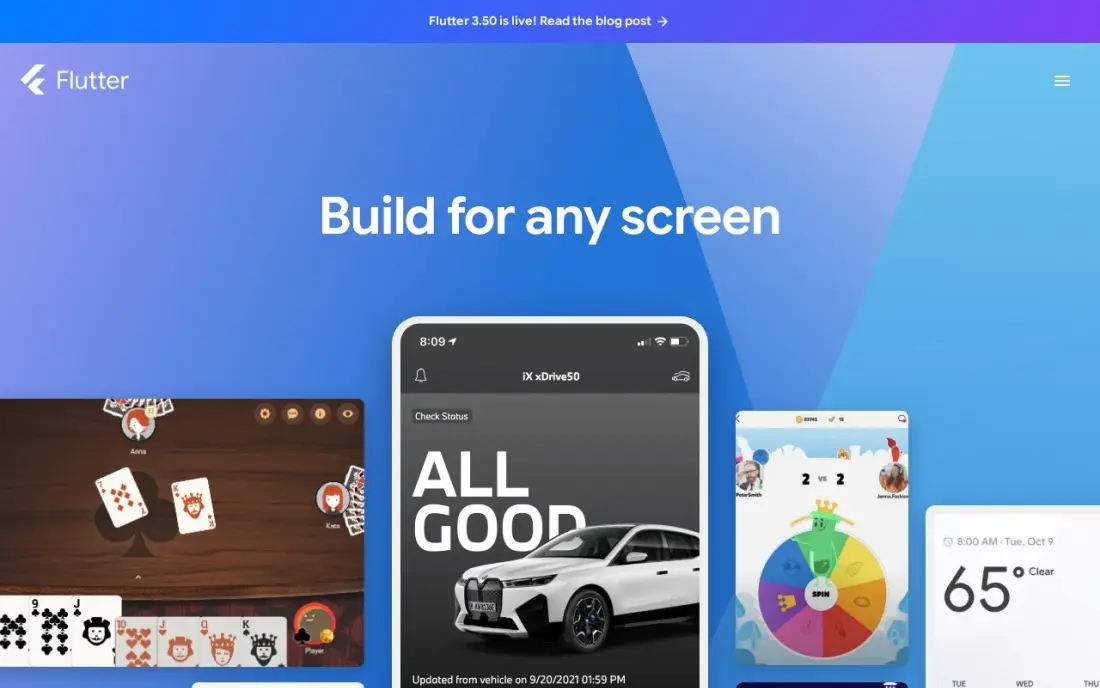
Flutter is the most common choice when an iOS app also needs an Android version. One Dart codebase builds both, and because Flutter draws every screen with its own rendering engine, the design looks the same on an iPhone and an Android phone. Hot reload shows changes in under a second, and pub.dev offers thousands of maintained plugins. It is free and open source, maintained by Google.
Dart is a smaller hiring pool than JavaScript or Swift, apps ship larger than native ones, and the interface does not use Apple's own native controls, which some iPhone users notice. You still need Xcode on a Mac to build and sign for the App Store. G2 reviewers rate Flutter 4.6 from 73 reviews.
What we like
- One Dart codebase ships to iOS, Android, web, Windows, macOS and Linux from a single project
- Its own rendering engine draws the same interface on both phones, so the design never drifts between platforms
- Hot reload shows code changes in under a second, which keeps the design and fix loop short
- The largest cross-platform package library here: pub.dev lists thousands of maintained plugins
Watch out for
- Dart is a smaller hiring pool than JavaScript or Kotlin, so recruiting takes longer
- Apps ship larger than native ones, and some platform features still need a plugin or native code
- Its custom rendering means the app does not use the platform's own native controls
React Native
Best for: Teams that already write JavaScript and React and want a native-feeling iPhone app
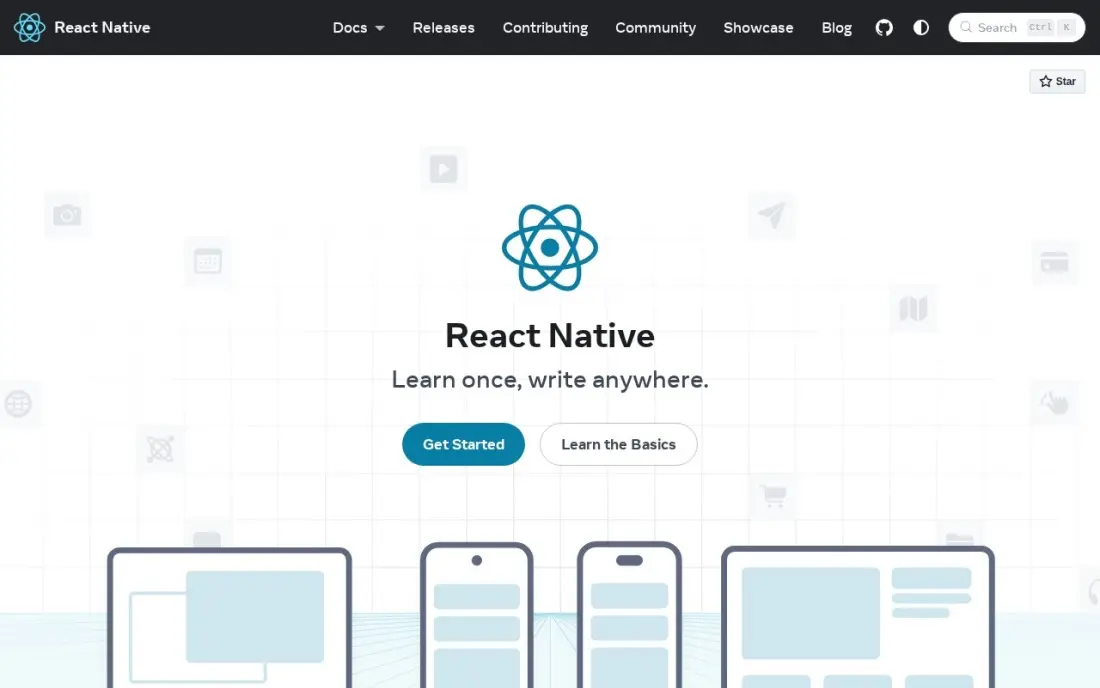
React Native lets a web team build an iOS app in JavaScript and React while rendering real native controls, so the app feels at home on an iPhone. Meta maintains it, the hiring pool is the largest of any framework here, and code can be shared with a React web app. It is free and open source under the MIT licence.
The cost is maintenance. Upgrades and third-party libraries can break, heavy animations and long lists can lag behind native, and debugging across the JavaScript and native layers is harder than working in one language. G2 reviewers rate it 4.5 from 144 reviews. Start with Expo unless you have a reason not to.
What we like
- Renders real native controls, so the app feels like it belongs on each platform
- The largest hiring pool here: most web developers already know JavaScript and React
- Expo, the recommended starter, adds managed builds, routing and device APIs for free
- Code sharing with a React web app is straightforward, so one team can cover web and mobile
Watch out for
- Upgrades and third-party libraries can break, and dependency fixes eat real sprint time
- Heavy animation and lists can lag behind native, and some features need a native module
- Debugging across the JavaScript and native bridge is harder than debugging a single language
Expo
Best for: Small React Native teams that want to ship to the App Store without managing native builds
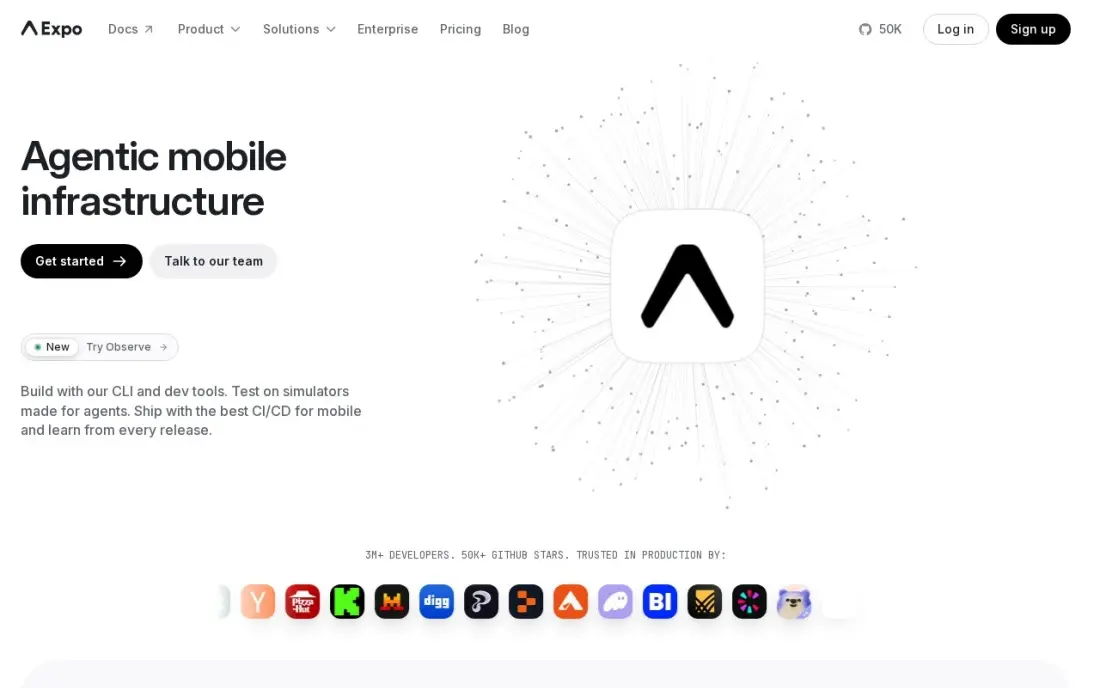
Expo is the recommended way to start React Native. Its managed workflow handles routing, device APIs, push notifications and store submission, and EAS cloud builds compile the iOS app for you, so a first build does not need any local Xcode setup. EAS Update pushes JavaScript fixes to users without a full App Store review. The framework and EAS Free tier cost nothing, with 15 iOS and 15 Android builds a month.
Paid EAS plans start at $19 a month and Production costs $199, both plus usage, so price your build volume. Free-tier build queues can wait 90 minutes or more at peak times, and apps that need custom native code must move to a development build.
What we like
- The recommended way to start React Native: no Xcode or Android Studio setup to ship a first build
- EAS Update pushes JavaScript changes to users without a full App Store review
- Managed workflow handles routing, device APIs, push notifications and store submission in one place
- The free tier covers 15 iOS and 15 Android cloud builds a month, enough for a small launch
Watch out for
- Paid EAS plans start at $19 a month and Production is $199, so heavy build volume gets dear
- Apps that need custom native code must leave the managed workflow for a development build
- Cloud build queues on the free tier can wait 90 minutes or more at peak times

FlutterFlow
Best for: Founders and non-developers who want a real iOS app without writing code
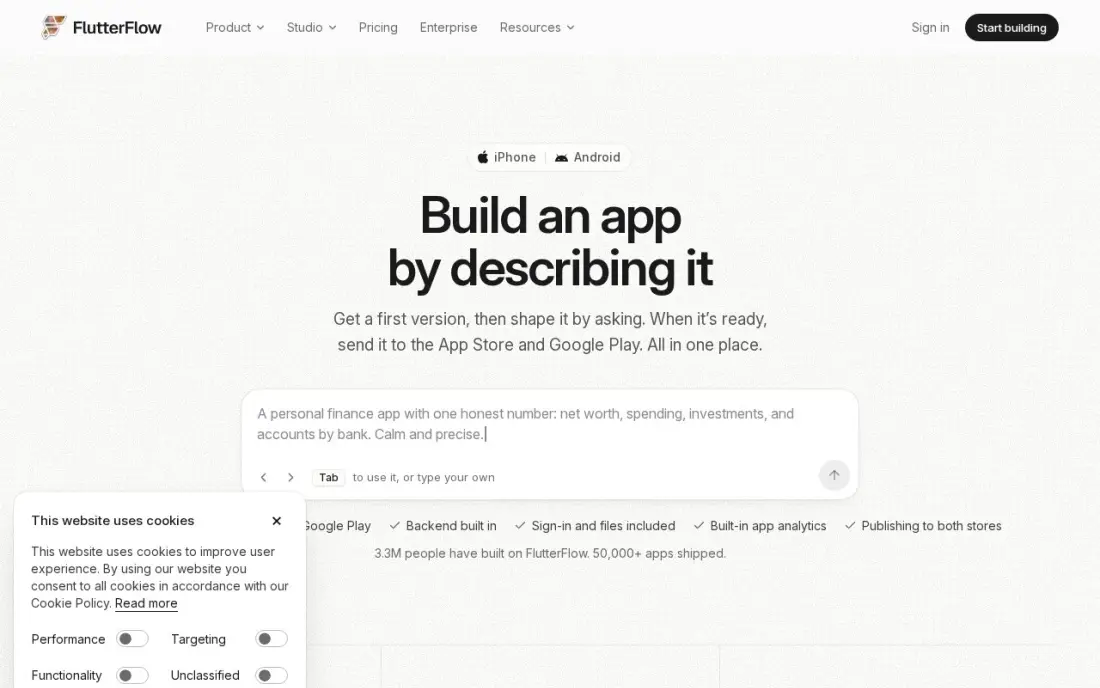
FlutterFlow is a visual builder that produces genuine Flutter code. You design screens with drag and drop, connect Firebase or Supabase for login, data and push notifications, and from the Basic plan deploy to the App Store and Google Play in one click or download the code to hand to a developer later. The free plan covers two projects for prototyping.
Basic costs $39 a month, or $29.25 a month billed annually at $351 a year. Team editing needs Growth at $80 a month for the first seat plus $55 for a second, AI usage is metered, and Firebase or Supabase bill separately. Apple's $99 developer fee still applies.
What we like
- Visual drag-and-drop builder that generates real Flutter code you can download and own
- One-click deployment to the App Store and Google Play from the Basic plan up
- Firebase and Supabase integrations cover auth, database and push notifications without a backend team
- Free plan lets a team prototype the whole app before paying anything
Watch out for
- Code download needs Basic at $39 a month; the free plan locks your project inside FlutterFlow
- Team editing needs Growth at $80 a month for the first seat, and a second seat adds $55 a month
- AI usage allowances are metered, and Firebase or Supabase bills arrive separately

Kotlin Multiplatform
Best for: Android teams that want to share logic with iOS while keeping a native SwiftUI interface
Kotlin Multiplatform shares the business logic — networking, storage, validation — in Kotlin, while each platform keeps its own native interface, so the iPhone app can use SwiftUI and feel fully native. It is free and open source, stable since November 2023 and officially supported by Google for sharing logic between Android and iOS. Teams can adopt it one feature at a time.
It needs developers who know both Kotlin and Swift, iOS tooling still lags Android, and the multiplatform library ecosystem is thinner than Flutter's. Compose Multiplatform, stable on iOS since version 1.8.0, adds shared UI if you want it. Choose it to modernise an existing native app rather than to avoid learning iOS.
What we like
- Shares business logic in Kotlin while each platform keeps its genuinely native interface
- Stable since November 2023, with official Google support for sharing logic between Android and iOS
- Adopts gradually: share one feature first, keep the rest native, and expand when it proves itself
- Compose Multiplatform, the shared UI option, is stable on iOS since version 1.8.0
Watch out for
- The multiplatform library ecosystem is thinner than Flutter's pub.dev or the React Native community
- Needs developers who know both Kotlin and Swift, so the hiring bar is higher than a single-language stack
- iOS tooling still lags Android, and debugging shared code across platforms takes practice

.NET MAUI
Best for: C# and .NET teams that want to build iOS apps without learning Swift
.NET MAUI, the successor to Xamarin.Forms, lets a C# team build native iOS and Android apps, plus Windows and macOS desktop versions, from one C# and XAML project. It shares libraries directly with a .NET backend and gives direct access to native APIs, with Visual Studio tooling including hot reload. It is free and open source under the MIT licence.
The community and third-party control market are smaller than Flutter's or React Native's, and some teams still report rough edges in complex interfaces. Each platform still needs its own testing. Pick it when your developers already live in .NET; do not switch languages just to use it.
What we like
- One C# and XAML project builds native apps for iOS, Android, Windows and macOS
- Shares code and libraries with an existing .NET backend, so one team covers the whole product
- Direct access to every native API, with no bridge between the app and the platform
- Visual Studio tooling, including hot reload and the .NET Upgrade Assistant from Xamarin
Watch out for
- Smaller community and fewer third-party controls than Flutter or React Native
- Early releases had stability complaints, and some teams still report rough edges in complex UIs
- Desktop and mobile in one project sounds simple, but each platform still needs its own testing

Capacitor
Best for: Teams with an existing web app that want it in the App Store quickly
Capacitor takes a finished web app built with React, Vue, Angular or plain HTML and runs it as a native iOS app, with 38 official plugins for the camera, location, notifications and the file system. The native iOS project is real source code in your repository, so a developer can add Swift where needed. It is free and open source under the MIT licence.
The interface still renders in a WebView, so it cannot match compiled native performance on animation-heavy screens. An iOS build needs a Mac with Xcode, and live updates are not built in, so teams add a third-party service. It is the fastest route from an existing web product to the App Store.
What we like
- Turns any web app — React, Vue, Angular or plain HTML — into a native iOS and Android app
- Native iOS and Android projects are real source files in version control, not hidden build output
- 38 official plugins cover camera, geolocation, notifications, filesystem and more
- Works with any web framework, so the team keeps its existing stack and tooling
Watch out for
- The interface still renders in a WebView, so it cannot match compiled native performance
- An iOS build still needs a Mac with Xcode, and native features need native code or a plugin
- Live updates are not built in; teams add a third-party service such as Capgo
The best software for iOS app development gets your idea onto an iPhone and through App Store review with as little friction as possible. We compared eight tools — Apple's own Xcode, five cross-platform frameworks and toolkits, and a no-code builder — on cost, the Mac and Apple fees you cannot avoid, and who each one suits, with every price checked on the vendor's own pages in November 2026.
How to choose the best software for iOS app development
- Decide iPhone-only or iPhone plus Android. An iPhone-only app is simplest in Swift and Xcode; an app for both stores usually saves money with a cross-platform framework.
- Start from your team's language. JavaScript teams fit React Native, Kotlin teams Kotlin Multiplatform, C# teams .NET MAUI and web teams Capacitor.
- Budget for Apple's fixed costs. A Mac with Apple silicon for Xcode and $99 a year for the Developer Program apply to almost every route.
- Check how native it needs to feel. Native controls matter for some apps; for others, a consistent custom design matters more.
- Look at build and update tooling. Cloud builds and over-the-air updates save hours on every release.
- Plan who maintains it. A no-code app is fast to start but may need a developer once it grows.
An app only grows if people can find it. Our guide to iOS app analytics covers measuring what users do once installed, and our AI search optimisation service helps your app and website appear when people ask AI assistants for recommendations.
Software for iOS app development pricing: what you will actually pay
The fixed costs come from Apple. Xcode is free, but it needs a Mac with an M1 chip or newer, and the Apple Developer Program costs $99 a year to publish on the App Store. Flutter, React Native, Kotlin Multiplatform, .NET MAUI and Capacitor are all free and open source, so for a developer-led team the yearly software bill can be just that $99.
Tooling adds cost as you scale. Expo's EAS Free tier includes 15 iOS builds a month; Starter costs $19 a month, or $228 a year, and Production $199 a month, both plus usage. FlutterFlow Basic costs $39 a month billed monthly, or $351 a year billed annually, so a founder building alone without code pays about $450 in the first year once Apple's $99 is added. A two-person FlutterFlow team on Growth pays $135 a month, $80 for the first seat and $55 for the second.
Know the difference: native iOS development vs cross-platform frameworks
Native development means writing Swift in Xcode with Apple's own frameworks such as SwiftUI. You get every new iOS feature on day one, the smallest and fastest apps, and an interface that behaves exactly like the rest of the iPhone. The cost is that an Android version is a separate project in a different language.
Cross-platform frameworks share code between iOS and Android. Flutter and React Native share almost everything, Kotlin Multiplatform shares logic but keeps native screens, and Capacitor wraps a web app. They cut the cost of supporting two platforms, but you still need Xcode for the iOS build and occasional native code for features the framework does not cover.
Quick comparison: tool type by need
| Buyer | Best pick | Why |
|---|---|---|
| Every iOS app | Xcode | Free, builds and signs every iOS app, Developer Program $99/year |
| iOS and Android, custom design | Flutter | One Dart codebase, free and open source |
| JavaScript and React teams | React Native | Native controls, largest hiring pool, free |
| Easiest React Native start | Expo | Managed builds, 15 free iOS builds a month |
| No-code founders | FlutterFlow | Visual builder with code download, from $29.25/month billed annually |
| Android teams going iOS | Kotlin Multiplatform | Shared Kotlin logic, native SwiftUI screens |
| C# and .NET teams | .NET MAUI | One C# project for iOS, Android and desktop |
| Existing web apps | Capacitor | Wraps a web app as a native iOS app, free |
Mistakes to avoid
- Forgetting the Mac. Even cross-platform teams need a Mac with Xcode, or a cloud build service, to ship iOS.
- Leaving Apple's review rules to the end. Read the App Store guidelines before you build payments, logins or user content.
- Picking a framework your team does not know. The best framework is usually the one that matches the language your developers already write.
- Ignoring free test-install limits. Without the paid program, test installs expire after seven days and are capped at three devices.
- Skipping analytics before launch. Add analytics and crash reporting before the first release so you can see what breaks.
Related comparisons: Analytics for iOS App · Mobile App Development Companies · Software Development Analytics Tools · Ecommerce Development Companies
How we chose
We checked each vendor's own pages in November 2026, including Apple's Xcode, Mac App Store and Developer Program pages, and recorded prices exactly as shown. We ranked the tools by fit for the most common buyer, a small team or founder shipping a first iOS app, and grouped them by the language and skills each one expects. Ratings come from G2 pages checked on the dates shown in the sources. No vendor paid for a place in this list, and none of the links here are affiliate links.
What to do next
Install Xcode on a Mac, or create a free Expo or FlutterFlow account, and build a one-screen test app onto your own iPhone this week before you commit to a framework. When the app is ready to launch, make sure people can find it. Book a free SEO call.
Frequently asked questions
What is the best software for iOS app development?
Xcode is essential for every iOS app: it is free on the Mac App Store and builds, tests and signs the app. For apps that also need Android, Flutter and React Native are the best free frameworks, and FlutterFlow suits non-developers from $29.25 a month billed annually.
Do I need a Mac to develop iOS apps?
To build and sign an iOS app locally, yes: Xcode runs only on a Mac, and Xcode 27.2 needs an M1 chip or newer with macOS 26.6 or later. Expo's EAS cloud builds can compile iOS apps for React Native without a local Mac.
How much does it cost to publish an iOS app?
The Apple Developer Program costs $99 a year and is required for App Store distribution and TestFlight. Xcode itself is free, as are Flutter, React Native, Kotlin Multiplatform, .NET MAUI and Capacitor.
Can I develop iOS apps for free?
You can build and test for free. Xcode is free, and a free Apple Account lets you install apps on up to three of your own devices, with installs that expire after seven days. Publishing on the App Store needs the $99-a-year membership.
Should I use Swift or Flutter for an iOS app?
Use Swift in Xcode when the app is iPhone-only or must feel fully native. Use Flutter or React Native when you need iOS and Android from one codebase and can accept a slightly larger app.
What is the easiest way to build an iOS app without coding?
FlutterFlow, a visual builder that generates Flutter code and deploys to the App Store in one click from its Basic plan at $39 a month, or $29.25 billed annually.
Which language is used for iOS app development?
Swift is Apple's language for native iOS apps, written in Xcode with SwiftUI or UIKit; Xcode 27.2 ships with Swift 6.4. You can also build iOS apps in other languages through cross-platform tools: Dart with Flutter, JavaScript with React Native or Expo, Kotlin with Kotlin Multiplatform, C# with .NET MAUI, or web code wrapped by Capacitor.
What is the best iOS app development software for beginners?
It depends on what you already know. With no coding, FlutterFlow builds real Flutter apps by drag and drop and has a free plan for two projects. If you know JavaScript, Expo handles routing, push notifications and store submission, and EAS cloud builds the iOS app for you. To learn native development, Xcode is free and shows live SwiftUI previews as you type.
Sources we checked (10)
- Xcode — developer.apple.com/programs (checked November 16, 2026)
- Flutter — flutter.dev (checked November 10, 2026)
- Flutter reviews on G2 (checked November 10, 2026)
- React Native — reactnative.dev (checked November 10, 2026)
- React Native reviews on G2 (checked November 10, 2026)
- Expo — expo.dev/pricing (checked November 10, 2026)
- FlutterFlow — flutterflow.io/pricing (checked November 10, 2026)
- Kotlin Multiplatform — kotlinlang.org/multiplatform (checked November 10, 2026)
- .NET MAUI — dotnet.microsoft.com/en-us/apps/maui (checked November 10, 2026)
- Capacitor — capacitorjs.com (checked November 10, 2026)
Make one of these tools?
We re-check this list every quarter. Send a correction, request a review, or ask about a clearly labeled sponsored spot.
Request a listingShamim
Founder of SerpAstra
A full-stack digital marketer and SEO strategist covering technical and local SEO, AI search visibility, paid ads and lead generation for local businesses, e-commerce brands and SaaS teams.
Free SEO and AI visibility audit
Find out what is holding your rankings back
Send us your site. Within 2 business days you get a written audit, an AI visibility check and a short fix list ranked by impact. Free, with no contract attached.
Request my free audit→Related buying guides
 Developer Tools10 Best Cross-Platform App Development in 2026, ComparedCompare the 10 best cross-platform app development options for iOS and Android in 2026, with real prices, free frameworks and low-code builders.Read guide →
 Data, Analytics & AI10 Best Analytics for iOS App in 2026: Free and Paid Apps RankedThe 10 best analytics for ios app teams, compared on price, free plans and iOS SDKs. Real starting prices checked November 2, 2026, with free options first.Read guide →
 Marketing9 Best A/B Testing Software for App Developers in 2026, ComparedCompare the 9 best A/B testing software for app developers on price, free tiers, SDKs and stats, with every price checked today, November 4, 2026.Read guide →