
10 Best Software Development Tools in 2026, Compared
Compare the 10 best software development tools, from editors and Git hosting to app development frameworks, on free plans and real per-seat cost in 2026.
 Shamim Mia, Founder, SerpAstraLast verified November 4, 20269 min read
We compare pricing pages, documentation and public reviews. We never accept payment for rankings.
Key takeaways
- A working development stack can start at $0: Visual Studio Code, GitHub Free, Jira for up to 10 users, Postman Free, SonarQube under 50,000 lines and the Flutter or React Native frameworks all cost nothing.
- GitHub is the default code host, with Team at $4 a user a month; GitLab Premium at $29 a user a month billed annually buys CI, security scanning and issues in one platform instead.
- For app development software, Flutter and React Native are both free and open source; pick by the language your team already writes.
- The costs that grow fastest are per-seat collaboration plans and usage meters, such as Postman Team at $19 a user a month billed annually and SonarQube's price by lines of code.
On this page
Quick comparison
| Tool | Best for | Starting price | Free plan |
|---|---|---|---|
| Visual Studio Code | Developers who want one free editor for almost every language on Windows, Mac and Linux | Free | Free |
| GitHub | Teams that want the code host, pull-request workflow and CI most developers already know | $4/user/mo | Yes (Free plan) |
| GitLab | Teams that want Git hosting, CI pipelines, security scanning and issues in one platform | $29/user/mo | Yes (Free plan) |
| Bitbucket | Teams already on Jira that want code, pipelines and tickets linked automatically | $3.65/user/mo | Yes (Free plan) |
| Atlassian Jira | Software teams that plan sprints, track bugs and report on releases | $9.70/user/mo | Yes (free to 10) |
| GitHub Copilot | Developers who want AI completions, chat and pull-request review inside their editor | $10/user/mo | Yes (Free plan) |
| Postman | Teams that design, test, document and monitor APIs together | Free; Team $19/user/mo | Yes, 1 user |
| SonarQube | Teams that want an automatic quality and security gate on every pull request | $34/mo | Yes (free tier) |
| Flutter | Teams building iOS, Android, web and desktop apps from one codebase | Free | Yes (open source) |
| React Native | Web teams that already write React and want native iOS and Android apps | Free | Yes (open source) |
Make one of these tools?
We re-check this list every quarter. Send a correction, request a review, or ask about a clearly labeled sponsored spot.
Request a listingThe best software development tools
Visual Studio Code
Best for: Developers who want one free editor for almost every language on Windows, Mac and Linux
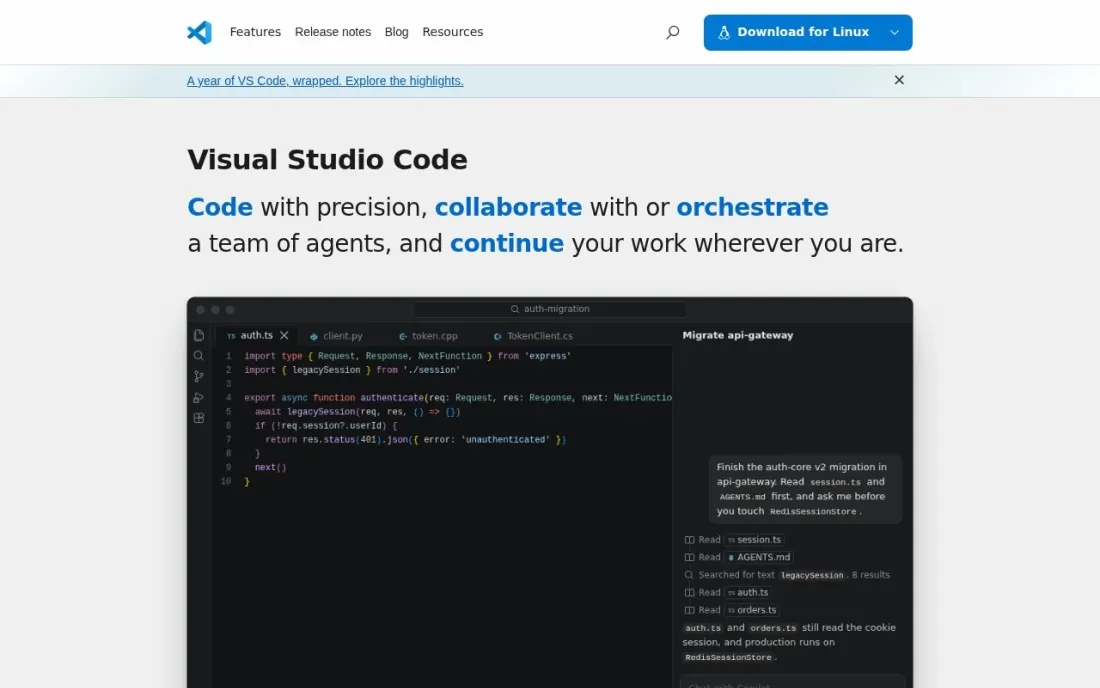
Visual Studio Code is the editor most teams start from, because it costs nothing and runs the same on macOS, Linux and Windows. Microsoft states that it is free for private or commercial use, so a company can standardise on it without a licence budget. The source code is published under the MIT licence, while the builds you download ship under a Microsoft product licence.
Its strength is the extension model: language support, debuggers, linters and Git tools are added as needed, and Copilot's free plan works inside the editor with usage limits. The flip side is that every developer's setup can drift, so share a recommended extensions list in each repository.
What we like
- Free for private and commercial use, with no paid tier to unlock
- Runs on macOS, Linux and Windows, so a mixed team shares one editor
- Source code is published under the MIT licence
- Works with the free Copilot plan for AI completions inside the editor
Watch out for
- The downloadable builds use a Microsoft product licence, not the MIT licence of the source
- Copilot Free has usage restrictions; heavier AI use needs a paid plan
- Much of the language support comes from extensions you choose and maintain yourself

GitHub
Best for: Teams that want the code host, pull-request workflow and CI most developers already know
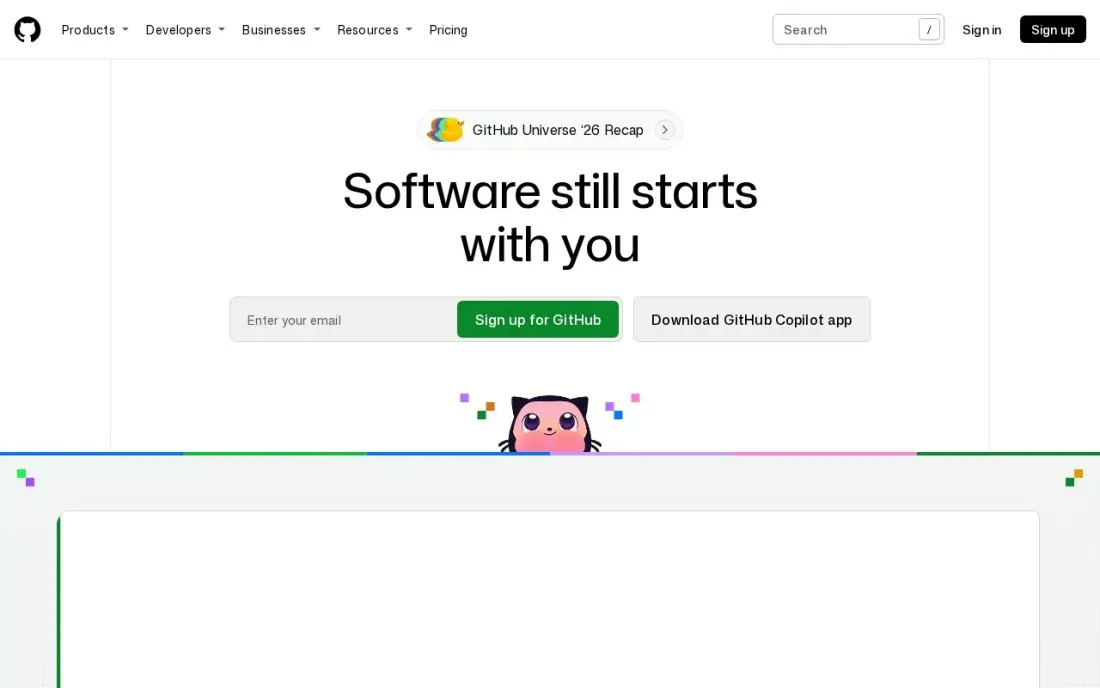
GitHub is where most development work is reviewed and shipped, so new hires arrive already knowing the pull-request workflow. The Free plan covers unlimited public and private repositories, and Team at $4 a user a month adds code owners, required reviewers, protected branches and repository rules.
Read the fine print before a multi-year budget. GitHub labels the Team and Enterprise prices as first-12-months prices and publishes no renewal figure, so ask for a quote if the contract matters. Single sign-on and advanced security sit on Enterprise from $21 a user a month, and Copilot is billed separately.
What we like
- Pull requests keep the discussion, the diff and the decision in one place, next to the code
- Code owners, required reviewers and branch rules on Team give async teams a clear approval path
- The largest ecosystem here: Actions runs CI on every pull request, and most developers already know the workflow
- The Free plan covers unlimited public and private repositories, so small teams start at $0
Watch out for
- Team and Enterprise prices are labelled "first 12 months" on GitHub's pricing page, with no published renewal price
- Single sign-on and advanced security wait for Enterprise from $21/user/month
- Review automation beyond the basics needs Actions or third-party apps

GitLab
Best for: Teams that want Git hosting, CI pipelines, security scanning and issues in one platform

GitLab is the all-in-one alternative: merge requests, CI pipelines, security scanning and issue tracking live in one product, so a team can run its whole delivery process without stitching tools together. The Free plan covers 5 users per group, and Premium costs $29 a user a month billed annually with 10,000 CI minutes a month and 500 GiB of storage.
The seat price is the decision. A 20-developer team pays $580 a month on Premium before add-ons, several times GitHub Team, but that buys the CI and planning features too. The top tier is quote-only, so larger companies should budget through a sales conversation.
What we like
- Merge requests show pipeline results and security findings next to the diff, so reviewers judge a change in one place
- One platform replaces separate CI, planning and scanning tools, which cuts tool sprawl for distributed teams
- Self-managed option for teams that must host their own code
- Premium includes $12 of GitLab Credits a month for Duo agent features
Watch out for
- $29/user/month is roughly seven times GitHub Team, so seat count dominates the bill
- The top tier is now quote-only, with no published price
- Platform breadth can feel heavy for a team that only needs code review

Bitbucket
Best for: Teams already on Jira that want code, pipelines and tickets linked automatically
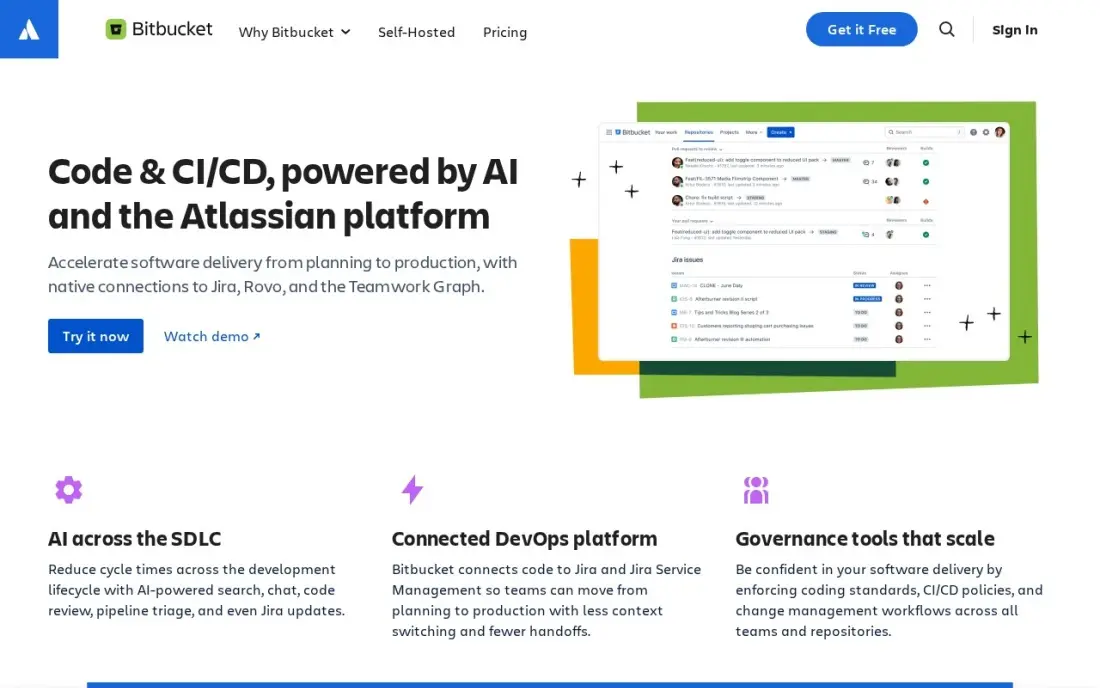
Bitbucket is the Git host built for Jira shops: issue keys in commits update tickets, reviewers open Jira issues from the pull request, and Pipelines runs CI next to the code. The Free plan covers up to 5 users, and Standard costs $3.65 a user a month with unlimited users, merge checks and 2,500 build minutes a month.
The AI code reviewer sits on Premium at $8 a user a month, which rose from $7.25 in Atlassian's October 13, 2026 price change, so older comparisons quote the wrong figure. Choose Bitbucket when Jira is already your system of record; otherwise GitHub has the larger ecosystem.
What we like
- Jira issue keys in commits update ticket status automatically from the pull request
- The cheapest paid plan here at $3.65/user/month for Standard
- Merge checks enforce review and build rules before code lands
- Pipelines CI runs in the same place as the code, with 2,500 build minutes a month on Standard
Watch out for
- The AI code reviewer needs Premium at $8/user/month, not Standard
- Smaller third-party ecosystem than GitHub
- Data Center self-hosting is a separate product with its own pricing

Atlassian Jira
Best for: Software teams that plan sprints, track bugs and report on releases
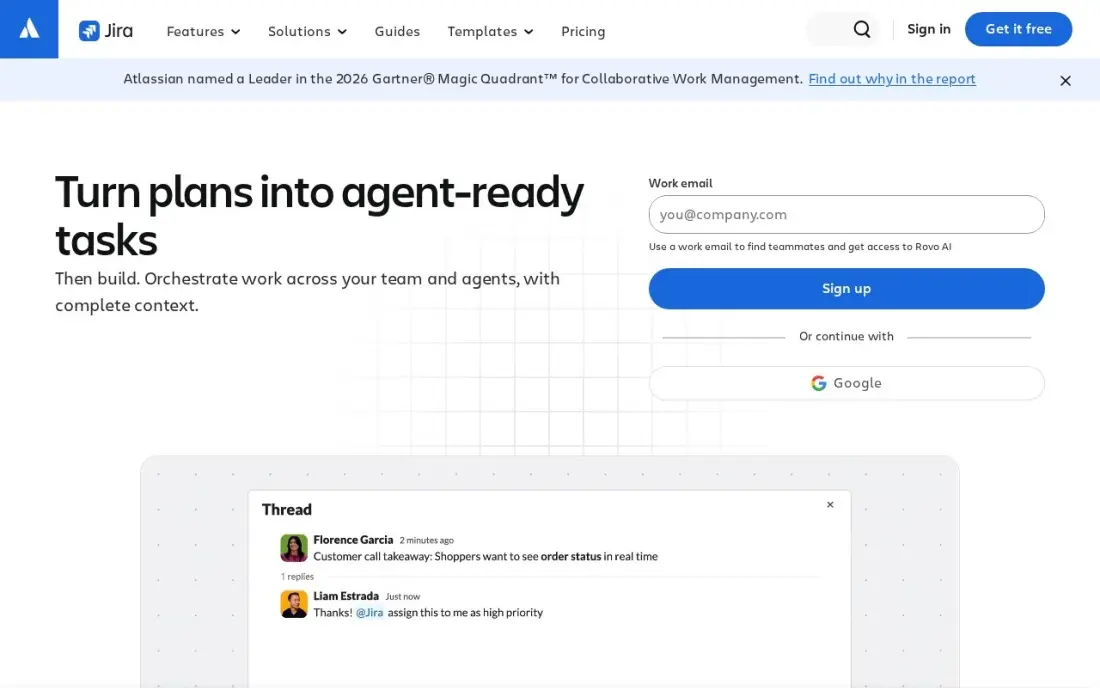
Jira is the standard tracker for software teams: backlogs, sprints, bug workflows and release reports are built for how developers work, and it is free for up to 10 users. Standard costs $9.70 a user a month on monthly billing for teams of 1 to 100 users, after Atlassian's October 13, 2026 price rise from $9.05.
The rate falls as the team grows, $8.20 for 101 to 250 users, which makes the bill harder to forecast. AI agents are included on every paid plan, with 25 Rovo credits per user a month on Standard. New users report a learning curve, so start with a simple workflow and add statuses only when needed.
What we like
- Standard costs $9.70 per user per month on monthly billing for 1-100 users, or $9,700 a year for 100 users on annual billing
- Free for up to 10 users, so a small team can run real sprints before paying anything
- AI agents (Rovo) are included on every paid plan, with 25 Rovo AI credits per user per month on Standard
- Rated 4.3 out of 5 on G2 from 7,941 reviews, with project management the most-cited strength
Watch out for
- Atlassian raised Cloud prices on October 13, 2026: Standard went from $9.05 to $9.70 per user per month for 1-100 users
- The per-user rate changes by user band, so the bill is hard to predict as the team grows
- G2 reviewers cite complexity and a steep learning curve for new users
GitHub Copilot
Best for: Developers who want AI completions, chat and pull-request review inside their editor
GitHub Copilot is the AI assistant most developers try first, because it runs inside VS Code and JetBrains editors and on pull requests at github.com. The Free plan costs $0 with limited completions and premium requests, and Pro costs $10 a user a month, adding pull-request descriptions, code explanations and help with merge conflicts.
Two limits matter. Copilot reviews GitHub code only, so teams with GitLab or Bitbucket repositories need another reviewer, and heavy use consumes GitHub AI credits beyond the seat price. Treat its suggestions as a draft from a fast junior colleague: useful, but every change still needs a human review.
What we like
- Code review is included on every plan, including the $0 Free plan, with no separate reviewer to install
- Reviews live where the code lives — pull requests on github.com and file diffs in VS Code and JetBrains
- Also writes PR descriptions, explains code in the IDE and fixes merge conflicts
- Pro is $10 a user a month, the lowest paid entry price in this list
Watch out for
- GitHub only — no GitLab, Bitbucket or Azure DevOps support at any price
- Review and agent work consume GitHub AI Credits, so heavy use costs more than the $10 seat price
- Context is diff-only on some plans, so it can miss issues that span the wider codebase

Postman is where most teams build and test the APIs their apps depend on: requests are saved in collections, test scripts run on every call, and the same collection becomes documentation and a monitor. The Free plan covers one user with 1,000 API monitoring requests a month, and Solo costs $9 a month billed annually with 10,000 monitoring requests and 400 AI credits.
Collaboration is where the bill starts. The Free plan cannot create a team, and Team costs $19 a user a month billed annually, with unlimited viewers, basic role-based access and up to 50 integrations. Monthly-billing prices are not listed, and AI credits beyond the allowance are charged at $0.04 each on Team.
What we like
- A Free plan for one user, with the Collection Runner and up to 5 integrations
- Paid plans include unlimited automated API testing runs
- Team at $19 a user a month billed annually adds unlimited viewers and basic role-based access
- Mock server usage is unlimited on all current plans
Watch out for
- The Free plan is limited to one user and cannot create a team
- Monthly-billing prices are not listed for Solo or Team
- AI credits and Automation Flows are metered, with overage charges on paid plans

SonarQube
Best for: Teams that want an automatic quality and security gate on every pull request
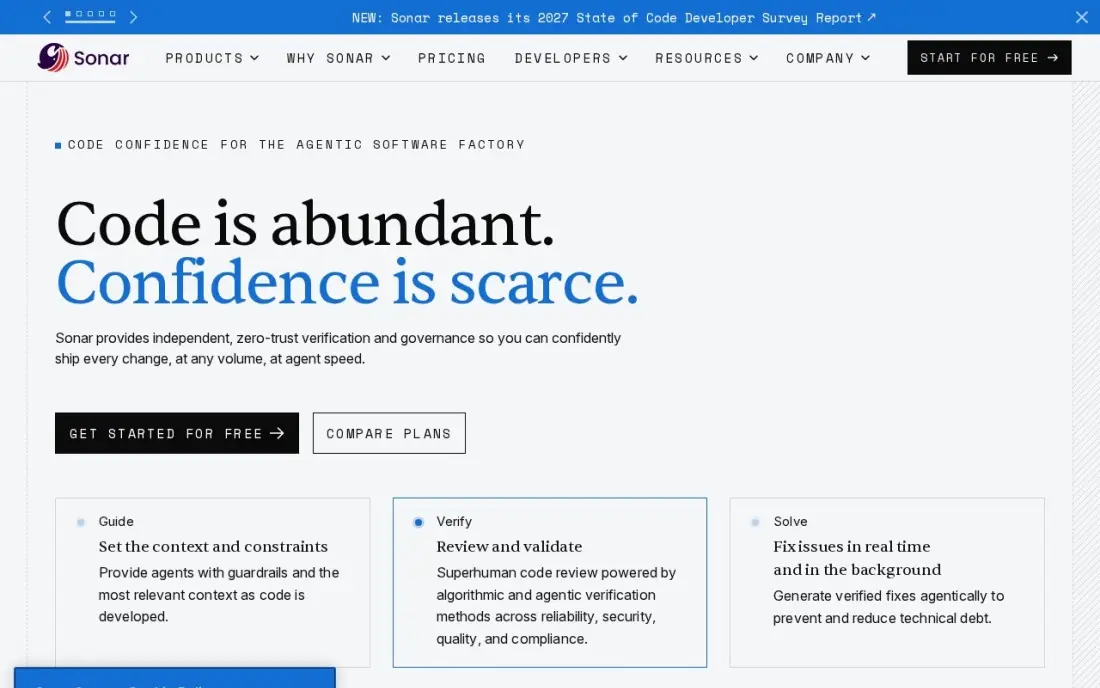
SonarQube runs static analysis on each pull request and blocks merges that fail the team's rules on bugs, vulnerabilities and code smells, so quality is checked before review rather than after release. The free tier covers up to 50,000 lines of code, and the Team plan costs $34 a month flat for up to 100,000 lines.
Because the price follows lines of code rather than people, a growing codebase raises the bill without adding a developer, and dependency scanning costs extra through the Advanced Security add-on. Run it beside GitHub, GitLab or Bitbucket; it checks the code, and people still judge the design.
What we like
- Quality gates block merges that fail the team's own bar, across 35 or more languages
- Flat monthly price scales with lines of code, not seats, so reviewers and managers cost nothing extra
- Community Build self-hosted edition is free with no contributor limits
- Pull request decoration puts findings where reviewers already work
Watch out for
- Priced by lines of code, so a growing codebase raises the bill without adding seats
- Dependency scanning needs the separate Advanced Security add-on
- Automation checks quality — it does not judge design or business logic

Flutter
Best for: Teams building iOS, Android, web and desktop apps from one codebase

Flutter is the app development framework with the fewest decisions: one language, Dart, one UI toolkit and one codebase that ships to iOS and Android, with web and desktop when you need them. It is free and open source under a BSD licence and maintained by Google, so the budget goes to developers, store fees and a backend.
Because Flutter draws every screen itself, a design looks the same on an iPhone and a Pixel, and hot reload shows changes almost instantly. The cost is learning Dart, and apps run heavier than fully native builds. It is the safest first framework for a team without an existing web stack.
What we like
- One Dart codebase ships to iOS, Android, web, Windows, macOS and Linux from a single project
- Its own rendering engine draws the same interface on both phones, so the design never drifts between platforms
- Hot reload shows code changes in under a second, which keeps the design and fix loop short
- The largest cross-platform package library here: pub.dev lists thousands of maintained plugins
Watch out for
- Dart is a smaller hiring pool than JavaScript or Kotlin, so recruiting takes longer
- Apps ship larger than native ones, and some platform features still need a plugin or native code
- Its custom rendering means the app does not use the platform's own native controls

React Native
Best for: Web teams that already write React and want native iOS and Android apps
React Native lets a team that already ships React on the web build mobile apps with the same language and many of the same developers, while components render as real native controls on iOS and Android. It is free and open source under the MIT licence, maintained by Meta, with the largest community in cross-platform development.
The ongoing cost is maintenance: framework upgrades and third-party library compatibility can stall a sprint, and performance tuning sometimes needs native iOS or Android knowledge. Start with Expo for a smoother setup, and budget time each quarter for upgrades.
What we like
- Renders real native controls, so the app feels like it belongs on each platform
- The largest hiring pool here: most web developers already know JavaScript and React
- Expo, the recommended starter, adds managed builds, routing and device APIs for free
- Code sharing with a React web app is straightforward, so one team can cover web and mobile
Watch out for
- Upgrades and third-party libraries can break, and dependency fixes eat real sprint time
- Heavy animation and lists can lag behind native, and some features need a native module
- Debugging across the JavaScript and native bridge is harder than debugging a single language
The best software development tools cover the full path from writing code to shipping it: an editor, a Git host with CI, a tracker, API and quality tools, an AI assistant and, for app development, a cross-platform framework. We compared ten tools across those jobs, looking at what each costs per developer, what the free plans really include and where the bill grows. Every price was checked on the vendor's own page in November 2026.
How to choose the best software development tools
- Build the stack around the Git host. GitHub, GitLab and Bitbucket each pull in different CI, review and tracker choices, so decide this first.
- Price per developer, then per usage. Seats are only half the bill; CI minutes, AI credits, monitoring requests and lines of code are all metered somewhere in this list.
- Check what the free plans allow for a team. Jira is free for 10 users and Bitbucket for 5, but Postman Free stops at one user.
- Pick frameworks by the language you already hire for. Flutter means learning Dart; React Native reuses React and JavaScript skills.
- Automate quality before you add reviewers. A gate such as SonarQube catches the routine problems so human review time goes on design.
- Read renewal terms. GitHub's Team price is labelled as a first-12-months price, and Atlassian raised prices on October 13, 2026.
Development tools build the product; people still have to find it. If you are launching a web app or SaaS, our SEO audit checks that search engines can crawl and index it, and our guide to the best website development software covers builders for marketing sites.
Software development tools pricing: what you will actually pay
Take a team of 12 developers on a GitHub-centred stack. GitHub Team at $4 a user a month is $48, Jira Standard at $9.70 a user a month on monthly billing is $116.40, Copilot Pro at $10 a user a month is $120, and SonarQube Team is $34 a month flat for up to 100,000 lines of code. Visual Studio Code, Flutter and React Native add nothing. That is $318.40 a month, or $3,820.80 a year.
If the team also builds APIs together, Postman Team at $19 a user a month billed annually adds $228 a month, or $2,736 a year. Swap GitHub for GitLab Premium at $29 a user a month billed annually and the code host alone is $348 a month, though that includes 10,000 CI minutes a month. A team of 10 or fewer can drop the Jira line entirely, because Jira is free up to 10 users.
Know the difference: development tools vs app development frameworks
Development tools are the workshop: the editor where code is written, the Git host where it is stored and reviewed, the tracker that decides what gets built, and the quality and API tools that check it. They apply to any kind of software, from a web backend to a mobile app, and teams change them rarely.
App development frameworks such as Flutter and React Native are the materials. They decide the language, the user interface toolkit and how one codebase reaches iOS and Android. Changing a framework means rewriting the app, so choose it for the next three years of hiring, not for this sprint.
Quick comparison: tool type by need
| Buyer | Best pick | Why |
|---|---|---|
| Every developer | Visual Studio Code | Free editor for private and commercial use on Mac, Windows and Linux |
| Most teams | GitHub | Free unlimited private repos; Team $4/user/month |
| One-platform DevOps | GitLab | CI, security and issues; Premium $29/user/month billed annually |
| Jira shops | Bitbucket | Free up to 5 users; Standard $3.65/user/month |
| Sprint planning | Atlassian Jira | Free up to 10 users; Standard $9.70/user/month |
| AI coding help | GitHub Copilot | Free plan; Pro $10/user/month |
| API teams | Postman | Free for 1 user; Team $19/user/month billed annually |
| Code quality gate | SonarQube | Free up to 50,000 lines; Team $34/month |
| New mobile apps | Flutter | Free, one Dart codebase for iOS, Android, web and desktop |
| React web teams | React Native | Free, native apps from React skills |
Mistakes to avoid
- Paying for two platforms that overlap. GitLab Premium already includes CI and issues; adding a separate tracker and CI service doubles the bill.
- Ignoring usage meters. CI minutes, AI credits and lines of code all grow with the product, so model next year's usage, not this month's.
- Choosing a framework your team cannot hire for. A Dart or JavaScript decision shapes every job advert for years.
- Letting AI suggestions skip review. Copilot output still needs tests and a human reviewer before it merges.
- Budgeting on promotional prices. Check whether a quoted seat price is a first-year rate and what the renewal will be.
Related comparisons: Ecommerce Development Companies · Mobile App Development Companies · WordPress Development Company Options · Real Estate Development Software
How we chose
We read each vendor's own pricing or licence page in November 2026 and recorded starting prices exactly as shown, including whether a figure is billed annually or monthly. We picked one strong tool for each job in a typical development workflow — editor, Git hosting, planning, AI assistance, API work, code quality and cross-platform frameworks — and favoured tools with a usable free tier. Ratings come from G2 pages checked on the dates shown in the sources; we omit ratings we did not read. No vendor paid for a place in this list, and none of the links here are affiliate links.
What to do next
List the jobs your team does every week, mark which of them already have a tool, and fill only the gaps, starting on the free plans above. Re-price the stack once the team passes the first free-plan limit. When the product is ready for customers, book a free consultation and we will help you get it found.
Frequently asked questions
What are the best software development tools?
A typical stack combines Visual Studio Code as the editor, GitHub or GitLab for code and CI, Jira for planning, Postman for APIs, SonarQube for quality checks and GitHub Copilot for AI help. For app development, Flutter and React Native are the leading free frameworks.
What is the best app development software?
For cross-platform mobile apps, Flutter suits teams starting fresh and React Native suits teams that already write React. Both are free and open source. You will still need an editor such as Visual Studio Code, a Git host such as GitHub and a tracker such as Jira.
Can a development team work entirely on free tools?
A small team can. Visual Studio Code is free for commercial use, GitHub Free covers unlimited private repositories, Jira is free for up to 10 users, Bitbucket Free covers 5 users, SonarQube is free up to 50,000 lines of code, and Flutter and React Native are open source. Postman Free covers one user only.
GitHub or GitLab: which should a team choose?
GitHub is cheaper per seat, with Team at $4 a user a month, and most developers already know it. GitLab Premium costs $29 a user a month billed annually but bundles CI minutes, security scanning and issue tracking, so it suits teams that want one platform.
How much do software development tools cost per developer?
A paid stack of GitHub Team at $4, Jira Standard at $9.70 on monthly billing and Copilot Pro at $10 comes to about $23.70 per developer a month, plus SonarQube Team at $34 a month for the whole codebase and Postman Team at $19 a user a month billed annually if the team builds APIs.
Do I need an AI coding assistant?
Not to ship software, but most teams now use one for completions and first drafts of tests. GitHub Copilot has a free plan with limited completions and Pro at $10 a user a month, which is a low-risk way to try it before committing.
What is the best ticketing tool for software development?
Atlassian Jira, for most teams: it is built to plan sprints, track bugs and report on releases, and it is free for up to 10 users. Standard costs $9.70 per user per month. Pair it with Bitbucket and Jira issue keys in commits update ticket status from the pull request. Teams that want issues next to CI and security scanning can use GitLab instead.
Sources we checked (17)
- Visual Studio Code — code.visualstudio.com/Docs/FAQ (checked November 16, 2026)
- GitHub — github.com/pricing (checked November 7, 2026)
- GitHub reviews on G2 (checked November 7, 2026)
- GitLab — about.gitlab.com/pricing (checked November 7, 2026)
- GitLab reviews on G2 (checked November 7, 2026)
- Bitbucket — www.atlassian.com/software/bitbucket/pricing (checked November 7, 2026)
- Bitbucket reviews on G2 (checked November 7, 2026)
- Atlassian Jira — www.atlassian.com/licensing/future-pricing/cloud/list/pricing-tables (checked November 4, 2026)
- GitHub Copilot — github.com/features/copilot/plans (checked November 6, 2026)
- GitHub Copilot reviews on G2 (checked November 6, 2026)
- Postman — www.postman.com/pricing (checked November 16, 2026)
- SonarQube — www.sonarsource.com/plans-and-pricing (checked November 7, 2026)
- SonarQube reviews on G2 (checked November 7, 2026)
- Flutter — flutter.dev (checked November 10, 2026)
- Flutter reviews on G2 (checked November 10, 2026)
- React Native — reactnative.dev (checked November 10, 2026)
- React Native reviews on G2 (checked November 10, 2026)
Make one of these tools?
We re-check this list every quarter. Send a correction, request a review, or ask about a clearly labeled sponsored spot.
Request a listingShamim
Founder of SerpAstra
A full-stack digital marketer and SEO strategist covering technical and local SEO, AI search visibility, paid ads and lead generation for local businesses, e-commerce brands and SaaS teams.
Free SEO and AI visibility audit
Find out what is holding your rankings back
Send us your site. Within 2 business days you get a written audit, an AI visibility check and a short fix list ranked by impact. Free, with no contract attached.
Request my free audit→Related buying guides
 Developer Tools7 Best Code Review Tools for Distributed Teams in 2026, ComparedCompare the 7 best code review tools for distributed teams on price, free plans and review workflows, with every price checked November 7, 2026.Read guide →
 Developer Tools10 Best Cross-Platform App Development in 2026, ComparedCompare the 10 best cross-platform app development options for iOS and Android in 2026, with real prices, free frameworks and low-code builders.Read guide →
 Developer Tools8 Best Software Development Analytics Tools in 2026, ComparedCompare the 8 best software development analytics tools for 2026 on price, DORA metrics and AI features, with every price checked November 7, 2026.Read guide →