
8 Best App Builders in 2026, Compared
Compare the 8 best app builder tools for web and mobile apps on free plans, store publishing, code export and real cost, with prices checked November 2026.
 Shamim Mia, Founder, SerpAstraLast verified November 7, 20268 min read
We compare pricing pages, documentation and public reviews. We never accept payment for rankings.
Key takeaways
- Bubble is the best app builder for most founders: database, logic, user accounts and payments in one editor, from $59 a month billed annually.
- FlutterFlow and WeWeb are the picks if you want to own your code; both export it from their entry paid plans.
- Glide, Softr and AppSheet turn spreadsheets and Airtable bases into working apps fastest, and suit internal tools and client portals.
- Check the exit before you build: Bubble, Adalo and OutSystems do not export your app, so leaving means a rebuild.
On this page
Quick comparison
| Tool | Best for | Starting price | Free plan |
|---|---|---|---|
| Bubble | Founders who want a full web and mobile app with database, logic and payments without hiring developers | $59/mo (annual) | Yes (build free) |
| FlutterFlow | Teams that want a visual builder for native mobile apps and the real code behind them | $29.25/mo (annual) | Yes (free plan) |
| Adalo | Non-technical founders publishing a simple database app to both app stores | $624/yr | Yes (free plan) |
| Glide | Small teams turning a Google Sheet or Airtable base into an app in an afternoon | $25/mo | Yes (free plan) |
| Softr | Agencies and small businesses building client portals, directories and member apps | $25/mo | Yes (free plan) |
| AppSheet | Google Workspace companies building internal apps for a known group of staff | $5/user/mo | Yes (free plan) |
| WeWeb | Builders who want a polished web app front end they can export and host anywhere | $25/mo | Yes (free plan) |
| OutSystems | Large organisations that need governed low-code apps with audit trails and compliance | Custom quote | Yes (test only) |
Make one of these tools?
We re-check this list every quarter. Send a correction, request a review, or ask about a clearly labeled sponsored spot.
Request a listingThe best app builders

Bubble
Best for: Founders who want a full web and mobile app with database, logic and payments without hiring developers
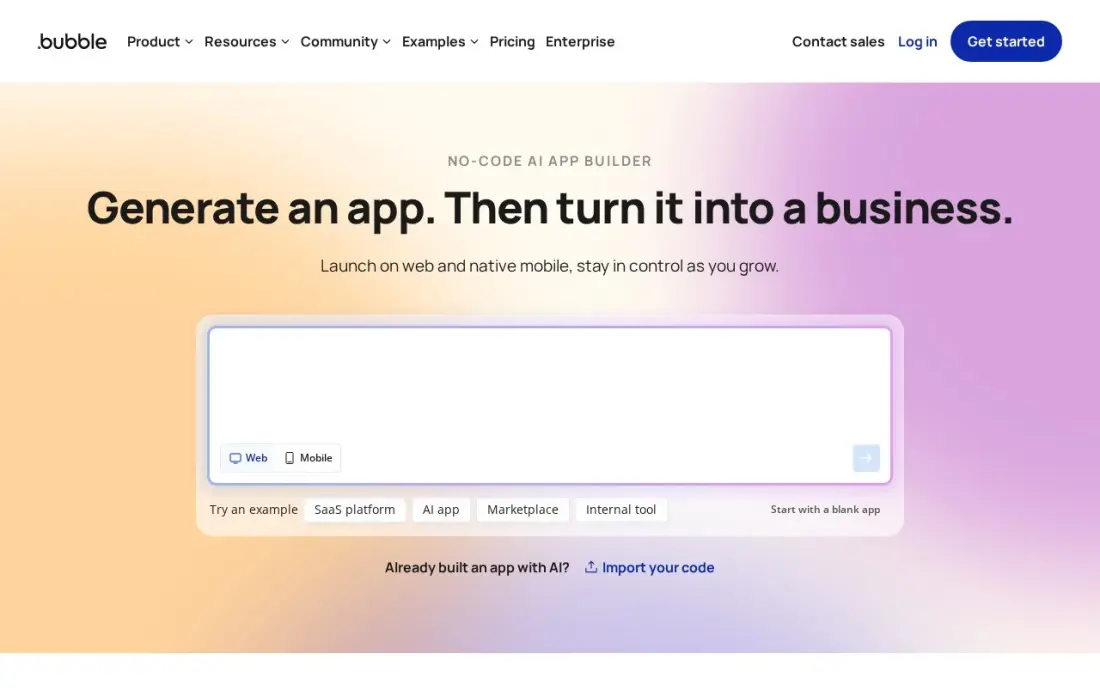
Bubble is the most complete app builder here. One visual editor holds the interface, a hosted database, user accounts, workflows and payment plugins, and native iOS and Android apps are now built in the same editor as the web version. You can build and test free, and Starter at $59 a month billed annually ($69 billed monthly) puts a live app on your own domain.
Watch two things. Workload units are metered, so a busy app pays overage on top of the plan, and there is no code export. Bubble is the right call for validating a product idea fast; plan for the possibility of a rebuild if the app becomes the business.
What we like
- Visual editor plus a hosted database, workflows and user accounts, so no backend is needed
- Native mobile apps are now built in the same editor, alongside the web version
- A large plugin marketplace and template library cover payments, maps and messaging
- Workload-unit metering means a quiet app costs the plan price and nothing more
Watch out for
- Workload-unit overages cost about $0.30 per 1,000 units, so a busy app can outgrow the plan fast
- No code export, so leaving Bubble means rebuilding the app from scratch
- Native mobile is still new, and performance lags compiled frameworks on demanding screens

FlutterFlow
Best for: Teams that want a visual builder for native mobile apps and the real code behind them
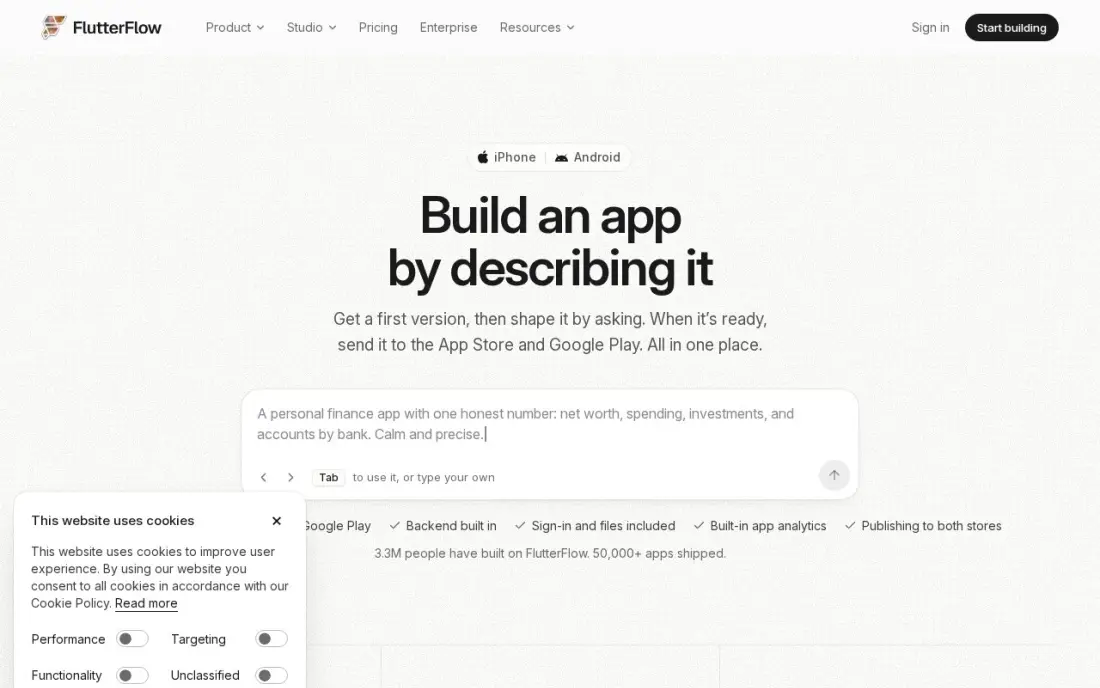
FlutterFlow builds apps in Flutter, the framework Google uses for cross-platform mobile, and it hands you the code. The visual editor connects to Firebase and Supabase for login, data and notifications, and from the Basic plan you can download the Flutter project and deploy to the App Store and Google Play in one click.
Basic costs $39 a month, or $29.25 a month billed annually, and the free plan covers two projects without code download. Team editing needs Growth at $80 a month for the first seat. It suits a founder who expects to hand the app to developers later, because nothing has to be rebuilt.
What we like
- Visual drag-and-drop builder that generates real Flutter code you can download and own
- One-click deployment to the App Store and Google Play from the Basic plan up
- Firebase and Supabase integrations cover auth, database and push notifications without a backend team
- Free plan lets a team prototype the whole app before paying anything
Watch out for
- Code download needs Basic at $39 a month; the free plan locks your project inside FlutterFlow
- Team editing needs Growth at $80 a month for the first seat, and a second seat adds $55 a month
- AI usage allowances are metered, and Firebase or Supabase bills arrive separately
Adalo
Best for: Non-technical founders publishing a simple database app to both app stores
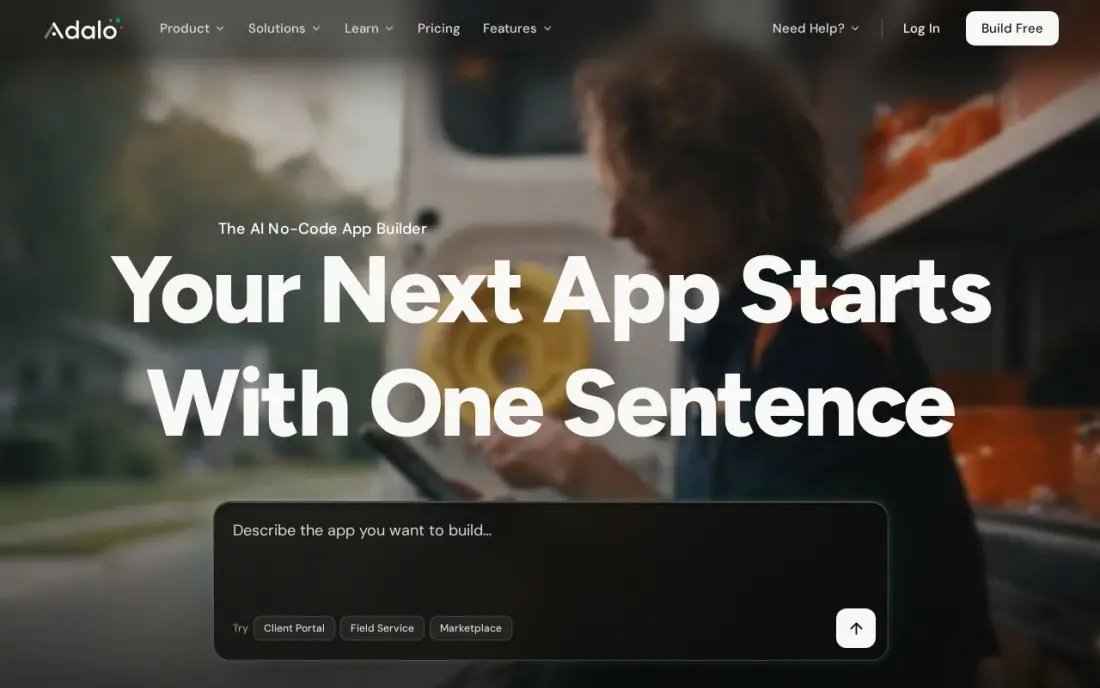
Adalo is the gentlest path to a native app in the stores. You lay out screens on a canvas, link them to the built-in database, and publish true iOS and Android builds from one version. Pricing is flat, with no per-action charges, so the bill does not grow as users sign up, and the Ada assistant drafts screens from a description.
Store publishing starts on Builder at $65 a month billed monthly ($624 a year billed annually); the free plan builds and tests only. You cannot export source code, and reviewers report slowdowns past a few thousand users. Use it to prove an idea, not to run a large consumer app.
What we like
- A visual canvas with a built-in database publishes true native iOS and Android builds from one version
- Flat monthly pricing with no per-action or usage charges, so the bill does not grow with users
- Ada, the AI assistant, builds screens from a description, and the free plan includes 5 prompts a month
- Stripe, Maps, push notifications and custom actions are included on the Builder plan
Watch out for
- Store publishing starts at $65 a month; the free plan cannot publish anywhere
- You cannot export the source code, so leaving Adalo means rebuilding the app
- Reviewers report performance problems once an app passes a few thousand users

Glide
Best for: Small teams turning a Google Sheet or Airtable base into an app in an afternoon
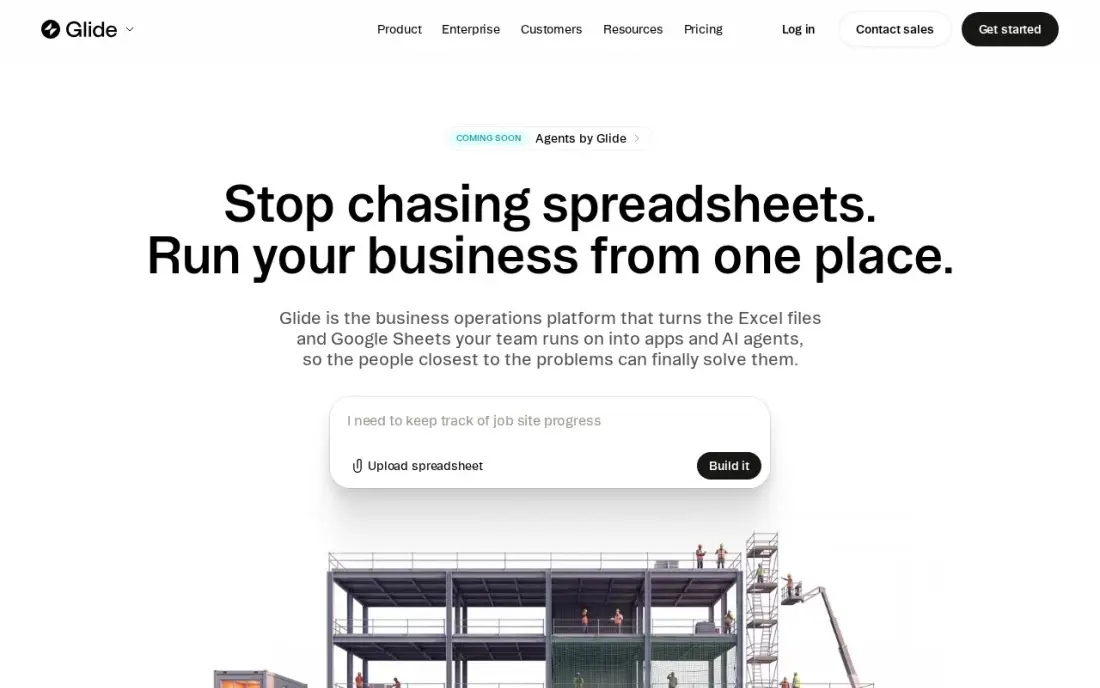
Glide is the fastest app builder on this list when your data already lives in a spreadsheet. Point it at a Google Sheet or Airtable base and it produces a clean, mobile-friendly app with lists, forms and actions, and the results look finished without design work. It carries a 4.7 rating on G2 from 820 reviews.
Explorer costs $25 a month billed monthly or $19 billed annually, and the free plan saves drafts only, so publishing costs money from day one. Complex business rules sit outside its comfort zone, and work-domain sign-in needs Business at $199 a month billed annually. For field apps, inventories and team dashboards it is hard to beat.
What we like
- Fastest path from a spreadsheet to a working app, with the smoothest builder here
- Clean mobile-friendly output that looks professional without design effort
- Unlimited personal users on Maker, so community and customer apps stay cheap
- Good for internal tools, dashboards and simple customer-facing apps
Watch out for
- Free plan cannot publish a live app, only drafts, so validation costs money from day one
- Limited custom logic for a SaaS with sophisticated business rules
- Work-domain sign-in forces Business at $199 a month billed annually

Softr
Best for: Agencies and small businesses building client portals, directories and member apps
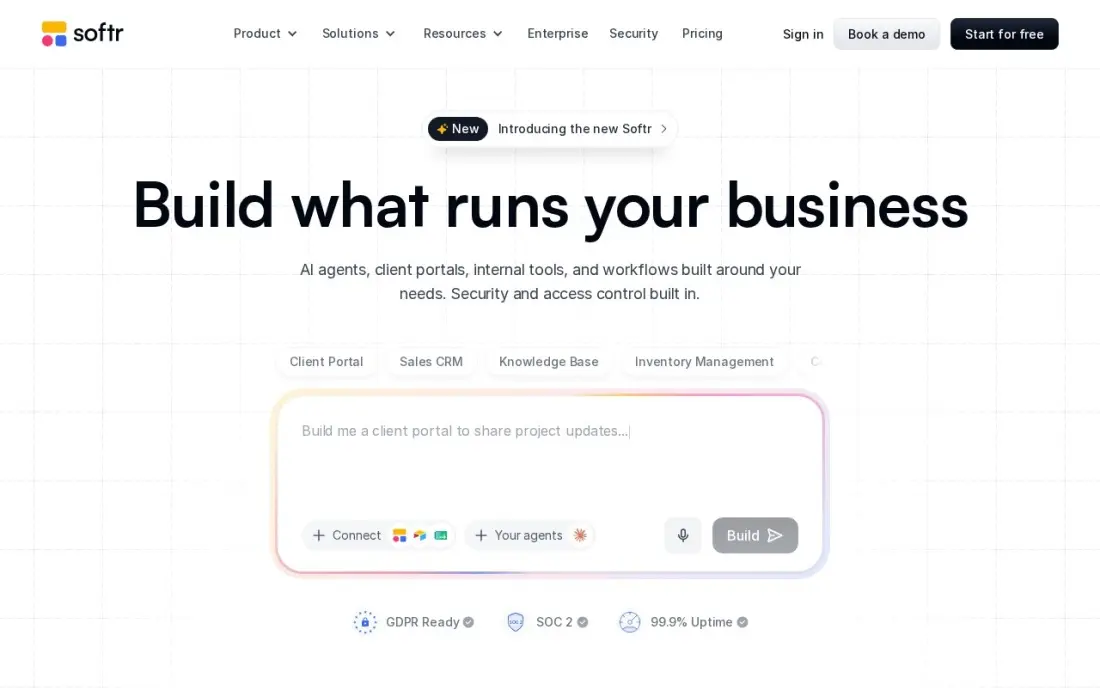
Softr builds apps with logins and permissions on top of Airtable, Google Sheets, Notion or its own database. Its blocks map straight onto portals, directories and membership sites, so an agency can give each client a private view of its projects in days rather than weeks. Pricing is per workspace, not per builder seat.
Basic costs $25 a month billed monthly or $19 billed annually, and the free plan covers 5,000 records, 500 workflow actions and 5 app users. Removing Softr branding needs Pro at $99 a month billed annually, and three separate usage meters make the bill harder to predict. Logic beyond forms and filters is limited.
What we like
- Best in no-code for portals, directories and membership sites with logins and permissions
- Native Airtable integration, plus its own database, Google Sheets and Notion sources
- Flat price per workspace, not per seat, so internal builders never add to the bill
- Block-based builder is fast: a working portal in days, not weeks
Watch out for
- Custom logic is limited: complex workflows beyond forms, filters and permissions frustrate
- Removing Softr branding waits for Pro at $99 a month billed annually
- Three meters at once — records, workflow actions and app users — are hard to track

AppSheet
Best for: Google Workspace companies building internal apps for a known group of staff
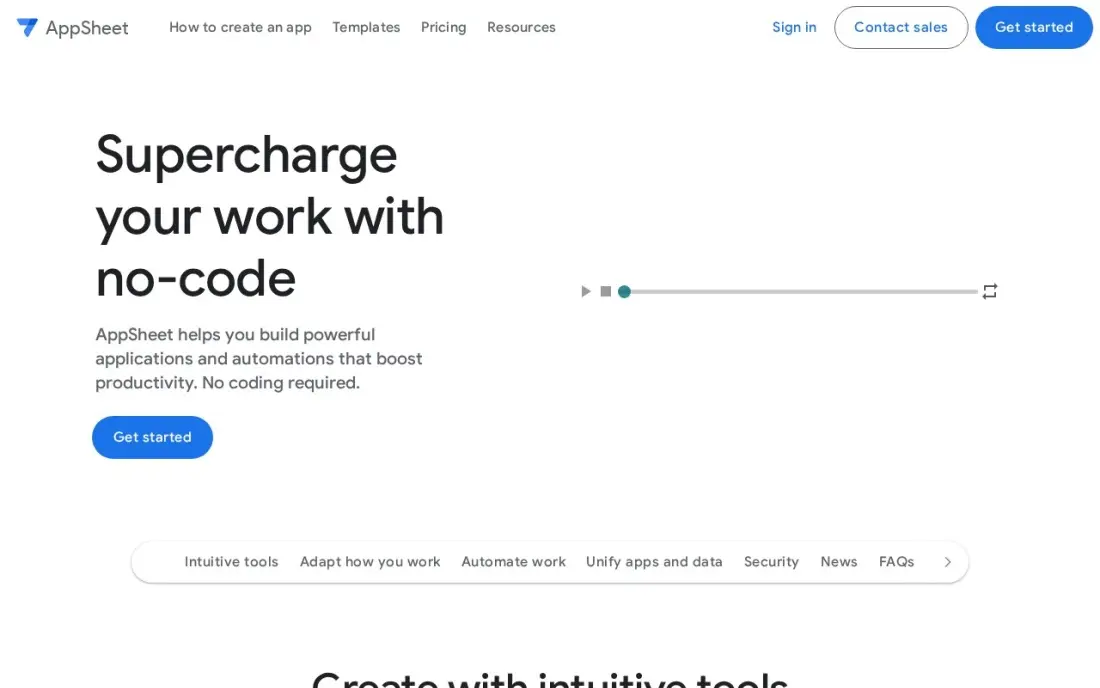
AppSheet is Google's app builder and the obvious choice for a company that runs on Workspace. It reads a sheet or Drive data, generates an app with views, forms and automations, and lets you add logic with expressions instead of code. Core at $10 a user a month is included in most paid Workspace plans, so many teams already own it.
You can build and test free with up to 10 users, and Starter costs $5 per user a month. Per-user pricing is the limit: it suits fifty field technicians, not a public app with thousands of customers, and there is no store publishing path. Google also moved AppSheet to stability-first development in May 2026.
What we like
- Deep Google Workspace integration: Sheets, Drive, Gmail and Calendar as data sources
- Core at $10 a user a month is already included in most paid Google Workspace plans
- Strong automation with scheduled events, bots and expressions, no code needed
- Highest G2 rating here at 4.8 from 405 reviews
Watch out for
- Per-user pricing breaks for a public SaaS: 500 users on Starter costs $2,500 a month
- Built for internal tools, not consumer products: no public app store path
- Google moved AppSheet to stability-first development in May 2026, with fewer new features

WeWeb
Best for: Builders who want a polished web app front end they can export and host anywhere
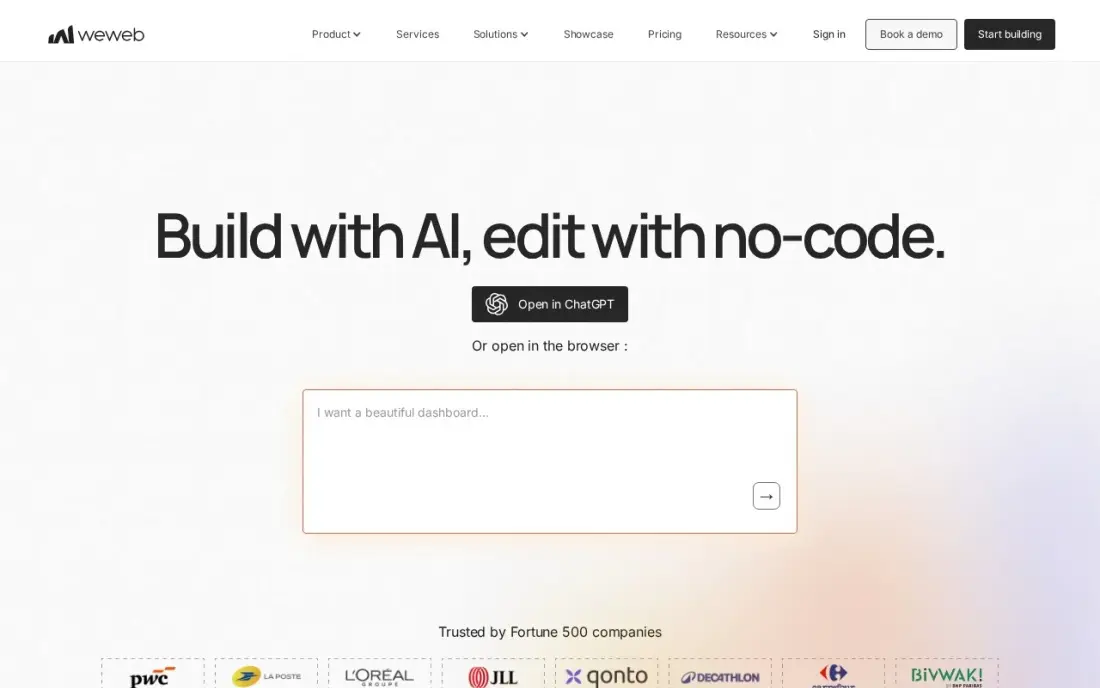
WeWeb builds the front end of a web app with more design control than most no-code tools, then connects it to Xano, Supabase, any REST API or its own native backend. Its standout feature is export: the app can be downloaded as Vue code and hosted elsewhere, which removes the lock-in worry that hangs over this category.
Essential costs $25 a month billed monthly or $20 billed annually and includes code export, while hosting on WeWeb Cloud is billed separately per app. App users are unlimited on every plan. You will need a backend alongside it, so budget for Xano or Supabase if you do not have one.
What we like
- Real code export removes lock-in: export the frontend as Vue code and host it anywhere
- Connects to any backend through REST APIs, Xano, Supabase or its own native backend
- Unlimited app users on every plan, so customer growth does not raise the seat bill
- Strong design control for custom interfaces, with AI-assisted building included
Watch out for
- Frontend only in practice: you must bring or buy a backend, such as Xano
- WeWeb Cloud hosting is billed separately per app, on top of the seat price
- Smaller template and plugin ecosystem than Bubble

OutSystems
Best for: Large organisations that need governed low-code apps with audit trails and compliance
OutSystems is the enterprise end of app building: a low-code platform for web and mobile apps with AI app generation, shared components, governance and audit trails, aimed at IT departments that need to ship internal software faster without losing control. Every subscription includes development, test and production environments.
The free Personal Edition is for learning and prototyping only, with up to 100 internal users, and production pricing is quoted by sales rather than published. Apps cannot be exported to another platform. A small business does not need it; a regulated company with a backlog of internal apps should put it on the shortlist.
What we like
- Visual development with AI app generation, plus governance, audit trails and compliance built in
- One platform covers web and mobile apps, integrations and AI agents with shared components
- Personal Edition is free for learning and prototyping, with hosting included
- Every subscription includes development, test and production runtimes with a 99.5% uptime guarantee
Watch out for
- No published production price; every quote comes from sales, and third-party listings put entry near $36,300 a year
- Personal Edition cannot ship production apps, so the free tier is a trial in all but name
- Vendor lock-in is total: apps cannot be exported to another platform
The best app builder lets you go from an idea to a working app with logins, data and actions, without writing the code yourself, and without trapping you when the app grows. We compared eight app builders on what decides the purchase: whether they build web or native mobile apps, whether they publish to the app stores, whether you can export the code, and what a live app really costs. Every price below comes from the vendor's own pricing page as checked in November 2026.
How to choose the best app builder
- Decide web, mobile or both. Glide, Softr and WeWeb build web apps; Adalo and FlutterFlow build native store apps; Bubble does both in one editor.
- Start from where your data lives. A spreadsheet points to Glide or AppSheet, an Airtable base to Softr, and a fresh idea to Bubble or FlutterFlow.
- Check the exit. FlutterFlow and WeWeb export code; Bubble, Adalo and OutSystems do not, so leaving them means a rebuild.
- Price the live app, not the free plan. Most free plans build and test only; publishing is where the bill starts.
- Watch usage meters. Bubble meters workload units and Softr meters records, actions and users, so traffic changes the price.
- Match the audience. Per-user pricing like AppSheet's suits internal staff, not public apps with thousands of users.
An app only earns its keep if people find it. Once yours is live, our AI search optimization service helps it get named when buyers ask ChatGPT or Perplexity for tools like yours, and our guide to the best no-code tools to build SaaS goes deeper on subscription products.
App builder pricing: what you will actually pay
Take a simple customer app with a database and logins, live for a year. On annual billing the entry plans cost $228 on Glide Explorer or Softr Basic ($19 a month), $240 on WeWeb Essential before hosting, $351 on FlutterFlow Basic, $624 on Adalo Builder and $708 on Bubble Starter ($59 a month). On monthly billing the same year costs $300 on Glide or Softr, $468 on FlutterFlow, $780 on Adalo and $828 on Bubble.
Internal apps price differently. Twenty staff on AppSheet Starter cost $100 a month, or $1,200 a year, and Core at $10 a user may already be in your Google Workspace plan. OutSystems does not publish production prices, so ask sales for a quote before you build on it.
Know the difference: no-code vs low-code app builders
No-code app builders such as Bubble, Adalo, Glide and Softr are designed for people who never touch code. You build with visual blocks and settings, and the platform hosts everything. The trade-off is control: when you hit a feature the builder does not support, you wait for the vendor or find a plugin.
Low-code platforms such as FlutterFlow and OutSystems still give you a visual editor, but they expect a developer to step in for custom logic, and FlutterFlow hands over real code. They take longer to learn and cost more in skills, but they stretch further when the app becomes complex.
Quick comparison: tool type by need
| Need | Best pick | Why |
|---|---|---|
| Full app without developers | Bubble | Database, logic and payments in one editor, from $59/month billed annually |
| Native mobile with code export | FlutterFlow | Flutter code download from $39/month |
| Simple store app | Adalo | Native iOS and Android from $65/month, flat pricing |
| Spreadsheet to app | Glide | Polished app from a sheet, from $19/month billed annually |
| Client portal | Softr | Logins and permissions on Airtable, from $19/month billed annually |
| Google Workspace internal app | AppSheet | From $5/user/month, Core included in many Workspace plans |
| Custom front end you own | WeWeb | Vue code export from $25/month |
| Enterprise governance | OutSystems | Audit trails and compliance, custom quote |
Mistakes to avoid
- Building on the free plan and assuming it will go live. On most builders, publishing needs a paid plan; budget for it before you start.
- Ignoring lock-in. If investors or developers will want the code later, pick FlutterFlow or WeWeb from day one.
- Choosing per-user pricing for a public app. A customer app with thousands of users gets expensive on per-seat plans.
- Skipping a load test. Run a busy week of fake traffic before launch so usage meters and slow screens do not surprise you.
- Designing every screen before talking to users. Ship three core screens, get feedback, then build the rest.
Related comparisons: AI App Builders · Website Builders for Service Business Owners · Offline Website Builder Software · Deals on Website Builder Software
How we chose
We read each vendor's pricing page in November 2026 and recorded starting prices exactly as shown, including monthly and annual billing where both are listed. We ranked the builders for the most common buyer — a founder or small business building its first app — weighting what the app can do, store publishing, code export and the cost of a live app for a year. Ratings come from G2 pages on the dates shown in the sources. No vendor paid for a place in this list, and none of the links here are affiliate links.
What to do next
Write down your app's three most important screens and where its data lives today, then build them on the free plan of the two builders that fit best; a weekend of testing tells you more than any review. When the app is ready for users, book a free call and we will show you how to get it found in search and AI answers.
Frequently asked questions
What is the best app builder in 2026?
Bubble is the best app builder for most founders, with database, logic and payments in one editor from $59 a month billed annually. FlutterFlow is best for native mobile apps with code export, and Glide is fastest for spreadsheet-based apps.
Is there a free app builder?
Most app builders here have free plans for building and testing, including Bubble, FlutterFlow, Adalo, Softr and AppSheet. Publishing a live app usually needs a paid plan, and Softr's free plan is capped at 5 app users.
Which app builder lets me export my code?
FlutterFlow exports Flutter code from Basic at $39 a month, and WeWeb exports Vue code from Essential at $25 a month. Bubble, Adalo, Glide and OutSystems do not export source code.
Can I publish to the App Store with a no-code app builder?
Yes. Adalo publishes native iOS and Android apps from its Builder plan at $65 a month, FlutterFlow deploys to both stores from Basic, and Bubble now builds native mobile apps in the same editor as web apps.
How much does it cost to build an app with an app builder?
Entry paid plans run from $19 a month billed annually on Glide or Softr to $59 a month billed annually on Bubble and $65 a month on Adalo. AppSheet charges $5 per user a month instead, and OutSystems is quoted by sales.
What is the difference between an app builder and a website builder?
A website builder makes pages people read. An app builder adds a database, user accounts and logic, so people can log in, save data and complete tasks.
What is the best app builder without coding?
Bubble is the best no-code choice for a full web and mobile app, with a hosted database, workflows, user accounts and payments built in. Adalo is simpler and publishes native iOS and Android builds from one canvas. Glide turns a Google Sheet or Airtable base into an app in an afternoon, and Softr builds portals and directories. All four have free plans to build and test before paying.
Which app builders come with templates?
Bubble has the largest template library and plugin marketplace here, covering payments, maps and messaging. Softr's block-based builder gets a working client portal or directory live in days, and Glide produces clean, mobile-friendly apps without design effort. Adalo's AI assistant, Ada, builds screens from a description, with 5 prompts a month on the free plan. Start from a template, then check what the live plan costs.
Sources we checked (13)
- Bubble — bubble.io/pricing (checked November 10, 2026)
- Bubble reviews on G2 (checked November 10, 2026)
- FlutterFlow — flutterflow.io/pricing (checked November 10, 2026)
- Adalo — adalo.com/pricing (checked November 10, 2026)
- Glide — www.glideapps.com/classic/pricing (checked November 7, 2026)
- Glide reviews on G2 (checked November 7, 2026)
- Softr — www.softr.io/pricing (checked November 7, 2026)
- Softr reviews on G2 (checked November 7, 2026)
- AppSheet — about.appsheet.com/pricing (checked November 7, 2026)
- AppSheet reviews on G2 (checked November 7, 2026)
- WeWeb — www.weweb.io/pricing (checked November 7, 2026)
- WeWeb reviews on G2 (checked November 7, 2026)
- OutSystems — www.outsystems.com/compare/outsystems-vs-mendix (checked November 10, 2026)
Make one of these tools?
We re-check this list every quarter. Send a correction, request a review, or ask about a clearly labeled sponsored spot.
Request a listingShamim
Founder of SerpAstra
A full-stack digital marketer and SEO strategist covering technical and local SEO, AI search visibility, paid ads and lead generation for local businesses, e-commerce brands and SaaS teams.
Free SEO and AI visibility audit
Find out what is holding your rankings back
Send us your site. Within 2 business days you get a written audit, an AI visibility check and a short fix list ranked by impact. Free, with no contract attached.
Request my free audit→Related buying guides
 Developer Tools11 Best No-Code Tools to Build SAAS in 2026 (Free and Paid, Compared)Compare the 11 best no-code tool to build saas options on price, free plans, code export and lock-in, with every price checked November 7, 2026.Read guide →
 Developer Tools8 Best Cross-Platform Mobile App Development in 2026, Compared8 best cross-platform mobile app development options compared on price, type and fit for teams shipping to iOS and Android, checked November 10, 2026.Read guide →
 Website Builders & Hosting8 Best Website Builder Platforms in 2026, ComparedCompare the 8 best website builder platforms on ease of use, design control, free plans, SEO and real yearly cost, with every price checked on vendor pages.Read guide →