
8 Best Approval Workflow Software in 2026, Compared
Compare the 8 best approval workflow software for requests, invoices, purchase orders and creative proofs, with costs checked on vendor pages in November 2026.
 Shamim Mia, Founder, SerpAstraLast verified November 2, 20269 min read
We compare pricing pages, documentation and public reviews. We never accept payment for rankings.

Key takeaways
- Process Street and Kissflow are general approval workflow platforms for any request — both are quote-only, so budget on a sales call.
- Microsoft Power Automate is the cheapest start for Microsoft 365 teams: basic approval flows with standard connectors are included in most Microsoft 365 plans, and Premium costs $15 a user a month billed annually.
- Finance approvals are a specialist job: ApprovalMax adds multi-step bill and PO approvals to Xero or QuickBooks Online for $49.50 a month billed annually, with unlimited approvers.
- Creative approvals need proofing tools: Ziflow Standard costs $199 a month billed annually for 15 users, and Filestage Starter $199 a month flat for 10 team members, both with unlimited reviewers.
On this page
Quick comparison
| Tool | Best for | Starting price | Free plan |
|---|---|---|---|
| Process Street | Operations teams that want approvals inside repeatable checklists and forms | Custom quote | No (free trial) |
| Kissflow | Mid-size and large organisations that want low-code approval apps across many departments | Custom quote | No |
| Microsoft Power Automate | Teams on Microsoft 365 that want approvals in Outlook, Teams and SharePoint | Included in M365; Premium $15/user/mo | Yes (M365) |
| Jotform Sign | Small businesses whose approvals start with a form and end with a signature | $39/mo | Yes (free plan) |
| ApprovalMax | Xero and QuickBooks Online users who need multi-step bill and purchase-order approvals | $59.40/mo | No (14-day trial) |
| Stampli | Mid-market AP teams whose invoice approvals sprawl across departments | Custom quote | No |
| Ziflow | Creative and marketing teams that need multi-stage proof approvals with an audit trail | $199/mo | Yes (free plan) |
| Filestage | Agencies and marketing teams that want simple file approvals with free external reviewers | $199/mo | Yes (free plan) |
Make one of these tools?
We re-check this list every quarter. Send a correction, request a review, or ask about a clearly labeled sponsored spot.
Request a listingThe best approval workflow software

Process Street
Best for: Operations teams that want approvals inside repeatable checklists and forms
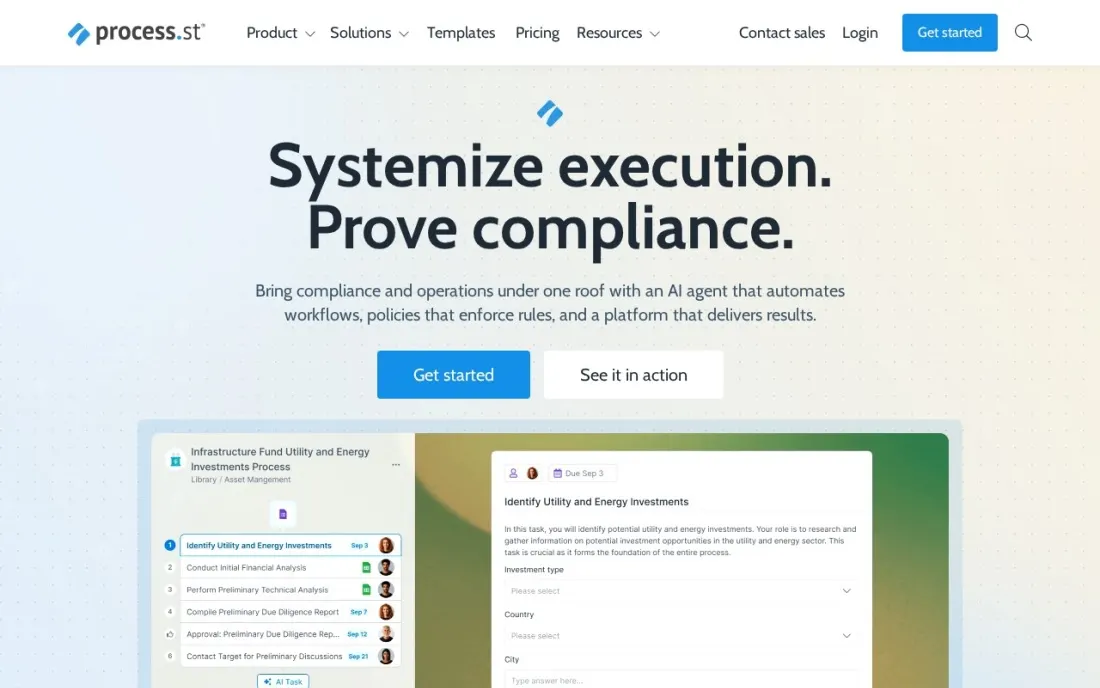
Process Street treats an approval as one step in a repeatable process. You build a checklist — a new hire, a refund, a supplier onboarding — add form fields, assign roles and drop in an approval task, and conditional logic and enforced task order make sure nothing moves forward until the right person signs off. Dynamic due dates and scheduled workflows keep recurring approvals on time.
Its Capterra listing shows no starting price, so pricing starts with a sales conversation, and there is a free trial. Reviewers rate it 4.7 out of 5 from 652 reviews and praise how well it standardises work, but mention occasional bugs and a dated interface. Choose it when approvals are part of a documented process.
What we like
- Approvals sit inside checklists with conditional logic, enforced task order and dynamic due dates
- Form fields, role assignments and scheduled workflows on the entry tier
- Rated 4.7 out of 5 on Capterra from 652 reviews, with 96% positive sentiment
Watch out for
- No published price — buyers must contact sales
- Reviewers mention occasional bugs, connection issues and a dated interface

Kissflow
Best for: Mid-size and large organisations that want low-code approval apps across many departments
Kissflow is a low-code platform for building internal workflow apps, and approvals are the most common thing companies build on it: leave requests, purchase requests, expense claims and change approvals. Business teams can design forms and routing rules themselves, and IT keeps oversight, which suits an organisation where every department has its own sign-off chain.
Kissflow publishes no list prices. Its own pricing guide says deals are fixed annual agreements grouped into user-tier blocks, with unlimited applications and integrations and no AI or API surcharge. That model suits a company rolling approvals out widely, but not a small team that wants to start this month.
What we like
- Unlimited applications and integrations on its agreements, with no AI or API surcharge
- Low-code builder for approval apps that business teams can maintain
- Pricing in user-tier blocks rather than per individual seat
Watch out for
- No list prices — every deal is a quote
- Fixed annual agreements, so there is no month-to-month option

Microsoft Power Automate
Best for: Teams on Microsoft 365 that want approvals in Outlook, Teams and SharePoint
Power Automate is the approval tool many Microsoft 365 businesses already own. Basic cloud flows with standard connectors are included in most Microsoft 365 plans, and approval flows are native: a request lands in Teams or Outlook, the approver clicks approve or reject, and the result updates a SharePoint list or sends a confirmation. Premium costs $15 a user a month billed annually and adds premium connectors and AI Builder credits.
Licensing needs care. An instant flow needs Premium for every person who runs it, so five runners cost $75 a month. Error messages are vague, and non-Microsoft apps connect less smoothly than on Zapier. It is rated 4.4 out of 5 on G2.
What we like
- Already included with most Microsoft 365 plans for standard connectors, so many teams pay nothing extra
- Premium adds premium connectors, attended desktop RPA and AI Builder credits in one licence
- Approval flows, SharePoint and Teams triggers are native, not bolted on
Watch out for
- Per-user licensing multiplies fast: every person running an instant premium flow needs a licence
- Debugging is hard work; error messages are vague and trigger delays hit time-sensitive flows
- Works best inside Microsoft tools; non-Microsoft apps connect, but less smoothly than on Zapier

Jotform Sign
Best for: Small businesses whose approvals start with a form and end with a signature
Jotform suits approvals that begin with someone filling in a form — a leave request, a purchase request, a client onboarding packet — and end with a signature. Approvals, conditional logic and payments come with the form builder, and the free Starter plan covers five forms and 10 signed documents a month. Bronze costs $39 a month, or $34 billed annually.
Pricing is per account rather than per seat, but every plan below Enterprise allows only one user logged in at a time, which limits teams that build forms together. HIPAA features need Gold at $99 a month billed annually. It is rated 4.7 out of 5 on G2 from 1,851 reviews.
What we like
- Free Starter plan covers 10 signed documents a month with 5 forms
- Flat per-account pricing, not per seat — the whole team shares one subscription
- Payments, conditional logic and approvals come with the form builder, not as add-ons
- Rated 4.7/5 on G2 across 1,851 reviews for the Sign product
Watch out for
- You buy a form builder to get signing — teams that only need signatures pay for features they will not use
- Every plan below Enterprise allows only one user logged in at a time
- HIPAA features and a signed BAA need Gold at $99/month billed annually, not Bronze

ApprovalMax
Best for: Xero and QuickBooks Online users who need multi-step bill and purchase-order approvals
ApprovalMax is the approval layer for finance teams on Xero, QuickBooks Online or NetSuite. Bills, purchase orders, sales invoices and credit notes move through multi-step, multi-role approval workflows with a full audit trail, and nothing is posted to the ledger until the right people have signed off. Standard costs $59.40 a month per organisation, or $49.50 billed annually, with unlimited approvers.
Budget checking during approval, which catches overspend before sign-off, needs Advanced or Premium. It does not work without one of those accounting systems, NetSuite pricing is custom quote, and there is no free plan, only a 14-day trial. It is rated 4.6 out of 5 on G2.
What we like
- One flat monthly fee per organisation covers unlimited approvers on the Xero and QuickBooks Online plans
- Multi-step, multi-role approval workflows with an audit trail, built for bills, POs, sales invoices and credit notes
- Budget checking during approval on Advanced and Premium, so overspend is caught before sign-off
Watch out for
- Only works on top of Xero, QuickBooks Online or NetSuite — it is an approval layer, not a standalone purchasing system
- NetSuite pricing is custom quote, and the plan size follows how many documents you approve
- No free plan, only a 14-day free trial

Stampli
Best for: Mid-market AP teams whose invoice approvals sprawl across departments
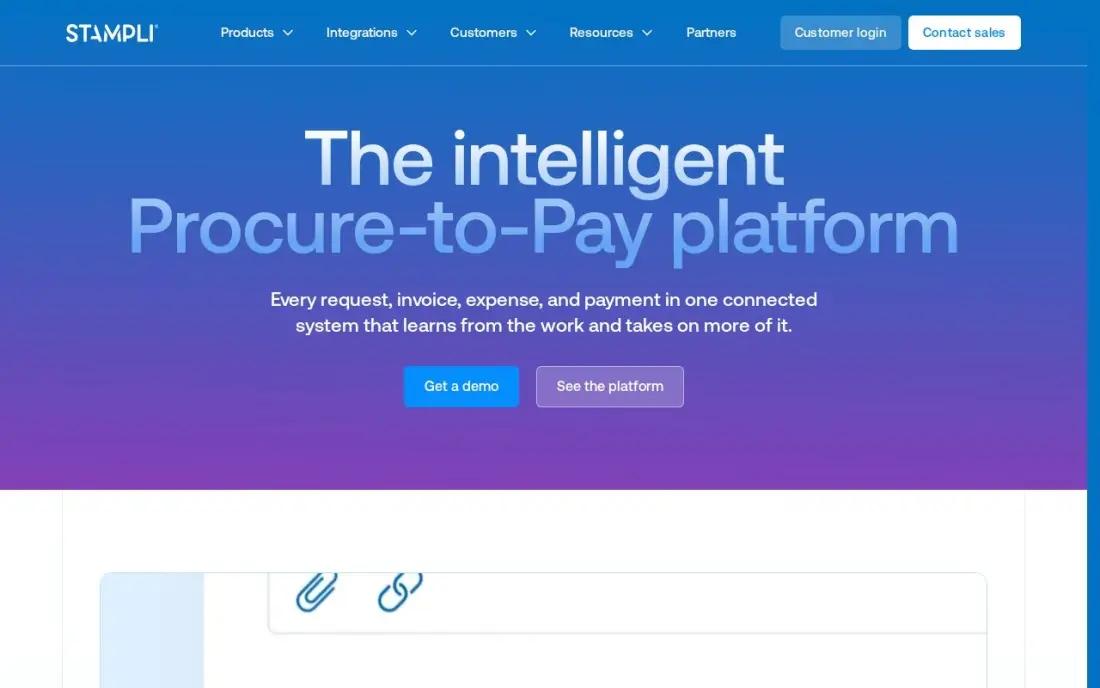
Stampli puts the approval conversation on the invoice itself. Its AI assistant, Billy the Bot, captures invoices, suggests GL codes and flags duplicates, and approvers comment and chat directly on the document, so questions about a bill do not disappear into email. Every deployment includes unlimited users, entities and vendors, so adding approvers never costs extra.
Stampli publishes no prices and offers no free trial, so every budget starts with a quote. Payments and cards are separate modules priced on top, and full AI automation of PO matching is quoted separately. Choose it when invoice exceptions and slow approvals are the bottleneck in accounts payable.
What we like
- Unlimited users, entities and vendors — approvers never cost extra, unlike per-seat tools
- Billy the Bot AI captures invoices, suggests GL codes and flags duplicates, with comments and chat on each invoice
- SuiteApp-certified NetSuite integration that deploys without changing existing ERP fields
Watch out for
- No published prices and no free trial, so budgeting requires a sales conversation and a quote
- Payment execution is weaker than Tipalti or BILL — payments and cards are separate modules priced on top
- Full AI automation of PO matching is quoted separately from the included semi-automated matching

Ziflow
Best for: Creative and marketing teams that need multi-stage proof approvals with an audit trail

Ziflow is built for approving creative work. Proofs move through defined stages, each with its own reviewers and decision, and every comment and approval is logged in an audit trail, which matters for regulated marketing. It supports more than 1,200 file types, including video, HTML5 and live websites. Standard costs $199 a month billed annually and covers 15 users, with unlimited proofs and reviewers.
The free plan allows two users and a single workflow stage, enough to test routing. A 16th user moves you to Pro at $329 a month, and the ReviewAI automated checking is Enterprise only. It is rated 4.5 out of 5 on G2 from 948 reviews.
What we like
- Multi-stage approval workflows with a full audit trail on every proof
- Supports more than 1,200 file types, including video, HTML5, 3D files and live websites
- Unlimited proofs and unlimited reviewers on every paid plan
- SOC 2 compliance suits teams in regulated industries
Watch out for
- Standard covers 15 users, so a 16th user means Pro at $329 a month
- ReviewAI automated checking is Enterprise only, not on Standard or Pro
- The free plan allows only 2 users, 2 GB of storage and a single workflow stage

Filestage
Best for: Agencies and marketing teams that want simple file approvals with free external reviewers
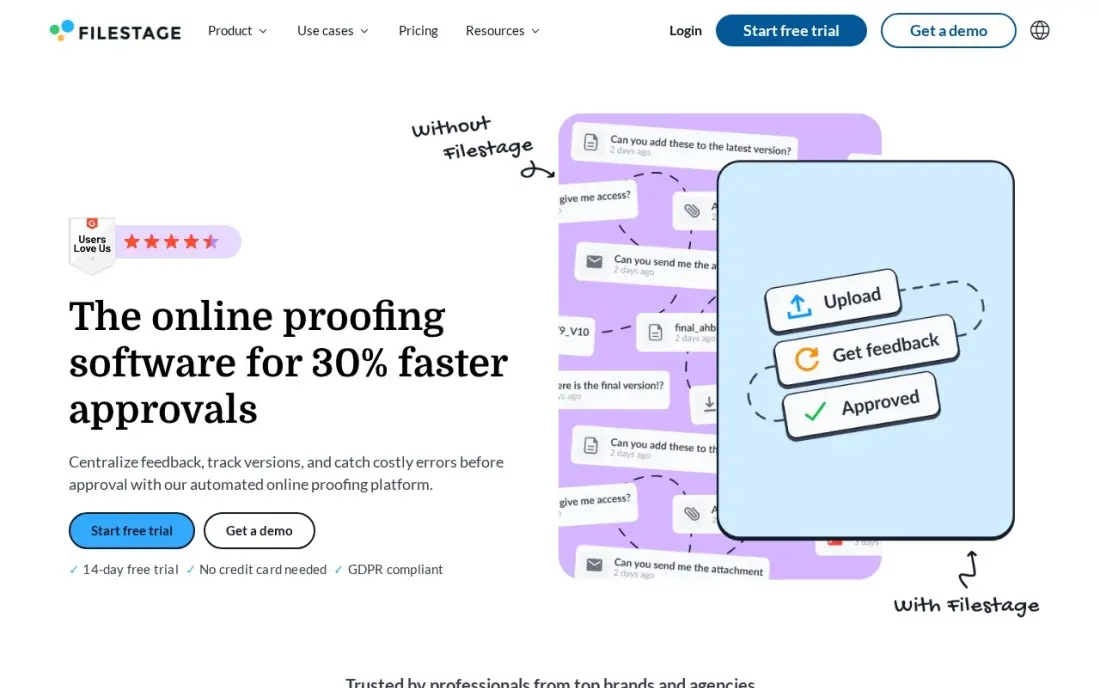
Filestage is the simpler creative approval tool. Starter costs $199 a month flat, covers 10 team members and includes unlimited projects and files, version comparison, due dates and reminders. Reviewers are free on every plan, so clients and legal teams can approve without a seat, and it handles video, images, PDFs, live websites and audio in one review flow.
The free plan covers one active project and five new files a month. The flat price means a solo user pays the same $199 as a ten-person team, and AI reviewers and automations wait for Business at $329 a month. It is rated 4.6 out of 5 on G2 from 247 reviews.
What we like
- Flat pricing with 10 team members included, so the bill does not grow with every hire
- Unlimited reviewers on every plan, including the free plan, so clients never need a paid seat
- Covers video, images, PDFs, live websites, audio and HTML banners in one review flow
- Version comparison, due dates and reminders are included on Starter, not held for Business
Watch out for
- Starter is a flat $199 a month, so a solo user pays the same as a ten-person team
- AI reviewers and automations wait for Business at $329 a month
- Recent G2 reviewers mention price increases and a learning curve for new reviewers
The best approval workflow software gets a request from the person who asks to the person who decides, records the answer and moves the work on without anyone chasing by email. We compared eight tools across the three kinds of approval software — general workflow platforms, finance approval tools and creative proofing tools — and every price below comes from the vendor's own pricing page or listing as checked in November 2026.
How to choose the best approval workflow software
- Name what you approve. Leave requests and purchase requests suit general workflow tools; bills and POs suit finance tools tied to your ledger; designs and videos suit proofing tools.
- Map the routing before you buy. Write down who approves what, at which amount and in what order; then check that the tool can handle multi-step and conditional routing.
- Count who needs a seat. Some tools charge every approver, while ApprovalMax, Stampli, Filestage and Ziflow let approvers or reviewers join without extra seats.
- Insist on an audit trail. For money and regulated content, you need a record of who approved what and when.
- Check reminders and escalation. Approvals stall when someone is on holiday; look for automatic reminders and a way to reassign.
- Meet approvers where they work. Approving from Outlook, Teams, mobile or an email link gets faster answers than asking people to log into another app.
Content approvals are a common bottleneck for marketing teams. If blog posts and landing pages wait weeks for sign-off, our monthly SEO service works to an agreed review cycle, and our guide to AI writing tools for content workflows covers drafting before the approval step.
Approval workflow software pricing: what you will actually pay
Take a company of 20 people where 5 people raise or run approvals every week. If the company already pays for Microsoft 365, basic approval flows with standard connectors cost nothing extra; if those 5 people run instant flows with premium connectors, Power Automate Premium costs $15 a user a month billed annually, or $75 a month and $900 a year.
Finance and creative tools price differently. ApprovalMax Standard costs $49.50 a month per organisation billed annually, or $594 a year, with unlimited approvers; billed monthly it is $59.40, or $712.80 a year. Ziflow Standard costs $199 a month billed annually for 15 users, or $2,388 a year, and Filestage Starter costs $199 a month flat for 10 team members. Jotform Bronze costs $34 a month billed annually for form-based approvals. Process Street, Kissflow and Stampli publish no prices, so ask for a written quote that names the user tier and contract length.
Know the difference: approval workflow vs proofing
Approval workflow software routes a decision. A request arrives with its details — amount, reason, department — and the tool sends it to the right approver, then the next, and records yes or no. Process Street, Kissflow, Power Automate, ApprovalMax and Stampli work this way, and the thing being approved is usually data on a form or a document in a system.
Proofing software routes feedback on a file. Reviewers mark up a design, video or web page with comments pinned to the exact spot, the creator uploads a new version, and the tool compares versions until the final one is approved. Ziflow and Filestage are proofing tools. They still record an approval decision, but their value is in the markup. Marketing teams often need both: proofing for the asset, and a workflow tool for the budget behind it.
Quick comparison: tool type by need
| Buyer | Best pick | Why |
|---|---|---|
| Process-driven operations | Process Street | Approvals inside checklists with conditional logic; custom quote |
| Many departments | Kissflow | Low-code approval apps on annual agreements; custom quote |
| Microsoft 365 teams | Microsoft Power Automate | Approvals in Teams and Outlook; Premium $15/user/month |
| Form-based requests | Jotform Sign | Forms, approvals and signatures; free Starter plan |
| Xero and QuickBooks finance | ApprovalMax | Bill and PO approvals with unlimited approvers from $49.50/month |
| Accounts payable teams | Stampli | Invoice approvals with chat on the document; custom quote |
| Regulated creative teams | Ziflow | Multi-stage proofing with audit trail; $199/month for 15 users |
| Agencies with client reviewers | Filestage | Free reviewers; Starter $199/month for 10 team members |
Mistakes to avoid
- Automating a messy process. If nobody agrees who approves what, software will only make the confusion faster; agree the rules on paper first.
- Adding approvers to be safe. Every extra step adds days. Keep each approval to the people who can actually say no.
- Ignoring thresholds. A $50 purchase and a $50,000 contract should not follow the same route; use amount-based rules.
- Forgetting the holiday cover. Set delegates or escalation rules so requests do not stall when an approver is away.
- Running approvals in two places. If some requests still arrive by email, the audit trail has gaps; route every request through the tool.
Related comparisons: Workflow Management Software · Workflow Automation Software
How we chose
We checked each vendor's own pricing page in November 2026 and recorded the starting price exactly as shown, including the annual-billing figure where the page lists one. Process Street publishes no price on its listing and Kissflow sells only on annual quotes, so we say so rather than repeat third-party estimates. We grouped the tools by what they approve and ranked them by fit for a small or mid-size company putting its first approvals into software. Ratings come from G2 or Capterra pages checked on the dates shown in the sources. No vendor paid for a place in this list, and none of the links here are affiliate links.
What to do next
Pick your single slowest approval — usually purchase requests or content sign-off — and map it on one page: who asks, who approves, at what amount and how fast. Run that one flow through a free plan or trial for a month and measure the time from request to decision. If content approvals are what hold up your marketing, book a free strategy call.
Frequently asked questions
What is the best approval workflow software?
It depends on what you approve. Process Street and Kissflow are best for general business approvals, Microsoft Power Automate is best for Microsoft 365 teams, ApprovalMax and Stampli are best for invoice and purchase-order approvals, and Ziflow and Filestage are best for creative proofs.
Is there free approval workflow software?
Microsoft Power Automate's basic flows with standard connectors are included in most Microsoft 365 plans. Jotform Sign has a free plan with 10 signed documents a month, and Ziflow and Filestage have free plans for small review volumes.
How much does approval workflow software cost?
On published prices, Power Automate Premium costs $15 a user a month billed annually, ApprovalMax Standard $49.50 a month per organisation billed annually, Jotform Bronze $34 a month billed annually, and Ziflow Standard and Filestage Starter $199 a month. Process Street, Kissflow and Stampli are quote-only.
What should an approval workflow include?
A clear request form, routing rules that send each request to the right approver, reminders and escalation when someone does not respond, and an audit trail showing who approved what and when. Multi-step and conditional routing matter once approvals depend on amount or department.
Can I build approval workflows in Microsoft Teams?
Yes. Microsoft Power Automate has native approval flows that send requests to Teams or Outlook, and basic flows with standard connectors are included in most Microsoft 365 plans.
Do approvers need a paid seat?
Not always. ApprovalMax includes unlimited approvers for one organisation fee, Stampli includes unlimited users, and Filestage and Ziflow let external reviewers approve for free. Per-user tools such as Power Automate Premium charge for each person who runs an instant flow.
What approval workflow software is best for accountants?
ApprovalMax is the best fit for accountants and finance teams on Xero, QuickBooks Online or NetSuite. Bills, purchase orders, sales invoices and credit notes go through multi-step approvals with a full audit trail, and nothing posts to the ledger until approved. Standard costs $49.50 a month per organisation billed annually, with unlimited approvers. Larger accounts payable teams can look at Stampli, which is quote-only.
Sources we checked (14)
- Process Street — www.capterra.com/p/135004/Process-Street (checked November 16, 2026)
- Process Street reviews on Capterra (checked November 16, 2026)
- Kissflow — kissflow.com/low-code/ai-low-code-pricing (checked November 16, 2026)
- Microsoft Power Automate — powerautomate.microsoft.com/en-us/pricing (checked November 2, 2026)
- Microsoft Power Automate reviews on G2 (checked November 2, 2026)
- Jotform Sign — www.jotform.com (checked November 12, 2026)
- Jotform Sign reviews on G2 (checked November 12, 2026)
- ApprovalMax — www.g2.com/products/approvalmax/pricing (checked November 10, 2026)
- ApprovalMax reviews on G2 (checked November 10, 2026)
- Stampli — www.stampli.com/pricing (checked November 2, 2026)
- Ziflow — www.ziflow.com/pricing (checked November 8, 2026)
- Ziflow reviews on G2 (checked November 8, 2026)
- Filestage — filestage.io/pricing (checked November 8, 2026)
- Filestage reviews on G2 (checked November 8, 2026)
Make one of these tools?
We re-check this list every quarter. Send a correction, request a review, or ask about a clearly labeled sponsored spot.
Request a listingShamim
Founder of SerpAstra
A full-stack digital marketer and SEO strategist covering technical and local SEO, AI search visibility, paid ads and lead generation for local businesses, e-commerce brands and SaaS teams.
Free SEO and AI visibility audit
Find out what is holding your rankings back
Send us your site. Within 2 business days you get a written audit, an AI visibility check and a short fix list ranked by impact. Free, with no contract attached.
Request my free audit→Related buying guides
 Productivity & Office8 Best Workflow Automation Software in 2026, ComparedCompare the 8 best workflow automation software on app connections, task limits, free plans and real monthly cost, with every price checked on vendor pages.Read guide →
 Graphic Design & Creative12 Best Online Proofing Software in 2026, ComparedCompare the 12 best online proofing software tools on price, free plans, file support and approvals, with every price checked November 8, 2026.Read guide →
 Accounting & Finance10 Best AP Automation Tools with Analytics in 2026, Compared10 best ap automation tools with analytics compared on price, AI invoice capture, approvals and reporting — prices checked November 2, 2026.Read guide →