
9 Best Workflow Management Software in 2026, Compared
Compare the 9 best workflow management software on approvals, automation, free plans and real per-seat cost, with every price checked on vendor pages.
 Shamim Mia, Founder, SerpAstraLast verified November 2, 202610 min read
We compare pricing pages, documentation and public reviews. We never accept payment for rankings.
Key takeaways
- monday.com is the easiest place to run repeatable team workflows, but automations start on Standard, not Basic, and every paid plan has a 3-seat minimum.
- Process Street is the pick for checklist-style processes with approvals and conditional logic, but it is quote-only and bills every user in organizations created after August 1, 2025.
- ClickUp has the most generous free plan for a real team: unlimited members on Free Forever, with Core at $9 a user a month billed annually.
- Zapier and Power Automate move data between apps; they do not replace a tool where people see and own each step.
On this page
Quick comparison
| Tool | Best for | Starting price | Free plan |
|---|---|---|---|
| monday.com | Teams that want visual, status-driven workflows that non-technical staff adopt quickly | $12/seat/mo | Yes (free plan) |
| Asana | Teams that need intake forms, rules and reporting around cross-team workflows | $13.49/user/mo | Yes (free plan) |
| Process Street | Operations teams that run recurring checklist processes with approvals and conditional steps | Custom quote | 14-day trial |
| ClickUp | Small teams that want workflows, docs and tasks in one tool on a free plan | $12/user/mo | Yes (free plan) |
| Smartsheet | Operations and PMO teams that run workflows from spreadsheet-style rows and reports | $12/member/mo | No (30-day trial) |
| Wrike | Mid-size teams that want request forms, custom workflows and dashboards across departments | $10/user/mo (annual) | Yes (free plan) |
| Airtable | Teams that want to build a custom workflow app on top of their own data | $24/seat/mo | Yes (free plan) |
| Zapier | Teams that need workflows to pass data between the apps they already use | From $29.99/mo | Yes (free plan) |
| Microsoft Power Automate | Microsoft 365 organizations that want approval and document workflows inside Teams and SharePoint | $15/mo per user | Yes (M365) |
Make one of these tools?
We re-check this list every quarter. Send a correction, request a review, or ask about a clearly labeled sponsored spot.
Request a listingThe best workflow management software

monday.com
Best for: Teams that want visual, status-driven workflows that non-technical staff adopt quickly

monday.com turns a workflow into a board where each row is a request and each column is a stage, owner or due date. Colour-coded statuses and dashboards show where work is stuck, and most teams start without training. Standard adds timeline and Gantt views, guest access and 250 automation actions a month, which is where status changes can trigger handoffs and notifications.
Basic costs $9 a seat a month billed annually, or $12 monthly, but it has no automations at all, so a workflow buyer should price Standard. Every paid plan has a 3-seat minimum, which makes a solo setup cost $27 a month on Basic annual billing. Private boards and time tracking wait for Pro at $19 a seat.
What we like
- The most visual boards here: color-coded statuses, automations and dashboards that non-technical teams pick up fast
- Standard adds timeline and Gantt views, guest access and 250 automation actions a month from $12 a seat
- 1,000 to 3,000 AI credits a month on paid plans, for summaries and formula help
- More than 200 integrations, including Slack, Google Workspace and Zoom
Watch out for
- Every paid plan has a 3-seat minimum, so a solo user pays $27 a month on Basic annual billing
- Basic has no automations at all — the automation that makes monday.com worth it starts on Standard
- Time tracking and private boards wait for Pro at $19 a seat a month

Asana
Best for: Teams that need intake forms, rules and reporting around cross-team workflows
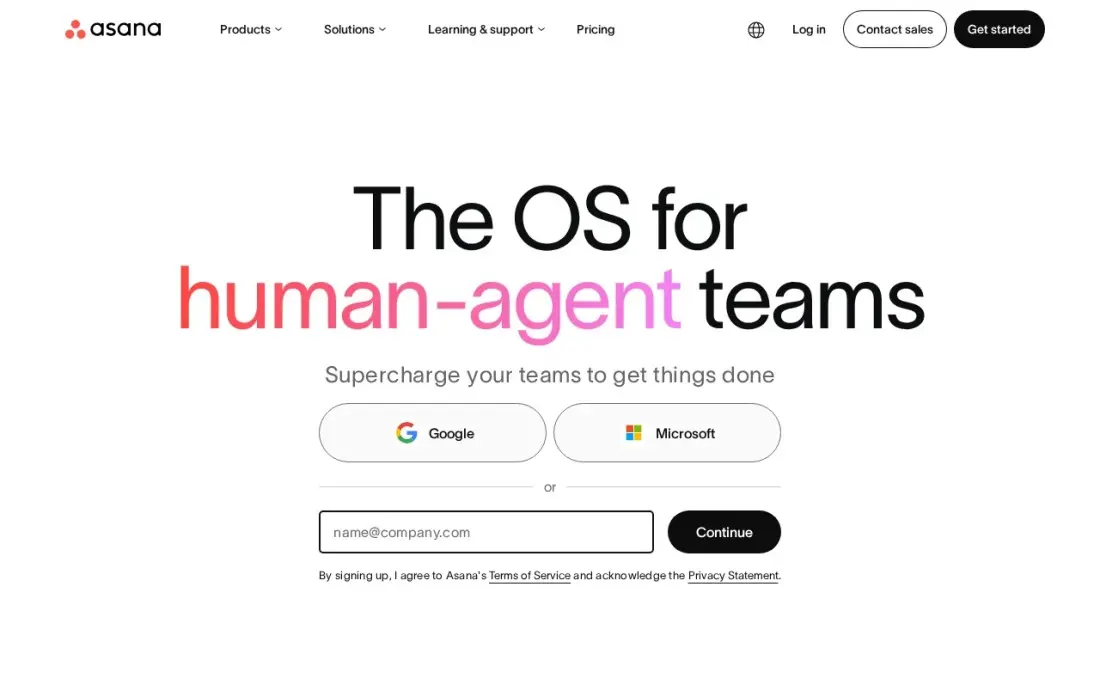
Asana handles the classic workflow pattern well: a form collects the request, rules assign and route it, and the same project reads as a list, board, timeline or calendar. Starter costs $10.99 a user a month billed annually, or $13.49 monthly, and includes forms, custom fields, dashboards and unlimited automations, so routing does not run out of actions mid-month.
The limits sit higher up. Approvals, portfolios, goals and workload views wait for Advanced at $24.99 a user a month, and the free Personal plan covers only two people. Unlimited free guests help when clients or contractors need to follow a request. Choose Asana when the workflow crosses several teams and someone has to report on it.
What we like
- Board, list, timeline and calendar views in one project, so the same work reads as a kanban board or a Gantt chart
- Starter adds Timeline and Gantt, dashboards, forms, custom fields and unlimited automations from $10.99 a user
- Unlimited free guests, so clients and contractors can follow work without a paid seat
- Asana AI is included on Starter, with writing help and smart summaries
Watch out for
- Portfolios, goals, workload and approvals wait for Advanced at $24.99 a user a month
- The free Personal plan covers only two people, so any real team pays from the first seat
- Time tracking needs a $5.99 add-on or the Advanced plan

Process Street
Best for: Operations teams that run recurring checklist processes with approvals and conditional steps
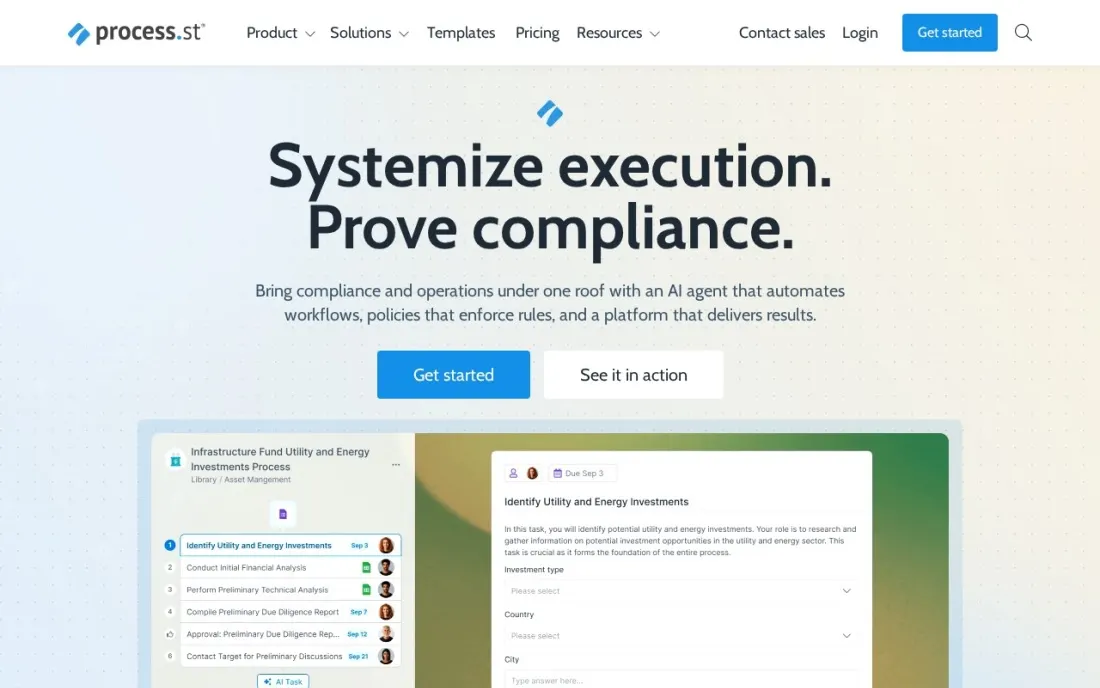
Process Street is the most process-shaped tool in this list. A workflow is a checklist that runs the same way every time, with forms to capture data, conditional logic that shows or hides steps, and approvals that stop a run until someone signs off. Every plan includes unlimited workflows, tasks, forms and pages, and connectors for Zapier, Power Automate, Tray.io and Make.
It publishes no prices: Startup, Pro and Enterprise are all sold through sales, and Pro starts with a 14-day trial. Startup is for companies under 15 employees and $2 million in revenue, and caps you at 5 users. For organizations created after August 1, 2025, every user is billable, so count everyone who runs a checklist before asking for a quote.
What we like
- Built for repeatable processes: unlimited workflows, tasks, forms and pages on every plan
- Conditional logic and approvals are included on Startup, Pro and Enterprise
- Role-based access, SOC 2 Type 2, HIPAA and SAML SSO are listed on every plan
Watch out for
- No published prices; every plan goes through sales
- In organizations created on or after August 1, 2025, Admins, Builders and Users are all billable
- Startup caps you at 5 users, 10 guests and 100 automation actions a month

ClickUp
Best for: Small teams that want workflows, docs and tasks in one tool on a free plan
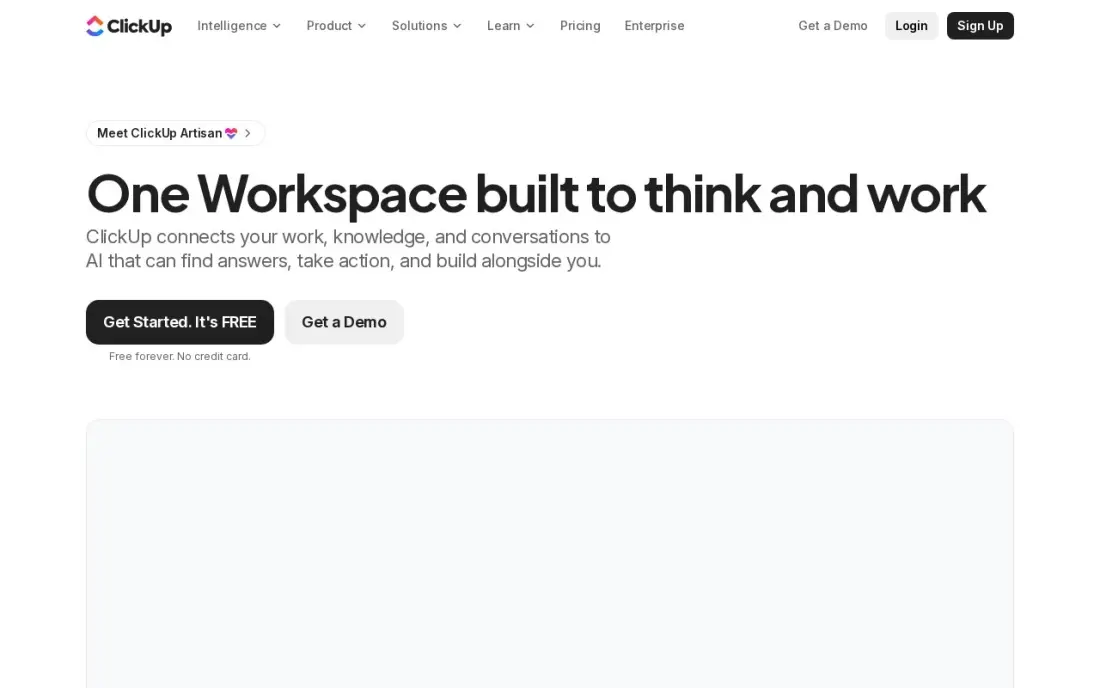
ClickUp lets a team model a workflow with custom statuses, custom fields and automations, then keep the SOP doc, the request form and the work in the same workspace. The Free Forever plan covers unlimited members with 100 MB of storage, which is enough to run a real process before anyone pays.
Core costs $9 a user a month billed annually, or $12 monthly, and adds unlimited storage, Gantt charts, custom fields and 1,000 automation actions a month. The trade-off is depth: new users report a learning curve before ClickUp feels simple, and time tracking and workload views wait for Business at $17 a user. Set up one workflow well before inviting the whole company.
What we like
- One workspace holds tasks, docs, whiteboards, goals and chat, so a small team can drop two or three other subscriptions
- Core adds unlimited storage, Gantt charts, custom fields and 1,000 automation actions a month from $9 a user
- The Free Forever plan covers unlimited members with 100 MB of storage
- 1,000 AI credits per seat a month on Core, with ClickUp Brain included from Business
Watch out for
- The feature list is the deepest here, and new users report a real learning curve before it feels simple
- Guests are free only with limits; every member of the workspace is a paid seat
- Business at $17 a user a month is where time tracking and workload views live

Smartsheet
Best for: Operations and PMO teams that run workflows from spreadsheet-style rows and reports
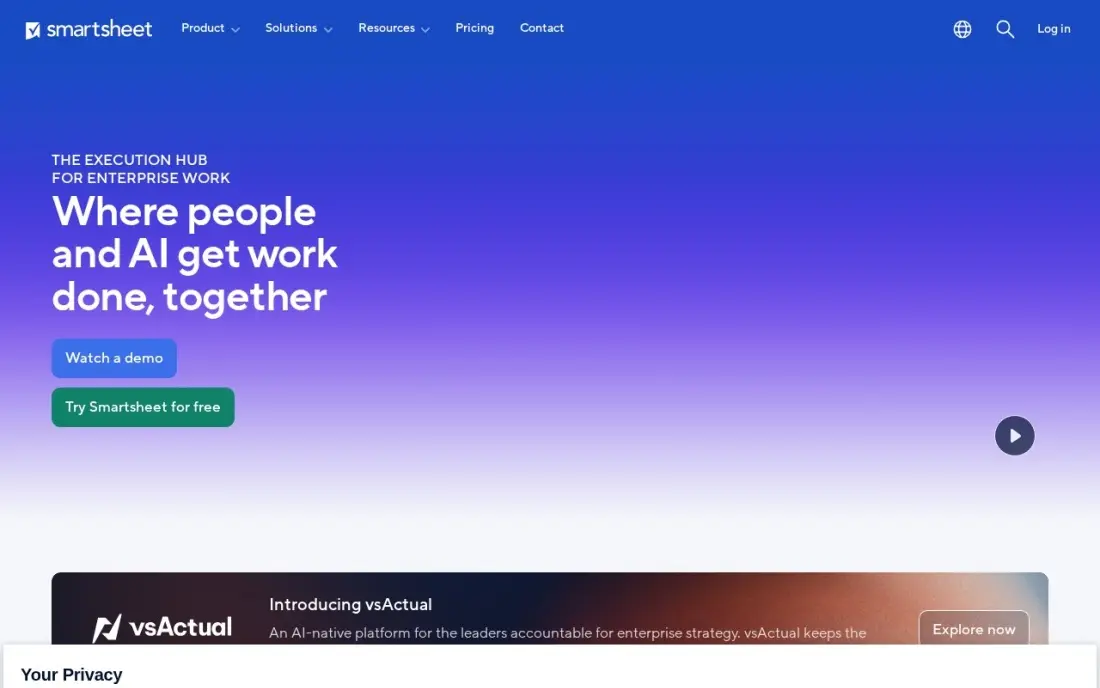
Smartsheet suits teams whose workflows already live in spreadsheets. Each request is a row with formulas, owners and dates, and the same rows show as a grid, board, Gantt chart or calendar. Pro costs $9 a member a month billed annually, or $12 monthly, with unlimited sheets and 250 automations a month, and unlimited free Contributors can view, comment and attach files.
There is no free plan for new sign-ups, only a 30-day trial, and Pro stops at 10 members, so the 11th member forces Business at $19 a member a month. Business also brings unlimited automations, which a busy approval workflow will need. Pick Smartsheet when finance or operations staff think in rows and columns.
What we like
- The grid is the project: rows, formulas and reports that spreadsheet users already understand, with a board view on top
- Pro includes Gantt, board, table and calendar views, unlimited sheets and 250 automations a month from $9 a member
- Unlimited free Contributors can view, comment and add attachments without a paid seat
- Business adds timeline view, unlimited automations and 1 TB of storage from $19 a member
Watch out for
- No free plan for new sign-ups since August 2024 — only a 30-day trial before the subscription starts
- Pro stops at 10 members, so an 11th member forces the jump to Business at $19
- The interface feels more spreadsheet than kanban, and the learning curve is steeper than Trello

Wrike
Best for: Mid-size teams that want request forms, custom workflows and dashboards across departments
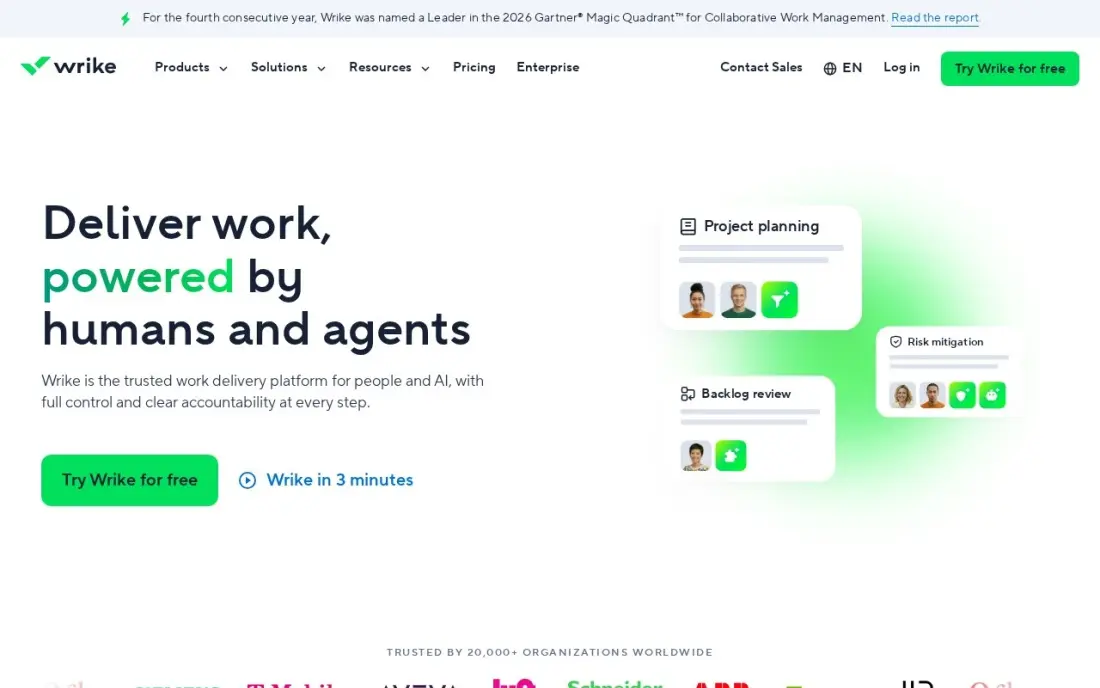
Wrike gives each workflow its own custom statuses and adds shareable dashboards and interactive Gantt charts on Team, which costs $10 a user a month billed annually. Wrike publishes no monthly-billing price, so plan for an annual commitment. AI essentials for summaries and task help are included on Team, and the free plan covers basic task work.
For workflow buyers the important features sit on Business at $25 a user: request forms, proofing, time tracking and resource management. Seats are sold in blocks of 5, so a 6-person team pays for 10. Wrike fits a marketing or operations department that takes requests from several other teams and needs to see load and status in one dashboard.
What we like
- Team adds shareable dashboards, interactive Gantt charts, custom fields and workflows from $10 a user a month
- AI essentials are included on Team, for summaries and task help
- Free plan covers basic task work with unlimited users
- Business adds request forms, proofing, time tracking and resource management from $25 a user
Watch out for
- Wrike sells seats in blocks of 5, so a 6-person team pays for 10 seats
- No monthly-billing price is published — Team is an annual commitment at $10 a user a month
- Custom fields and request forms wait for Business, a 2.5x jump from Team

Airtable
Best for: Teams that want to build a custom workflow app on top of their own data
Airtable is the build-your-own route. You design the tables for requests, assets or vendors, then show the same records as a grid, kanban or calendar, and use Interfaces to give other staff a simple form-and-status front end without code. The free plan covers 1,000 records per base, enough to prove the workflow before paying.
Team costs $20 a seat a month billed annually, or $24 monthly, and adds Gantt and timeline views and 15,000 AI credits per seat a month. Watch the seat rule: anyone with comment access is billed on Team. Large bases can slow down, and two-way sync waits for Business at $45 a seat. Choose Airtable when the workflow is really a database.
What we like
- A database you shape into a tracker: kanban, calendar and gallery views over the same records
- Team adds Gantt and timeline views, extensions and 15,000 AI credits per seat a month from $20 a seat
- Free plan covers 1,000 records per base, enough to prove the setup before paying
- Interfaces let a team build a simple front end for clients without code
Watch out for
- The dearest per-seat price here at $20, and Team bills Commenters as paid seats
- No native time tracking or workload planning — those need extensions or another tool
- Performance slows on very large bases, and two-way sync waits for Business at $45 a seat

Zapier
Best for: Teams that need workflows to pass data between the apps they already use
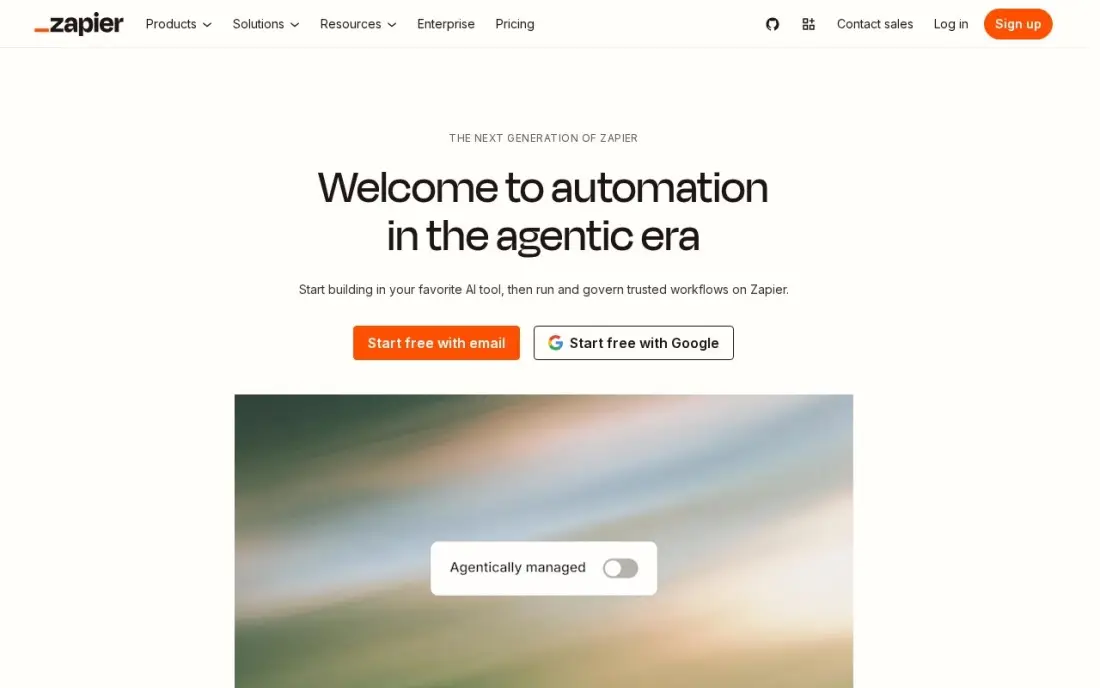
Zapier handles the part of a workflow nobody should do by hand: when a form is submitted, it can create a task, post to Slack and update a sheet. Professional costs $19.99 a month billed annually, or $29.99 monthly, for 750 tasks, with multi-step Zaps, webhooks, filters, paths and AI by Zapier included. The free plan covers 100 tasks a month.
It is not a place where people see and own each step, so pair it with one of the boards above. The bill is set by task volume, so a three-step workflow that runs 1,000 times a month uses 3,000 tasks and costs more. Professional covers one user; a team building automations together needs Team at $69 a month.
What we like
- Connects thousands of apps, so the tools a business already uses can share data
- Multi-step Zaps, webhooks, filters and paths come with Professional
- AI by Zapier is included, so workflows can draft, summarise and route work
- 2-minute polling on Professional keeps automations close to real time
Watch out for
- The bill is set by task volume, not seats: a busy workflow can jump from $19.99 to $89 a month
- Professional covers only 1 user, so a team that builds Zaps together needs Team at $69 a month
- No free plan beyond 100 tasks a month, so real automation starts on a paid tier

Microsoft Power Automate
Best for: Microsoft 365 organizations that want approval and document workflows inside Teams and SharePoint
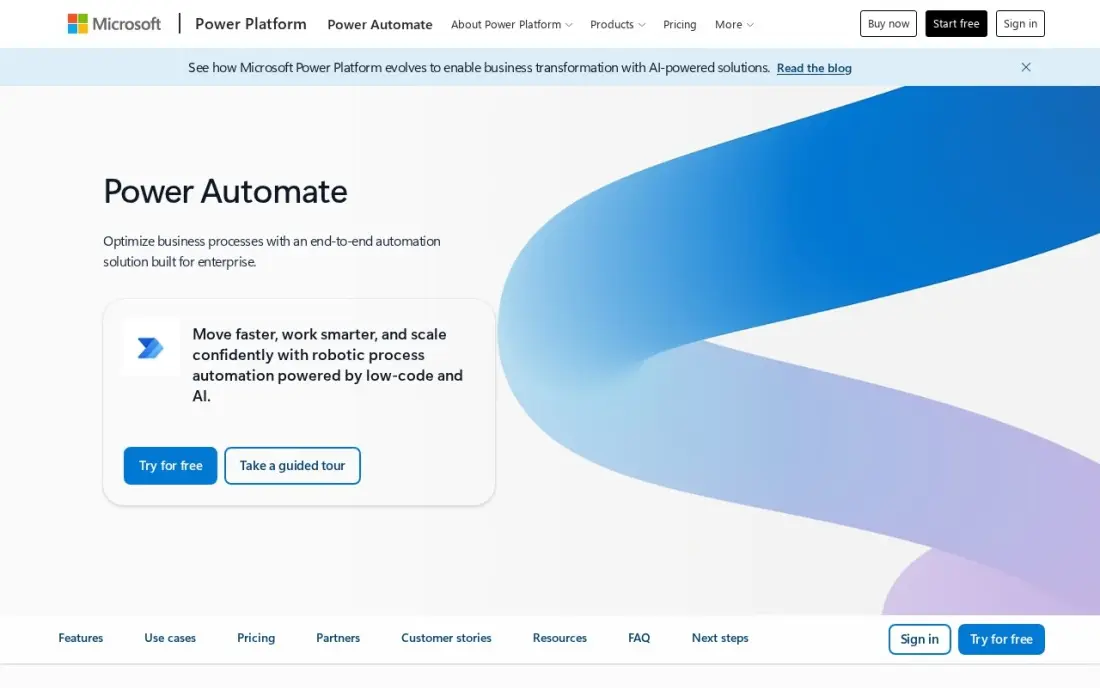
Power Automate is the workflow tool many companies already own. Cloud flows with standard connectors are included with most Microsoft 365 plans, so approval requests, SharePoint file routing and Teams notifications can cost nothing extra. Approvals and SharePoint and Teams triggers are native, which makes it the natural choice for document sign-off inside Microsoft tools.
Premium costs $15 per user per month billed annually and adds premium connectors, attended desktop automation and AI Builder credits. The licensing catch is who runs the flow: an instant premium flow needs a licence for every person who triggers it. Error messages are vague and debugging takes patience, and non-Microsoft apps connect less smoothly than on Zapier.
What we like
- Already included with most Microsoft 365 plans for standard connectors, so many teams pay nothing extra
- Premium adds premium connectors, attended desktop RPA and AI Builder credits in one licence
- Approval flows, SharePoint and Teams triggers are native, not bolted on
Watch out for
- Per-user licensing multiplies fast: every person running an instant premium flow needs a licence
- Debugging is hard work; error messages are vague and trigger delays hit time-sensitive flows
- Works best inside Microsoft tools; non-Microsoft apps connect, but less smoothly than on Zapier
The best workflow management software makes a repeatable process visible: who asked for what, which step it is on, who owns it now and what happens next. We compared nine tools across three kinds of workflow software — work management boards, checklist-based process tools and app-to-app automation — and every price below comes from the vendor's own pricing page as checked in November 2026.
How to choose the best workflow management software
- Start from one real process. Write down the steps of a request you handle every week, such as content approval or purchase sign-off, and test each tool against that, not against a feature list.
- Check where automations start. monday.com has no automations on Basic, Smartsheet Pro caps them at 250 a month, and Zapier bills by task — find the plan where your workflow actually runs.
- Look for approvals and conditional steps. A workflow that branches or waits for sign-off needs those built in; on some tools they sit on the top plans only.
- Count every billable person. Seat minimums, seat blocks and billable commenters can double the price of a small team; read who counts as a seat.
- Decide who builds and who runs. Builders need flexibility; the people running the process need a simple form and a clear status. The best tool serves both.
- Plan the connections. List the apps the workflow must touch, then check native integrations before paying for an automation layer.
Workflow software often ends up running marketing work too: content requests, reviews and publishing. If your publishing workflow is in place but the pages are not ranking, our monthly SEO service handles the search side, and the guide to marketing project management tools compares boards built for content teams.
Workflow management software pricing: what you will actually pay
Take a 10-person operations team that needs automated handoffs. Billed annually, monday.com Standard, the first plan with automations, costs $120 a month for 10 seats at $12. ClickUp Core costs $90 a month at $9 a user, Smartsheet Pro $90 a month at $9 a member, Wrike Team $100 a month at $10 a user, Asana Starter $109.90 a month at $10.99, and Airtable Team $200 a month at $20 a seat.
Monthly billing costs more: ClickUp Core and Smartsheet Pro rise to $12 a seat, Asana Starter to $13.49 and Airtable Team to $24, so the same team pays $120 to $240 a month. Add one more member to Smartsheet Pro and the 11th forces Business at $19 a member. Process Street publishes no prices, so ask for a written quote that counts every user, because new organizations are billed for Users as well as Admins and Builders.
Automation is billed separately. Zapier Professional starts at $19.99 a month billed annually for 750 tasks, and Power Automate Premium costs $15 a user a month, while standard Power Automate flows are already included with most Microsoft 365 plans.
Know the difference: workflow management vs workflow automation
Workflow management software is built for people. It shows each request as an item with an owner, a stage and a due date, collects information through forms, and stops for approvals. monday.com, Asana, ClickUp, Smartsheet, Wrike, Airtable and Process Street all work this way, and their own automations mostly change statuses, assign owners and send notifications inside the tool.
Workflow automation tools are built for data. Zapier and Power Automate watch for an event in one app and act in another, with no person involved. They are excellent at moving a form entry into a CRM or filing an attachment, and poor at showing a manager which approvals are late. Most teams need a management tool first and add automation for the handoffs between systems.
Quick comparison: tool type by need
| Buyer | Best pick | Why |
|---|---|---|
| Non-technical teams | monday.com | Visual status boards; automations from Standard, 3-seat minimum |
| Cross-team request intake | Asana | Forms, rules and unlimited automations on Starter from $10.99/user |
| Checklist processes with sign-off | Process Street | Conditional logic and approvals on every plan, quote-only |
| Small teams on a budget | ClickUp | Free for unlimited members; Core $9/user billed annually |
| Spreadsheet-minded operations | Smartsheet | Rows, formulas and reports; Pro $9/member up to 10 members |
| Departments taking requests | Wrike | Dashboards on Team; request forms and proofing on Business |
| Custom workflow apps | Airtable | Your own tables with no-code Interfaces; Team $20/seat |
| Connecting other apps | Zapier | Multi-step automations from $19.99/month, billed by task |
| Microsoft 365 shops | Microsoft Power Automate | Native approvals; standard flows included with Microsoft 365 |
Mistakes to avoid
- Automating a process nobody agreed on. If the steps change every week, automation hard-codes the confusion; document the process first.
- Buying the plan without the feature. Approvals, request forms and automations often sit one tier above the advertised price, so check the plan, not the product page.
- Ignoring who counts as a seat. Commenters on Airtable Team, seat blocks of 5 on Wrike and every user in new Process Street organizations all change the bill.
- Using an automation tool as the workflow. Zapier can move data, but it cannot show a manager which request is stuck with whom.
- Rolling out to everyone at once. Start with one team and one process, prove it, then copy the template to the next team.
Related comparisons: Workflow Automation Software · Approval Workflow Software
How we chose
We checked each vendor's own pricing page in November 2026 and recorded the starting price exactly as shown, including the annual and monthly figures where the page lists both. We grouped the tools by type — work management boards, checklist process tools and automation — and ranked them by fit for the most common buyer, a team of 5 to 50 people that runs the same requests every week. Process Street publishes no prices, so we list it as custom quote rather than repeating a third-party estimate. Ratings come from G2 pages checked on the dates shown in the sources. No vendor paid for a place in this list, and none of the links here are affiliate links.
What to do next
Pick one process you run every week, build it on two free plans or trials, and have the people who actually do the work run it for two weeks. Keep the tool they update without reminders. If your workflows are humming but your website is not bringing in the requests, book a free SEO review.
Frequently asked questions
What is the best workflow management software?
monday.com is the easiest to adopt for visual team workflows, with automations from Standard. Asana is stronger for cross-team request intake and reporting, Process Street is built for checklist-style processes with approvals, and ClickUp has the most generous free plan, covering unlimited members.
Is there free workflow management software?
Yes. ClickUp Free Forever covers unlimited members with 100 MB of storage, Airtable's free plan covers 1,000 records per base, monday.com is free for up to 2 seats, Wrike has a free plan for basic task work, and Power Automate's standard flows are included with most Microsoft 365 plans.
How much does workflow management software cost?
Per-seat prices billed annually start at $9 a seat on monday.com Basic, $9 on ClickUp Core and Smartsheet Pro, $10 on Wrike Team, $10.99 on Asana Starter and $20 on Airtable Team. Process Street is quote-only. Automation tools price differently: Zapier Professional starts at $19.99 a month and Power Automate Premium at $15 a user.
What is the difference between workflow management and workflow automation?
Workflow management software shows people the steps, owners, approvals and status of a repeatable process. Workflow automation tools such as Zapier and Power Automate move data between apps without a person. Most teams need the first and add the second for the handoffs that do not need a human.
Which workflow tool is best for approvals?
Process Street includes approvals on every plan, and Power Automate has native approval flows inside Microsoft 365. Asana adds approvals on Advanced at $24.99 a user a month, and Wrike adds request forms and proofing on Business at $25 a user.
How do I pick workflow software for a small team?
Map one real process from request to done, then run it on two free plans or trials for two weeks. ClickUp and monday.com are free to start; check which one your least technical teammate actually updates without being reminded.
Sources we checked (17)
- monday.com — monday.com/pricing (checked November 12, 2026)
- monday.com reviews on G2 (checked November 12, 2026)
- Asana — asana.com/pricing (checked November 12, 2026)
- Asana reviews on G2 (checked November 12, 2026)
- Process Street — www.process.st/pricing (checked November 16, 2026)
- ClickUp — clickup.com/pricing (checked November 12, 2026)
- ClickUp reviews on G2 (checked November 12, 2026)
- Smartsheet — www.smartsheet.com/pricing (checked November 12, 2026)
- Smartsheet reviews on G2 (checked November 12, 2026)
- Wrike — www.wrike.com/pricing (checked November 12, 2026)
- Wrike reviews on G2 (checked November 12, 2026)
- Airtable — airtable.com/pricing (checked November 12, 2026)
- Airtable reviews on G2 (checked November 12, 2026)
- Zapier — zapier.com/pricing (checked November 12, 2026)
- Zapier reviews on G2 (checked November 12, 2026)
- Microsoft Power Automate — powerautomate.microsoft.com/en-us/pricing (checked November 2, 2026)
- Microsoft Power Automate reviews on G2 (checked November 2, 2026)
Make one of these tools?
We re-check this list every quarter. Send a correction, request a review, or ask about a clearly labeled sponsored spot.
Request a listingShamim
Founder of SerpAstra
A full-stack digital marketer and SEO strategist covering technical and local SEO, AI search visibility, paid ads and lead generation for local businesses, e-commerce brands and SaaS teams.
Free SEO and AI visibility audit
Find out what is holding your rankings back
Send us your site. Within 2 business days you get a written audit, an AI visibility check and a short fix list ranked by impact. Free, with no contract attached.
Request my free audit→Related buying guides
 Project & Product ManagementBest Kanban Apps for Small Business (2026): 11 Apps Worth DownloadingCompare the best kanban app for small business: 11 tools on price, free plans and board features, with every price checked November 12, 2026.Read guide →
 Productivity & Office10 Best Automation Apps for Small Business in 202610 best automation apps for small business compared on price, free plans and billing units, with starting prices checked on vendor pages, November 2, 2026.Read guide →
 Project & Product Management10 Best Project Management Software for Small Businesses in 2026, ComparedCompare the 10 best project management software for small businesses on price, free plans and features, with every price checked November 12, 2026.Read guide →