
8 Best Workflow Automation Software in 2026, Compared
Compare the 8 best workflow automation software on app connections, task limits, free plans and real monthly cost, with every price checked on vendor pages.
 Shamim Mia, Founder, SerpAstraLast verified November 2, 202610 min read
We compare pricing pages, documentation and public reviews. We never accept payment for rankings.
Key takeaways
- Zapier is the easiest way to connect business apps, from $19.99 a month billed annually for 750 tasks, but its bill climbs with task volume.
- Make gives the most volume per dollar: 10,000 credits a month on Core for $9 billed annually, with a visual canvas for branching flows.
- n8n bills per workflow run rather than per step and has a free self-hosted edition, which makes it the pick for technical teams with long workflows.
- If your team already pays for Microsoft 365, Power Automate's standard connectors are included, so check what you own before buying anything.
On this page
Quick comparison
| Tool | Best for | Starting price | Free plan |
|---|---|---|---|
| Zapier | Teams that want the widest app coverage and the fastest setup for cross-app workflows | From $29.99/mo | Yes (free plan) |
| Make | Teams that run branching, multi-step workflows and want the most automation per dollar | $9/mo (annual) | Yes (1,000 credits) |
| n8n | Technical teams that want long workflows, AI agents and the option to self-host | $20/mo (annual) | Yes (self-hosted) |
| Microsoft Power Automate | Businesses on Microsoft 365 that automate approvals, documents and Teams work | $15/mo per user | Yes (M365) |
| Pabbly Connect | Budget-conscious teams that run high task volumes on simple workflows | $16/mo (annual) | Yes (100 tasks) |
| Integrately | Non-technical owners who want ready-made automations activated in one click | $19.99/mo | Yes (100 tasks) |
| Airtable | Teams whose workflow lives in a shared database of records and statuses | $24/seat/mo | Yes (free plan) |
| monday.com | Non-technical teams that want visual boards with built-in automation rules | $12/seat/mo | Yes (free plan) |
Make one of these tools?
We re-check this list every quarter. Send a correction, request a review, or ask about a clearly labeled sponsored spot.
Request a listingThe best workflow automation software

Zapier
Best for: Teams that want the widest app coverage and the fastest setup for cross-app workflows
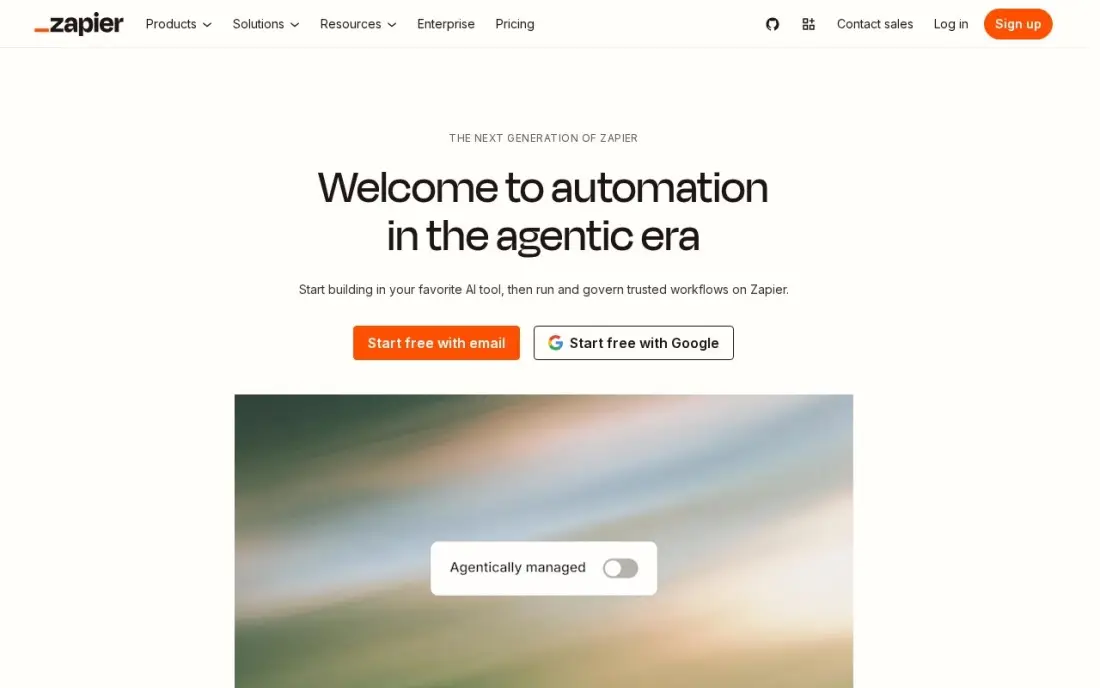
Zapier is the default choice for workflow automation because almost every business app connects to it, and a non-technical person can build a working Zap in minutes: a form entry creates a CRM contact, posts to Slack and adds a spreadsheet row. Professional costs $19.99 a month billed annually, or $29.99 billed monthly, for 750 tasks, and includes multi-step Zaps, webhooks, filters, paths and AI steps. The free plan covers 100 tasks a month.
Its weakness is cost at volume. Every action step counts as a task, so a three-step Zap that runs 1,000 times a month uses 3,000 tasks and moves you to $49 a month billed annually. Professional also covers one user; a team that builds together needs Team at $69 a month.
What we like
- Connects thousands of apps, so the tools a business already uses can share data
- Multi-step Zaps, webhooks, filters and paths come with Professional
- AI by Zapier is included, so workflows can draft, summarise and route work
- 2-minute polling on Professional keeps automations close to real time
Watch out for
- The bill is set by task volume, not seats: a busy workflow can jump from $19.99 to $89 a month
- Professional covers only 1 user, so a team that builds Zaps together needs Team at $69 a month
- No free plan beyond 100 tasks a month, so real automation starts on a paid tier

Make
Best for: Teams that run branching, multi-step workflows and want the most automation per dollar

Make is the value pick for workflow automation. Core costs $9 a month billed annually, or $10.59 billed monthly, for 10,000 credits, against 750 tasks on Zapier's entry plan. Its visual canvas shows the whole scenario as a map, with routers, loops and error routes that let one workflow handle several outcomes. It connects more than 3,500 apps, and the free plan gives 1,000 credits a month.
The canvas takes a day to learn, and every module that runs uses a credit, so a ten-module scenario spends credits ten times faster than its run count suggests. Human approval steps sit on Enterprise only. For an operations person who wants serious workflows on a small budget, Make is the strongest option here.
What we like
- Cheapest volume here: 10,000 credits a month from $9/month billed annually, against 750 tasks at Zapier
- Visual canvas with branching, loops and error routes that simpler builders cannot do
- Make AI Agents and an AI toolkit are included, with 3,500+ apps connected
Watch out for
- The visual canvas has a real learning curve; branching, routers and error routes take a day to learn
- Every module that runs costs one credit, so a long scenario burns credits faster than the headline suggests
- Human-in-the-loop approval steps are Enterprise-only and were still in closed beta in mid-2026

n8n
Best for: Technical teams that want long workflows, AI agents and the option to self-host
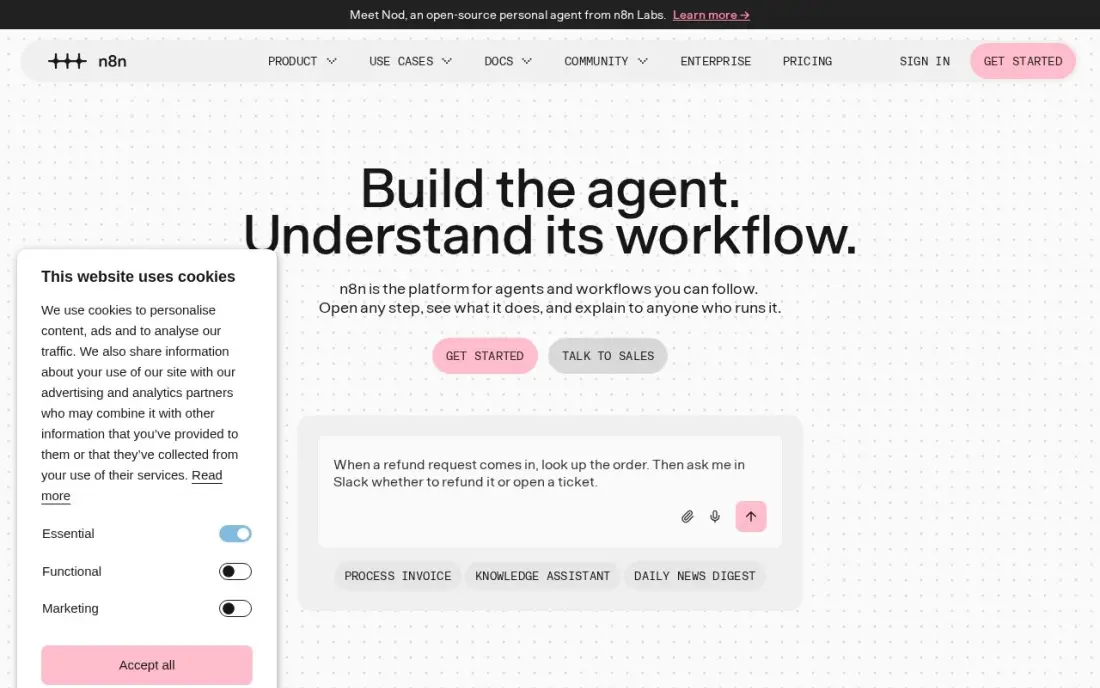
n8n is the technical choice, and its pricing model is the reason: it bills per workflow execution, not per step, so a twenty-step workflow with AI agent nodes costs the same as a two-step one. The hosted Starter plan costs $20 a month billed annually, or $24 billed monthly, for 2,500 executions. The self-hosted Community Edition is free with unlimited executions under a fair-code licence.
It assumes technical confidence. Code nodes, webhooks and server upkeep come with the territory, Starter allows only five active workflows, and a workflow that fires every minute uses the monthly allowance in under two days. Choose n8n if you have a developer on hand; otherwise Zapier or Make gets you running faster.
What we like
- Billed per workflow run, not per step, so a 20-step flow costs the same as a 2-step one
- Self-hosted Community Edition is free with unlimited executions, under a fair-code licence
- Native AI agent nodes and a large integration library, with code when the visual builder runs out
Watch out for
- Needs technical confidence: code nodes, webhooks and self-hosting are part of the appeal, not optional extras
- Starter caps at 5 active workflows and 5 concurrent executions, so busy teams outgrow it fast
- A flow that fires every minute eats the 2,500 monthly executions in under two days

Microsoft Power Automate
Best for: Businesses on Microsoft 365 that automate approvals, documents and Teams work
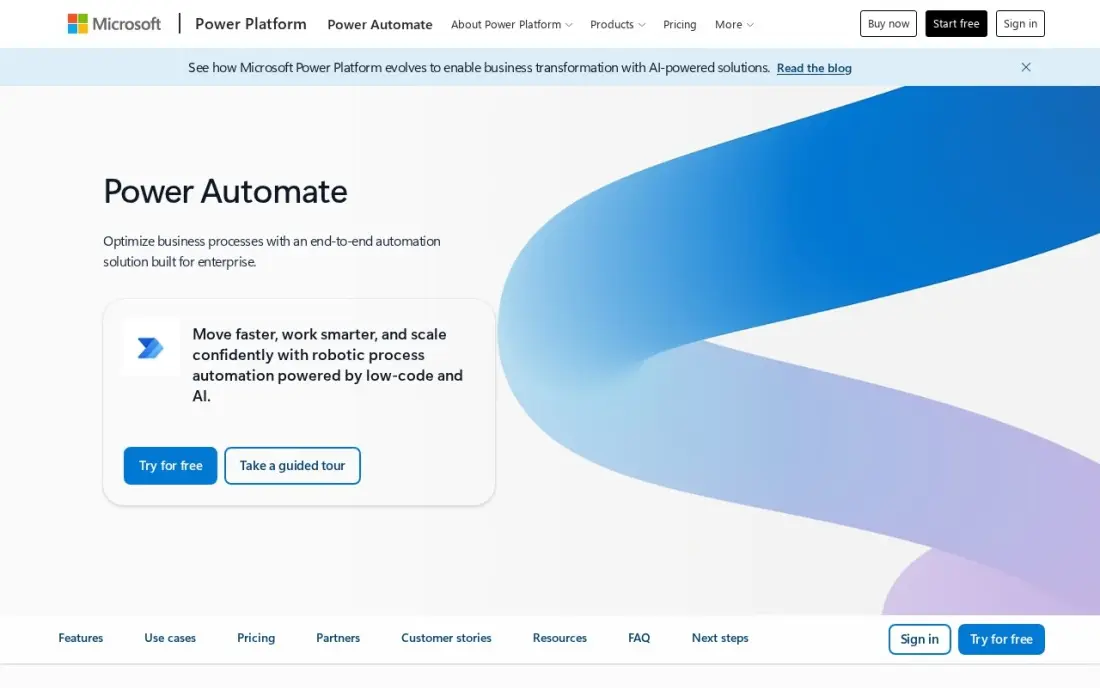
Power Automate is the workflow automation tool many companies already own. Cloud flows that use standard connectors are included with most Microsoft 365 plans, so approval routing, SharePoint file moves and Teams alerts can cost nothing extra. Premium costs $15 per user a month billed annually and adds premium connectors, attended desktop automation for legacy apps and AI Builder credits.
The licensing rule needs checking before rollout: an automated flow needs Premium only for its owner, but an instant flow needs a licence for every person who triggers it, so five people cost $75 a month. Debugging is slower than on Zapier, and non-Microsoft apps connect less smoothly. Start with what your Microsoft 365 plan already includes.
What we like
- Already included with most Microsoft 365 plans for standard connectors, so many teams pay nothing extra
- Premium adds premium connectors, attended desktop RPA and AI Builder credits in one licence
- Approval flows, SharePoint and Teams triggers are native, not bolted on
Watch out for
- Per-user licensing multiplies fast: every person running an instant premium flow needs a licence
- Debugging is hard work; error messages are vague and trigger delays hit time-sensitive flows
- Works best inside Microsoft tools; non-Microsoft apps connect, but less smoothly than on Zapier

Pabbly Connect
Best for: Budget-conscious teams that run high task volumes on simple workflows

Pabbly Connect is the budget option for teams that count tasks. Standard costs $16 a month billed annually, or $19 billed monthly, for 10,000 tasks, and only action steps on external apps count; triggers, filters, routers and formatters are free. Every paid plan includes unlimited workflows and team members, and one-time lifetime plans start at $349 for buyers who want to stop paying monthly.
You trade polish for that allowance. The interface feels dated next to Zapier and Make, error handling has no fallback path, execution logs expire after 30 days on Standard, and the app library is smaller. For straightforward workflows where volume matters more than branching logic, it is the cheapest way to run them.
What we like
- 10,000 tasks a month from $16/month billed annually, with triggers and internal steps free
- Unlimited workflows and team members on every paid plan, so growth does not add seats
- One-time lifetime plans from $349 for buyers who want to stop paying monthly
Watch out for
- Interface feels dated next to Zapier and Make, and error handling has no fallback path
- Execution logs expire after 30 days on Standard, so old failures cannot be audited later
- Smaller app library than the leaders, so niche tools may need webhooks instead of a native connector

Integrately
Best for: Non-technical owners who want ready-made automations activated in one click
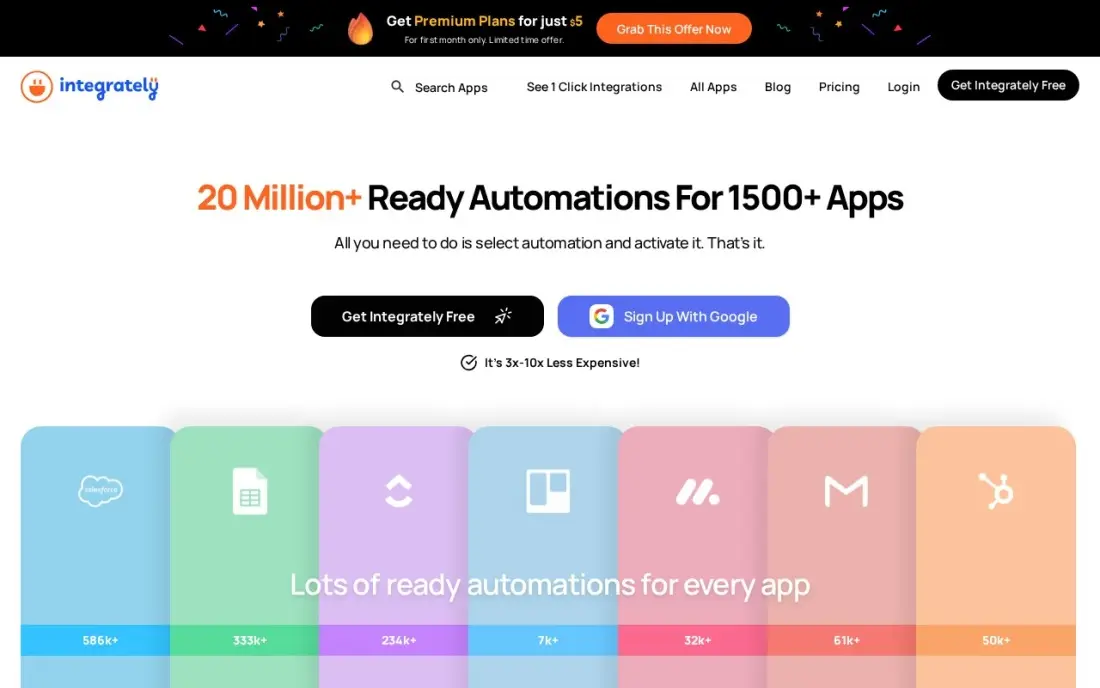
Integrately skips the builder for common jobs: you pick two apps, choose a ready-made automation and switch it on, so a new Shopify order can land in Google Sheets and Mailchimp without mapping fields by hand. Starter costs $19.99 a month with no per-seat fees, and the free plan covers 100 tasks a month across five automations.
Ready-made recipes are fast but rigid. When a workflow needs custom conditions or careful error handling, Make and n8n go further, and no annual discount is listed, so $19.99 is the price all year. Use Integrately to automate your first handful of repetitive jobs, and move to a canvas tool when they start needing branches.
What we like
- One-click automations: pick two apps and a ready-made recipe does the setup for you
- Flat $19.99/month Starter with no per-seat fees, so adding teammates costs nothing extra
- Automations run every 15 minutes on the free plan, with faster intervals on paid plans
Watch out for
- No annual billing discount is listed, so the $19.99 monthly price is the price all year
- Pre-built recipes are fast but less flexible than Make or n8n when a flow needs custom logic
- Smaller community and fewer advanced features, so complex error handling is limited

Airtable
Best for: Teams whose workflow lives in a shared database of records and statuses
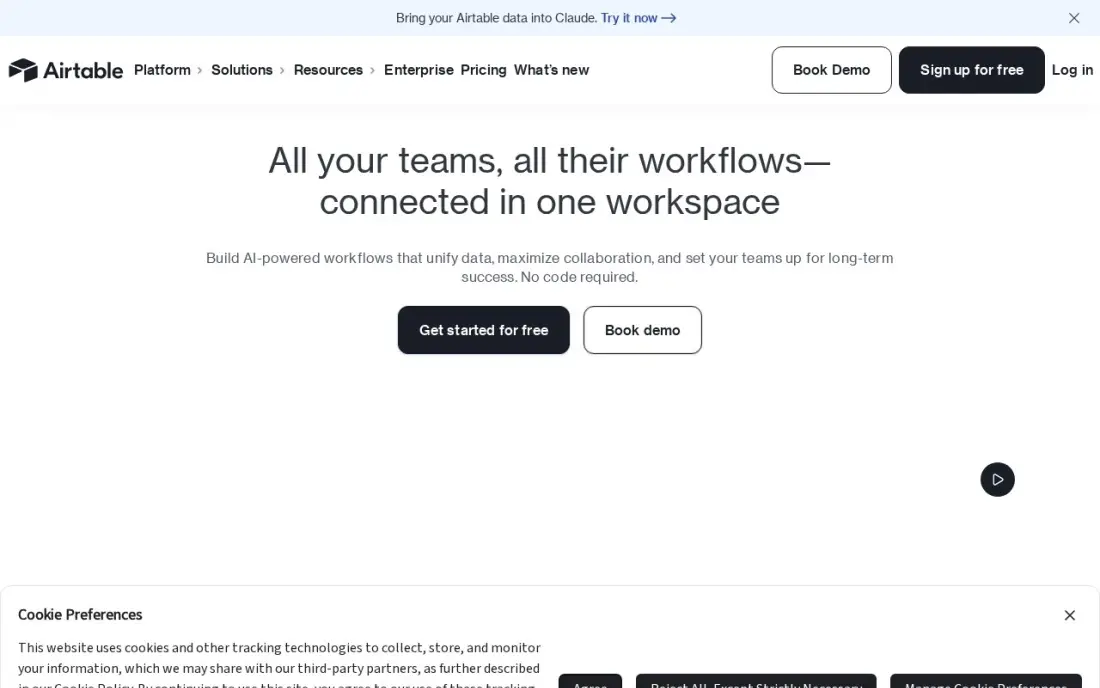
Airtable suits workflows that are really a list of records moving through stages: content calendars, purchase requests, applicant tracking or client onboarding. You build the base, add kanban, calendar or form views, and use its built-in automations to notify people or update records when a status changes. Team costs $20 a seat a month billed annually, or $24 monthly, and the free plan covers 1,000 records per base.
It is a workflow home rather than a connector between many apps, so cross-app jobs still need Zapier or Make. Team bills anyone with comment access as a seat, which adds up when you share widely, and two-way sync waits for Business at $45 a seat.
What we like
- A database you shape into a tracker: kanban, calendar and gallery views over the same records
- Team adds Gantt and timeline views, extensions and 15,000 AI credits per seat a month from $20 a seat
- Free plan covers 1,000 records per base, enough to prove the setup before paying
- Interfaces let a team build a simple front end for clients without code
Watch out for
- The dearest per-seat price here at $20, and Team bills Commenters as paid seats
- No native time tracking or workload planning — those need extensions or another tool
- Performance slows on very large bases, and two-way sync waits for Business at $45 a seat

monday.com
Best for: Non-technical teams that want visual boards with built-in automation rules

monday.com puts workflow automation inside the place work is tracked. Status columns, owners and due dates live on visual boards, and simple rules such as notifying a manager when an item is marked done or moving items between groups run without a separate tool. Basic costs $9 a seat a month billed annually, or $12 monthly, and the free plan covers up to two seats and three boards.
The catch is that Basic has no automations at all; they start on Standard at $12 a seat a month billed annually, which includes 250 automation actions a month. Every paid plan has a three-seat minimum, so a solo user still pays for three. It works best for teams that want process and automation in one place.
What we like
- The most visual boards here: color-coded statuses, automations and dashboards that non-technical teams pick up fast
- Standard adds timeline and Gantt views, guest access and 250 automation actions a month from $12 a seat
- 1,000 to 3,000 AI credits a month on paid plans, for summaries and formula help
- More than 200 integrations, including Slack, Google Workspace and Zoom
Watch out for
- Every paid plan has a 3-seat minimum, so a solo user pays $27 a month on Basic annual billing
- Basic has no automations at all — the automation that makes monday.com worth it starts on Standard
- Time tracking and private boards wait for Pro at $19 a seat a month
The best workflow automation software takes the repetitive steps out of everyday work: copying a form entry into the CRM, routing an approval, posting an update to the team or moving a file to the right folder. We compared eight tools across three kinds of automation — app connectors, technical workflow builders and work-management platforms with automation built in — and every price below comes from the vendor's own pricing page as checked in November 2026.
How to choose the best workflow automation software
- List the apps first. Write down every app the workflow touches and confirm each has a native connector; a missing connector means webhooks or custom code.
- Learn the billing unit. Zapier and Pabbly count tasks, Make counts credits per module, and n8n counts whole executions, so the same workflow can cost very different amounts.
- Count your monthly runs. Multiply runs by steps before comparing plans; a busy three-step workflow can use four times the allowance you expected.
- Check branching and error handling. Real workflows have exceptions, so test what happens when a step fails or a condition is not met.
- Decide who builds. A non-technical owner needs ready-made templates; a developer will get more from code nodes and self-hosting.
- Look at seat rules. Some tools bill per builder or per user who triggers a flow, while others include unlimited team members.
Automation frees time; it does not bring in leads. If the workflows you are automating start with a website form, our SEO audit shows whether those forms are getting found in search, and the free UTM builder helps you tag campaign links so automated reports show where each lead came from.
Workflow automation software pricing: what you will actually pay
Take one workflow with three action steps that runs 1,000 times a month. On Zapier that is 3,000 tasks, which moves the bill from Professional at $19.99 a month billed annually to $49 a month billed annually. On Make, the trigger plus three actions is about 4,000 credits, which fits inside Core's 10,000 credits at $9 a month billed annually, or $10.59 billed monthly. On n8n it is 1,000 executions, inside Starter's 2,500 at $20 a month billed annually, or $24 billed monthly. On Pabbly Connect it is 3,000 tasks, inside Standard's 10,000 at $16 a month billed annually.
Over a year, that same workflow costs about $588 on Zapier, $108 on Make, $240 on n8n and $192 on Pabbly Connect, all on annual billing. Integrately Starter is $19.99 a month with no annual discount listed, or $239.88 a year.
Seat-priced tools work differently. Power Automate Premium costs $15 per user a month billed annually, so five people who trigger instant flows cost $900 a year. monday.com's automations start on Standard at $12 a seat a month billed annually with a three-seat minimum, so the smallest bill is $432 a year.
Know the difference: integration automation vs process automation
Integration automation moves data between apps. A trigger in one tool starts actions in others: a paid invoice updates the CRM, a new lead gets a welcome email, a support ticket posts to Slack. Zapier, Make, n8n, Pabbly Connect and Integrately are built for this, and they are the right choice when the work is mostly copying information from one system to another.
Process automation moves work between people. A request goes through stages, owners and approvals, and the tool tracks who has it and what happens next. Power Automate's approval flows, Airtable's record automations and monday.com's board rules fit here. Most teams eventually use one of each: a work-management tool to hold the process and a connector to link it with everything else.
Quick comparison: tool type by need
| Buyer | Best pick | Why |
|---|---|---|
| Widest app coverage | Zapier | Fastest setup, Professional from $19.99/month billed annually |
| Most volume per dollar | Make | 10,000 credits on Core for $9/month billed annually |
| Technical teams | n8n | Billed per run, free self-hosted edition |
| Microsoft 365 users | Microsoft Power Automate | Standard connectors included, Premium $15/user/month |
| High volume on a budget | Pabbly Connect | 10,000 tasks for $16/month billed annually |
| One-click setup | Integrately | Ready-made automations, $19.99/month with no seat fees |
| Record-based workflows | Airtable | Database views with built-in automations, $20/seat/month annual |
| Visual team processes | monday.com | Board automations from Standard at $12/seat/month annual |
Mistakes to avoid
- Automating a broken process. If the manual steps are unclear, automation only makes the mess faster; write the process down before you build it.
- Pricing on the headline plan. Count steps and runs first, because task-based billing can move you two tiers up in the first month.
- Skipping error alerts. A silent failure can drop leads or invoices for weeks; send every failed run to an inbox someone reads.
- Building everything in one person's account. When that person leaves, the workflows go with them; use shared or team workspaces from the start.
- Ignoring what you already own. Microsoft 365, Airtable and monday.com all include some automation, so check before adding another subscription.
Related comparisons: Workflow Management Software · Approval Workflow Software · CRM Automation Software · Sales Automation Software · Slack Apps · Plagiarism Software
How we chose
We checked each vendor's own pricing page in November 2026 and recorded starting prices exactly as shown, with annual and monthly billing stated separately where the page lists both. We grouped the tools by the kind of automation they do — connecting apps, building technical workflows or automating team processes — and ranked them by fit for a small or mid-sized team automating its first ten to twenty workflows. Ratings come from G2 pages checked on the dates shown in the sources; tools without a verified rating show none. No vendor paid for a place in this list, and none of the links here are affiliate links.
What to do next
Pick the one job your team repeats most often, count how many times it runs a month and how many steps it has, and build it on the free plan of the tool that fits. Run it for two weeks before you upgrade. If the workflow you most want to automate is lead follow-up, make sure the leads are arriving first. Book a free SEO review.
Frequently asked questions
What is the best workflow automation software?
Zapier is the best all-round choice for connecting business apps, from $19.99 a month billed annually for 750 tasks. Make is the best value, with 10,000 credits on Core for $9 a month billed annually, and n8n is the best fit for technical teams that want to self-host or run long workflows.
Is there free workflow automation software?
Yes. Zapier's free plan covers 100 tasks a month, Make's covers 1,000 credits, Pabbly Connect's and Integrately's cover 100 tasks, and n8n's Community Edition is free to self-host with unlimited executions. Power Automate's standard connectors are included with most Microsoft 365 plans.
How much does workflow automation software cost?
Entry paid plans in this list run from $9 a month on Make Core billed annually to $19.99 a month on Zapier Professional billed annually or Integrately Starter. Power Automate Premium costs $15 per user a month, and work-management tools such as Airtable and monday.com charge per seat.
What is the difference between a task, a credit and an execution?
They are the units vendors bill by. Zapier and Pabbly count each action step as a task, Make counts each module that runs as a credit, and n8n counts each full workflow run as one execution, which is why long workflows are cheapest on n8n.
Do I need to code to use workflow automation software?
No for Zapier, Integrately, Pabbly Connect, Airtable and monday.com, which are built for non-technical users. Make is no-code but takes longer to learn, and n8n works without code but rewards it, especially if you self-host.
Should I self-host my workflow automation?
Only if you have someone to run the server. Self-hosted n8n removes execution limits and keeps data in-house, but you take on updates, backups and uptime. Most small teams are better served by a hosted plan.
Is there open-source workflow automation software?
The closest option here is n8n: its Community Edition is free to self-host with unlimited executions, under a fair-code licence rather than a classic open-source one. It suits technical teams comfortable with code nodes, webhooks and running their own server. If you would rather not host anything, n8n's cloud Starter plan costs $20 a month billed annually, and Make's free plan includes 1,000 credits a month.
What is the easiest workflow automation software to use?
Integrately is the easiest start: pick two apps and a ready-made recipe sets up the automation in one click, from a free plan or $19.99 a month. Zapier connects thousands of apps, includes AI by Zapier and has a free plan of 100 tasks a month. monday.com suits non-technical teams on visual boards, though automations only start on its Standard plan.
Sources we checked (14)
- Zapier — zapier.com/pricing (checked November 12, 2026)
- Zapier reviews on G2 (checked November 12, 2026)
- Make — www.make.com/en/pricing (checked November 2, 2026)
- Make reviews on G2 (checked November 2, 2026)
- n8n — n8n.io/pricing (checked November 2, 2026)
- n8n reviews on G2 (checked November 2, 2026)
- Microsoft Power Automate — powerautomate.microsoft.com/en-us/pricing (checked November 2, 2026)
- Microsoft Power Automate reviews on G2 (checked November 2, 2026)
- Pabbly Connect — www.pabbly.com/connect/pricing (checked November 2, 2026)
- Integrately — integrately.com/pricing (checked November 2, 2026)
- Airtable — airtable.com/pricing (checked November 12, 2026)
- Airtable reviews on G2 (checked November 12, 2026)
- monday.com — monday.com/pricing (checked November 12, 2026)
- monday.com reviews on G2 (checked November 12, 2026)
Make one of these tools?
We re-check this list every quarter. Send a correction, request a review, or ask about a clearly labeled sponsored spot.
Request a listingShamim
Founder of SerpAstra
A full-stack digital marketer and SEO strategist covering technical and local SEO, AI search visibility, paid ads and lead generation for local businesses, e-commerce brands and SaaS teams.
Free SEO and AI visibility audit
Find out what is holding your rankings back
Send us your site. Within 2 business days you get a written audit, an AI visibility check and a short fix list ranked by impact. Free, with no contract attached.
Request my free audit→Related buying guides
 Productivity & Office10 Best AI Automation Tools for Small Business in 2026, Compared10 best ai automation tools for small business compared on price, free plans and AI features, with real starting prices checked November 2, 2026.Read guide →
 Productivity & Office10 Best Automation Apps for Small Business in 202610 best automation apps for small business compared on price, free plans and billing units, with starting prices checked on vendor pages, November 2, 2026.Read guide →
 IT Management10 Best Workload Automation Tools in 2026 (Free and Paid, Compared)10 best workload automation tools compared on price, platforms and scheduling depth in 2026. Only two publish a price; the rest are custom quote.Read guide →