
8 Best Benefits Administration Software in 2026, Compared
Compare the 8 best benefits administration software and benefits management tools on enrollment, payroll sync, PEO options and price, checked on vendor pages.
 Shamim Mia, Founder, SerpAstraLast verified November 6, 20268 min read
We compare pricing pages, documentation and public reviews. We never accept payment for rankings.

Key takeaways
- TriNet Zenefits is the best benefits administration software for most small businesses: benefits admin and compliance help built in from $8 an employee a month billed annually.
- Gusto is the pick when payroll comes first and benefits should sit in the same login, from $49 a month plus $6 a person.
- Justworks' PEO plans give a small company access to big-company group health plans, at $79 or $124 an employee a month.
- Benefits software, a PEO and a broker solve different problems — decide which one you need before you compare prices.
On this page
Quick comparison
| Tool | Best for | Starting price | Free plan |
|---|---|---|---|
| TriNet Zenefits | Small businesses that want benefits administration and HR compliance help in one platform | $10/emp/mo | No (14-day trial) |
| Gusto | Small single-state teams that want payroll and benefits handled in one easy login | $49/mo + $6/person | No |
| Justworks | Small US companies that want big-company health plans through a PEO | $50/mo + $8/emp | No (demo only) |
| Rippling | Growing companies that want benefits, payroll and IT driven by one employee record | $8/user/mo | No |
| Paycor | Midsize US employers that want benefits inside a full HCM with industry workflows | Custom quote | No (demo only) |
| Namely | Midsize companies that want HR, payroll and managed benefits services from one vendor | $9/mo | No (demo only) |
| ADP Run | Small businesses that want benefits layered onto a big-name payroll provider | Custom quote | No |
| Paychex Flex | Companies that want a dedicated specialist and a path from payroll to a PEO on one platform | Custom quote | No |
Make one of these tools?
We re-check this list every quarter. Send a correction, request a review, or ask about a clearly labeled sponsored spot.
Request a listingThe best benefits administration software
TriNet Zenefits
Best for: Small businesses that want benefits administration and HR compliance help in one platform
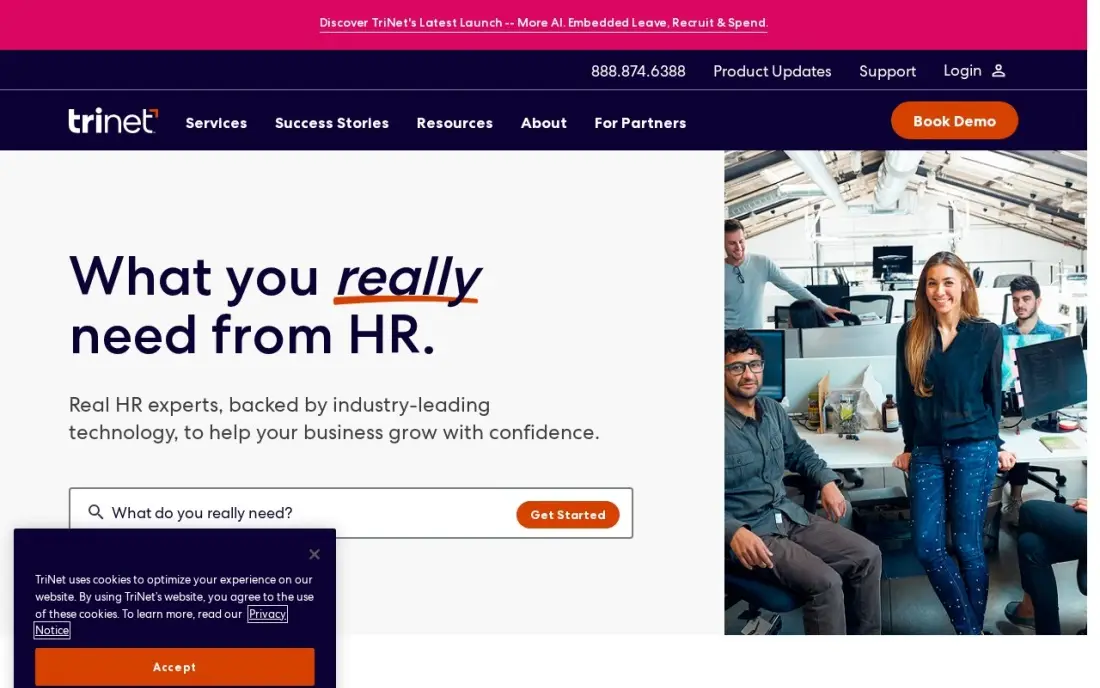
TriNet Zenefits, now sold as the TriNet HR Platform, puts benefits administration at the centre. Benefits admin and compliance support are built into the platform, with onboarding, time-off tracking and org charts from the entry plan, so new hires can enroll in the same flow that sets up their HR record. Access to HR experts helps a company without its own benefits specialist.
Essentials costs $10 an employee a month, or $8 billed annually, with a five-employee minimum. Payroll is a $6 add-on on Essentials and Growth and is bundled only in Zen at $27. Its 3.9 G2 rating ties for the lowest here, with slow support the most cited complaint.
What we like
- Published tiered pricing: Essentials $10, Growth $16, Zen $27 per employee a month
- Benefits administration and compliance support are built into the platform
- Onboarding, time-off tracking and org charts are included from the entry plan
- Payroll is bundled into the Zen plan, so the top tier is the all-in price
Watch out for
- Payroll is not included: it costs $6 more per employee on Essentials and Growth
- Lowest G2 score here at 3.9 out of 5, with slow customer support the most cited complaint
- Five-employee minimum applies, so a smaller team still pays for five seats

Gusto
Best for: Small single-state teams that want payroll and benefits handled in one easy login
Gusto is the natural choice when payroll is the main purchase and benefits should follow it. Payroll, benefits and time tracking sit in one login, so a deduction set up at enrollment flows straight into the next pay run without re-keying. Unlimited payroll runs and federal, state and local tax filing come on every plan, and its 4.6 rating across more than 10,000 G2 reviews is the largest base here.
Simple costs $49 a month plus $6 a person and covers payroll in one state only, so hiring in a second state forces Plus at $80 a month plus $12 a person. A 25-person team pays $199 a month on Simple before any add-on.
What we like
- Unlimited payroll runs with federal, state and local tax filing included on every plan
- Time & Attendance Plus add-on syncs tracked hours straight into payroll
- Highest reviewer volume here — 4.6/5 across more than 10,000 G2 reviews — with an easy setup flow
Watch out for
- Time tracking is not on Simple — it needs Plus ($80/month + $12/person) or the Time & Attendance Plus add-on
- Simple covers payroll in one state only; hiring in a second state forces the Plus upgrade
- Per-person fees add up fast: a 25-person team pays $199/month on Simple before any add-on

Justworks
Best for: Small US companies that want big-company health plans through a PEO
Justworks offers two routes. The Payroll plan, at $50 a month plus $8 an employee, covers payroll, tax filings and HR tools with 24/7 support. Its PEO plans add co-employment, which pools your staff with other Justworks customers and opens group health plans that a 15-person company could not negotiate alone. That is the reason most buyers come.
PEO Basic costs $79 an employee a month and Plus $124, with no base fee, and insurance premiums sit on top. There is no free trial, and HR depth is lighter than a dedicated HRIS. Compare the PEO's plans with a broker quote before committing.
What we like
- Clear published pricing across Payroll and PEO plans with no implementation fee
- Multi-state payroll is included on every plan, unlike Gusto Simple
- 24/7 support is included on every plan
- PEO plans open access to group health plans a 15-person company could not negotiate alone
Watch out for
- No free trial, so you evaluate through demos rather than a test account
- PEO pricing climbs fast: Basic is $79 per employee a month with no base fee
- HR depth is lighter than dedicated HRIS platforms such as BambooHR

Rippling
Best for: Growing companies that want benefits, payroll and IT driven by one employee record
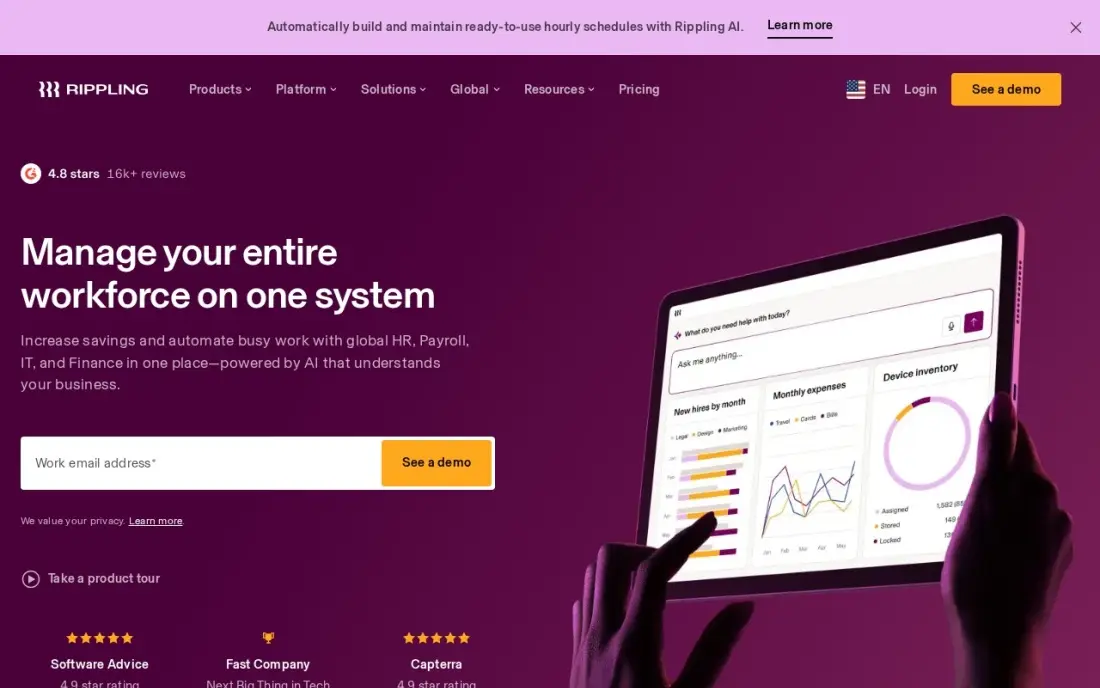
Rippling treats benefits as one module on a single employee record that also drives payroll, HR, apps and devices. When someone is hired, changes role or leaves, workflow automation updates benefits eligibility and deductions alongside payroll, which removes the manual steps where enrollment errors usually creep in.
Plans start at $8 a user a month plus an unpublished monthly base fee, and benefits, payroll and device modules each add to the bill. Reviewers say costs stack up and setup can be complex. Ask for a quote that lists every module before comparing it with Gusto or Zenefits.
What we like
- One employee record drives payroll, HR, IT and benefits — no duplicate data entry
- Rippling AI answers questions across your workforce data and flags pay anomalies
- Workflow automation handles onboarding, offboarding and approvals without manual steps
- Scales from a small team to multiple locations without switching systems
Watch out for
- Modular pricing: the $8 rate is per user, and a monthly base fee sits on top
- Costs stack up quickly as you add payroll, device and benefits modules
- Setup can be complex, and support is hit-or-miss on standard tiers

Paycor
Best for: Midsize US employers that want benefits inside a full HCM with industry workflows
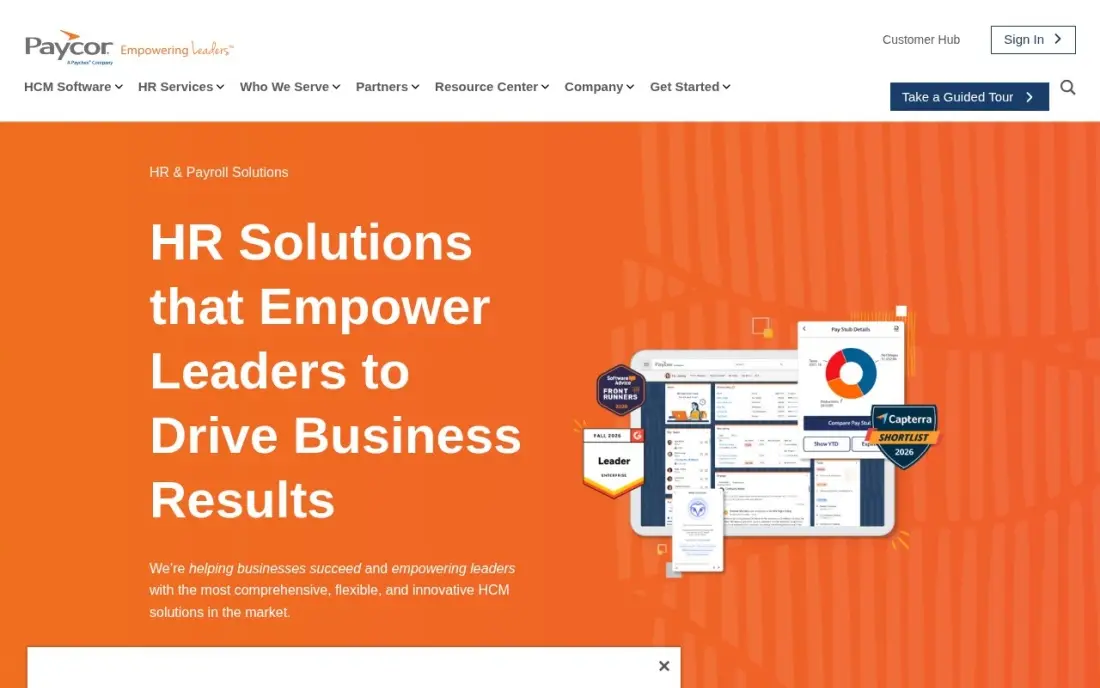
Paycor covers benefits as part of a full HCM suite with recruiting, onboarding, payroll, time and analytics, configured for industries such as healthcare, manufacturing and restaurants. For a midsize employer with hourly and salaried staff, having enrollment, deductions and payroll in one vendor cuts the reconciliation work between systems, and more than 300 integrations connect carriers and other tools.
Pricing is quote-based, and implementation takes six weeks to six months, averaging two to three. Paycor was acquired by Paychex in April 2025, so ask about the roadmap. It holds a 4.0 rating from 1,910 G2 reviews.
What we like
- Full HCM from recruiting and onboarding through payroll, time, benefits and analytics
- Industry-specific configurations for healthcare, manufacturing, restaurants and professional services
- Strong mobile app and workforce analytics, with 300+ pre-built integrations
- Rated 4.0/5 on G2 across 1,910 reviews, with payroll accuracy reviewers praise
Watch out for
- Pricing is quote-based; no rates are published online
- Implementation takes 6 weeks to 6 months, averaging 2 to 3 months
- Paycor was acquired by Paychex in April 2025, so ask about the product roadmap during evaluation

Namely
Best for: Midsize companies that want HR, payroll and managed benefits services from one vendor
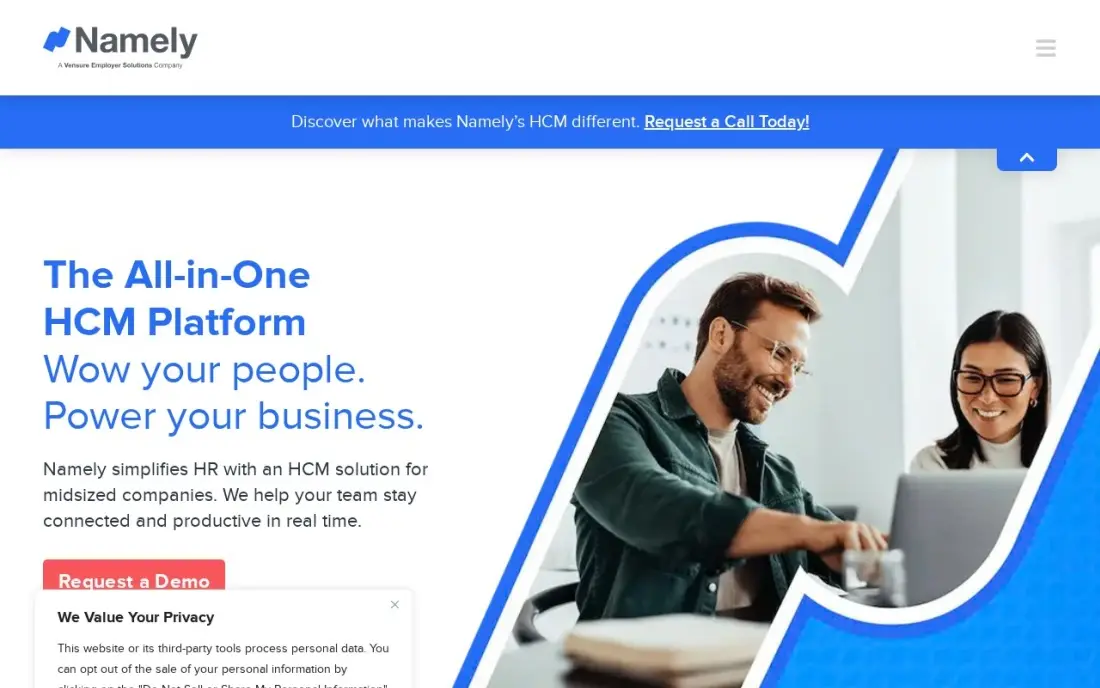
Namely bundles HR, payroll and benefits for companies up to about 1,000 employees, with an employee-experience focus. Its higher tiers add managed services: Plus People adds managed payroll and benefits, and Complete is a full PEO, so a company can hand benefits administration to Namely's team instead of hiring for it.
Namely Now starts at $9 an employee a month, while Plus, Plus People and Complete are custom-quoted. Its 3.9 G2 rating ties for the lowest here, with reviewers citing slower innovation and uneven support. There is no free trial, only a guided demo.
What we like
- HR, payroll and benefits in one system, with managed services on higher tiers
- Employee experience is the design focus, with a mobile-first interface
- Solid for companies up to 1,000 employees without enterprise complexity
- Onboarding, performance and compliance reporting included from Plus
Watch out for
- The lowest rating here at 3.9/5 on G2
- Three of the four tiers are custom-quoted, so only Namely Now has a published price
- Reviewers note a slower innovation pace and uneven support
ADP Run
Best for: Small businesses that want benefits layered onto a big-name payroll provider
ADP RUN suits a small business that wants payroll and benefits from one long-established provider. Four packages run from Essential Payroll to HR Pro, covering payroll, tax filing, new-hire reporting and employee self-service, with HR support, background checks and benefits layered on as you move up. Reviewers praise its live-chat support and handling of multi-state payroll.
ADP publishes no prices for any RUN package, so every quote needs a sales call, and W-2s, 1099s and off-cycle runs cost extra. New-customer offers of free months carry terms that are easy to miss, so ask for every fee in writing.
What we like
- The deepest HR and compliance bench here, built for companies that keep growing
- Four packages from payroll-only to full HR, so the service grows with the company
- Highly rated support in this list, with live chat that reviewers praise
- Handles multi-state payroll, garnishments and complex tax situations without fuss
Watch out for
- No published price — every package needs a sales call and a custom quote
- W-2s, 1099s and off-cycle runs cost extra on top of the quote
- New-customer offers of free months come with terms that are easy to miss

Paychex Flex
Best for: Companies that want a dedicated specialist and a path from payroll to a PEO on one platform
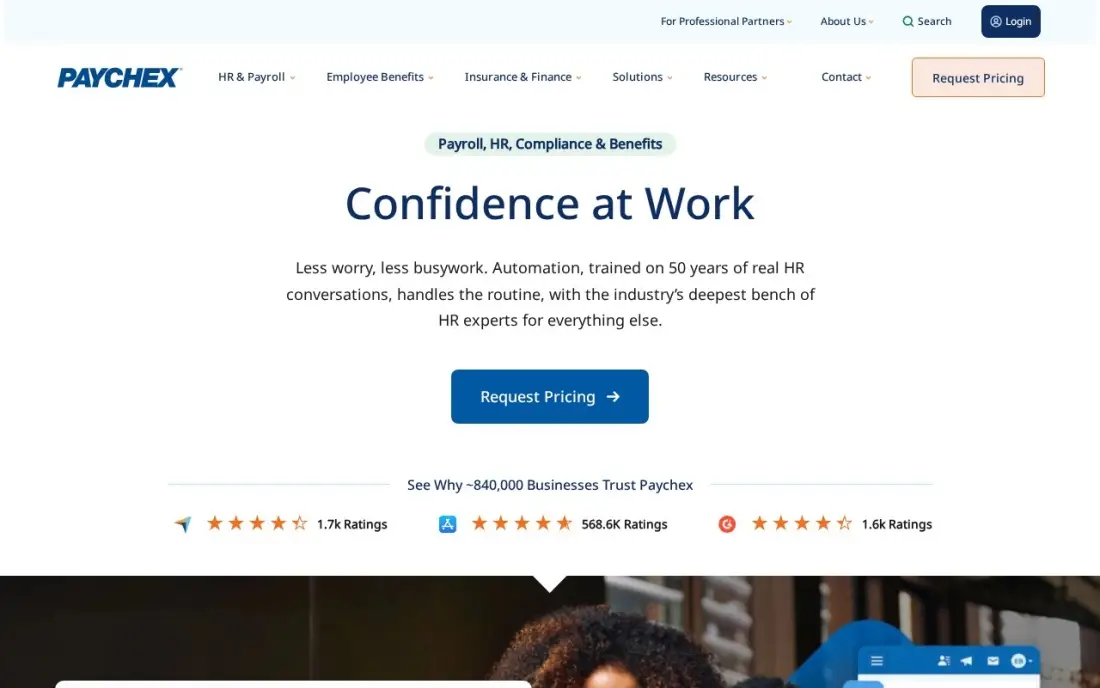
Paychex Flex pairs payroll with a dedicated specialist who knows your account and 24/7 support by phone, chat and email. HR Pro and PEO options sit on the same platform, so a company can start with payroll and move to a PEO for benefits access later without switching providers, and the platform scales from a handful of staff to hundreds.
Every current tier, Select, Pro and Enterprise, says Request Pricing, and the $39-a-month figure still quoted online is for a discontinued tier. Setup and year-end fees are not published either, so get a written quote that lists every fee.
What we like
- A dedicated payroll specialist who knows your account, not a rotating queue
- 24/7 live support by phone, chat and email
- Scales from a small team to hundreds of employees without switching providers
- HR Pro and PEO options sit on the same platform when the company grows
Watch out for
- No published price — every tier says Request Pricing and needs a sales call
- The $39-a-month figure still quoted online is for a discontinued tier, not current plans
- Setup and year-end fees are not published, so the first bill can surprise
The best benefits administration software lets employees enroll in health, retirement and other benefits online, keeps eligibility and life events up to date, and sends the right deductions to payroll without anyone re-keying numbers. We compared eight platforms, from benefits-first HR tools to payroll providers and PEOs, on enrollment, payroll sync, compliance help and real cost, and every price below was checked on the vendor's own pricing page in November 2026. This guide also covers benefits management software, which most buyers use as the same category.
How to choose the best benefits administration software
- Decide between software and a PEO. Software manages the plans you already have; a PEO like Justworks gives you access to its group plans through co-employment.
- Make payroll sync non-negotiable. Deductions that flow automatically from enrollment to payroll remove the most common and costly errors.
- Check life-event handling. Marriages, new children and address changes should update eligibility and deductions without HR stepping in.
- Ask about compliance help. Zenefits includes access to HR experts, and ADP and Paychex layer HR support onto higher packages.
- Watch minimums and per-person fees. Zenefits has a five-employee minimum, and Gusto's per-person fees add up as you grow.
- Get every fee in writing. ADP and Paychex publish no prices, and year-end forms and off-cycle runs can cost extra.
Benefits are part of how a small company competes for staff, and so is being easy to find. Our local SEO service helps local employers show up for candidates and customers nearby, and our guide to the best HR companies compares PEOs and employer-of-record providers in more depth.
Benefits administration software pricing: what you will actually pay
Take a company of 25 employees. On published prices, a month costs $199 on Gusto Simple ($49 plus $6 a person), $200 on TriNet Zenefits Essentials billed annually ($8 an employee) or $250 billed monthly, $225 on Namely Now at $9, $250 on Justworks Payroll ($50 plus $8 an employee), and from $200 on Rippling at $8 a user plus its base fee.
Add payroll on Zenefits Essentials and the price rises by $6 an employee, to $350 a month at the annual rate, or move to Zen at $27, which is $675 a month with payroll bundled. A PEO costs far more because it bundles HR, compliance and plan access: Justworks PEO Basic at $79 an employee is $1,975 a month for 25 people, and Plus at $124 is $3,100. Insurance premiums come on top of every option here. Paycor, ADP RUN and Paychex Flex quote every deal.
Know the difference: benefits administration software vs a PEO
Benefits administration software is a tool. You keep your own insurance plans, usually bought through a broker, and the software handles enrollment, eligibility, life events and payroll deductions. You stay the only employer of record, and you can change brokers or carriers without changing software.
A PEO is a service. Through co-employment, the PEO becomes the employer of record for HR and tax purposes and pools your staff with other client companies, which gives a small business access to large group health plans. It costs more per employee and is harder to leave, but for a company of 5 to 50 people it can be the cheapest route to competitive benefits.
Quick comparison: tool type by need
| Need | Best pick | Why |
|---|---|---|
| Benefits-first small business HR | TriNet Zenefits | Benefits admin and compliance help, from $8/employee/month |
| Payroll-first with benefits | Gusto | One login, Simple from $49/month plus $6/person |
| Big-company health plans | Justworks | PEO from $79/employee/month |
| Benefits on one employee record | Rippling | Benefits, payroll and IT together, from $8/user/month |
| Midsize full HCM | Paycor | Benefits with industry workflows; custom quote |
| Managed benefits services | Namely | Plus People and PEO tiers; Now from $9/employee/month |
| Big-name payroll plus benefits | ADP Run | Four packages, benefits on higher tiers; quoted |
| Dedicated specialist, PEO path | Paychex Flex | 24/7 support, HR Pro and PEO options; quoted |
Mistakes to avoid
- Comparing software prices without premiums. The software is a small part of benefits cost; compare total cost including insurance.
- Running enrollment and payroll in separate systems. Manual deduction updates are where overpayments and missed deductions happen.
- Ignoring the open enrollment workload. Test how the tool handles a full enrollment period before signing, not just a single new hire.
- Signing a PEO without an exit plan. Ask how leaving works and what happens to plans mid-year.
- Missing state rules. Multi-state employers need software that handles each state's requirements; Gusto Simple covers one state only.
Related comparisons: Payroll Software for Mid-Market Companies · Payroll Software for Enterprise · Workforce Planning Software · Shift Scheduling Software
How we chose
We read each vendor's own pricing page in November 2026 and recorded starting prices exactly as shown; where a vendor publishes no price, we say so. We ranked platforms by fit for US companies of 5 to 500 employees, weighting enrollment, payroll deduction sync, life-event handling, compliance support, PEO options and total cost. Ratings come from G2 pages checked on the dates shown in the sources. No vendor paid for a place in this list, and none of the links here are affiliate links.
What to do next
Decide whether you want software for your existing plans or a PEO for plan access, then get two quotes for your exact headcount and state. When you want to attract more candidates and customers online, book a free SEO audit.
Frequently asked questions
What is the best benefits administration software?
TriNet Zenefits is the best fit for most small businesses, with benefits admin and compliance support built in from $8 an employee a month billed annually. Gusto suits payroll-first teams, and Justworks' PEO suits companies that want big-company health plans.
What is the best benefits management software for small businesses?
TriNet Zenefits and Gusto. Zenefits Essentials costs $10 an employee a month, or $8 billed annually, with a five-employee minimum; Gusto Simple costs $49 a month plus $6 a person with payroll included.
How much does benefits administration software cost?
For 25 employees, Gusto Simple costs $199 a month, Justworks Payroll $250, TriNet Zenefits Essentials $200 a month billed annually, and Rippling from $200 plus a base fee. PEO plans cost $79 to $124 per employee on Justworks.
Is a PEO better than benefits administration software?
A PEO suits small companies that want access to group health plans and outsourced compliance. Benefits software suits companies that already have plans through a broker and need enrollment, deductions and records managed.
Does benefits administration software include insurance?
No. Software manages enrollment, eligibility and payroll deductions; the insurance itself comes from a carrier, usually through a broker or a PEO, and premiums are paid on top of the software price.
What features should benefits administration software have?
Online enrollment, eligibility rules, automatic payroll deductions, carrier connections, life-event changes such as marriage or a new child, and compliance reporting.
Sources we checked (13)
- TriNet Zenefits — www.zenefits.com/pricing (checked November 6, 2026)
- TriNet Zenefits reviews on G2 (checked November 6, 2026)
- Gusto — gusto.com/product/pricing (checked November 10, 2026)
- Gusto reviews on G2 (checked November 10, 2026)
- Justworks — www.justworks.com/pricing (checked November 6, 2026)
- Justworks reviews on G2 (checked November 6, 2026)
- Rippling — www.rippling.com/pricing (checked November 8, 2026)
- Paycor — www.paycor.com/pricing (checked November 6, 2026)
- Paycor reviews on G2 (checked November 6, 2026)
- Namely — www.namely.com/pricing (checked November 6, 2026)
- Namely reviews on G2 (checked November 6, 2026)
- ADP Run — www.adp.com/small-business/payroll (checked November 8, 2026)
- Paychex Flex — www.paychex.com/payroll/paychex-flex-essentials (checked November 8, 2026)
Make one of these tools?
We re-check this list every quarter. Send a correction, request a review, or ask about a clearly labeled sponsored spot.
Request a listingShamim
Founder of SerpAstra
A full-stack digital marketer and SEO strategist covering technical and local SEO, AI search visibility, paid ads and lead generation for local businesses, e-commerce brands and SaaS teams.
Free SEO and AI visibility audit
Find out what is holding your rankings back
Send us your site. Within 2 business days you get a written audit, an AI visibility check and a short fix list ranked by impact. Free, with no contract attached.
Request my free audit→Related buying guides
 HR & Payroll10 Best HCM Software for Small Businesses in 2026, ComparedCompare the 10 best HCM software for small businesses on price, payroll, free plans and HR features, with every price checked November 6, 2026.Read guide →
 HR & Payroll7 Best HR Companies in 2026, ComparedCompare the 7 best HR companies for small businesses: PEO, all-in-one HR and global employer-of-record providers, with real per-employee costs.Read guide →
 HR & Payroll10 Best Payroll Software for Small Business in 2026, ComparedCompare the 10 best payroll software for small business on base price, tax filing and free trials, with every price checked November 4, 2026.Read guide →