
8 Best Shift Scheduling Software in 2026, Compared
Compare the 8 best shift scheduling software on free plans, auto-scheduling, time clocks and real per-user cost, with every price checked on vendor pages.
 Shamim Mia, Founder, SerpAstraLast verified November 8, 20269 min read
We compare pricing pages, documentation and public reviews. We never accept payment for rankings.
Key takeaways
- Sling has the biggest free plan for shift scheduling, covering up to 30 users at $0; Homebase's free Basic plan adds a time clock for one location and up to 10 employees.
- When I Work is the cheapest paid scheduler at $2.50 a user a month, with auto-scheduling on every tier; adding its time clock makes Essentials $4 a user a month.
- Deputy is the pick for multi-site teams that need break rules and labour-law compliance, from $5.50 a user a month billed monthly with a $30 monthly minimum.
- Check what the headline price leaves out: time tracking, payroll and auto-scheduling are often separate add-ons or higher tiers.
On this page
Quick comparison
| Tool | Best for | Starting price | Free plan |
|---|---|---|---|
| When I Work | Hourly teams that want auto-scheduling at the lowest per-user price | $2.50/user/mo | No (14-day trial) |
| Deputy | Multi-site shift teams that need break rules, labour-law compliance and demand forecasting | $5.50/user/mo | No (31-day trial) |
| Homebase | Single-location businesses that want free scheduling, a time clock and team chat in one app | Free; Essentials $30/mo | Yes (free plan) |
| Sling | Teams of up to 30 that want a free schedule and will build it by hand | Free; Premium $2/mo | Yes (free plan) |
| Connecteam | Deskless and field teams that want scheduling, GPS clock-ins and chat in a mobile-first app | $35/hub/mo | Yes (free plan) |
| ZoomShift | Small single-site teams that want a free rota now and a cheap clock later | $2.50/user/mo | Yes (Essentials plan) |
| 7shifts | Restaurants that want shift scheduling built around sections, roles and labour targets | Free; Appetizer $34.99/mo | Yes (free plan) |
| Findmyshift | Small crews that want a flat team price instead of per-user billing | $43/mo per team | Yes (free plan) |
Make one of these tools?
We re-check this list every quarter. Send a correction, request a review, or ask about a clearly labeled sponsored spot.
Request a listingThe best shift scheduling software

When I Work
Best for: Hourly teams that want auto-scheduling at the lowest per-user price
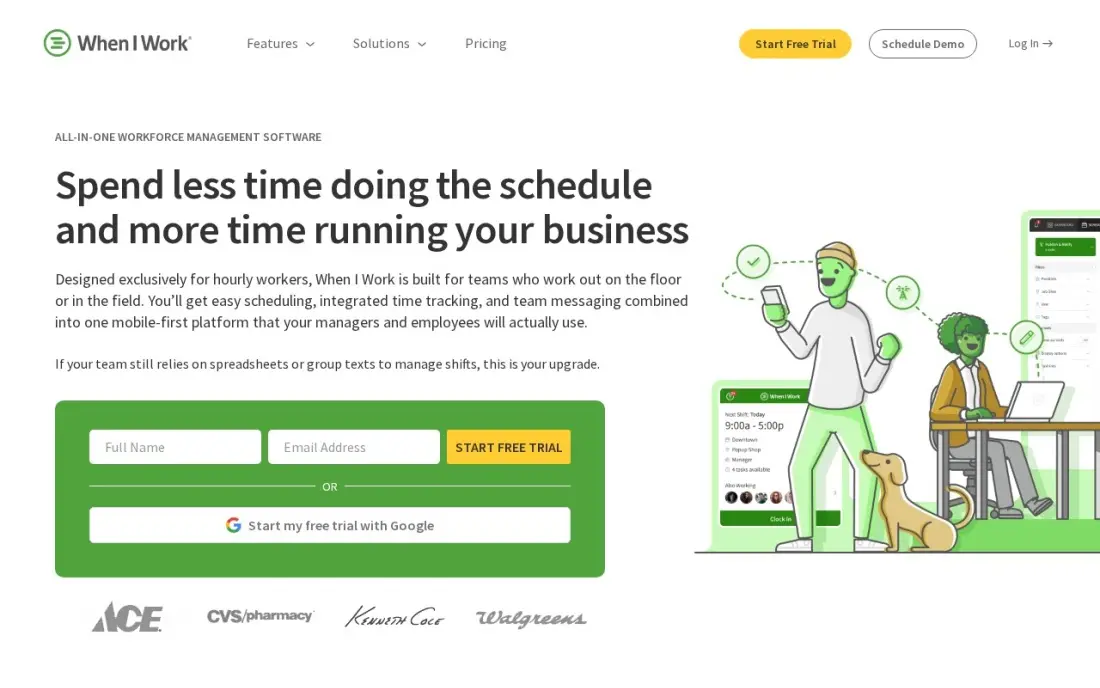
When I Work builds the roster for you on every plan. Essentials costs $2.50 a user a month for scheduling, and auto-scheduling is included even at that price, alongside shift swaps, open shifts, availability requests and multi-location scheduling for unlimited users. There is no base fee and no minimum, so a twelve-person team pays $30 a month.
The time clock is extra. Add it and Essentials becomes $4 a user a month, Pro $7 and Premium $10, and no annual rates are published, so there is no discount for paying a year ahead. There is no free plan, only a 14-day trial. It is rated 4.4 out of 5 on G2 from 382 reviews.
What we like
- The cheapest per-user price here: $2.50 a user a month, with no base fee and no minimum
- Auto-scheduling is included on every tier, including Essentials — rare at this price
- Unlimited users on every plan, with multi-location scheduling from Essentials
- Shift swaps, open shifts and availability requests are in the entry plan
Watch out for
- No free plan — only a 14-day trial before the subscription starts
- Time tracking is a paid add-on, so Essentials with the clock costs $4/user/month, not $2.50
- No annual prices are published, so there is no discount for paying a year ahead

Deputy
Best for: Multi-site shift teams that need break rules, labour-law compliance and demand forecasting
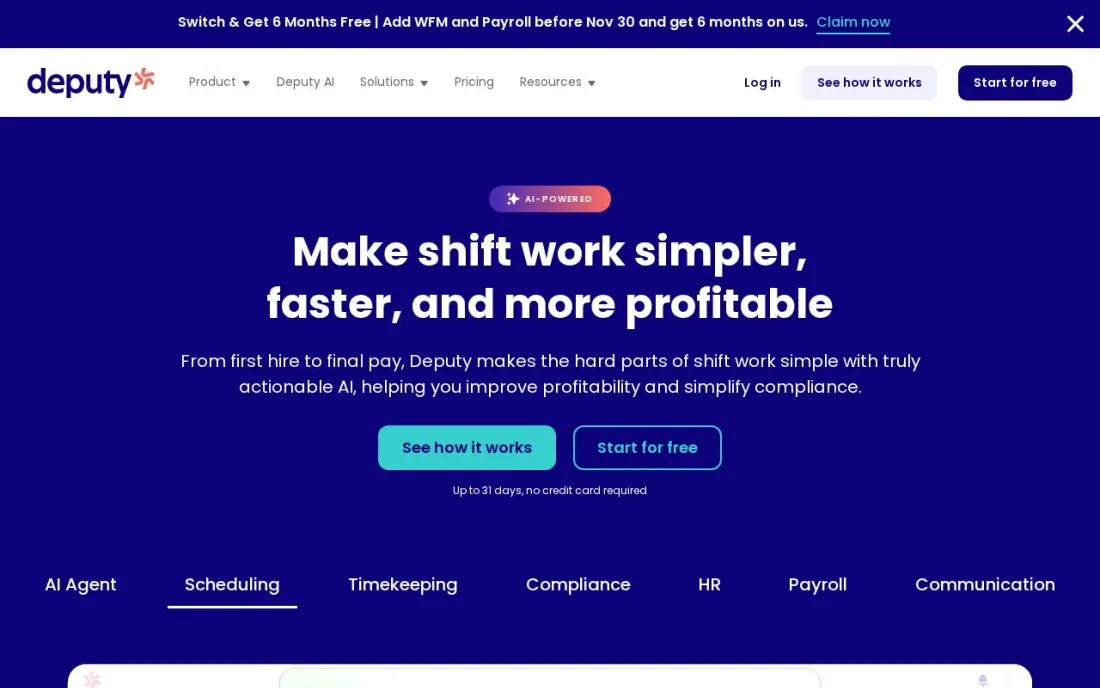
Deputy is built for operators who worry about breaks, overtime and award rules as much as coverage. Labour-law compliance and break rules are in the entry Lite plan at $5.50 a user a month billed monthly, or $5 billed annually, and Core at $6.50 a user a month billed annually adds auto-scheduling, demand forecasting and wage budgets.
Monthly plans carry a $30 minimum per invoice, and every user counts, including owners and managers, so price the whole headcount. The 31-day free trial is long enough to run a full roster cycle before paying. Deputy is rated 4.6 out of 5 on G2 from 665 reviews.
What we like
- Labour-law compliance and break rules are built into the entry plan, not an add-on
- Shift swaps, leave and availability management and payroll integrations from Lite
- The longest trial here at 31 days, long enough to run a full roster cycle before paying
- Auto-scheduling and demand forecasting on Core cut the weekly roster build to minutes
Watch out for
- A $30 monthly minimum applies on monthly plans, so a 2-person team pays $30, not $11
- Every user counts toward the bill, including owners, managers and supervisors
- Auto-scheduling and demand forecasting need Core at $6.50/user/month billed annually, not Lite

Homebase
Best for: Single-location businesses that want free scheduling, a time clock and team chat in one app
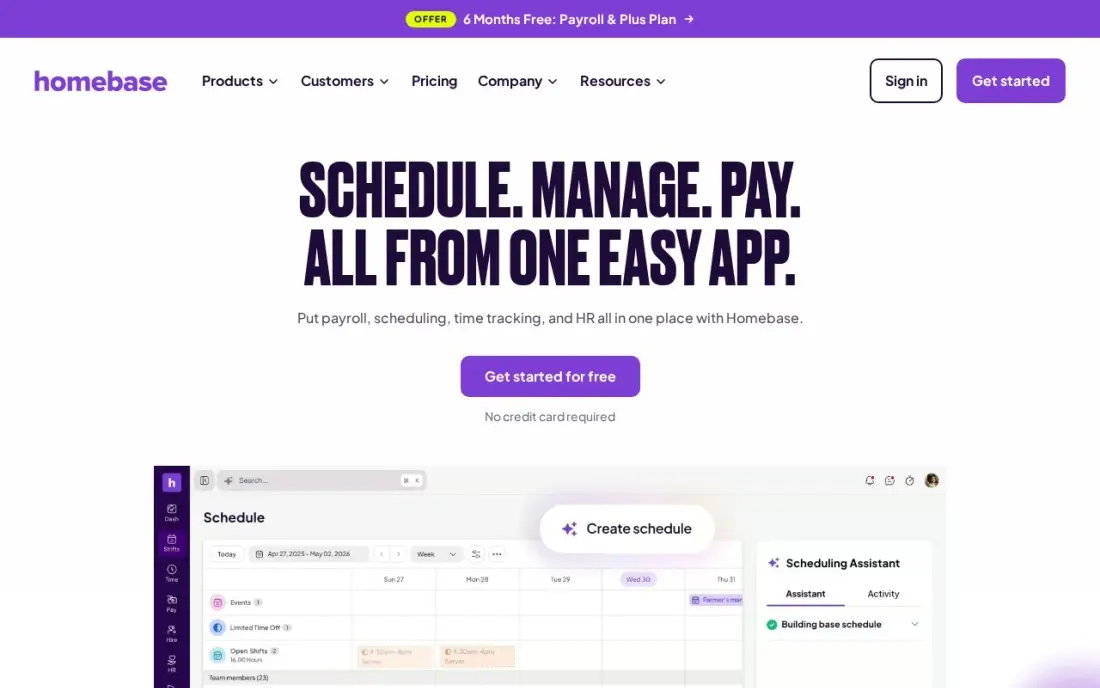
Homebase is the best free start for a single shop, cafe or clinic. The Basic plan covers shift scheduling, a time clock, team messaging and point-of-sale connections for one location and up to 10 employees at $0. Essentials costs $30 a month per location, or $24 billed annually, removes the employee cap and adds GPS clock-ins and late-arrival alerts.
Pricing is per location, so hiring never raises the bill but a second site doubles it. Payroll costs $49 a month plus $6 per employee on every plan, and hiring tools start on Plus at $70 a month per location. With a 4.6 G2 rating from 513 reviews, it is the safe default for one site.
What we like
- The free Basic plan covers real scheduling, time tracking and team messaging for one location and up to 10 employees
- Per-location pricing means hiring more people never raises the subscription on paid plans
- GPS clock-ins and late-arrival alerts come with Essentials, not a higher tier
- Point-of-sale connections are included from the free plan, so hours can be checked against sales
Watch out for
- Pricing is per location, so a second site doubles the bill even with the same staff
- Payroll is an add-on at $49/month plus $6 per employee, on every plan including All-in-One
- Hiring tools start on Plus at $70/month per location, not on Essentials

Sling
Best for: Teams of up to 30 that want a free schedule and will build it by hand
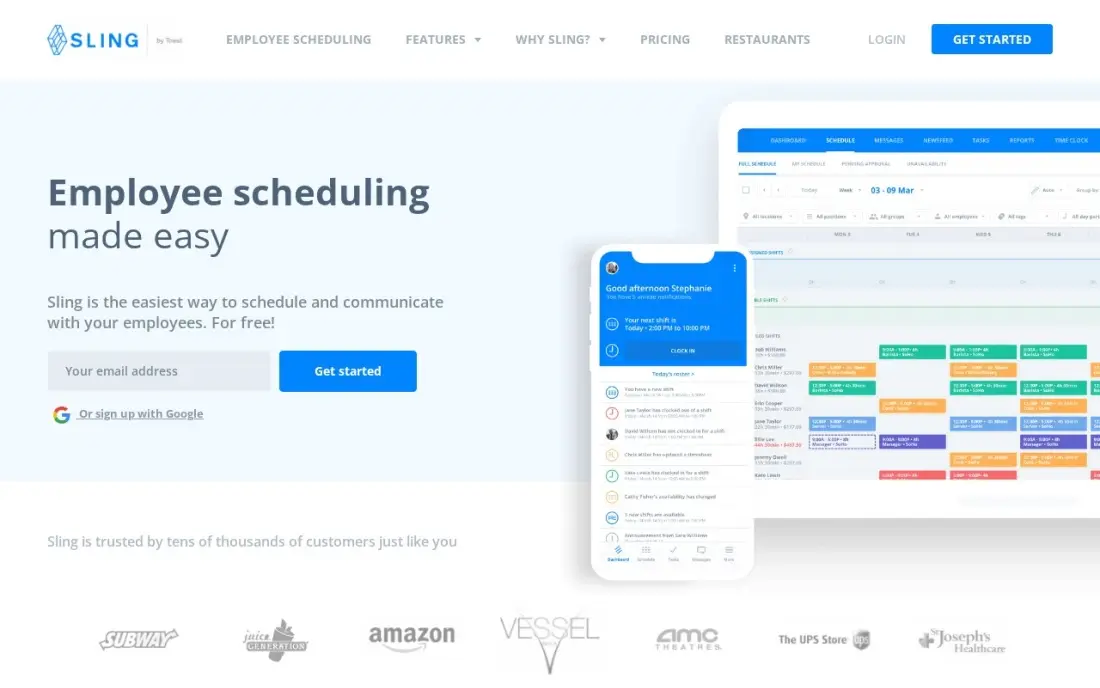
Sling has the largest free plan in this list: shift scheduling, shift trades, time-off requests, available shifts, long-term scheduling and private messaging for up to 30 users at $0. A restaurant, retail store or volunteer crew can run its whole roster without paying anything.
Premium costs $2 a user a month, or $1.70 billed annually, and adds mobile time tracking, labour cost management and overtime tracking. What Sling lacks is automation: there is no auto-scheduling, so managers build every week by hand, and the integration list is thinner than Deputy's or Homebase's. It is rated 4.4 out of 5 on G2.
What we like
- The largest free plan here: shift scheduling for up to 30 users at $0
- Shift trades, time-off requests, available shifts and private messaging are all in the free plan
- Premium is $2 per user a month — the cheapest paid clock-in upgrade in this list
- Long-term scheduling is included free, so recurring rosters need no paid plan
Watch out for
- No auto-scheduling: managers build every schedule by hand
- Time tracking and labour cost tools need Premium at $2/user/month — the free plan has no clock
- Fewer integrations than the bigger workforce platforms, and no payroll of its own

Connecteam
Best for: Deskless and field teams that want scheduling, GPS clock-ins and chat in a mobile-first app
Connecteam suits teams that rarely sit at a desk: cleaners, field technicians and event crews. Scheduling, a GPS time clock, forms, team chat and basic HR tools live in one phone-first app, and staff join with a phone number rather than a company email. The free Small Business plan covers up to 10 users.
Paid pricing is per hub, not per seat. Basic costs $35 a month per hub billed monthly, or $29 billed annually, for the first 30 users, but Operations, Communications and HR and Skills are sold as separate hubs, so wanting all three triples the bill. Crossing 30 users jumps you a full tier. It is rated 4.6 out of 5 on G2 from 3,505 reviews.
What we like
- A genuinely free Small Business plan: up to 10 users with access to all three hubs
- Flat pricing per hub, not per seat — Basic covers the first 30 users for $29 a month billed annually
- Scheduling, GPS time clock, forms, team chat and basic HR tools in one mobile-first app
- No corporate email needed: deskless staff join with a phone number
Watch out for
- Each hub is priced separately, so a business wanting Operations, Communications and HR pays three times
- The price jumps a full tier at 31 users — Basic $29 to Advanced $49 — with no per-user overage option
- No built-in payroll; paying staff needs a separate provider through integrations

ZoomShift
Best for: Small single-site teams that want a free rota now and a cheap clock later
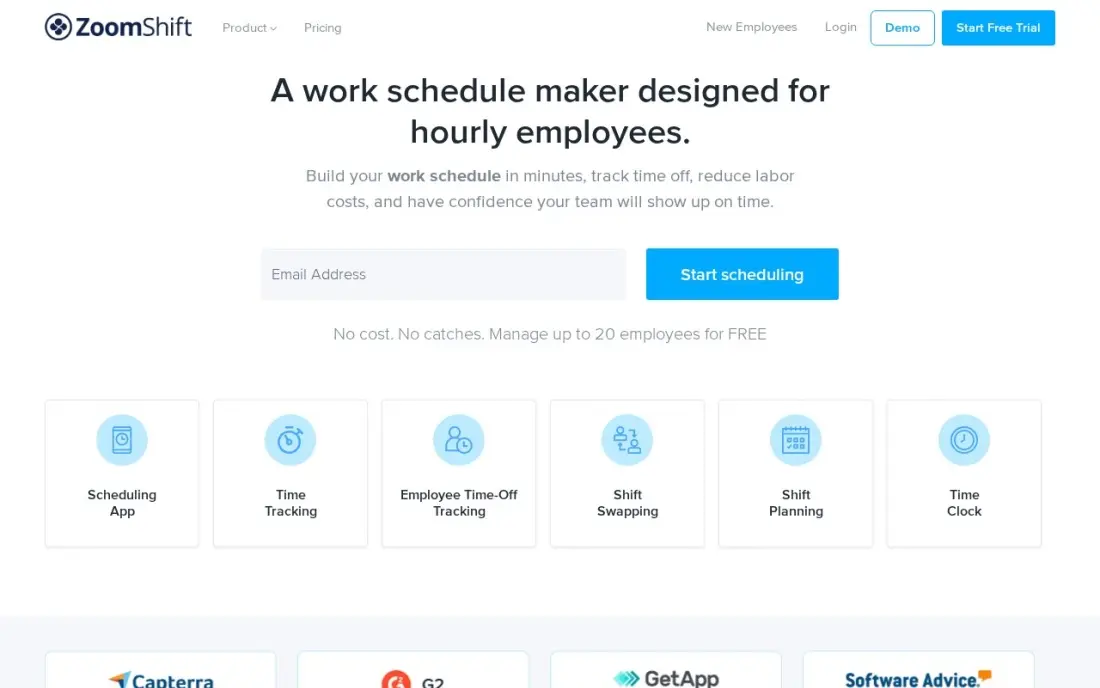
ZoomShift keeps shift scheduling simple and cheap. The free Essentials plan covers up to 20 users at one location, with reminders and shift confirmations, scheduling up to two weeks ahead. Starter costs $2.50 per active user a month, or $2 billed annually, and adds unlimited locations, swaps, cover requests, timesheets and a time clock.
Only active users are billed, so seasonal staff who are not on the schedule cost nothing, which suits businesses with a busy summer. Auto-scheduling and overtime warnings need Premium at $4 a user a month billed annually. ZoomShift is rated 4.8 out of 5 on G2, though from only 45 reviews.
What we like
- Free Essentials plan covers up to 20 users at one location, with reminders and shift confirmation
- Starter is cheap at $2 per active user billed annually, and adds swaps, cover requests, timesheets and a time clock
- Only active team members are billed, so seasonal staff who are not scheduled cost nothing
- Premium adds auto-scheduling, overtime warnings and geofenced clock-ins at $4 a user billed annually
Watch out for
- The free plan only schedules two weeks ahead and has no shift swaps or time clock
- A single free location only, so a second site means paying for Starter
- A smaller integration list than Deputy or 7shifts, with no payroll of its own

7shifts
Best for: Restaurants that want shift scheduling built around sections, roles and labour targets
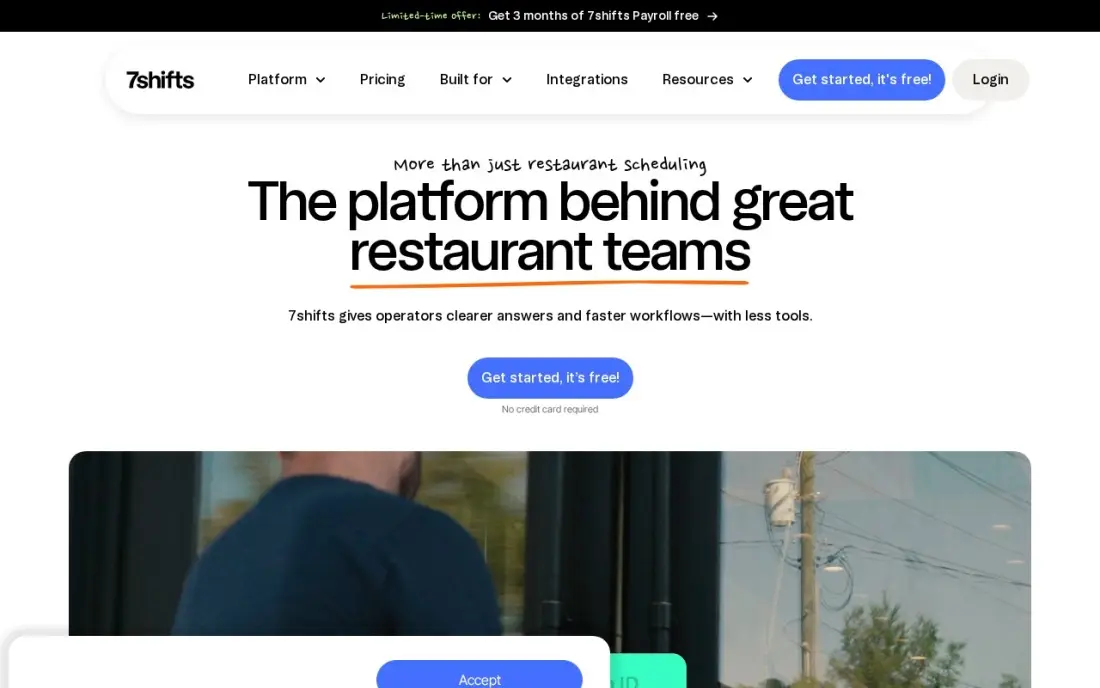
7shifts is shift scheduling made only for restaurants. Rotas understand sections and roles, labour targets sit beside the schedule, and POS integrations with Toast, Square and Clover tie labour to sales. The free Comp plan covers one location and up to 30 employees, and Appetizer costs $34.99 a month per location, or $29.99 billed annually.
Time tracking needs The Works at $76.99 a month per location, so a restaurant that wants scheduling and clock-ins in one place pays more than the entry price suggests. Outside hospitality the restaurant features add nothing. For a single restaurant it is rated 4.5 out of 5 on G2 from 125 reviews.
What we like
- Built only for restaurants: sections, roles, labour targets and tip pooling are native, not bolted on
- The free Comp plan covers basic scheduling for one location and up to 30 employees
- POS integrations with Toast, Square and Clover tie the schedule to actual sales
- Manager log book and labour alerts come with the higher tiers
Watch out for
- Restaurant-only: the sections, roles and tip tools do not transfer to other industries
- Time tracking needs The Works at $76.99/month per location — the free and Appetizer plans have no clock
- Per-location pricing gets expensive fast for multi-unit operators on higher tiers

Findmyshift
Best for: Small crews that want a flat team price instead of per-user billing
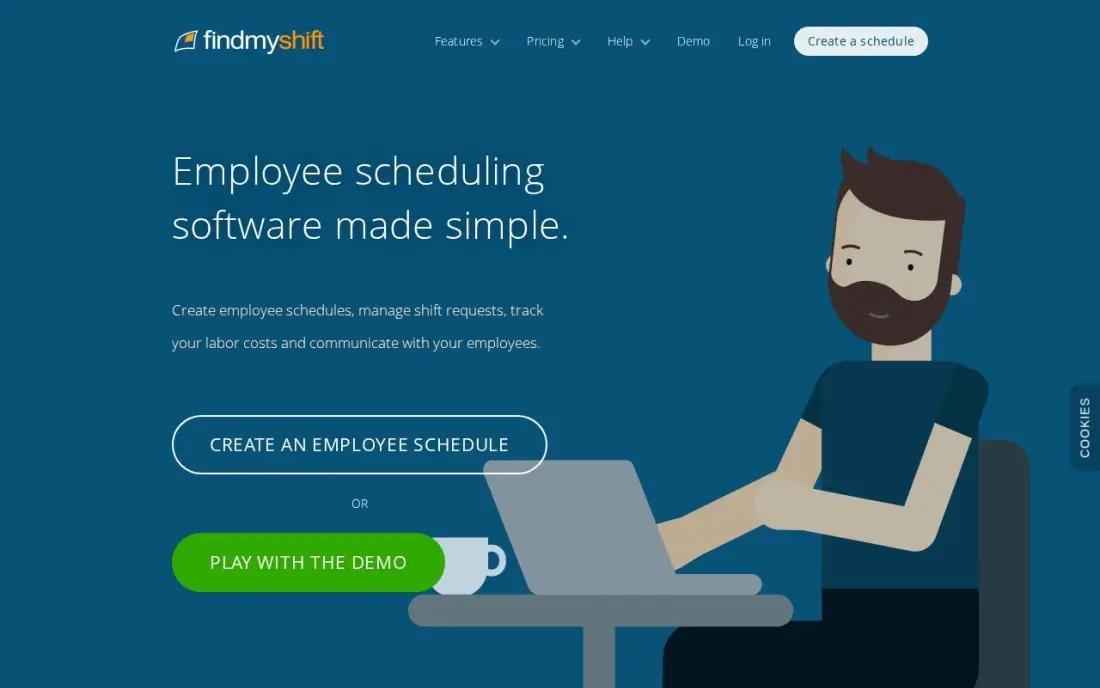
Findmyshift prices the team, not the person. The free plan covers up to 5 team members with a drag-and-drop schedule and a web time clock, and Business costs $43 a month per team billed monthly, or $38 billed annually, for up to 100 members. Availability, time-off requests and shift notes all sit in one view.
The jump from free to $43 a month is steep for a six-person crew, but at forty staff a flat price beats most per-user tools. It has fewer integrations than Deputy or 7shifts and no sales forecasting. It is rated 4.6 out of 5 on Capterra from 1,234 reviews, with ease of use the common praise.
What we like
- Free plan includes a drag-and-drop schedule and a web time clock for up to 5 team members
- Flat per-team pricing, so the bill does not rise with every hire up to 100 members
- Business covers up to 100 members and 100 managers, with five years of historical data
- Simple to learn, with availability, time-off requests and shift notes in one view
Watch out for
- The free plan stops at 5 team members, so a sixth hire means jumping to the $43-a-month Business plan
- Fewer integrations and no POS sales forecasting, so it stays a scheduler rather than a restaurant suite
- Reporting and payroll links are thinner than on Deputy or 7shifts
The best shift scheduling software builds next week's rota in minutes, lets staff swap and pick up shifts from their phones, and shows the labour cost before you publish. We compared eight tools on free plans, auto-scheduling, time clocks and the real monthly bill, and every price below comes from the vendor's own pricing page as checked in November 2026.
How to choose the best shift scheduling software
- Count how you will be billed. Some tools charge per user, some per location and some per team; the cheapest option at 8 staff is rarely the cheapest at 40.
- Decide whether the rota should build itself. Auto-scheduling fills shifts from availability and rules; When I Work includes it on every plan, while Sling has none.
- Check where the time clock sits. Several tools keep clock-ins on a higher tier or charge extra, which can double the per-user price.
- Look for swaps and open shifts in the entry plan. Letting staff trade and claim shifts themselves is what saves the manager's evenings.
- Match the compliance tools to your rules. Break rules, overtime alerts and labour-law checks matter more for multi-site and regulated teams.
- Test on a real roster cycle. Deputy's 31-day trial and the free plans here let you run a full month before you pay anything.
Once the rota runs itself, the next job is filling the shifts with customers. Our local SEO service helps shops, cafes and clinics show up on Google Maps, and the free Google review link generator makes it easy for staff to ask happy customers for a review at the end of a shift.
Shift scheduling software pricing: what you will actually pay
Take one location with 20 hourly staff that wants scheduling and a time clock. On list prices, When I Work Essentials with time tracking costs $4 a user a month, or $80 a month. Sling Premium costs $2 a user a month billed monthly, $40 a month, or $34 a month at the $1.70 annual rate. ZoomShift Starter costs $2.50 per active user billed monthly, $50 a month, or $40 at the $2 annual rate.
Flat-rate tools look different. Homebase Essentials costs $30 a month for the location regardless of headcount, or $24 billed annually, and one Connecteam hub on Basic costs $35 a month, or $29 billed annually, for up to 30 users. Findmyshift Business costs $43 a month, or $38 billed annually, for the whole team. Deputy Lite at $5.50 a user a month billed monthly costs $110 a month for 20 people.
Over a year, that range runs from $288 on Homebase Essentials billed annually to $1,320 on Deputy Lite billed monthly. Restaurants should also price 7shifts carefully: its time clock sits on The Works at $76.99 a month per location, or $923.88 a year.
Know the difference: shift scheduling vs appointment scheduling
Shift scheduling software plans your staff. It decides who works which hours, handles availability and time off, lets employees trade shifts and records when they clock in. When I Work, Deputy, Homebase, Sling and the other tools in this list are shift schedulers, and their users are your employees.
Appointment scheduling software plans your customers. Tools such as Calendly or salon booking apps let clients pick an open slot and book it online. Businesses that run both, such as clinics and salons, often need one of each, because a staff rota and a client booking page solve different problems. If your question is who is working on Saturday, you need a shift scheduler.
Quick comparison: tool type by need
| Buyer | Best pick | Why |
|---|---|---|
| Most hourly teams | When I Work | Auto-scheduling on every plan from $2.50/user/month |
| Multi-site compliance | Deputy | Break rules and labour-law tools from $5.50/user/month |
| One location, free clock | Homebase | Free scheduling and time clock for up to 10 employees |
| Free for up to 30 | Sling | Free scheduling for 30 users; Premium $2/user/month |
| Deskless field teams | Connecteam | Mobile-first scheduling and GPS clock; free up to 10 users |
| Seasonal single-site teams | ZoomShift | Free for 20 users; billed only for active staff |
| Restaurants | 7shifts | Sections, roles and labour targets; free for one location |
| Flat team price | Findmyshift | Up to 100 members for $43/month |
Mistakes to avoid
- Pricing the scheduler without the clock. If you need clock-ins, compare the price with time tracking switched on, not the headline.
- Forgetting the managers. Deputy counts every user, including owners and supervisors, so a 20-person crew with 3 managers is billed for 23.
- Ignoring the location count. Per-location tools are cheap for one site and double with the second, even if the same staff cover both.
- Publishing rotas with no availability data. Ask staff to enter availability before the first auto-built schedule, or the engine will fill shifts nobody can work.
- Keeping the spreadsheet as a backup. Two schedules means two versions of the truth; once the app is live, retire the spreadsheet.
Related comparisons: Instagram Scheduling Tools · Software for Scheduling for Barbers · Software for Scheduling for Barbershop · Social Media Scheduling Platforms · Benefits Administration Software · Hiring Platforms
How we chose
We checked each vendor's own pricing page in November 2026 and recorded the starting price exactly as shown, including the annual-billing figure where the page lists one. We compared the tools on a single test case — one location with 20 hourly staff that needs scheduling and a time clock — and ranked them by fit for that buyer. Ratings come from G2 or Capterra pages checked on the dates shown in the sources. No vendor paid for a place in this list, and none of the links here are affiliate links.
What to do next
Start a free plan or trial with the tool that matches your billing shape, enter every employee's availability and build next week's real rota in it. Compare the labour cost it shows with your last spreadsheet week. When staffing is under control and you want more customers through the door, book a free local SEO review.
Frequently asked questions
What is the best shift scheduling software?
When I Work is the best all-round pick, with auto-scheduling on every plan from $2.50 a user a month. Sling is the best free option for teams of up to 30, Homebase is the best free scheduler with a time clock for one location, and Deputy is best for multi-site compliance.
Is there free shift scheduling software?
Yes. Sling is free for up to 30 users, 7shifts' Comp plan is free for one restaurant with up to 30 employees, ZoomShift is free for up to 20 users at one location, Homebase and Connecteam are free for up to 10, and Findmyshift is free for up to 5.
How much does shift scheduling software cost?
Per-user tools run from $1.70 a user a month on Sling Premium billed annually to $5.50 on Deputy Lite billed monthly. Per-location and per-team tools start at $24 a month for Homebase Essentials billed annually, $29 for Connecteam Basic billed annually and $38 for Findmyshift billed annually.
Which shift scheduling software has auto-scheduling?
When I Work includes auto-scheduling on every plan, Deputy includes it on Core at $6.50 a user a month billed annually, and ZoomShift includes it on Premium at $4 a user a month billed annually. Sling has no auto-scheduling.
Do I need a time clock with my scheduling software?
If you pay hourly staff, it helps. A clock in the same app lets you compare scheduled with worked hours and spot overtime early. Homebase includes one free, while When I Work, Sling and 7shifts charge more for it.
Should I choose per-user or per-location pricing?
Per-user pricing is cheaper for small teams; per-location or per-team pricing wins as headcount grows. At 30 staff on one site, Homebase Essentials at $30 a month costs less than When I Work with its clock at $120 a month.
What are the best practices for shift scheduling?
Collect staff availability before the first schedule, or an auto-built rota will fill shifts nobody can work. Let staff trade and claim open shifts themselves, which is what saves the manager's evenings. Match break rules, overtime alerts and labour-law checks to your rules, especially across several sites, and test any tool on a full roster cycle with Deputy's 31-day trial or one of the free plans.
Sources we checked (16)
- When I Work — wheniwork.com/pricing (checked November 12, 2026)
- When I Work reviews on G2 (checked November 12, 2026)
- Deputy — www.deputy.com/pricing (checked November 12, 2026)
- Deputy reviews on G2 (checked November 12, 2026)
- Homebase — joinhomebase.com/pricing (checked November 12, 2026)
- Homebase reviews on G2 (checked November 12, 2026)
- Sling — getsling.com/pricing (checked November 12, 2026)
- Sling reviews on G2 (checked November 12, 2026)
- Connecteam — connecteam.com/pricing (checked November 12, 2026)
- Connecteam reviews on G2 (checked November 12, 2026)
- ZoomShift — www.zoomshift.com/pricing (checked November 8, 2026)
- ZoomShift reviews on G2 (checked November 8, 2026)
- 7shifts — www.7shifts.com/pricing (checked November 12, 2026)
- 7shifts reviews on G2 (checked November 12, 2026)
- Findmyshift — www.findmyshift.com/pricing (checked November 8, 2026)
- Findmyshift reviews on Capterra (checked November 8, 2026)
Make one of these tools?
We re-check this list every quarter. Send a correction, request a review, or ask about a clearly labeled sponsored spot.
Request a listingShamim
Founder of SerpAstra
A full-stack digital marketer and SEO strategist covering technical and local SEO, AI search visibility, paid ads and lead generation for local businesses, e-commerce brands and SaaS teams.
Free SEO and AI visibility audit
Find out what is holding your rankings back
Send us your site. Within 2 business days you get a written audit, an AI visibility check and a short fix list ranked by impact. Free, with no contract attached.
Request my free audit→Related buying guides
 Productivity & Office12 Best Scheduling Software for Small Business in 2026, ComparedCompare the 12 best scheduling software for small business options on price, free plans and features, with every price checked November 12, 2026.Read guide →
 Retail, Restaurants & Hospitality11 Best Restaurant Scheduling Software in 2026, ComparedCompare the 11 best restaurant scheduling software options for restaurants on price, free plans and POS links, with every price checked November 8, 2026.Read guide →
 HR & Payroll9 Best Time Clock Apps for Small Business in 2026Compare the 9 best time clock app for small business picks on price, GPS punches, scheduling and free plans, with every price checked November 6, 2026.Read guide →