
7 Best Bill of Materials Software in 2026, Compared
Compare the 7 best bill of materials software for engineering and manufacturing BOMs, revisions and change control, with seat prices and free plans checked.
 Shamim Mia, Founder, SerpAstraLast verified November 4, 20269 min read
We compare pricing pages, documentation and public reviews. We never accept payment for rankings.
Key takeaways
- OpenBOM is the easiest place to start: BOM management, a part catalog and purchase orders from $30 a seat a month billed annually, with unlimited free read-only seats.
- Aras Innovator is the only full PLM here that starts free, with the Community Edition covering up to 50 named users.
- For manufacturing BOMs tied to stock and production, MRPeasy ($49 per user a month) and Katana ($299 a month for unlimited users) include multi-level bills of material on their core plans.
- PTC Arena and Propel PLM suit regulated hardware teams that need BOMs, change orders and quality in one system, but neither publishes a price.
On this page
Quick comparison
| Tool | Best for | Starting price | Free plan |
|---|---|---|---|
| OpenBOM | Engineering teams that want to replace BOM spreadsheets fast, with suppliers reading for free | $30/mo | Yes (free read-only) |
| Aras Innovator | Engineering teams with admin skills that want a free, customizable PLM for BOMs and change | Free; Subscription custom | Yes (free Community) |
| MRPeasy | Small manufacturers that need multi-level BOMs linked to production planning and stock | $49/user/mo | No (30-day trial) |
| Katana | Makers selling online that want multi-level BOMs and manufacturing orders for unlimited users | $299/mo | Yes (30 SKUs) |
| Autodesk Fusion Manage | Design teams already in Autodesk Fusion that want BOMs and change workflows next to their CAD | $1,115/yr | No (no free trial) |
| PTC Arena | Electronics and medical-device teams that need cloud BOMs, change orders and quality together | Custom quote | No (10-day trial) |
| Propel PLM | Companies on Salesforce that want BOM, quality and product catalog data on one platform | Custom quote | No (free trial) |
Make one of these tools?
We re-check this list every quarter. Send a correction, request a review, or ask about a clearly labeled sponsored spot.
Request a listingThe best bill of materials software

OpenBOM
Best for: Engineering teams that want to replace BOM spreadsheets fast, with suppliers reading for free
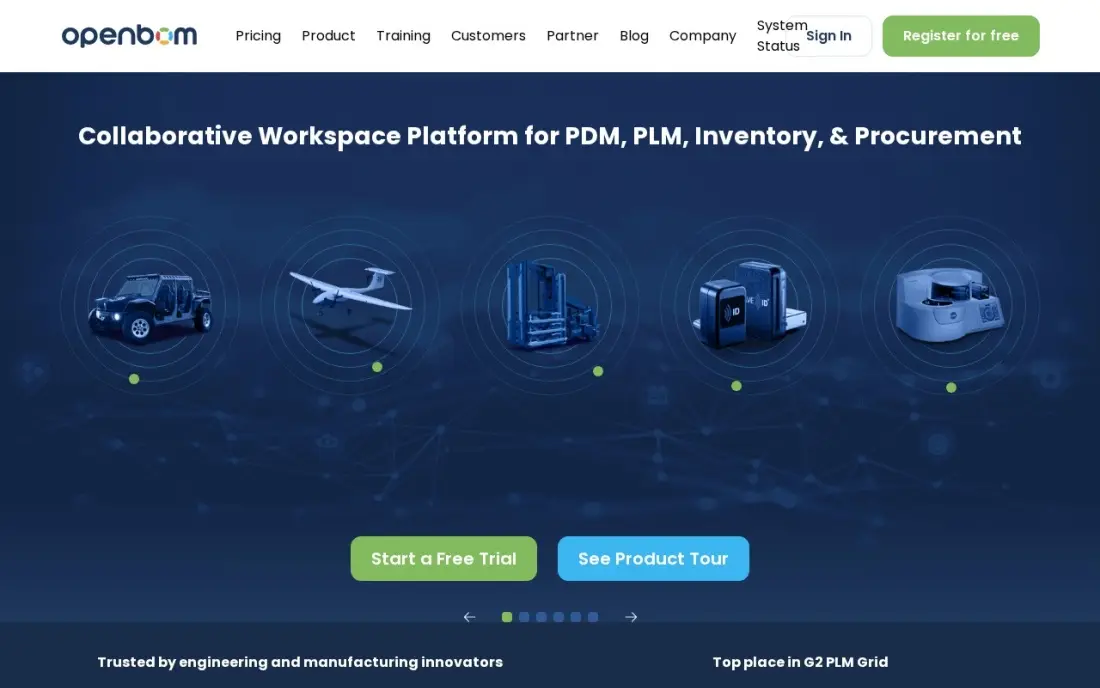
OpenBOM is the quickest way out of BOM spreadsheets. Professional Team covers BOM management, a part catalog, inventory control and purchase orders, and only editors pay, so suppliers and shop-floor staff can read BOMs on unlimited free seats. CAD add-ins for SOLIDWORKS, Inventor, Fusion and Onshape pull the structure straight from the model.
It costs $30 a seat a month billed annually with no minimum seat count, and the CAD add-ins cost $25 a seat a month per CAD system. The first 2,000 data records are free, then $100 a month per 5,000 records. Revision control and change management need the Company plan at $90 a seat a month.
What we like
- The cheapest real starting price here — $30 a seat a month, with no minimum seat count
- Only editors need paid seats; read-only users are free and unlimited, including suppliers
- CAD add-ins for SOLIDWORKS, Inventor, Fusion and Onshape cost $25 a seat a month per CAD system
- Pricing scales on data records, not activity, and the first 2,000 records are free
Watch out for
- Real PDM and PLM (revisions, change management) need the Company plan at $90 a seat a month
- Data-record tiers add $100 a month per 5,000 records past the free 2,000
- Directory listings still show the old $100/$150 Team and Company prices — the vendor page is the current source

Aras Innovator
Best for: Engineering teams with admin skills that want a free, customizable PLM for BOMs and change
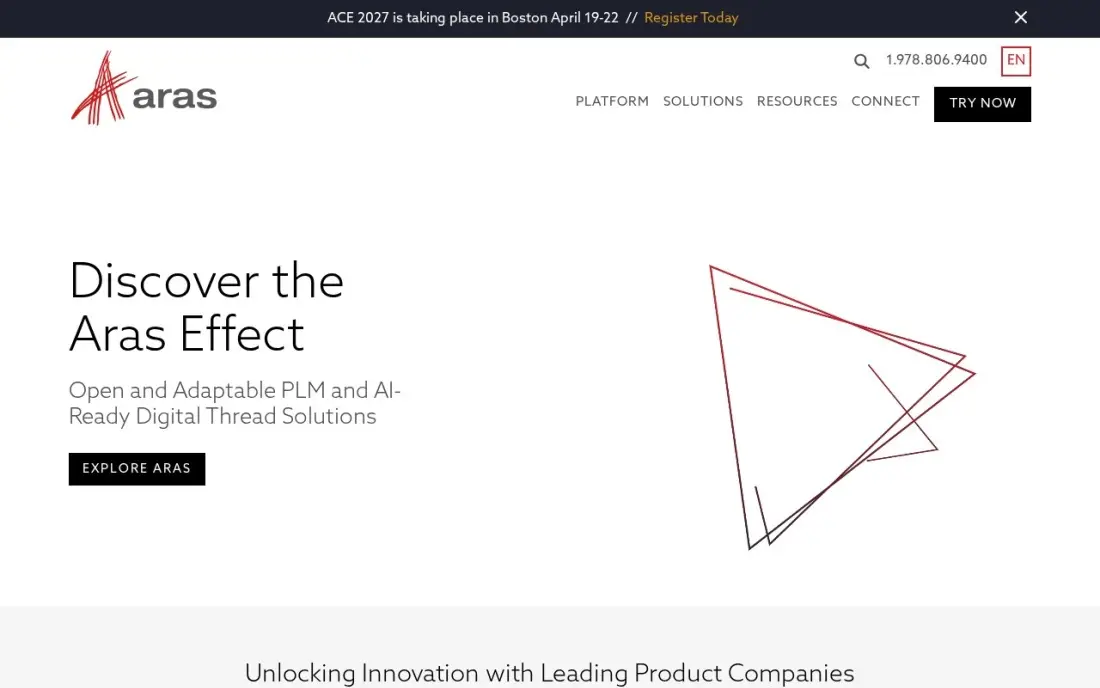
Aras Innovator is the only full PLM in this list that starts free. The Community Edition costs $0 for up to 50 named users and covers items, BOMs, documents and change on one product data platform, so a small engineering team can run real configuration control without a purchase order.
It is built to be customized, which is why aerospace, automotive, medical-device and electronics firms use it, but that freedom needs skilled admins. The Community Edition gets yearly releases, while the paid Subscription adds quarterly releases, supplier management and industry solutions at a custom-quote price, and implementation can be costly.
What we like
- Community Edition is genuinely free for up to 50 named users — the only free full PLM here
- Open platform built for customization, so teams can model their own processes instead of adapting to the tool
- Paid Subscription unlocks quarterly releases, supplier management and industry solutions
- Used across aerospace, automotive, medical device and high-tech electronics
Watch out for
- Paid Subscription pricing is custom quote, and implementation costs can be high
- Community Edition gets yearly releases only, while subscribers get quarterly ones
- Customization freedom means the platform needs skilled admins to run well

MRPeasy
Best for: Small manufacturers that need multi-level BOMs linked to production planning and stock
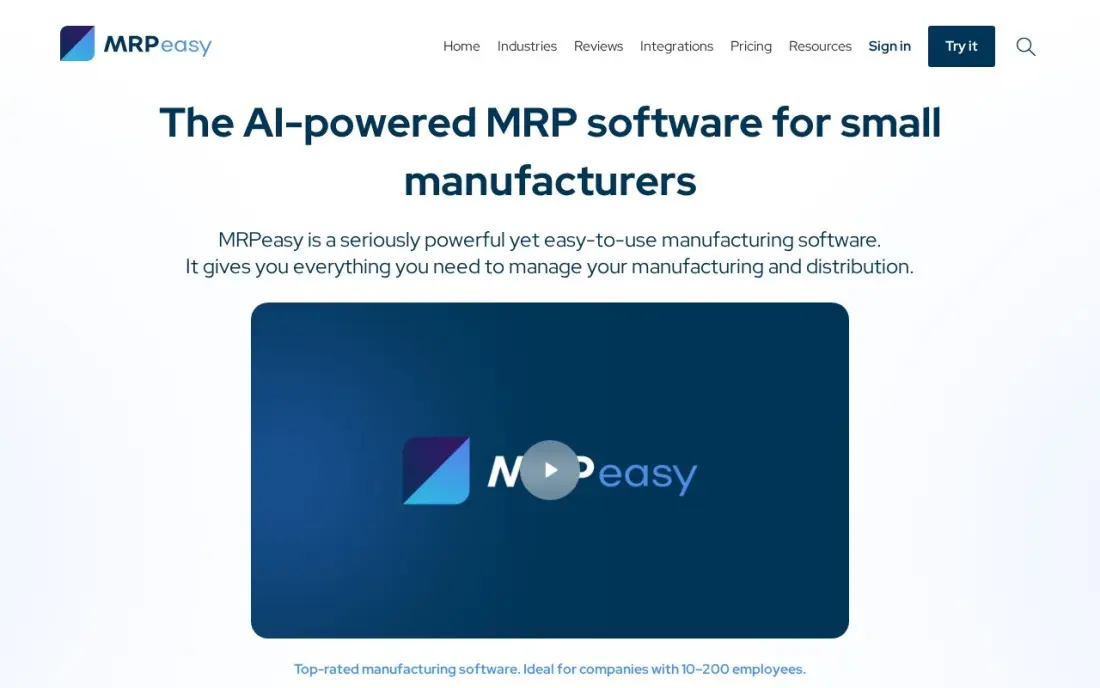
MRPeasy treats the bill of materials as the start of production rather than an engineering record. Every plan includes multi-level bills of material, production planning, finite-capacity scheduling, lot and serial traceability, inventory and purchasing, so a BOM drives what to buy and when to build. It is aimed at manufacturers with 10 to 200 employees.
Starter costs $49 per user a month with a 30-day trial and no card required, and it holds the highest G2 score here at 4.6. Per-user pricing compounds — 10 users on Enterprise cost $990 a month — and the built-in accounting is basic, so most firms keep QuickBooks or Xero.
What we like
- Production planning, multi-level bills of material and finite-capacity scheduling on every plan from $49/user/month
- The highest G2 score in this list at 4.6/5, with reviewers praising ease of use most
- Lot and serial traceability, shop-floor control and purchasing included on Starter — not held for higher tiers
- Standard integrations with Shopify, WooCommerce, QuickBooks and Xero, plus a 30-day trial with no card required
Watch out for
- Per-user pricing compounds: 10 users on Enterprise costs $990 a month, and the bill grows with every hire
- Built-in accounting is basic — most businesses pair MRPeasy with QuickBooks or Xero rather than replacing them
- Beyond 10 users, extra users are charged at $79 per block of 10, which softens the per-user maths but complicates budgeting

Katana
Best for: Makers selling online that want multi-level BOMs and manufacturing orders for unlimited users
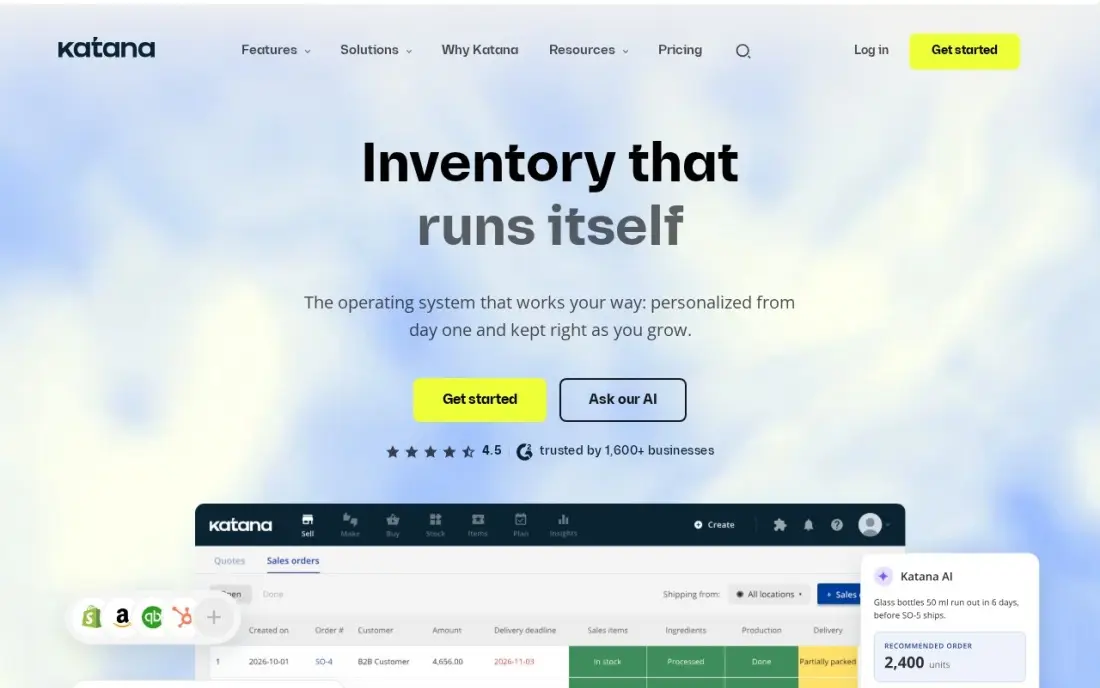
Katana puts multi-level bills of materials and manufacturing orders on its Core plan, alongside forecasting and real-time stock across sales channels, so a BOM change shows up in material needs straight away. Core includes unlimited users and integrations, including QuickBooks and Xero, and a free plan with 30 SKUs suits a maker testing on Shopify.
Core costs $299 a month billed monthly, and the extras add up: production routings are $199 a month and lot tracking $249 a month as add-ons, while sales-order volume and extra locations add usage charges. Katana is a manufacturing BOM tool; it does not manage CAD revisions.
What we like
- Multi-level bills of materials and manufacturing orders included in Core
- Real-time stock across sales channels with QuickBooks and Xero integrations
- Unlimited users and integrations on the paid Core plan
Watch out for
- Lot tracking and production routings are paid add-ons ($249 and $199/month), not in Core
- Sales-order volume and extra locations add usage charges on top of the $299 base

Autodesk Fusion Manage
Best for: Design teams already in Autodesk Fusion that want BOMs and change workflows next to their CAD
Autodesk Fusion Manage adds configurable BOMs, workflows and change and release management to the same cloud where Fusion models live, so a design update and its approval trail stay together. Workflows are configured without code, and the price is published, which is rare among PLM tools.
The extension costs $1,115 per user per year and needs a Fusion subscription first, so a new buyer pays Fusion at $680 a year plus the extension, or $1,795 a year per seat before volume discounts. Team pricing comes through Autodesk sales, and it is less deep than enterprise PLM for multi-CAD deployments.
What we like
- Sold as a $1,115-a-year extension, so the price is published — rare in this list
- Configurable workflows, BOMs and change processes without code
- Lives in the same cloud as Fusion, so CAD data flows straight into PLM
- Bundled into Fusion for Design ($2,190/user/year) for teams that also need simulation
Watch out for
- Requires a Fusion subscription first, so the real starting cost is Fusion plus the extension
- A single-user extension price — team pricing comes through Autodesk sales
- Less deep than Teamcenter or Windchill for enterprise-wide, multi-CAD deployments

PTC Arena
Best for: Electronics and medical-device teams that need cloud BOMs, change orders and quality together
PTC Arena is cloud PLM for hardware teams that ship regulated products. BOMs, revisions, change orders and documents sit beside a quality system covering CAPA, nonconformance and complaints, and Arena Exchange gives outside partners controlled access to BOMs through the browser, with no VPN. Fixed-fee QuickStart implementations get small teams live faster.
There is no published price: every plan says Request Pricing, agreements are annual and renewal pricing can rise with 30 days' notice. Licence types multiply across full, read-only, supplier and training seats, so read the quote closely. A 10-day free trial lets you test a real BOM first.
What we like
- Pure cloud PLM — nothing to install, and suppliers get controlled access without a VPN
- Built-in QMS (CAPA, nonconformance, complaints) suits medical-device and electronics compliance
- Arena Exchange opens BOMs and documents to outside partners with chat built in
- Fixed-fee QuickStart implementations get small teams live faster than on-premises PLM
Watch out for
- No published price — every plan says 'Request Pricing' and quotes are annual
- Licence types multiply (full, read-only, supplier, training), so the quote needs careful reading
- Renewal pricing can rise with 30 days' notice and no contractual cap

Propel PLM
Best for: Companies on Salesforce that want BOM, quality and product catalog data on one platform
Propel PLM is built natively on Salesforce, so the BOM, a change order, a quality issue and the product catalog all reference the same record as sales and service. It combines PLM, QMS and PIM in the cloud, with AI features built in, and a free trial lets a team test the fit before talking to sales.
The drawbacks are price and prerequisites. Propel publishes no price, so get a written quote rather than trusting directory figures, and it needs a Salesforce org, which adds cost and admin if you do not run one. Reviewers also note a high total cost once implementation and maintenance are counted.
What we like
- Built natively on Salesforce, so CRM, PLM and quality data share one platform
- Combines PLM, QMS and PIM, so product, quality and catalog data stay connected
- Enterprise-ready AI features are built into the platform, not bolted on
- Cloud delivery with no servers to run and a free trial to test the fit
Watch out for
- No published price, and third-party directories disagree — Capterra lists $73/user/month while SelectHub lists $35 a month
- Requires a Salesforce org, which adds cost and admin if the company does not already run one
- Reviewers note a high total cost of ownership once implementation and maintenance are counted
The best bill of materials software keeps one correct list of every part, quantity and assembly in a product, shared by engineering, purchasing and the shop floor, so nobody builds from an old spreadsheet. We compared seven tools across the two jobs a BOM does — engineering BOMs tied to CAD and change control, and manufacturing BOMs tied to stock and production — and every price below comes from the vendor's own pricing page as checked in November 2026.
How to choose the best bill of materials software
- Decide which BOM you are managing. Engineering BOMs come from CAD and need revisions; manufacturing BOMs drive purchasing and production. OpenBOM, Aras, Arena, Propel and Fusion Manage lead on the first, MRPeasy and Katana on the second.
- Check your CAD connection. OpenBOM has add-ins for SOLIDWORKS, Inventor, Fusion and Onshape, and Fusion Manage lives inside the Fusion cloud; manual BOM entry is where errors start.
- Count editors and viewers separately. OpenBOM charges only editors, Katana includes unlimited users, and MRPeasy charges every user — the split changes the bill a lot.
- Find out where change control starts. OpenBOM needs the $90 Company plan for revision and change management; Arena, Aras and Propel include it as core PLM.
- Ask about suppliers. If contract manufacturers need to see BOMs, look at OpenBOM's free read-only seats or Arena Exchange rather than emailing exports.
- Price the implementation. Arena, Aras and Propel can need real setup work, so get the first-year cost, not just the subscription.
Good product data also makes a better website: accurate part names and specs are what trade buyers search for. Our guide to the best SEO tools for manufacturing covers the research side, and our SEO audit service checks whether your product pages can be found.
Bill of materials software pricing: what you will actually pay
Take a hardware team with three engineers who edit BOMs and ten people in purchasing and production who only read them. On OpenBOM Professional Team, the three editors cost $90 a month billed annually, or $1,080 a year, and the ten readers are free; adding a CAD add-in for one CAD system for each editor adds $75 a month. Moving to the Company plan for revision and change control raises the editors to $270 a month, or $3,240 a year.
Autodesk Fusion Manage costs $1,795 per seat a year including the required Fusion subscription, so three engineers cost $5,385 a year before volume discounts. Aras Innovator's Community Edition costs $0 for all 13 people, since it covers up to 50 named users, but budget for the admin time to configure it.
On the manufacturing side, Katana Core costs $299 a month, or $3,588 a year, for unlimited users, while MRPeasy Starter costs $49 per user a month — $637 a month if all 13 people need logins. PTC Arena and Propel PLM publish no price, so ask for a written first-year quote that includes implementation.
Know the difference: engineering BOM vs manufacturing BOM
An engineering BOM describes the product as designed. It comes from the CAD model, lists parts and sub-assemblies with part numbers and quantities, and changes through revisions that engineering approves. PLM and BOM tools such as OpenBOM, Aras Innovator, PTC Arena, Propel and Fusion Manage are built to hold it, control its versions and share it with suppliers.
A manufacturing BOM describes the product as built. It adds what the shop needs that the designer did not draw — packaging, glue, labels, consumables — and arranges parts in the order they are assembled, often with routings and work centres. MRP tools such as MRPeasy and Katana run on it to work out what to buy, what to make and when. Growing manufacturers usually end up with both, kept in step when engineering releases a change.
Quick comparison: tool type by need
| Buyer | Best pick | Why |
|---|---|---|
| Teams leaving spreadsheets | OpenBOM | BOMs and part catalog from $30/seat/month billed annually, free read-only seats |
| Free full PLM | Aras Innovator | Community Edition free for up to 50 named users |
| Small manufacturers | MRPeasy | Multi-level BOMs with production planning from $49/user/month |
| Online makers | Katana | BOMs and manufacturing orders for unlimited users at $299/month |
| Autodesk Fusion shops | Autodesk Fusion Manage | BOMs and change workflows for $1,115/user/year plus Fusion |
| Regulated hardware | PTC Arena | Cloud BOMs, change and quality, priced by quote |
| Salesforce companies | Propel PLM | PLM, QMS and PIM on Salesforce, priced by quote |
Mistakes to avoid
- Keeping two masters. If engineering edits a spreadsheet and production edits the MRP, the two drift apart; decide which system owns each BOM.
- Typing BOMs in by hand. Pull the engineering BOM from CAD with an add-in wherever you can, so part numbers and quantities match the model.
- Paying editor seats for readers. Purchasing and the shop floor usually only read BOMs; pick a tool or plan that does not charge them as full users.
- Skipping revision control. Without approved revisions, the shop can build from an outdated BOM; turn on change control before you share BOMs widely.
- Buying enterprise PLM too early. A ten-person team rarely needs a quote-only platform; start on OpenBOM or Aras and move up when compliance demands it.
Related comparisons: Bill Tracking Software and Apps · Bill Pay Apps for Small Businesses
How we chose
We checked each vendor's own pricing page in November 2026 and recorded the entry price exactly as shown, including the annual-billing figure where the page lists one. We split the tools into engineering BOM and manufacturing BOM tools and ranked them by fit for a small or mid-sized hardware company replacing spreadsheets. PTC Arena and Propel PLM publish no price, so we list them as custom quote rather than repeating third-party estimates. Ratings come from G2 pages checked on the dates shown in the sources; tools without a rating we could verify show none. No vendor paid for a place in this list, and none of the links here are affiliate links.
What to do next
Take one real product BOM, load it into the option that fits — Aras Community Edition, the MRPeasy trial or a single OpenBOM Professional Team seat — and have an engineer and a buyer both use it for a week. If your product data is in order but your website is not winning trade enquiries, book a free SEO review.
Frequently asked questions
What is the best bill of materials software?
For most engineering teams, OpenBOM, from $30 a seat a month billed annually with free read-only seats. Aras Innovator is the best free full PLM for up to 50 users, and MRPeasy and Katana are the picks when the BOM needs to drive production and stock.
Is there free bill of materials software?
Yes. Aras Innovator's Community Edition is free for up to 50 named users, OpenBOM gives unlimited free read-only seats and free plans for education and non-commercial use, and Katana's free plan covers 30 SKUs on Shopify. Most paid tools also offer trials.
How much does BOM software cost?
On published prices, OpenBOM starts at $30 a seat a month billed annually, MRPeasy at $49 per user a month, Katana at $299 a month for unlimited users, and Autodesk Fusion Manage at $1,115 per user a year on top of a Fusion subscription. PTC Arena and Propel PLM are quote-only.
What is the difference between an engineering BOM and a manufacturing BOM?
An engineering BOM lists the parts and assemblies as designed, usually pulled from CAD. A manufacturing BOM lists what the shop needs to build the product, including packaging, consumables and the order of assembly. PLM and BOM tools such as OpenBOM manage the first; MRP tools such as MRPeasy and Katana run on the second.
Can I manage a bill of materials in Excel?
You can for a single simple product, but spreadsheets break once several people edit them, parts are shared across products or revisions need an approval trail. That is usually when teams move to a tool such as OpenBOM or Aras.
Do I need PLM or just BOM software?
If your problem is keeping one correct parts list that everyone can read, BOM software is enough. If you also need formal change orders, revision approval, quality records and supplier collaboration, you need PLM, such as Arena, Aras or OpenBOM's Company plan.
Is bill of materials software the same as SBOM software?
No. The tools in this list manage the parts, assemblies and quantities in a physical product, from CAD-driven engineering BOMs in OpenBOM, Aras or Arena to manufacturing BOMs in MRPeasy and Katana. A software bill of materials, or SBOM, lists the code components inside a software application for security review, and it needs a different category of tool that this guide does not cover.
Sources we checked (9)
- OpenBOM — www.openbom.com/pricing (checked November 4, 2026)
- Aras Innovator — www.aras.com (checked November 4, 2026)
- MRPeasy — www.mrpeasy.com/pricing (checked November 10, 2026)
- MRPeasy reviews on G2 (checked November 10, 2026)
- Katana — katanamrp.com/pricing (checked November 10, 2026)
- Katana reviews on G2 (checked November 10, 2026)
- Autodesk Fusion Manage — www.autodesk.com/campaigns/fusion-360/offerings (checked November 4, 2026)
- PTC Arena — www.arenasolutions.com (checked November 4, 2026)
- Propel PLM — www.propelplm.com (checked November 4, 2026)
Make one of these tools?
We re-check this list every quarter. Send a correction, request a review, or ask about a clearly labeled sponsored spot.
Request a listingShamim
Founder of SerpAstra
A full-stack digital marketer and SEO strategist covering technical and local SEO, AI search visibility, paid ads and lead generation for local businesses, e-commerce brands and SaaS teams.
Free SEO and AI visibility audit
Find out what is holding your rankings back
Send us your site. Within 2 business days you get a written audit, an AI visibility check and a short fix list ranked by impact. Free, with no contract attached.
Request my free audit→Related buying guides
 Manufacturing, Maintenance & ERPBest CAD PLM Software for 2026: 10 Options Compared by Use CaseCompare the 10 best cad plm software options for manufacturers on price, free plans and CAD integration, with every price checked November 4, 2026.Read guide →
 Manufacturing, Maintenance & ERP8 Best Manufacturing Software in 2026, ComparedCompare the 8 best manufacturing software tools for MRP, ERP, inventory and shop-floor apps on price, free plans and fit, with every price checked by hand.Read guide →
 Manufacturing, Maintenance & ERP10 Best Small Business ERP Software in 2026, ComparedCompare the 10 best small business ERP software options on price, inventory, manufacturing and free plans, with every price checked November 10, 2026.Read guide →