
7 Best Bill Pay Apps for Small Businesses in 2026, Compared
Compare the 7 best bill pay apps for small businesses on free plans, ACH and check fees, approvals and accounting sync, with prices checked on vendor pages.
 Shamim Mia, Founder, SerpAstraLast verified November 2, 20268 min read
We compare pricing pages, documentation and public reviews. We never accept payment for rankings.
Key takeaways
- Melio is the best bill pay app for most small businesses: the free Go plan covers one user and five free ACH payments a month, and Core costs $25 a month for 20.
- Ramp is the strongest free option if you qualify, with cards, expenses and bill pay on a $0 plan, but only for US-registered companies holding a $25,000 minimum bank balance.
- BILL is the full accounts payable and receivable package at $49 a user a month, with ACH at $0.59 and mailed checks at $1.99 per payment on top.
- Tipalti, AvidXchange and MineralTree are quote-only platforms for companies paying many vendors, across borders or with complex approvals.
On this page
Quick comparison
| Tool | Best for | Starting price | Free plan |
|---|---|---|---|
| Melio | Small businesses and bookkeepers paying US vendors who want to start free | Free; Core $25/mo | Yes (Go plan) |
| Ramp | US companies that qualify and want bill pay, cards and expenses free in one app | $15/user/mo (Plus) | Yes (procurement add-on) |
| BILL | Small finance teams that pay vendors and chase customer invoices every week | $49/user/mo | No (free trial) |
| Plooto | Small North American teams that want flat-priced bill pay and collections | $25/mo | No (free trial) |
| Tipalti | Growing companies that pay suppliers or contractors in many countries and currencies | Custom quote | No (demo only) |
| AvidXchange | Mid-market real estate and construction companies with high invoice volumes | Custom quote | No |
| MineralTree | Mid-market US companies on NetSuite, Sage Intacct or QuickBooks that want bill pay synced to the ERP | Custom quote | No |
Make one of these tools?
We re-check this list every quarter. Send a correction, request a review, or ask about a clearly labeled sponsored spot.
Request a listingThe best bill pay apps

Melio
Best for: Small businesses and bookkeepers paying US vendors who want to start free
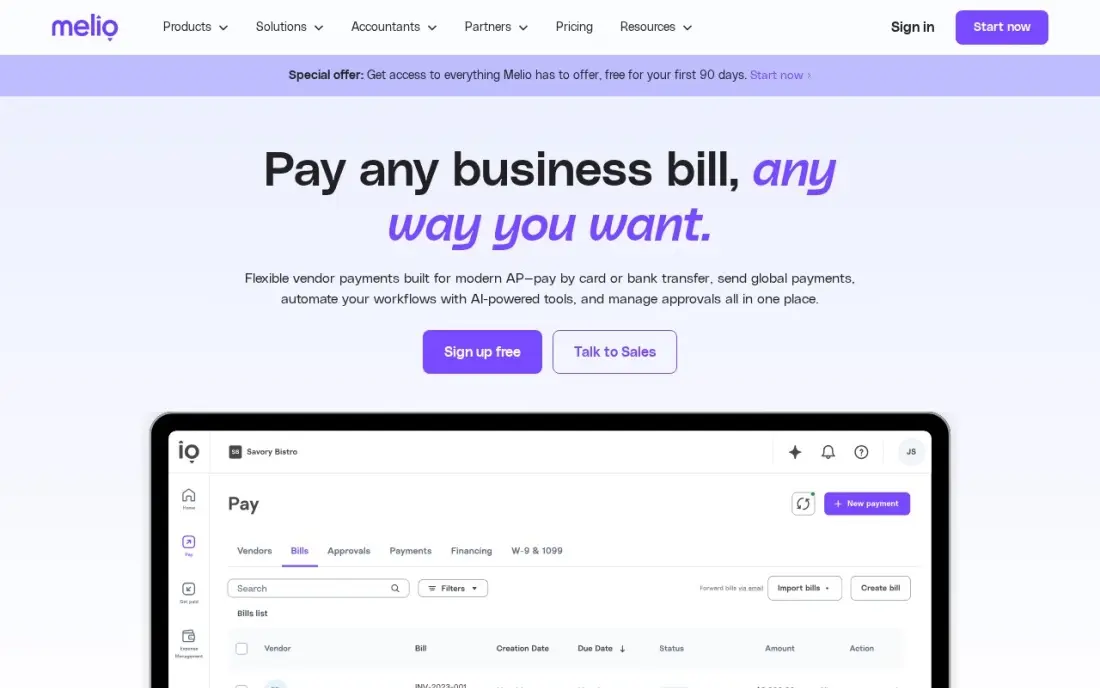
Melio is the easiest bill pay app to start with. The free Go plan covers one user and five free ACH payments a month, and AI bill capture plus a dedicated bills inbox come on every plan, so invoices can be forwarded in rather than typed. Core costs $25 a month, or $20 billed annually, and adds 20 free ACH payments, batch payments and approval workflows, with W-9 collection and 1099 automation included.
Pricing is per account, so a second approver costs $10 a month rather than a full seat. The limits show as you grow: no PO matching on any plan, accounting sync on Go stops after the first ten payments, extra ACH payments cost $0.50 each, and NetSuite sync needs the $80 Unlimited plan.
What we like
- Flat per-account pricing — extra users cost $10 a month each on Core, not a full seat price
- AI bill capture and a dedicated bills inbox come on every plan, including the free Go plan
- W-9 collection and 1099 automation are included from Core, which saves a separate year-end scramble
Watch out for
- No PO matching on any plan, so teams that match invoices to purchase orders need another tool
- The free Go plan allows only one user, and accounting sync stops after the first ten payments
- ACH payments beyond the plan allowance cost $0.50 each, and NetSuite sync needs the $80 Unlimited plan

Ramp
Best for: US companies that qualify and want bill pay, cards and expenses free in one app
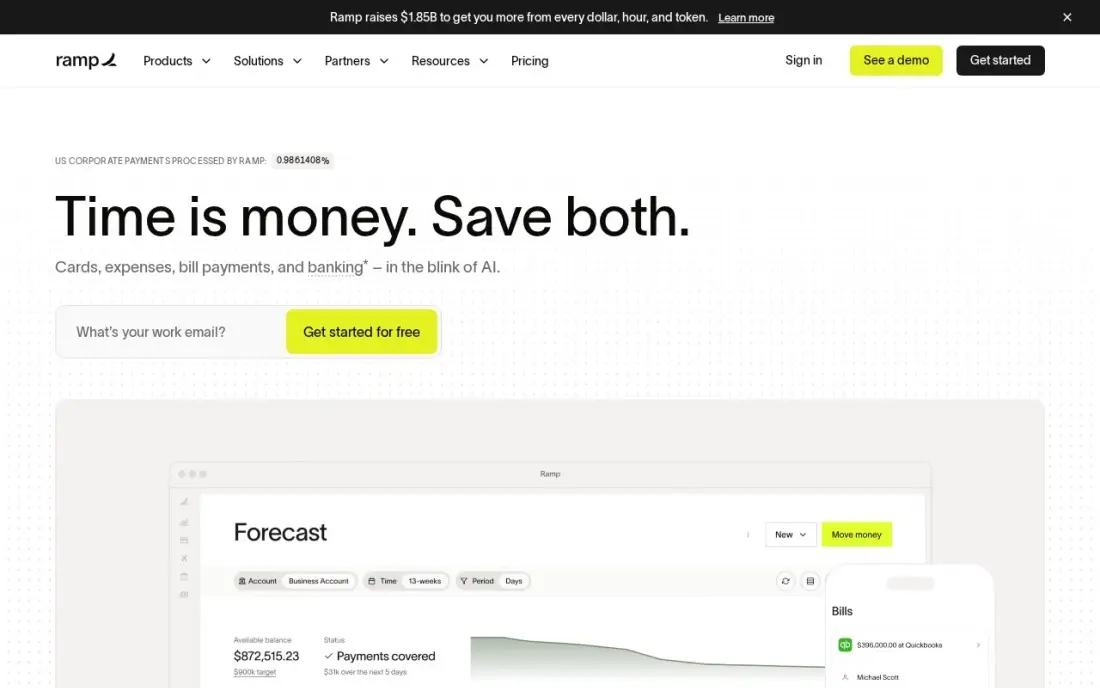
Ramp's free plan is a genuine finance setup, not a trial: bill pay, corporate cards, expense management and basic approvals for $0, with no per-user fee. Bills and card spend sit in the same system, so the owner sees every outgoing dollar in one place. G2 reviewers rate Ramp 4.8 from 2,430 reviews. Plus costs $15 a user a month plus a platform fee that Ramp does not publish.
Eligibility is the catch. Ramp accepts only US-registered corporations, LLCs and limited partnerships with at least $25,000 in the bank, which rules out sole proprietors and many new businesses. If you qualify and want bill pay and cards together without paying for either, start here.
What we like
- Free plan costs $0 and covers cards, expense management, bill pay and basic approvals with no per-user fee
- Plus at $15 per user a month adds custom procurement approvals, multi-entity management and HRIS integrations
- AI agents handle intake, sourcing and approvals inside the same system as cards and bill pay
Watch out for
- Procurement is a paid add-on to Plus or Enterprise, and the platform fee on Plus is not published, so the real price needs a quote
- Only US-registered corporations, LLCs and limited partnerships qualify, and the account needs a $25,000 minimum bank balance
- Sourcing and supplier-management features are thinner than dedicated procurement suites

BILL
Best for: Small finance teams that pay vendors and chase customer invoices every week
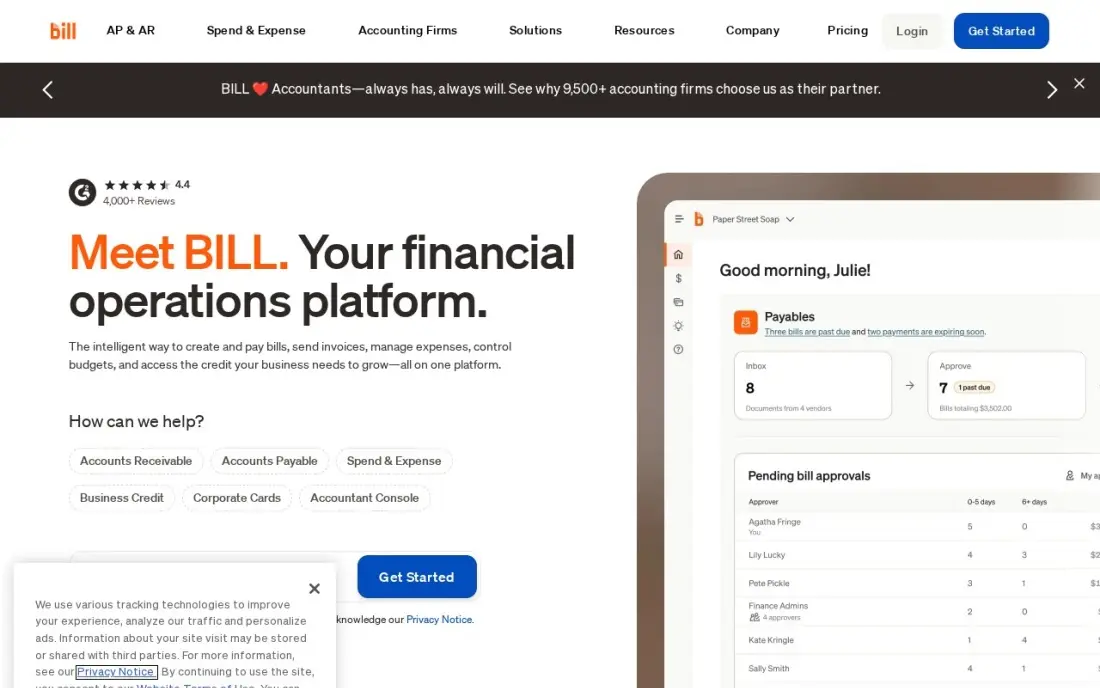
BILL covers both sides of the ledger: bill entry, approval workflows and vendor payments on one side, invoicing and payment reminders on the other. Essentials costs $49 a user a month, and each payment carries its own fee — $0.59 for ACH, $1.99 for a mailed check and $19.99 for an international USD wire — while virtual-card payments are free. API access and six standard user roles come on Essentials.
The accounting link is the thing to check. Essentials syncs with QuickBooks Online and Xero by manual CSV import and export; automatic two-way sync starts on Team at $65 a user a month. There is no free plan, only a trial in most cases. BILL Spend & Expense, its card product, is free alongside it.
What we like
- Automates the whole pay-and-get-paid loop: bill entry, approval workflows, invoicing and payment reminders in one place
- ACH payments cost $0.59, mailed checks $1.99, and virtual-card payments are free
- BILL Spend & Expense is $0 per user a month, with corporate cards, budgets and expense tracking included
- API access and six standard user roles are included on Essentials, not held for higher tiers
Watch out for
- Essentials syncs with accounting software by manual CSV import and export only — automatic two-way sync starts at Team, $65 per user a month
- Per-payment fees sit on top of the seats: ACH $0.59, a mailed check $1.99, an international USD wire $19.99
- No free plan — only a free trial in most cases — and the AI bill-coding agent is not included on Essentials

Plooto
Best for: Small North American teams that want flat-priced bill pay and collections
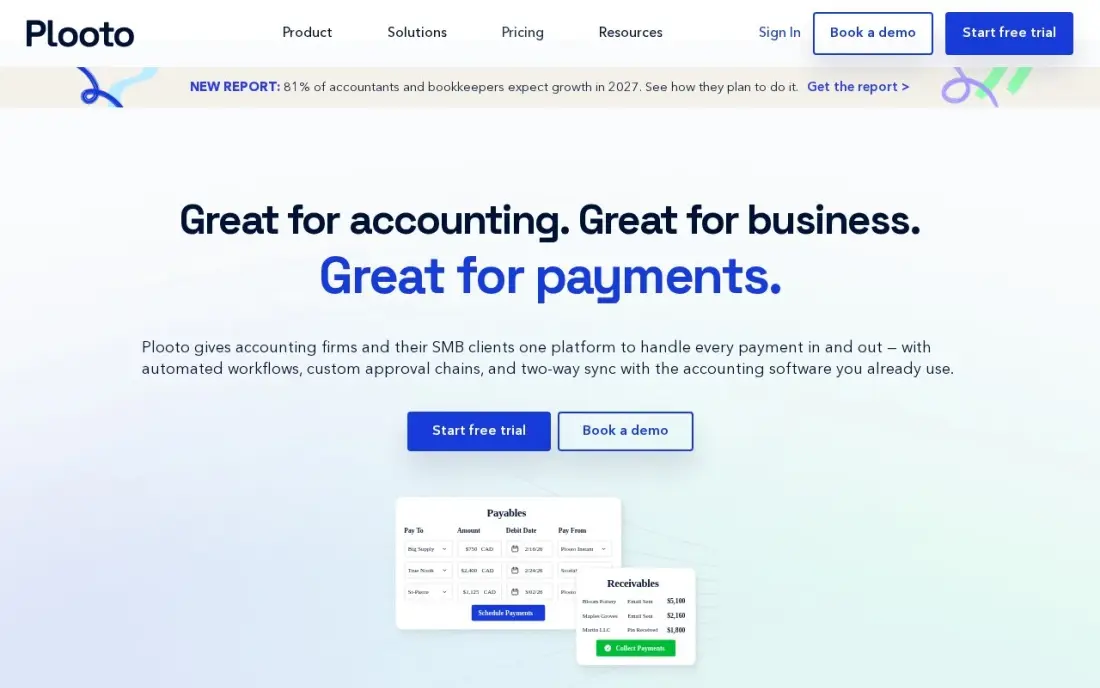
Plooto charges $25 a month flat, whatever the team size, so adding approvers never raises the base bill. That covers bill payments with one-click approvals, automatic sync with QuickBooks and Xero, and 10 free domestic payments a month. It also handles collections through pre-authorized debits, which makes it useful for businesses that both pay suppliers and pull payments from customers.
It is built for domestic payments. International payments are limited and cost $9.99 each, there is no PO matching, and ACH payments can take several business days, which slows a tight payment run. A free trial is available. For a small US or Canadian business paying mostly local vendors, the flat price is the main attraction.
What we like
- Flat $25 a month regardless of team size — the base cost does not rise as approvers are added
- Covers both sides of the ledger: bill payments and invoice collection with pre-authorized debits
- Real-time cash-flow visibility and one-click approvals, with automatic sync to QuickBooks and Xero
Watch out for
- No PO matching, so invoice-to-order matching needs another tool
- International payments are limited and cost $9.99 per transaction
- ACH payments can take several business days, which slows vendor payment cycles

Tipalti
Best for: Growing companies that pay suppliers or contractors in many countries and currencies
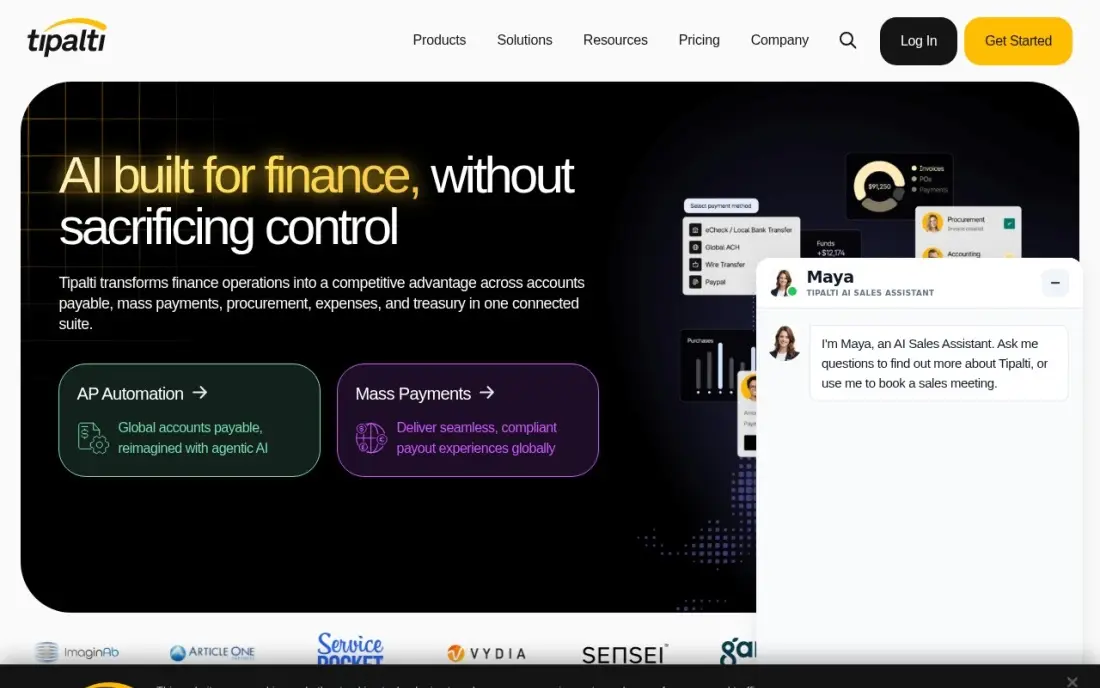
Tipalti is the bill pay platform for global supplier lists. It pays vendors in more than 200 countries and 120 currencies with over 50 payment methods, and supplier onboarding, tax-form collection and compliance checks run in the same workflow as approvals and payments. G2 reviewers rate it 4.5 from 409 reviews.
The price is the unknown. Tipalti publishes no price, and third-party reports disagree on the platform fee, from $99 to $149 a month, so treat any figure as reported, not confirmed. There is no free plan and no self-serve trial; evaluation starts with a demo. If your vendors are local and few, every tool above costs less and starts faster.
What we like
- Pays suppliers in more than 200 countries and 120 currencies with 50-plus payment methods
- Supplier onboarding, tax-form collection and compliance run in the same workflow as approvals and payments
- Procurement, AP and payments connect in one flow, so an approved order becomes a paid invoice without re-entry
Watch out for
- Procurement pricing is custom quote, and third-party reports disagree on the AP platform fee, from $99 to $149 a month
- Built for companies paying many suppliers across borders — overkill when suppliers are local and few
- No free plan and no self-serve trial; evaluation starts with a demo and a sales quote

AvidXchange
Best for: Mid-market real estate and construction companies with high invoice volumes
AvidXchange is built for companies whose bills arrive in the hundreds every month and route through approval chains by property, project or department. Its AvidPay Network pays suppliers by ACH, virtual card or check, and TimberScan and AvidAscend handle the specific workflows of construction and property management companies. Approvals and payment status are visible in real time.
It is not an app you sign up for on a Friday. There is no published price and no free plan or trial, so every engagement starts with a demo and a custom quote, and implementation is scoped separately. Suppliers receiving electronic payments through the AvidPay Network also pay per-transaction fees, which some vendors notice.
What we like
- Purpose-built for real estate and construction, with TimberScan and AvidAscend for property and construction workflows
- AvidPay Network pays suppliers electronically by ACH, virtual card or check, cutting paper checks
- Custom approval workflows with real-time visibility into invoice and payment status
Watch out for
- No published pricing and no free plan or trial — every cost comes from a custom quote
- Suppliers who accept electronic payments through the AvidPay Network pay per-transaction fees to receive the money
- Reporting can be hard to customize, per SelectHub's review summary

MineralTree
Best for: Mid-market US companies on NetSuite, Sage Intacct or QuickBooks that want bill pay synced to the ERP
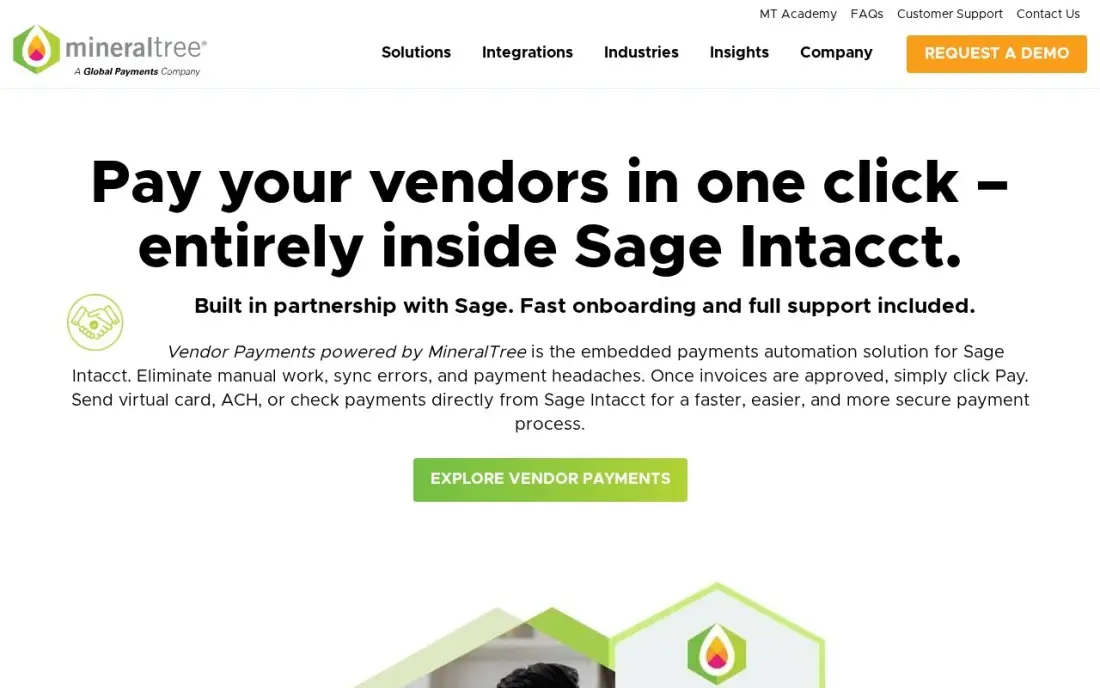
MineralTree automates bill pay from receipt to payment for companies that want to keep their accounting system as it is. Invoices are captured and coded, approvals route by amount or vendor, and payments go out by ACH, virtual card or check, with two-way sync to QuickBooks, NetSuite, Sage Intacct and Dynamics GP. Reviewers praise how it simplifies approvals and reconciliation.
MineralTree publishes no price and offers no free trial, so budgeting starts with a demo and a quote; third-party directories estimate around $5,000 a year, but that is not a vendor figure. It is mainly a US product with limited international payments, and reviewers find complex approval customization thin.
What we like
- Automates the whole invoice journey from receipt to payment, with two-way sync to QuickBooks, NetSuite, Sage Intacct and Dynamics GP
- Multiple payment options — ACH, virtual cards and checks — from one approval flow
- Users praise how it streamlines payment approvals and reconciliation, per SelectHub review summaries
Watch out for
- No published pricing and no free trial; third-party directories estimate around $5,000 a year, but that is not a vendor price
- Primarily a US-market product, so international vendor payments are limited
- Customization for complex approval processes is limited, per reviewer feedback
The best bill pay app takes vendor invoices off your desk: it captures the bill, routes it for approval, pays it by ACH, card or check and records the payment in your accounting software. We compared seven bill pay apps, from free tools for a one-person business to quote-only platforms for companies paying thousands of invoices, and every price below comes from the vendor's own pricing page as checked in November 2026.
How to choose the best bill pay app
- Count your payments, not just your users. Some apps charge per seat and per payment, others a flat monthly fee with a set number of free ACH payments, so the right choice depends on how many bills you pay each month.
- Check how payments go out. ACH, virtual card, paper check and international wire each carry different fees and timing.
- Confirm the accounting sync. Two-way sync with QuickBooks, Xero or NetSuite saves hours of reconciliation; manual CSV export does not.
- Map your approvals. A one-person business needs none, while a team with department budgets needs rules by amount, vendor or location.
- Look at year-end tax work. W-9 collection and 1099 filing built into the app save a January scramble.
- Check eligibility early. Some apps accept only US-registered companies or require a minimum bank balance.
Paying bills faster keeps vendors happy; getting found by new customers keeps the bills affordable. If you want a steady flow of search traffic to your own business, our monthly SEO service handles that side, and our guide to payment software for small businesses covers the tools for taking payments rather than making them.
Bill pay app pricing: what you will actually pay
Take a small business paying 20 vendors a month by ACH with two people approving. On Melio Core, that is $25 a month billed monthly, or $20 billed annually, plus $10 a month for the second user, and the 20 ACH payments are included. On BILL Essentials, two users cost $98 a month, and 20 ACH payments at $0.59 add $11.80, for about $110 a month. On Plooto, the base is $25 a month flat; 10 domestic payments are included, so check the per-payment rate for the other 10 on its pricing page.
Over a year, Melio Core comes to $360 on annual billing with the extra user, against about $1,318 on BILL Essentials. Ramp's free plan costs $0 if your business qualifies. Tipalti, AvidXchange and MineralTree publish no price, so ask each for the platform fee, per-payment fees and implementation cost in writing.
Know the difference: bill pay app vs AP automation platform
A bill pay app is built for the owner or bookkeeper who wants bills paid on time with minimal effort. Melio, Ramp, BILL and Plooto all fit here: you sign up online, connect a bank account and QuickBooks, forward invoices in and pay them. Pricing is published and contracts are month to month.
An AP automation platform is built for a finance team handling hundreds or thousands of invoices with complex approvals. Tipalti, AvidXchange and MineralTree add supplier onboarding, tax compliance, ERP integration and payment networks, and they are sold through demos with custom quotes and implementation projects. They pay off at volume; below it, they slow you down.
Quick comparison: tool type by need
| Buyer | Best pick | Why |
|---|---|---|
| Most small businesses | Melio | Free Go plan, Core $25/month with 20 free ACH payments |
| Qualifying US companies | Ramp | Bill pay, cards and expenses on a $0 plan |
| Pay and get paid in one app | BILL | AP and AR from $49/user/month, ACH $0.59 per payment |
| Flat-price domestic teams | Plooto | $25/month flat with 10 free domestic payments |
| Global supplier lists | Tipalti | 200+ countries and 120 currencies, custom quote |
| Real estate and construction | AvidXchange | High-volume AP with industry workflows, custom quote |
| ERP-centred mid-market | MineralTree | Two-way sync with NetSuite, Sage Intacct and QuickBooks |
Mistakes to avoid
- Comparing seat prices only. Per-payment fees for ACH, checks and wires can add more than the subscription.
- Skipping the approval setup. A bill pay app with no approval rules makes paying the wrong invoice faster, not safer.
- Assuming every plan syncs automatically. Check whether the plan you are buying has two-way accounting sync or only CSV export.
- Signing up before checking eligibility. Ramp's bank-balance and company-type rules exclude many small businesses.
- Buying an enterprise platform too early. Quote-only AP suites need implementation time that a small business rarely gets back.
Related comparisons: Bill Tracking Software and Apps · Bill of Materials Software · Pay Per Call Software · Pay-Per-Click Advertising Platforms
How we chose
We checked each vendor's own pricing page in November 2026 and recorded the starting price exactly as shown, including annual-billing figures where listed and per-payment fees where published. We ranked the apps by fit for the most common buyer, a small US business paying 10 to 50 vendor bills a month, and placed quote-only platforms after the self-serve apps. Where a vendor publishes no price, we say so rather than repeating third-party estimates as fact. Ratings come from G2 pages checked on the dates shown in the sources. No vendor paid for a place in this list, and none of the links here are affiliate links.
What to do next
Pull last month's bills, count how many you paid and how, and run them through the free plan or trial of the app that matches your volume. Once bill pay runs itself, spend the saved hours on bringing in customers. Book a free SEO call.
Frequently asked questions
What is the best bill pay app for a small business?
Melio is the best fit for most small businesses: its free Go plan covers one user and five free ACH payments a month, and Core costs $25 a month, or $20 billed annually, with 20 free ACH payments and approvals. Ramp is a strong free alternative for US companies with at least $25,000 in the bank.
Is there a free bill pay app?
Yes. Melio's Go plan is free for one user with five free ACH payments a month, and Ramp's free plan covers bill pay, cards and expenses with no per-user fee for qualifying US companies. BILL's Spend & Expense product is free, but its bill pay plans start at $49 a user a month.
How much does it cost to pay a bill through a bill pay app?
It depends on the plan and payment method. BILL charges $0.59 per ACH payment, $1.99 per mailed check and nothing for virtual-card payments. Melio charges $0.50 for ACH payments beyond the plan allowance, and Plooto charges $9.99 per international payment.
Do bill pay apps sync with QuickBooks?
Most do. Melio, Plooto and MineralTree sync with QuickBooks, and Plooto and Melio also sync with Xero. BILL's Essentials plan uses manual CSV import and export; automatic two-way sync starts on Team at $65 a user a month.
What is the best bill pay app for paying international vendors?
Tipalti, which pays suppliers in more than 200 countries and 120 currencies with over 50 payment methods. BILL also sends international USD wires at $19.99 each. Plooto and MineralTree are better suited to domestic payments.
Can a bill pay app send paper checks?
Yes. BILL mails checks for $1.99 each, and AvidXchange and MineralTree pay vendors by ACH, virtual card or check from the same approval flow.
Sources we checked (9)
- Melio — melio.com/pricing (checked November 2, 2026)
- Ramp — ramp.com/pricing (checked November 10, 2026)
- Ramp reviews on G2 (checked November 10, 2026)
- BILL — www.bill.com/pricing (checked November 4, 2026)
- Plooto — www.plooto.com/pricing (checked November 2, 2026)
- Tipalti — www.jaggaer.com/blog/coupa-vs-tipalti (checked November 10, 2026)
- Tipalti reviews on G2 (checked November 10, 2026)
- AvidXchange — www.avidxchange.com (checked November 2, 2026)
- MineralTree — www.mineraltree.com (checked November 2, 2026)
Make one of these tools?
We re-check this list every quarter. Send a correction, request a review, or ask about a clearly labeled sponsored spot.
Request a listingShamim
Founder of SerpAstra
A full-stack digital marketer and SEO strategist covering technical and local SEO, AI search visibility, paid ads and lead generation for local businesses, e-commerce brands and SaaS teams.
Free SEO and AI visibility audit
Find out what is holding your rankings back
Send us your site. Within 2 business days you get a written audit, an AI visibility check and a short fix list ranked by impact. Free, with no contract attached.
Request my free audit→Related buying guides
 Accounting & Finance10 Best AP Automation Tools with Analytics in 2026, Compared10 best ap automation tools with analytics compared on price, AI invoice capture, approvals and reporting — prices checked November 2, 2026.Read guide →
 Accounting & Finance10 Best Payment Software for Small Business in 2026, ComparedCompare the 10 best payment software for small business options on price, transaction fees and free plans, with every rate checked November 4, 2026.Read guide →
 Logistics, Supply Chain & Procurement11 Best Purchasing Software for Small Businesses in 2026, Compared11 best purchasing software for small businesses compared on price, approvals and free plans, with real starting prices checked November 10, 2026.Read guide →