
9 Best Blogging Platforms Comparison for 2026: Cost and Features
Our best blogging platforms comparison covers 9 blog platforms on cost, ownership, SEO control and monetization, with every price checked on vendor pages.
 Shamim Mia, Founder, SerpAstraLast verified November 2, 20268 min read
We compare pricing pages, documentation and public reviews. We never accept payment for rankings.

Key takeaways
- WordPress.org is the best blog platform for most serious bloggers: free software, full SEO control and the largest plugin library, if you will manage hosting yourself.
- Ghost is the best blog platform for writers who want a fast site with newsletters and paid memberships built in, from $18 a month or $15 billed annually.
- Substack, Medium and Blogger cost nothing to start, but Substack keeps 10% of paid revenue and Medium gives you no subscriber list to export.
- Squarespace, Wix and Webflow suit blogs that sit inside a business website; Webflow's blog needs a plan with a CMS, from $25 a month billed annually.
On this page
Quick comparison
| Tool | Best for | Starting price | Free plan |
|---|---|---|---|
| WordPress.org | Bloggers who want full ownership, the most plugins and complete SEO control | Free (software) | Yes (software free) |
| WordPress.com | Bloggers who want WordPress without managing hosting, security or updates | Free; Business $40/mo | Yes (free plan) |
| Ghost | Independent writers who want a fast blog with newsletters and paid memberships built in | $18/mo | No (14-day trial) |
| Squarespace | Creatives and small businesses that want a polished blog inside a designed website | $25/mo | No (14-day trial) |
| Wix | Beginners who want a free start and a drag-and-drop editor for blog and site together | $36/mo | Yes (free plan) |
| Webflow | Design-led teams that want a custom-designed blog on a real CMS without plugins | Free; CMS plans from $25/mo | Yes (Starter) |
| Substack | Writers who want paid subscriptions with zero upfront cost | Free; 10% of paid subs | Yes (free plan) |
| Medium | New writers who want an existing audience more than their own website | Free; Member $5/mo | Yes (free plan) |
| Blogger | Hobby bloggers who want a free blog with a custom domain at no platform cost | Free | Yes (free) |
Make one of these tools?
We re-check this list every quarter. Send a correction, request a review, or ask about a clearly labeled sponsored spot.
Request a listingThe best blogging platforms

WordPress.org
Best for: Bloggers who want full ownership, the most plugins and complete SEO control
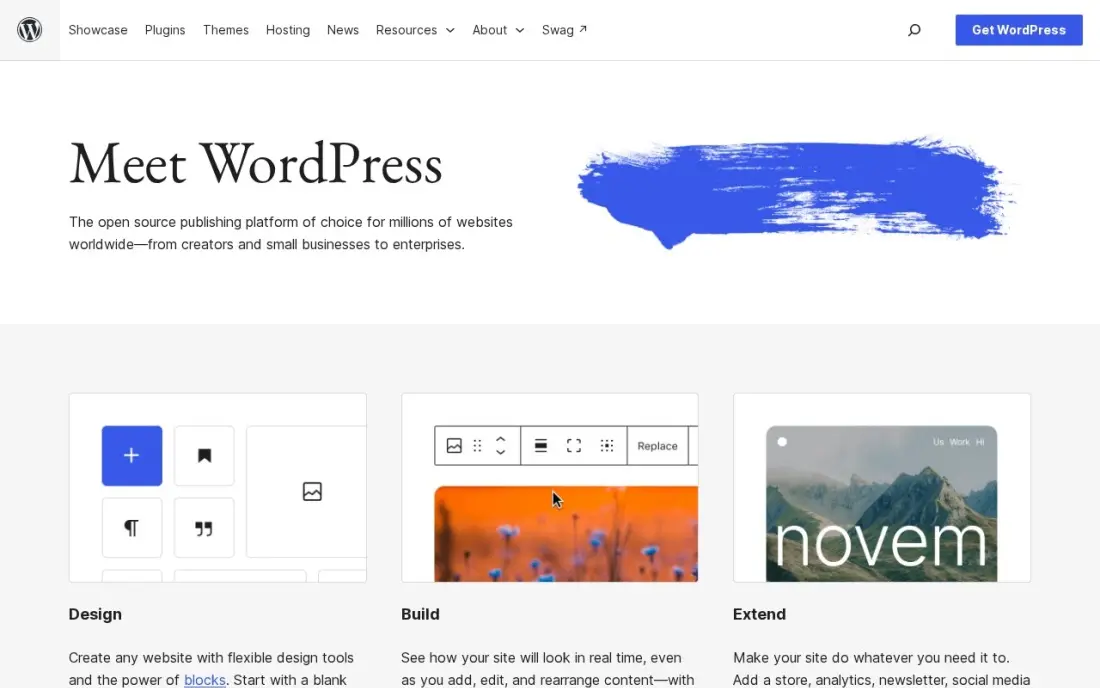
WordPress.org is the self-hosted version of WordPress, and it remains the most flexible blog platform there is. The software is free, you choose the host, and every SEO setting, from URLs and redirects to schema and sitemaps, is yours to change, with free plugins such as Rank Math and Yoast SEO doing most of the work.
The cost is responsibility. You arrange hosting, backups, security and updates, and a slow host or a badly built plugin can hold the blog back in search. Content, theme and data are fully portable, so you can move hosts at any time. Pick it if the blog is a long-term asset and you are willing to learn the basics of running a site.
What we like
- Full control of technical SEO: URLs, redirects, schema, sitemaps and robots rules are all yours to change
- Largest plugin ecosystem of any platform here, including free SEO plugins such as Rank Math and Yoast SEO
- No platform lock-in: move hosts, change themes and keep your content and data
Watch out for
- You arrange hosting, security, backups and updates yourself, or pay someone to do it
- Speed and security depend on your host and plugin choices, so a bad setup can hold rankings back

WordPress.com
Best for: Bloggers who want WordPress without managing hosting, security or updates
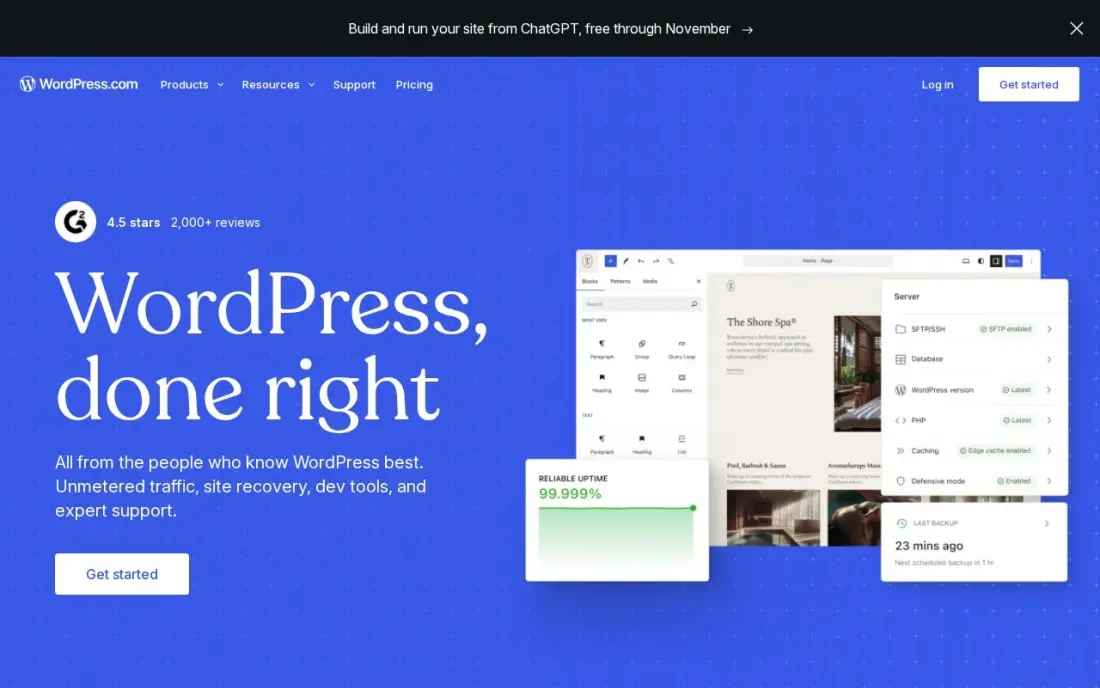
WordPress.com runs the same WordPress software as a hosted service, so hosting, security, updates and a CDN are handled for you. There is a free plan, and Personal costs $4 a month billed annually and can now install plugins, which removes the main old reason to self-host. Business adds staging, real-time backups and developer tools.
Business costs $40 a month billed monthly, or $25 a month billed annually in the first year, renewing at $28. Each site needs its own plan, so a second blog doubles the bill. It is the easiest way to get WordPress's editor and plugin library while leaving the server work to someone else.
What we like
- The lowest-friction way to run a manufacturing website: hosting, security, updates and CDN included
- Business adds staging, real-time backups, SFTP, WP-CLI and GitHub deployments for developer teams
- More than 60,000 plugins cover product catalogues, quote forms, dealer locators and multilingual sites
- A free plan exists, and Personal at $4 a month billed annually can now install plugins too
Watch out for
- The $25 a month annual figure is a first-year price; Business renews at $28 a month
- Each site needs its own plan, so a second brand site doubles the bill
- Plugin and theme choice is broad, but deep custom development still needs a developer

Ghost
Best for: Independent writers who want a fast blog with newsletters and paid memberships built in
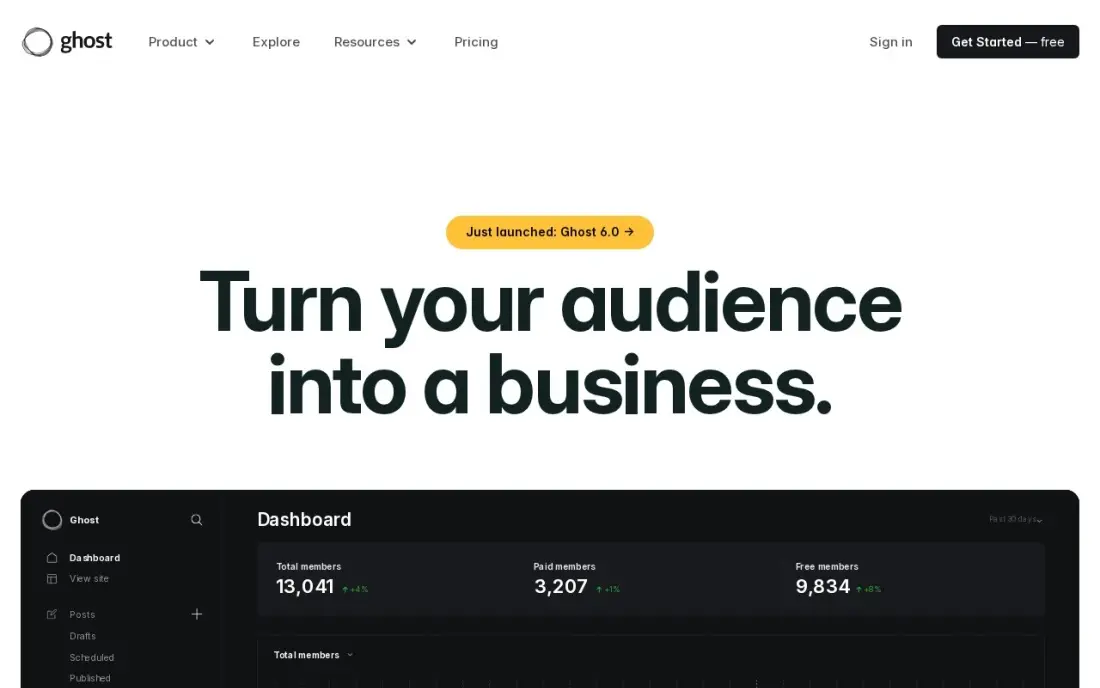
Ghost is a publishing platform built around the blog and the newsletter at the same time. Posts go out by email and live on a fast, clean site, members can sign up for free or paid tiers, and Ghost takes 0% of subscription revenue on every plan. The self-hosted version is free if you run your own server.
Ghost(Pro) Starter costs $18 a month, or $15 billed annually, for up to 1,000 members, with one staff user and official themes only. Selling paid subscriptions needs Publisher, at $35 a month or $29 billed annually, and the price rises as the member list grows. For a writer building a paid audience, it is the cleanest setup in this list.
What we like
- Takes 0% of subscription revenue on every plan
- Newsletters, memberships and the site in one product — no plugins needed
- A fast, clean editor built for publishing, not for page building
- Free to self-host if you run your own server
Watch out for
- Starter cannot sell paid subscriptions — that needs Publisher from $35/month billed monthly ($29/month billed annually)
- The price rises with member count, not just with features
- One staff user and official themes only on Starter

Squarespace
Best for: Creatives and small businesses that want a polished blog inside a designed website
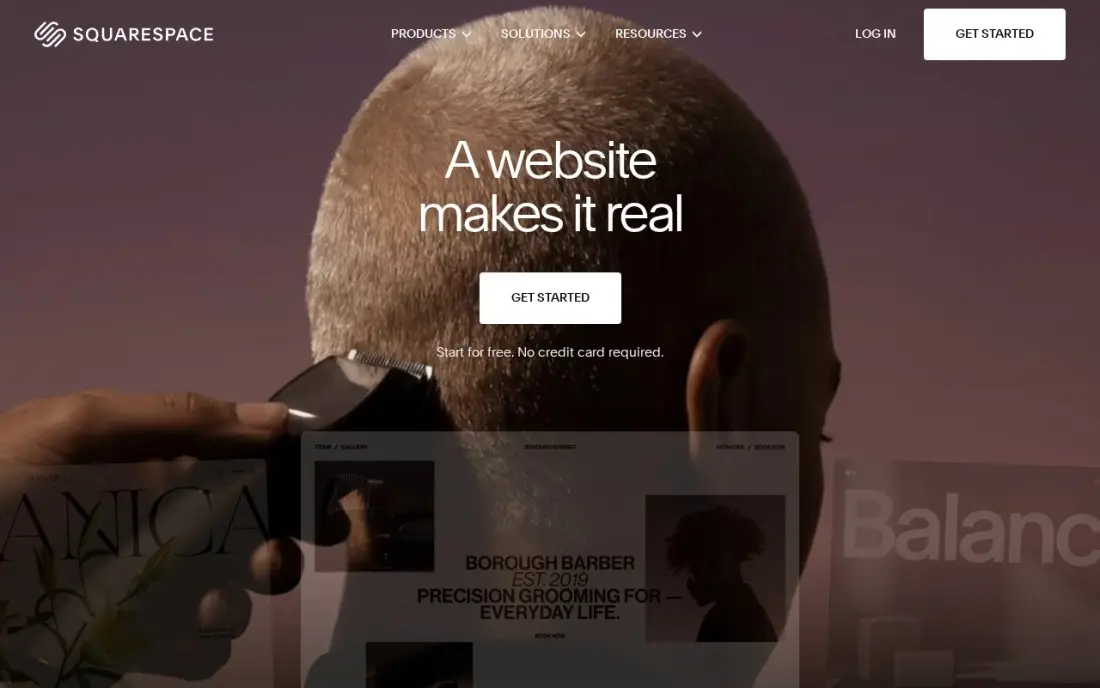
Squarespace has the most polished templates in this list, and its blog sits inside a full website with portfolio pages, a store and member areas, so a photographer, designer or small business can run everything from one place. Hosting and SSL are included, and annual billing adds a free custom domain for the first year.
Basic costs $25 a month, or $19 billed annually, with a 14-day free trial and no free plan. Basic allows only two contributors and no code injection, which limits custom tracking scripts. As a pure blog it has fewer SEO and publishing tools than WordPress or Ghost, but for a blog that supports a business site, it is the fastest way to look professional.
What we like
- The most polished templates here, with strong photography and video presentation for skin care
- Unlimited products, subscription products and abandoned cart recovery on every plan
- Hosting, SSL and a free custom domain for the first year are included on annual billing
- Invoices, memberships and digital content are built in, not add-ons
Watch out for
- Basic adds a 2% Squarespace fee on every online store sale, on top of card processing
- Only two contributors on Basic, so a team quickly outgrows it
- No code injection on Basic, which limits custom tracking and widgets

Wix
Best for: Beginners who want a free start and a drag-and-drop editor for blog and site together
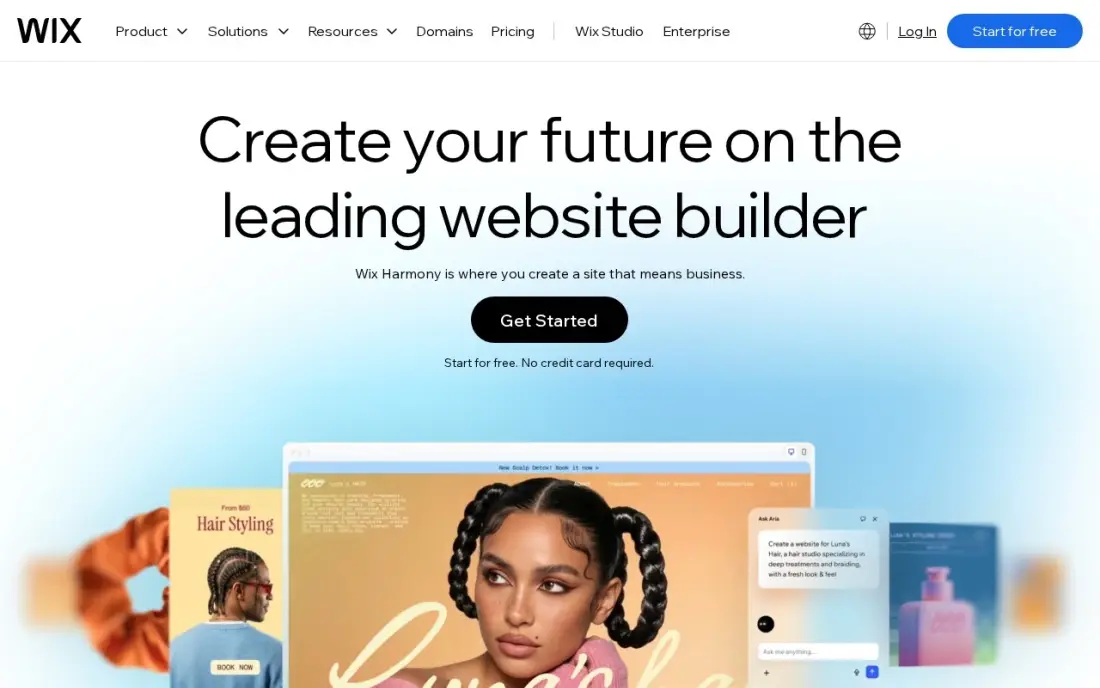
Wix lets a beginner build a blog and a website from hundreds of templates with no code, and the blog, bookings, store and marketing tools all sit in one dashboard. The free plan is a real way to try it before paying, though it runs on a Wix subdomain and shows Wix branding.
Core costs $36 a month, or $29 billed annually, and Wix runs first-year discounts often, so budget for the renewal price rather than the promotion. Core caps storage at 50 GB and allows five collaborators, which is plenty for most blogs. Choose Wix for ease of building; choose WordPress if blogging is the main job and you want deeper control.
What we like
- Core takes payments with 0% platform fee through Wix Payments, at 2.9% + 30c a card sale
- Bookings, a blog and marketing tools sit in the same dashboard as the store
- Hundreds of templates and an app market, with no code needed to launch
- A free plan exists for the website, so the brand can build before it pays
Watch out for
- Light at $17 a month billed annually cannot take payments, so selling starts at Core
- Core's 50 GB of storage and 5 collaborators cap a growing catalog and team
- Wix runs 50%-off first-year promotions often, so the renewal price is the honest one to budget

Webflow
Best for: Design-led teams that want a custom-designed blog on a real CMS without plugins
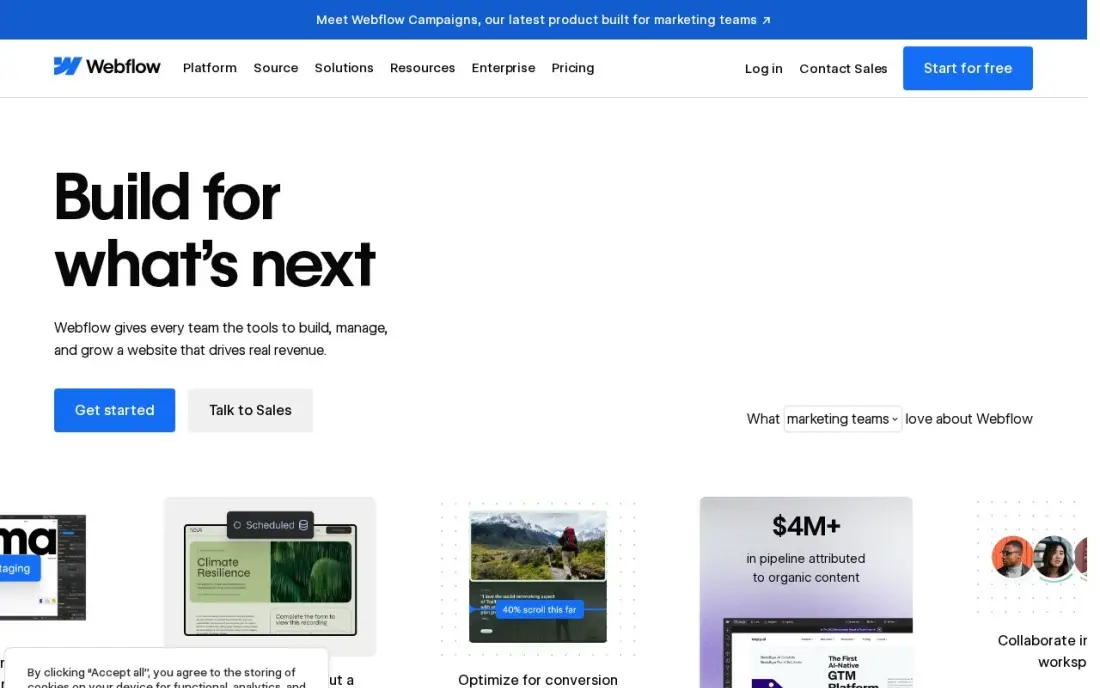
Webflow pairs a visual designer with a proper CMS, so a team can design every blog template exactly as it wants and still publish posts from structured collections. Hosting, security and the CMS come from one vendor, with no plugins to update. Premium includes 20,000 CMS items and 40 collections.
Watch the plan choice: Basic at $15 a month has no CMS, so a blog needs a plan with one. Webflow lists $39 a month billed monthly, or $25 billed annually, for that tier, and editing seats are a separate bill at $15 or $39 a seat a month billed yearly. It is the best choice when design control matters more than plugin breadth.
What we like
- Visual designer with a real CMS: 20,000 CMS items and 40 collections on Premium
- Premium includes site search, 50 GB bandwidth and code components
- No plugins to update; hosting, security and the CMS come from one vendor
Watch out for
- Basic at $15 a month has no CMS at all, so a blog or content site must pay $25 a month billed annually
- Editing seats are a separate bill: $15 a month for a limited seat and $39 for a full seat, billed yearly

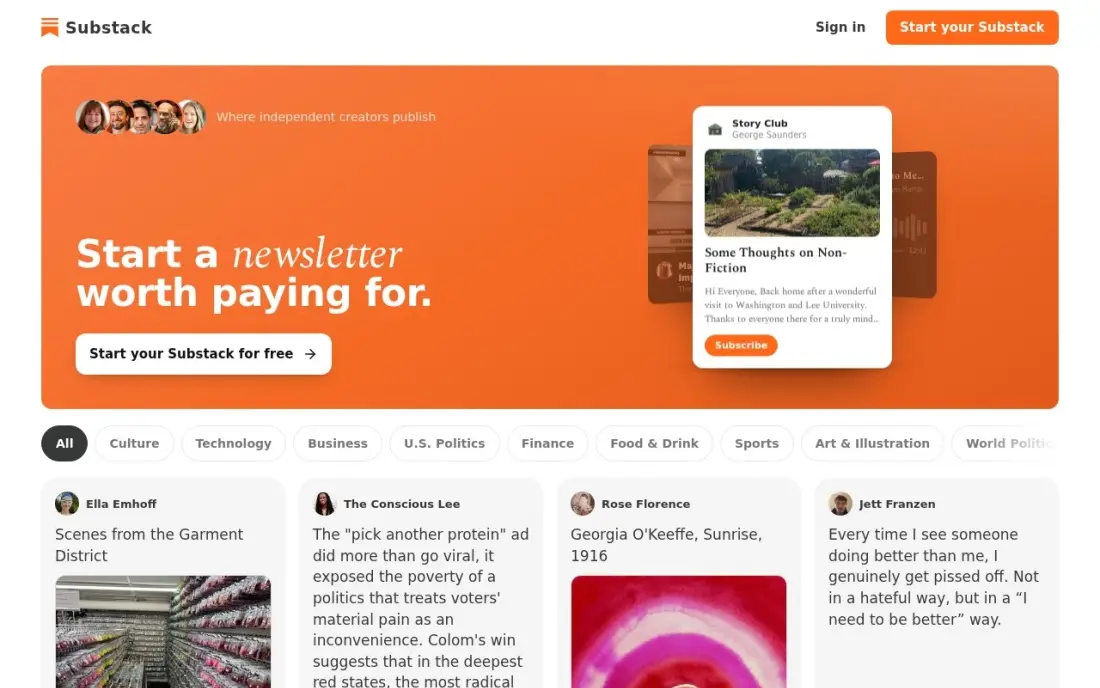
Substack costs nothing to start: there is no subscriber cap, no send limit and no hosting to manage, and turning on paid subscriptions is a setting rather than a project. Built-in recommendations from other publications bring new readers, and a custom domain costs a one-time $50.
The trade is the 10% cut of paid subscription revenue, plus Stripe fees, which never falls however large the publication grows. Your publication also lives inside Substack's branding and discovery rules, and the website side is thin. It is the right choice for a newsletter-first writer; anyone who wants a blog as a website should look at Ghost or WordPress.
What we like
- $0 to start, with no subscriber cap and no send limit
- Paid subscriptions are a switch, not a project
- Built-in recommendations bring new readers to the publication
- A custom domain is available for a one-time $50
Watch out for
- The 10% cut never falls — no tier lowers it as you grow
- Your publication lives inside Substack's branding and discovery rules
- It is a newsletter first — there is no real website builder

Medium
Best for: New writers who want an existing audience more than their own website
Medium is free to publish on and comes with readers already in place, which is the hardest thing for a new blog to find. The editor is clean, publications let several writers share a masthead, and there is no hosting, security or maintenance at all. The Partner Program pays writers from member reading time.
You do not own the audience. There is no subscriber list to export, a custom domain and the Partner Program both need the Member plan at $5 a month or $50 a year, and earnings depend on a payout formula Medium can change. Use Medium to test ideas and reach readers, and keep your main blog somewhere you control.
What we like
- Free to publish with a clean editor and a built-in audience
- Publications group writers under one masthead
- The Partner Program pays from member reading time
- No hosting, security or maintenance work at all
Watch out for
- You do not own the audience — there is no subscriber list to export
- A custom domain and the Partner Program need the $5/month membership
- Earnings depend on Medium's changing payout formula

Blogger
Best for: Hobby bloggers who want a free blog with a custom domain at no platform cost
Blogger is completely free, including hosting, a blogspot.com address, HTTPS and themes, and it is the only free platform here that connects your own domain at no charge and lets you keep your AdSense earnings. Setup takes minutes with a Google account, and there is nothing to patch or update.
It has not had a major update in years. Themes feel dated, there is no plugin ecosystem, SEO controls are basic and there are no newsletter or membership tools. Google can change or close the service, so keep backups. It suits a hobby blog or a family journal, not a blog you plan to grow into a business.
What we like
- Completely free, including hosting, a blogspot.com address, HTTPS and themes, with no stated storage limit
- The only free platform here that lets you connect your own domain at no charge and keep your own AdSense money
- Setup takes minutes with a Google account, and there is nothing to update or patch
- No platform ads on your pages
Watch out for
- Themes and design tools feel dated, with no plugin ecosystem and no major update in years
- You build on rented ground: Google can change or close the service, as it has with other products
- Basic SEO controls only, with no built-in newsletter or membership features
This best blogging platforms comparison is for anyone choosing where a blog should live for the next few years: the cost, who owns the audience, how much SEO control you get and how you can earn from it. We compared nine blog platforms, from self-hosted WordPress to free publishing networks, and every price below comes from the vendor's own pricing page, checked in November 2026.
How to choose the best blogging platforms
- Decide who owns the audience. On WordPress, Ghost and Webflow you own the site and the subscriber list; on Medium you own neither, and on Substack you own the list but live inside its branding.
- Check SEO control. Look for editable titles, descriptions, URLs, redirects and sitemaps. The best blog platform for search is the one that lets you fix technical problems yourself.
- Match the platform to your main channel. A newsletter-first writer needs email built in; a business blog needs to sit inside the company website.
- Price the year, not the month. Annual billing cuts the monthly rate on most plans, by $3 on Ghost Starter and $14 on Webflow, but promotional first-year prices often renew higher.
- Count the people. Several plans limit contributors or staff users, so check before a second writer joins.
- Plan how you will earn. Ads, memberships, affiliate links and paid newsletters each favour a different platform.
Whichever platform you choose, the writing has to answer what readers search for. Our guide to writing SEO content that ranks covers the method, and the free readability checker flags dense paragraphs before you publish.
Blogging platforms pricing: what you will actually pay
Take a solo writer paying for one blog for a year. Ghost Starter costs $18 a month billed monthly, or $180 a year at its $15 annual rate; Squarespace Basic costs $25 a month, or $228 a year at $19; Wix Core costs $36 a month, or $348 a year at $29; and Webflow's CMS tier costs $39 a month, or $300 a year at $25. WordPress.com Personal costs $4 a month billed annually, or $48 a year.
The free options cost nothing up front but take a share later. Substack keeps 10% of paid subscription revenue plus Stripe fees, so a writer earning $20,000 a year in subscriptions gives $2,000 of it to Substack; Ghost takes 0%, though selling subscriptions needs Publisher at $35 a month or $29 billed annually. Blogger is free throughout, and WordPress.org costs only your hosting and any premium plugins.
Know the difference: hosted vs self-hosted blog platforms
A hosted platform, such as WordPress.com, Ghost(Pro), Squarespace, Wix or Webflow, runs the servers, security and updates for you in return for a monthly fee. You get less control over the code and the server, but nothing breaks at 2am because a plugin update failed. For most writers and small businesses, that trade is worth it.
A self-hosted platform, such as WordPress.org or self-hosted Ghost, is free software you install on hosting you rent. You control every setting, every plugin and every byte of data, and you can move hosts whenever you like. You also own the backups, the updates and the security, so either learn the basics or pay someone who knows them.
Quick comparison: tool type by need
| Buyer | Best pick | Why |
|---|---|---|
| Serious long-term bloggers | WordPress.org | Free software, full SEO control, largest plugin library |
| WordPress without servers | WordPress.com | Free plan, Personal $4/month billed annually |
| Paid newsletters and blogs | Ghost | 0% revenue cut, Starter from $18/month |
| Creative businesses | Squarespace | Polished templates, Basic from $25/month |
| Beginners | Wix | Free plan, drag-and-drop editor |
| Design-led teams | Webflow | Visual designer with a real CMS, from $25/month billed annually |
| Newsletter-first writers | Substack | Free to start, 10% of paid revenue |
| Writers seeking readers | Medium | Built-in audience, free to publish |
| Hobby bloggers | Blogger | Completely free, custom domain included |
Mistakes to avoid
- Building on a platform you cannot leave. Check that posts, images and subscribers export cleanly before you write a hundred articles.
- Choosing on the first-year price. Promotional rates renew higher, so compare renewal prices across the platforms on your shortlist.
- Ignoring page speed. A heavy theme and a stack of plugins can make a blog slow on phones, which costs readers and rankings.
- Skipping your own domain. A blog on a platform subdomain builds the platform's authority, not yours; connect a custom domain early.
- Picking for features you will never use. A membership system, store and booking tool add cost and complexity if you only want to publish posts.
How we chose
We checked each vendor's pricing page in November 2026 and recorded the starting price exactly as shown, with annual-billing rates where listed. We compared the nine platforms on cost over a year, ownership of content and audience, SEO control, monetization options and how much technical work each needs. Ratings come from G2 pages checked on the dates shown in the sources; platforms without a rating we verified show none. No vendor paid for a place in this list, and none of the links here are affiliate links.
What to do next
Pick the two platforms that match your main channel, publish the same three posts on a free plan or trial of each, and keep the one you enjoy writing in. If the blog is meant to bring in business, plan the topics around search demand from day one. Book a free content and SEO review.
Frequently asked questions
What is the best blogging platform overall?
WordPress.org is the best blog platform for most people who want to grow a blog: it is free software with full SEO control and the largest plugin library. Ghost is the best choice for writers who want built-in newsletters and paid memberships.
Which blogging platform is free?
Blogger is completely free, including hosting and a custom domain connection. Medium and Substack are free to publish on, WordPress.com and Wix have free plans, and WordPress.org is free software that needs paid hosting.
Is WordPress or Ghost better for blogging?
WordPress is better for flexibility, plugins and SEO control. Ghost is better for writers who want a fast site with newsletters and paid memberships built in and 0% taken from subscription revenue, from $18 a month or $15 billed annually.
Is Substack a blog platform?
It is a newsletter platform with a basic web archive. It is free to start and takes 10% of paid subscription revenue plus Stripe fees, but it has no real website builder, so it suits newsletter-first writers rather than blogs that need a full site.
Which blogging platform is best for SEO?
WordPress.org gives the most SEO control, with free plugins for schema, sitemaps and redirects. Ghost and Webflow also give clean, fast pages and editable metadata. Medium and Substack give the least control over technical SEO.
How much does a blog cost per year?
On list prices, Ghost Starter costs $180 a year billed annually, Squarespace Basic $228, Wix Core $348 and Webflow's CMS tier $300. Blogger costs nothing, and WordPress.org costs whatever your host charges.
Sources we checked (15)
- WordPress.org — wordpress.org (checked November 2, 2026)
- WordPress.org reviews on G2 (checked November 2, 2026)
- WordPress.com — wordpress.com/pricing (checked November 12, 2026)
- WordPress.com reviews on G2 (checked November 12, 2026)
- Ghost — ghost.org/pricing (checked November 12, 2026)
- Ghost reviews on G2 (checked November 12, 2026)
- Squarespace — www.squarespace.com/pricing (checked November 12, 2026)
- Squarespace reviews on G2 (checked November 12, 2026)
- Wix — www.wix.com/plans (checked November 12, 2026)
- Wix reviews on G2 (checked November 12, 2026)
- Webflow — webflow.com/pricing (checked November 10, 2026)
- Webflow reviews on G2 (checked November 10, 2026)
- Substack — substack.com/pricing (checked November 12, 2026)
- Medium — medium.com/plans (checked November 12, 2026)
- Blogger — www.blogger.com (checked November 5, 2026)
Make one of these tools?
We re-check this list every quarter. Send a correction, request a review, or ask about a clearly labeled sponsored spot.
Request a listingShamim
Founder of SerpAstra
A full-stack SEO and digital marketer who spends most days on Local SEO for dental practices, AI search visibility and lead generation.
Free SEO and AI visibility audit
Find out what is holding your rankings back
Send us your site. Within 2 business days you get a written audit, an AI visibility check and a short fix list ranked by impact. Free, with no contract attached.
Request my free audit→Related buying guides
 Website Builders & Hosting11 Best Platforms to Start a Blog for 2026 (Pros, Cons and Pricing)Compare the 11 best platforms to start a blog on price, free plans, SEO control and ownership, with every price checked November 5, 2026, before you commit.Read guide →
 Website Builders & Hosting12 Best Blogging Platforms for SEO in 2026 (Pros, Cons and Pricing)Compare the best blogging platform for SEO for your budget: 12 platforms ranked on price, SEO controls and ownership, from free WordPress to Ghost and Webflow.Read guide →
 Website Builders & Hosting10 Best SEO Blog Platforms for 2026 (Pros, Cons and Pricing)10 best SEO blog platforms compared on price, SEO controls, ownership and audience reach. Prices checked on each vendor's pricing page, November 1, 2026.Read guide →