
8 Best Classroom Management Software in 2026, Compared
Compare the 8 best classroom management software for K-12: screen monitoring, focus tools, hall passes and behavior apps, with pricing models from vendor pages.
 Shamim Mia, Founder, SerpAstraLast verified November 21, 20269 min read
We compare pricing pages, documentation and public reviews. We never accept payment for rankings.
Key takeaways
- Device-focused classroom management — screen monitoring, tab control, screen locking — is sold to schools by quote: GoGuardian, Lightspeed, Securly, LanSchool and NetSupport publish no list price.
- Hapara is the only device-management vendor here that gives a price signal: pricing is based on student count, not devices, and starts around $1,500.
- NetSupport School suits schools that want on-premise software and the option to buy once and own it forever; LanSchool comes free for a year with eligible Lenovo education devices.
- Teachers without a district budget can start free: ClassDojo is free for teachers forever, and Google Classroom comes at no cost with Education Fundamentals for qualifying institutions.
On this page
Quick comparison
| Tool | Best for | Starting price | Free plan |
|---|---|---|---|
 GoGuardian Teacher | Districts that want screen monitoring and focus tools tied to an existing web filter | Custom quote | No |
 Hapara | Google Workspace schools that want focus tools, a web filter and hall passes from one vendor | From ~$1,500 | No |
 Lightspeed Classroom | Districts already on Lightspeed that want screen control and hall passes in the same console | Custom quote | No |
 Securly Classroom | Schools that want classroom management linked to Google Classroom or Canvas assignments | Custom quote | No |
 LanSchool | Schools with mixed devices, especially those buying Lenovo education hardware | Custom quote | Free trial |
 NetSupport School | Schools with computer labs that want on-premise software they can own outright | Custom quote | Free trial |
 ClassDojo | Elementary teachers managing behavior and family communication on a zero budget | Free | Yes |
 Google Classroom | Schools that want assignments, grading and class communication at no cost | Free (Fundamentals) | Yes |
Make one of these tools?
We re-check this list every quarter. Send a correction, request a review, or ask about a clearly labeled sponsored spot.
Request a listingThe best classroom management software
GoGuardian Teacher
Best for: Districts that want screen monitoring and focus tools tied to an existing web filter
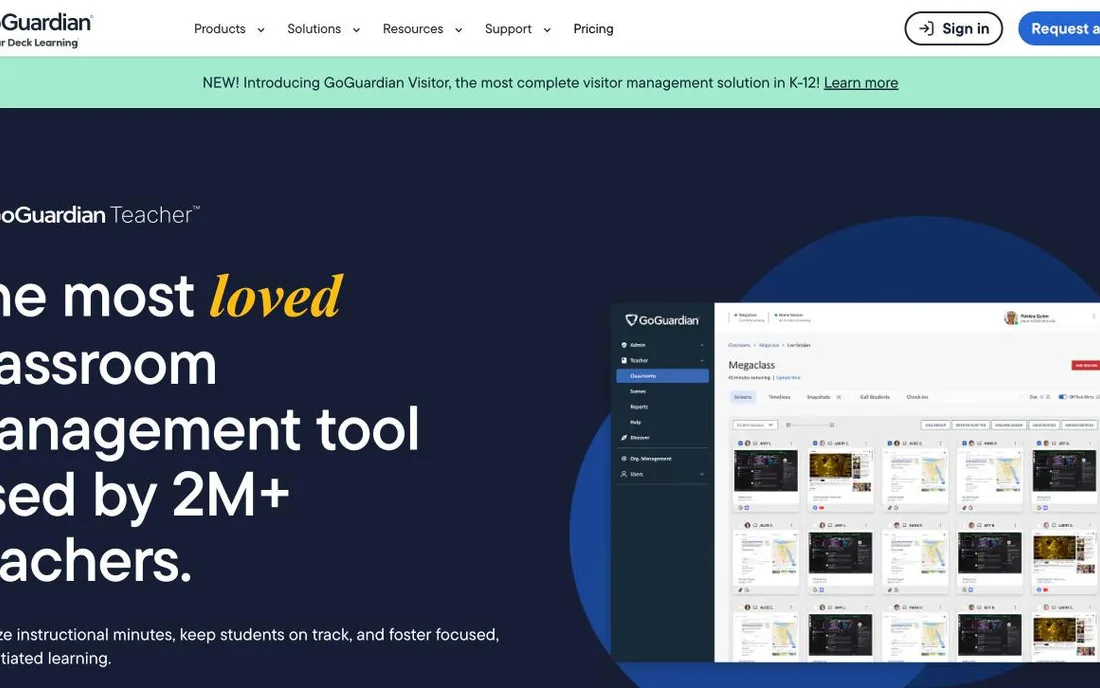
GoGuardian Teacher is the most widely used tool in this list: GoGuardian says more than 2 million teachers use it. Teachers can see student browsing, push every device to the same page, close distracting tabs and answer questions privately in one-to-one chat. Custom Groups and Scenes apply different filtering rules or resources to different groups of students, which helps with differentiated lessons.
It pairs with GoGuardian Admin, the district web filter, so a teacher can loosen filtering for a lesson without filing an IT ticket. Pricing is by quote and depends on enrollment, with volume discounts for larger districts, bundle pricing across GoGuardian products and special pricing for multi-year contracts.
What we like
- Guides student devices to the right screen and limits tabs during class
- Private one-to-one chat with students
- Works with GoGuardian Admin so teachers can make temporary filtering overrides
Watch out for
- No published price; quotes depend on enrollment and bundles
- Most value comes when the district also runs GoGuardian Admin
Hapara
Best for: Google Workspace schools that want focus tools, a web filter and hall passes from one vendor
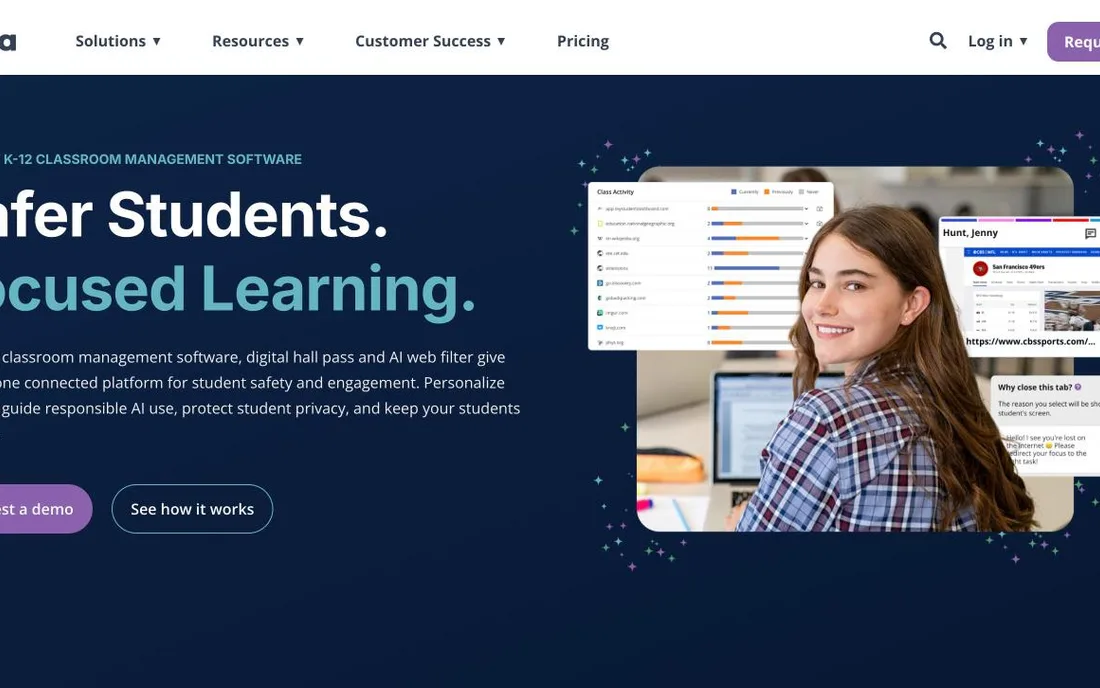
Hapara has been in schools since 2011 and says it supports more than 2.2 million K-12 learners in over 40 countries, including the US, Canada, New Zealand and Australia. Its classroom management tool guides browsing, sets boundaries for AI tools and lets teachers create student groups for differentiated assignments, with access to any student file in Google Drive for quick feedback.
The same platform adds an AI web filter with regional data residency and a digital hall pass. Hapara is the only device-management vendor here with a price signal: pricing is based on student count rather than devices, starts around $1,500, and offers volume discounts and multi-year agreements.
What we like
- Classroom management, AI web filter and digital hall pass on one platform
- Priced by student count, not devices, with a published starting point
- Teachers can open any student file in Google Drive and group students for differentiated work
Watch out for
- Full price still needs a quote
- Teacher tools lean on Google Drive, so Microsoft-first schools should check fit
Lightspeed Classroom
Best for: Districts already on Lightspeed that want screen control and hall passes in the same console
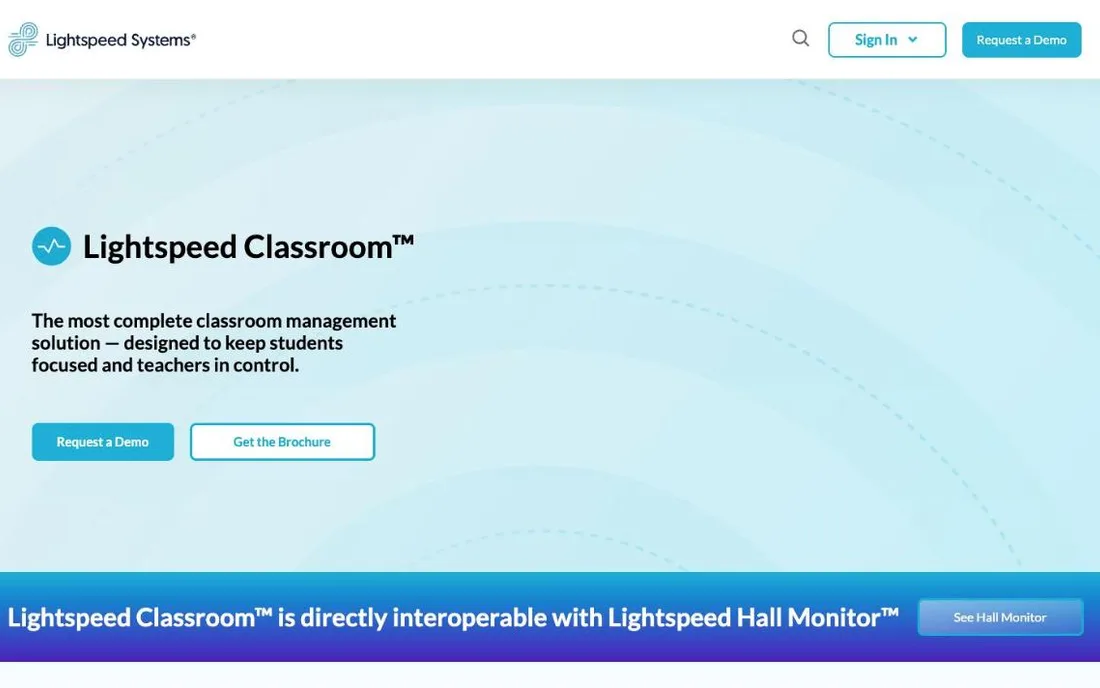
Lightspeed Classroom is the classroom management tool from Lightspeed Systems, the K-12 filtering and device-management vendor. From the teacher view, a teacher can lock or unlock a student's screen, send a link or a message, share one student's screen with the class and record a screen, which helps when a teacher needs a record of what happened.
Digital hall passes are built in, with a hall monitor report showing who is out of class, with which teacher and for how long. Lightspeed publishes no price and sells through demos, so a district should compare its quote with GoGuardian's, especially if it already runs the Lightspeed filter.
What we like
- Lock and unlock screens, send links and messages to students
- Share a student's screen with the class and record screens
- Hall passes and a hall monitor report built in
Watch out for
- No published price
- Best value when the district uses other Lightspeed products
Securly Classroom
Best for: Schools that want classroom management linked to Google Classroom or Canvas assignments
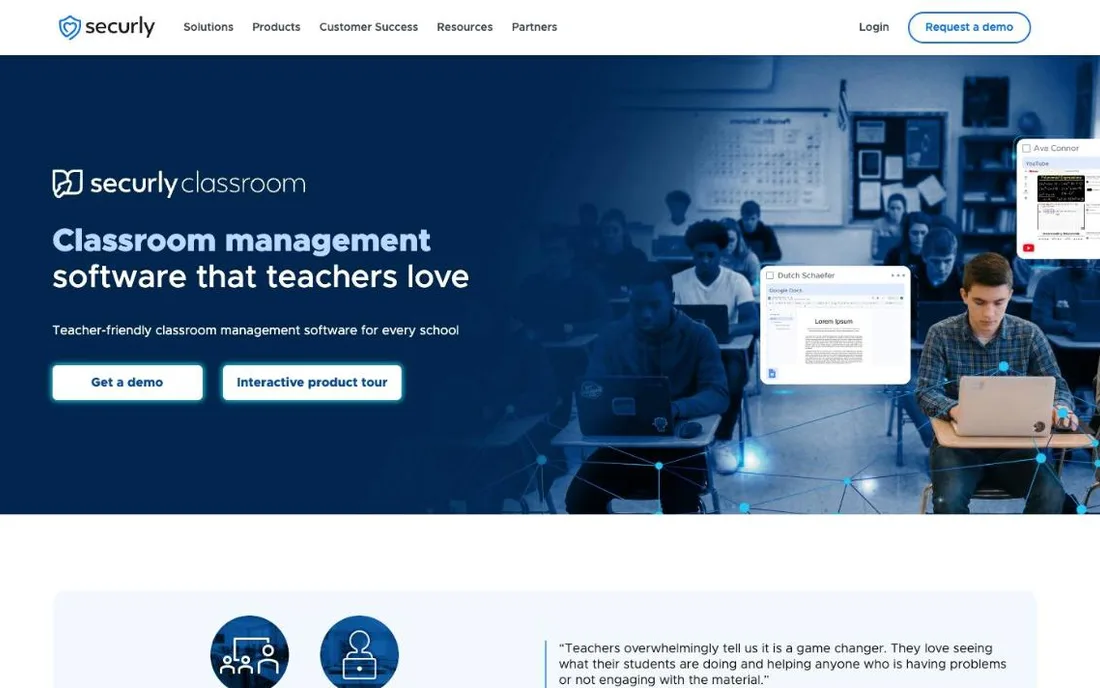
Securly Classroom is used by more than 180,000 teachers and 6 million students, according to Securly. Its strength is fitting into the tools teachers already use: it pulls assignments from Google Classroom and Canvas, so a teacher can steer the class to the right work, and it lets a teacher open up a blocked educational site for a lesson without waiting for IT.
It also handles digital hall passes and lets staff document health and safety observations, which ties classroom management to Securly's student-safety products. There is no published price; schools can take an interactive product tour before booking a demo and getting a quote.
What we like
- Pulls assignments from Google Classroom and Canvas
- Teachers can allow access to blocked educational resources
- Digital hall passes and health and safety notes in the same tool
Watch out for
- No published price
- Pairs most naturally with the Securly web filter
LanSchool
Best for: Schools with mixed devices, especially those buying Lenovo education hardware
LanSchool, backed by Lenovo, has been in classroom management for about 30 years. It can be cloud-hosted as LanSchool Air or installed locally, and it runs on Mac, Windows, Chromebooks and mixed device fleets. Teachers get messaging, screen sharing and safety filters, it can bring up classes set up in Google Classroom, and a new AI feature monitors whether students are on task.
Pricing is by quote but deliberately simple: a single SKU with two license options at one price, and no extra fee if you switch hosting. Every Lenovo education device comes with a full year of LanSchool free, which makes it the obvious first test for a Lenovo school.
What we like
- Cloud-hosted (LanSchool Air) or locally hosted
- Works on Mac, Windows, Chromebooks and mixed fleets
- A free year of LanSchool comes with every Lenovo education device
Watch out for
- No published price; buy direct or through channel partners by quote
- Web filtering comes through a separate Lenovo partnership with Netsweeper
NetSupport School
Best for: Schools with computer labs that want on-premise software they can own outright
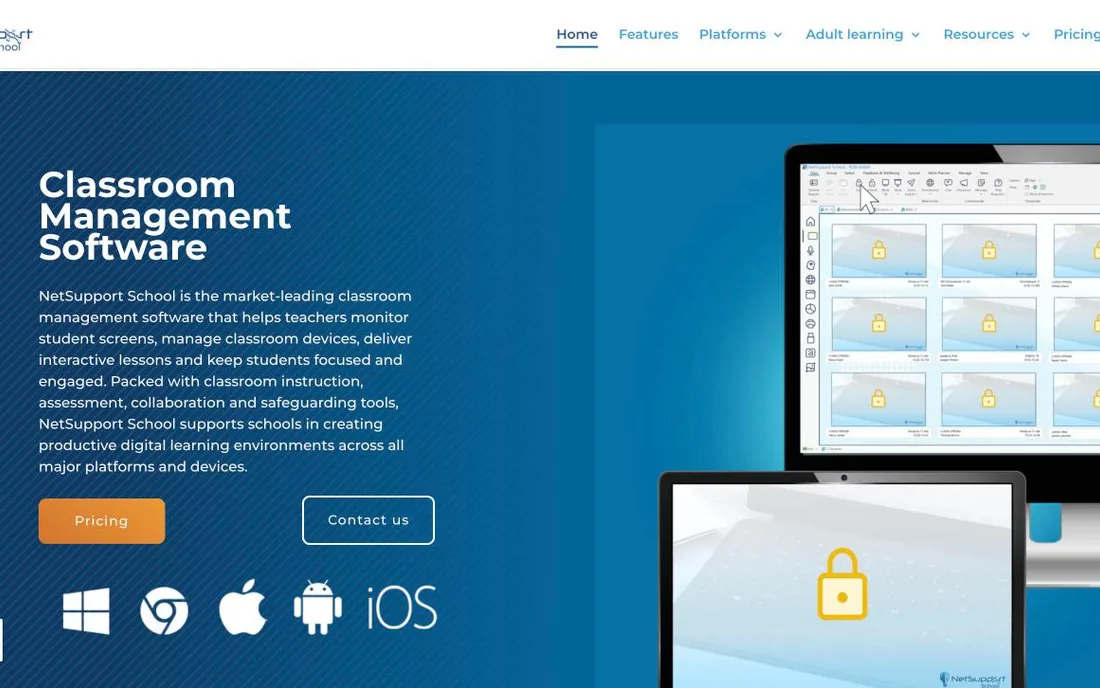
NetSupport School is on-premise classroom management with the deepest teaching toolkit in this list. Teachers can monitor student screens, application use, website activity and keyboard activity, lock screens, take remote control, and block apps or sites. Instruction tools include screen sharing, a virtual whiteboard, presentations, surveys and quizzes, plus a wellbeing check-in for social and emotional learning.
It runs across Windows, Chrome, Mac, Android and iOS, and IT staff get a Windows Technicians' Console. Pricing is a personalised quote based on the number of devices, with buy-once-and-own-forever options, no implementation fees, and free support and training included. A free trial is available.
What we like
- Monitors screens, apps, websites and keyboard activity in real time
- Teaching tools: screen sharing, virtual whiteboard, surveys and quizzes
- No implementation fees; free support and training included
Watch out for
- No published price
- The Technicians' Console is Windows-only
ClassDojo
Best for: Elementary teachers managing behavior and family communication on a zero budget
ClassDojo manages the classroom itself rather than student devices. Teachers award Points for behavior, use Big Ideas lessons for social-emotional learning, and give children a voice through Portfolios. The Teacher Toolkit adds attendance sheets, timers and other everyday tools, and ClassDojo says it is loved by more than 45 million students and parents.
Its other job is family communication: messages are automatically translated into more than 190 languages, Stories share classroom photos and updates on a private feed, and Events send automatic reminders. It is free for teachers forever, which makes it the default for an elementary teacher building routines without a district purchase.
What we like
- Points and Big Ideas support behavior and social-emotional learning
- Messages to families are auto-translated into more than 190 languages
- Teacher Toolkit includes attendance sheets and timers
Watch out for
- Does not monitor or control student devices
- Best suited to younger grades
Google Classroom
Best for: Schools that want assignments, grading and class communication at no cost
Google Classroom is the class organisation layer many schools already have. It is included in every Google Workspace for Education edition, and Education Fundamentals is available at no cost for qualifying institutions. Teachers assign, grade and return work across classes, use visible rubrics and reusable comment banks, schedule posts to several classes and check originality, capped at five reports per class on Fundamentals.
Education Plus, shown to us at £4.80 per user per year, adds Classroom analytics, unlimited originality reports and advanced security. It does not monitor student screens, so most schools pair it with one of the device tools above, several of which read Classroom rosters and assignments.
What we like
- Assign, grade and give feedback across classes, with rubrics and comment banks
- Gemini in Classroom AI tools included at no cost
- Rosters sync from SIS platforms via Clever or OneRoster partners
Watch out for
- Organises coursework; it does not lock or monitor student screens
- Originality reports are capped at 5 per class on Fundamentals
The best classroom management software keeps students on the lesson, whether that means steering 30 Chromebooks to the same page or building good behavior routines with younger children. We compared eight tools: six device-management platforms that let teachers see and control student screens, and two free tools for behavior, communication and coursework. Most of this market sells by quote, so we record how each vendor prices, as shown on its own site in November 2026.
How to choose the best classroom management software
- Decide what you are managing. Screen monitoring and tab control (GoGuardian, Hapara, Lightspeed, Securly, LanSchool, NetSupport) solve a different problem from behavior and family communication (ClassDojo).
- Match your device fleet. Chromebook and Google Workspace schools have the widest choice; mixed Windows and Mac labs should look at LanSchool or NetSupport School.
- Check how it fits your web filter. Many classroom tools come from filtering vendors and work best alongside their own filter.
- Ask for the pricing basis in writing. Per student, per device, per bundle or perpetual — the basis changes the total more than the headline price.
- Look for teacher-friendly controls. Private messages and quick redirects keep a lesson moving better than public warnings.
- Check privacy and data residency. Screen monitoring collects sensitive data; ask where it is stored and for how long.
Choosing edtech for a school also means explaining it to families. If your school or tutoring business needs its own site to rank for local searches, our local SEO service covers that, and the free readability checker helps keep parent-facing pages easy to read.
Classroom management software pricing: what you will actually pay
Only two device-free options publish a full price, and both are free to start. ClassDojo is free for teachers forever. Google Classroom is included at no cost in Education Fundamentals for qualifying institutions; Education Plus, which adds Classroom analytics and unlimited originality reports, was shown to us at £4.80 per user per year, so a school of 500 users would pay £2,400 a year.
The device-management vendors price differently, and each says so on its own page. Hapara prices by student count, not devices, and says pricing starts around $1,500, with volume discounts and multi-year agreements. GoGuardian customises pricing by enrollment, product bundles, contract length and professional services. NetSupport School quotes by the number of devices and offers buy-once-and-own-forever licences, with no implementation fees and free support and training. LanSchool uses a single SKU with two license options at one price, and includes a free year with every Lenovo education device. Lightspeed and Securly publish no pricing basis at all. Get at least three written quotes on the same student or device count before comparing.
Know the difference: device management vs behavior management
Device management tools give a teacher control over what is on each student's screen. GoGuardian Teacher, Hapara, Lightspeed Classroom, Securly Classroom, LanSchool and NetSupport School show live screens or browsing, push everyone to the same page, close tabs and lock devices, and most add hall passes or links to the district filter. They are bought by IT or the district, because they touch every managed device.
Behavior management tools help a teacher run the room. ClassDojo tracks points for behavior, teaches social-emotional skills and keeps families informed in their own language, and Google Classroom organises the coursework itself. Teachers can adopt them on their own, for free. Most schools end up with one of each: a device tool bought centrally, and a behavior or coursework tool chosen by teachers.
Quick comparison: tool type by need
| Buyer | Best pick | Why |
|---|---|---|
| Large districts | GoGuardian Teacher | Screen monitoring for 2M+ teachers, works with GoGuardian Admin filtering |
| Google Workspace schools | Hapara | Focus tools, AI filter and hall pass, priced by student count from ~$1,500 |
| Lightspeed filter districts | Lightspeed Classroom | Screen lock, messages, recording and hall passes, custom quote |
| Canvas or Google Classroom users | Securly Classroom | Pulls assignments from both, unblocks resources for lessons |
| Lenovo and mixed fleets | LanSchool | Cloud or local hosting, free first year with Lenovo devices |
| Computer labs, on-premise | NetSupport School | Deep monitoring and teaching tools, buy-once options |
| Elementary behavior | ClassDojo | Points, family messaging in 190+ languages, free |
| Coursework at no cost | Google Classroom | Free with Education Fundamentals for qualifying institutions |
Mistakes to avoid
- Buying monitoring when the problem is routines. If students are off task because expectations are unclear, a behavior system will help more than screen control.
- Comparing quotes on different bases. A per-student quote and a per-device quote are not comparable until you convert both to the same total.
- Ignoring the filter you already run. Buying a classroom tool from a different vendor than your filter can mean two consoles and two sets of policies.
- Rolling out without teacher training. These tools only save time when teachers use groups and scenes from day one; use the free training most vendors include.
- Forgetting privacy notices. Tell families what is monitored and when; screen monitoring should stop at the end of the school day.
How we chose
We read each vendor's own product and pricing pages on 21 November 2026 and recorded features and pricing exactly as shown. Six of the eight vendors sell by quote, so we described how each one prices only where its page says so, and we kept Google's Education Plus price in GBP because that is how it was shown to us. We ranked the device-management tools by fit for a typical K-12 district and added two free tools that teachers can adopt alone. We did not add ratings because we did not read review-site pages for these products. No vendor paid for a place in this list, and none of the links here are affiliate links.
What to do next
Ask your IT team which web filter and device platform the district already runs, then request quotes from the two classroom tools that fit it, on the same student count. Teachers who cannot wait for a district purchase can start with ClassDojo or Google Classroom today. If your school, academy or tutoring business wants more families to find it online, book a free SEO review.
Frequently asked questions
What is the best classroom management software?
For districts, GoGuardian Teacher is the most widely used screen-monitoring tool, with more than 2 million teachers, and Hapara is the best value signal, priced by student count from around $1,500. For individual teachers without a budget, ClassDojo is free forever and Google Classroom is free with Education Fundamentals.
How much does classroom management software cost?
Most device-management tools are sold by quote. Hapara starts around $1,500 and prices by student count, GoGuardian prices by enrollment, bundle and contract length, and NetSupport School prices by device count with buy-once options. ClassDojo is free for teachers, and Google Classroom costs nothing on Education Fundamentals.
Is there free classroom management software?
Yes. ClassDojo is free for teachers forever and covers behavior points and family messaging, and Google Classroom is included at no cost in Education Fundamentals for qualifying institutions. LanSchool is free for a year with eligible Lenovo education devices.
What is the difference between classroom management software and an LMS?
An LMS such as Google Classroom organises coursework: assignments, grades and feedback. Classroom management software such as GoGuardian, Hapara or NetSupport School controls what happens on student devices during the lesson — monitoring screens, closing tabs and locking screens.
Does classroom management software work on Chromebooks?
Yes. LanSchool runs on Chromebooks, Mac, Windows and mixed fleets, NetSupport School covers Windows, Chrome, Mac, Android and iOS, and Hapara works directly with Google Drive and Google Workspace.
Can classroom management software replace a web filter?
No. Classroom tools manage devices during a lesson, while a web filter enforces policy all the time. GoGuardian Teacher works alongside GoGuardian Admin, and Hapara and LanSchool sell or partner on filtering, so check which filter your district runs before choosing.
Sources we checked (8)
- GoGuardian Teacher — www.goguardian.com/pricing (checked November 21, 2026)
- Hapara — hapara.com/pricing (checked November 21, 2026)
- Lightspeed Classroom — www.lightspeedsystems.com/products/lightspeed-classroom-management (checked November 21, 2026)
- Securly Classroom — www.securly.com/classroom (checked November 21, 2026)
- LanSchool — lanschool.com/purchasing (checked November 21, 2026)
- NetSupport School — www.netsupportschool.com/pricing (checked November 21, 2026)
- ClassDojo — www.classdojo.com (checked November 21, 2026)
- Google Classroom — edu.google.com/workspace-for-education/editions/compare-editions (checked November 21, 2026)
Make one of these tools?
We re-check this list every quarter. Send a correction, request a review, or ask about a clearly labeled sponsored spot.
Request a listingShamim
Founder of SerpAstra
A full-stack digital marketer and SEO strategist covering technical and local SEO, AI search visibility, paid ads and lead generation for local businesses, e-commerce brands and SaaS teams.
Free SEO and AI visibility audit
Find out what is holding your rankings back
Send us your site. Within 2 business days you get a written audit, an AI visibility check and a short fix list ranked by impact. Free, with no contract attached.
Request my free audit→Related buying guides
 Education & E-Learning7 Best Apps for Teachers in 2026, ComparedCompare the 7 best apps for teachers for running classes, quizzes, family contact, design and marking, with free plans and paid prices checked on vendor pages.Read guide →
 IT Security8 Best Web Content Filtering Software in 2026, ComparedThe 8 best web content filtering software tools for schools and small businesses, compared on real prices, free plans and the limits that catch buyers out.Read guide →
 Education & E-Learning7 Best AI Software for Teachers in 2026, ComparedCompare the 7 best AI software for teachers for lesson planning, differentiation, feedback and tutoring on free plans, privacy and real cost, checked Nov 2026.Read guide →