
7 Best Apps for Teachers in 2026, Compared
Compare the 7 best apps for teachers for running classes, quizzes, family contact, design and marking, with free plans and paid prices checked on vendor pages.
 Shamim Mia, Founder, SerpAstraLast verified November 4, 20268 min read
We compare pricing pages, documentation and public reviews. We never accept payment for rankings.
Key takeaways
- Google Classroom is the base layer for most teachers: Education Fundamentals is free for qualifying institutions.
- Kahoot! is the pick for live quizzes, with a free Go plan and Bronze at $36 a year billed annually; Quizlet covers revision at home for free.
- ClassDojo is free for teachers, students and families, which makes it the easiest way to keep parents in the loop.
- Most of what a teacher needs is free; pay only for the feature you will use every week, such as bigger quiz games or unlimited notebooks.
On this page
Quick comparison
| Tool | Best for | Starting price | Free plan |
|---|---|---|---|
| Google Classroom | Teachers who need one free place to set, collect and grade work and talk to the class | Free for schools | Yes |
| Kahoot! | Teachers who want live quiz games for retrieval practice and quick checks for understanding | Free; Bronze $36/yr | Yes |
| Quizlet | Teachers who want ready-made flashcard sets and study modes students can use at home | $7.99/mo | Yes (free plan) |
| ClassDojo | Primary teachers who want positive feedback in class and an easy free line to families | Free | Yes |
| Canva | Teachers who design worksheets, slides, posters and newsletters without design skills | $18/mo | Yes (free plan) |
| GoodNotes | Teachers who mark, annotate PDFs and keep handwritten planners on an iPad | $11.99/yr | Yes (3 notebooks) |
| Notability | Teachers on iPad who want handwritten notes synced to audio recordings | $14.99/yr | Yes (5 notes) |
Make one of these tools?
We re-check this list every quarter. Send a correction, request a review, or ask about a clearly labeled sponsored spot.
Request a listingThe best apps for teachers

Google Classroom
Best for: Teachers who need one free place to set, collect and grade work and talk to the class
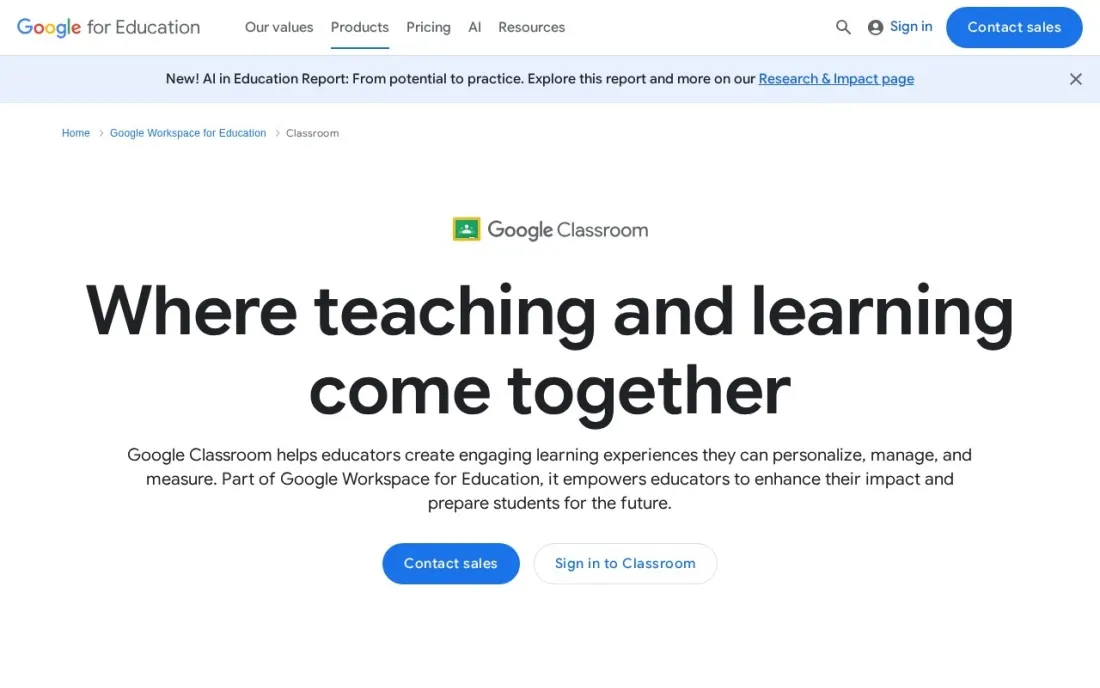
Google Classroom is the hub most teachers already work from: post assignments, collect work, grade it with feedback, organise classes and check progress, all inside the school's Google Workspace. Education Fundamentals is free for qualifying institutions, which is why it is the default in so many schools and the first app most new teachers learn.
The paid editions — Education Standard, Teaching and Learning, and Education Plus — are priced by quote. The clearest difference Google lists is originality checking: the free edition allows 5 teacher originality reports per class, while Teaching and Learning and Plus allow unlimited reports with peer comparison. Ask your IT lead which edition the school has before planning around a feature.
What we like
- Free for qualifying institutions on Education Fundamentals
- Covers assignments, grading and feedback, organisation and analytics in one place
- Originality reports and student self-checks for citations on every edition
Watch out for
- Teacher originality reports are limited to 5 per class on the free edition
- Standard, Teaching and Learning and Plus editions have no public price
- The school or district has to set it up, so an individual teacher cannot switch editions alone

Kahoot!
Best for: Teachers who want live quiz games for retrieval practice and quick checks for understanding
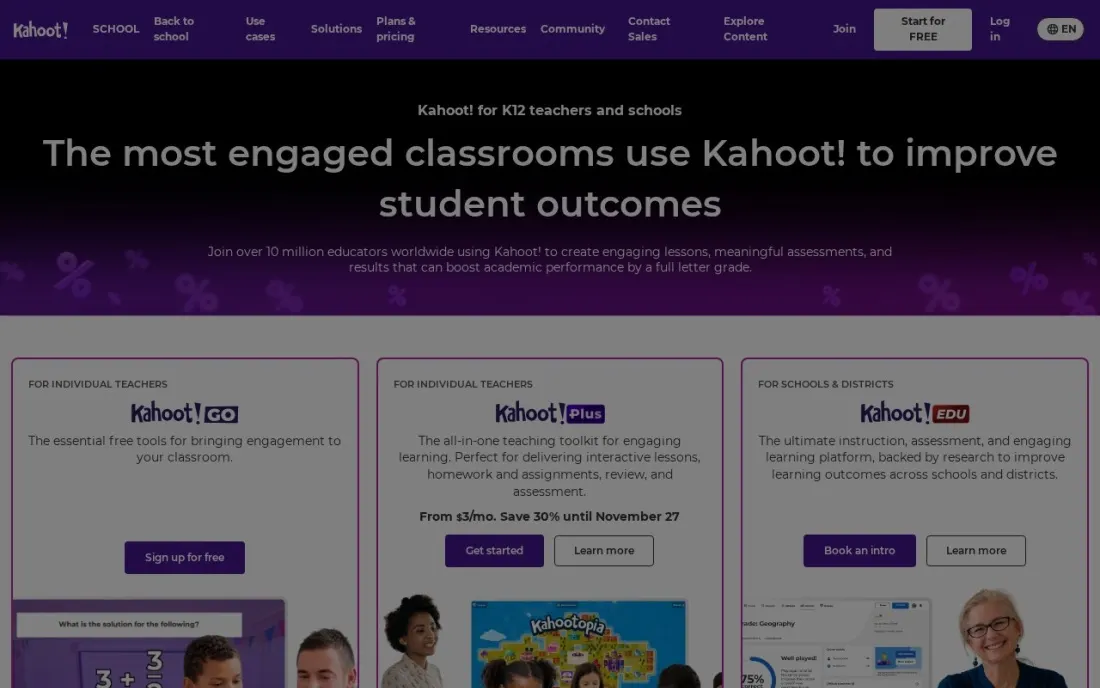
Kahoot! turns retrieval practice into a game the whole class plays live on their own devices, and it is still one of the quickest ways to check what a class remembers. The free Go plan covers classic live games, quiz and true/false questions, ready-made content, flashcards, basic reports and AI quiz creation from short PDFs.
Bronze costs $3 a month, billed as $36 a year, and adds AI creation from URLs and topics, polls and puzzles, full reports, private kahoots and up to 50 players a game. Silver adds slide import and 100 players. The plans page gives conflicting caps for the free plan and conflicting billing rules, so confirm before buying.
What we like
- Free Go plan covers classic live games, quiz and true/false questions and ready-made content
- Bronze adds AI quiz creation from URLs, topics and files, polls, puzzles and full reports
- Silver adds slide import from Canva, PowerPoint, Google Slides and PDF
Watch out for
- The free plan's participant cap is listed as 40 in one place and 10 in another
- Silver, Gold and One prices were shown as promotional discounts at the time we checked
- The page lists monthly prices but its FAQ says education plans have no monthly billing

Quizlet
Best for: Teachers who want ready-made flashcard sets and study modes students can use at home
Quizlet saves teachers from writing every revision activity. Its shared library has sets for almost every textbook and exam, so most units already have a deck you can adapt, and students can study the same set in Learn, Test, Match and Write modes. Magic Notes turns notes into flashcards, which helps when building revision from your own slides.
The free plan covers creating and studying flashcards, with ads and daily caps on Learn rounds. Plus costs $7.99 a month or $35.99 a year, and still caps practice tests at 3 a month. Shared sets vary in quality, so check any deck before assigning it. It holds 4.5 out of 5 on G2 from 291 reviews.
What we like
- Largest shared deck library here, with sets for almost every textbook and exam
- Learn, Test, Match and Write modes make the same deck feel like four different tools
- Magic Notes turns notes into flashcards, with AI practice tests on Plus
- The free plan covers creating and studying flashcards, so you can try it properly before paying
Watch out for
- Plus still caps practice tests and textbook solutions at 3 a month; unlimited needs Plus Unlimited at $44.99/year
- The free plan shows ads and caps daily Learn rounds
- Shared decks vary in quality, and popular sets can contain errors

ClassDojo
Best for: Primary teachers who want positive feedback in class and an easy free line to families
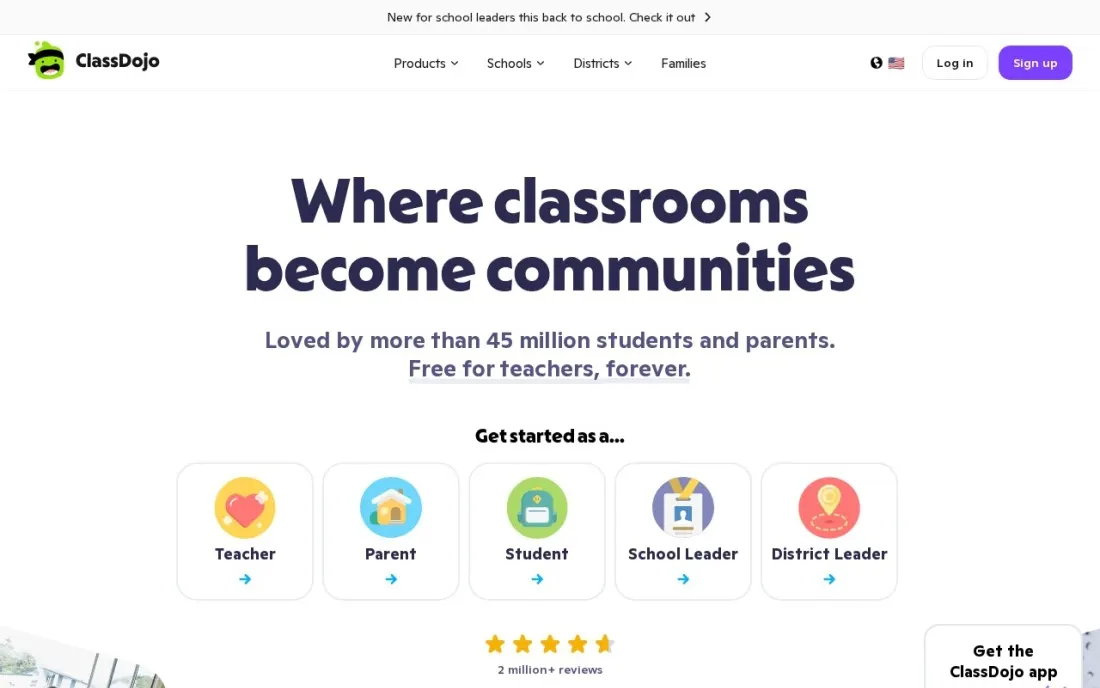
ClassDojo is built around the classroom community. Teachers use it to give children positive feedback, share what is happening in class and let families see their child's school day, so a parent knows about a good week before parents' evening rather than after. It also offers classroom-community resources and the Big Ideas social-emotional learning series, made with Stanford and Harvard.
ClassDojo says it stays free for all students, teachers and families. Its revenue comes from ClassDojo Plus, an optional paid service for families that adds extras for learning at home; the page we read gives no price. It does not replace Google Classroom for assignments — it covers behaviour, community and the home connection.
What we like
- Free for teachers, students and families, with no plan to buy
- Positive feedback tools support children in and out of the classroom
- Families can see their child's school day and support learning at home
Watch out for
- ClassDojo Plus is a paid family add-on, and its price is not shown on the page we read
- Built mainly for younger students; it does not set or grade assignments
Canva
Best for: Teachers who design worksheets, slides, posters and newsletters without design skills
Canva covers the design side of teaching: worksheets, slide decks, classroom posters, reading certificates and the weekly newsletter home. The free plan includes more than 250,000 templates and 5GB of storage, and drag-and-drop editing means a teacher can produce a clean, readable handout in minutes rather than wrestling with a word processor.
Pro costs $18 a month or $144 a year and adds the Magic Studio AI tools, Brand Kit and features such as background removal and Magic Resize, which turns one design into several formats. Most teachers can do everything they need on the free plan. It holds 4.7 out of 5 on G2 from 7,660 reviews.
What we like
- More than 250,000 templates on the free plan, with drag-and-drop editing for worksheets, slides and posters
- Magic Studio AI tools come with Pro, though most teachers can do everything they need on the free plan
- Magic Resize on Pro turns one design into several formats, such as a slide, a poster and a handout
Watch out for
- Design only: it does not set work, grade it or message families, so it sits alongside a classroom hub
- Brand Kit, background remover and Magic Resize all need Pro at $18 a month or $144 a year
- Free storage is capped at 5GB, which fills up with image-heavy class materials over a year

GoodNotes
Best for: Teachers who mark, annotate PDFs and keep handwritten planners on an iPad
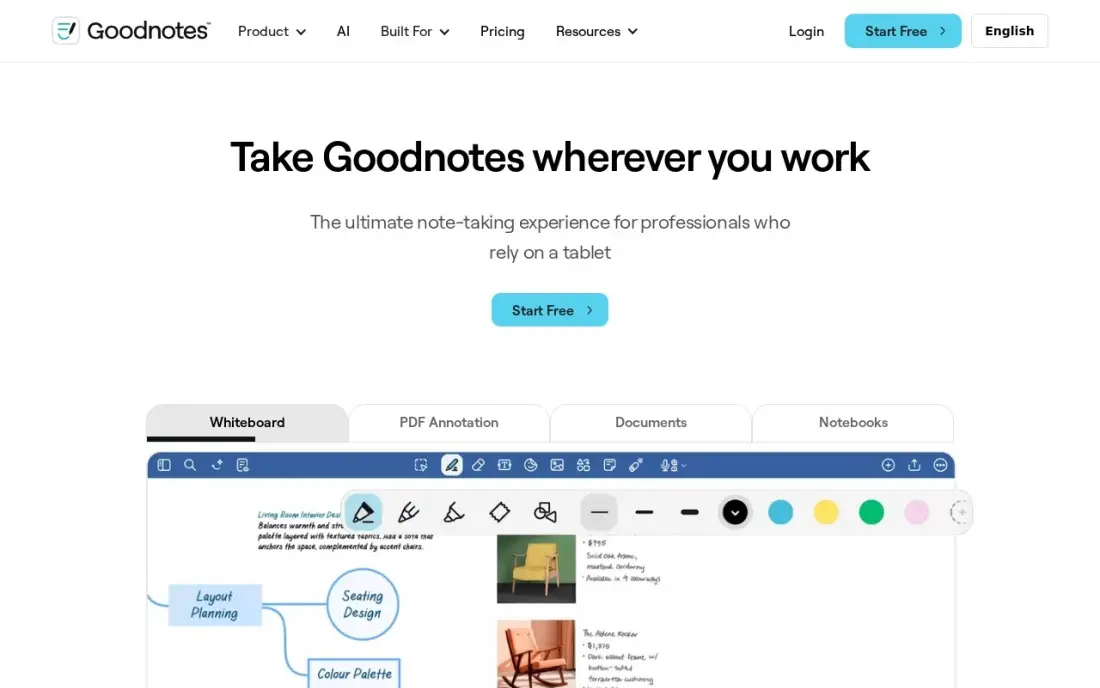
GoodNotes suits the teacher who plans by hand and marks on a tablet. Its PDF annotation is the deepest of the handwriting apps, so a scanned worksheet or a PDF of student work can be marked up with a pen, and handwriting search finds notes later. Planner templates cover daily, weekly and monthly pages for lesson planning.
The free plan covers 3 notebooks. Essential costs $11.99 a year, Pro costs $35.99 a year for the stronger AI features, and a one-time $35.99 Special Edition covers Apple devices only. The subscription syncs across iOS, macOS, Windows, Android and the web. It holds 4.7 out of 5 on G2 from 149 reviews.
What we like
- The deepest PDF annotation toolkit on iPad, with handwriting search and a huge template library
- Essential costs $11.99 a year, the cheapest paid start among the dedicated handwriting apps here
- Syncs across iOS, iPadOS, macOS, Windows, Android and the web on the subscription
- A one-time Special Edition purchase ($35.99) exists for buyers who refuse subscriptions
Watch out for
- The best AI features sit on Pro ($35.99/year) or the $9.99/month AI Pass add-on, not Essential
- The one-time Special Edition ($35.99) covers Apple devices only and leaves out Goodnotes Cloud
- Free plan stops at 3 notebooks, so heavy users pay from the start

Notability
Best for: Teachers on iPad who want handwritten notes synced to audio recordings
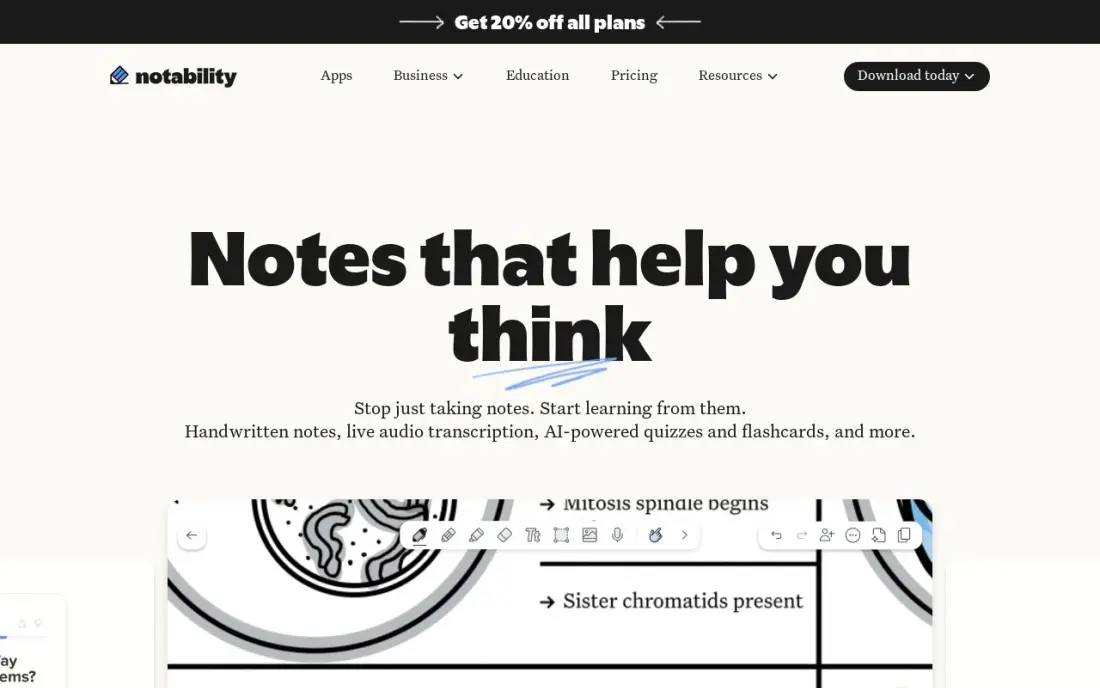
Notability's standout feature is audio synced to handwriting: record a meeting, a training session or a model reading, and tapping a note later replays what was said at that moment. For teachers it is also a simple way to annotate PDFs and keep lesson notes alongside the recording that explains them.
The free Starter plan covers 5 notes. Lite costs $14.99 a year, or $4.99 a month, for unlimited notes, while transcription and AI study tools need Plus at $19.99 a year or Pro at $99.99. A one-time Classic purchase costs $49.99. It runs only on Apple devices. It holds 4.6 out of 5 on G2 from 45 reviews.
What we like
- Audio recording syncs to handwriting, so tapping a note replays what was said at that moment
- Lite costs $14.99 a year for unlimited notes and third-party backups
- A one-time Classic purchase ($49.99) exists for buyers who refuse subscriptions
- Rated 4.6/5 on G2, the joint-highest score among the handwriting apps here
Watch out for
- Apple devices only — no Android, Windows or web version
- Free Starter plan stops at 5 notes, so real use needs a paid tier
- Audio transcription and AI study tools need Plus ($19.99/year) or Pro ($99.99/year)
The best apps for teachers save time on the jobs that fill evenings and weekends: setting and marking work, building quizzes, making resources and keeping families informed. We compared seven apps across those jobs, from the class hub most schools already run to quiz games, revision tools, design and handwriting apps. Every price below was checked on the vendor's own pages in November 2026, and most of these apps can be used free.
How to choose the best apps for teachers
- Start with what the school already provides. If the school runs Google Classroom, build around it rather than adding a second place for assignments.
- Match the app to one job. A quiz game, a revision tool and a family app each do one thing well; one app that tries to do all three rarely does.
- Check student data and age rules. Use apps your school has approved, and check how each one handles student accounts before signing a class up.
- Test the free plan in a real lesson. Most limits — players per game, notebooks, notes — only show up once a full class is using the app.
- Watch the device. Notability runs only on Apple devices, while browser-based tools work on school Chromebooks and laptops.
- Ask about school plans before paying. Many vendors sell school or district licences that are cheaper than paying for yourself.
Schools and tutoring businesses compete for families online too. Our guide to the best platforms for SEO for education covers how schools get found in search, and our local SEO service helps tutoring centres and private schools show up in local results.
Apps for teachers pricing: what you will actually pay
Take a teacher who wants bigger quiz games, an ad-free revision tool and unlimited handwritten notebooks, paying personally. Kahoot! Bronze costs $36 a year billed annually, Quizlet Plus costs $35.99 a year and GoodNotes Essential costs $11.99 a year, which comes to $83.98 a year. Swap GoodNotes for Notability Lite at $14.99 a year and the total is $86.98.
Canva Pro is the biggest single upgrade at $144 a year, or $18 a month, and most teachers will not need it because the free plan includes more than 250,000 templates. Google Classroom and ClassDojo cost the teacher nothing: Education Fundamentals is free for qualifying institutions, and ClassDojo is free for teachers, students and families. A teacher can run a full year on free plans alone.
Know the difference: class hub apps vs activity apps
A class hub is where the official work lives: assignments, submissions, grades and feedback. Google Classroom is the hub in many schools, and it is set up and paid for by the institution, so the teacher works within the edition the school has chosen. ClassDojo plays a similar role for the community side, linking the classroom to families.
Activity apps sit on top of the hub. Kahoot! runs a quiz, Quizlet runs revision, Canva makes the worksheet and GoodNotes or Notability hold the teacher's own notes and marking. A teacher chooses these individually and can swap them freely, which is why it pays to test a few free plans before settling on a favourite.
Quick comparison: tool type by need
| Buyer | Best pick | Why |
|---|---|---|
| Setting and grading work | Google Classroom | Free for qualifying institutions |
| Live quiz games | Kahoot! | Free Go plan, Bronze $36/year billed annually |
| Revision at home | Quizlet | Huge shared library, Plus $35.99/year |
| Family communication | ClassDojo | Free for teachers, students and families |
| Worksheets and slides | Canva | 250,000+ free templates |
| Marking PDFs on iPad | GoodNotes | Deep annotation, Essential $11.99/year |
| Notes with audio | Notability | Audio synced to handwriting, Lite $14.99/year |
Mistakes to avoid
- Signing students up to unapproved apps. Check your school's approved list and data rules before creating student accounts.
- Running too many apps at once. Students lose time logging in to five tools; pick one per job and stick with it for the term.
- Assigning shared content unchecked. Shared flashcard sets and quizzes can contain errors, so review them before class.
- Paying before asking the school. A school or district licence may already cover the upgrade you are about to buy.
- Letting the game replace the feedback. A quiz score shows what students missed; plan the follow-up lesson, not just the game.
Related comparisons: Online Course Platforms · Language Apps for Kids · Video Hosting Platforms for Online Courses · Online Training Software
How we chose
We checked each vendor's own pricing and product pages in November 2026 and recorded prices exactly as shown, with annual and monthly billing where both are listed. Where a page gave conflicting figures, such as Kahoot!'s free-plan player cap, we say so. We picked one app per common teaching job and ranked them on free-plan value, time saved and fit for a typical classroom teacher. Ratings come from G2 pages checked on the dates shown in the sources, where a rating exists. No vendor paid for a place in this list, and none of the links here are affiliate links.
What to do next
Pick the one job that takes most of your evenings — marking, quiz-making or family messages — and try the free plan of the matching app for two weeks of real lessons. If you run a school or tutoring business and want more families to find you, we can help with that. Book a free visibility review.
Frequently asked questions
What are the best apps for teachers?
Google Classroom for setting and grading work, Kahoot! for live quizzes, Quizlet for revision, ClassDojo for family communication and Canva for worksheets and slides cover most classroom needs, and all have free plans. GoodNotes or Notability add handwriting and marking on an iPad.
Are apps for teachers free?
Most have a free option. Google Classroom's Education Fundamentals is free for qualifying institutions, ClassDojo is free for teachers, students and families, and Kahoot!, Quizlet, Canva, GoodNotes and Notability all have free plans with limits.
What is the best app for classroom quizzes?
Kahoot! is the best for live quiz games, with a free Go plan and Bronze at $36 a year billed annually. Quizlet is better for self-paced revision at home, with Learn, Test, Match and Write modes on the same flashcard set.
What is the best app for communicating with parents?
ClassDojo is the easiest, because it is free for teachers and families and lets families see their child's school day. For assignment updates, families usually rely on whatever the school's class hub, such as Google Classroom, provides.
What is the best app for teachers to mark work on an iPad?
GoodNotes has the deepest PDF annotation, with Essential at $11.99 a year. Notability adds audio synced to notes, with Lite at $14.99 a year, but it runs only on Apple devices.
Should teachers pay for app upgrades themselves?
Ask the school first. Many tools sell school or district plans, and Google Classroom's paid editions are bought by the institution. Pay personally only for a low-cost upgrade you will use every week.
What is the best app for teachers to create worksheets?
Canva is the pick for worksheets. The free plan includes more than 250,000 templates and 5GB of storage, and drag-and-drop editing turns out a clean, readable handout in minutes. Pro costs $18 a month or $144 a year and adds the Magic Studio AI tools, Brand Kit, background removal and Magic Resize, but most teachers can do everything they need on the free plan.
What is the best app for teachers to teach online?
Google Classroom is the base for teaching online: post assignments, collect work, grade it with feedback and talk to the class in one place, free for qualifying institutions on Education Fundamentals. Add Kahoot! for live quiz games and quick checks for understanding, and Quizlet for flashcard sets and study modes students can use at home. The school has to set Classroom up, so ask your IT lead first.
Sources we checked (11)
- Google Classroom — edu.google.com/workspace-for-education/products/classroom/editions (checked November 16, 2026)
- Kahoot! — kahoot.com/schools/plans (checked November 16, 2026)
- Quizlet — quizlet.com/upgrade (checked November 4, 2026)
- Quizlet reviews on G2 (checked November 4, 2026)
- ClassDojo — www.classdojo.com/aboutplus (checked November 16, 2026)
- Canva — www.canva.com/pricing (checked November 12, 2026)
- Canva reviews on G2 (checked November 12, 2026)
- GoodNotes — www.goodnotes.com/pricing (checked November 12, 2026)
- GoodNotes reviews on G2 (checked November 12, 2026)
- Notability — notability.com/pricing (checked November 12, 2026)
- Notability reviews on G2 (checked November 12, 2026)
Make one of these tools?
We re-check this list every quarter. Send a correction, request a review, or ask about a clearly labeled sponsored spot.
Request a listingShamim
Founder of SerpAstra
A full-stack digital marketer and SEO strategist covering technical and local SEO, AI search visibility, paid ads and lead generation for local businesses, e-commerce brands and SaaS teams.
Free SEO and AI visibility audit
Find out what is holding your rankings back
Send us your site. Within 2 business days you get a written audit, an AI visibility check and a short fix list ranked by impact. Free, with no contract attached.
Request my free audit→Related buying guides
 Education & E-Learning7 Best Apps for Learning in 2026, ComparedCompare the 7 best apps for learning languages, job skills and school subjects, with free plans, subscription prices and who each app suits, checked Nov 2026.Read guide →
 Business Software9 Best Spaced Repetition Apps in 2026: Free and Paid Apps RankedCompare the 9 best spaced repetition apps on price, free plans and scheduling, with every price checked November 4, 2026 — from Anki to $24.99/month Memrise.Read guide →
 Productivity & OfficeBest Digital Planner Apps (2026): 12 Apps Worth DownloadingCompare the 12 best digital planner app options for iPad, Android and desktop on price, free plans and features, with every price checked November 12, 2026.Read guide →