
6 Best Encryption Software in 2026, Compared
Compare the 6 best encryption software for drives, files and cloud storage, from free open-source tools to paid encrypted backup, with prices checked in 2026.
 Shamim Mia, Founder, SerpAstraLast verified November 5, 20269 min read
We compare pricing pages, documentation and public reviews. We never accept payment for rankings.
Key takeaways
- VeraCrypt is the best free encryption software for whole drives, partitions and USB sticks, with hidden volumes for plausible deniability.
- Cryptomator is the best fit for encrypting files in any cloud storage: free on desktop, with one-time mobile upgrades at €29.99 per platform.
- AxCrypt suits people who want right-click file encryption and key sharing, from $5 a user a month on Premium.
- If you want encrypted cloud storage or backup in one product, SpiderOak is zero-knowledge from $6 a month, while pCloud charges $49.99 a year extra for its Crypto Folder.
On this page
Quick comparison
| Tool | Best for | Starting price | Free plan |
|---|---|---|---|
 VeraCrypt | Anyone who wants free, open-source encryption for whole drives, partitions and USB sticks | Free | Yes (free) |
 Cryptomator | People and teams who want client-side encryption for files in any cloud storage | Free; mobile €29.99 once | Yes (desktop) |
 AxCrypt | Individuals and small teams who want simple right-click file encryption and key sharing | $5/user/mo | Yes (free version) |
 SpiderOak One Backup | People who want zero-knowledge encrypted backup the provider cannot read | $6/mo | No (21-day trial) |
 pCloud | People who want cloud storage with an optional encrypted folder and lifetime plans | $4.99/mo; Crypto $49.99/yr | Yes (up to 10 GB free) |
 IDrive | Small businesses that want encrypted backup for many devices on one storage pool | Free 10 GB; $8.29/mo | Yes (Basic, 10 GB) |
Make one of these tools?
We re-check this list every quarter. Send a correction, request a review, or ask about a clearly labeled sponsored spot.
Request a listingThe best encryption software
VeraCrypt
Best for: Anyone who wants free, open-source encryption for whole drives, partitions and USB sticks
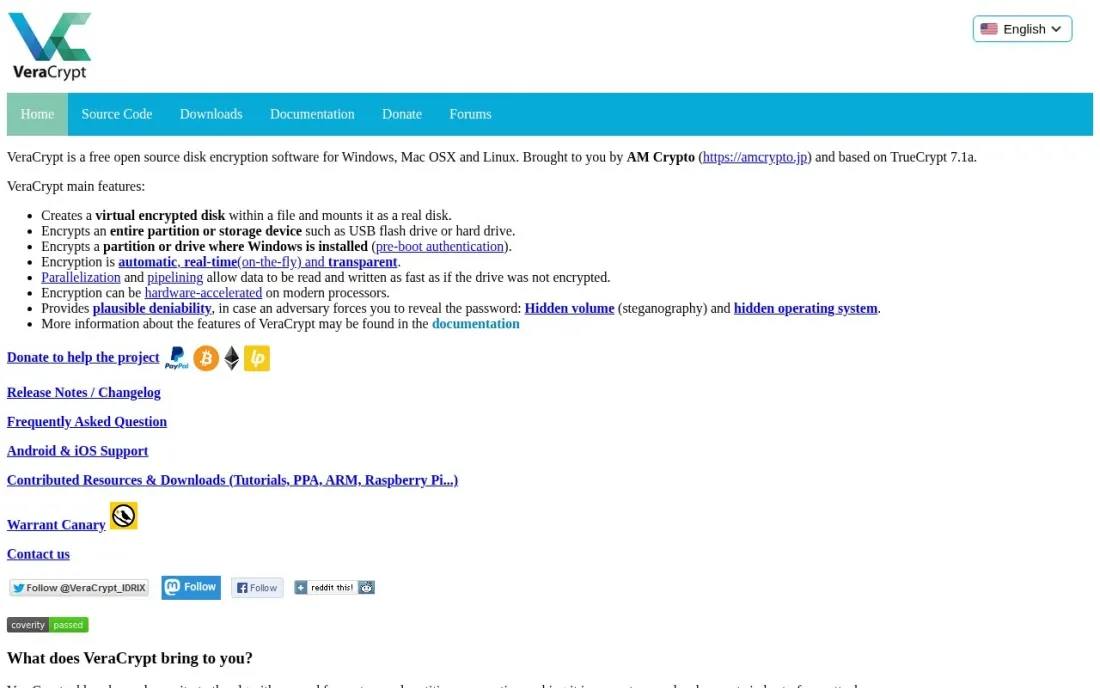
VeraCrypt is free, open-source disk encryption for Windows, macOS and Linux, built on TrueCrypt 7.1a and maintained by AM Crypto. It encrypts whole partitions and devices such as USB sticks and hard drives, protects the Windows system drive with pre-boot authentication, and creates encrypted container files that mount as drives. Hidden volumes and hidden operating systems add plausible deniability.
It is a volume tool, not a sharing tool, so it does not sync or share individual files. The options are technical, and a forgotten password cannot be recovered. Version 1.26.31 shipped on November 2, 2026. Choose it for laptops and drives that could be lost or stolen.
What we like
- Free and open source on Windows, macOS and Linux
- Encrypts whole partitions, system drives with pre-boot authentication, USB drives and file containers
- Hidden volumes and hidden operating systems for plausible deniability
- Real-time, transparent encryption with hardware acceleration keeps speeds close to unencrypted drives
Watch out for
- No cloud sync or file-sharing features; it encrypts volumes, not individual shared files
- Setup and recovery options are technical, and a lost password means lost data
- No commercial support; the project relies on donations
Cryptomator
Best for: People and teams who want client-side encryption for files in any cloud storage
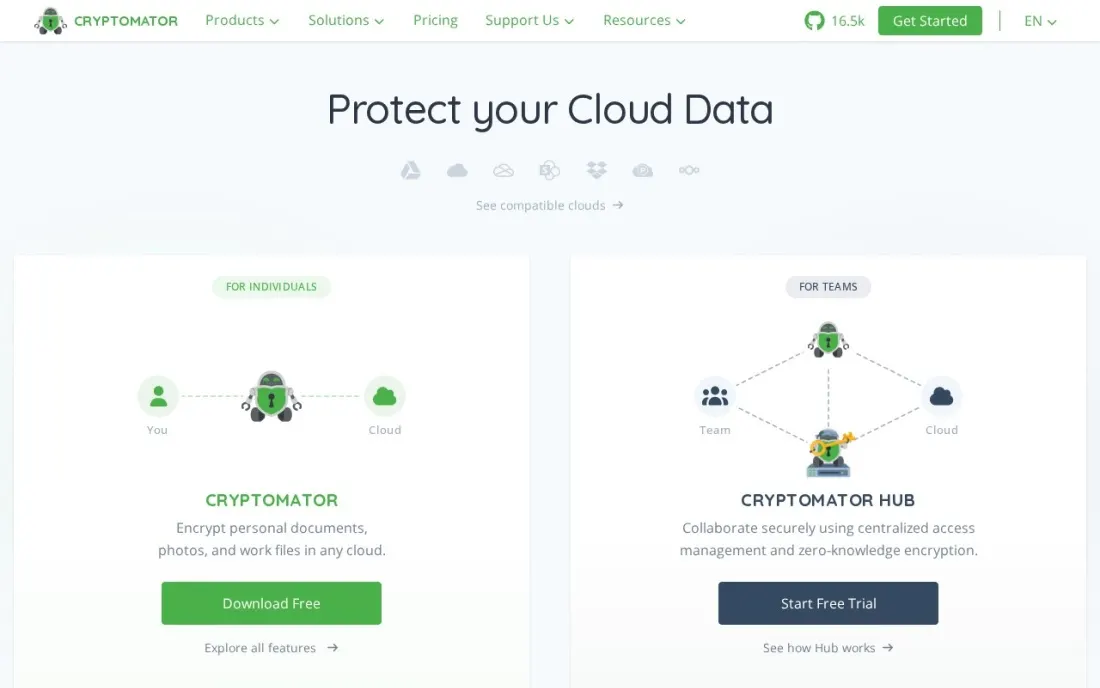
Cryptomator encrypts files on your device before they sync to any cloud storage service, so the storage provider only holds scrambled data. The desktop app for Windows, macOS and Linux is free for personal use with unlimited vaults. Mobile apps are read-only for free, and full access costs €29.99 once per platform.
For teams, Cryptomator Hub adds zero-knowledge key management and user and group control. Hub Community is free and self-hosted for 5 seats, Hub Standard is billed per seat with a 3-seat minimum and a 30-day managed trial, and Enterprise starts at €10,000 a year for 50 seats. Hub does not include storage.
What we like
- Free desktop app on Windows, macOS and Linux with unlimited vaults
- Encrypts files on your device before they reach any cloud storage provider
- Full Android or iOS access is a one-time €29.99 per platform, not a subscription
- Hub adds zero-knowledge key management for teams, with a free self-hosted Community edition for 5 seats
Watch out for
- Free mobile apps are read-only until you buy the €29.99 upgrade
- Hub Standard is priced per seat with no amount shown on the pricing page; Enterprise starts at €10,000 a year
- Hub manages keys only; you still pay for your own cloud storage
AxCrypt
Best for: Individuals and small teams who want simple right-click file encryption and key sharing
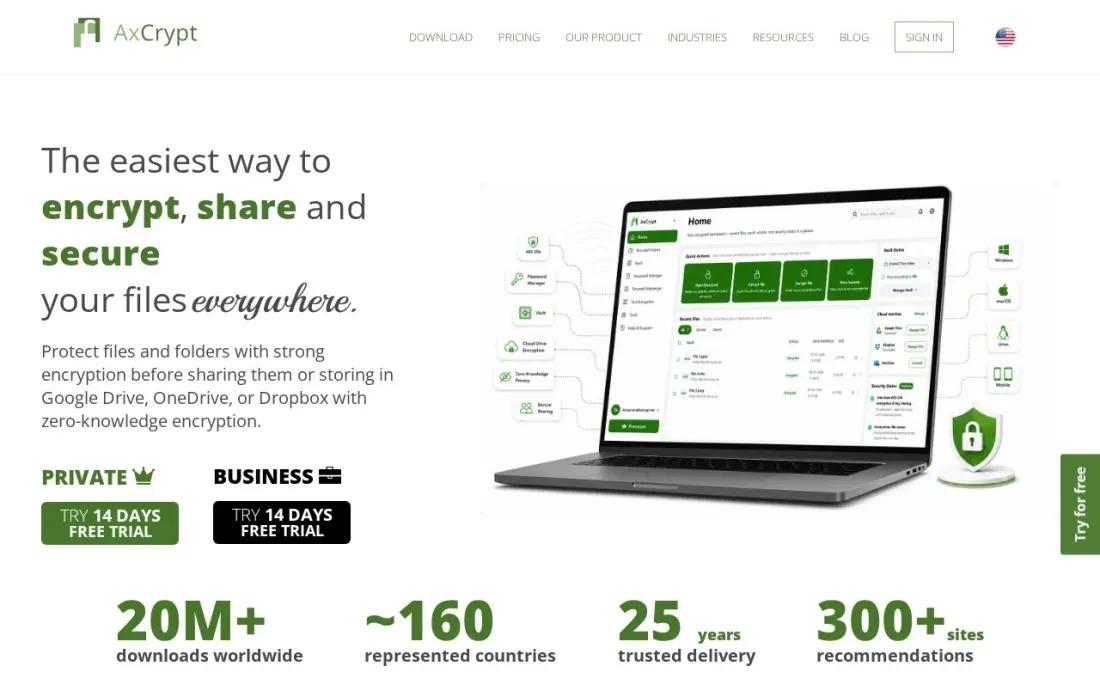
AxCrypt encrypts individual files and folders with AES-256, which suits people who want to protect specific documents rather than a whole drive. Premium costs $5 a user a month and adds secured folders, key sharing so others can open your files, cloud security and mobile encryption. A free version is available.
Business costs $12 a user a month and adds a master key, group management, group file sharing and user access control, which gives the business control over files a departing employee encrypted. It does not encrypt system drives. Capterra rates it 4.9 out of 5, though from only 27 reviews.
What we like
- AES-256 file encryption with secured folders, key sharing and mobile encryption on Premium
- Business adds a master key, group management, group file sharing and user access control
- 4.9 out of 5 on Capterra from 27 reviews
Watch out for
- Encrypts files and folders, not whole drives or system partitions
- Annual pricing is not stated on the pricing page we read, and the trial needs a credit card
- Small review base compared with larger security vendors
SpiderOak One Backup
Best for: People who want zero-knowledge encrypted backup the provider cannot read
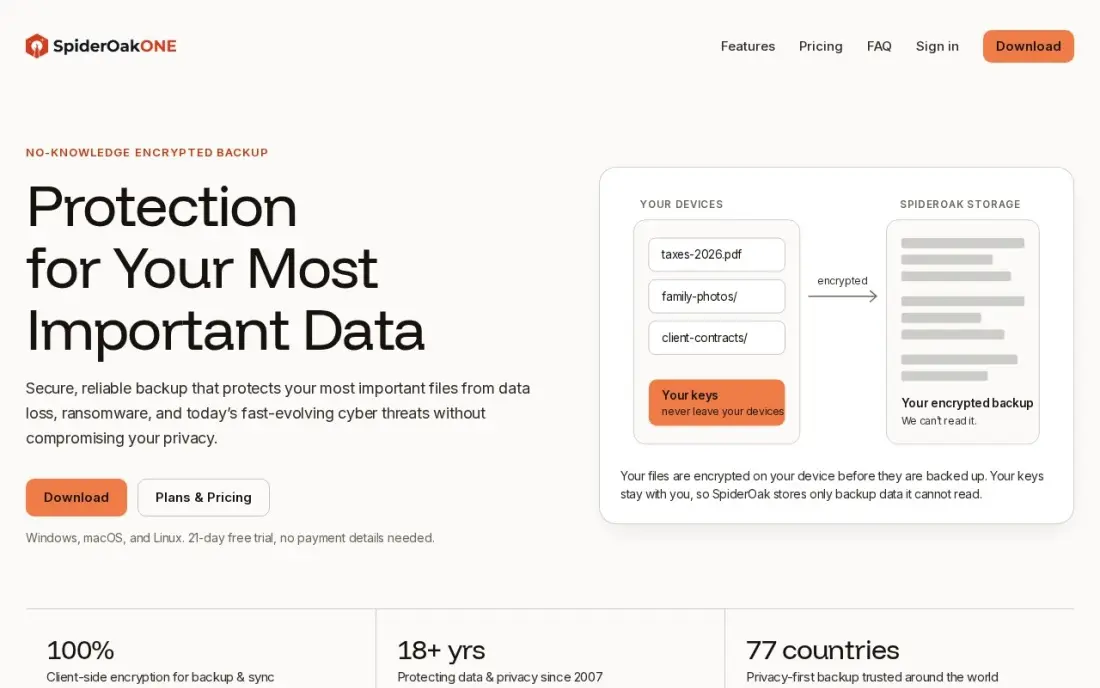
SpiderOak One Backup is the choice when you want backup and encryption in one product. It uses zero-knowledge encryption, so the keys stay with you and SpiderOak cannot read your files. $6 a month buys 150 GB, and every plan covers unlimited devices and keeps unlimited historic versions within the storage cap, on Windows, Mac and Linux.
The trade-off is capacity for the price. 150 GB rarely fits a full computer, the 2 TB plan costs $14 a month, sharing is read-only and there is no unlimited tier. There is no free plan, only a 21-day trial. Choose it when keeping the provider out of your files matters more than storage per dollar.
What we like
- Zero-knowledge encryption: SpiderOak cannot read your files, even if asked
- Unlimited devices on every plan, with unlimited historic versions within the storage cap
- Backup, sync and read-only sharing in one client, on Windows, Mac and Linux
- Plans from 150 GB to 5 TB, so you pay for the room you actually need
Watch out for
- 150 GB is small for a full computer, and 2 TB costs $14 a month — more than unlimited rivals
- No free plan, only a 21-day trial with 250 GB of trial storage
- Sharing is read-only, and there is no unlimited-storage plan at any price
pCloud
Best for: People who want cloud storage with an optional encrypted folder and lifetime plans
pCloud is cloud storage first, with encryption as an add-on. Premium costs $4.99 a month or $49.99 a year for 500 GB, with apps for every system including Linux and a virtual drive. The Crypto Folder adds client-side, zero-knowledge encryption for $49.99 a year or $150 once, so only the files you put there are unreadable to pCloud.
Lifetime storage plans cost $219 once for 500 GB or $499 for 2 TB, which suits buyers who dislike subscriptions. The free plan starts at 2 GB and reaches 10 GB only by completing tasks. Price storage and the Crypto Folder together before comparing it with tools that encrypt everything by default.
What we like
- Lifetime plans end the bill: 500 GB for $219 once, 2 TB for $499 once
- Apps for every system, including Linux, with a virtual drive that mounts storage locally
- File history, password-protected links and a 14-day refund window on paid plans
- Swiss-based storage with a choice of US or EU data region
Watch out for
- True zero-knowledge encryption is a paid extra: the Crypto Folder costs $49.99 a year
- The free plan starts at 2 GB, growing to 10 GB only by completing tasks
- Backup is folder-based: there is no full-disk image option
IDrive
Best for: Small businesses that want encrypted backup for many devices on one storage pool
IDrive is backup software with optional private-key encryption, which means you set a key that IDrive does not store. Business costs $99.50 a year for 250 GB, or $8.29 a month billed annually, and covers unlimited users, computers, servers and NAS devices in one shared pool. The free Basic plan gives 10 GB without a credit card.
Encryption is a setting, not the product, so you must choose the private key when you set up the account. Microsoft 365 and Google Workspace backup costs $20 a seat a year extra, overage costs $0.50 per GB a month, and reviewers call the interface dated.
What we like
- One flat storage pool covers unlimited users, computers, servers and NAS devices
- The only free plan here: Basic gives 10 GB free with no credit card required
- Server backup is included on Business, where rivals charge extra for it
- Keeps up to 30 versions of each file, with private-key encryption available
Watch out for
- SaaS backup for Microsoft 365 and Google Workspace is a $20/seat/year add-on, not included
- Going over the storage limit costs $0.50 per GB a month on Business plans
- The interface looks dated and first uploads can be slow, according to reviewers
The best encryption software makes your data unreadable to anyone without the key, whether the threat is a stolen laptop, a lost USB stick or a cloud provider reading your files. We compared six tools across disk encryption, file encryption and encrypted cloud backup, including options for encrypting files already in cloud storage. Every price was checked on the vendor's own page, or on Capterra where noted, in November 2026.
How to choose the best encryption software
- Decide what you are protecting. A whole drive, a set of files or a cloud folder each needs a different kind of tool.
- Check who holds the key. Zero-knowledge tools keep the key with you; others can reset your password, which also means they could read your data.
- Plan for a lost password. Strong encryption usually cannot be undone without the key, so store a recovery key somewhere safe.
- Confirm it works on every device. Some tools are free on desktop but read-only on mobile until you pay.
- Look for sharing and recovery features for teams. Businesses need a master key or admin recovery when an employee leaves.
- Prefer audited or open-source code. Open-source tools let independent experts check the encryption.
Encryption covers stored files; email needs its own protection. Our guide to the best email encryption services covers that side, and our online data backup guide compares more backup tools.
Which encryption software fits your situation
One person protecting a laptop and a USB stick. Start with VeraCrypt. It is free and open source on Windows, macOS and Linux, encrypts the system drive with pre-boot authentication, and handles USB sticks and file containers too. Watch the recovery side: the options are technical, there is no commercial support, and a forgotten password cannot be recovered, so save the recovery key before you encrypt anything.
Someone who already pays for cloud storage and wants it private. Cryptomator fits best, because it encrypts files on your device before they sync, so the provider only holds scrambled data. The desktop app is free for personal use with unlimited vaults. Budget €29.99 once per platform if you need to edit files on Android or iOS, since the free mobile apps are read-only.
A freelancer or small office sharing sensitive documents. AxCrypt suits people who want to protect specific files rather than a whole drive. Premium at $5 a user a month adds secured folders and key sharing so others can open your files. Move to Business at $12 a user a month once you need a master key and user access control, so files a departing employee encrypted stay recoverable. It does not encrypt system drives, so pair it with VeraCrypt or your operating system's drive encryption.
Anyone who wants backup the provider cannot read. SpiderOak One Backup is zero-knowledge on every plan and covers unlimited devices, from $6 a month for 150 GB. The catch is capacity per dollar: 2 TB costs $14 a month and there is no unlimited tier. If you would rather pay once, pCloud's lifetime plans and $150 one-time Crypto Folder are the alternative, but only files in that folder are zero-knowledge.
A small business backing up many computers and servers. IDrive Business covers unlimited users, computers, servers and NAS devices in one 250 GB pool for $99.50 a year. Choose the private key when you set up the account, because encryption is a setting, not the default. Check the add-ons before you sign: Microsoft 365 and Google Workspace backup costs $20 a seat a year, and overage costs $0.50 per GB a month.
Encryption software pricing: what you will actually pay
For one person encrypting a laptop and a cloud folder, the cost can be $0: VeraCrypt for the drive and Cryptomator's free desktop app for the cloud files. Adding full Cryptomator access on an iPhone or Android costs €29.99 once per platform. AxCrypt Premium costs $5 a month, or $60 a year at that monthly rate.
If you want encrypted storage in one product, SpiderOak costs $6 a month for 150 GB, or $72 a year billed monthly. pCloud Premium costs $49.99 a year for 500 GB, and its Crypto Folder adds $49.99 a year, so encrypted pCloud costs $99.98 a year. For a five-person team, AxCrypt Business costs $60 a month, or $720 a year. IDrive Business costs $99.50 a year for 250 GB shared across unlimited users and devices.
Know the difference: disk encryption vs file encryption
Disk encryption protects a whole drive or partition. VeraCrypt encrypts the drive at rest, so if a laptop or USB stick is lost, nothing on it can be read without the password. Once the drive is unlocked, files behave normally, which also means they are not protected when you email or upload them.
File encryption protects chosen files and folders wherever they go. AxCrypt and Cryptomator encrypt files individually, so they stay encrypted in a cloud folder or when shared. SpiderOak, pCloud's Crypto Folder and IDrive's private key apply the same idea to backup and storage. Many people use both: disk encryption for the device and file encryption for the cloud.
Quick comparison: tool type by need
| Buyer | Best pick | Why |
|---|---|---|
| Free drive and USB encryption | VeraCrypt | Free, open source, hidden volumes |
| Files in any cloud storage | Cryptomator | Free desktop app, mobile €29.99 once per platform |
| Simple file encryption and sharing | AxCrypt | Premium $5/user/month, Business $12 |
| Zero-knowledge backup | SpiderOak One Backup | From $6/month for 150 GB |
| Cloud storage with an encrypted folder | pCloud | $49.99/year plus Crypto Folder $49.99/year |
| Small business device backup | IDrive | Private-key option, Business $99.50/year |
Mistakes to avoid
- Losing the only copy of the key. Write down or securely store a recovery key before you encrypt anything important.
- Assuming cloud storage is private by default. Most providers can read stored files unless you encrypt them yourself first.
- Encrypting only the drive and then sharing files unencrypted. Disk encryption does not travel with a file you email or upload.
- Skipping a test restore. Open an encrypted file on a second device before you rely on the setup.
- Using one personal key for a team. Businesses need admin recovery so files are not lost when someone leaves.
Related comparisons: Email Encryption Services
How we chose
We checked each vendor's own page in November 2026 and recorded prices exactly as shown. AxCrypt's plan prices and rating come from its Capterra pricing page, and Cryptomator Hub Standard is listed as per-seat pricing because its page showed no amount. We covered disk, file and cloud encryption and ranked tools by fit for individuals and small businesses protecting their own data. Ratings come from the pages shown in the sources. No vendor paid for a place in this list, and none of the links here are affiliate links.
What to do next
Encrypt one device first: set up VeraCrypt or your operating system's drive encryption on the laptop most likely to be lost, save the recovery key, and test that you can unlock it. If your business website also needs a technical health check, book a free SEO audit call.
Frequently asked questions
What is the best encryption software?
VeraCrypt is the best free choice for encrypting whole drives and USB sticks. Cryptomator is best for files in cloud storage and is free on desktop, and AxCrypt is the simplest for individual files at $5 a user a month on Premium.
Is there free encryption software?
Yes. VeraCrypt is completely free and open source, Cryptomator is free on desktop for personal use, and AxCrypt has a free version. IDrive's free Basic plan gives 10 GB of backup with optional private-key encryption.
What is the best encryption software for cloud storage?
Cryptomator, because it encrypts files on your device before they reach any cloud provider, and the desktop app is free. If you want storage and encryption in one service, SpiderOak is zero-knowledge from $6 a month, and pCloud adds a Crypto Folder for $49.99 a year.
What is the difference between disk encryption and file encryption?
Disk encryption, such as VeraCrypt, protects a whole drive or partition, so everything on a lost laptop is unreadable. File encryption, such as AxCrypt or Cryptomator, protects chosen files and folders, which is better for sharing and cloud sync.
What does zero-knowledge encryption mean?
It means the provider never holds your key, so it cannot read your files even if asked. SpiderOak, pCloud's Crypto Folder and Cryptomator Hub's key management work this way. The flip side is that a lost password usually cannot be recovered.
Do businesses need paid encryption software?
Usually, once more than one person shares encrypted files. Paid plans add recovery and control: AxCrypt Business at $12 a user a month adds a master key and group management, and Cryptomator Hub adds team key management.
What encryption software works on Mac and Linux?
VeraCrypt is free and open source on Windows, macOS and Linux, and encrypts whole drives, partitions, USB sticks and file containers. Cryptomator's free desktop app also runs on all three systems, with unlimited vaults for cloud folders. For encrypted backup, SpiderOak One runs on Windows, Mac and Linux, and pCloud has apps for every system, including Linux.
Is there encryption software for iPhone and Android?
Yes. Cryptomator gives full Android or iOS access to your encrypted vaults for a one-time €29.99 per platform, not a subscription, while the desktop app stays free. AxCrypt includes mobile encryption on its Premium plan, from $5 a user a month. Check mobile before you commit: some tools are free on desktop but read-only on mobile until you pay.
Sources we checked (7)
- VeraCrypt — veracrypt.io/en/Home.html (checked November 16, 2026)
- Cryptomator — cryptomator.org/pricing (checked November 16, 2026)
- AxCrypt — www.capterra.com/p/212854/AxCrypt/pricing (checked November 16, 2026)
- AxCrypt reviews on Capterra (checked November 16, 2026)
- SpiderOak One Backup — spideroak.com/one (checked November 5, 2026)
- pCloud — www.pcloud.com/pricing (checked November 5, 2026)
- IDrive — www.idrive.com/pricing (checked November 7, 2026)
Make one of these tools?
We re-check this list every quarter. Send a correction, request a review, or ask about a clearly labeled sponsored spot.
Request a listingShamim
Founder of SerpAstra
A full-stack digital marketer and SEO strategist covering technical and local SEO, AI search visibility, paid ads and lead generation for local businesses, e-commerce brands and SaaS teams.
Free SEO and AI visibility audit
Find out what is holding your rankings back
Send us your site. Within 2 business days you get a written audit, an AI visibility check and a short fix list ranked by impact. Free, with no contract attached.
Request my free audit→Related buying guides
 IT SecurityBest Email Encryption Services for 2026: 12 Providers Ranked by ValueCompare the 12 best email encryption services on price, free plans and encryption models, with every starting price checked November 6, 2026.Read guide →
 PC Utilities, Backup & Recovery11 Best Online Data Backup Services in 2026Compare the 11 best online data backup services on price, storage caps, device limits and encryption, with every price checked November 5, 2026.Read guide →
 IT Security12 Best Security Software for Small Business in 2026, ComparedCompare the 12 best security software for small business options on price, endpoint protection and passwords, with prices checked November 7, 2026.Read guide →