
9 Best Invoice and Estimate Software in 2026, Compared
Compare the 9 best invoice and estimate software on quote-to-invoice flow, free plans, document caps and real monthly cost, with prices checked in Nov 2026.
 Shamim Mia, Founder, SerpAstraLast verified November 8, 20269 min read
We compare pricing pages, documentation and public reviews. We never accept payment for rankings.
Key takeaways
- Zoho Invoice, Wave, Square Invoices and Invoice Ninja all send estimates and invoices on a $0 plan; check each one's cap before you commit.
- Joist and Jobber are built around the quote: an approved estimate becomes the invoice, with deposits attached, which suits trades and home services.
- Document caps decide the real price: Invoice2go Starter allows 30 invoices a year and Joist Basics 5 documents a month.
- FreshBooks and QuickBooks Online make sense when estimates and invoices need to land in proper books, from $23 and $38 a month billed monthly.
On this page
Quick comparison
| Tool | Best for | Starting price | Free plan |
|---|---|---|---|
| Joist | Solo contractors who quote on site and want the signed estimate to become the invoice | $10/mo | No (14-day trial) |
| Jobber | Home-service businesses that need quotes, scheduling and invoices in one workflow | $49/mo | No (14-day trial) |
| Zoho Invoice | Small businesses that want free quotes and invoices with no paid tier to upsell | Free | Yes (free) |
| Square Invoices | Businesses that already take card payments with Square and want estimates in the same account | Free; Plus $49/mo | Yes (free) |
| Wave | New businesses that want unlimited free estimates and invoices with real bookkeeping behind them | Free; Pro $19/mo | Yes (free forever) |
| Invoice Ninja | Freelancers who want free quotes and invoices with desktop apps and a self-hosted option | Free; Pro $14/mo | Yes (free) |
| Invoice2go | Phone-first sole traders who send a handful of estimates and invoices a month | $5.99/mo | No (30-day trial) |
| FreshBooks | Service businesses that send estimates for projects and bill time against them | $23/mo | No (30-day trial) |
| QuickBooks Online | Businesses whose accountant wants estimates and invoices inside QuickBooks | Free; $38/mo | Yes (Free plan) |
Make one of these tools?
We re-check this list every quarter. Send a correction, request a review, or ask about a clearly labeled sponsored spot.
Request a listingThe best invoice and estimate software

Joist
Best for: Solo contractors who quote on site and want the signed estimate to become the invoice
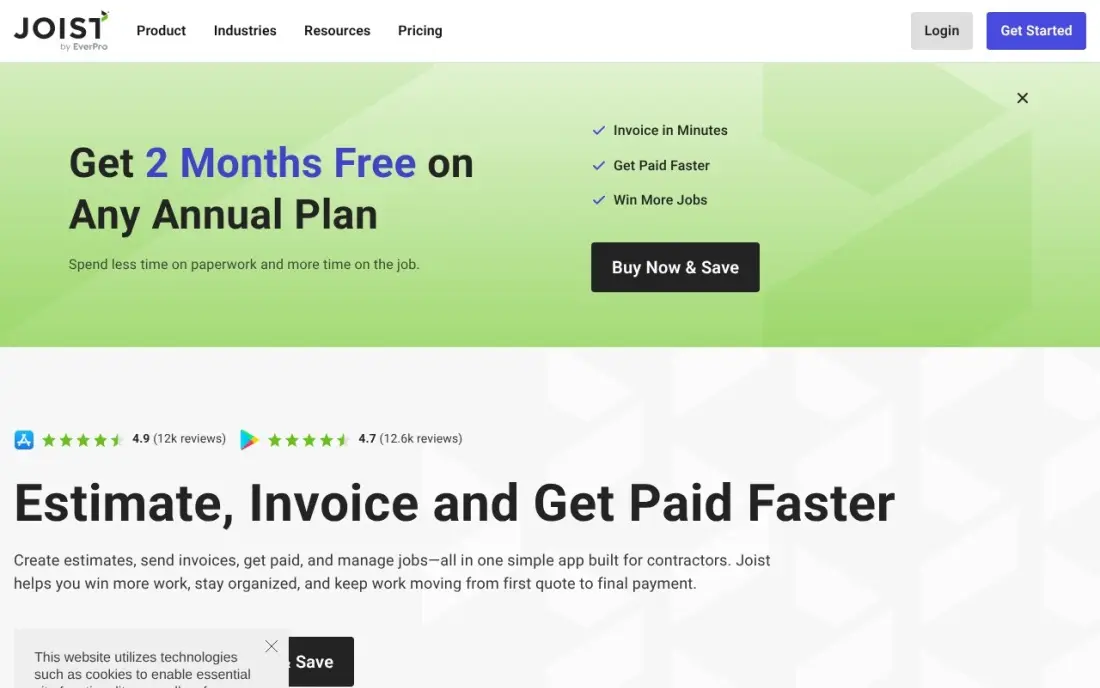
Joist is built around the estimate rather than the invoice. You price labor and materials as line items on your phone, the client signs the quote, and the same document turns into the invoice with deposits or milestone payments attached. Basics costs $10 a month billed monthly, or $8.34 a month billed annually, and includes online payments and homeowner financing.
The Basics cap is five documents a month, and estimates count, so a contractor sending three quotes a week needs Pro at $17 a month for unlimited documents, a logo, work orders and QuickBooks Online sync. Each account has one login, and the app needs a connection on the jobsite. For quote-heavy solo trades it is the most direct workflow here.
What we like
- Built for contractors: estimates convert to invoices in a few taps, with deposits and milestone payments
- The cheapest contractor-first app here — Basics is $10/month with online payments and homeowner financing
- Mobile-first design means quotes and invoices go out from the jobsite, not the office
- Pro adds unlimited documents, work orders, expense tracking and QuickBooks Online sync for $17/month
Watch out for
- Basics caps at 5 documents a month — most active contractors need Pro at $17/month
- One login per account, so a crew cannot share a plan without separate accounts
- No offline mode; the app needs an internet connection on the jobsite

Jobber
Best for: Home-service businesses that need quotes, scheduling and invoices in one workflow
Jobber treats the estimate as step one of a job: the client requests work, you send a quote they can approve online, the job lands on the schedule and the invoice goes out when it is done. Core costs $49 a month billed monthly, or $29 billed annually, for one user, with online booking, quotes, invoicing, payments and a client hub.
It is more than an invoicing tool, and you pay for that. Core covers one user only, the sales pipeline is a $49-a-month add-on, and card payments cost 2.9% plus 30 cents each. If your business is cleaning, lawn care, plumbing or another visit-based trade, the scheduling is worth having; if you just send quotes and bills, a cheaper tool here will do.
What we like
- Built for field service: quoting, scheduling, invoicing, online booking and payments in one place
- Core at $49/month covers a solo operator with no per-job fees
- Clients get a self-serve hub for booking, quotes and payments
- More than 100 integrations, including QuickBooks and Google Calendar
Watch out for
- Core covers one user only — a second person means Connect, which starts higher
- The sales pipeline is a $49/month add-on, not included on Core
- Card payments cost 2.9% plus 30 cents per transaction on top of the plan price

Zoho Invoice
Best for: Small businesses that want free quotes and invoices with no paid tier to upsell
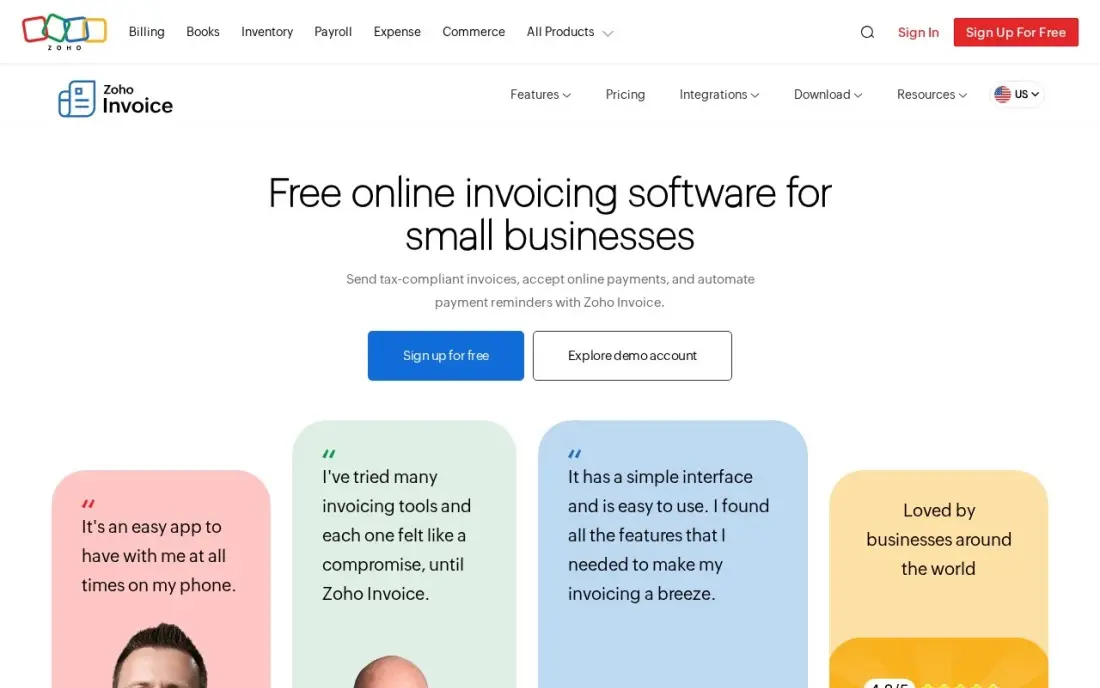
Zoho Invoice is the cleanest free option for estimates and invoices together. Quotes convert to invoices, and recurring invoices, payment reminders, a client portal, expense tracking and time logging are all on the single free plan, which covers 2 users and 500 invoices a year. There is no trial clock and no card to enter.
The limits are firm because there is nothing to upgrade to inside Zoho Invoice: past 2 users, 500 invoices or 3 projects you move to Zoho Billing, a separate product from $25 per organization a month billed annually. Zoho branding stays on the documents. For a business that sends a few quotes a week and bills under 500 times a year, it costs nothing.
What we like
- Completely free with no paid tier, no trial clock and no card required
- Full invoicing features at $0: quotes, recurring invoices, automated payment reminders and a client portal
- Expense and time tracking included, so billable hours flow onto invoices
- Free email and voice support, 24/5, on the free plan
Watch out for
- Hard caps: 2 users, 500 invoices a year and 3 projects — there is no paid Zoho Invoice tier to grow into
- Outgrowing it means migrating to Zoho Billing or Zoho Books, a separate product with its own price
- Zoho branding rides along; there is no white-label option on the free plan

Square Invoices
Best for: Businesses that already take card payments with Square and want estimates in the same account
Square Invoices gives you unlimited estimates and invoices on the free plan, sent by email, text or QR code, with the client paying straight from the invoice. Recurring invoices and reminders are included, and payouts land in the same Square account as your point-of-sale takings, so there is nothing new to reconcile.
The subscription is free, the payments are not: online card payments cost 3.3% plus 30 cents on the free rate. Plus at $49 a month per location adds custom templates, project tracking and milestone invoices, so a two-location business pays $98 a month. The estimate-to-invoice flow is plainer than Joist or Jobber, but for a Square seller it is the shortest path.
What we like
- Free plan with unlimited invoices, estimates, recurring invoices and payment reminders
- Invoices go out by text, email or QR code, and clients pay from the invoice itself
- Plus adds multi-location support, custom invoice templates and project tracking
- Payments, point of sale and invoicing share one Square account and one payout
Watch out for
- Plus costs $49/month per location, so a two-location business pays $98/month
- Card processing is charged per transaction on top of the subscription
- No built-in estimates-to-invoice workflow as polished as Joist or Jobber

Wave
Best for: New businesses that want unlimited free estimates and invoices with real bookkeeping behind them
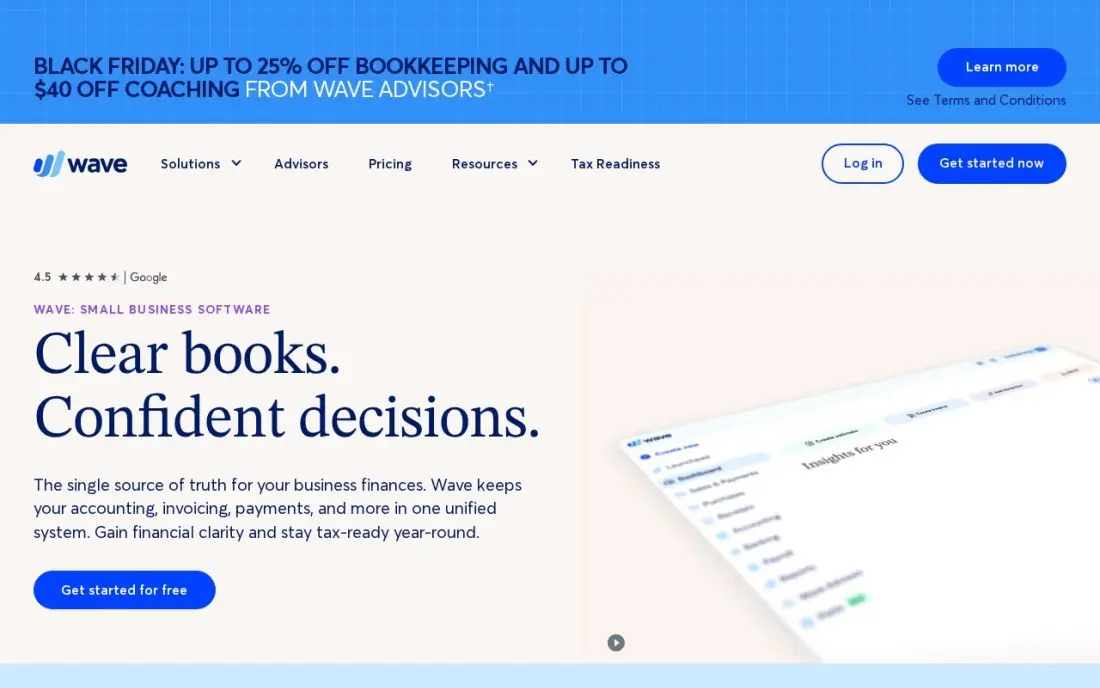
Wave's free Starter plan sends unlimited estimates and invoices and records them in double-entry books, so the quote you send in March and the payment you receive in April end up in a proper ledger without a second app. There are no document caps on either plan, which is rare at this price.
Free comes with manual work. Bank auto-import, unlimited receipt capture and extra users need Pro at $19 a month, and card payments on Starter cost 2.9% plus 60 cents per transaction. There is no inventory tracking. Wave suits a new freelancer or small shop that wants estimates, invoices and books for $0 and expects to move to QuickBooks or Xero later.
What we like
- Genuinely free core: unlimited invoices, estimates, bills and bookkeeping records at $0
- Pro at $19/month adds bank auto-import, unlimited receipts and multi-user access
- No invoice or bill caps on either plan, unlike the capped entry plans elsewhere
Watch out for
- Automatic bank import, unlimited receipt capture and extra users need Pro at $19/month
- No inventory tracking and no built-in payroll on the core plans
- Card payments cost 2.9% plus $0.60 per transaction on the free Starter plan

Invoice Ninja
Best for: Freelancers who want free quotes and invoices with desktop apps and a self-hosted option
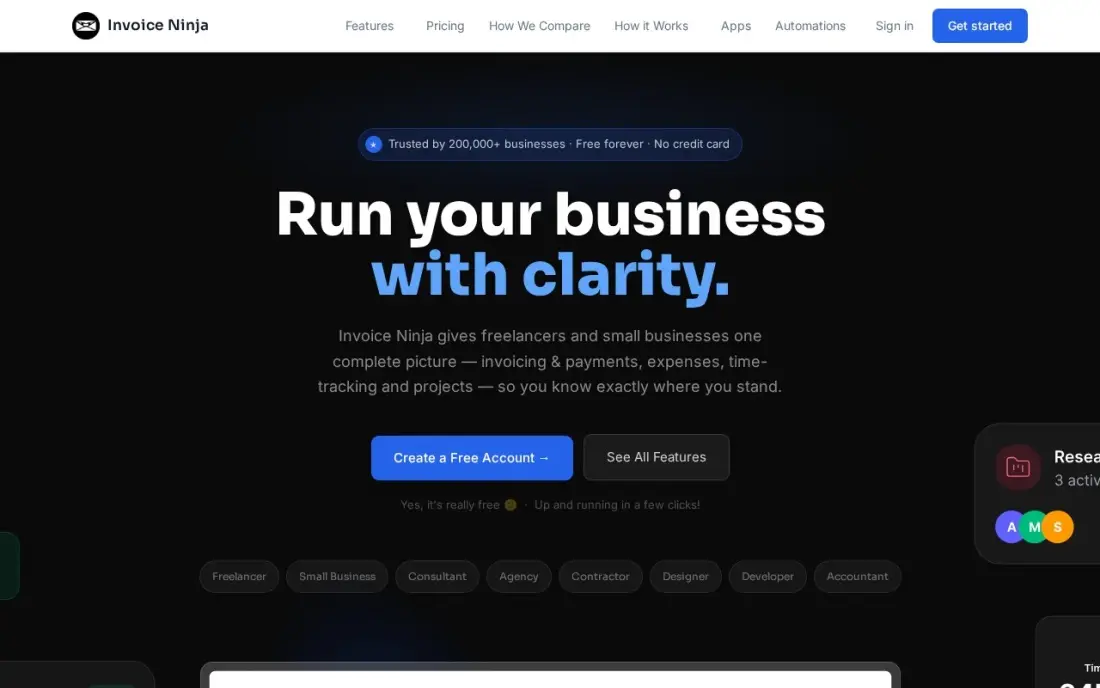
Invoice Ninja handles quotes, invoices, deposits and partial payments on its free plan, along with recurring invoices and auto-billing, for up to 5 clients. It runs on macOS, Windows, Linux, iOS and Android, and the open-source version can be self-hosted if you want the data on your own server.
A sixth client means Ninja Pro at $14 a month billed monthly, or $140 a year, which also removes the Invoice Ninja branding and adds automatic reminders. Bank sync and team users wait for Enterprise from $18 a month. The interface is more technical than Joist or FreshBooks, so it suits someone comfortable setting things up once and leaving them.
What we like
- Free plan with unlimited invoicing for up to 5 clients — no trial clock, no card required
- Ninja Pro is a single $14/month upgrade that removes client caps and Invoice Ninja branding
- Recurring invoices, auto-billing, deposits and partial payments on every plan, including free
- Native apps for macOS, Windows, Linux, iOS and Android, plus an open-source self-hosted option
Watch out for
- Free plan caps at 5 clients — a sixth client forces Ninja Pro at $14/month
- Bank account sync and team users wait for Enterprise, which starts at $18/month
- Smaller support team than the big suites, and the interface feels more technical than Joist or FreshBooks

Invoice2go
Best for: Phone-first sole traders who send a handful of estimates and invoices a month
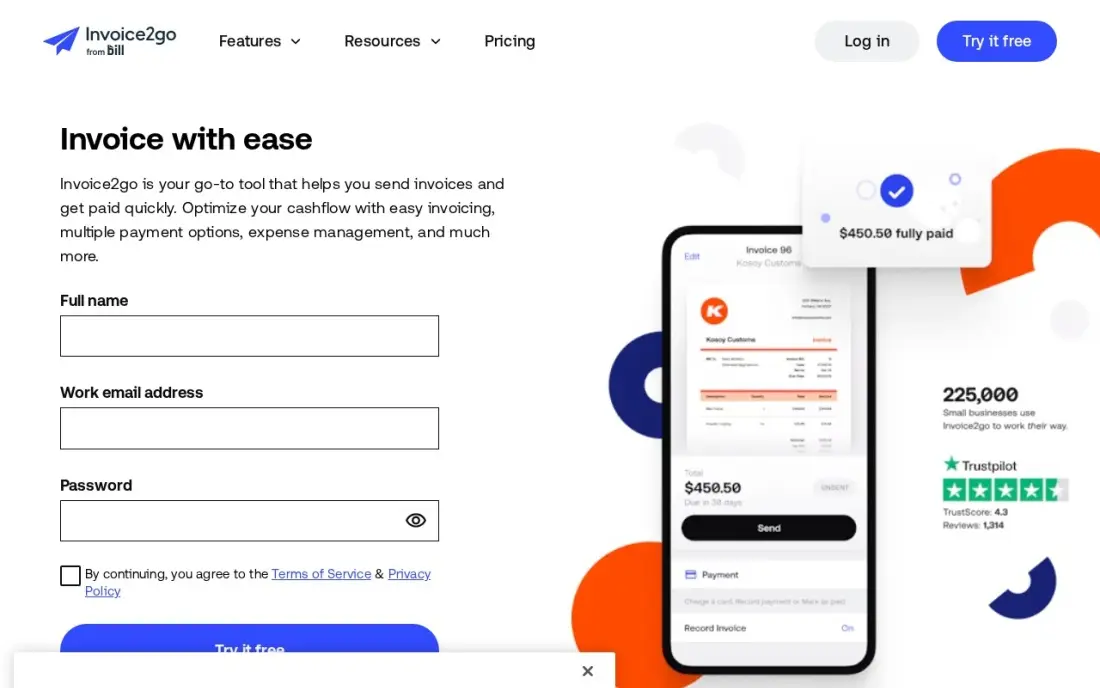
Invoice2go is a tidy mobile app for estimates, invoices, expenses and payment reminders. Starter costs $5.99 a month billed monthly, or $59.99 a year, and bank transfers are free on every plan, with card payments at 3.5%. It even includes a basic website and client messages, which helps a one-person business look organized.
Read the cap before you buy. Starter allows 30 invoices a year, Professional at $9.99 a month allows 100 and adds QuickBooks and Xero sync, and recurring invoices wait for Premium at $39.99 a month. The iOS App Store lists Starter at $7.99 a month, above the web price, so subscribe on the web. It fits light, occasional billing.
What we like
- The cheapest paid entry here at $5.99/month, with free bank transfers (ACH) on every plan
- Polished mobile invoicing with estimates, expense tracking and payment reminders
- Professional at $9.99/month adds QuickBooks and Xero sync plus lower card fees
- Website builder and client communications included even on Starter
Watch out for
- Starter caps at 30 invoices a year — most active contractors hit that ceiling within months
- No free plan and no recurring invoices below Premium at $39.99/month
- The iOS App Store lists Starter at $7.99/month, above the $5.99/month web price

FreshBooks
Best for: Service businesses that send estimates for projects and bill time against them
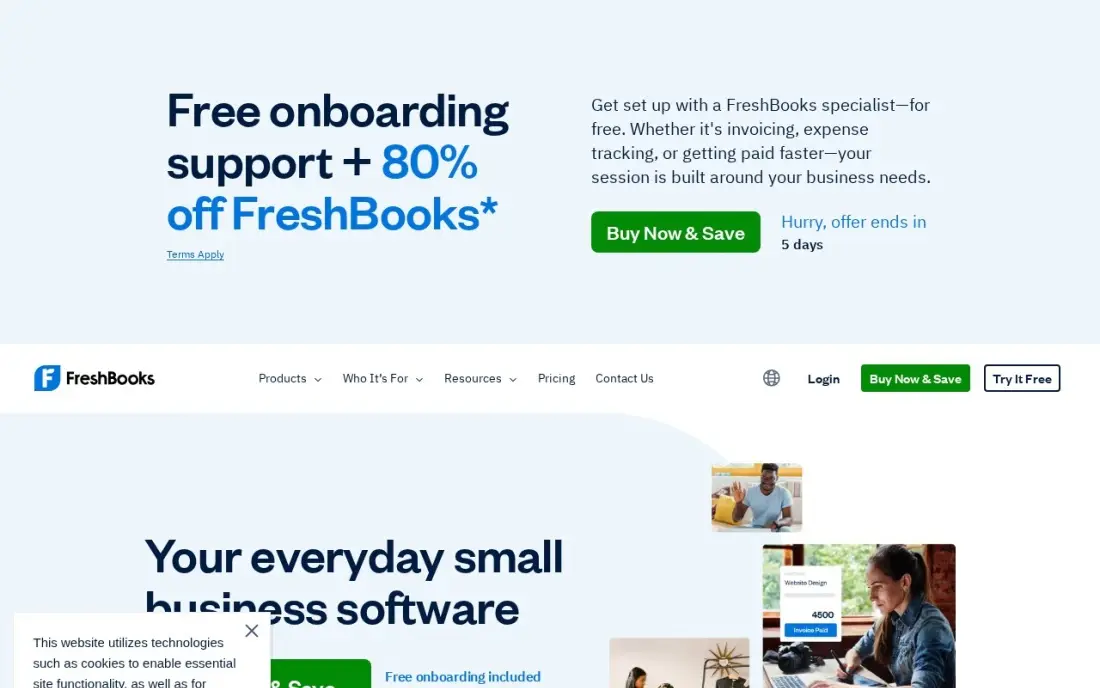
FreshBooks pairs estimates with project billing: send an estimate, convert it to an invoice once the client accepts, and add tracked hours and expenses before it goes out. Lite costs $23 a month billed monthly, with 10% off billed annually, and includes estimates, recurring billing, reminders, time tracking and expenses.
The client count decides the plan. Lite covers 5 billable clients, so a sixth means Plus at $43 a month, which also adds bank reconciliation and double-entry reports. Every extra team member costs $11 a month. For a consultant, agency or designer whose quotes turn into billable projects, the time-to-invoice link saves real admin.
What we like
- The easiest invoicing in this list: clean invoices, estimates, recurring billing and payment reminders
- Time tracking and expense tracking built in, so billable hours flow straight onto invoices
- Accepted estimates convert to invoices, with tracked hours and expenses added before they go out
- Plus adds double-entry reports, bank reconciliation and free accountant access for $43/month
Watch out for
- Lite covers only 5 billable clients — a sixth client forces Plus at $43/month
- Every extra team member costs $11/month on top of the plan price
- No inventory tracking, and bank reconciliation and double-entry reports start on Plus, not Lite

QuickBooks Online
Best for: Businesses whose accountant wants estimates and invoices inside QuickBooks
QuickBooks Online is the choice when the books matter as much as the paperwork. Estimates convert to invoices, payments match against bank feeds, and the numbers flow into the reports your accountant already knows. QuickBooks Free covers 1 user and 2 invoices a month for $0, and Simple Start costs $38 a month billed monthly for one user.
It is the priciest route for someone who only needs quotes and bills. A second user means Essentials at $85 a month, payroll is extra, and Intuit raised Essentials, Plus and Advanced prices again for renewals from August 1, 2026. Choose it when your accountant works in QuickBooks; otherwise a free tool and a quarterly export may be enough.
What we like
- The software most US accountants already use, so finding help and switching accountants is easy
- Full double-entry accounting with invoicing, bills, bank feeds and reporting on every paid plan
- Estimates convert to invoices, and payments match against bank feeds in the same ledger
- Intuit Intelligence AI features are included on Simple Start, not held for the top tier
Watch out for
- The priciest route here for someone who only needs to send quotes and bills
- Hard user caps force upgrades: a second user means Essentials at $85/month, and payroll is a paid add-on
- Price rises most years — Essentials, Plus and Advanced all went up again for renewals from August 1, 2026
The best invoice and estimate software lets you send a price, get it approved and turn it into a bill without retyping a single line. We compared nine tools that handle both documents — contractor apps, free invoicing tools and accounting suites — on the quote-to-invoice workflow, document caps, payment fees and the real monthly cost. Every price below comes from the vendor's own pricing page as checked in November 2026.
How to choose the best invoice and estimate software
- Start with how you quote. If you price jobs on site, a phone-first app such as Joist or Jobber matters more than accounting depth; if you quote by email from a desk, almost any tool here will do.
- Check that estimates count against the cap. Joist Basics allows 5 documents a month, estimates included, and Invoice2go Starter allows 30 invoices a year — a busy month breaks both.
- Look for deposits and e-signature. Asking for a deposit when the client accepts the quote is the single best fix for late payment on bigger jobs.
- Price the payments, not just the plan. Free plans make money on card fees, from 2.9% plus 30 cents on Jobber to 3.5% on Invoice2go cards.
- Decide where the books live. If your accountant uses QuickBooks or Xero, pick a tool that syncs, or use QuickBooks Online itself.
- Count your users. Jobber Core, Joist accounts and QuickBooks Simple Start are one-person plans; a second person changes the price.
Fast quoting helps you win the jobs that find you; search decides how many find you in the first place. If customers look for your trade on Google Maps, our local SEO service covers that side, and the free Google review link generator makes it easy to ask for a review on the final invoice.
Invoice and estimate software pricing: what you will actually pay
Take a one-person business that sends about 15 estimates and 12 invoices a month. Joist Basics at $10 a month is out, because its 5-document cap would be gone in the first week, so the real Joist price is Pro at $17 a month. Invoice2go Starter's 30 invoices a year would last under three months, so the realistic plan is Premium at $39.99 a month for unlimited invoices. Zoho Invoice handles 144 invoices a year for $0, well inside its 500 cap.
Over a year, billed monthly, that works out to $204 for Joist Pro, $228 for Wave Pro, $276 for FreshBooks Lite if you have no more than five clients, $456 for QuickBooks Online Simple Start and $588 for Jobber Core. Billed annually, Jobber Core drops to $29 a month, or $348 a year. Add card fees on top: 12 invoices of $500 a month paid by card at 2.9% plus 30 cents costs about $178 a month in processing, which is far more than any subscription here. Pushing clients to bank transfer, which Invoice2go makes free, saves more than switching plans.
Know the difference: estimate-first vs invoice-first tools
Estimate-first tools are built for businesses that win work by quoting. Joist and Jobber put the quote at the front: line items for labor and materials, client approval online, a deposit request, and then the job and the invoice follow from the same record. These suit trades, home services and anyone whose quote is the sales pitch.
Invoice-first tools treat the estimate as a draft of a bill. Zoho Invoice, Wave, Invoice Ninja, Square Invoices, FreshBooks and QuickBooks Online all let you convert an estimate, but their strength is what happens after: reminders, recurring billing, payment matching and, in the accounting tools, books your accountant can use. If most of your work is repeat clients rather than new quotes, start with one of these.
Quick comparison: tool type by need
| Buyer | Best pick | Why |
|---|---|---|
| Solo contractors quoting on site | Joist | Signed estimate becomes the invoice, from $10/month |
| Home-service businesses | Jobber | Quotes, scheduling and invoices in one job record |
| Free with no upsell | Zoho Invoice | Quotes and invoices free for 2 users, 500 invoices a year |
| Square sellers | Square Invoices | Unlimited free estimates and invoices, one payout |
| New businesses that need books | Wave | Unlimited estimates and invoices in free double-entry books |
| Freelancers who self-host | Invoice Ninja | Free for 5 clients, open-source option |
| Light mobile billing | Invoice2go | $5.99/month with free bank transfers |
| Project-based services | FreshBooks | Estimates convert to invoices with tracked time |
| Accountant uses QuickBooks | QuickBooks Online | Estimates and invoices inside the books, from $38/month |
Mistakes to avoid
- Ignoring the document cap. A $10 plan that allows 5 documents a month is not a $10 plan for a busy contractor — count your estimates and invoices before you choose.
- Sending estimates with no expiry date. Material prices move; put a validity period on every quote so an old price does not come back to bite you.
- Skipping the deposit. For any job with materials, take a deposit when the quote is accepted rather than waiting for the final invoice.
- Retyping work between tools. If your quotes live in one app and your books in another with no sync, someone retypes every job — pick a tool that converts and syncs.
- Letting card fees run unchecked. Offer bank transfer and show it first on the invoice; on larger bills the saving outweighs the subscription.
Related comparisons: Invoice Apps for Contractors · Invoice Software for Landscaping · Auto Repair Estimate Software · Auto Repair Invoice Software
How we chose
We started with tools that handle both estimates and invoices and convert one into the other, then checked each vendor's own pricing page in November 2026. We recorded starting prices exactly as shown, including annual-billing rates where the page lists them, and noted the document, client and user caps that change the real cost. We ranked the tools by fit for the most common buyer, a small business that quotes before it bills. Ratings are shown only where we checked a review page directly. No vendor paid for a place in this list, and none of the links here are affiliate links.
What to do next
Count last month's estimates and invoices, then pick the cheapest tool here whose cap clears that number with room to spare and run every new quote through it for a month. When the paperwork is sorted and you want more enquiries to quote for, book a free SEO review.
Frequently asked questions
What is the best invoice and estimate software?
For contractors who quote on site, Joist is the most direct: the signed estimate becomes the invoice, from $10 a month. Zoho Invoice is the best free option, with quotes and invoices for 2 users and 500 invoices a year at $0, and Jobber is the pick when quotes also need scheduling.
Is there free software for estimates and invoices?
Yes. Zoho Invoice (2 users, 500 invoices a year), Wave Starter (unlimited), Square Invoices (unlimited) and Invoice Ninja (up to 5 clients) all send estimates and invoices on a $0 plan. Card payments still carry per-transaction fees on each.
Can an estimate be turned into an invoice automatically?
In every tool here you can convert an accepted estimate into an invoice without retyping the line items. Joist and Jobber go furthest, attaching deposits or scheduling the job from the approved quote.
What is the difference between an estimate and a quote?
In everyday use they are close. An estimate is an approximate price that can change as the work becomes clearer, while a quote is usually a fixed price the client accepts. Most software here lets you label the document either way.
How much does invoice and estimate software cost?
On list prices billed monthly, Invoice2go Starter costs $5.99 a month, Joist Basics $10, Invoice Ninja Pro $14, Wave Pro $19, FreshBooks Lite $23, QuickBooks Online Simple Start $38 and Jobber Core $49. Zoho Invoice is free, and Square Invoices is free with Plus at $49 a month per location.
Do I need accounting software or just invoicing software?
If you only send quotes and bills and your accountant does the books once a year, invoicing software is enough. If you need bank reconciliation and reports every month, pick Wave, FreshBooks or QuickBooks Online, which keep estimates and invoices inside real books.
Is there free invoice and estimate software for Mac or PC?
Yes. Invoice Ninja has native apps for macOS, Windows, Linux, iOS and Android, and its free plan handles quotes, invoices, deposits and recurring invoices for up to 5 clients, with an open-source version you can self-host. Zoho Invoice is free for 2 users and 500 invoices a year, and Wave's Starter plan gives unlimited free estimates and invoices.
Sources we checked (11)
- Joist — www.joist.com/pricing (checked November 8, 2026)
- Joist reviews on G2 (checked November 8, 2026)
- Jobber — getjobber.com/pricing (checked November 12, 2026)
- Zoho Invoice — www.zoho.com/invoice/pricing (checked November 8, 2026)
- Square Invoices — squareup.com/invoices (checked November 8, 2026)
- Wave — www.waveapps.com/pricing (checked November 10, 2026)
- Wave reviews on G2 (checked November 10, 2026)
- Invoice Ninja — www.invoiceninja.com/pricing (checked November 8, 2026)
- Invoice2go — invoice.2go.com/pricing (checked November 8, 2026)
- FreshBooks — www.freshbooks.com/pricing (checked November 12, 2026)
- QuickBooks Online — quickbooks.intuit.com/pricing (checked November 12, 2026)
Make one of these tools?
We re-check this list every quarter. Send a correction, request a review, or ask about a clearly labeled sponsored spot.
Request a listingShamim
Founder of SerpAstra
A full-stack digital marketer and SEO strategist covering technical and local SEO, AI search visibility, paid ads and lead generation for local businesses, e-commerce brands and SaaS teams.
Free SEO and AI visibility audit
Find out what is holding your rankings back
Send us your site. Within 2 business days you get a written audit, an AI visibility check and a short fix list ranked by impact. Free, with no contract attached.
Request my free audit→Related buying guides
 Accounting & Finance11 Best Invoicing Software for Small Business in 2026, Compared11 best invoicing software for small business compared on price, free plans and payment fees. Prices checked on vendor pricing pages, November 2, 2026.Read guide →
 Construction & Field ServiceBest Invoice Apps for Contractors (2026): 11 Apps Worth DownloadingCompare the 11 best invoice app for contractors on price, free plans, mobile invoicing and payment fees, with every price checked November 8, 2026.Read guide →
 Accounting & Finance9 Best Invoicing Software for Freelancers in 2026, ComparedCompare the 9 best invoicing software for freelancers on free plans, client caps, payment fees and time-to-invoice, with every price checked on vendor pages.Read guide →