
8 Best Legal AI Software in 2026, Compared
Compare the 8 best legal AI software tools for research, drafting, contract review and litigation, with published prices and trials checked on vendor pages.
 Shamim Mia, Founder, SerpAstraLast verified November 7, 20269 min read
We compare pricing pages, documentation and public reviews. We never accept payment for rankings.

Key takeaways
- CoCounsel and Lexis+ AI are the safest picks for legal research because their answers cite Westlaw and LexisNexis sources an attorney can check.
- Harvey is the firm-wide platform for large firms, but it sells only on annual enterprise contracts with no published price and no trial.
- For contract work, Gavel Exec publishes a real price ($160 per user a month) and Genie AI has a free plan, so a small team can test before a sales call.
- Small firms already on Clio get AI inside their practice management with Clio Duo, which saves feeding matter files into a separate tool.
- Only Gavel Exec and Genie AI publish prices in this list; budget every other tool from a written quote.
On this page
Quick comparison
| Tool | Best for | Starting price | Free plan |
|---|---|---|---|
| CoCounsel | Firms that want cited legal research, drafting and document review grounded in Westlaw content | Custom quote | No |
| Lexis+ AI | Firms that already subscribe to LexisNexis and want generative AI on top of that content | Custom quote | No (2-day trial) |
| Harvey | Large firms and legal departments that want one AI platform for research, review, drafting and agents | Custom quote | No |
| Clio Duo | Solo and small firms already on Clio that want AI inside their practice management system | Custom quote | No (7-day trial) |
| Spellbook | Transactional lawyers who draft and review contracts entirely in Microsoft Word | Custom quote | No (7-day trial) |
| Gavel Exec | Transactional attorneys who want a published per-user price for AI contract review | $160/mo | No (25 free queries) |
| Genie AI | Small in-house legal teams and solo lawyers who want contract AI with a free start | $75/mo | Yes (free plan) |
| Everlaw | Litigation teams that need AI document review, analytics and trial preparation in one platform | Custom quote | No |
Make one of these tools?
We re-check this list every quarter. Send a correction, request a review, or ask about a clearly labeled sponsored spot.
Request a listingThe best legal AI software

CoCounsel
Best for: Firms that want cited legal research, drafting and document review grounded in Westlaw content
CoCounsel is the research-first legal AI for firms that cannot risk an invented citation. It reasons from Westlaw and Practical Law content plus the firm's own documents, links every authority it relies on, and shows a step-by-step plan the attorney can inspect before accepting the answer. Research, brief drafting, deposition preparation and document review sit in one assistant, with workspaces that keep each matter together.
There is no public price list. Firms of up to 10 attorneys see pricing in an online configurator once they enter firm details, and larger firms go through sales. It holds 4.7 out of 5 on G2 from 115 reviews, the strongest score among the research tools here.
What we like
- Reasons from Westlaw and Practical Law content, with linked citations an attorney can verify
- Step-by-step reasoning that can be inspected before accepting the result
- Covers research, drafting, deposition prep and document review in one assistant
- Workspaces keep matter documents and history together
Watch out for
- No public price list: prices appear in an online configurator after firm details are entered
- Third-party readings put full-coverage plans at $637-$784 per user per month (Costbench, November 2026)
- Firms larger than 10 attorneys go through sales rather than the online price configurator

Lexis+ AI
Best for: Firms that already subscribe to LexisNexis and want generative AI on top of that content
Lexis+ AI, now sold as Lexis+ with Protégé, puts generative research and drafting on top of LexisNexis content, with Shepard's citations and Practical Guidance in the same workspace. Answers come back with sources that can be checked, and LexisNexis states that customer data is never used to train its models, which matters to firms with confidentiality worries.
The AI is a quoted add-on to a Lexis+ subscription rather than a standalone product, so firms without Lexis+ are buying two things. A 2-day free trial is available. Its G2 page holds only three reviews, at 2.7 out of 5, including billing complaints, so get contract terms in writing before you sign.
What we like
- Answers are backed by LexisNexis sources that can be checked, including Shepard's citations
- Protégé workflows cover research, drafting and document analysis in one assistant
- LexisNexis states customer data is never used to train its AI models
- Practical Guidance and Shepard's sit alongside the AI in the same workspace
Watch out for
- No published price: the AI is a quoted add-on to a Lexis+ subscription
- Recent G2 reviews include billing and contract complaints from a solo-firm subscriber
- Third-party estimates put the add-on at $125-$275 per user per month on top of the base subscription

Harvey
Best for: Large firms and legal departments that want one AI platform for research, review, drafting and agents
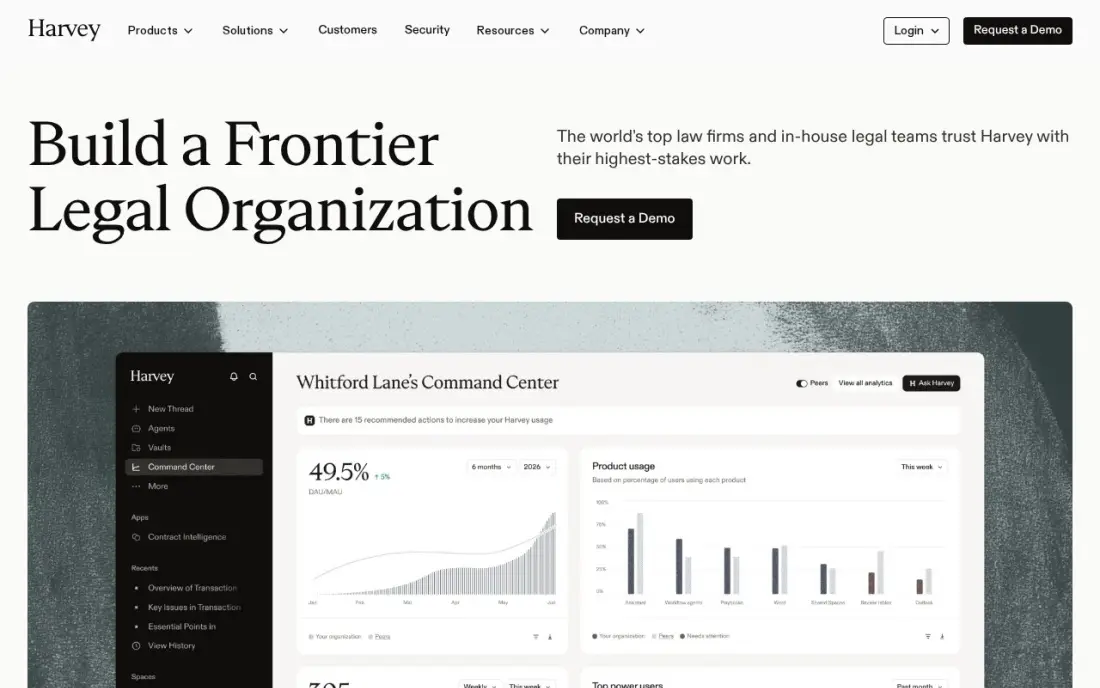
Harvey is the platform large firms buy when they want one AI system rather than five point tools. It covers research, document review, drafting and custom agent workflows that follow the firm's own style, and its Vault keeps firm documents inside the platform. Firm leadership gets usage tracking, and Harvey says most of the Am Law 100 have adopted it.
It is not built for small practices. Harvey sells on annual enterprise contracts with no published price and no trial, and reported seat minimums run 20 to 25. A firm under that size will get more for its money from CoCounsel or Clio Duo; a large firm standardising AI across offices should put Harvey on the shortlist.
What we like
- One platform for research, drafting, document review and custom agent workflows
- Adopted by most of the Am Law 100, by Harvey's own count
- Agent workflows can be tailored to a firm's way of working, with usage tracking for firm leadership
- Vault and knowledge tools keep firm documents inside the platform
Watch out for
- No published price and no trial: demo and custom quote only, with reported seat minimums of 20-25
- Reported pricing around $1,200 per seat per month is disputed — the figure was first reported per year (2024)
- Not built for small practices: a firm under the seat minimum gets more from CoCounsel or Clio Duo

Clio Duo
Best for: Solo and small firms already on Clio that want AI inside their practice management system
Clio Duo is the AI layer inside Clio, and its advantage is context. It works from the matters, contacts, communications and billing data the firm already keeps in Clio, so an attorney can ask for a matter summary, a client update or a first draft without uploading files to a separate tool. Clio has renamed the add-on Manage AI.
Clio's entry tier, EasyStart, starts at $49 a user a month, but the AI is not available on EasyStart and is a quoted add-on on most plans. A 7-day free trial lets a firm test it on real matters. It will not replace a dedicated research tool, but it is the easiest legal AI for a small firm to adopt.
What we like
- AI works from the matters, clients, communications and billing already in Clio
- Practice management, intake and billing stay in the same system as the AI work
- The most accessible option here for solo and small firms, with a 7-day free trial
- No separate AI system to learn or feed with files
Watch out for
- The AI itself is a quoted add-on (now called Manage AI) on most plans, and is not available on EasyStart
- Only Clio's entry tier publishes a price ($49/user/month); higher tiers are quoted
- Will not replace a dedicated legal research tool, so research still needs a second product

Spellbook
Best for: Transactional lawyers who draft and review contracts entirely in Microsoft Word
Spellbook lives inside Microsoft Word, which is where most transactional lawyers already draft. It suggests clauses, flags risky language, generates redlines, applies the firm's playbooks during negotiation and benchmarks terms against market standards. It answers questions about the agreement with source references, which makes it a strong first pass on NDAs, MSAs and vendor contracts.
Spellbook publishes no price and quotes by team size, so budgeting starts with a demo. A 7-day free trial with no published seat minimum means a solo lawyer can test the real workflow. It holds 4.7 out of 5 on G2 from 29 reviews. Teams that review in a browser or a repository get less from it than Word users do.
What we like
- Native Word add-in that drafts clauses, flags risky language and generates redlines without leaving the document
- Applies your playbooks during live negotiation and benchmarks terms against market standards
- Answers questions about the contract and suggests clause alternatives with source references
- 7-day free trial with no published seat minimum, so a solo lawyer can try the real workflow
Watch out for
- No published price: quotes are set by team size, so budgeting starts with a demo and a sales call
- Third-party reports of its per-seat price disagree widely, from about $99 to about $500 a month
- Built entirely around Microsoft Word, so teams that review in a browser or a repository get less value

Gavel Exec
Best for: Transactional attorneys who want a published per-user price for AI contract review
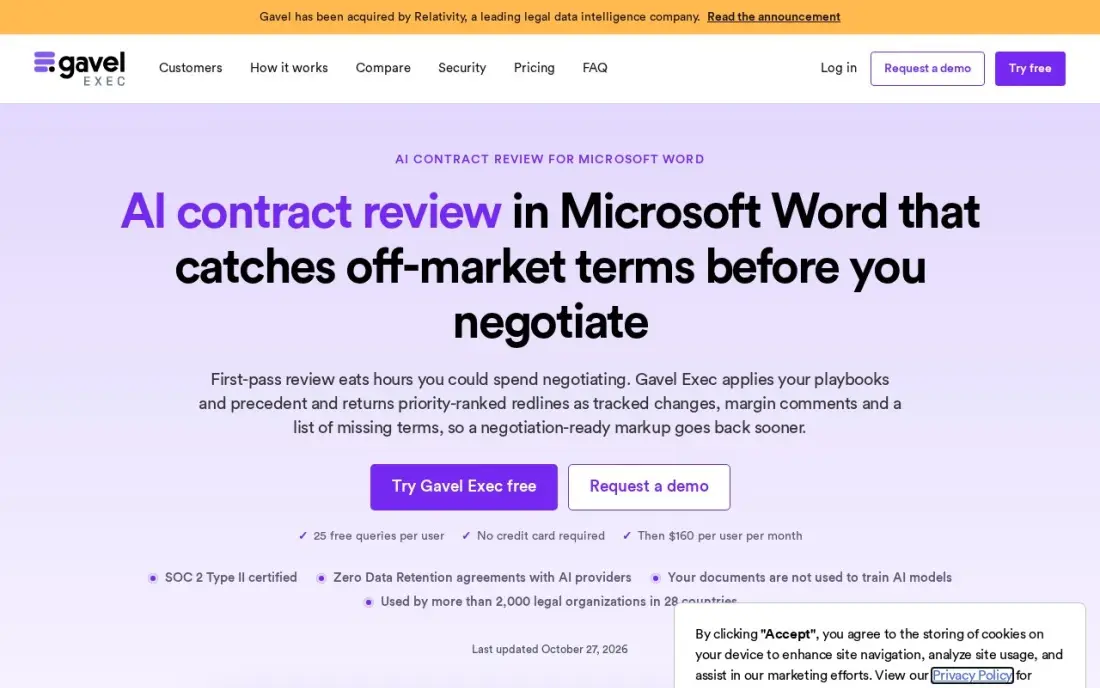
Gavel Exec is the most transparent buy in this list: $160 per user a month, or $1,740 per user a year billed annually, with 25 free queries per user to start and no credit card. It reviews and redlines in Word and on the web, applies playbooks, benchmarks terms against market data for the jurisdiction and industry, and returns ranked redlines with the reasoning behind each change.
The limits are scope and usage. It is a review and drafting tool, not a full contract lifecycle system, and paid plans include 1,000 queries per user a month. It is SOC 2 Type II certified with zero data retention agreements with its AI providers. For one to five reviewers who want a number before talking to sales, it is the easiest yes.
What we like
- Published price: $160 per user per month, or $1,740 per user per year, with team pricing from 10 seats
- Benchmarks each term against market data for your jurisdiction, industry and company size
- Returns priority-ranked redlines as tracked changes, with comments, missing-term lists and the reasoning behind each change
- SOC 2 Type II certified, with zero data retention agreements with AI providers
Watch out for
- Per-user pricing adds up fast: five reviewers cost $800 a month on monthly billing
- Scoped to review and drafting, not a full contract lifecycle platform, so repository and obligation tracking live elsewhere
- Paid plans cap usage at 1,000 queries per user per month, so heavy playbook runs can eat the allowance

Genie AI
Best for: Small in-house legal teams and solo lawyers who want contract AI with a free start
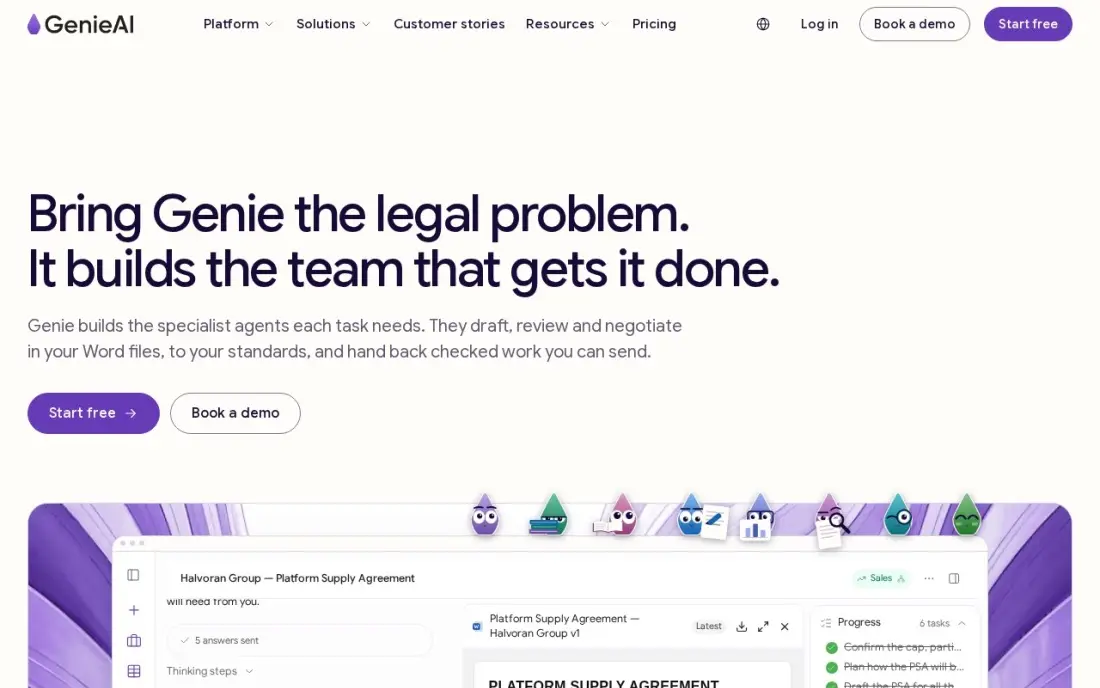
Genie AI is the cheapest way to start using AI on contracts. The free plan has no time limit, and Pro costs $75 a month, or $59 a month billed annually. It drafts, reviews and redlines against your own playbook, rating each clause red, amber or green, and ships more than 500 templates across 150-plus jurisdictions in a Word-style editor.
Pro is priced by AI token allowance rather than seats, so a team reviewing dozens of long contracts a month can outgrow it; Business costs $320 a month for five users. The free plan locks exports, so treat it as a test of review quality. It is ISO/IEC 27001:2022 certified and needs no implementation project.
What we like
- Cheapest self-serve start here: free plan, then Pro at $75 a month or $59 a month billed annually
- Rates each clause red, amber or green against your own playbook, with tracked-changes redlines
- More than 500 contract templates across 150-plus jurisdictions, with drafting, review and negotiation in one workspace
- ISO/IEC 27001:2022 certified, with self-serve sign-up and no implementation project
Watch out for
- Pro is priced by AI token allowance, so reviewing dozens of long contracts a month can outgrow the plan
- Free plan locks document exports, so it works as a trial of review quality rather than a working tier
- No verified G2 rating with a usable review count, so buyer sentiment is harder to check

Everlaw
Best for: Litigation teams that need AI document review, analytics and trial preparation in one platform
Everlaw is the litigation pick. Its AI and analytics work across large discovery sets, predictive coding prioritises review, clustering groups related documents, and Storybuilder turns the evidence into a trial narrative in the same system. User licences are unlimited, so adding reviewers or co-counsel adds no seat fee, and it holds 4.7 out of 5 on G2 from 755 reviews, the largest review base here.
Pricing is a custom quote based on hosted data volume, so the bill follows the size of the case rather than the size of the team. A firm whose matters settle before discovery will not use most of it. Pair it with a research tool such as CoCounsel; Everlaw is for the evidence, not the law.
What we like
- AI and analytics built for litigation, grounded in the evidence, with predictive coding and clustering
- Unlimited user licences: adding reviewers or co-counsel adds no seat fee
- Trial preparation tools (Storybuilder) sit in the same system as review
- Highest review volume here: 4.7/5 on G2 from 755 reviews
Watch out for
- No published price: custom quote priced on peak hosted data volume
- Reported platform fees run $2,000-$5,000+ a month plus $18-$35 per GB hosted (third-party reports)
- A straightforward case that settles before suit will not need its full review power
The best legal AI software gives an attorney a faster first draft of the work — research, a contract redline, a document review set — without inventing the authority behind it. We compared eight tools across the three jobs legal AI does today: research and drafting, contract review, and litigation review. Every price and trial below was checked on the vendor's own pages in November 2026, and most of the market is quote-only, which we say plainly where it applies.
How to choose the best legal AI software
- Start with the job, not the brand. Research tools, contract tools and litigation tools are built differently; a firm doing mostly transactional work gets little from a discovery platform.
- Check where the answers come from. Tools grounded in Westlaw or LexisNexis content link their sources; a general model without that grounding is a drafting aid, not a research tool.
- Ask how your data is handled. Get a written answer on model training, retention and certifications before uploading client files.
- Price the whole team, not one seat. Per-user pricing grows with headcount, token pricing grows with volume, and data-volume pricing grows with the size of the case.
- Prefer AI inside your existing system. A tool that works in Word or in your practice management software gets used; a separate tab often does not.
- Run a real trial. Gavel Exec, Genie AI, Spellbook, Clio Duo and Lexis+ AI all offer a free start — test them on a closed matter you know well.
AI tools change how clients research a firm too: they now ask chatbots for a lawyer, not just Google. Our AI search optimization service helps a firm get cited in those answers, and our guide to local SEO for law firms covers the map results.
Legal AI software pricing: what you will actually pay
Take a small firm with three attorneys who review contracts every week. On Gavel Exec, three users cost $480 a month on monthly billing, or $5,220 a year at $1,740 per user billed annually. On Genie AI, the same firm could start on the free plan, then pay $75 a month for Pro, or $708 a year at the $59 annual rate — but Pro is priced by AI token allowance, so heavy review may push the firm to Business at $320 a month for five users.
Research AI is harder to budget. CoCounsel shows its price only in a configurator for firms up to 10 attorneys, Lexis+ AI is a quoted add-on on top of a Lexis+ subscription, and Clio Duo is a quoted add-on on top of Clio, whose EasyStart tier starts at $49 a user a month but does not include the AI. Harvey and Everlaw are enterprise quotes: Harvey on annual contracts with reported seat minimums, Everlaw on hosted data volume. Ask every quoted vendor for the full first-year cost, including onboarding.
Know the difference: research AI vs contract AI
Research AI answers legal questions. CoCounsel, Lexis+ AI and Harvey read case law, statutes and secondary sources, then draft a memo or brief section with the authority attached. Their value depends on the content underneath: a research tool is only as good as the database it cites, which is why Westlaw and LexisNexis owners lead this group.
Contract AI reads a specific document. Spellbook, Gavel Exec and Genie AI compare each clause against your playbook or market terms, mark the risks and propose redlines as tracked changes. They do not need a case-law library; they need your positions. Most firms that do both kinds of work end up with one of each, because neither type does the other's job well.
Quick comparison: tool type by need
| Buyer | Best pick | Why |
|---|---|---|
| Research-heavy firms | CoCounsel | Cited answers from Westlaw and Practical Law content |
| LexisNexis subscribers | Lexis+ AI | Generative AI with Shepard's citations in the same workspace |
| Large firms | Harvey | One platform for research, review, drafting and agents |
| Small firms on Clio | Clio Duo | AI that works from matters already in Clio |
| Word-based contract review | Spellbook | Redlines and playbooks inside Microsoft Word |
| Teams that want a list price | Gavel Exec | $160/user/month, or $1,740/user/year |
| Contract AI on a budget | Genie AI | Free plan, Pro from $59/month billed annually |
| Litigation and discovery | Everlaw | AI review, unlimited users, trial preparation |
Mistakes to avoid
- Filing what the AI wrote without reading the sources. Even grounded tools can misread a holding; every citation still needs an attorney's eyes.
- Uploading client files before reading the data terms. Confirm in writing that your documents do not train the vendor's models.
- Buying enterprise AI for a small practice. Seat minimums and annual contracts suit large firms; a three-attorney firm should start with a published price or a free plan.
- Expecting one tool to do everything. Research, contract review and discovery are different jobs, and the best tool for one is rarely the best for another.
- Skipping the pilot. Test on a closed matter you already know, so you can judge the output against work you have done yourself.
Related comparisons: Legal CRM Software · Legal Billing Software · Content AI Tools · AI Accounting Software
How we chose
We checked each vendor's pricing and product pages in November 2026 and recorded prices exactly as published, including the annual figure where one is listed. Where a vendor publishes no price, we say custom quote rather than repeating a third-party estimate as fact. We grouped tools by the job they do — research, contracts or litigation — and ranked them on source grounding, fit for small and mid-size firms, and pricing transparency. Ratings come from G2 pages checked on the dates shown in the sources. No vendor paid for a place in this list, and none of the links here are affiliate links.
What to do next
Pick the one job that eats the most attorney hours — research, contract review or document review — and trial one tool from that group on a closed matter this month. Measure the hours saved before you sign an annual contract. If clients are not finding the firm in the first place, that is a search problem, not an AI one. Get a free visibility review.
Frequently asked questions
What is the best legal AI software?
For legal research, CoCounsel is the strongest all-round pick because its answers cite Westlaw content an attorney can verify. Harvey suits large firms that want one platform for every task, Clio Duo suits small firms already on Clio, and Gavel Exec or Genie AI suit contract work with a published price.
How much does legal AI software cost?
Most legal AI is quote-only. Of the tools here, only Gavel Exec ($160 per user a month, or $1,740 per user a year) and Genie AI (free plan, Pro at $75 a month or $59 billed annually) publish prices. CoCounsel shows prices in a configurator for firms up to 10 attorneys.
Is there free legal AI software?
Genie AI has a free plan with no time limit, though exports are locked. Gavel Exec gives 25 free queries per user without a card, Spellbook and Clio Duo offer 7-day free trials, and Lexis+ AI offers a 2-day trial.
Can legal AI make up case citations?
General chatbots can and have. Research tools such as CoCounsel and Lexis+ AI reduce the risk by answering from Westlaw or LexisNexis content and linking each source, but an attorney still has to read every authority before relying on it in a filing.
Is legal AI safe for client confidentiality?
Check each vendor's data terms. LexisNexis states customer data is never used to train its models, Gavel Exec has zero data retention agreements with its AI providers, and Genie AI is ISO/IEC 27001:2022 certified. Ask any vendor in writing whether your data trains its models.
Which legal AI is best for small law firms?
Clio Duo is the easiest for small firms already on Clio, because it works from matters already in the system. For contracts, Genie AI's free plan and Gavel Exec's published price let a small firm start without an enterprise contract.
Sources we checked (13)
- CoCounsel — www.thomsonreuters.com/cocounsel (checked November 7, 2026)
- CoCounsel reviews on G2 (checked November 7, 2026)
- Lexis+ AI — www.lexisnexis.com/en-us/products/lexis-plus-ai.page (checked November 7, 2026)
- Lexis+ AI reviews on G2 (checked November 7, 2026)
- Harvey — www.harvey.ai (checked November 7, 2026)
- Harvey reviews on G2 (checked November 7, 2026)
- Clio Duo — www.clio.com (checked November 7, 2026)
- Spellbook — spellbook.com/pricing (checked November 10, 2026)
- Spellbook reviews on G2 (checked November 10, 2026)
- Gavel Exec — www.gavel.io/exec (checked November 10, 2026)
- Genie AI — www.genieai.co/pricing (checked November 10, 2026)
- Everlaw — www.everlaw.com/pricing (checked November 7, 2026)
- Everlaw reviews on G2 (checked November 7, 2026)
Make one of these tools?
We re-check this list every quarter. Send a correction, request a review, or ask about a clearly labeled sponsored spot.
Request a listingShamim
Founder of SerpAstra
A full-stack digital marketer and SEO strategist covering technical and local SEO, AI search visibility, paid ads and lead generation for local businesses, e-commerce brands and SaaS teams.
Free SEO and AI visibility audit
Find out what is holding your rankings back
Send us your site. Within 2 business days you get a written audit, an AI visibility check and a short fix list ranked by impact. Free, with no contract attached.
Request my free audit→Related buying guides
 Legal8 Best AI Contract Review Software in 2026, ComparedThe 8 best AI contract review software tools compared with real 2026 prices: in-Word redlining, playbooks and CLM depth, so you can pick by fit.Read guide →
 Legal7 Best AI Tools for Pi Attorneys in 2026 (Free and Paid, Compared)Compare the 7 best ai tools for pi attorneys on PI fit, research quality and demand drafting, with every vendor price checked November 7, 2026.Read guide →
 Legal12 Best Law Firm Practice Management Software in 2026, ComparedCompare the 12 best law firm practice management software options on price, trust accounting, AI and free plans, with every price checked November 8, 2026.Read guide →