
8 Best Mapping Software for Business in 2026, Compared
Compare the 8 best mapping software for business on territory, route and customer mapping, with real prices per user, free plans and trials checked Nov 2026.
 Shamim Mia, Founder, SerpAstraLast verified November 8, 20269 min read
We compare pricing pages, documentation and public reviews. We never accept payment for rankings.

Key takeaways
- Maptive is the best all-round business mapping tool, with territories, heat maps, demographics and routing on every plan from $1,250 a year or $110 a month.
- BatchGeo is the quickest and cheapest way to map a spreadsheet: free up to 250 records per map, and Pro covers 10 users for $99 a month.
- Field sales teams should look at Badger Maps, which adds route planning and two-way CRM sync from $58 per user a month billed annually.
- If your team already pays for Power BI or Tableau, try their map visuals before buying a separate tool.
On this page
Quick comparison
| Tool | Best for | Starting price | Free plan |
|---|---|---|---|
| Maptive | Sales, marketing and operations teams that want territories, heat maps and demographics without GIS training | $110/mo; $1,250/yr | 10-day trial |
| BatchGeo | Small businesses that want a shareable map of customers or locations from a spreadsheet in minutes | Free; Pro $99/mo | Yes (free) |
| Badger Maps | Field sales reps who need customer maps, daily route planning and CRM sync on their phone | $69/user/mo; $58 yearly | Trial |
| Maptitude | Business analysts on Windows who map territories, customers and demographics with data included | $695/yr | No (30-day trial) |
| ArcGIS Pro | Enterprises with GIS staff who need deep spatial analysis and the Esri data ecosystem | Custom quote | No (21-day trial) |
| Power BI | Microsoft 365 businesses that want maps inside the dashboards they already build | Free; Pro $14/user/mo | Yes (Desktop free) |
| Tableau | Data teams that want detailed, interactive map visualisations inside wider analytics | $75/user/mo yearly | No (14-day trial) |
| Mapbox | Businesses that want custom-branded interactive maps inside their own website or app | Free tier; usage-based | Yes (free tier) |
Make one of these tools?
We re-check this list every quarter. Send a correction, request a review, or ask about a clearly labeled sponsored spot.
Request a listingThe best mapping software for business

Maptive
Best for: Sales, marketing and operations teams that want territories, heat maps and demographics without GIS training
Maptive is the most complete business mapping tool for teams without GIS skills. You upload a spreadsheet and get a map, and every plan includes all 60-plus tools: a territory manager, heat maps, demographic overlays from census data at ZIP and tract level, and route optimization for up to 70 stops. There is a 10-day free trial with no card required.
Pro costs $1,250 a year or $110 a month for one user, with extra users at $750 each. Team costs $2,500 a year or $220 a month for five users and adds map collaboration. A $250 pass gives 45 days of access for a one-off project, though it excludes the API.
What we like
- Every plan includes all 60+ tools: territory manager, heat maps, census demographic overlays and route optimization
- Team covers 5 users for $2,500 a year, with map collaboration and a success manager
- A $250 45-day pass suits a one-off project such as a territory redesign
Watch out for
- Pro is one user, and each extra user costs $750 a year
- Route optimization tops out at 70 stops, so it is no substitute for a dispatch tool
- No free plan, only a 10-day trial

BatchGeo
Best for: Small businesses that want a shareable map of customers or locations from a spreadsheet in minutes
BatchGeo is the quickest way to turn a list of addresses into a map. Paste a spreadsheet of customers, stores or job sites and you get a colour-coded, shareable Google map in minutes, with no training and nothing to install. It is also the most-reviewed tool here, at 4.7 out of 5 from 1,047 G2 reviews, with ease of use praised most.
The free plan stops at 250 records per map. Pro costs $99 a month for ten users and up to 100,000 markers per map, with heat maps, boundary maps, route optimization and KML export. It shows where things are rather than analysing them, with no demographics or drive-time rings.
What we like
- Paste a spreadsheet and get a color-coded map in minutes, with no GIS training needed
- Most-reviewed tool here: 4.7 out of 5 across 1,047 G2 reviews, with ease of use praised most
- Pro covers 10 users and up to 100,000 markers per map for one flat $99 a month
- Heat maps, boundary maps, route optimization and KML export are included on Pro
Watch out for
- The free plan caps at 250 records per map, so a real portfolio needs Pro at $99 a month
- Built on Google Maps, so the base map style and data are Google's, not yours
- No real GIS analysis — no demographics, drive-time rings or spatial modeling

Badger Maps
Best for: Field sales reps who need customer maps, daily route planning and CRM sync on their phone

Badger Maps is built for the rep in the car rather than the analyst at a desk. It puts customers and prospects on a map on a phone, plans the day's route, and on Business syncs both ways with the CRM in real time, so visit notes land in the right record. It also shows up to 20 new leads at a time near the rep's route.
Business costs $58 per user a month billed annually, or $69 billed monthly, and Enterprise $95 or $109. The free Personal plan works as a trial of Business, and teams can run a free pilot with CRM setup and training. Heat and thematic maps need Enterprise Plus, which is quoted.
What we like
- Plans routes for field reps, with up to 120 stops on the Personal plan
- Business includes two-way, real-time CRM sync with unlimited records
- Shows up to 20 new leads at a time on the map, or 60 on Enterprise
Watch out for
- Priced per user, so a large field team costs more than a flat-fee mapping tool
- Heat, bubble and thematic maps are reserved for the quote-only Enterprise Plus plan
- The page gives both 14-day and 7-day figures for the trial

Maptitude
Best for: Business analysts on Windows who map territories, customers and demographics with data included
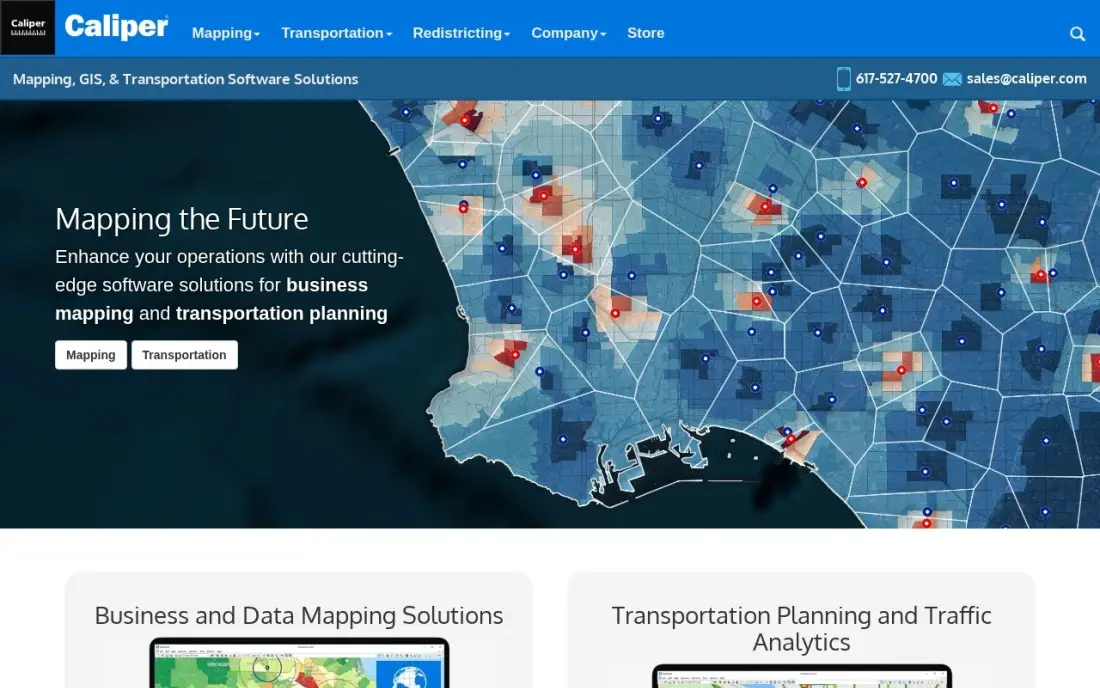
Maptitude is desktop mapping software that ships with the data, which is rare at this price. Every licence includes a country package of maps and demographic data down to Census Block Group level, and drive-time rings, geocoding, heat maps and territory tools are built in. G2 reviewers score it 4.7 out of 5 from 150 reviews, citing value for money.
The desktop subscription costs $695 a year after a 30-day free trial, though Caliper's own pages also quote a $795 one-time purchase, so confirm which you are buying. It runs on Windows only, and the bundled demographics are strongest for the US. For an analyst doing site or territory studies, it is strong value.
What we like
- Ships with a free country package of maps and demographic data down to Census Block Group level
- Drive-time rings, geocoding, heat maps and territory tools are built in, not add-ons
- The highest G2 score in this list at 4.7 out of 5, with reviewers citing value for money
Watch out for
- Windows-only desktop software, so Mac-based teams need another tool
- Caliper's own pages quote both $695 a year and a $795 one-time purchase — confirm which applies before buying
- Demographic data ships as country packages, and the 2026 package costs $695 for existing users

ArcGIS Pro
Best for: Enterprises with GIS staff who need deep spatial analysis and the Esri data ecosystem
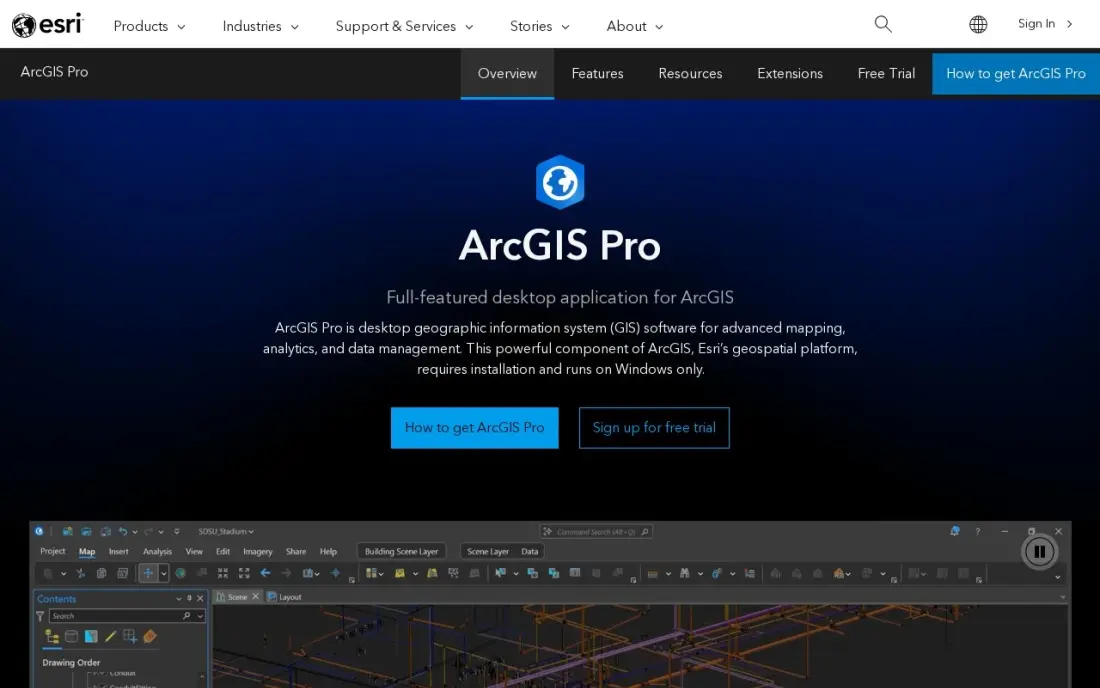
ArcGIS Pro is the industry-standard desktop GIS, and it is the tool for a business that has, or will hire, GIS staff. It handles 2D, 3D and 4D visualisation and deep spatial analysis, and it sits inside the wider ArcGIS system, sharing a login with ArcGIS Online, Living Atlas data and ready-made apps.
Commercial licences are quoted by Esri, with no published price, after a 21-day free trial. A $100-a-year Personal Use licence exists but is for noncommercial projects only, so it cannot be used for client or company work. The desktop app runs on Windows only. For a sales team that wants territory maps, it is more than you need.
What we like
- The industry-standard desktop GIS, with 2D, 3D and 4D visualisation and deep spatial analysis
- Sits inside the ArcGIS system: ArcGIS Online, Living Atlas data and ready-to-use apps share the same login
- The Personal Use licence bundles ArcGIS Pro Basic, popular extensions, 200 service credits and Esri training
Watch out for
- Commercial licences are quoted by Esri — there is no published price for a business seat
- The desktop app runs on Windows only, so Mac and Linux teams need a workaround
- The Personal Use licence is for noncommercial projects only and cannot be used for client work

Power BI
Best for: Microsoft 365 businesses that want maps inside the dashboards they already build
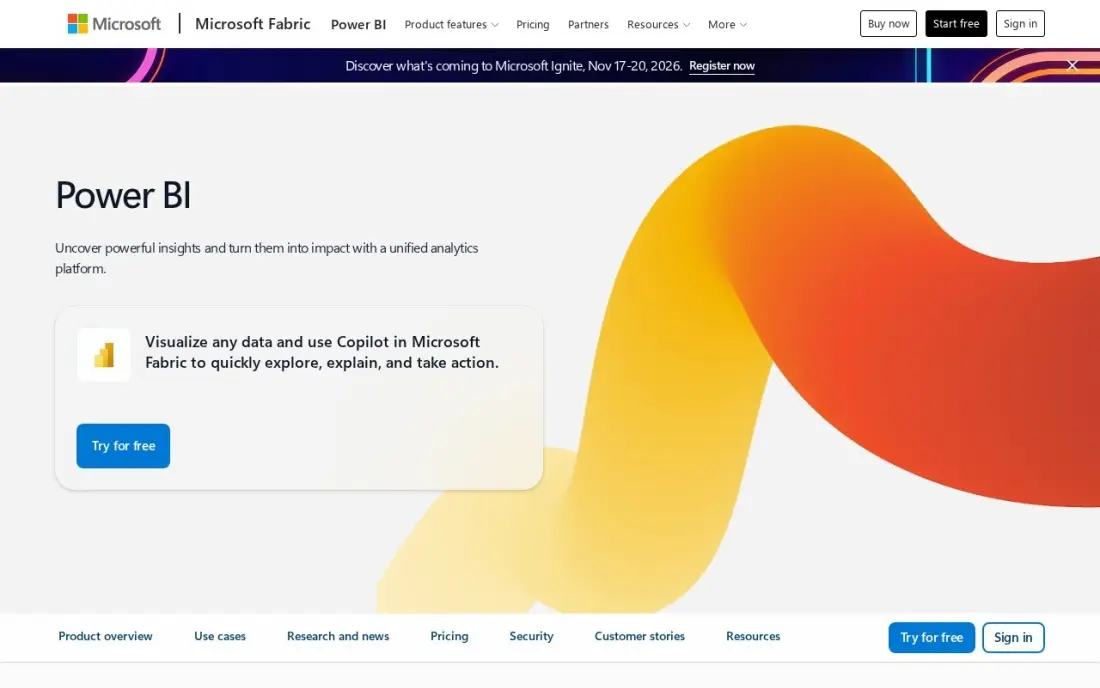
Power BI is not a mapping tool first, but its map visuals put sales, stores or customers on a map inside the same report as the rest of your numbers. For a business already on Microsoft 365, that often answers the mapping question without another subscription, and Copilot in Fabric can build visuals from a plain-language question.
Power BI Desktop is free, and Pro costs $14 per user a month paid yearly; Premium Per User is $24 and unlocks Copilot features. Sharing needs a paid licence for every viewer. It has no territory manager or route planning, so a field team will still want Badger Maps or Maptive.
What we like
- The cheapest published entry here at $14/user/month, with a genuinely free Desktop app
- Copilot in Fabric answers questions and builds visuals inside the tool teams already use
- Deep integration with Microsoft 365, Teams and Azure — including OneLake and Fabric
Watch out for
- Pro rose to $14/user/month — the $10 figure in older roundups is stale
- Sharing and publishing need a paid license for every viewer, not just creators
- Copilot and advanced AI features need Premium Per User at $24/user/month

Tableau
Best for: Data teams that want detailed, interactive map visualisations inside wider analytics
Tableau's maps are among the most flexible in business intelligence: you can layer data, filter by region and drill from a country down to a postcode inside an interactive dashboard. It connects live to most databases and warehouses, which suits a data team mapping large datasets that would not fit in a spreadsheet tool.
Creator licences cost $75 per user a month, billed annually only, and viewers pay $15 a month, so even read-only access is not free. There is no free plan. Like Power BI, it has no territory or route tools. Choose it when maps are one part of a wider analytics job your team already does in Tableau.
What we like
- The deepest charting and formatting controls of any tool here
- A large community and a huge library of templates and how-to content
- Native live connectors to almost every database and warehouse
- Tableau Pulse puts plain-language metric explanations in front of viewers
Watch out for
- Creator licences start at $75 a user a month, so a team of authors adds up fast
- Viewers pay $15 a month, so even read-only seats are not free
- The desktop app and the cloud service have separate learning curves

Mapbox
Best for: Businesses that want custom-branded interactive maps inside their own website or app

Mapbox is for businesses that want a map in their own product: a store locator, a delivery tracker or a property search on the website. Mapbox Studio gives pixel-level control over map design, so the map matches your brand, and geocoding, directions and static-image APIs come from the same platform.
Pricing is pay-as-you-go with a free tier, and at higher volumes map loads cost $2.50 per 1,000 in the one-to-five-million monthly band. Pure usage billing means a traffic spike raises the bill, there is no built-in places database, and you need a developer to build with it. It is not a tool for mapping a customer list.
What we like
- Mapbox Studio gives pixel-level control over map design, so maps match your brand
- Fast vector maps with 3D terrain, plus geocoding, directions and static-image APIs in one platform
- Pay-as-you-go with a free tier, so small products can ship real maps before paying anything
Watch out for
- Pure usage billing means a traffic spike or a misconfigured autocomplete box can raise the bill fast
- There is no built-in places database, so you bring your own location data
- Support plans are sold separately — individual support starts at $50 a month
The best mapping software for business turns a spreadsheet of customers, sites or leads into a map you can act on: where to draw sales territories, where to open the next location, which accounts a rep should visit tomorrow. We compared eight tools, from no-training mapping apps and field sales route planners to desktop GIS, BI map visuals and a developer platform, and every price below comes from the vendor's own pricing page as checked in November 2026.
How to choose the best mapping software for business
- Start with the question you need answered. Territory design, field routes, site selection and customer visualisation each favour a different tool.
- Check who will use it and where. Analysts work at a desk; reps need a phone app with routes and CRM sync.
- Look at data included, not just features. Demographic overlays in Maptive and Maptitude save buying census data separately.
- Count users before you compare prices. BatchGeo charges one flat fee for 10 users; Badger Maps, Power BI and Tableau charge per user.
- Check record and stop limits. Free plans and entry tiers cap records per map or stops per route, and those caps decide the plan.
- Use what you already pay for. If the team lives in Power BI or Tableau, try their maps before adding a new tool.
Mapping your customers often shows where demand is clustered — and the same areas are where you most need to appear in local search. Our guide on how to rank in the map pack covers that side, and our local SEO service handles it for multi-location businesses.
Mapping software for business pricing: what you will actually pay
Take a five-person sales team that wants to map customers and plan territories. Maptive Team covers five users for $2,500 a year billed annually, or $220 a month ($2,640 a year) billed monthly. BatchGeo Pro covers up to ten users for $99 a month, or $1,188 a year, with no demographics. Badger Maps Business costs $58 per user a month billed annually, so five reps pay $290 a month or $3,480 a year; billed monthly at $69 it is $345 a month, or $4,140 a year.
For analysts, Maptitude costs $695 a year per desktop subscription with demographic data included. If the team already has Microsoft 365, Power BI Pro costs $14 per user a month paid yearly — $70 a month for five — while Tableau Creator costs $75 per user a month billed annually. ArcGIS Pro is quoted, and Mapbox bills by usage above its free tier. A one-off territory project can also use Maptive's $250 45-day pass.
Know the difference: business mapping software vs GIS software
Business mapping software is built for people who are not mapping specialists. You upload a spreadsheet, the addresses are geocoded for you, and the tools are the ones a business asks for: territories, heat maps, radius searches, routes and simple demographic overlays. Maptive, BatchGeo, Badger Maps and Maptitude sit here, and most teams are productive on the first day.
GIS software is built for spatial analysts. ArcGIS Pro can model terrain, run network analysis, manage layered datasets and publish maps across an organisation, but it assumes training and usually a dedicated person. Choose GIS when the analysis itself is the product — site studies, utilities or planning — and business mapping software when the map supports a sales, marketing or operations decision.
Quick comparison: tool type by need
| Buyer | Best pick | Why |
|---|---|---|
| All-round business mapping | Maptive | Territories, heat maps, demographics and routing, from $1,250/year |
| Quick shareable maps | BatchGeo | Free up to 250 records, Pro $99/month for 10 users |
| Field sales reps | Badger Maps | Routes and two-way CRM sync, $58/user/month billed annually |
| Analysts on Windows | Maptitude | Demographic data included, $695/year |
| Enterprise GIS teams | ArcGIS Pro | Deepest spatial analysis, quoted licences |
| Microsoft 365 businesses | Power BI | Maps inside dashboards, free Desktop, Pro $14/user/month |
| Data teams | Tableau | Interactive map analytics, Creator $75/user/month |
| Maps in your own website or app | Mapbox | Custom-branded maps, free tier then usage-based |
Mistakes to avoid
- Uploading messy addresses. Clean and standardise addresses before import; bad rows geocode to the wrong place and skew every map.
- Buying GIS for a sales problem. A territory map does not need ArcGIS — business mapping tools do it in an afternoon.
- Ignoring per-user pricing. A tool that looks cheap for one user can cost more than a flat-fee plan once the whole team is added.
- Sharing customer maps publicly. Public map links can expose customer names and addresses; use private sharing for client data.
- Drawing territories once and forgetting them. Re-balance territories as accounts change, or the map stops matching how the team actually sells.
Related comparisons: 3D Mapping Software · Free Wifi Heat Mapping Software · Mapping Software for Commercial Real Estate · CRM for Service Business
How we chose
We checked each vendor's own pricing page in November 2026 and recorded the starting price exactly as shown, including annual and monthly billing where the page lists both. Maptive and Badger Maps were researched directly on their pricing pages on November 16, 2026; the other six come from our verified tools database. We ranked tools by fit for a small or mid-sized business mapping customers, territories or field routes without GIS staff. Ratings come from G2 pages checked on the dates shown in the sources; tools without a rating shown are ones whose review pages we did not read. No vendor paid for a place in this list, and none of the links here are affiliate links.
What to do next
Export your customer list with full addresses, then load it into BatchGeo's free plan or Maptive's 10-day trial and look for clusters and gaps. If the map shows areas where customers are but your business does not show up in local search, book a free local visibility review.
Frequently asked questions
What is the best mapping software for business?
Maptive is the best all-round choice, with territories, heat maps, demographics and routing on every plan from $1,250 a year. BatchGeo is the best for quick shareable maps, with a free plan and Pro at $99 a month for 10 users, and Badger Maps is the best for field sales routes and CRM sync.
Is there free mapping software for business?
BatchGeo has a free plan up to 250 records per map, Power BI Desktop is free, and Mapbox has a usage-based free tier for developers. Badger Maps' Personal plan is free to start as a trial, and Maptive offers a 10-day free trial with no card.
How much does business mapping software cost?
On published prices, BatchGeo Pro costs $99 a month for 10 users, Maptive Pro $1,250 a year or $110 a month for one user, Badger Maps Business $58 per user a month billed annually, Maptitude $695 a year and Power BI Pro $14 per user a month paid yearly. ArcGIS Pro commercial licences are quoted.
What mapping software is best for sales territories?
Maptive includes a territory manager on every plan, and Maptitude includes territory tools with demographic data on Windows. Badger Maps adds territory alignment as a paid add-on and is stronger for reps planning daily routes.
Can I use Google Maps for business mapping?
For a handful of locations, yes. Once you need to map a spreadsheet of hundreds of customers, colour them by segment or draw territories, a business mapping tool is faster — BatchGeo builds on Google Maps and keeps the same look.
Do I need GIS software like ArcGIS?
Only if you need deep spatial analysis or have GIS staff. Most sales, marketing and operations teams get what they need from Maptive, BatchGeo or Badger Maps, which need no GIS training.
Sources we checked (11)
- Maptive — maptive.com/pricing (checked November 16, 2026)
- BatchGeo — www.batchgeo.com/pricing (checked November 8, 2026)
- BatchGeo reviews on G2 (checked November 8, 2026)
- Badger Maps — badgermapping.com/pricing (checked November 16, 2026)
- Maptitude — www.caliper.com/Maptitude/BusinessMap (checked November 10, 2026)
- Maptitude reviews on G2 (checked November 10, 2026)
- ArcGIS Pro — www.esri.com/en-us/arcgis/products/arcgis-pro/overview (checked November 10, 2026)
- Power BI — www.microsoft.com/en-us/power-platform/products/power-bi/pricing (checked November 10, 2026)
- Tableau — www.tableau.com/en-gb/pricing/cloud (checked November 12, 2026)
- Tableau reviews on G2 (checked November 12, 2026)
- Mapbox — www.mapbox.com/pricing (checked November 10, 2026)
Make one of these tools?
We re-check this list every quarter. Send a correction, request a review, or ask about a clearly labeled sponsored spot.
Request a listingShamim
Founder of SerpAstra
A full-stack digital marketer and SEO strategist covering technical and local SEO, AI search visibility, paid ads and lead generation for local businesses, e-commerce brands and SaaS teams.
Free SEO and AI visibility audit
Find out what is holding your rankings back
Send us your site. Within 2 business days you get a written audit, an AI visibility check and a short fix list ranked by impact. Free, with no contract attached.
Request my free audit→Related buying guides
 Real Estate & Property Management9 Best Mapping Software for Commercial Real Estate in 2026, ComparedCompare the 9 best mapping software for commercial real estate on price, demographics, foot traffic and free plans, with every price checked November 8, 2026.Read guide →
 CAD, GIS & EngineeringBest Geospatial Software for 2026: 10 Options Compared by Use CaseBest geospatial software compared by use case: 10 options with real 2026 prices, free plans and ratings, from free QGIS to enterprise ArcGIS Pro.Read guide →
 Data, Analytics & AI12 Best Data Visualization Platforms for Analytics in 2026, ComparedCompare the 12 best data visualization platform for analytics options on price, free plans and AI features, with prices checked November 12, 2026.Read guide →