
8 Best Meeting Collaboration Software in 2026, Compared
Compare the 8 best meeting collaboration software for AI notes, shared agendas, whiteboards and async video, on free plans, limits and real cost per user.
 Shamim Mia, Founder, SerpAstraLast verified November 2, 20268 min read
We compare pricing pages, documentation and public reviews. We never accept payment for rankings.
Key takeaways
- Fellow is the best meeting collaboration software for teams that want shared notes, AI recaps and action items, from $7 a user a month billed annually.
- Otter.ai and Fireflies.ai are the pick for AI transcripts and searchable meeting records; both have free plans, with paid seats from $8.33 and $10 a month billed annually.
- Zoom Workplace and Microsoft Teams already bundle AI summaries and whiteboards, so check what your meeting app includes before buying a second tool.
- Miro and Loom cover the parts of meetings that notes miss: live visual workshops and async video that replaces status calls.
On this page
Quick comparison
| Tool | Best for | Starting price | Free plan |
|---|---|---|---|
| Fellow | Managers and teams that want shared meeting notes, AI recaps and tracked action items | $7/user/mo (annual) | Yes (5 seats) |
| Otter.ai | Individuals and small teams that want live transcripts and searchable meeting notes | $8.33/user/mo (annual) | Yes (300 min/mo) |
| Fireflies.ai | Teams that want AI meeting notes, transcripts and integrations at a low per-seat price | $10/seat/mo (annual) | Yes (free forever) |
| Avoma | Sales and customer teams that want meeting notes and call insights synced to the CRM | $19/mo (annual) | No (14-day trial) |
| Zoom Workplace | Teams that want meetings, AI summaries, whiteboard and chat in one app | $16.99/mo | Yes (free plan) |
| Microsoft Teams | Microsoft 365 businesses that want meetings, chat and files in one place | $4/mo (annual) | Yes (free plan) |
| Miro | Remote teams that run workshops, retrospectives and planning sessions on a shared board | $10/mo | Yes (free plan) |
| Loom | Remote teams that want to replace status meetings with short async videos | $15/mo (annual) | Yes (25 videos) |
Make one of these tools?
We re-check this list every quarter. Send a correction, request a review, or ask about a clearly labeled sponsored spot.
Request a listingThe best meeting collaboration software

Fellow
Best for: Managers and teams that want shared meeting notes, AI recaps and tracked action items
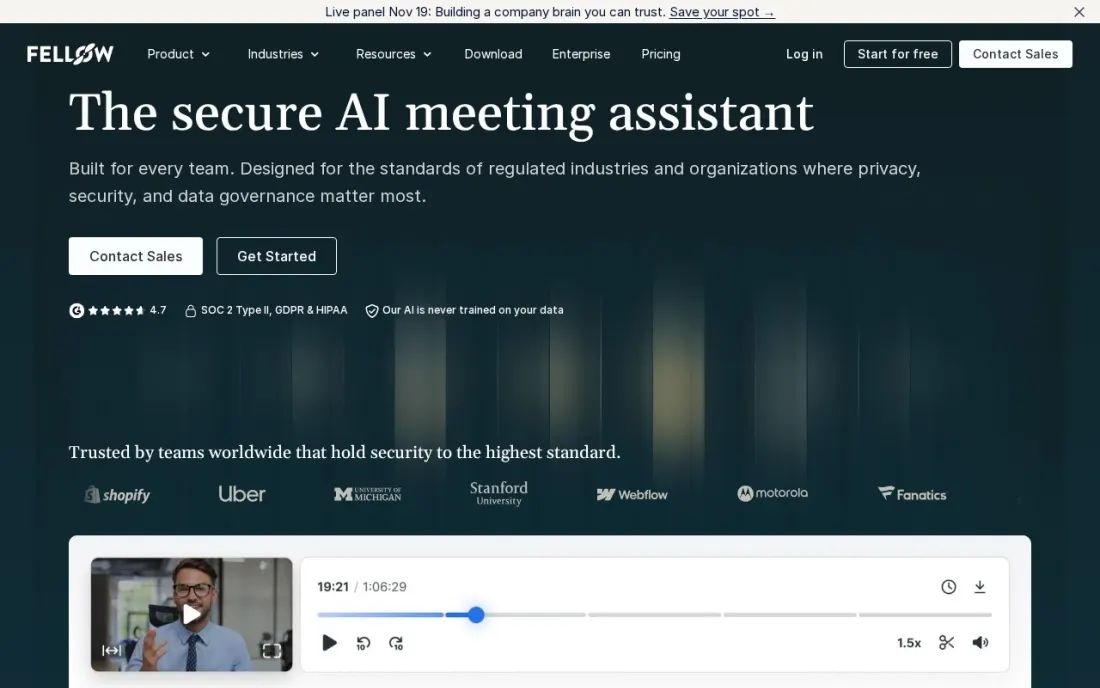
Fellow is built around the meeting itself rather than the call: notes, AI summaries, transcripts and action items sit in one shared place, so everyone sees what was decided and who owns the next step. It works across Zoom, Google Meet and Microsoft Teams, and Ask Fellow lets you query past meetings.
Team costs $7 a user a month billed annually, or $11 monthly, with 10 AI notes and recordings per user a month and integrations with project tools, Confluence and Notion. Business at $15 billed annually, or $23 monthly, removes the AI limits and adds CRM sync. The free plan covers five seats but only five lifetime AI notes each.
What we like
- AI summaries, transcription and action items work with Zoom, Google Meet and Microsoft Teams
- Team adds meeting automations and integrations with project tools, Confluence and Notion
- Business adds unlimited AI notes and recordings plus Salesforce and HubSpot sync
Watch out for
- The free plan's AI notes and recordings are a lifetime allowance of 5 per user
- Team allows only 10 AI notes and 10 recordings per user a month
- Team caps at 20 seats and Business at 50

Otter.ai
Best for: Individuals and small teams that want live transcripts and searchable meeting notes
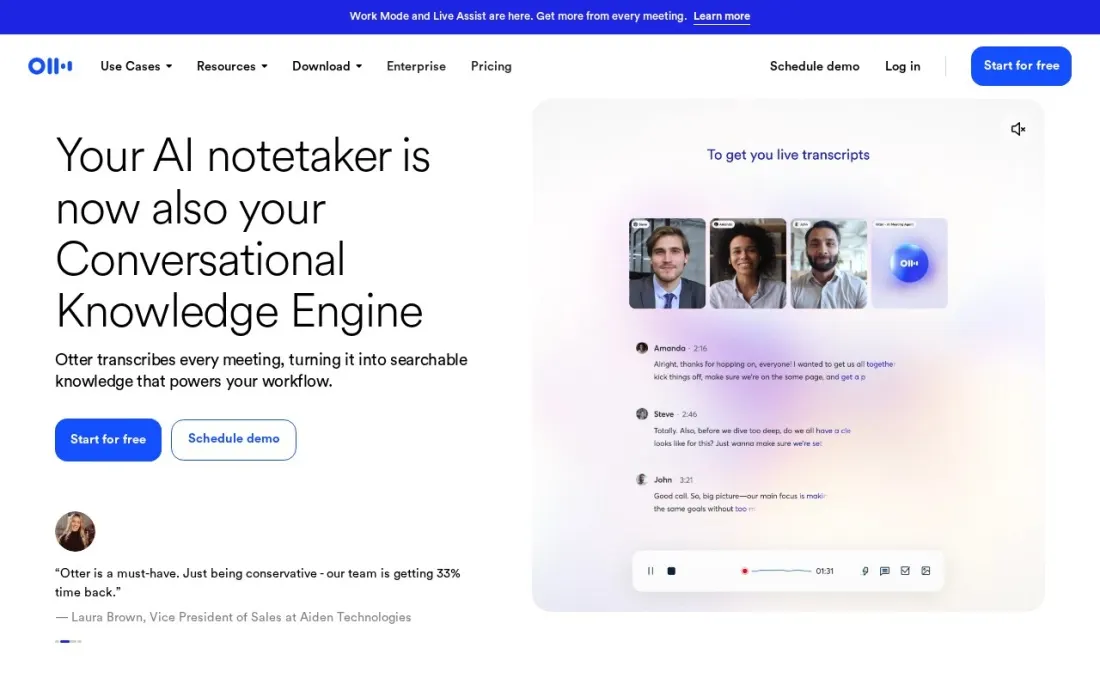
Otter.ai is the transcript-first option. It joins Zoom, Teams and Google Meet calls, writes a live transcript with speaker names, and lets you ask its AI chat what was agreed. The free Basic plan gives 300 transcription minutes a month, but each conversation stops at 30 minutes and only the 25 most recent are kept.
Pro costs $8.33 a user a month billed annually, or $16.99 monthly, with 1,200 minutes, meetings up to 90 minutes, unlimited storage and CRM integrations. Business at $19.99 billed annually, or $30 monthly, allows four-hour meetings, three concurrent meetings and admin analytics. Discounted prices on the page apply only to India-issued cards.
What we like
- Live transcription with speaker identification on Zoom, Microsoft Teams and Google Meet
- Free Basic plan includes 300 transcription minutes a month and mobile apps
- Pro adds Salesforce, HubSpot and Zapier integrations and unlimited storage
Watch out for
- Free conversations stop at 30 minutes, and only the 25 most recent are kept
- Pro meetings run up to 90 minutes; longer meetings need Business
- Business costs $19.99 a user a month billed annually, or $30 monthly

Fireflies.ai
Best for: Teams that want AI meeting notes, transcripts and integrations at a low per-seat price
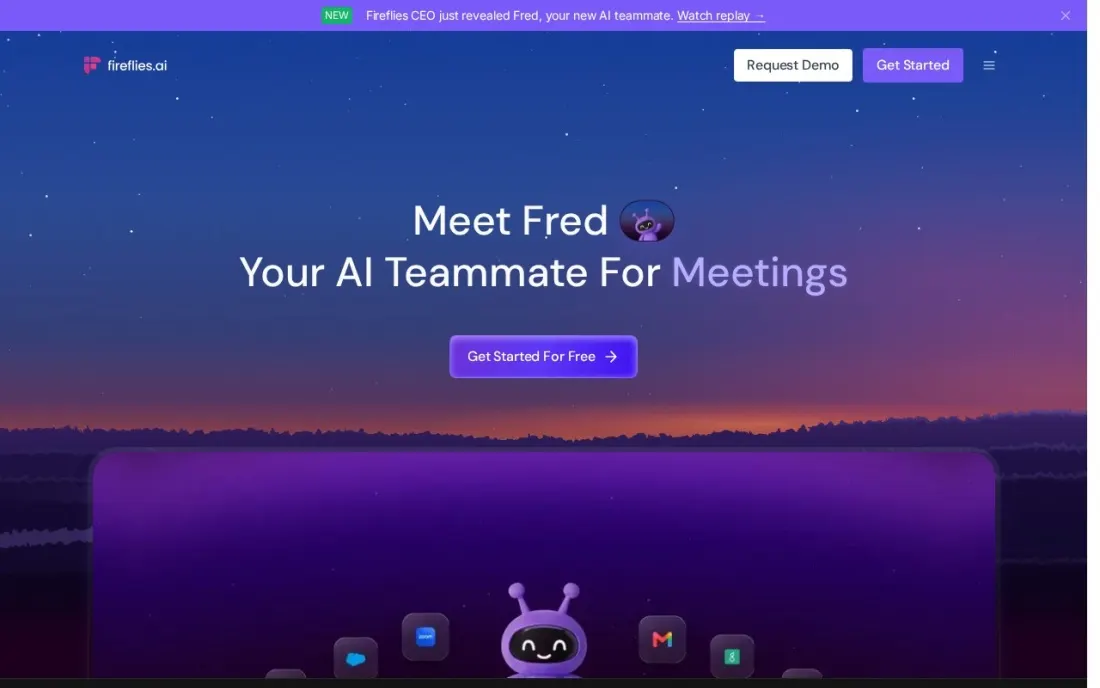
Fireflies.ai records and transcribes meetings in more than 100 languages, then writes summaries and action items you can search later with its AskFred assistant. It works across Zoom, Google Meet and Teams, plus desktop, mobile and a Chrome extension, and pushes notes into your other tools.
Pro costs $10 a seat a month billed annually, with unlimited AI summaries, video recording and 8,000 minutes of storage per seat. Business at $19 a seat billed annually adds unlimited storage, conversation intelligence and team analytics. The free plan is generous on transcription but stores only 400 minutes for the whole team.
What we like
- Transcription in more than 100 languages across Zoom, Google Meet and Teams
- Pro includes unlimited AI summaries, video recording and downloads, and unlimited integrations
- Business adds unlimited storage, conversation intelligence and team analytics
Watch out for
- The free plan has only 400 minutes of team storage and limited AI summaries
- The pricing page does not state a monthly-billing price for paid plans
- Recordings are capped at 2 hours on Free and Pro

Avoma
Best for: Sales and customer teams that want meeting notes and call insights synced to the CRM
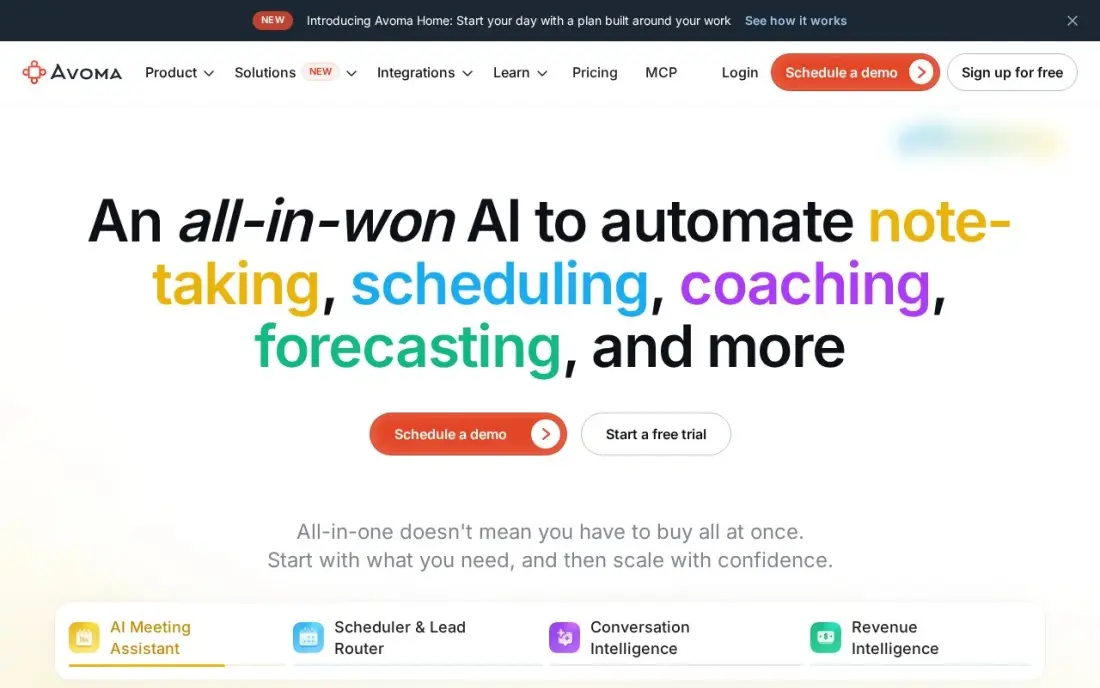
Avoma is the meeting collaboration tool for customer-facing teams. It records and transcribes calls, writes AI notes and syncs them to Salesforce and HubSpot, and only the people who record need paid seats, so managers and colleagues can review meetings for free. Its G2 rating rests on more than 1,300 reviews.
Startup costs $19 a recorder seat a month billed annually, or $29 monthly, with unlimited transcription. The Conversation Intelligence add-on at $29 a seat adds call scoring, so a rep who needs it pays $48 on annual billing. Reviewers report the recorder sometimes joins late or drops.
What we like
- Published pricing from $19/seat/month billed annually, and only recorder seats are paid — view-only collaborators are free
- Unlimited transcription and AI-generated notes on every plan, with CRM sync to Salesforce and HubSpot
- Conversation Intelligence add-on ($29/seat/month) adds AI call scoring with MEDDIC, SPICED and custom scorecards
Watch out for
- Conversation intelligence costs extra — a rep who needs call scoring pays $19 plus $29/seat/month on annual billing
- Reviewers report the recorder sometimes joins late or drops mid-call
- Transcription accuracy drops with background noise or crosstalk, per G2 reviewers

Zoom Workplace
Best for: Teams that want meetings, AI summaries, whiteboard and chat in one app
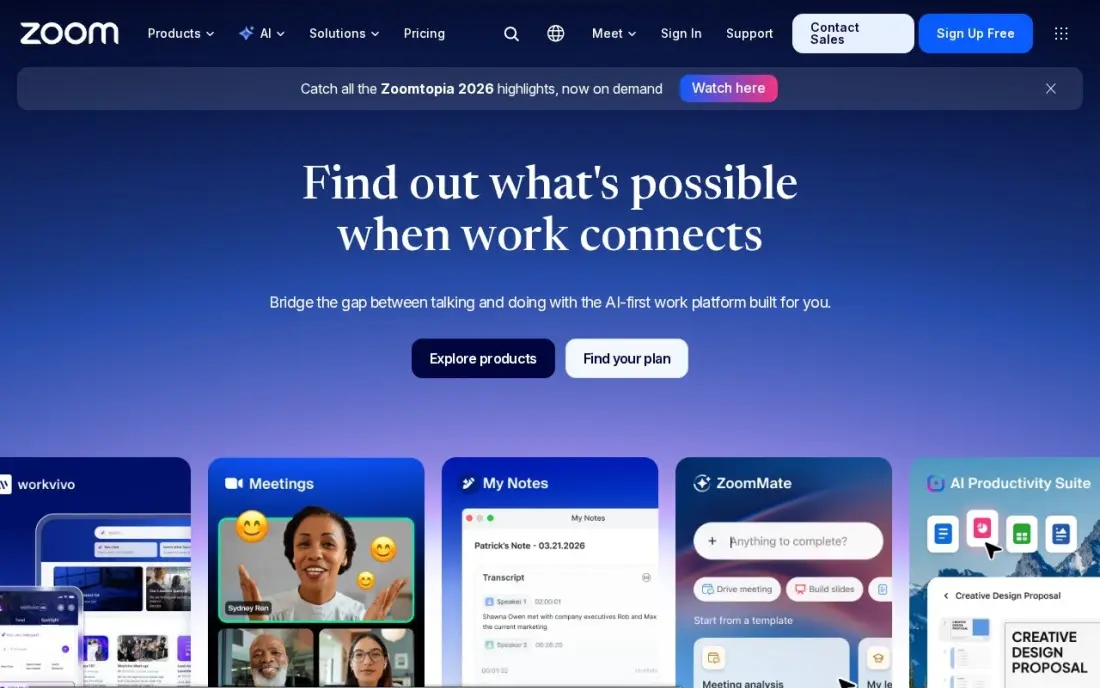
If your meetings already run on Zoom, Workplace Pro may cover most collaboration needs without another tool. It adds unlimited AI meeting summaries, AI document creation and 10 GB of cloud recording per user, with Team Chat, a whiteboard and a scheduler in the same app, and 30-hour meetings for 100 participants.
Pro costs $14.16 a user a month billed annually, or $16.99 monthly, and every host needs a licence. The free Basic plan limits group meetings to 40 minutes. It has no task manager or project board, so action items still need a home elsewhere.
What we like
- The most reliable video in this list, with 30-hour meetings for 100 participants on Pro
- Pro adds unlimited meeting summaries, unlimited AI document creation and 10 GB of cloud recording per user
- Team Chat, whiteboard, scheduler and mail sit in the same app, so meetings need no second tool
- The free Basic plan covers 100 participants, so a team can test real meetings before paying
Watch out for
- Pro is the dearest entry price in this list at $16.99 a user a month billed monthly
- Zoom raised Pro from $14.99 to $16.99 a month, so older guides understate the price
- Only hosts need a Pro licence, but every host on the team needs one, so the bill grows with every meeting organiser

Microsoft Teams
Best for: Microsoft 365 businesses that want meetings, chat and files in one place
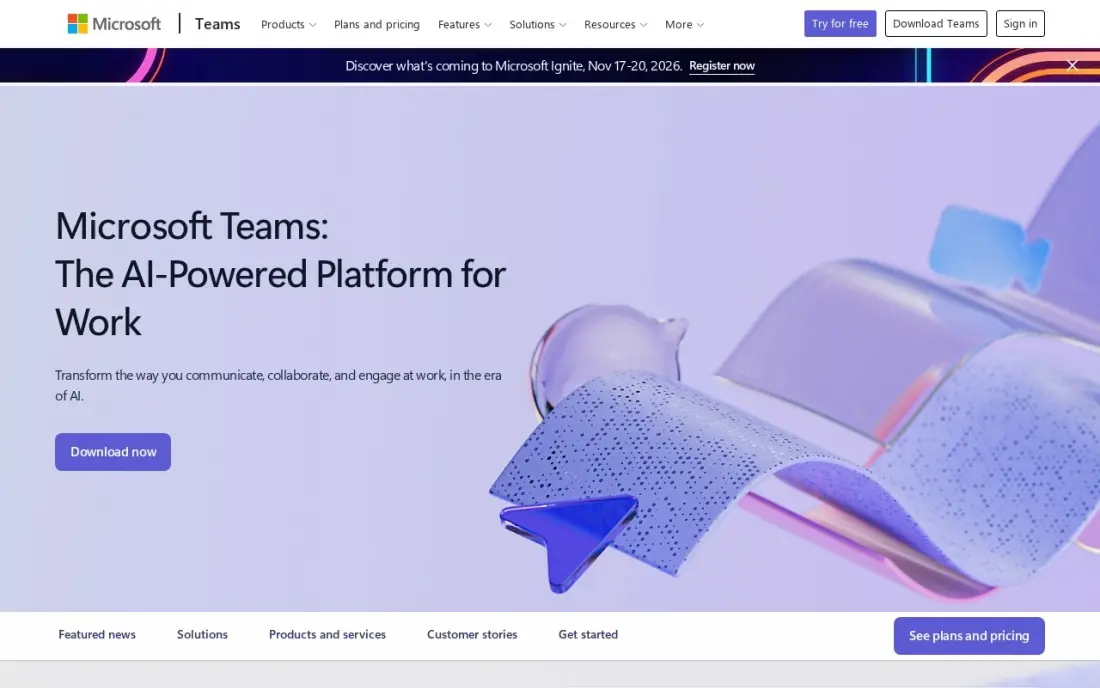
Microsoft Teams puts meetings, chat and shared files in one window, which keeps meeting follow-up close to the documents being discussed. Teams Essentials includes group meetings up to 30 hours for 300 people, with recordings and transcripts, and the free plan covers unlimited chat and 60-minute group meetings.
Essentials costs $4 a user a month billed annually, with no monthly price published, and Microsoft 365 Business Basic at $7 adds email and web Office apps. Copilot, which writes meeting recaps, is a paid add-on. New users can take time to find their way around.
What we like
- The cheapest paid start in this list at $4 a user a month on annual billing
- Comes with Microsoft 365 Business Basic at $7 a user a month, adding business email, 1 TB of storage and web Office apps
- Group meetings run up to 30 hours for 300 people on Essentials, with recordings and transcripts
- The free plan covers unlimited chat and 60-minute group meetings, so a team can try it for real before paying
Watch out for
- Teams Essentials has no business email — that needs the $7 Business Basic bundle
- Copilot AI is a paid add-on, not included in Essentials or Business Basic
- The interface packs chat, files, apps and meetings into one window, and new users take time to find things

Miro
Best for: Remote teams that run workshops, retrospectives and planning sessions on a shared board
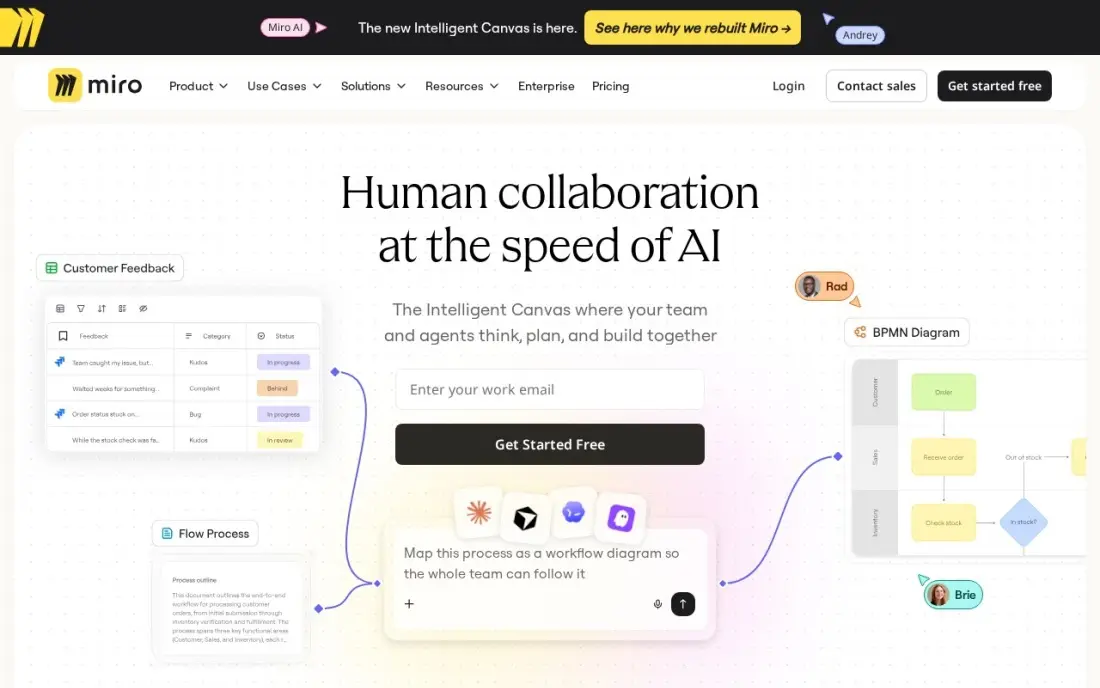
Miro covers the meetings where people need to think together on a canvas: brainstorms, retrospectives, journey maps and sprint planning. Timers, voting and Talktracks turn a board into a run workshop, and integrations with Zoom, Slack, Jira and Asana let the output feed into the rest of your work.
Starter costs $8 a member a month billed annually, or $10 monthly, with unlimited and private boards and visitor editing. The free plan stops at three editable boards, and Business at $20 a member billed annually adds SSO. Large boards get messy without a facilitator.
What we like
- The deepest template library for retrospectives, journey maps, sprint planning and workshops
- Starter unlocks unlimited boards, private boards, visitor editing and high-resolution exports
- Thousands of integrations connect Miro to Jira, Asana, Slack, Zoom and more
- Timer, voting and Talktracks turn a board into a run workshop, not just a drawing
Watch out for
- The free plan stops at 3 editable boards, so active teams hit the limit fast
- Business costs $20 a member a month billed annually, two and a half times Starter, for SSO and deeper integrations
- Boards get messy at scale without a facilitator, and finding one sticky note in a huge board is slow

Loom
Best for: Remote teams that want to replace status meetings with short async videos
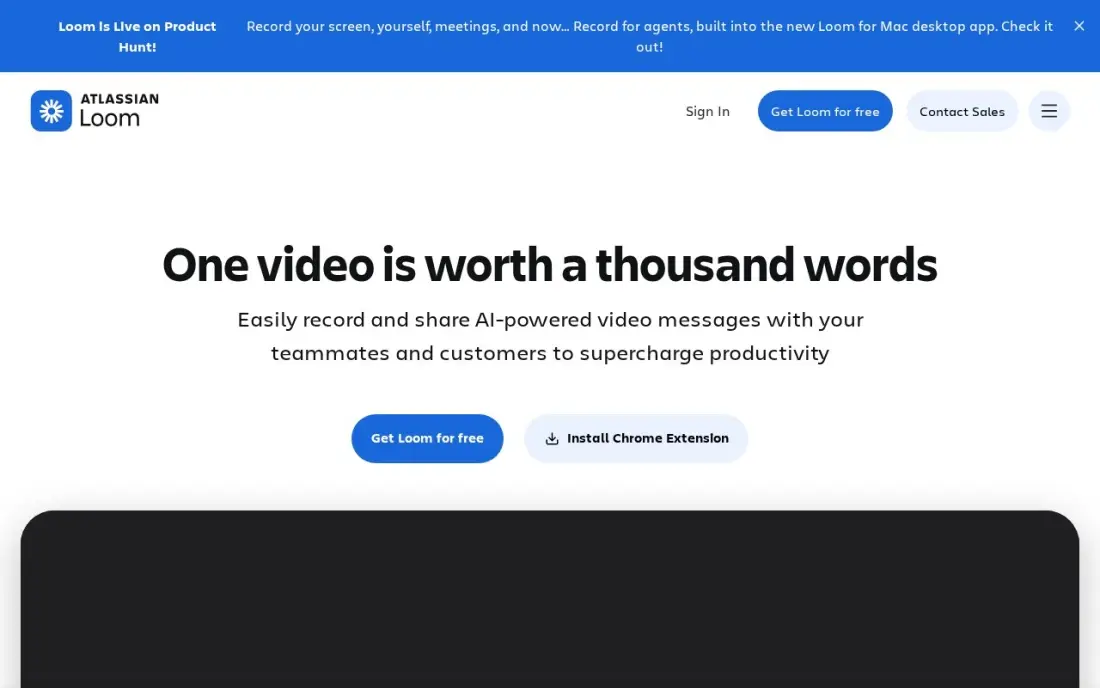
Loom collaborates by removing meetings. Instead of a status call, you record a screen-and-camera update, share a link and teammates watch, comment and react in their own time. Only creators need paid seats, so a manager can send updates to a whole team for the price of one licence.
Business costs $15 a user a month billed annually, or $18 monthly, with unlimited videos and recording length. Full AI features such as summaries and chapters need Business + AI at $24 billed monthly. The free plan caps recordings at five minutes and 25 videos per person.
What we like
- Unlimited videos and unlimited recording length on Business, with 4K recording
- Only creators need paid seats; viewers watch, comment and react for free
- Custom branding, trim and stitch editing, engagement insights and password protection included
- Recordings upload automatically and share by link, so there is no file to attach or host
Watch out for
- Full AI features (summaries, chapters, filler removal) need Business + AI at $24 a user a month billed monthly
- Only the people who record videos need paid seats, but annual billing now uses fixed user tiers
- The free Starter plan caps recordings at 5 minutes and 25 videos per person
The best meeting collaboration software makes sure a meeting ends with a shared record: what was decided, who owns each next step and where the notes live. We compared eight tools across four jobs: AI notes and action items, transcripts, visual workshops and async video that replaces meetings, plus the collaboration features now built into Zoom and Microsoft Teams. Every price below was checked on the vendor's own pricing page in November 2026.
How to choose the best meeting collaboration software
- Check what your meeting app already includes. Zoom Workplace Pro has AI summaries and a whiteboard, and Teams records and transcribes, so buy a second tool only for what is missing.
- Decide what the record is for. Managers need action items with owners; sales teams need notes in the CRM; researchers need full transcripts.
- Read the AI limits, not just the price. Monthly caps on AI notes, recording minutes and meeting length vary widely and decide whether a plan is usable.
- Count who records and who only reads. Avoma and Loom charge only creators, which is far cheaper for teams where most people just review.
- Make sure it works across your meeting apps. If clients use Zoom and your team uses Teams, choose a notetaker that joins both.
- Agree on recording consent. Set a rule for telling attendees, especially on external calls, before the bot starts joining every meeting.
Fewer, better meetings free time for growth work. If one of the recurring agenda items is why the website is not bringing in leads, our monthly SEO service handles that work, and our guide to the best online meeting platforms covers the video call side.
Meeting collaboration software pricing: what you will actually pay
Take a team of ten on annual billing. Fellow Team costs $7 a user, or $70 a month, but allows 10 AI notes per user a month; Business, with unlimited notes, costs $15 a user, or $150. Otter.ai Pro costs $8.33 a user, or $83.30 a month, and Fireflies.ai Pro $10 a seat, or $100. Avoma Startup costs $19 a recorder seat, so if only four people record, the bill is $76 a month.
If the team already pays for Zoom Workplace Pro at $14.16 a user, or $141.60 a month, AI summaries are already included. Miro Starter adds $8 a member, or $80 a month, for workshop boards, and Loom Business adds $15 a creator. Monthly billing raises most of these prices: Fellow Team rises to $11 a user and Otter.ai Pro to $16.99.
Know the difference: meeting notes tools vs meeting platforms
A meeting platform, such as Zoom Workplace or Microsoft Teams, runs the call itself: video, audio, screen sharing, chat and recording. Both now add AI summaries and transcripts, so for many teams the platform alone produces a usable record of each meeting.
A meeting notes tool, such as Fellow, Otter.ai, Fireflies.ai or Avoma, sits on top of the platform. It joins calls on Zoom, Meet or Teams, writes the notes and pushes action items into project tools or a CRM. The value is consistency: one place for every meeting's decisions, whichever app hosted it, with search across months of calls.
Quick comparison: tool type by need
| Buyer | Best pick | Why |
|---|---|---|
| Shared notes and action items | Fellow | AI recaps and tracked actions from $7/user/month yearly |
| Live transcripts | Otter.ai | 300 free minutes a month, Pro $8.33/user/month yearly |
| Low-cost AI notetaker | Fireflies.ai | Unlimited AI summaries on Pro at $10/seat/month yearly |
| Sales and customer calls | Avoma | CRM-synced notes, only recorders pay, $19/seat/month |
| Zoom-first teams | Zoom Workplace | AI summaries, whiteboard and chat in one app |
| Microsoft 365 businesses | Microsoft Teams | Meetings, chat and files from $4/user/month yearly |
| Workshops and retrospectives | Miro | Shared boards with timers and voting, $8/member/month |
| Fewer status meetings | Loom | Async video updates, only creators pay |
Mistakes to avoid
- Buying a notetaker your meeting app already includes. Check Zoom and Teams features first, then pay only for the gap.
- Letting bots join without warning. Announce the notetaker in the invite and at the start of the call, and turn it off for sensitive conversations.
- Collecting notes nobody reads. Send action items to the tool where work is tracked, or the summary becomes another unread email.
- Ignoring meeting length limits. Free and entry plans cap conversations at 30 minutes to 2 hours, which cuts off workshops and long reviews.
- Replacing every meeting with video. Async updates work for status; decisions and disagreements still go faster live.
Related comparisons: Online Meeting Platforms · Video Collaboration Software · Collaboration Software for Small Business · Meeting Room Booking Software
How we chose
We checked each vendor's own pricing page in November 2026 and recorded prices exactly as shown, with annual and monthly billing stated where both are listed. We grouped the tools by the meeting job they do best and compared AI limits, free plans, who needs a paid seat and the monthly cost for a ten-person team. Ratings come from G2 pages checked on the dates shown in the sources where we checked one. No vendor paid for a place in this list, and none of the links here are affiliate links.
What to do next
List your team's recurring meetings, pick the one with the worst follow-up and run a notetaker or shared-notes tool on it for two weeks, checking whether action items actually close. If marketing is one of those meetings, book a free SEO consultation.
Frequently asked questions
What is the best meeting collaboration software?
Fellow is the best meeting collaboration software for shared notes, AI recaps and action items, from $7 a user a month billed annually. Otter.ai and Fireflies.ai are best for AI transcripts, Miro for visual workshops and Loom for replacing meetings with async video.
What does meeting collaboration software do?
It helps a team prepare for, run and follow up on meetings: shared agendas and notes, AI transcripts and summaries, action items with owners, whiteboards for live work and searchable records of past decisions.
Is there free meeting collaboration software?
Yes. Fellow is free for up to five seats with limited AI notes, Otter.ai's Basic plan gives 300 transcription minutes a month, Fireflies.ai has a free plan, Miro allows three free boards and Loom's free plan covers 25 short videos.
How much does an AI meeting assistant cost?
On annual billing, Fellow Team costs $7 a user a month, Otter.ai Pro $8.33, Fireflies.ai Pro $10 and Avoma Startup $19 a recorder seat. Monthly billing costs more: Fellow Team is $11 and Otter Pro $16.99.
Do I need a meeting assistant if I use Zoom or Teams?
Not always. Zoom Workplace Pro includes unlimited AI meeting summaries, and Teams includes recordings and transcripts. A separate tool such as Fellow or Fireflies adds value when you need action items tracked across meetings, CRM sync or one tool across several meeting apps.
Is it legal to record meetings with an AI notetaker?
Recording rules vary by country and state, and some require every participant's consent. Tell attendees when a notetaker joins, and check your local rules and company policy before recording external calls.
Sources we checked (9)
- Fellow — fellow.ai/pricing (checked November 16, 2026)
- Otter.ai — otter.ai/pricing (checked November 16, 2026)
- Fireflies.ai — fireflies.ai/pricing (checked November 16, 2026)
- Avoma — www.avoma.com/pricing (checked November 2, 2026)
- Avoma reviews on G2 (checked November 2, 2026)
- Zoom Workplace — zoom.us/pricing (checked November 10, 2026)
- Microsoft Teams — www.microsoft.com/en-us/microsoft-teams (checked November 10, 2026)
- Miro — miro.com/pricing (checked November 10, 2026)
- Loom — www.loom.com/pricing (checked November 10, 2026)
Make one of these tools?
We re-check this list every quarter. Send a correction, request a review, or ask about a clearly labeled sponsored spot.
Request a listingShamim
Founder of SerpAstra
A full-stack digital marketer and SEO strategist covering technical and local SEO, AI search visibility, paid ads and lead generation for local businesses, e-commerce brands and SaaS teams.
Free SEO and AI visibility audit
Find out what is holding your rankings back
Send us your site. Within 2 business days you get a written audit, an AI visibility check and a short fix list ranked by impact. Free, with no contract attached.
Request my free audit→Related buying guides
 Communication & Community7 Best Online Meeting Platforms in 2026, ComparedCompare the 7 best online meeting platforms on time limits, participant caps, free plans and real per-user cost, with every price checked on vendor pages.Read guide →
 Productivity & Office10 Best Collaboration Software for Small Business in 2026, ComparedCompare the 10 best collaboration software for small business options on price, free plans, chat and project tools, with every price checked November 10, 2026.Read guide →
 Customer Service8 Best Speech Analytics Software in 2026, Compared8 best speech analytics software compared on price, call coverage and QA depth. Only one publishes a price — the rest are custom quotes. Checked Nov 2, 2026.Read guide →