
8 Best Video Collaboration Software in 2026, Compared
Compare the 8 best video collaboration software for review, approval and live sessions, on frame-accurate comments, storage, seats and real monthly cost.
 Shamim Mia, Founder, SerpAstraLast verified November 5, 20268 min read
We compare pricing pages, documentation and public reviews. We never accept payment for rankings.

Key takeaways
- Frame.io is the best video collaboration software for most editing teams: a free plan for 2 members, Pro at $15 a member a month and Team at $25, with 2TB to 3TB of storage included.
- Wipster is the value pick for teams with many reviewers: reviewers are always unlimited and Team costs $19.95 a user a month billed annually.
- Teams already paying for Dropbox can add Replay for $10 a user a month billed annually instead of buying a separate review tool.
- Evercast is for live, real-time editing sessions, not async review, and starts from $599 a month per room on commitment.
On this page
Quick comparison
| Tool | Best for | Starting price | Free plan |
|---|---|---|---|
| Frame.io | Editing teams that want frame-accurate review with storage and Adobe workflows built in | Free; Pro $15/member/mo | Yes (2 members) |
| Wipster | Marketing and brand teams that collect video feedback from many outside reviewers | $9.95/mo (annual) | No (free trial) |
| Dropbox Replay | Teams already storing video in Dropbox that want review and approval without another vendor | $10/user/mo add-on | Limited |
| Evercast | Post-production teams that need real-time, low-latency editing sessions with remote clients | From $599/mo per room | No |
| Filestage | Agencies and marketing teams that review video alongside images, PDFs and websites | $199/mo | Yes (free plan) |
| Ziflow | Creative operations teams that need multi-stage video approvals with an audit trail | $199/mo | Yes (free plan) |
| Vimeo | Small teams that want video hosting and time-stamped review in one subscription | $20/mo | Yes (free plan) |
| Loom | Remote teams that collaborate through quick screen and camera videos instead of meetings | $15/mo (annual) | Yes (25 videos) |
Make one of these tools?
We re-check this list every quarter. Send a correction, request a review, or ask about a clearly labeled sponsored spot.
Request a listingThe best video collaboration software

Frame.io
Best for: Editing teams that want frame-accurate review with storage and Adobe workflows built in
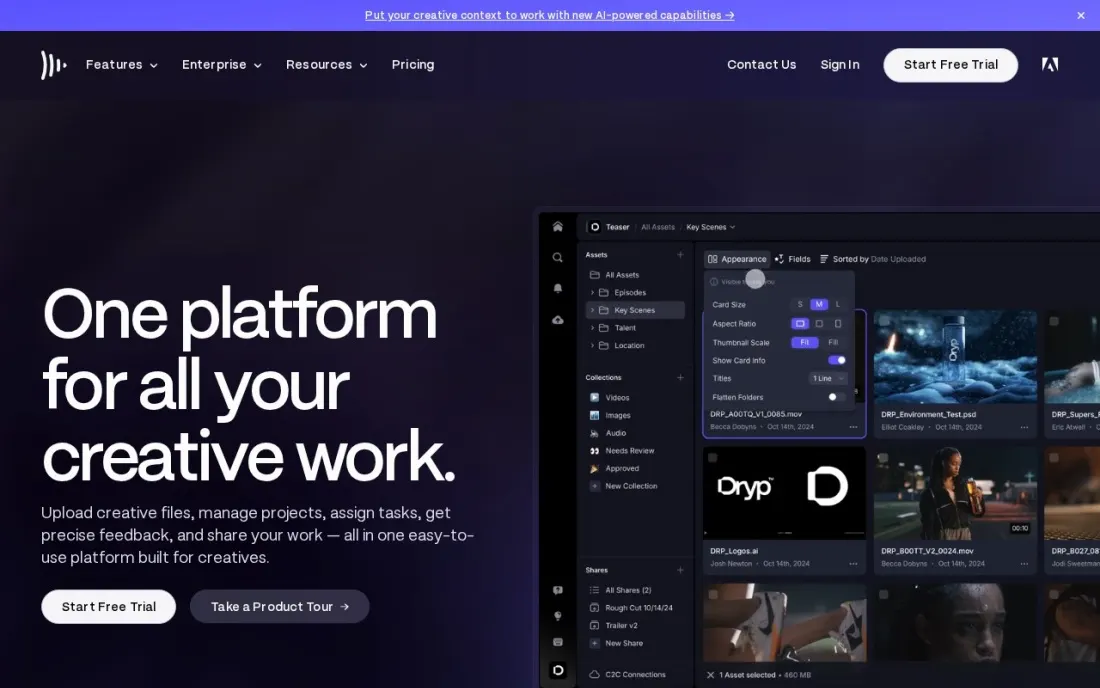
Frame.io is the default review tool for many editors: reviewers leave comments on the exact frame, versions stack on the same asset and share links can be branded, passphrase-protected and set to expire. Camera to Cloud and transcription with captions are on every plan, and the free plan covers 2 members, 2 projects and 2GB.
Pro costs $15 a member a month for up to 5 members, with 2TB of storage plus 2TB per extra member. Team costs $25 a member a month for up to 15, with 3TB included, restricted projects and internal comments. Annual billing saves 13 percent. Beyond 15 users, SSO, watermarking and DRM need Enterprise.
What we like
- Pro includes 2TB of storage plus 2TB per additional member, for up to 5 members
- Custom-branded, passphrase-protected and expiring share links on Pro
- Camera to Cloud and transcription with captions on every plan, including Free
Watch out for
- Pro stops at 5 members and Team at 15; more needs a custom Enterprise plan
- Restricted projects and internal comments wait for Team
- SSO, forensic watermarking and DRM are Enterprise features

Wipster
Best for: Marketing and brand teams that collect video feedback from many outside reviewers
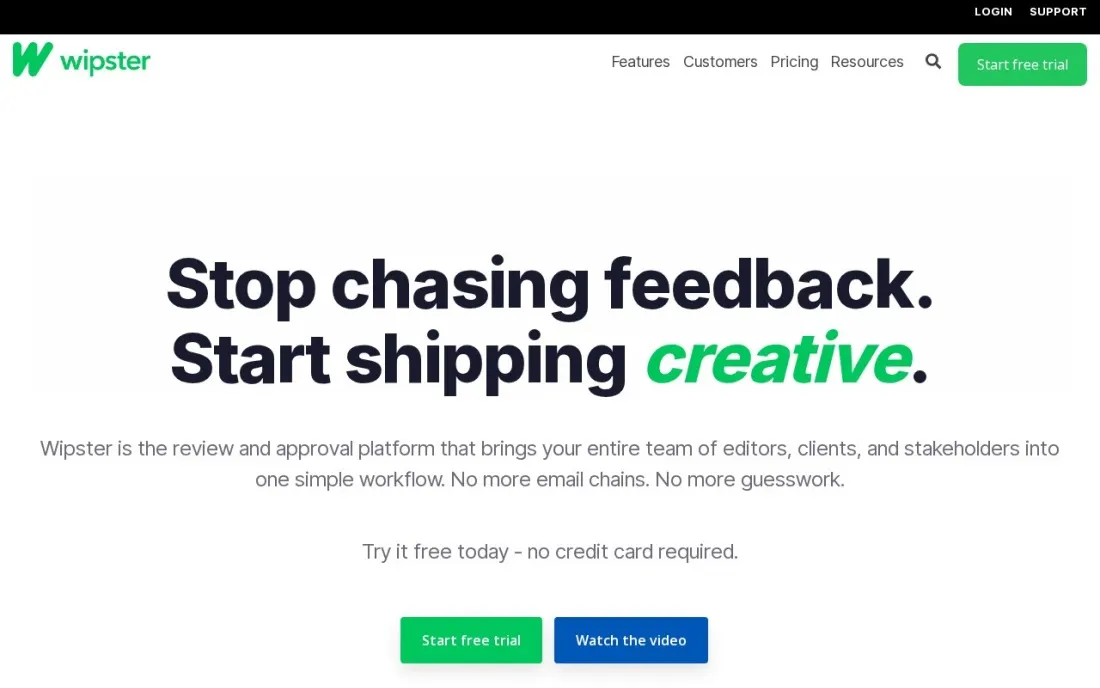
Wipster keeps video review simple for teams that send cuts to clients, legal and brand reviewers. Reviewers are always unlimited, sharing and projects are unlimited on every plan, and Team adds closed captions, variable playback speed, custom branding and team-only comments so internal notes stay hidden from clients.
Light costs $9.95 a month billed annually, or $11.95 monthly, with 50GB of storage for occasional use. Team costs $19.95 a user a month billed annually, or $25 monthly, with no user limit, storage from 250GB and the Wipster API. Enterprise adds SSO and an SLA. A free trial needs no credit card.
What we like
- Reviewers are always unlimited, so clients never need a seat
- Team has no user limit and adds captions, custom branding, team-only comments and an API
- Unlimited sharing and projects with HD playback on every plan
Watch out for
- Light includes only 50GB of storage for a single team
- Team storage starts at 250GB, with add-ons beyond that
- SSO and org-level administration need Enterprise

Dropbox Replay
Best for: Teams already storing video in Dropbox that want review and approval without another vendor
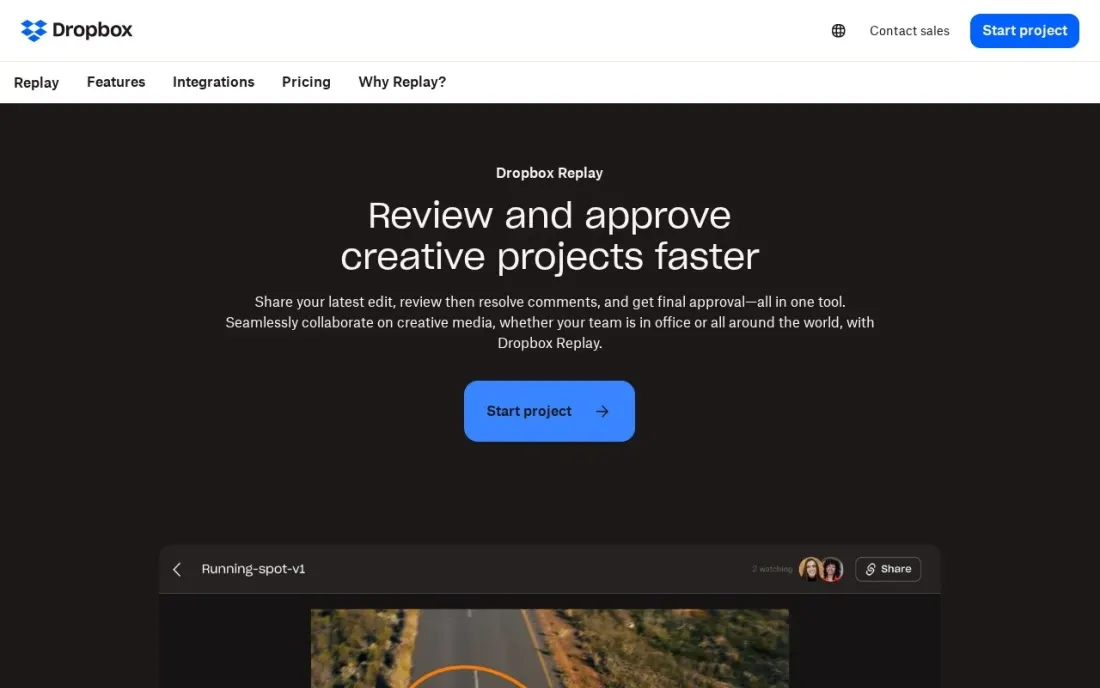
Dropbox Replay adds review and approval to files that already live in Dropbox, so an editor can open a cut, collect comments and finalise it without moving the file to another service. It handles video, image and audio, with uploads up to 150GB per file and video or audio up to 12 hours long.
The Replay Add-On costs $10 a user a month billed annually, or $12 monthly, and requires Dropbox Plus or higher; it is not available on Family plans. Basic users get Replay with limited features. Uploads count toward your Dropbox storage, but files already stored and opened in Replay do not count twice.
What we like
- Review and approval for video, image and audio files where they are already stored
- Uploads up to 150GB per file and video or audio up to 12 hours long
- Files already in Dropbox do not count against storage again when opened in Replay
Watch out for
- The full Add-On needs a Dropbox Plus or higher plan first
- Not available on Family plans
- Basic plan access has limited features that the page does not list

Evercast
Best for: Post-production teams that need real-time, low-latency editing sessions with remote clients
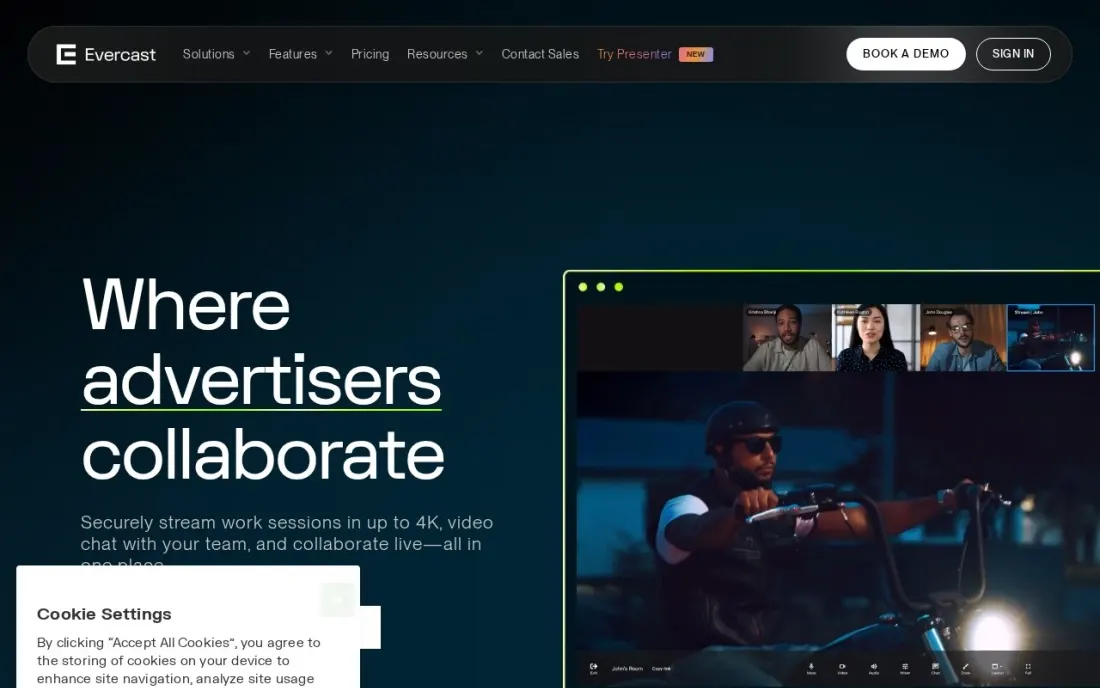
Evercast solves a different collaboration problem: a director, editor and client watching the same timeline together in real time from different cities. Rooms stream with latency under 100ms, 4K screen share, 7.1 audio and 10-bit 4:4:4 color, with drawing tools, chat and session recording, and they connect to Premiere Pro, DaVinci Resolve and Avid Media Composer.
A stUDIO room costs from $599 a month on a commitment, discounted by room count and term, or $899 month to month for one-off projects, with up to 20 people per room. Premium Suite costs $1,299 a month for up to 100 and adds forensic watermarking and SSO. There is no free trial listed.
What we like
- Ultra-low latency under 100ms with 4K screen share, 7.1 audio and 10-bit 4:4:4 color
- Streams from Premiere Pro, DaVinci Resolve and Avid Media Composer
- Invite-only rooms, visual watermarking and multi-factor authentication on every plan
Watch out for
- The most expensive tool here, priced per room rather than per user
- Built for live sessions, not async frame comments
- No free trial listed on the pricing page

Filestage
Best for: Agencies and marketing teams that review video alongside images, PDFs and websites
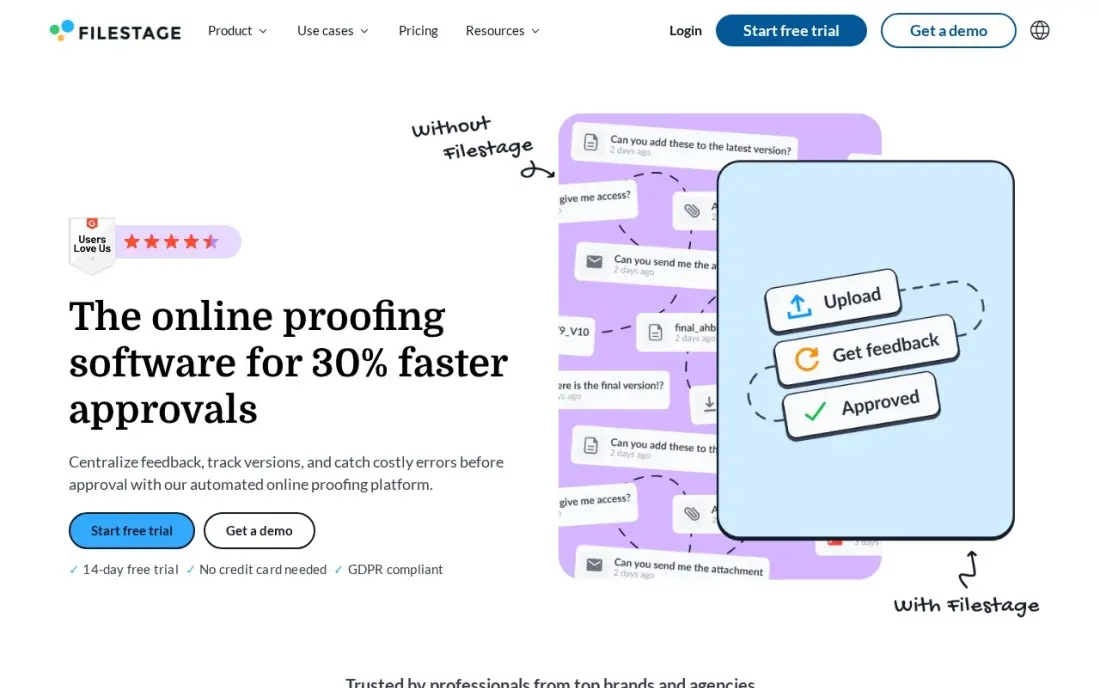
Filestage is a review and approval platform where video is one of several file types: images, PDFs, live websites, audio and HTML banners move through the same review flow, with version comparison, due dates and reminders on Starter. Reviewers are unlimited on every plan, so clients never need a seat.
Starter costs $199 a month billed monthly, flat, with 10 team members included, so the bill does not rise with each hire, but a solo producer pays the same as a ten-person team. AI reviewers and automations wait for Business at $329 a month. The free plan covers 1 active project and 5 new files a month.
What we like
- Flat pricing with 10 team members included, so the bill does not grow with every hire
- Unlimited reviewers on every plan, including the free plan, so clients never need a paid seat
- Covers video, images, PDFs, live websites, audio and HTML banners in one review flow
- Version comparison, due dates and reminders are included on Starter, not held for Business
Watch out for
- Starter is a flat $199 a month, so a solo user pays the same as a ten-person team
- AI reviewers and automations wait for Business at $329 a month
- Recent G2 reviewers mention price increases and a learning curve for new reviewers

Ziflow
Best for: Creative operations teams that need multi-stage video approvals with an audit trail
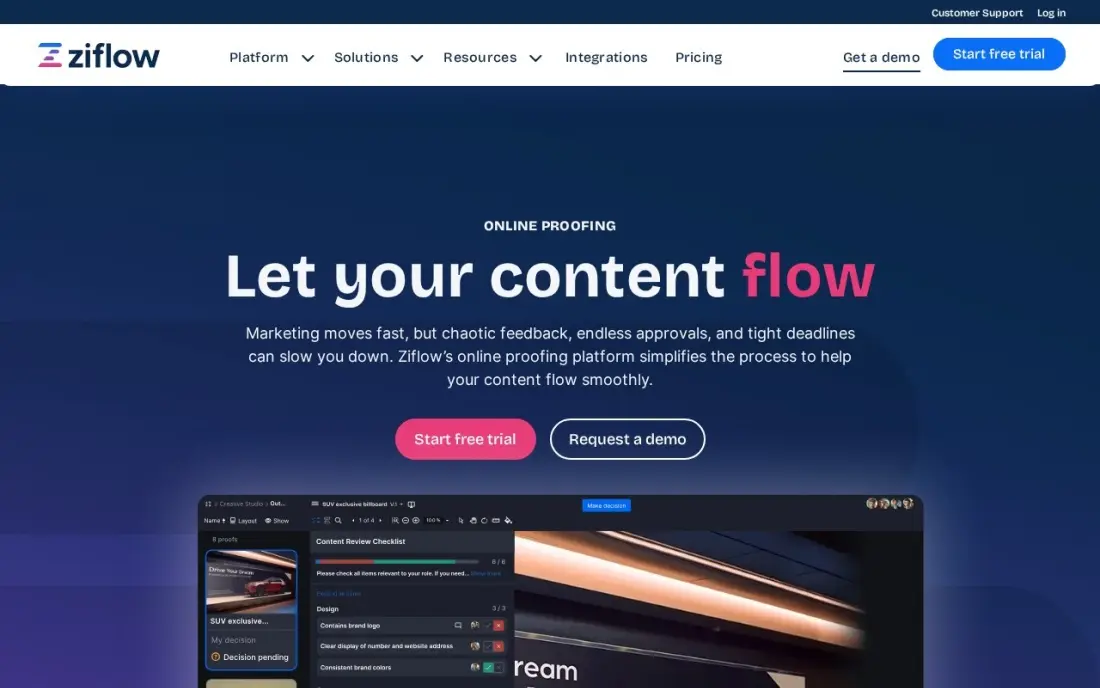
Ziflow suits teams where a video passes through several approval stages, such as creative, brand and legal, with each stage having its own reviewers and decisions logged in an audit trail. It supports more than 1,200 file types, including video, HTML5 and live websites, and is SOC 2 compliant for regulated industries.
Standard costs $199 a month billed annually and covers 15 users with unlimited proofs and reviewers. A 16th user moves you to Pro at $329 a month, and the ReviewAI automated checking is Enterprise only. The free plan covers 2 users, 2GB and one workflow stage, enough to test the routing before buying.
What we like
- Multi-stage approval workflows with a full audit trail on every proof
- Supports more than 1,200 file types, including video, HTML5, 3D files and live websites
- Unlimited proofs and unlimited reviewers on every paid plan
- SOC 2 compliance suits teams in regulated industries
Watch out for
- Standard covers 15 users, so a 16th user means Pro at $329 a month
- ReviewAI automated checking is Enterprise only, not on Standard or Pro
- The free plan allows only 2 users, 2 GB of storage and a single workflow stage

Vimeo
Best for: Small teams that want video hosting and time-stamped review in one subscription
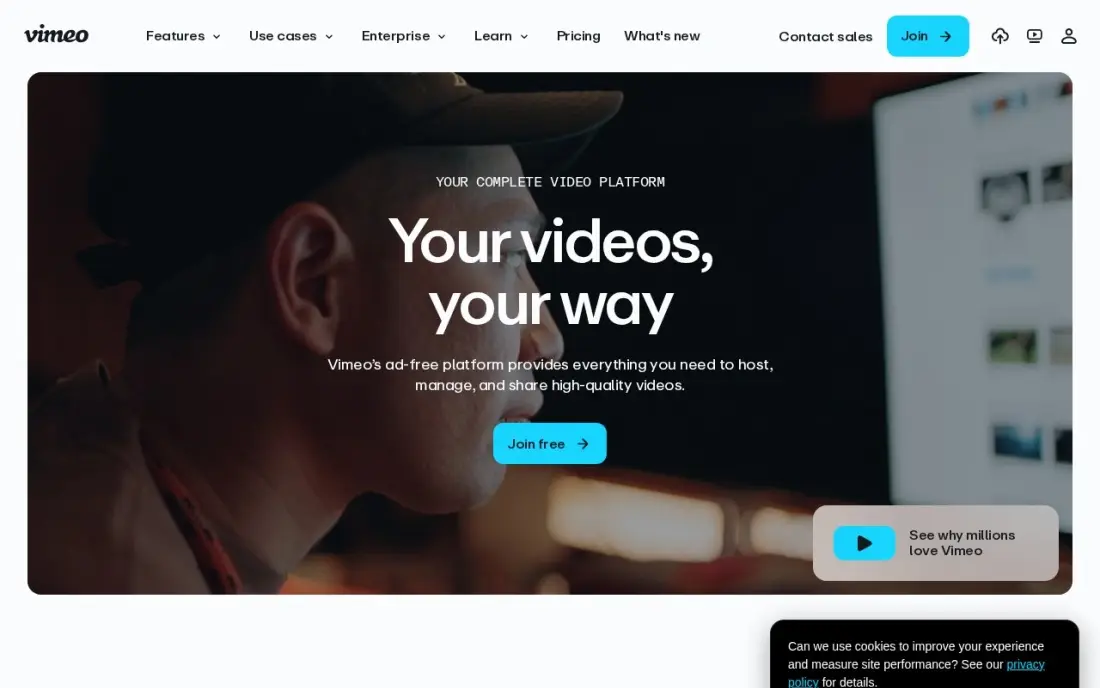
Vimeo combines hosting with collaboration: Vimeo Review collects time-stamped feedback on a cut, and the same account then hosts the final video on an ad-free 4K player with privacy controls. For a small team that reviews and publishes, that saves running two tools.
Starter costs $12 a month billed annually, or $20 monthly, with 100GB of storage for one seat; each extra team member is another seat. Removing Vimeo branding needs Standard at $25 a month billed annually. Vimeo restructured its plans during 2026, so confirm which plan you are on at renewal. A free plan is available.
What we like
- Ad-free 4K player with strong privacy controls on every plan
- Vimeo Review collects time-stamped feedback on cuts
- 100 GB of storage on Starter, with live events on higher tiers
- The most recognised name in business video hosting
Watch out for
- Starter covers 1 seat — a team pays per extra seat
- Player branding removal and lead capture wait for Standard at $25/month billed annually
- Vimeo restructured its plans in 2026, so some accounts are moved to new plans at renewal

Loom
Best for: Remote teams that collaborate through quick screen and camera videos instead of meetings
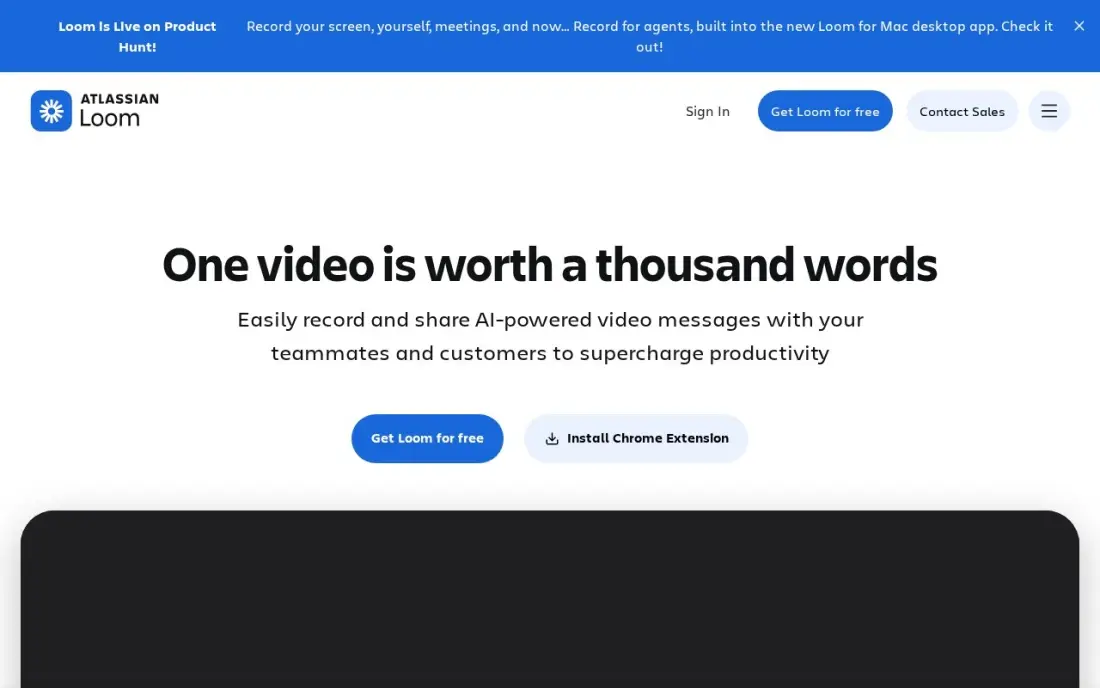
Loom is async video collaboration rather than production review: someone records their screen and camera, shares a link and teammates watch, comment and react without a meeting. Viewers never need a paid seat, and Business adds unlimited videos and recording length, 4K, custom branding and engagement insights.
Business costs $15 a user a month billed annually, or $18 monthly. AI summaries, chapters and filler-word removal need Business + AI at $24 a user a month billed monthly. The free Starter plan caps each person at 25 videos of 5 minutes. Pair it with a frame-accurate tool if you also review finished edits.
What we like
- Unlimited videos and unlimited recording length on Business, with 4K recording
- Only creators need paid seats; viewers watch, comment and react for free
- Custom branding, trim and stitch editing, engagement insights and password protection included
- Recordings upload automatically and share by link, so there is no file to attach or host
Watch out for
- Full AI features (summaries, chapters, filler removal) need Business + AI at $24 a user a month billed monthly
- Only the people who record videos need paid seats, but annual billing now uses fixed user tiers
- The free Starter plan caps recordings at 5 minutes and 25 videos per person
The best video collaboration software gets feedback onto the exact frame it is about, keeps every version in order and gets a cut approved without a chain of emails full of timestamps. We compared eight tools across three kinds of collaboration: async review and approval, live remote sessions and quick team video messages, on comments, storage, reviewer seats and real monthly cost. Prices were checked on vendor pages in November 2026.
How to choose the best video collaboration software
- Decide between async and live. Most review happens async with frame comments; live sessions such as Evercast suit directors and clients watching an edit together.
- Count reviewers separately from members. Wipster, Filestage and Ziflow include unlimited reviewers, so clients never need a seat.
- Check storage against your file sizes. Wipster Light includes 50GB, while Frame.io Pro includes 2TB plus 2TB per extra member.
- Look at seat caps. Frame.io Pro stops at 5 members, Team at 15 and Ziflow Standard at 15 users.
- Match it to your editing stack. Check integrations with Premiere Pro, DaVinci Resolve or Avid before committing.
- Price the security you need. Watermarking, SSO and DRM usually sit on enterprise plans.
Faster approvals mean more finished video, and finished video only works if people can find it. Our video SEO guide covers how to get those videos ranking in Google and YouTube.
Video collaboration software pricing: what you will actually pay
Take a team of 4 editors and producers sending cuts to clients. On Frame.io Pro at $15 a member a month that is $60 a month billed monthly, with 2TB plus 2TB per extra member of storage, and annual billing saves 13 percent. On Wipster Team at $19.95 a user a month billed annually it is $79.80 a month, or $100 on monthly billing at $25, with unlimited reviewers. If the team already pays for Dropbox Plus or higher, the Replay Add-On at $10 a user billed annually adds $40 a month. A flat plan such as Filestage Starter at $199 a month only pays off once you near its 10 included members. Evercast is a separate budget: a single room from $599 a month on commitment.
Know the difference: async review vs live collaboration
Async review is how most video gets approved. The editor uploads a cut, reviewers watch when they can and leave comments pinned to a frame, and the next version stacks on top with the comments carried over. Frame.io, Wipster, Dropbox Replay, Filestage, Ziflow and Vimeo all work this way, and it scales to many reviewers across time zones.
Live collaboration puts everyone in the edit at the same moment. Evercast streams the editor's timeline in real time with under 100ms latency, so a director can ask for a trim and see it immediately. It replaces flying a client to the edit suite, not the review link. Loom sits apart again: it is quick async video messaging for the whole team rather than a tool for reviewing finished edits.
Quick comparison: tool type by need
| Buyer | Best pick | Why |
|---|---|---|
| Editing teams | Frame.io | Frame-accurate review, free for 2 members, Pro $15/member/month |
| Many outside reviewers | Wipster | Unlimited reviewers, Team $19.95/user/month annual |
| Dropbox users | Dropbox Replay | $10/user/month annual add-on on Plus or higher |
| Live remote sessions | Evercast | Real-time streaming under 100ms, from $599/month per room |
| Mixed-format agencies | Filestage | Video, PDFs and websites in one flow, $199/month flat |
| Multi-stage approvals | Ziflow | Staged workflows and audit trail, $199/month annual for 15 users |
| Review plus hosting | Vimeo | Time-stamped review and ad-free hosting, from $12/month annual |
| Team video messages | Loom | Free viewers, Business $15/user/month annual |
Mistakes to avoid
- Collecting feedback in email and chat. Comments outside the review tool get lost; send every reviewer the same link.
- Paying seats for reviewers. Most tools here let reviewers comment free, so only pay for the people who upload and manage.
- Underestimating storage. Raw footage and multiple versions fill a small allowance in weeks; price the storage tier you will need by month three.
- Skipping version control. Upload each new cut as a version of the same asset so comments and history stay together.
- Sharing unprotected links. Use passphrases, expiry dates or watermarks for unreleased work.
Related comparisons: Collaboration Software for Small Business · Meeting Collaboration Software · Video Platforms for Enterprises · Interactive Video Platforms
How we chose
We checked each vendor's own pricing page in November 2026 and recorded the starting price exactly as shown, noting annual and monthly billing; Frame.io lists only monthly prices with a 13 percent annual saving. We compared review features, reviewer rules, storage, seat caps, integrations and security, and ranked tools by fit for a small production or marketing team that sends video to clients. Ratings come from G2 pages checked on the dates shown in the sources. No vendor paid for a place in this list, and none of the links here are affiliate links.
What to do next
Upload the same real cut to two free plans or trials, send it to two reviewers and see which tool gets you clear, frame-specific feedback faster. Once your videos are approved and published, book a free SEO consultation to make sure they get found.
Frequently asked questions
What is the best video collaboration software?
Frame.io is the best for most editing teams, with frame-accurate comments, a free plan for 2 members and Pro at $15 a member a month. Wipster is the best value for many outside reviewers, and Evercast is the choice for live remote editing sessions.
Is there free video collaboration software?
Frame.io's free plan covers 2 members, 2 projects and 2GB. Filestage's free plan covers 1 active project and 5 new files a month, Ziflow's covers 2 users, Vimeo and Loom have free plans and Dropbox Basic users get Replay with limited features.
How much does video collaboration software cost?
Per user, Frame.io Pro costs $15 a month, Wipster Team $19.95 billed annually and the Dropbox Replay Add-On $10 billed annually. Flat team plans include Filestage Starter at $199 a month and Ziflow Standard at $199 a month billed annually. Evercast starts from $599 a month per room.
Do reviewers need a paid seat?
Usually not. Wipster reviewers are always unlimited, Filestage and Ziflow include unlimited reviewers, and Loom viewers watch and comment free. On Frame.io, check how many member seats your plan allows, since Pro stops at 5 members.
What is the difference between Frame.io and Evercast?
Frame.io is asynchronous: reviewers watch a shared cut and leave frame-accurate comments when they have time. Evercast is live: everyone watches the editor's timeline in real time with under 100ms latency. Many post-production teams use both.
Can I use Dropbox for video review?
Yes, with Dropbox Replay. Basic users get limited features, and the full Replay Add-On costs $10 a user a month billed annually or $12 monthly on Dropbox Plus or higher. It handles files up to 150GB and video up to 12 hours.
Sources we checked (10)
- Frame.io — frame.io/pricing (checked November 16, 2026)
- Wipster — wipster.io/pricing (checked November 16, 2026)
- Dropbox Replay — www.dropbox.com/replay (checked November 16, 2026)
- Evercast — www.evercast.us/pricing (checked November 16, 2026)
- Filestage — filestage.io/pricing (checked November 8, 2026)
- Filestage reviews on G2 (checked November 8, 2026)
- Ziflow — www.ziflow.com/pricing (checked November 8, 2026)
- Ziflow reviews on G2 (checked November 8, 2026)
- Vimeo — vimeo.com/upgrade-plan (checked November 5, 2026)
- Loom — www.loom.com/pricing (checked November 10, 2026)
Make one of these tools?
We re-check this list every quarter. Send a correction, request a review, or ask about a clearly labeled sponsored spot.
Request a listingShamim
Founder of SerpAstra
A full-stack digital marketer and SEO strategist covering technical and local SEO, AI search visibility, paid ads and lead generation for local businesses, e-commerce brands and SaaS teams.
Free SEO and AI visibility audit
Find out what is holding your rankings back
Send us your site. Within 2 business days you get a written audit, an AI visibility check and a short fix list ranked by impact. Free, with no contract attached.
Request my free audit→Related buying guides
 Graphic Design & Creative12 Best Online Proofing Software in 2026, ComparedCompare the 12 best online proofing software tools on price, free plans, file support and approvals, with every price checked November 8, 2026.Read guide →
 Video Editing & Streaming8 Best Video Hosting Platforms for Business in 2026, ComparedCompare the 8 best video hosting platforms for business on player branding, lead capture, analytics, bandwidth and price, with every plan checked.Read guide →
 Video Editing & Streaming10 Best Video Content Creation Software in 2026, ComparedCompare the 10 best video content creation software tools of 2026 on price, free plans and AI features, with every price checked November 4, 2026.Read guide →