
7 Best Online Meeting Platforms in 2026, Compared
Compare the 7 best online meeting platforms on time limits, participant caps, free plans and real per-user cost, with every price checked on vendor pages.
 Shamim Mia, Founder, SerpAstraLast verified November 4, 20269 min read
We compare pricing pages, documentation and public reviews. We never accept payment for rankings.

Key takeaways
- Zoom is still the safest choice for client-facing calls: Pro lifts the free plan's 40-minute group limit to 30 hours for 100 participants, from $14.16 a user a month billed annually.
- Microsoft Teams Essentials is the cheapest paid meeting plan at $4 a user a month billed annually, with 30-hour meetings for up to 300 people.
- Webex Meet costs $12 a licence a month with 24-hour meetings for up to 200 people and its AI Assistant included; the free plan allows 40 minutes for up to 100.
- If you also need a business phone, RingCentral and Nextiva bundle video meetings with calling, so you pay for one system instead of two.
On this page
Quick comparison
| Tool | Best for | Starting price | Free plan |
|---|---|---|---|
| Zoom | Freelancers and teams whose clients expect a Zoom link for every call | Free; Pro $14.16/mo annual | Yes (40-min meetings) |
| Microsoft Teams | Businesses on Microsoft 365, or any team that wants the cheapest paid meeting plan | Free; $4/mo annual | Yes (free plan) |
| Google Workspace | Small businesses that want Google Meet bundled with Gmail, Docs and Drive | $7/mo annual | No (14-day trial) |
| Webex | Teams that run long or large meetings and want an AI assistant on the entry paid plan | Free; Meet $12/mo | Yes |
| RingCentral | Businesses replacing a landline that want phone, SMS and video meetings in one subscription | $20/mo annual | No (14-day trial) |
| Nextiva | Small businesses that want phone, video calling and basic CRM from one vendor | $18.95/mo annual | No (7-day trial) |
| Slack | Internal teams that want quick voice and video huddles instead of scheduled meetings | Free; $7.25/mo annual | Yes (free plan) |
Make one of these tools?
We re-check this list every quarter. Send a correction, request a review, or ask about a clearly labeled sponsored spot.
Request a listingThe best online meeting platforms

Zoom
Best for: Freelancers and teams whose clients expect a Zoom link for every call
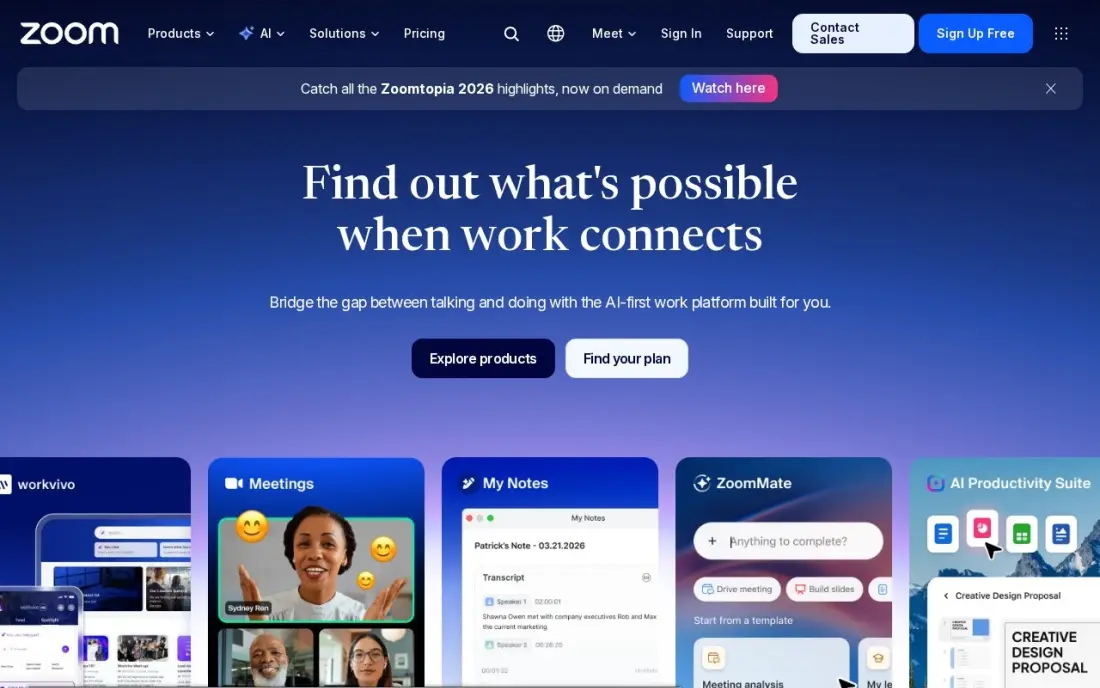
Zoom is the platform guests already know how to join, which matters more than any feature when you meet clients, candidates or students. Pro costs $14.16 a user a month billed annually, or $16.99 monthly, and lifts meetings from 40 minutes to 30 hours, with 10 GB of cloud recording per licence and unlimited AI meeting notes and summaries. G2 reviewers rate it 4.5 from more than 56,000 reviews.
Pro still caps meetings at 100 participants, so larger calls need Business at $18.33 a user a month billed annually, and heavy recorders will fill 10 GB quickly. The free Basic plan covers 40-minute group meetings, enough for short check-ins.
What we like
- Pro lifts meetings from 40 minutes to 30 hours and adds unlimited AI meeting notes and summaries
- 10 GB of cloud recording per licence, plus Zoom Mail and Calendar in the same subscription
- The most-reviewed video tool here, with 4.5 stars from more than 56,000 G2 reviews
Watch out for
- Pro still caps meetings at 100 participants; larger calls need Business at $18.33 a user a month
- Cloud recording is only 10 GB per licence on Pro, so heavy recorders pay for more storage
- Prices exclude tax, and the annual figure is charged as one upfront payment

Microsoft Teams
Best for: Businesses on Microsoft 365, or any team that wants the cheapest paid meeting plan
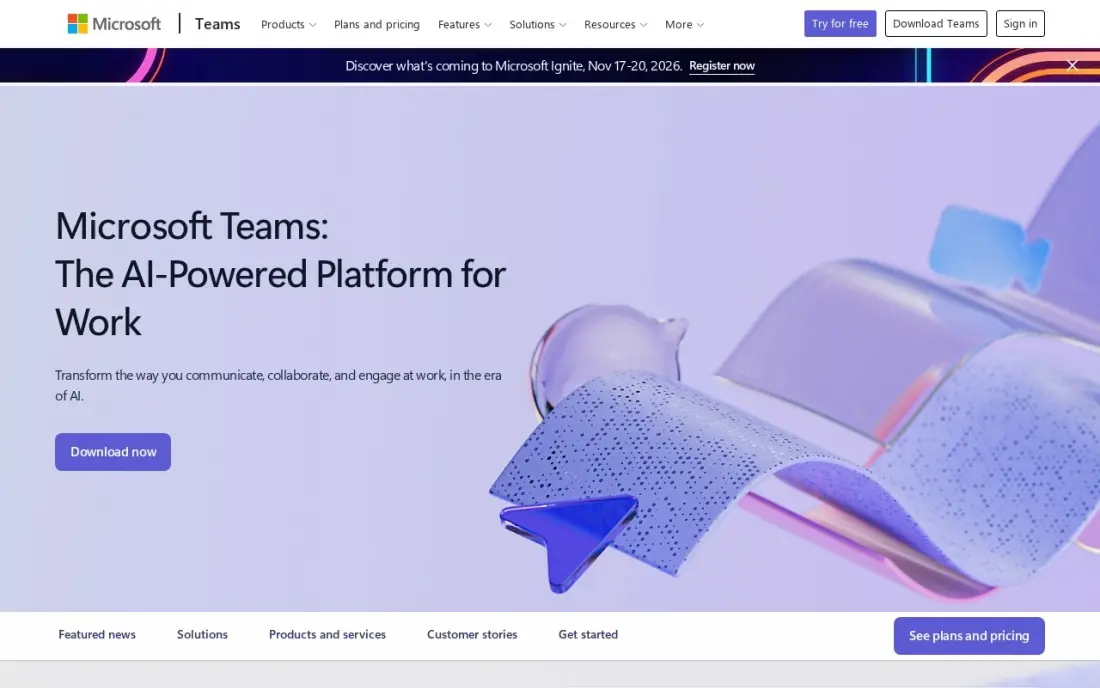
Microsoft Teams Essentials is the cheapest paid plan in this list at $4 a user a month billed annually, and it runs group meetings up to 30 hours for 300 people with recordings and transcripts, plus chat and 10 GB of cloud storage per user. The free plan covers unlimited chat and group meetings up to 60 minutes, the most generous free time limit here.
Essentials is Teams alone, with no business email; Microsoft 365 Business Basic at $7 a user a month adds Outlook, OneDrive and web Office apps. Copilot is a paid add-on, and new users take time to find their way around one crowded window.
What we like
- The cheapest paid start in this list at $4 a user a month on annual billing
- Comes with Microsoft 365 Business Basic at $7 a user a month, adding business email, 1 TB of storage and web Office apps
- Group meetings run up to 30 hours for 300 people on Essentials, with recordings and transcripts
- The free plan covers unlimited chat and 60-minute group meetings, so a team can try it for real before paying
Watch out for
- Teams Essentials has no business email — that needs the $7 Business Basic bundle
- Copilot AI is a paid add-on, not included in Essentials or Business Basic
- The interface packs chat, files, apps and meetings into one window, and new users take time to find things

Google Workspace
Best for: Small businesses that want Google Meet bundled with Gmail, Docs and Drive
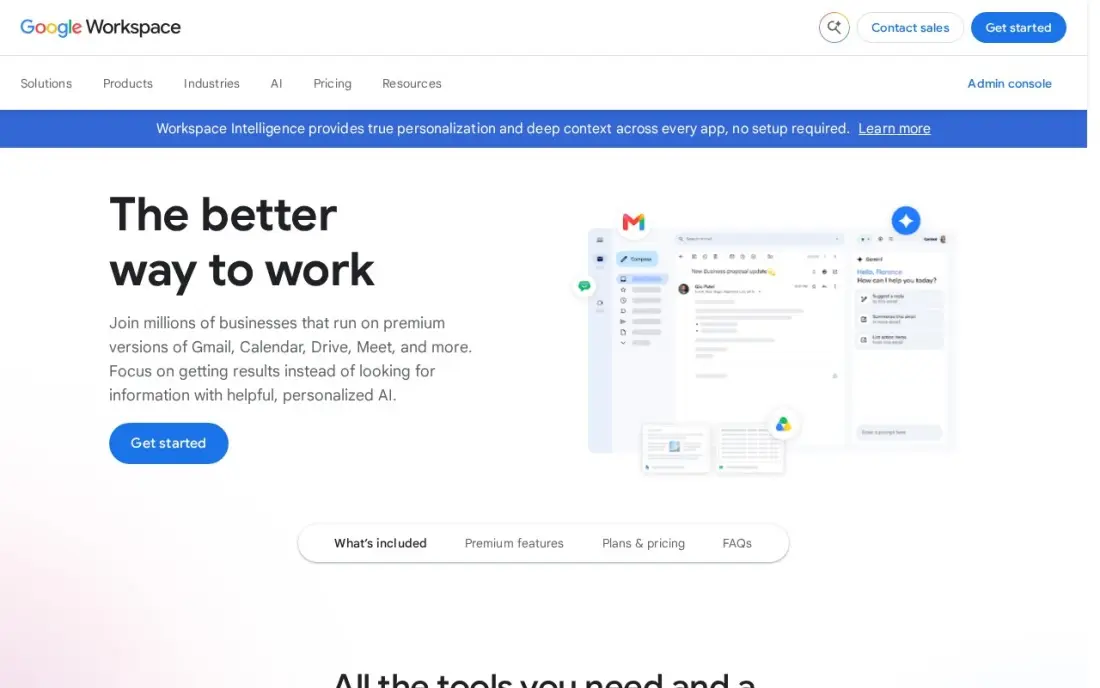
Google Workspace puts Google Meet inside the suite most small businesses already use, so a meeting link lands in every calendar invite automatically. Business Starter costs $7 a user a month billed annually, or $8.40 on the flexible monthly plan, and includes Meet for up to 100 participants alongside business email, Docs, Drive and Gemini AI. G2 reviewers rate the suite 4.6 from more than 48,000 reviews.
Meet recording needs Business Standard at $14 a user a month or higher, which catches out teams that record every call. There is no free plan, only a 14-day trial, and Business editions cap at 300 users.
What we like
- Business email, Docs, Sheets, Slides, Drive and Meet in one subscription from $7 a user a month billed annually
- Gemini AI is included in Gmail and the Gemini app on every Business plan
- 30 GB of pooled storage per user on Business Starter, with Meet for up to 100 participants
- The suite most clients already use, so sharing files and calendars needs no training
Watch out for
- Business editions cap at 300 users, so a growing company must move to Enterprise
- Meet recording and advanced admin controls need Business Standard ($14) or higher
- The 50%-off new-customer offer covers only the first 20 users for 12 months

Webex
Best for: Teams that run long or large meetings and want an AI assistant on the entry paid plan
Webex is Cisco's meeting platform, and its entry paid plan is generous. Webex Meet costs $12 a licence a month, or $144 a year, and runs meetings up to 24 hours for up to 200 participants, twice Zoom Pro's cap, with the Webex AI Assistant included. Webex Suite at $22.50 a licence a month adds business calling, and Enterprise raises meetings to 1,000 participants on a quoted price.
The free plan allows meetings up to 40 minutes for up to 100 people, the same time limit as Zoom's. There is no discount for paying yearly, since $144 is simply twelve months at $12. Pick Webex when calls regularly pass 100 attendees.
What we like
- Webex Meet runs meetings up to 24 hours for up to 200 participants
- The AI Assistant is included on Meet, not held for a higher tier
- Webex Suite at $22.50 a licence a month adds calling to meetings
- Enterprise raises the cap to 1,000 participants
Watch out for
- The free plan stops group meetings at 40 minutes
- No annual discount: the yearly price is exactly 12 times the monthly price
- Enterprise pricing is not published

RingCentral
Best for: Businesses replacing a landline that want phone, SMS and video meetings in one subscription
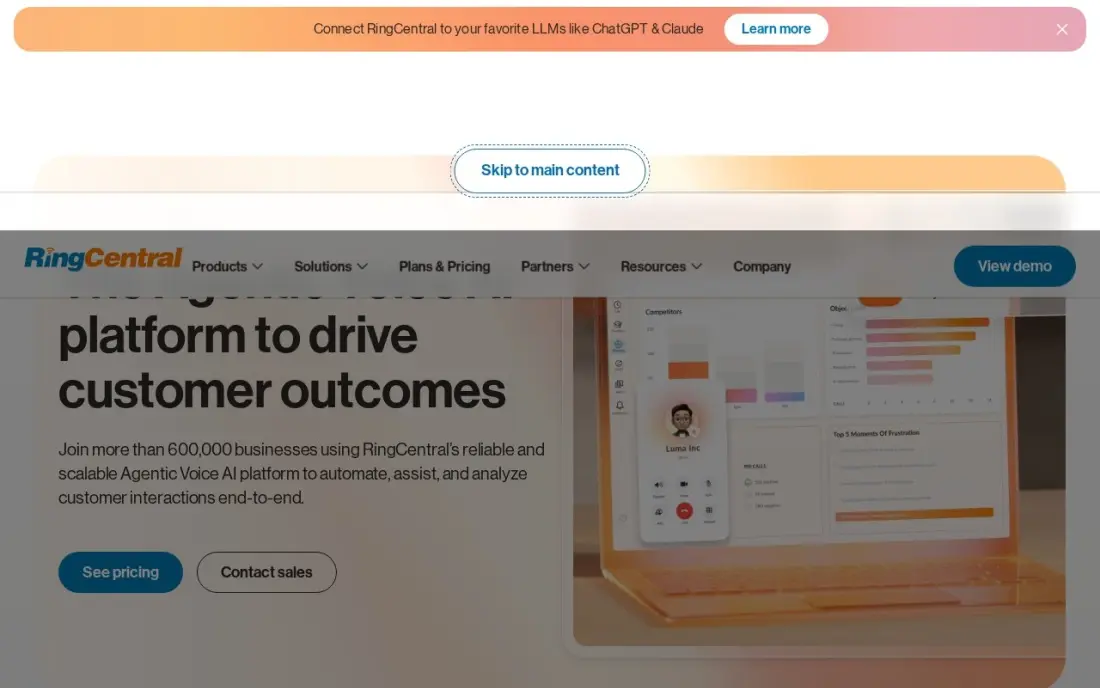
RingCentral makes sense when the meeting tool is part of a phone decision. RingEX Core includes video meetings alongside unlimited US and Canada calling, an auto-attendant, call queues and an AI Virtual Assistant, and it connects to more than 330 apps. Core costs $20 a user a month billed annually, or $30 billed monthly, and G2 reviewers rate RingCentral 4.2 from 1,532 reviews.
There is no free plan, only a 14-day trial. Core caps SMS at 25 messages a user a month, and mandatory regulatory fees add a few dollars per line. If you only need meetings, Teams or Zoom cost less; if you also need business phone numbers, one bill is simpler.
What we like
- The only tool here that is a full business phone system and a meeting tool in one subscription
- Core includes unlimited US and Canada calling, auto-attendant, call queues and video meetings
- AI Virtual Assistant included on Core, not held for a higher tier
- More than 330 integrations across 200 companies, the widest phone-system list here
Watch out for
- No free plan — the 14-day trial is the only way to try it for $0
- Core caps SMS at 25 messages a user a month and toll-free minutes at 100
- Mandatory regulatory and recovery fees add a few dollars per line a month on top of the headline price

Nextiva
Best for: Small businesses that want phone, video calling and basic CRM from one vendor
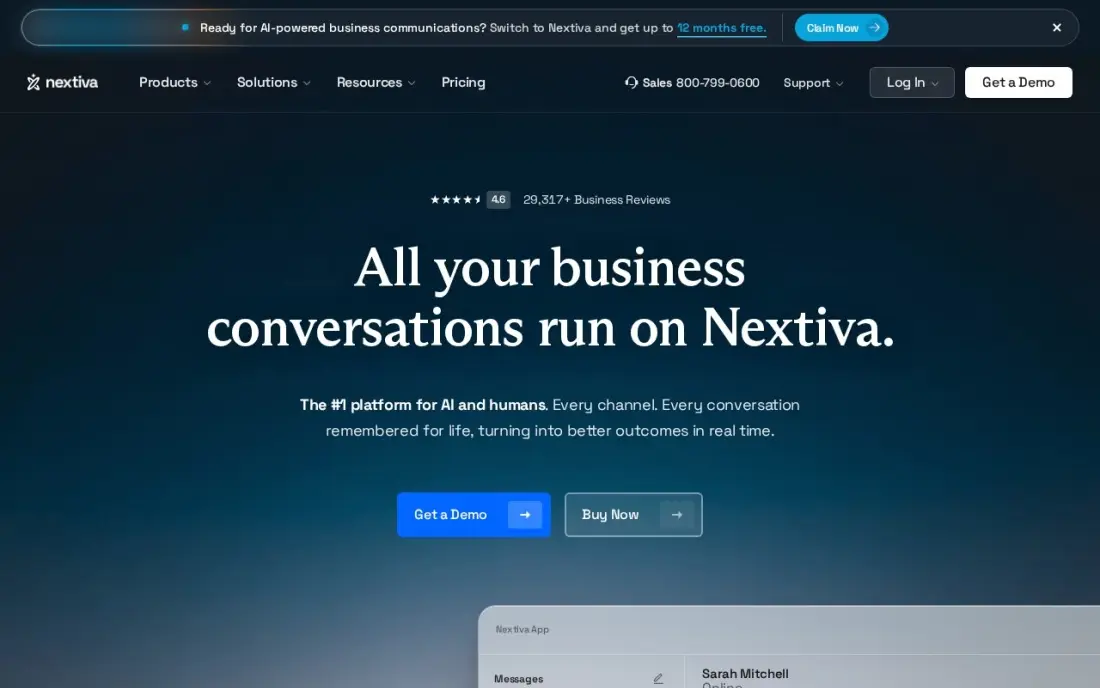
Nextiva bundles unlimited voice and video calling with an auto-attendant, toll-free numbers, team messaging and basic CRM features in one subscription. Essential costs $18.95 a user a month billed annually, and Professional adds unlimited conferencing and larger video meetings. Its US-based support has a reputation for answering quickly.
No monthly-billing price is published for Essential, so you need to commit to a year to know the price, and the 7-day trial is short. Like RingCentral, it earns its place when you are choosing a phone system too; for meetings alone, a dedicated video tool is cheaper.
What we like
- Phone, video calling and basic CRM in one subscription at $18.95/user/month billed annually
- Unlimited voice and video calling on the entry plan
- Auto-attendant and toll-free numbers included from the start
- US-based support with a reputation for answering quickly
Watch out for
- No monthly-billing price is published for Essential, so month-to-month budgeting is guesswork
- Advanced call-center features such as queues and analytics sit on the higher tiers
- The 7-day trial is the shortest trial in this list

Slack
Best for: Internal teams that want quick voice and video huddles instead of scheduled meetings
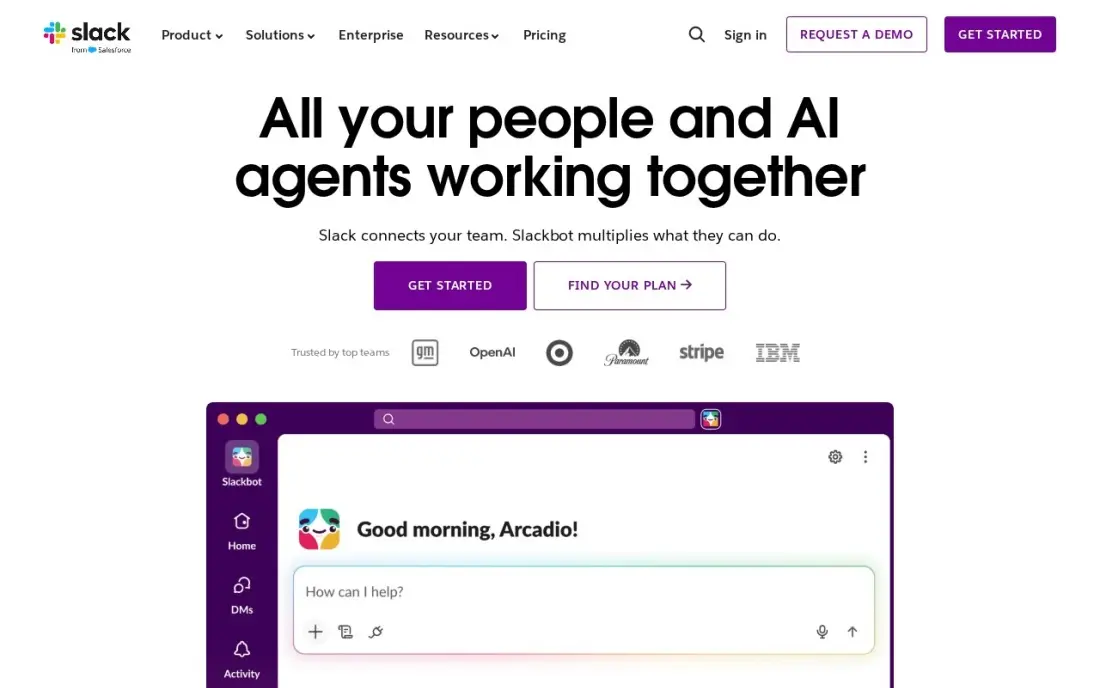
Slack is not a meeting platform in the Zoom sense, but huddles replace many of the short internal calls a team would otherwise schedule. Pro costs $7.25 a user a month billed annually, or $8.75 monthly, and adds group huddles, unlimited message history and unlimited apps; fair billing charges only for members active in the last 28 days. G2 reviewers rate it 4.5 from more than 39,000 reviews.
It is the wrong tool for client calls, webinars or anything that needs a scheduled link for outsiders. Use it to cut internal meetings, and keep Zoom, Teams or Meet for the calls that need an agenda.
What we like
- Channels replace long email threads and keep every conversation findable by topic
- Pro adds unlimited message history, unlimited apps and group huddles
- Fair billing means the business pays only for members active in the last 28 days
- More than 2,600 apps in the Slack Marketplace, including Google Drive, Jira and Zoom
Watch out for
- Huddles suit internal calls, not client calls or webinars that need a scheduled link for outsiders
- The free plan keeps only 90 days of message history, so old decisions disappear
- Per-user billing rises with every hire, and inactive users still count unless deactivated
The best online meeting platforms get everyone into the call on time, keep the audio clear on a weak connection and do not cut you off at minute 40. We compared seven platforms across three types, dedicated video meeting tools, office suites with meetings built in, and phone systems that include video, on time limits, participant caps, free plans and per-user cost. Every price was checked on the vendor's own page in November 2026.
How to choose the best online meeting platforms
- Start with who joins. Client and candidate calls need a link outsiders can open in a browser without friction; internal calls can live inside the chat tool you already use.
- Check the free plan's time limit. Zoom and Webex stop free group meetings at 40 minutes, while Microsoft Teams allows 60.
- Count your biggest regular meeting. Zoom Pro and Google Workspace Business Starter stop at 100 people, Webex Meet at 200 and Teams Essentials at 300.
- Ask where recordings go. Zoom Pro includes 10 GB per licence, and Google Meet recording needs Business Standard or higher.
- Look at what is already in your stack. If you pay for Microsoft 365 or Google Workspace, you already own a meeting tool.
- Decide whether the phone is part of it. RingCentral and Nextiva bundle calling and video, which can replace two subscriptions with one.
Meetings are where many sales start, but the first impression usually happens in search. If prospects cannot find you before they book a call, our SEO audit shows what is in the way, and our guide to communication software for small business covers phone and chat tools beside these.
Online meeting platform pricing: what you will actually pay
Take a ten-person team that runs client calls daily and wants meetings without a time limit. On annual billing, Microsoft Teams Essentials costs $4 a user a month, or $480 a year for ten people. Google Workspace Business Starter costs $7 a user a month, $840 a year, and includes email and Docs, though recording needs Business Standard at $14 a user a month, $1,680 a year. Webex Meet costs $12 a licence a month, $1,440 a year. Zoom Pro costs $14.16 a user a month billed annually, about $1,699 a year, or $16.99 a month on monthly billing, about $2,039 a year.
Zoom only charges hosts, so if three of the ten people run meetings, three Pro licences, about $510 a year on annual billing, may be enough. The phone-system route costs more per seat but replaces a phone bill: RingCentral Core at $20 a user a month billed annually is $2,400 a year for ten users, and Nextiva Essential at $18.95 is $2,274.
Know the difference: meeting platforms vs phone systems with video
A meeting platform is built around the scheduled call. Zoom, Webex, Teams and Google Meet create a link, put it in the calendar invite, let guests join from a browser and record, transcribe and summarise the session. Their strengths are reliable video, large participant counts and guest experience.
A phone system with video is built around the business number. RingCentral and Nextiva handle inbound calls, auto-attendants, queues and texts, and add video meetings so staff do not need a second app. Their meeting features are solid for internal calls and smaller client meetings, but a team that runs webinars or large recorded sessions will usually keep a dedicated meeting tool beside them.
Quick comparison: tool type by need
| Buyer | Best pick | Why |
|---|---|---|
| Client-facing calls | Zoom | 30-hour meetings for 100 on Pro, from $14.16/month annual |
| Lowest paid price | Microsoft Teams | Essentials $4/month annual, 300 participants |
| Google users | Google Workspace | Meet with Gmail and Docs from $7/month annual |
| Large meetings | Webex | 200 participants and AI Assistant on Meet, $12/month |
| Phone plus video | RingCentral | Business phone and meetings, $20/month annual |
| Phone, video and CRM | Nextiva | Unlimited voice and video, $18.95/month annual |
| Quick internal calls | Slack | Huddles on Pro from $7.25/month annual |
Mistakes to avoid
- Running client calls on a free plan. Being cut off at 40 minutes in front of a prospect costs more than a month of Pro.
- Buying a licence for every employee. On Zoom only hosts need a licence; count who actually schedules meetings.
- Assuming recording is included. Google Meet recording needs Business Standard, and Zoom Pro's 10 GB fills quickly if every call is recorded.
- Paying for two meeting tools. Many teams pay for Zoom while their Microsoft 365 or Google Workspace plan already includes meetings.
- Skipping the guest test. Send a test invite to a personal email on a phone and join without an account before you roll a platform out.
Related comparisons: Meeting Collaboration Software · Meeting Room Booking Software
How we chose
We compared platforms that a small or mid-sized business would realistically use for scheduled video meetings, judged on time limits, participant caps, recording, free plans and cost for a ten-person team. Prices come from each vendor's own pricing page in November 2026, with annual and monthly billing labelled. G2 ratings appear where we have read the G2 page; Webex, Microsoft Teams and Nextiva carry none in this list. We left out tools whose pricing pages did not show prices or showed conflicting figures when we checked. No vendor paid for a place in this list, and none of the links here are affiliate links.
What to do next
Check which meeting tool you already pay for inside Microsoft 365 or Google Workspace, then run one week of real client calls on it. If it falls short on time limits, recording or guest experience, trial Zoom Pro or Webex Meet for a month. When your calendar needs more booked calls, book a free SEO call.
Frequently asked questions
What is the best online meeting platform?
Zoom is the best all-round choice for client-facing calls, with 30-hour meetings for 100 participants on Pro from $14.16 a user a month billed annually. Microsoft Teams is the cheapest paid option at $4 a user a month billed annually, and Webex Meet suits larger calls of up to 200 people at $12 a licence a month.
Which online meeting platform is free?
Zoom Basic and Webex Free both allow group meetings up to 40 minutes, Webex for up to 100 participants. Microsoft Teams' free plan allows group meetings up to 60 minutes with unlimited chat. Google Workspace has a 14-day trial rather than a free plan.
Which meeting platform allows the most participants?
On entry paid plans, Microsoft Teams Essentials allows up to 300 people, Webex Meet up to 200, and Zoom Pro and Google Workspace Business Starter up to 100. Webex Enterprise raises the limit to 1,000, and Zoom Business raises it above Pro's 100.
How much does an online meeting platform cost?
Per user a month billed annually: Microsoft Teams Essentials $4, Google Workspace Business Starter $7, Slack Pro $7.25, Webex Meet $12 per licence, Zoom Pro $14.16, Nextiva Essential $18.95 and RingCentral Core $20. Monthly billing costs more on Zoom, Slack, Google Workspace and RingCentral.
Is Zoom or Microsoft Teams better?
Teams is better value if you already use Microsoft 365, at $4 a user a month for Essentials with 30-hour meetings for 300 people. Zoom is better for meeting outsiders, because guests join easily and Pro adds unlimited AI notes and 10 GB of cloud recording per licence.
Do I need a separate meeting platform if I have a business phone system?
Often not. RingCentral RingEX Core and Nextiva Essential both include video meetings with calling. A separate tool such as Zoom makes sense when you run many client calls, webinars or recorded sessions that need more features.
Sources we checked (11)
- Zoom — zoom.us/pricing (checked November 10, 2026)
- Zoom reviews on G2 (checked November 10, 2026)
- Microsoft Teams — www.microsoft.com/en-us/microsoft-teams (checked November 10, 2026)
- Google Workspace — workspace.google.com/pricing (checked November 10, 2026)
- Google Workspace reviews on G2 (checked November 10, 2026)
- Webex — pricing.webex.com/us/en/hybrid-work/meetings/all-features (checked November 16, 2026)
- RingCentral — www.ringcentral.com/office/plansandpricing.html (checked November 4, 2026)
- RingCentral reviews on G2 (checked November 4, 2026)
- Nextiva — www.nextiva.com/pricing.html (checked November 12, 2026)
- Slack — slack.com/pricing (checked November 12, 2026)
- Slack reviews on G2 (checked November 12, 2026)
Make one of these tools?
We re-check this list every quarter. Send a correction, request a review, or ask about a clearly labeled sponsored spot.
Request a listingShamim
Founder of SerpAstra
A full-stack digital marketer and SEO strategist covering technical and local SEO, AI search visibility, paid ads and lead generation for local businesses, e-commerce brands and SaaS teams.
Free SEO and AI visibility audit
Find out what is holding your rankings back
Send us your site. Within 2 business days you get a written audit, an AI visibility check and a short fix list ranked by impact. Free, with no contract attached.
Request my free audit→Related buying guides
 Productivity & Office10 Best Collaboration Software for Small Business in 2026, ComparedCompare the 10 best collaboration software for small business options on price, free plans, chat and project tools, with every price checked November 10, 2026.Read guide →
 Communication & Community7 Best Communication Software for Small Business in 2026, ComparedCompare the 7 best communication software for small business on price, free plans, AI features and phone systems, with every price checked November 4, 2026.Read guide →
 Productivity & Office10 Best Meeting Room Booking Software in 2026, ComparedCompare the 10 best meeting room booking software tools for hybrid offices on price, pricing model and features, with every price checked November 12, 2026.Read guide →