
7 Best Messaging Software for Teams in 2026, Compared
Compare the 7 best messaging software for business teams on free plans, message history, per-user prices and hosting options, all checked on vendor pages.
 Shamim Mia, Founder, SerpAstraLast verified November 10, 20269 min read
We compare pricing pages, documentation and public reviews. We never accept payment for rankings.

Key takeaways
- Slack is the best messaging software for most teams, with Pro at $7.25 a user a month billed annually and fair billing for inactive members, but its free plan keeps only 90 days of history.
- Microsoft Teams is the cheapest paid start at $4 a user a month billed annually and the obvious pick for Microsoft 365 companies.
- Pumble is the budget pick: its free plan has unlimited users and unlimited message history, and Pro costs $2.49 a user a month billed annually.
- Mattermost suits organizations that must host chat on their own servers, including air-gapped networks, but every plan is quote-based.
On this page
Quick comparison
| Tool | Best for | Starting price | Free plan |
|---|---|---|---|
| Slack | Most teams that want the most widely used channel-based messaging with the biggest app ecosystem | $8.75/user/mo | Yes (free plan) |
| Microsoft Teams | Businesses on Microsoft 365 that want chat, calls and meetings at the lowest paid price | $4/mo (annual) | Yes (free plan) |
| Google Workspace | Small businesses that want team chat bundled with email, Docs, Drive and Meet | $7/user/mo yearly | No (14-day trial) |
| Zoom Workplace | Client-facing teams that rely on video calls and want team chat in the same app | $16.99/mo | Yes (free plan) |
| Pumble | Budget-conscious teams that want unlimited users and unlimited message history on a free plan | Free; Pro $2.49/user/mo | Yes, unlimited users |
| Chanty | Small teams of up to five people, or growing teams that want chat and task boards in one tool | Free; $3/user/mo yearly | Yes, 5 users |
| Mattermost | Security-focused organizations that must self-host team messaging, including on air-gapped networks | Custom quote | Not listed |
Make one of these tools?
We re-check this list every quarter. Send a correction, request a review, or ask about a clearly labeled sponsored spot.
Request a listingThe best team messaging software

Slack
Best for: Most teams that want the most widely used channel-based messaging with the biggest app ecosystem
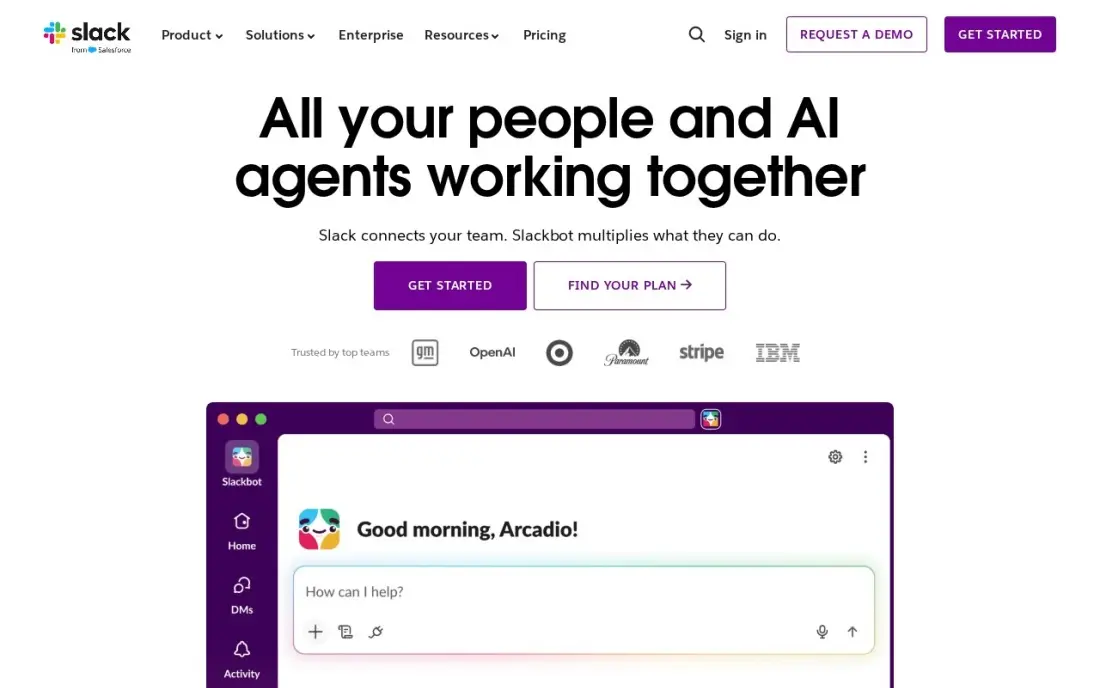
Slack set the pattern every other tool here follows: channels by topic, threads, huddles for quick calls, and search across everything. More than 2,600 apps connect to it, from Google Drive to Jira and Zoom. Pro costs $7.25 a user a month billed annually, or $8.75 monthly, and adds unlimited history, unlimited apps and group huddles.
Fair billing charges only for members active in the last 28 days, which helps with part-timers. The free plan keeps just 90 days of message history, so old decisions disappear unless you pay. G2 reviewers rate it 4.5 from more than 39,000 reviews. Pair it with a task tool, because chat does not track deadlines.
What we like
- Channels replace long email threads and keep every conversation findable by topic
- Pro adds unlimited message history, unlimited apps and group huddles
- Fair billing means the business pays only for members active in the last 28 days
- More than 2,600 apps in the Slack Marketplace, including Google Drive, Jira and Zoom
Watch out for
- Slack is chat, not task management: deadlines and ownership still need another tool
- The free plan keeps only 90 days of message history, so old decisions disappear
- Per-user billing rises with every hire, and inactive users still count unless deactivated

Microsoft Teams
Best for: Businesses on Microsoft 365 that want chat, calls and meetings at the lowest paid price
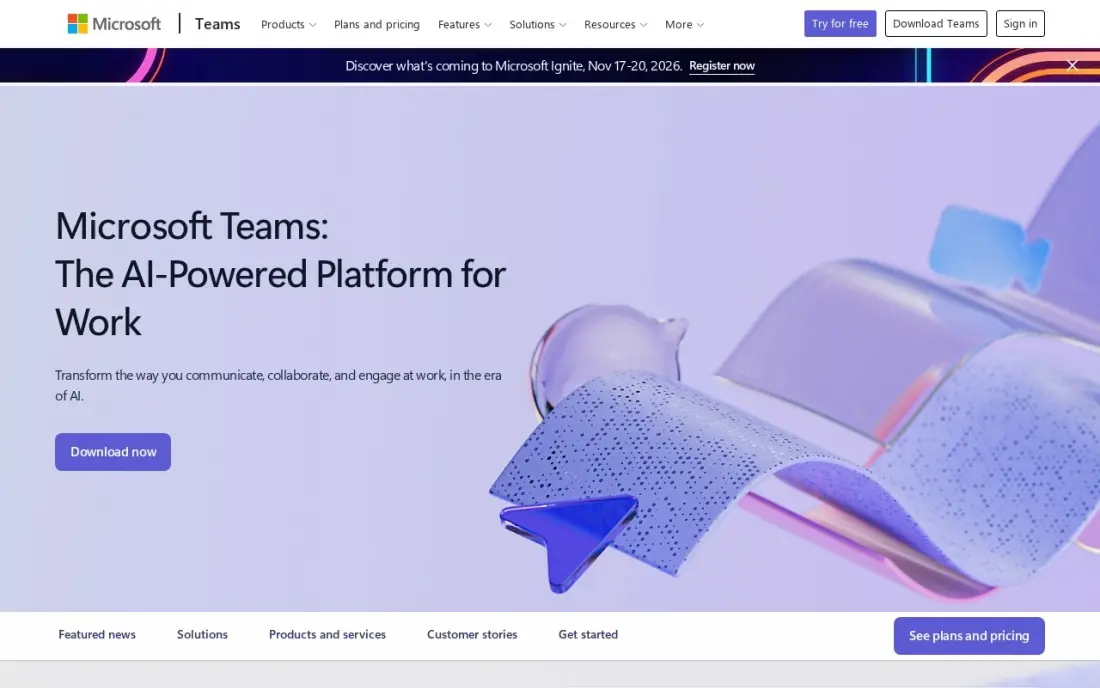
Microsoft Teams combines chat, calls and meetings in one app. Teams Essentials costs $4 a user a month billed annually, with meetings up to 30 hours for 300 people and 10 GB of cloud storage per user. The free plan covers unlimited chat and group meetings up to 60 minutes, so a team can try it properly.
Essentials has no business email; Microsoft 365 Business Basic at $7 a user a month adds Outlook, OneDrive and web Office apps. Copilot is a paid add-on. New users take time to find their way around a window that holds chat, files, apps and meetings. For a company already on Microsoft 365, it is the default.
What we like
- The cheapest paid start in this list at $4 a user a month on annual billing
- Comes with Microsoft 365 Business Basic at $7 a user a month, adding business email, 1 TB of storage and web Office apps
- Group meetings run up to 30 hours for 300 people on Essentials, with recordings and transcripts
- The free plan covers unlimited chat and 60-minute group meetings, so a team can try it for real before paying
Watch out for
- Teams Essentials has no business email — that needs the $7 Business Basic bundle
- Copilot AI is a paid add-on, not included in Essentials or Business Basic
- The interface packs chat, files, apps and meetings into one window, and new users take time to find things

Google Workspace
Best for: Small businesses that want team chat bundled with email, Docs, Drive and Meet
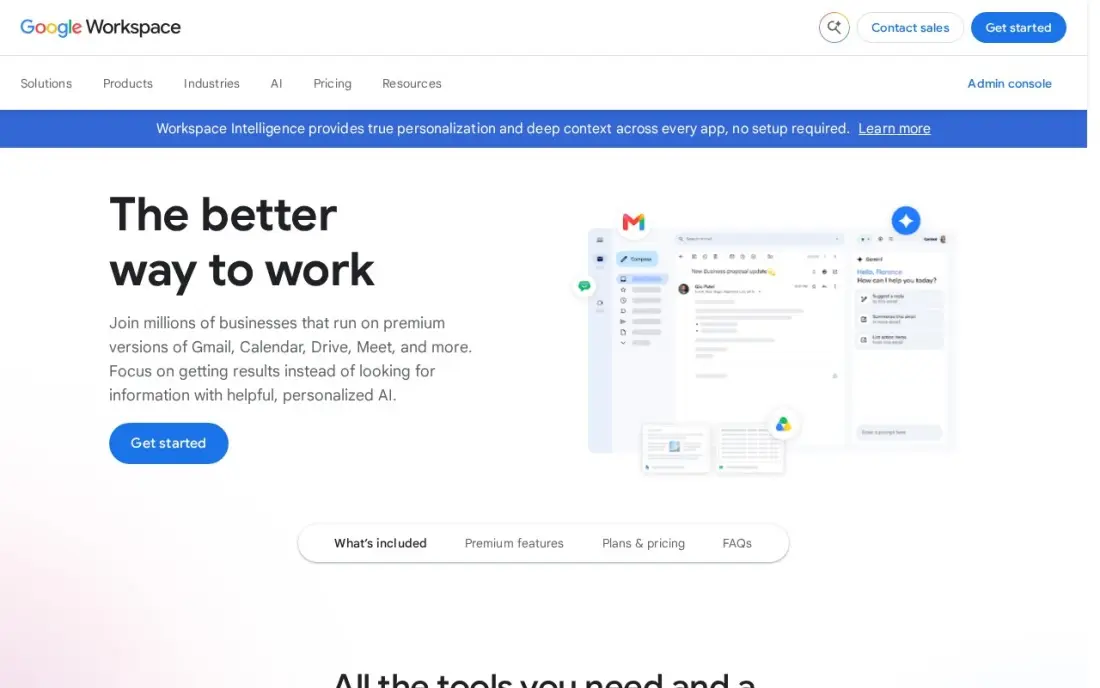
Google Workspace is the choice when messaging is one part of a bigger switch. Business Starter costs $7 a user a month billed annually, or $8.40 on the flexible monthly plan, and covers business email, Docs, Sheets, Drive, Meet for up to 100 participants and Google Chat for team conversations, with Gemini AI included.
Chat is simpler than Slack, with a smaller app ecosystem, but it costs nothing extra if the team already uses Gmail and Drive. Meet recording and advanced admin controls need Business Standard at $14 a user a month, and Business plans cap at 300 users. There is a 14-day free trial and no free plan.
What we like
- Business email, Docs, Sheets, Slides, Drive and Meet in one subscription from $7 a user a month billed annually
- Gemini AI is included in Gmail and the Gemini app on every Business plan
- 30 GB of pooled storage per user on Business Starter, with Meet for up to 100 participants
- The suite most clients already use, so sharing files and calendars needs no training
Watch out for
- Business editions cap at 300 users, so a growing company must move to Enterprise
- Meet recording and advanced admin controls need Business Standard ($14) or higher
- The 50%-off new-customer offer covers only the first 20 users for 12 months

Zoom Workplace
Best for: Client-facing teams that rely on video calls and want team chat in the same app
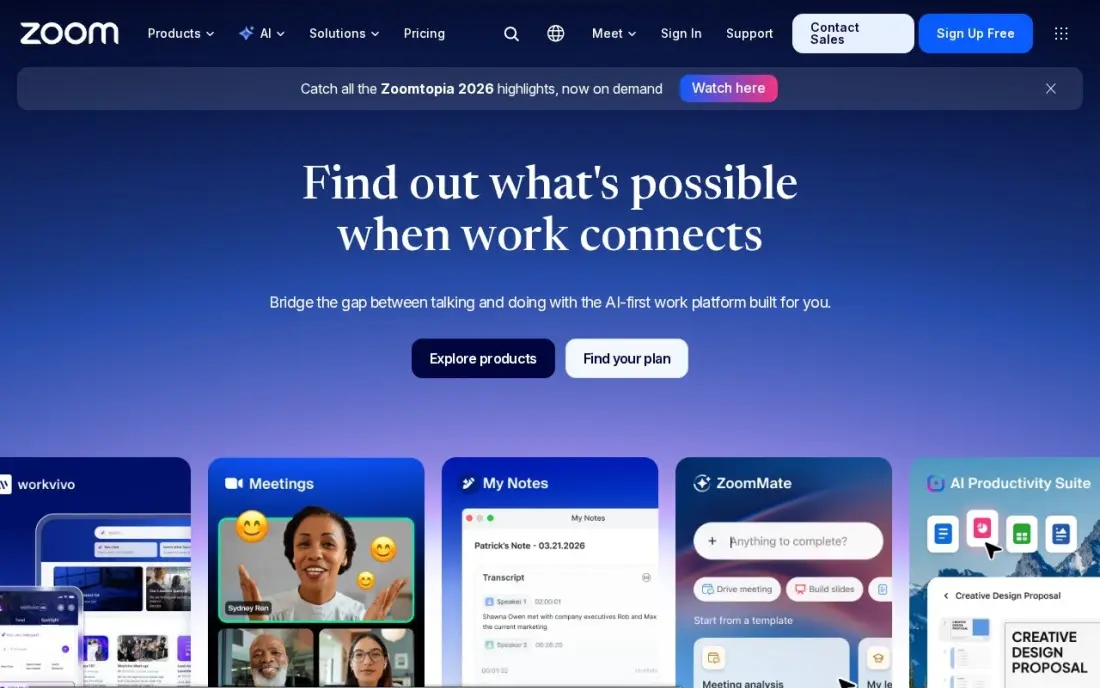
Zoom Workplace adds Team Chat, whiteboard, scheduler and mail around the most reliable meetings in this list. The free Basic plan covers group meetings of 100 people for 40 minutes, and Pro costs $16.99 a user a month billed monthly, or $14.16 billed annually, with 30-hour meetings, unlimited AI meeting summaries and 10 GB of cloud recording per user.
It is the most expensive entry price here, and Zoom raised Pro from $14.99 to $16.99, so older guides understate it. Only meeting hosts need Pro licences, which helps if a few people run every call. Choose it when video is central to the work and chat comes second.
What we like
- The most reliable video in this list, with 30-hour meetings for 100 participants on Pro
- Pro adds unlimited meeting summaries, unlimited AI document creation and 10 GB of cloud recording per user
- Team Chat, whiteboard, scheduler and mail sit in the same app, so meetings need no second tool
- The free Basic plan covers 100 participants, so a team can test real meetings before paying
Watch out for
- Pro is the dearest entry price in this list at $16.99 a user a month billed monthly
- Zoom raised Pro from $14.99 to $16.99 a month, so older guides understate the price
- Only hosts need a Pro licence, but every host on the team needs one, so the bill grows with every meeting organiser

Pumble
Best for: Budget-conscious teams that want unlimited users and unlimited message history on a free plan
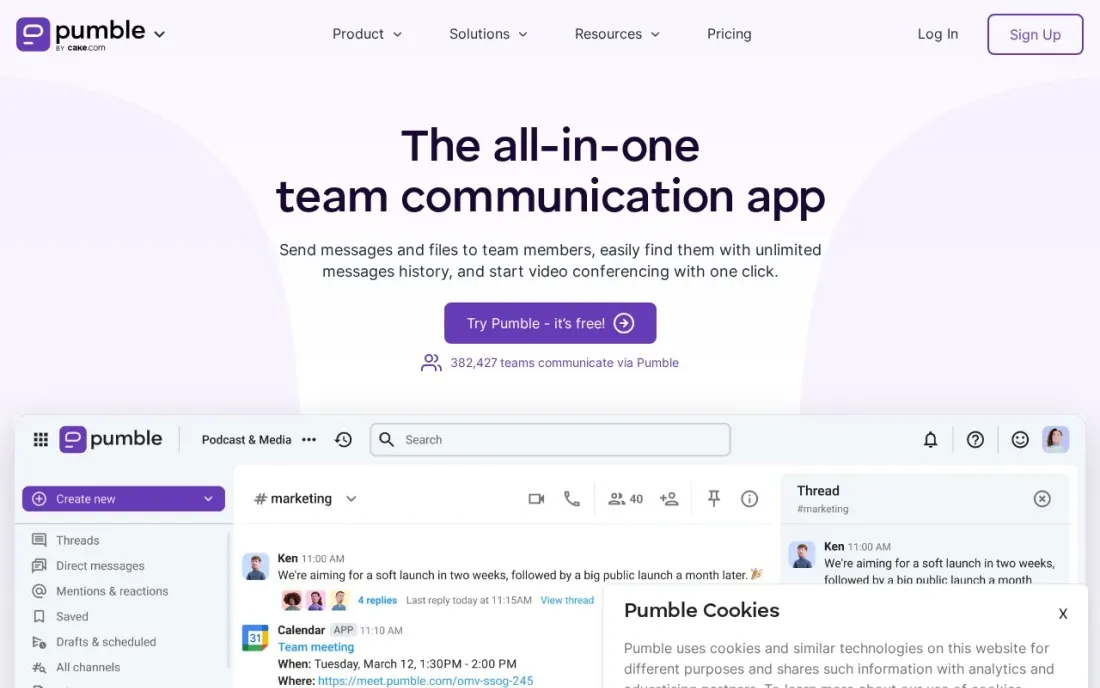
Pumble, from the company behind Clockify, is the messaging tool to try when budget matters most. Its free plan has unlimited users, unlimited channels and unlimited message history, with 10 GB of storage per workspace and one-to-one voice and video calls. That history alone answers the most common complaint about Slack's free plan.
Pro costs $2.49 a user a month billed annually, or $2.99 monthly, and adds group meetings for up to 50 people, screen sharing and 10 GB per seat. Business at $3.99 annually adds guests, permissions and recordings; Enterprise at $6.99 adds SSO and audit logs. The free plan allows only three integrations.
What we like
- Free plan includes unlimited users, channels and message history
- Paid plans are among the cheapest per user, from $2.49 a month billed annually
- Native integrations with Clockify time tracking and Plaky project boards
Watch out for
- Free plan allows only one-to-one calls and up to 3 integrations
- Guest access, permissions and meeting recordings need Business at $3.99 a user a month billed annually
- Smaller app ecosystem than Slack or Teams

Chanty
Best for: Small teams of up to five people, or growing teams that want chat and task boards in one tool
Chanty is team chat with lightweight task management built in. Business adds task boards, to-do lists, polls, forms and calendar events, so a small team can turn a message into an assigned task without a second tool. The free plan covers up to five team members with unlimited chats, searchable history, one-to-one calls and 20GB of storage per team.
Business costs $3 a user a month billed annually, or $4 monthly, so five users pay $180 a year. It includes group calls, SSO, 2FA, HIPAA compliance with a BAA and three free guest seats per member. A sixth user means paying. Enterprise, with white labeling and data residency, is quote-only.
What we like
- Business includes task boards, to-do lists, polls and calendar events alongside chat
- SSO, 2FA and HIPAA compliance with a BAA are on the Business plan, not reserved for Enterprise
- Each paid member includes 3 free guest seats
Watch out for
- Free plan stops at 5 team members
- Group calls and screen sharing need the Business plan
- Enterprise pricing is quote-only

Mattermost
Best for: Security-focused organizations that must self-host team messaging, including on air-gapped networks
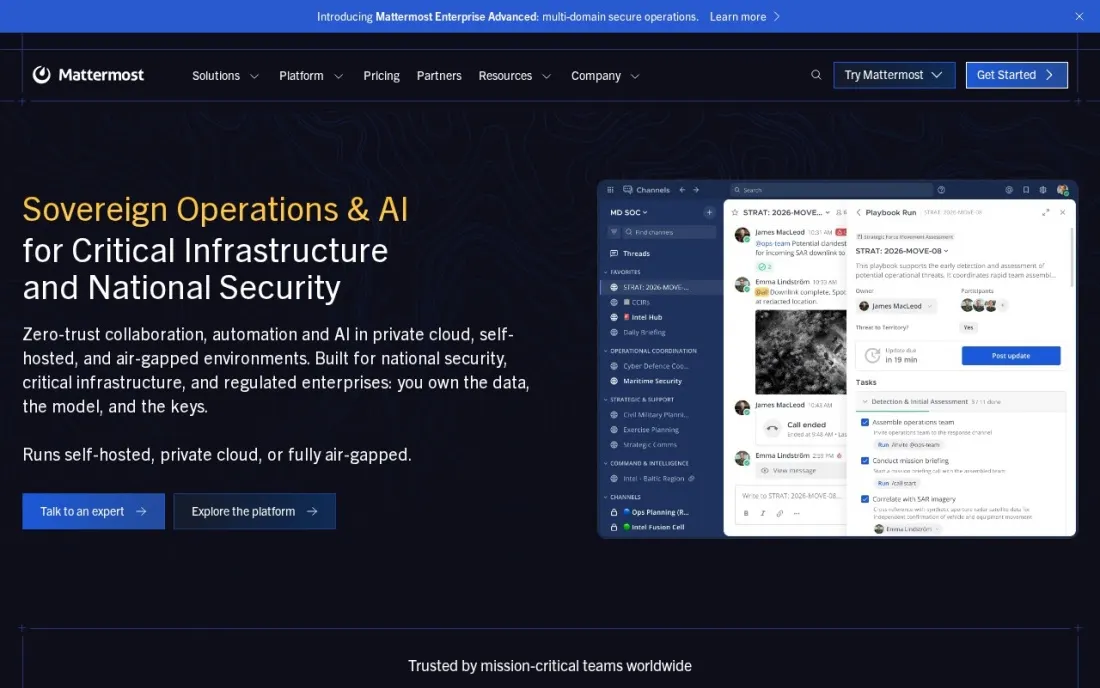
Mattermost is the messaging platform for organizations that cannot put chat on someone else's cloud. It runs on your own infrastructure, including air-gapped networks, or as a single-tenant cloud managed by Mattermost. Professional covers teams of up to 250 users with SSO and DevSecOps integrations; Enterprise adds playbooks, data retention, legal hold and 24x7 support.
There are no published prices. Every plan is quote-based and sold as prepaid annual seat licences, with extra users bought on a quarterly true-forward basis, and each server, including staging and test servers, needs its own licence. That overhead only makes sense when hosting control is a requirement.
What we like
- Self-hosted on your own infrastructure, including air-gapped networks, or as a single-tenant cloud
- Professional plan adds SSO and DevSecOps integrations for teams up to 250 users
- Enterprise tiers add data retention, legal hold and FIPS 140-3 validated images
Watch out for
- No published prices; every plan needs a sales quote
- Licences are prepaid annually, with extra seats trued up quarterly
- Each server, including staging servers, needs its own licence key
The best messaging software gets quick questions out of email, keeps decisions searchable and costs a predictable amount as the team grows. We compared seven team messaging tools across standalone chat apps, chat bundled with an office suite or video platform, and a self-hosted option, and every price below comes from the vendor's own pricing page as checked in November 2026.
How to choose the best messaging software
- Check the free plan's history limit. Slack's free plan keeps 90 days of messages; Pumble keeps all of them. Lost history means lost decisions.
- Follow your existing suite. If you pay for Microsoft 365 or Google Workspace, you already own a chat tool, so compare against that first.
- Count guests and contractors. Guest access is often a paid feature, and multi-channel guests can need a full seat.
- Test calls, not just chat. Free plans often limit group calls to one-to-one or to short meetings.
- Look at integrations. The tools your team already uses should post into channels, or people will keep switching tabs.
- Decide where the data lives. Most tools are vendor clouds; regulated teams may need self-hosting or strict retention controls.
Internal chat keeps a team fast; customers still find you through search. If your business also needs to be found online, our monthly SEO service handles that side, and our guide to the best collaboration software for small business covers the project tools that sit next to chat.
Which messaging software fits your situation
A team of five or fewer that wants to pay nothing. Chanty's free plan covers up to five members with unlimited chats, searchable history and one-to-one calls, and Pumble's free plan has no user limit and keeps unlimited history. Pick Pumble if you expect to hire, because a sixth person on Chanty means paying. Both free plans limit calls, so group meetings need a paid plan.
A company that already pays for Microsoft 365 or Google Workspace. Use the chat you own before buying anything. Microsoft Teams Essentials costs $4 a user a month billed annually on its own, and Google Chat comes inside Business Starter at $7 a user a month billed annually with email, Docs and Drive. The chat is simpler than Slack, but files and calendars connect without setup.
A growing team that lives in its tools. Slack Pro at $7.25 a user a month billed annually gives unlimited history, more than 2,600 apps and huddles, and fair billing charges only for members active in the last 28 days, which helps with part-timers. Avoid relying on the free plan, since it keeps only 90 days of messages.
A client-facing team where most work happens on video. Zoom Workplace Pro at $16.99 a user a month billed monthly, or $14.16 annually, gives 30-hour meetings and AI summaries with Team Chat in the same app. Only meeting hosts need a licence, so license the people who run calls and keep everyone else on the free Basic plan.
A regulated organization that cannot use a vendor cloud. Mattermost runs on your own servers, including air-gapped networks, with data retention and legal hold on Enterprise. Budget for quote-only pricing, prepaid annual seats and a separate licence for each server, including staging.
Messaging software pricing: what you will actually pay
Take a 20-person team on annual billing. Pumble Pro costs 20 times $2.49, or $49.80 a month, $597.60 a year. Chanty Business costs $60 a month, $720 a year. Microsoft Teams Essentials costs $80 a month, $960 a year. Google Workspace Business Starter costs $140 a month, $1,680 a year, but includes email, Docs and Drive. Slack Pro costs $145 a month, $1,740 a year, before fair billing removes inactive members.
On monthly billing the same team pays more: $59.80 a month on Pumble at $2.99, $80 on Chanty at $4 and $175 on Slack at $8.75. Zoom Workplace Pro costs $14.16 a user a month billed annually, but only meeting hosts need a licence. Mattermost publishes no prices.
Know the difference: standalone chat vs bundled chat
Standalone chat tools such as Slack, Pumble and Chanty are built around channels first. They tend to have more flexible threads, more integrations and better search, and they work with whatever email and documents the team already uses. You pay for them as a separate line on the bill.
Bundled chat comes inside a suite you may already pay for. Microsoft Teams comes with Microsoft 365, Google Chat with Google Workspace, and Team Chat with Zoom Workplace. The chat is simpler, but files, calendars and meetings connect without setup, and the extra cost is often zero. Start with the bundle you own and move to a standalone tool only if the team outgrows it.
Quick comparison: tool type by need
| Buyer | Best pick | Why |
|---|---|---|
| Most teams | Slack | 2,600+ apps; Pro $7.25/user/month billed annually |
| Microsoft 365 companies | Microsoft Teams | Chat and meetings; $4/user/month billed annually |
| Google-based businesses | Google Workspace | Chat with email, Docs and Meet; $7/user/month billed annually |
| Video-first teams | Zoom Workplace | Team Chat plus 30-hour meetings on Pro |
| Tight budgets | Pumble | Free with unlimited users and history |
| Chat plus tasks | Chanty | Task boards included; $3/user/month billed annually |
| Self-hosted security | Mattermost | Runs on your servers, including air-gapped |
Mistakes to avoid
- Running two chat tools. Half the team on one app and half on another splits every conversation; pick one.
- Relying on a free plan's history. If decisions live in chat, make sure the plan keeps them.
- Leaving inactive accounts paid. Deactivate leavers, or choose a tool that bills only active members.
- Using chat as a task tracker. Messages scroll away; move work with a deadline into a task board.
- Skipping notification rules. Agree which channels need instant replies, or chat becomes a constant interruption.
Related comparisons: Mobile In-App Messaging Software · Customer Messaging Platforms · Cross-Platform Messaging Apps
How we chose
We checked each vendor's own pricing page in November 2026 and recorded the starting price as shown, with annual and monthly billing where both are listed. We ranked the tools by fit for the most common buyer, a small or mid-size business replacing internal email with team chat, and noted where a suite you already pay for includes chat. Ratings come from G2 pages checked on the dates shown in the sources. No vendor paid for a place in this list, and none of the links here are affiliate links.
What to do next
Check whether your current Microsoft 365 or Google Workspace plan already includes chat, then run a two-week trial with one team on that tool and one standalone option. Keep the one people open without being reminded. If you want more customers finding the business, book a free strategy call.
Frequently asked questions
What is the best messaging software for business?
For most teams, Slack, with Pro at $7.25 a user a month billed annually. Microsoft Teams is the pick for Microsoft 365 companies at $4 a user a month billed annually, Pumble is the budget pick, and Mattermost suits organizations that must self-host.
Is there free team messaging software?
Yes. Pumble's free plan has unlimited users and unlimited history, Slack's free plan keeps 90 days of history, Microsoft Teams has a free plan with unlimited chat and 60-minute group meetings, and Chanty is free for up to 5 team members.
How much does team messaging software cost?
On published prices billed annually, Pumble Pro costs $2.49 a user a month, Chanty Business $3, Microsoft Teams Essentials $4, Google Workspace Business Starter $7, Slack Pro $7.25 and Zoom Workplace Pro $14.16. Mattermost is quote-only.
What is the difference between team messaging and a messaging app like WhatsApp?
Team messaging software is owned and managed by the business: admins control accounts, channels, retention and integrations, and the history stays with the company when people leave. Consumer apps belong to each person and offer little admin control.
Can team messaging software replace email?
For internal conversations, mostly yes. Channels keep discussions by topic and searchable. Email is still needed for customers, suppliers and formal records.
Which messaging software can be self-hosted?
Mattermost can be self-hosted on your own servers, including air-gapped networks, or run as a single-tenant cloud. The other tools in this list are cloud services run by the vendor.
Sources we checked (9)
- Slack — slack.com/pricing (checked November 12, 2026)
- Slack reviews on G2 (checked November 12, 2026)
- Microsoft Teams — www.microsoft.com/en-us/microsoft-teams (checked November 10, 2026)
- Google Workspace — workspace.google.com/pricing (checked November 10, 2026)
- Google Workspace reviews on G2 (checked November 10, 2026)
- Zoom Workplace — zoom.us/pricing (checked November 10, 2026)
- Pumble — pumble.com/pricing (checked November 16, 2026)
- Chanty — www.chanty.com/pricing (checked November 16, 2026)
- Mattermost — mattermost.com/pricing (checked November 16, 2026)
Make one of these tools?
We re-check this list every quarter. Send a correction, request a review, or ask about a clearly labeled sponsored spot.
Request a listingShamim
Founder of SerpAstra
A full-stack digital marketer and SEO strategist covering technical and local SEO, AI search visibility, paid ads and lead generation for local businesses, e-commerce brands and SaaS teams.
Free SEO and AI visibility audit
Find out what is holding your rankings back
Send us your site. Within 2 business days you get a written audit, an AI visibility check and a short fix list ranked by impact. Free, with no contract attached.
Request my free audit→Related buying guides
 Productivity & Office10 Best Collaboration Software for Small Business in 2026, ComparedCompare the 10 best collaboration software for small business options on price, free plans, chat and project tools, with every price checked November 10, 2026.Read guide →
 Communication & Community10 Best Cross-Platform Messaging Apps in 2026, ComparedThe 10 best cross-platform messaging apps compared on price, encryption and device support. Six are free, with every price checked November 10, 2026.Read guide →
 Productivity & Office8 Best Productivity Software for Small Business in 2026, ComparedCompare the 8 best productivity software for small business options on price, free plans and features, with every price checked November 12, 2026.Read guide →