
6 Best Office Software Suites in 2026, Compared
Compare the 6 best office software suites for documents, spreadsheets, slides and email, from Microsoft 365 to free LibreOffice, with real 2026 prices.
 Shamim Mia, Founder, SerpAstraLast verified November 6, 20269 min read
We compare pricing pages, documentation and public reviews. We never accept payment for rankings.
Key takeaways
- Microsoft 365 and Google Workspace both start at $7 a user a month billed annually, but Microsoft's desktop Word, Excel and PowerPoint only arrive on Business Standard at $14.
- Zoho Workplace is the budget business suite: Standard costs $3 a user a month billed annually with Mail, Writer, Sheet, Show and WorkDrive included.
- LibreOffice is the best free office software for working offline: no licence, no account and no subscription on Windows, Mac and Linux.
- If you exchange complex Excel or PowerPoint files with clients every day, test them in any alternative before switching away from Microsoft 365.
On this page
Quick comparison
| Tool | Best for | Starting price | Free plan |
|---|---|---|---|
| Microsoft 365 | Businesses that exchange Word, Excel and PowerPoint files with clients and need Outlook email | $7/mo | No (1-month trial) |
| Google Workspace | Teams that work in the browser and want email, Docs, Sheets and Meet in one subscription | $7/mo (annual) | No (14-day trial) |
| Zoho Workplace | Small businesses that want email plus documents, sheets and slides at the lowest per-user price | $3/user/mo yearly | Mail only |
| LibreOffice | People and offices that want a full desktop office suite for $0 with no account or subscription | Free | Free |
| ONLYOFFICE DocSpace | Privacy-focused teams that want Microsoft-compatible editors they can self-host | $20/admin/mo | Yes (free Startup) |
| WPS Office | Individuals who want a free Microsoft-compatible suite with PDF tools on desktop and mobile | Free; Pro+ ~$69.99/yr | Yes |
Make one of these tools?
We re-check this list every quarter. Send a correction, request a review, or ask about a clearly labeled sponsored spot.
Request a listingThe best office software

Microsoft 365
Best for: Businesses that exchange Word, Excel and PowerPoint files with clients and need Outlook email
Microsoft 365 is still the office software most clients expect: Word, Excel and PowerPoint files open exactly as they were made, and Outlook with Exchange handles business email. Business Basic costs $7 a user a month billed annually, or $8.40 month to month, and includes Teams, 1 TB of OneDrive per user and the web and mobile Office apps.
The catch is that Basic has no desktop Office apps; those start on Business Standard at $14 a user a month. Basic rose from $6 to $7 on July 1, 2026, there is no free plan, only a one-month trial, and Copilot AI costs extra. For one person at home, Microsoft 365 Personal costs $99.99 a year.
What we like
- Exchange email with Outlook, Teams and 1 TB of OneDrive per user in the $7 Business Basic plan
- The email most corporate clients already use, so sending from Outlook raises no eyebrows
- Web and mobile Office apps are included, with desktop apps one tier up on Standard
- Business plans cover up to 300 users with admin controls and security defaults
Watch out for
- Business Basic has no desktop Office apps — those start on Business Standard at $14/user/month
- The July 1, 2026 price rise took Basic from $6 to $7, so older comparisons quoting $6 are out of date
- No free plan — only a 1-month trial, and Copilot AI costs extra on every plan

Google Workspace
Best for: Teams that work in the browser and want email, Docs, Sheets and Meet in one subscription
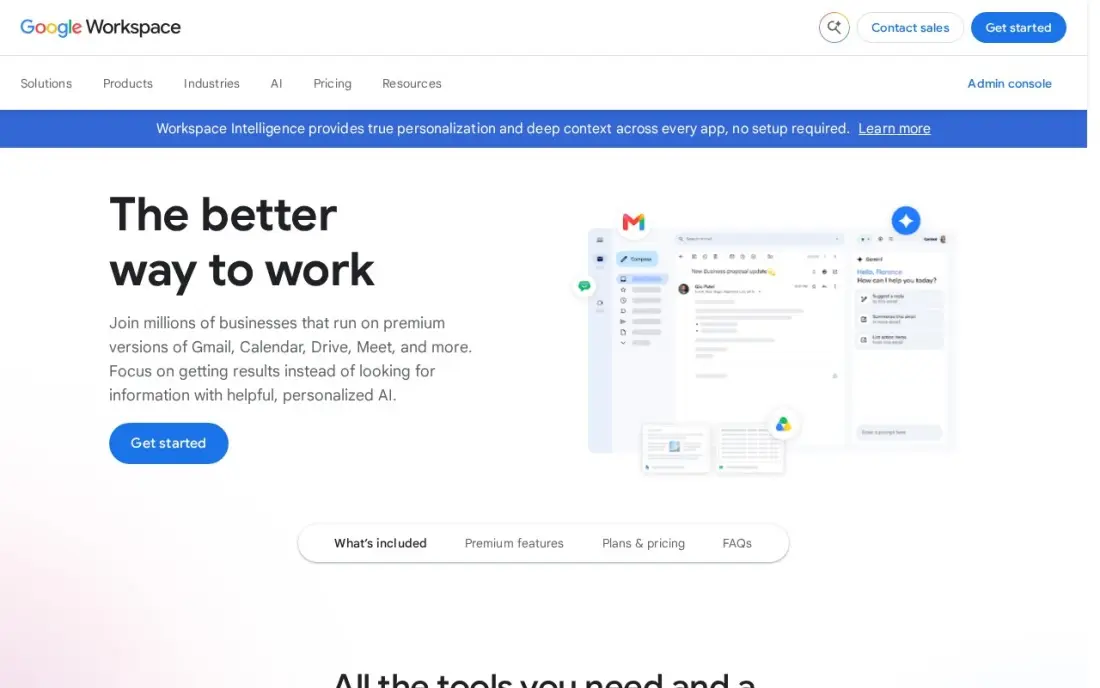
Google Workspace is office software built for the browser: Docs, Sheets and Slides save automatically, several people edit at once, and business Gmail, Drive and Meet come in the same subscription. Business Starter costs $7 a user a month billed annually, or $8.40 on the flexible monthly plan, with 30 GB of pooled storage per user and Gemini AI in Gmail.
Business editions stop at 300 users, and Meet recording and advanced admin controls need Business Standard at $14 a user a month. Files open in Microsoft formats, but heavy Excel models and complex PowerPoint decks can lose detail, so test the files your clients send most often during the 14-day trial.
What we like
- Business email, Docs, Sheets, Slides, Drive and Meet in one subscription from $7 a user a month billed annually
- Gemini AI is included in Gmail and the Gemini app on every Business plan
- 30 GB of pooled storage per user on Business Starter, with Meet for up to 100 participants
- The suite most clients already use, so sharing files and calendars needs no training
Watch out for
- Business editions cap at 300 users, so a growing company must move to Enterprise
- Meet recording and advanced admin controls need Business Standard ($14) or higher
- The 50%-off new-customer offer covers only the first 20 users for 12 months

Zoho Workplace
Best for: Small businesses that want email plus documents, sheets and slides at the lowest per-user price
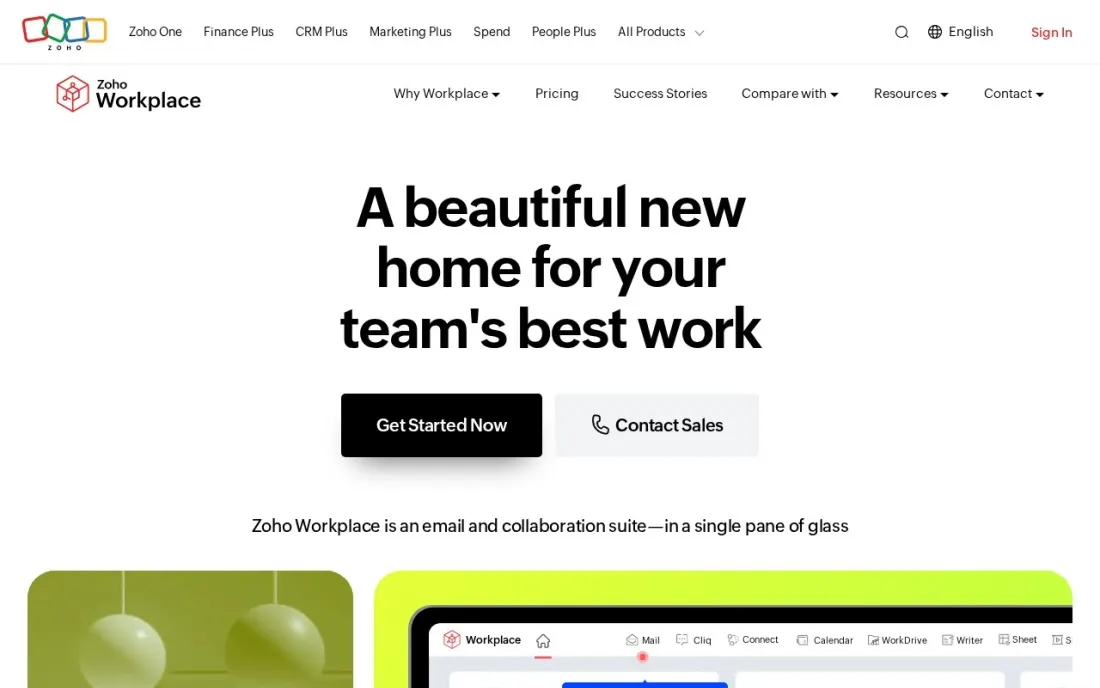
Zoho Workplace is the budget business suite: Mail, Calendar, Writer, Sheet, Show, WorkDrive storage, Cliq chat and Meeting video calls in one login. Workplace Standard costs $3 a user a month billed annually, or $4 monthly, on the default USD list, with 30 GB of mail per user and 100 GB of shared WorkDrive for teams of 3 to 10.
Professional at $6 a user a month billed annually adds email protection and 1 TB of shared storage for 3 to 10 users. The Mail Free plan covers up to five users but includes no documents, sheets or slides, and taxes are added on top in most countries. It suits small teams that want a full suite at under half the price of the big two.
What we like
- Standard includes Mail, Writer, Sheet, Show, WorkDrive, Cliq and Meeting from $3 a user a month billed annually
- 30 GB of mail storage per user on Standard, and 100 GB on Professional
- Professional at $6 a user a month billed annually adds eProtect and 1 TB of shared WorkDrive storage for 3 to 10 users
- Regional price lists, including lower South Asia pricing
Watch out for
- The free plan covers email only, with no Writer, Sheet, Show or WorkDrive
- Taxes such as VAT or GST are added on top of list prices in most countries
- Migration assistance is offered only to organisations with more than 50 users

LibreOffice
Best for: People and offices that want a full desktop office suite for $0 with no account or subscription
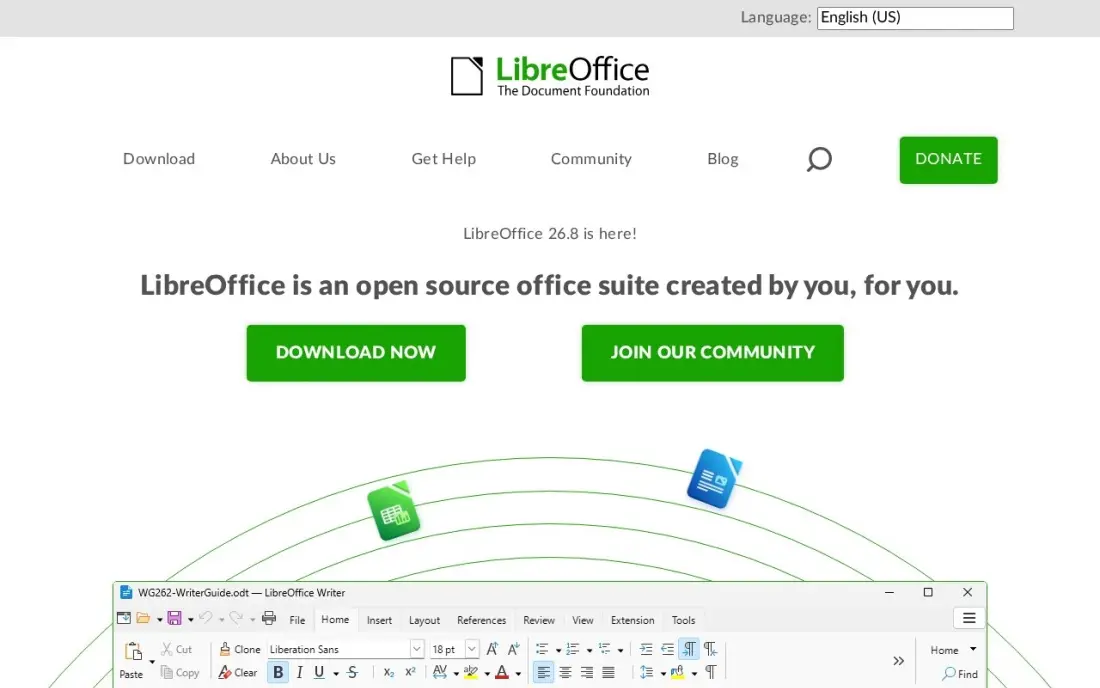
LibreOffice is the best free office software for working on your own computer. It includes a word processor, spreadsheet, presentation and drawing tools, costs nothing, needs no account and shows no ads, and runs on Windows, Mac and Linux, including older machines the cloud suites leave behind. Version 26.8 was released in October 2026.
What it cannot do is collaborate in real time. There is no built-in cloud sync, so sharing means sending files, and complex Excel or Word files can lose formatting on the round trip. Support comes from forums rather than a vendor. Pair it with any cloud drive if you need files on several devices.
What we like
- Completely free and open source, with no account, ads or subscription
- Runs on Windows, Mac and Linux, including older machines
- Opens Microsoft Office formats and ODF files, and handles CSV well
- Updated by a large community; version 26.8 was released in October 2026
Watch out for
- No built-in cloud sync or real-time co-editing
- Complex Excel and Word files can lose formatting
- Support is community forums and documentation, not a vendor

ONLYOFFICE DocSpace
Best for: Privacy-focused teams that want Microsoft-compatible editors they can self-host

ONLYOFFICE DocSpace is the office software for teams that care where documents live. Its document, spreadsheet and presentation editors handle Microsoft formats well, with real-time co-editing inside rooms you control, and the open-source community edition can be self-hosted. The free Startup plan covers up to 12 rooms and 2 GB of storage.
On the cloud Business plan you pay $20 a month per admin, and editors and guests collaborate free, which can make it cheap for a large team with few admins. The G2 rating rests on just 12 reviews, the template library is smaller than Google's or Microsoft's, and the self-hosted Enterprise edition starts at $6,550.
What we like
- Strong Microsoft format compatibility, with real-time co-editing in rooms you control
- You pay only for admins on Business — editors and guests collaborate free
- Open-source community edition available for teams that want to self-host everything
Watch out for
- Only 12 reviews on G2, so the rating rests on a very small sample
- The $20 Business price is per admin, and the self-hosted Enterprise edition starts at $6,550
- Smaller template and integration library than Google Workspace or Microsoft 365

WPS Office
Best for: Individuals who want a free Microsoft-compatible suite with PDF tools on desktop and mobile
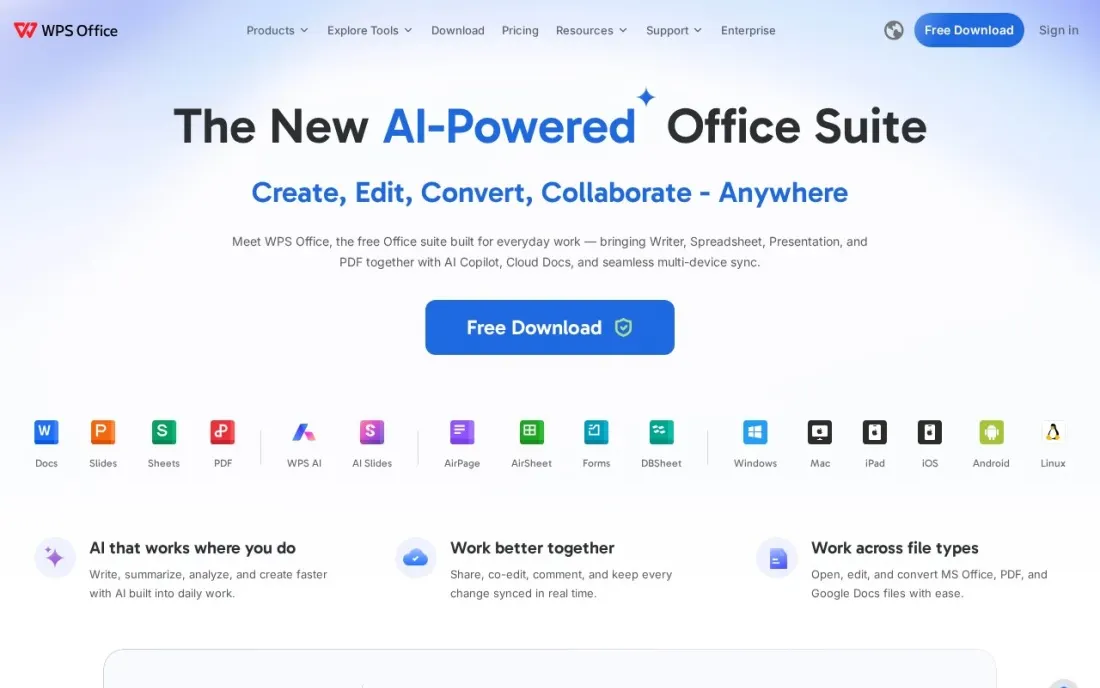
WPS Office is a free suite that looks and works much like Microsoft Office, with Writer, Spreadsheet, Presentation and basic PDF tools on Windows, Mac, Linux, Android and iOS. It is built to open DOCX, XLSX and PPTX files, and the free version includes about 1 GB of cloud storage, which makes it a common choice on personal laptops and phones.
The free version can show ads and upsells, and advanced PDF conversion, OCR and editing need Pro+, which WPS's own comparison page puts at about $69.99 billed yearly, varying by region. Pro+ adds 20 GB of storage. WPS does not publish compatibility results for Excel macros or VBA, so test critical files first.
What we like
- Writer, Spreadsheet, Presentation and basic PDF reading and editing are free
- Runs on Windows, Mac, Linux, Android and iOS, plus online editing
- Built to open DOCX, XLSX and PPTX files
Watch out for
- Ads and upsells may appear in the free version
- Advanced PDF conversion, OCR and editing are Pro+ features
- Pro+ pricing varies by region and promotion, and AI use has a daily limit
The best office software lets you write documents, build spreadsheets and present slides that open cleanly on other people's computers. We compared six suites, from the two business defaults to a cheaper business suite and three free or self-hosted options, on file compatibility, collaboration, email and what each costs per user. Every price was checked on the vendor's own page in November 2026.
How to choose the best office software
- Start with the files you exchange. If clients send complex Excel models or PowerPoint decks, Microsoft compatibility matters more than any other feature.
- Decide between desktop and browser. Microsoft 365 and LibreOffice are strongest on the desktop; Google Workspace and Zoho are built around the browser.
- Check whether email is included. Business suites bundle email on your domain; document-only suites need a separate mail service.
- Price the plan you actually need. Microsoft's desktop apps start on Business Standard, not Basic, and Google's Meet recording needs Business Standard too.
- Consider where files are stored. Teams with privacy or data-location rules should look at self-hostable options such as ONLYOFFICE.
- Test real files before switching. Open your ten most important documents and spreadsheets in the new suite during the trial.
Your office suite also runs your business email and documents, which affects how clients see you. If you are setting up a new domain, our guide to the best email hosting services compares the email side, and our local SEO service helps local customers find the business behind the inbox.
Which office software fits your situation
A firm that sends Word, Excel and PowerPoint files to corporate clients every day. Stay on Microsoft 365. Files open exactly as they were made, and Outlook with Exchange is the email most corporate clients already use. Budget for Business Standard at $14 a user a month if staff need desktop Excel and PowerPoint, because Business Basic at $7 is web and mobile only, and remember Copilot costs extra.
A team that works in the browser and edits documents together. Google Workspace fits best. Business Starter at $7 a user a month billed annually bundles Gmail, Docs, Sheets, Slides, Drive and Meet, with Gemini AI in Gmail. Watch two limits: Meet recording and advanced admin controls need Business Standard at $14, and Business editions stop at 300 users.
A small business that wants email and documents for the lowest price. Zoho Workplace Standard costs $3 a user a month billed annually and includes Mail, Writer, Sheet, Show, WorkDrive, Cliq and Meeting. For ten people that is $360 a year against $840 on the big two. The Mail Free plan does not include Writer, Sheet or Show, and taxes are added on top of list prices in most countries.
A freelancer, student or office that already has email. LibreOffice costs nothing, needs no account and runs on Windows, Mac and Linux, including older machines. It has no built-in cloud sync or real-time co-editing, so pair it with a cloud drive. If you also want basic PDF tools and apps on Android and iOS, WPS Office has a free version, though it can show ads and advanced PDF features need Pro+.
A team with rules about where documents are stored. ONLYOFFICE DocSpace handles Microsoft formats with real-time co-editing in rooms you control, and the community edition can be self-hosted. The cloud Business plan charges $20 a month per admin while editors and guests collaborate free, so it suits a large team with few admins. Note that its G2 rating rests on only 12 reviews.
Office software pricing: what you will actually pay
Take an office of ten people that needs email, documents and shared storage. On annual billing, Zoho Workplace Standard costs $30 a month, or $360 a year. Google Workspace Business Starter and Microsoft 365 Business Basic both cost $70 a month, or $840 a year. If the team needs desktop Word and Excel, Microsoft 365 Business Standard at $14 a user a month is $140 a month, or $1,680 a year.
Pay monthly instead and Google Workspace and Microsoft 365 Basic rise to $8.40 a user, or $1,008 a year for ten people, and Zoho Standard rises to $4 a user, or $480 a year. Document-only options cost less: LibreOffice is $0, and ONLYOFFICE DocSpace Business charges $20 a month per admin, so one admin with nine free editors is $240 a year, before you add an email service.
Know the difference: business suites vs document suites
A business suite bundles office apps with email, calendars, cloud storage, chat and video calls under one admin console. Microsoft 365, Google Workspace and Zoho Workplace work this way, and they are priced per user because every person gets a mailbox and storage. For most companies, this is the simpler buy.
A document suite only edits files. LibreOffice and WPS Office install on a computer, and ONLYOFFICE DocSpace runs in rooms you control. They cost far less or nothing, but you supply email, storage and sharing yourself. They suit freelancers, students, offices with existing email, and teams with strict rules about where documents are kept.
Quick comparison: tool type by need
| Buyer | Best pick | Why |
|---|---|---|
| Businesses trading Office files | Microsoft 365 | Business Basic $7/user/month billed annually; desktop apps from $14 |
| Browser-based teams | Google Workspace | Email, Docs and Meet from $7/user/month billed annually |
| Budget business suite | Zoho Workplace | Standard $3/user/month billed annually |
| Free offline work | LibreOffice | Free and open source on Windows, Mac and Linux |
| Privacy and self-hosting | ONLYOFFICE DocSpace | Free Startup plan; Business $20/admin/month |
| Free suite with PDF tools | WPS Office | Free core suite on desktop and mobile |
Mistakes to avoid
- Buying the plan without desktop apps by accident. Microsoft 365 Business Basic is web and mobile only; check the plan before staff expect desktop Excel.
- Switching suites without testing files. Formulas, macros, fonts and slide layouts are where compatibility breaks.
- Forgetting email in the budget. A document-only suite still needs a business email service on your domain.
- Running two suites side by side for long. Half the team in Google Docs and half in Word leads to duplicate versions of every file.
- Ignoring storage limits. Shared storage fills faster than expected once video and scans are added; check the per-user allowance.
Related comparisons: Office Management Software · Dental Office Software · Real Estate Back Office Software
How we chose
We read each vendor's pricing or product page in November 2026 and recorded the starting price exactly as shown, including whether it is billed annually or monthly; LibreOffice details come from our database entry checked on November 12, 2026, and the WPS Pro+ figure is the approximate price on WPS's own comparison page. We compared suites on file compatibility, collaboration, email, storage and cost for a ten-person office. Ratings come from G2 pages checked on the dates shown in the sources. No vendor paid for a place in this list, and none of the links here are affiliate links.
What to do next
Pick two suites that match how your team works, open your ten most-used files in each during the trial, and keep the one that changes nothing in those files. If you are also setting up a new business website and domain, book a free consultation and we will help you get found.
Frequently asked questions
What is the best office software?
Microsoft 365 is the best office software for businesses that trade Word, Excel and PowerPoint files with clients. Google Workspace is best for browser-based teams, Zoho Workplace is the cheapest full business suite, and LibreOffice is the best free option for working offline.
What is the best free office software?
LibreOffice is completely free and open source with no account or ads. WPS Office has a free version with basic PDF tools but may show ads. ONLYOFFICE DocSpace has a free Startup plan, and Google Docs, Sheets and Slides are free with a personal Google account.
How much does office software cost per user?
On annual billing, Zoho Workplace Standard costs $3 a user a month, Google Workspace Business Starter $7 and Microsoft 365 Business Basic $7. Microsoft's desktop apps need Business Standard at $14 a user a month, and LibreOffice costs nothing.
Microsoft 365 or Google Workspace: which is better?
Choose Microsoft 365 if your team needs desktop Excel and PowerPoint or exchanges complex Office files with clients. Choose Google Workspace if your team works in the browser and edits documents together in real time. Both start at $7 a user a month billed annually.
Can LibreOffice replace Microsoft Office?
For letters, reports, simple spreadsheets and presentations, yes. It opens Microsoft formats, but complex Excel files and Word layouts can lose formatting, and it has no built-in real-time co-editing, so test your most important files first.
Does office software include email?
Business suites do: Microsoft 365, Google Workspace and Zoho Workplace all include business email on your own domain. LibreOffice, WPS Office and ONLYOFFICE DocSpace are document suites only, so email needs a separate service.
Sources we checked (9)
- Microsoft 365 — www.microsoft.com/en-us/microsoft-365/business/compare-all-microsoft-365-business-products (checked November 6, 2026)
- Microsoft 365 reviews on G2 (checked November 6, 2026)
- Google Workspace — workspace.google.com/pricing (checked November 10, 2026)
- Google Workspace reviews on G2 (checked November 10, 2026)
- Zoho Workplace — www.zoho.com/workplace/pricing.html (checked November 16, 2026)
- LibreOffice — www.libreoffice.org (checked November 12, 2026)
- ONLYOFFICE DocSpace — www.onlyoffice.com/docspace.aspx (checked November 10, 2026)
- ONLYOFFICE DocSpace reviews on G2 (checked November 10, 2026)
- WPS Office — www.wps.com/compare/free-microsoft-office-alternative (checked November 16, 2026)
Make one of these tools?
We re-check this list every quarter. Send a correction, request a review, or ask about a clearly labeled sponsored spot.
Request a listingShamim
Founder of SerpAstra
A full-stack digital marketer and SEO strategist covering technical and local SEO, AI search visibility, paid ads and lead generation for local businesses, e-commerce brands and SaaS teams.
Free SEO and AI visibility audit
Find out what is holding your rankings back
Send us your site. Within 2 business days you get a written audit, an AI visibility check and a short fix list ranked by impact. Free, with no contract attached.
Request my free audit→Related buying guides
 Productivity & Office8 Best Productivity Software for Small Business in 2026, ComparedCompare the 8 best productivity software for small business options on price, free plans and features, with every price checked November 12, 2026.Read guide →
 Productivity & OfficeBest Spreadsheet Software for 2026: 10 Options Compared by Use CaseBest spreadsheet software for 2026: 10 options compared by use case, with real starting prices — from free Google Sheets to Excel, Smartsheet and Airtable.Read guide →
 Business SoftwareBest Email Hosting Services for 2026: 11 Providers Ranked by ValueCompare the 11 best email hosting service providers for small business on price, storage and free plans, with every price checked November 6, 2026.Read guide →