
7 Best Recording Software in 2026, Compared
Compare the 7 best recording software tools for screen, video and audio, from free OBS Studio to Camtasia, on features, limits and cost, checked November 2026.
 Shamim Mia, Founder, SerpAstraLast verified November 7, 202610 min read
We compare pricing pages, documentation and public reviews. We never accept payment for rankings.
Key takeaways
- OBS Studio is the best free recording software for screen and camera: open source with no recording time limit, on Windows, macOS and Linux.
- Camtasia is the best paid pick for tutorials and training videos, from $39 a year for Starter and $179.88 a year for Essentials with the full editor.
- ScreenPal is the cheapest polished screen recorder: free for 15-minute recordings, then Deluxe at $4 a month billed annually for unlimited recording.
- For audio, Audacity is free and capable; Adobe Audition at $22.99 a month only makes sense for Creative Cloud users who need deep repair.
On this page
Quick comparison
| Tool | Best for | Starting price | Free plan |
|---|---|---|---|
| OBS Studio | Anyone who wants free, unlimited screen and camera recording with full control | Free | Yes, free |
| Camtasia | Trainers and educators who record tutorials and edit them into polished lessons | $39/yr; $179.88/yr | No |
| ScreenPal | Teachers and small teams that want simple screen recording for a few dollars a month | Free; $4/mo yearly | Yes, 15-min cap |
| Loom | Remote teams that record quick screen-and-camera messages and share them by link | Free; $15/mo yearly | Yes (25 videos) |
| Descript | Podcasters and YouTubers who record and then edit by editing the transcript | Free; $16/mo yearly | Yes (1 hour/mo) |
| Audacity | Voice and music recording on any computer at no cost | Free | Yes (free) |
| Adobe Audition | Creative Cloud users who record multitrack audio and need professional repair | $22.99/mo | No (7-day trial) |
Make one of these tools?
We re-check this list every quarter. Send a correction, request a review, or ask about a clearly labeled sponsored spot.
Request a listingThe best recording software

OBS Studio
Best for: Anyone who wants free, unlimited screen and camera recording with full control
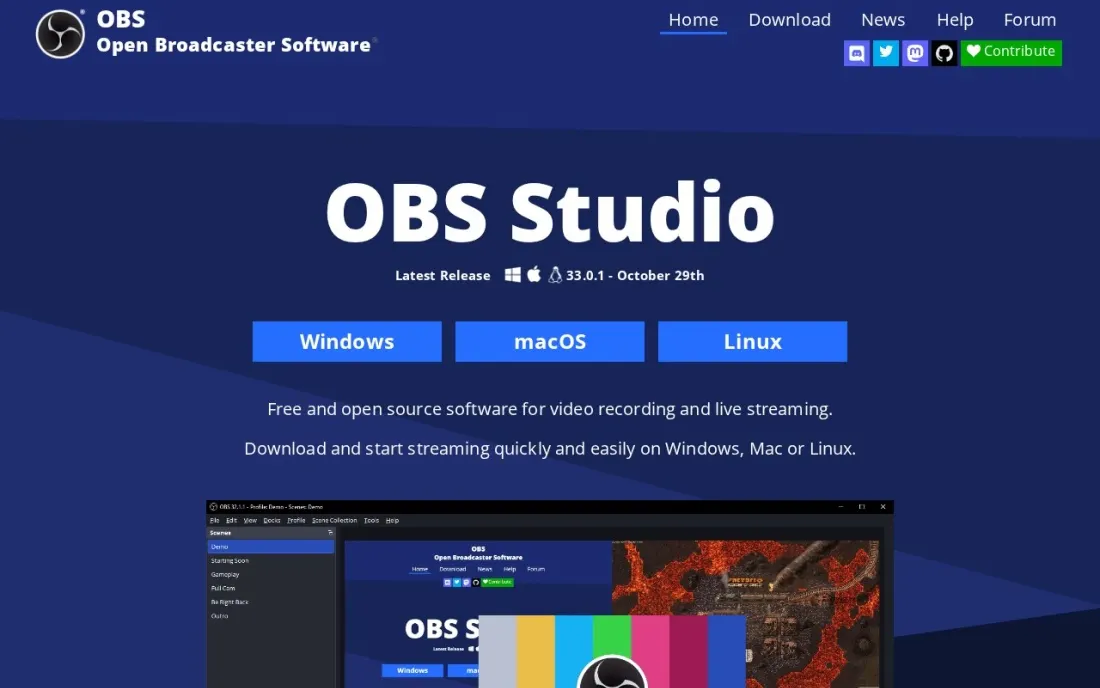
OBS Studio is free, open-source software for recording and live streaming, and it is the default for good reason. You build scenes from window captures, webcams, capture cards, images and text, switch between them with transitions, and record in H264/AAC with no time limit. It runs on Windows 10 and 11, macOS 13 or newer and Linux.
The audio side is stronger than most paid recorders, with per-source noise suppression, noise gate and gain filters plus VST plugin support. What it lacks is editing: there is no timeline to trim or caption a recording, so pair it with a separate editor. Expect an hour of setup before your first clean take.
What we like
- Free and open source, with unlimited scenes and custom transitions
- Mixes window captures, webcams, capture cards, images and text in one scene
- Per-source audio filters including noise suppression and noise gate, plus VST plugins
Watch out for
- No built-in video editor — trims and cuts happen in another app
- Scenes and sources take time to learn for a first-time user

Camtasia
Best for: Trainers and educators who record tutorials and edit them into polished lessons
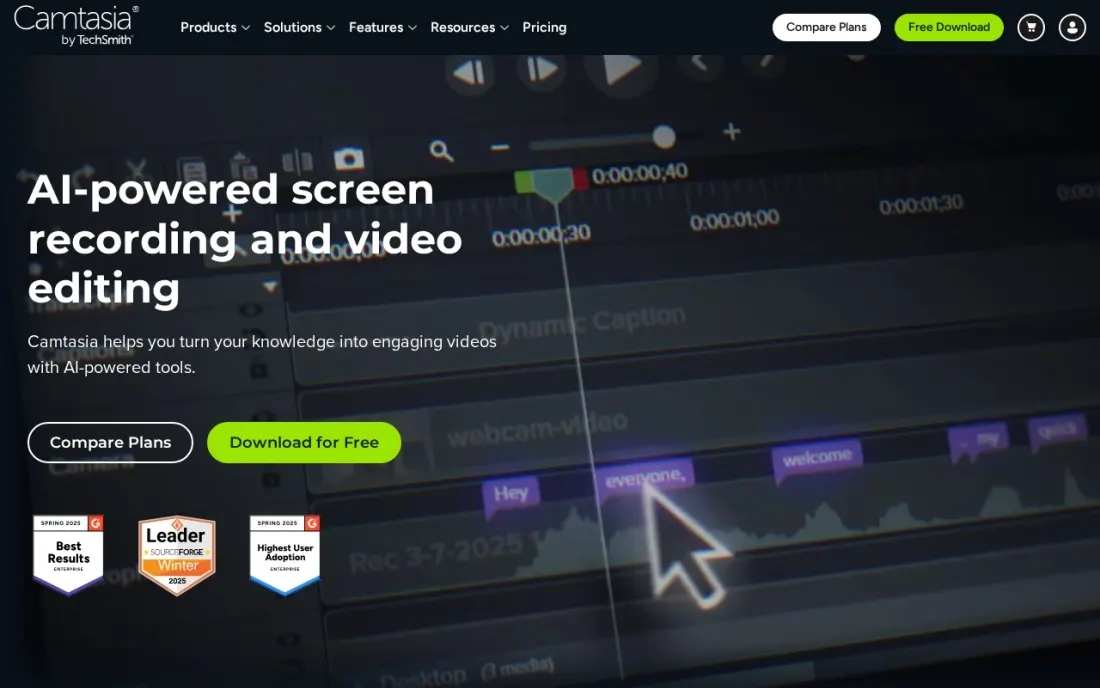
Camtasia pairs a recorder with an editor built for teaching. Every plan records unlimited 4K/60fps video and includes Snagit, and Essentials at $179.88 a year adds the Camtasia editor with text-based editing, filler word removal, unlimited captions, cursor path editing, quizzes and SCORM export for course platforms.
Starter at $39 a year covers capture, background removal and guide creation, but the full editor is listed from Essentials. Create at $249 a year adds AI scripts and voiceovers, and Pro at $599 adds avatars, translation and dubbing. All plans are billed yearly with a 14-day money-back guarantee rather than a free plan.
What we like
- Unlimited 4K/60fps recording and Snagit included on every plan
- Essentials adds text-based editing, filler word removal, captions, quizzes and SCORM export
- Runs on macOS 14+ and Windows 10/11 with live chat support
Watch out for
- Every plan is billed yearly; no monthly price is published
- AI voiceovers need Create at $249 a year, and avatars and dubbing need Pro at $599
- Individual plans are non-transferable, one person only

ScreenPal
Best for: Teachers and small teams that want simple screen recording for a few dollars a month
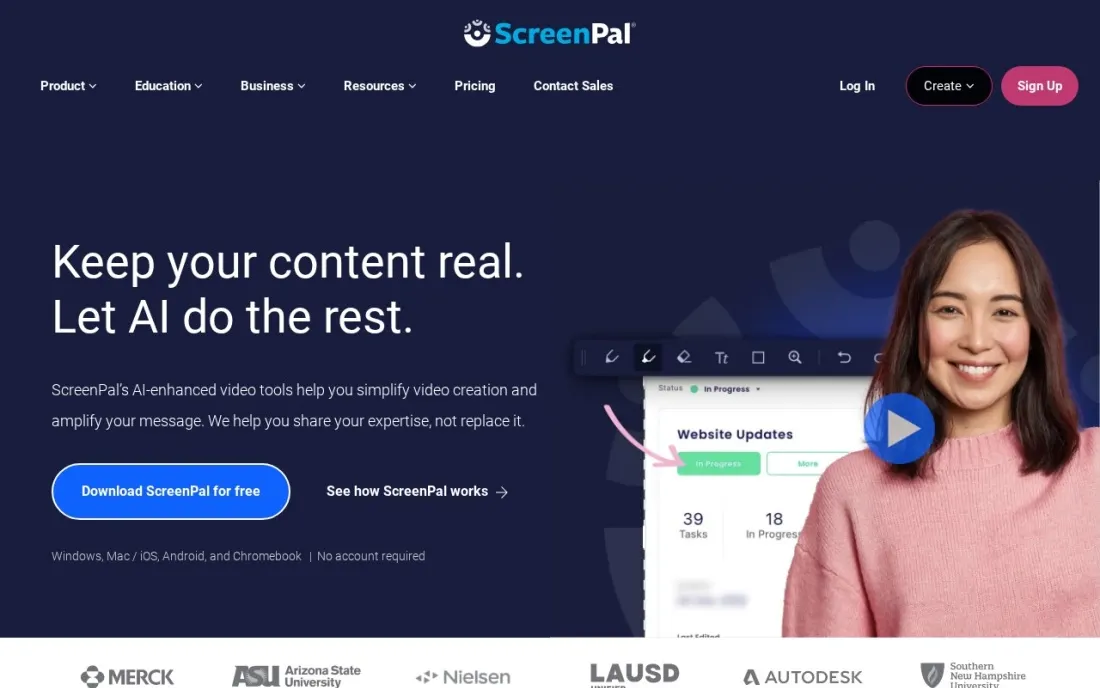
ScreenPal, formerly Screencast-O-Matic, is the low-cost screen recorder for teachers and small teams. The free plan records up to 15 minutes at a time, hosts ten videos and includes basic editing, webcam background blur and screenshots, which covers a quick walkthrough for a colleague or a student.
Deluxe at $4 a month billed annually removes the time cap and adds the full video editor, storyboards and AI captions. Max at $10 a month adds AI narration, transcription and premium stock, and Team Business at $8 a user a month, with three creators minimum, adds SSO and an LMS app. Monthly billing exists, but prices are shown only at checkout.
What we like
- Free plan records up to 15 minutes with basic editing and webcam background blur
- Deluxe unlocks unlimited recording, the full editor and AI captions for $4 a month billed annually
- Team Business adds SSO, analytics and LMS integration at $8 a user a month billed annually
Watch out for
- Monthly prices are not shown on the plans page
- AI narration and the AI video generator need Max at $10 a month billed annually
- Team Business needs at least 3 creators

Loom
Best for: Remote teams that record quick screen-and-camera messages and share them by link
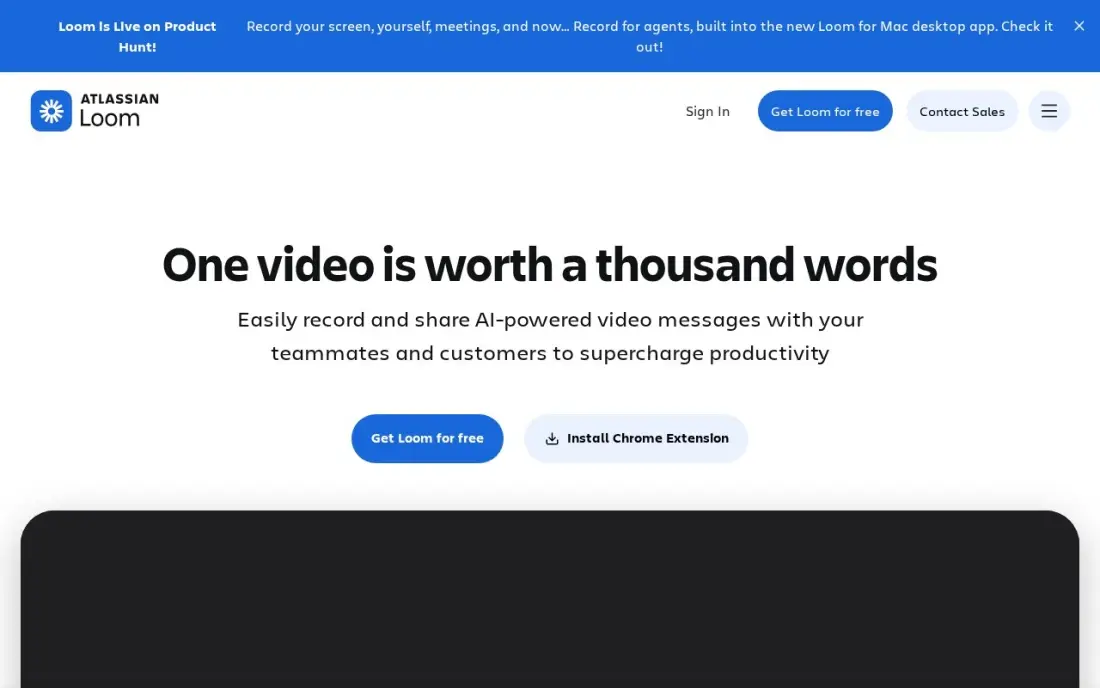
Loom is recording software for messages rather than productions. You record your screen and camera, the video uploads as you go, and a link is ready to paste when you stop, with no file to attach. Viewers watch, comment and react for free, so only the people who record need seats.
The free Starter plan caps each person at 25 videos of five minutes. Business at $15 a month billed annually, or $18 monthly, lifts both limits and adds 4K recording, branding and password protection, while AI summaries and filler removal need Business + AI at $24 a user a month. For tutorials longer than a few minutes, a full editor such as Camtasia fits better.
What we like
- Unlimited videos and unlimited recording length on Business, with 4K recording
- Only creators need paid seats; viewers watch, comment and react for free
- Custom branding, trim and stitch editing, engagement insights and password protection included
- Recordings upload automatically and share by link, so there is no file to attach or host
Watch out for
- Full AI features (summaries, chapters, filler removal) need Business + AI at $24 a user a month billed monthly
- Only the people who record videos need paid seats, but annual billing now uses fixed user tiers
- The free Starter plan caps recordings at 5 minutes and 25 videos per person

Descript
Best for: Podcasters and YouTubers who record and then edit by editing the transcript
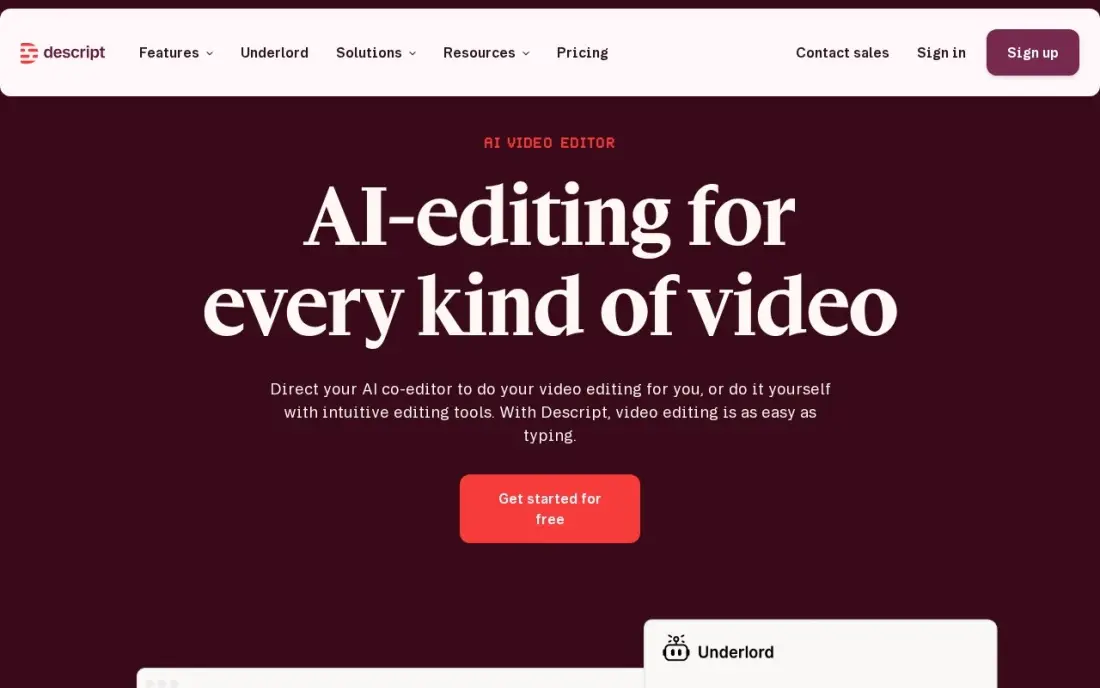
Descript records and edits in one app, and its editing is the reason to choose it: the recording becomes a transcript, and deleting a word in the text deletes it from the audio and video. Studio Sound and filler-word removal clean up a take without a separate audio tool, and it holds 4.6 out of 5 on G2 from 936 reviews.
The free plan covers one media hour a month at 720p, which is enough to test the workflow. Hobbyist costs $16 a month billed annually, or $24 monthly, for ten media hours, and most regular creators need Creator at $24 a month billed annually. G2 reviewers report slowdowns on large projects.
What we like
- Text-based editing: delete a word in the transcript and the video and audio follow
- Studio Sound, filler-word removal and Overdub clean up recordings without a separate audio tool
- Rated 4.6/5 on G2 from 936 reviews, with easy editing the most cited strength
Watch out for
- Hobbyist covers only 10 media hours a month, and the two meters (hours plus AI credits) confuse new buyers
- The app can feel slow or glitchy on large projects, per G2 reviewers
- Creator at $24/month billed annually is the practical entry for serious creators, not Hobbyist
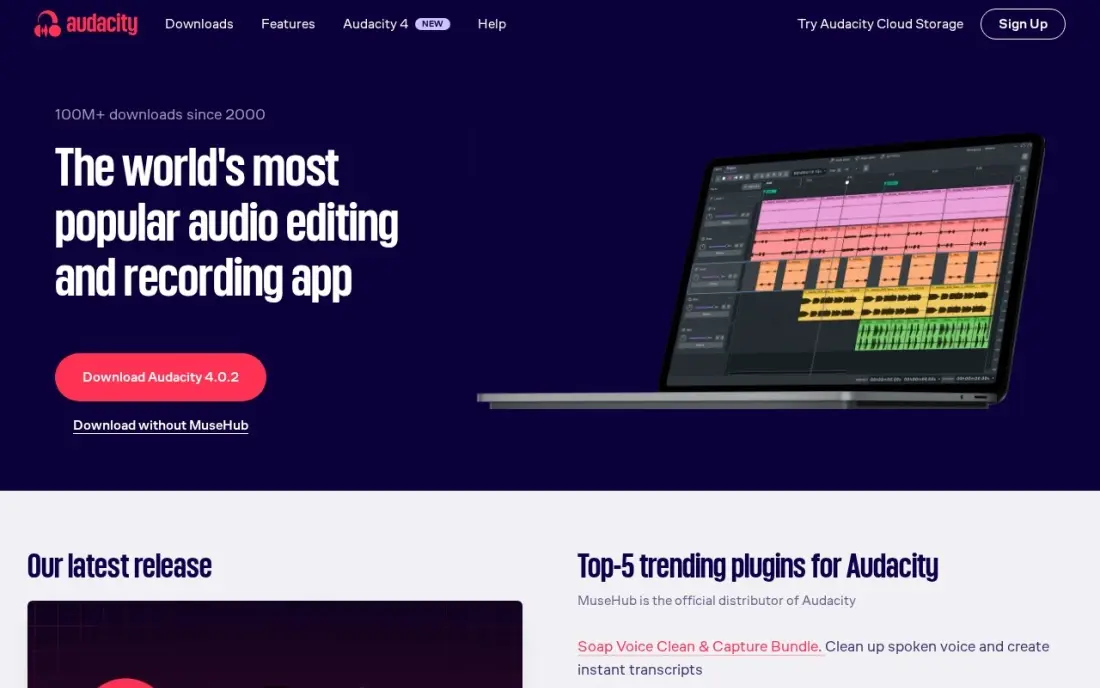
Audacity is the free way to record audio: plug in a microphone, press record, and edit the waveform on Windows, macOS or Linux. It is open source with no paid plan, and its noise reduction works from a noise profile you capture from your own recording, with a spectrogram view to find individual noises by sight.
The trade-off is effort. The interface is dated, the tools are manual rather than one-click AI, and it is easy to over-process a voice until it sounds artificial. For a podcast intro, a voiceover or a music demo on a zero budget, it is still the first program to install, and it holds 4.5 out of 5 on G2.
What we like
- Completely free and open source, with no paid plan at all
- Noise Reduction works from a noise profile you capture from the recording itself
- Spectrogram view lets you find and fix individual noises by sight
- Runs on Windows, macOS and Linux, with a huge free plugin ecosystem
Watch out for
- Manual and slow next to AI tools — you set the noise profile yourself
- Dated interface that takes a while to learn
- Easy to over-process a track and leave audible artifacts

Adobe Audition
Best for: Creative Cloud users who record multitrack audio and need professional repair
Adobe Audition is professional recording and repair software. It records, edits and mixes multitrack sessions in one editor, and its repair tools — noise reduction, click removal, diagnostics and a spectral display — fix problems that simpler apps cannot. Audio moves back and forth with Premiere Pro for video projects.
It costs $22.99 a month on an annual plan billed monthly, with a 7-day free trial and no perpetual licence. That is expensive for occasional use, and the learning curve is steep for beginners. If you already pay for Creative Cloud, you may have it already; otherwise Audacity covers most recording needs for free.
What we like
- Deep manual repair: noise reduction, click removal, diagnostics, spectral display
- Multitrack recording, editing and mixing in one editor
- Round-trips audio with Premiere Pro for video workflows
- Part of Creative Cloud, so subscribers may already have it
Watch out for
- Subscription only — $22.99 a month adds up fast for occasional use
- Manual tools in an AI era: you do the work the one-click tools automate
- Learning curve for beginners, and no perpetual licence exists
The best recording software captures your screen, camera or voice cleanly and gets the result into a shareable file without a fight. We compared seven tools across three jobs — free and paid screen recorders, quick video messages, and audio recording — on recording limits, editing, sharing and real cost, with every price checked on the vendor's own page in November 2026.
How to choose the best recording software
- Name the job first. A tutorial, a quick update for a colleague, a podcast and a live stream need different tools, and no single app is best at all four.
- Check recording limits on free plans. ScreenPal's free plan stops at 15 minutes per recording and Loom's at 5 minutes, while OBS Studio has no limit.
- Decide where editing happens. OBS Studio records only; Camtasia, ScreenPal Deluxe and Descript include an editor, which saves exporting into another app.
- Look at audio quality, not just video. Noise suppression on the microphone matters more to viewers than 4K on the screen.
- Price the plan with the feature you need. Camtasia's editor starts on Essentials, and AI narration on ScreenPal needs Max.
- Think about how the video will be shared. Link-based tools such as Loom suit internal updates; course videos need captions and SCORM or LMS export.
Recording a good video is half the job; getting it found is the other half. Our video SEO guide covers titles, transcripts and schema for videos you publish, and if your videos sit on a site that is not ranking, our SEO audit shows what is holding it back.
Which recording software fits your situation
A gamer, streamer or tinkerer who wants free and unlimited. OBS Studio records screen and camera with no time limit, mixes window captures, webcams and capture cards in one scene, and filters each microphone for noise. It is free on Windows, macOS and Linux. Budget an hour to learn scenes and sources, and add a separate editor, because OBS has no timeline.
A trainer or course creator making polished lessons. Camtasia is built for this. Essentials at $179.88 a year adds the editor with text-based editing, filler word removal, unlimited captions, quizzes and SCORM export for course platforms, and every plan includes unlimited 4K/60fps recording and Snagit. All plans are billed yearly, and Starter at $39 a year does not include the full editor.
A teacher or small team on a tight budget. ScreenPal's free plan covers 15-minute recordings and ten hosted videos, enough for quick walkthroughs. Deluxe at $4 a month billed annually removes the cap and adds the full editor and AI captions. Schools that need SSO and LMS integration can use Team Business at $8 a user a month with at least three creators.
A remote team replacing meetings with short videos. Loom uploads as you record and gives you a link when you stop, and only the people who record need paid seats. The free Starter plan caps each person at 25 videos of five minutes, so regular users need Business at $15 a month billed annually. For longer tutorials, a full editor such as Camtasia fits better.
A podcaster or voiceover artist. Start with Audacity, which is free and records and cleans audio from a noise profile, though its tools are manual. Descript suits creators who want to edit by deleting words from the transcript, with Studio Sound and filler-word removal; most regular creators need Creator at $24 a month billed annually. Adobe Audition at $22.99 a month is worth it mainly for Creative Cloud users who need multitrack mixing and deep repair.
Recording software pricing: what you will actually pay
Take one person who records two training videos a week and needs editing and captions. OBS Studio costs $0 but needs a separate editor. ScreenPal Deluxe costs $4 a month billed annually, or $48 a year, with unlimited recording, the full editor and AI captions. Camtasia Essentials costs $179.88 a year, with the editor, unlimited captions and quizzes. Descript Creator costs $24 a month billed annually, or $288 a year.
For short video messages instead, Loom Business costs $15 a month billed annually, or $180 a year, and $18 a month billed monthly, or $216 a year. The free Starter plan works only while each video stays under five minutes and you keep under 25 videos.
Audio is cheaper still. Audacity is free, while Adobe Audition costs $22.99 a month, or $275.88 over a year on the annual plan billed monthly. Over three years, the difference between ScreenPal Deluxe ($144) and Camtasia Essentials ($539.64) is the price of Camtasia's deeper editor and course-export tools.
Know the difference: screen recorder vs recording studio
A screen recorder captures what is on your display, usually with a webcam bubble and a microphone, and its goal is a finished video quickly. ScreenPal, Loom and Camtasia work this way, with simple controls and an editor or share link at the end.
A recording studio, such as OBS Studio, builds the picture from layers: a screen, a camera, a logo, a lower-third and several audio sources, each with its own filters, which you switch between live. It can do far more, including streaming, but every setting is yours to configure. Audio studios such as Audacity and Audition apply the same idea to sound: more control, more learning.
Quick comparison: tool type by need
| Buyer | Best pick | Why |
|---|---|---|
| Free screen and camera recording | OBS Studio | Open source, no time limit, Windows, macOS and Linux |
| Tutorials and training | Camtasia | Recorder plus teaching editor from $39/year; editor on Essentials at $179.88/year |
| Teachers on a budget | ScreenPal | Free 15-minute recordings; Deluxe $4/month billed annually |
| Quick team updates | Loom | Record and share by link; free viewers |
| Podcasts and YouTube | Descript | Record and edit by transcript; free plan for 1 media hour |
| Free audio recording | Audacity | Open source audio recorder and editor |
| Professional audio | Adobe Audition | Multitrack recording and repair for $22.99/month |
Mistakes to avoid
- Recording with the laptop microphone. A basic USB microphone improves a recording more than any software upgrade.
- Hitting the free time limit mid-take. Know your plan's cap before a long recording, or record in OBS Studio, which has none.
- Recording at a resolution you will not publish. 4K files are large and slow to edit; record at the size your viewers will watch.
- Skipping a test recording. Ten seconds of test footage catches a muted microphone or the wrong screen before a long session.
- Leaving notifications on. Pop-ups with private messages end up in the recording; turn on do-not-disturb first.
Related comparisons: Call Recording Software · Voice Recording Software · Online Podcast Recording Software
How we chose
We read each vendor's pricing or download page in November 2026 and recorded prices exactly as shown, including annual and monthly billing where both are published. We weighted recording limits, editing, audio quality and cost for the most common buyer, one person recording tutorials or updates. Ratings come from G2 where we list them, on the dates shown in the sources. No vendor paid for a place in this list, and none of the links here are affiliate links.
What to do next
Install OBS Studio or start ScreenPal's free plan, record a two-minute walkthrough of something you explain often, and see what you would change before paying for anything. If those videos live on a site that should be bringing in customers, book a free SEO review.
Frequently asked questions
What is the best recording software?
OBS Studio is the best free recording software for screen and camera. Camtasia is the best paid pick for tutorials, from $39 a year, and ScreenPal is the cheapest polished screen recorder at $4 a month billed annually. For audio, Audacity is free.
What is the best free recording software?
OBS Studio records screen and camera with no time limit for free. ScreenPal's free plan records up to 15 minutes, Loom's free plan allows 25 videos of 5 minutes each, and Audacity records audio for free.
Which recording software is best for beginners?
ScreenPal and Loom are the easiest to start with: press record, and the video is ready to share. OBS Studio is free but takes longer to learn because you build scenes and sources first.
How much does Camtasia cost?
Camtasia costs $39 a year for Starter, $179.88 a year for Essentials, $249 a year for Create and $599 a year for Pro, all billed yearly with a 14-day money-back guarantee.
What is the best software for recording audio?
Audacity is the best free audio recorder on Windows, macOS and Linux. Adobe Audition at $22.99 a month suits professionals who need multitrack mixing and deep repair, and Descript suits podcasters who want to edit by transcript.
Do I need a separate editor with my recording software?
With OBS Studio, yes, because it has no timeline editor. Camtasia, ScreenPal Deluxe and Descript include editors, and Loom covers basic trims.
What is the best recording software for gaming on PC?
OBS Studio is the pick in this list: it is free and open source, records and live streams, takes input from window captures, webcams and capture cards, and records with no time limit. It runs on Windows 10 and 11, macOS and Linux, and per-source noise suppression keeps your microphone clean. It has no editor, so pair it with one such as Descript or Camtasia, and expect an hour of setup.
Sources we checked (10)
- OBS Studio — obsproject.com (checked November 16, 2026)
- Camtasia — www.techsmith.com/camtasia-pricing.html (checked November 16, 2026)
- ScreenPal — screenpal.com/plans (checked November 16, 2026)
- Loom — www.loom.com/pricing (checked November 10, 2026)
- Descript — www.descript.com/pricing (checked November 10, 2026)
- Descript reviews on G2 (checked November 10, 2026)
- Audacity — www.audacityteam.org (checked November 7, 2026)
- Audacity reviews on G2 (checked November 7, 2026)
- Adobe Audition — www.adobe.com/products/audition.html (checked November 7, 2026)
- Adobe Audition reviews on G2 (checked November 7, 2026)
Make one of these tools?
We re-check this list every quarter. Send a correction, request a review, or ask about a clearly labeled sponsored spot.
Request a listingShamim
Founder of SerpAstra
A full-stack digital marketer and SEO strategist covering technical and local SEO, AI search visibility, paid ads and lead generation for local businesses, e-commerce brands and SaaS teams.
Free SEO and AI visibility audit
Find out what is holding your rankings back
Send us your site. Within 2 business days you get a written audit, an AI visibility check and a short fix list ranked by impact. Free, with no contract attached.
Request my free audit→Related buying guides
 Audio, Music & Podcasting7 Best Audio Software in 2026, ComparedCompare the 7 best audio software for editing, recording, music and repair on features, free options and one-time vs subscription cost, with checked prices.Read guide →
 Video Editing & Streaming10 Best Video Editing Software for YouTube Beginners in 2026, ComparedCompare the 10 best video editing software for youtube beginners on price, free plans, 4K export and AI tools, with every price checked November 6, 2026.Read guide →
 Video Editing & Streaming8 Best Tools for Creating SaaS Product Demo Videos in 2026Compare the 8 best tools for creating SaaS product demo videos: screen recorders, interactive demos, editors and AI avatars, with prices from vendor pages.Read guide →