
8 Best Online Training Software in 2026, Compared
Compare the 8 best online training software for staff, customer and paid courses, with free plans, user limits and real monthly costs checked on vendor pages.
 Shamim Mia, Founder, SerpAstraLast verified November 12, 20268 min read
We compare pricing pages, documentation and public reviews. We never accept payment for rankings.
Key takeaways
- TalentLMS is the best all-round pick for small and mid-size teams, with a free plan for 5 users and Core at $119 a month billed annually for up to 40 active users.
- Mitti is the pick for frontline staff who train on phones, free for up to 10 users; 360Learning is the only self-serve plan here billed monthly with no annual commitment, at $8 a user a month.
- Docebo is built for enterprises training employees, customers and partners, but publishes no prices.
- If you sell training rather than give it to staff, LearnWorlds and Thinkific are course platforms with checkout built in.
On this page
Quick comparison
| Tool | Best for | Starting price | Free plan |
|---|---|---|---|
| TalentLMS | Small and mid-size companies that want employee training live within a week, starting free | Free; Core $119/mo | Yes (free plan) |
| iSpring LMS | Companies with training already in PowerPoint that want it turned into interactive courses | $6.91/user/mo | No (30-day trial) |
| 360Learning | Companies where managers and experts build training together instead of a central L&D team | $8/user/mo | No (30-day trial) |
| Mitti (formerly EdApp) | Frontline and deskless teams that complete short training lessons on their phones | Free; Premium $24/seat/mo | Yes (free plan) |
| Docebo | Enterprises training employees, customers and partners from one system with separate portals | Custom quote | No (demo only) |
| Coassemble | Small teams that want to turn internal documents into short branded courses without a designer | $250/mo | No (free sandbox) |
| LearnWorlds | Trainers and course creators who sell interactive video courses to customers or the public | $29/mo | No (30-day trial) |
| Thinkific | Course businesses that need assignments, memberships and live lessons with no platform fee | $109/mo | No (30-day trial) |
Make one of these tools?
We re-check this list every quarter. Send a correction, request a review, or ask about a clearly labeled sponsored spot.
Request a listingThe best online training software

TalentLMS
Best for: Small and mid-size companies that want employee training live within a week, starting free
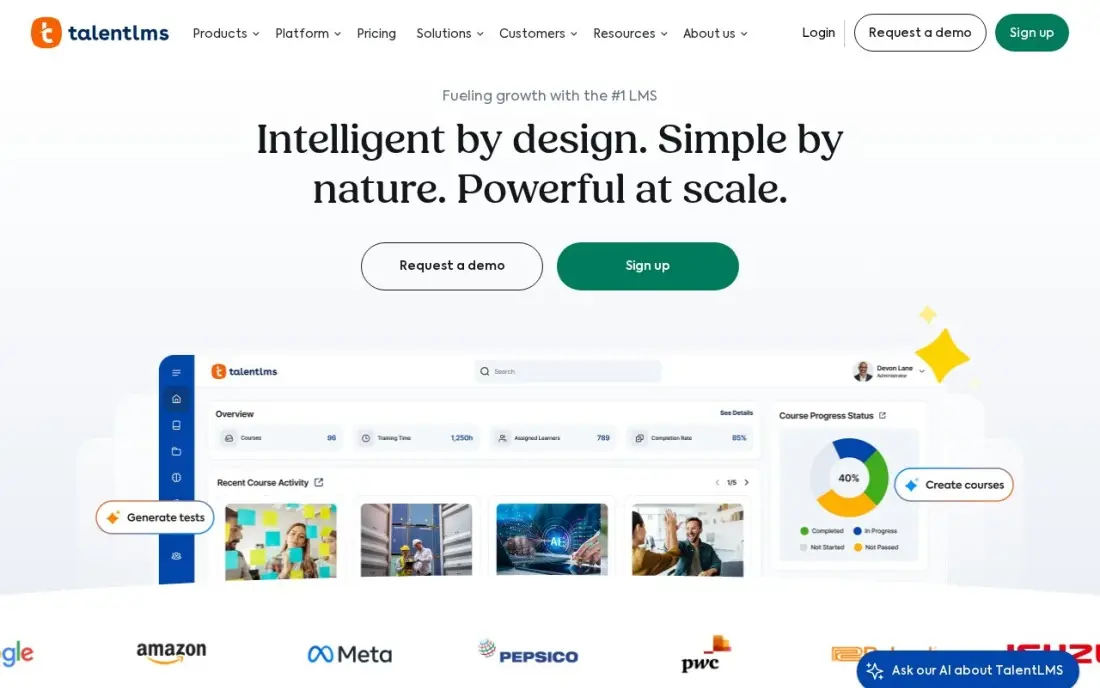
TalentLMS is the quickest way for a small company to put staff training online. The free plan covers 5 users and 10 courses with no time limit, and Core costs $119 a month billed annually, or $149 billed monthly, for up to 40 active users. Only people who log in during the month count, so seasonal staff cost nothing in quiet months.
Core already includes AI course authoring, learning paths, automations and a custom domain. Watch the brackets: passing 40 active users moves Core to $159 a month, and removing TalentLMS branding needs Pro at $449 a month billed annually. G2 reviewers rate it 4.6 from more than 800 reviews.
What we like
- The only full LMS here with a genuinely free plan: 5 users and 10 courses at $0 with no time limit
- Flat pricing by user bracket, not per seat: Core covers up to 40 active users for $119 a month billed annually
- Only people who log in during the month count, so seasonal learners cost nothing
- AI course authoring, learning paths, automations and a custom domain are included on Core
Watch out for
- Core jumps from $119 to $159 a month once you pass 40 active users
- Removing TalentLMS branding and automations need Pro at $449 a month billed annually
- Core's 5,000 AI credits are a one-time allowance that does not renew

iSpring LMS
Best for: Companies with training already in PowerPoint that want it turned into interactive courses
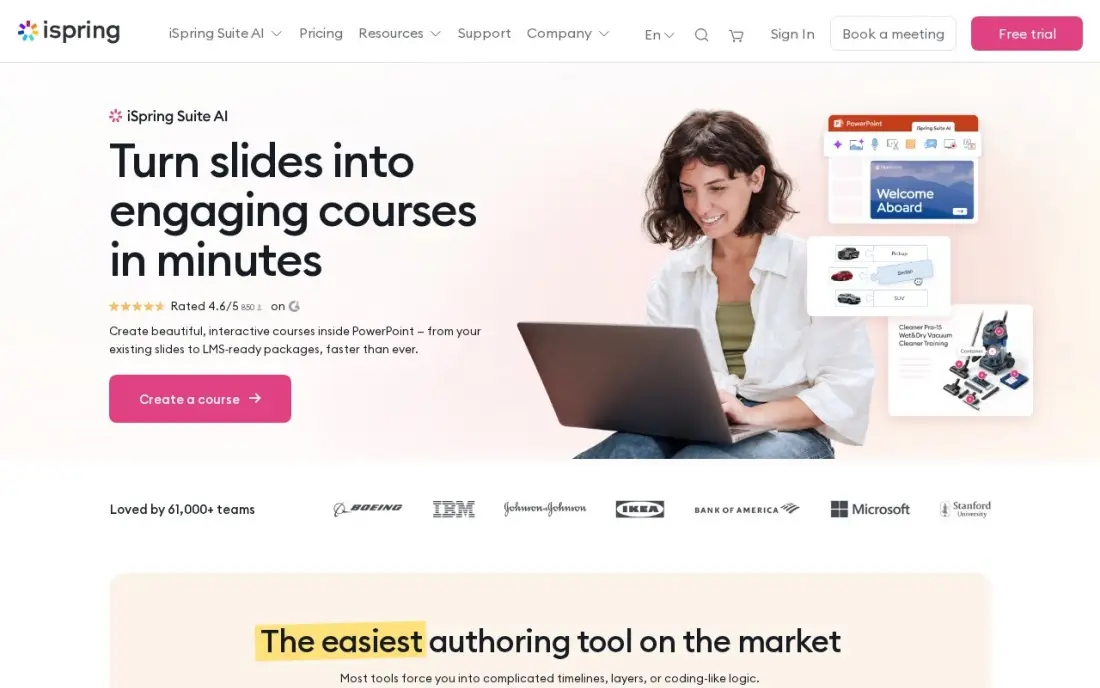
iSpring LMS suits companies whose training already lives in slide decks. The iSpring Suite authoring tool is included, so a PowerPoint becomes an interactive course with quizzes without a separate tool. Business costs $6.91 a user a month at 100 users, billed annually at $8,286 a year, and the per-user rate falls to $3.97 at 500 users.
Only active learners count, and registered users are unlimited. The catch is the starting band: the published entry point is 100 users, so a team of 40 pays for seats it does not use. SSO needs the quote-only Enterprise plan, and reviewers find reporting thinner than the larger suites. There is a 30-day free trial.
What we like
- You pay only for active users: anyone who logs in at least once in the month
- The iSpring Suite authoring tool is included, so decks become interactive courses in place
- Published per-user pricing falls with scale: $6.91 at 100 users, $4.46 at 300, $3.97 at 500
- Unlimited registered users — only active learners count toward the band
Watch out for
- The published entry point is 100 users at $8,286 a year, so a team of 40 pays for seats it does not use
- SSO needs Enterprise, which is quoted rather than published
- Reporting is thinner than the dedicated LMS suites, per G2 reviewers

360Learning
Best for: Companies where managers and experts build training together instead of a central L&D team
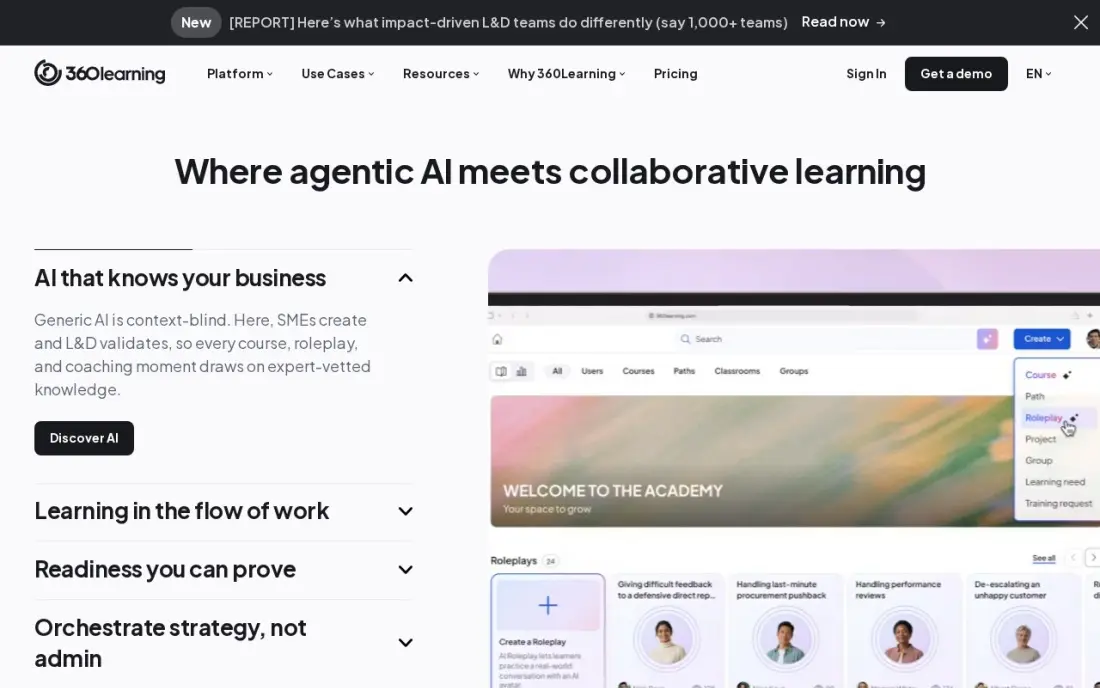
360Learning is built on collaborative authoring: subject-matter experts write courses, colleagues review them, and the training keeps up with how the work actually changes. The Team plan costs $8 a user a month, billed monthly with no annual commitment, for up to 100 users, and mobile apps on iOS and Android cover learners away from a desk.
That monthly billing also means there is no annual discount to cut the rate. Past 100 users you move to a quoted Business plan, and AI roleplay and deeper skills features sit on higher tiers. For a company of 30 to 100 people that wants training owned by the teams doing the work, it is the most flexible start.
What we like
- The only self-serve plan here with no annual commitment: Team is $8 a user a month, billed monthly
- Subject-matter experts author courses with peer review, so knowledge leaves one person's head
- Academies and skills mapping give structure without a central course factory
- Mobile apps on iOS and Android for learners on the move
Watch out for
- Team stops at 100 users, so a bigger workforce moves to a quoted Business plan
- Billed monthly with no annual discount, so there is no way to cut the $8 rate
- AI roleplay and deeper skills features sit on higher tiers, not Team

Mitti (formerly EdApp)
Best for: Frontline and deskless teams that complete short training lessons on their phones
Mitti, formerly EdApp, is built for staff who never sit at a desk: short mobile lessons, gamification and a library of more than 1,000 editable courses. AI turns a PDF, PowerPoint or Word file into a course, and learners can finish lessons offline and sync later. The free plan covers up to 10 users.
Premium costs $24 a seat a month billed annually, or $29 monthly, and that seat covers the wider Mitti platform rather than training alone, so 40 seats cost $960 a month billed annually. A team of 11 pays for every seat. For retail, hospitality or field crews who train between shifts, it fits better than a desktop LMS.
What we like
- Built for microlearning from the start: bite-size mobile lessons, gamification and a 1,000-plus editable course library
- AI turns a PDF, PowerPoint or Word file into a course, so existing material becomes training fast
- Learners can complete lessons offline and sync when they reconnect
- Free for up to 10 users, with basic training, inspections and reporting included
Watch out for
- Premium is priced per seat for the whole Mitti platform, not for training alone, so 40 seats cost $960 a month billed annually
- The free plan stops at 10 users, so a team of 11 pays for every seat
- Advanced training features such as SSO sit on the Premium plan

Docebo
Best for: Enterprises training employees, customers and partners from one system with separate portals
Docebo is the enterprise pick. One system runs separate branded portals for employees, customers and partners, and AI handles content generation, auto-tagging and skills data. It has 752 G2 reviews, and it is aimed at organizations training 250 or more learners.
Docebo publishes no prices; every plan needs a sales call. Its own AWS Marketplace listing prices Elevate at $35,900 a year for 500 users, which gives a sense of scale. Contracts usually run one to three years and AI credits are priced per use. A small team should look at TalentLMS or 360Learning first.
What we like
- Separate branded portals for employees, customers and partners from one system
- AI covers content generation, auto-tagging and skills intelligence
- The most reviewed enterprise LMS here, with 752 G2 reviews
- Its own AWS Marketplace listing prices Elevate at $35,900 a year for 500 users
Watch out for
- No published prices at all — every plan needs a sales conversation
- Aimed at organizations training 250 or more learners, so small teams are not the fit
- Contracts typically run one to three years, with AI credits priced per use

Coassemble
Best for: Small teams that want to turn internal documents into short branded courses without a designer
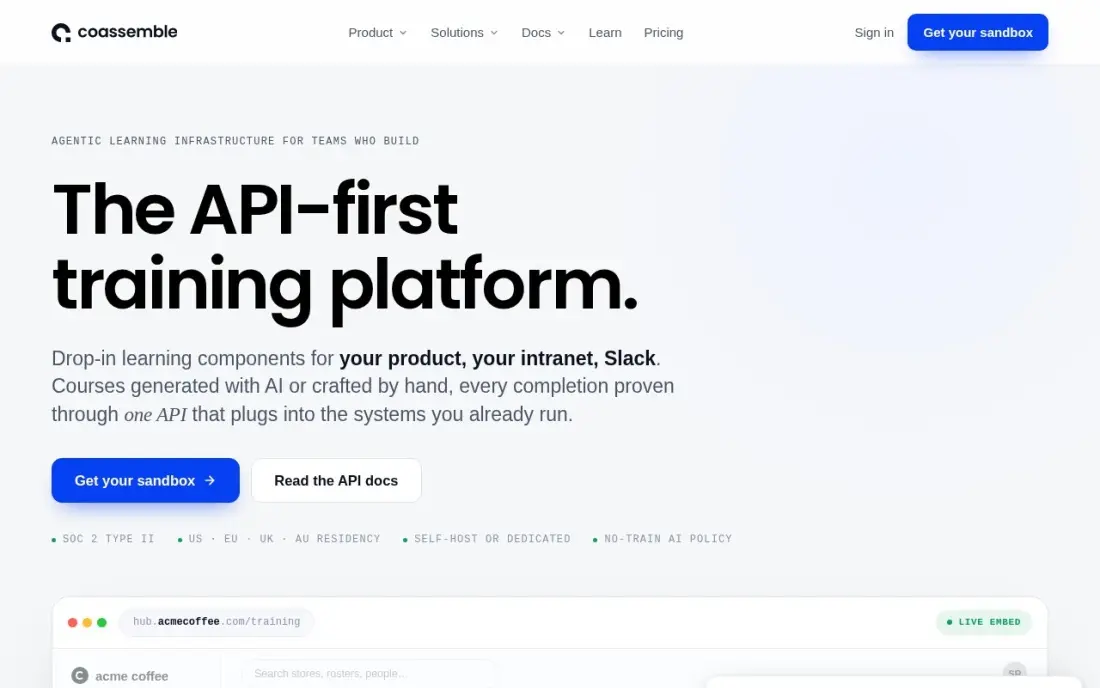
Coassemble focuses on authoring. Its AI turns existing documents into short branded courses, and templates with a simple editor keep the work quick for people who are not instructional designers. Build costs $250 a month billed monthly, or $2,500 a year on annual billing, and a free sandbox lets you try the builder first.
The price is high for a small team that only needs delivery, and the next step, Scale, jumps to $500 a month with nothing in between. There is no free plan. It earns its place when the bottleneck is producing courses from scattered SOPs rather than tracking who completed them.
What we like
- AI-powered course creation turns existing documents into branded short courses
- Templates and a simple editor keep authoring fast for non-designers
- The free sandbox lets a team test the builder before paying
- G2's vendor-supplied listing confirms Build at $2,500 a year
Watch out for
- Build at $250 a month is dear for a small team that only needs a few short courses
- Scale at $500 a month is the next step, with no middle tier between the two
- No free plan — only a free sandbox to try the authoring tools

LearnWorlds
Best for: Trainers and course creators who sell interactive video courses to customers or the public
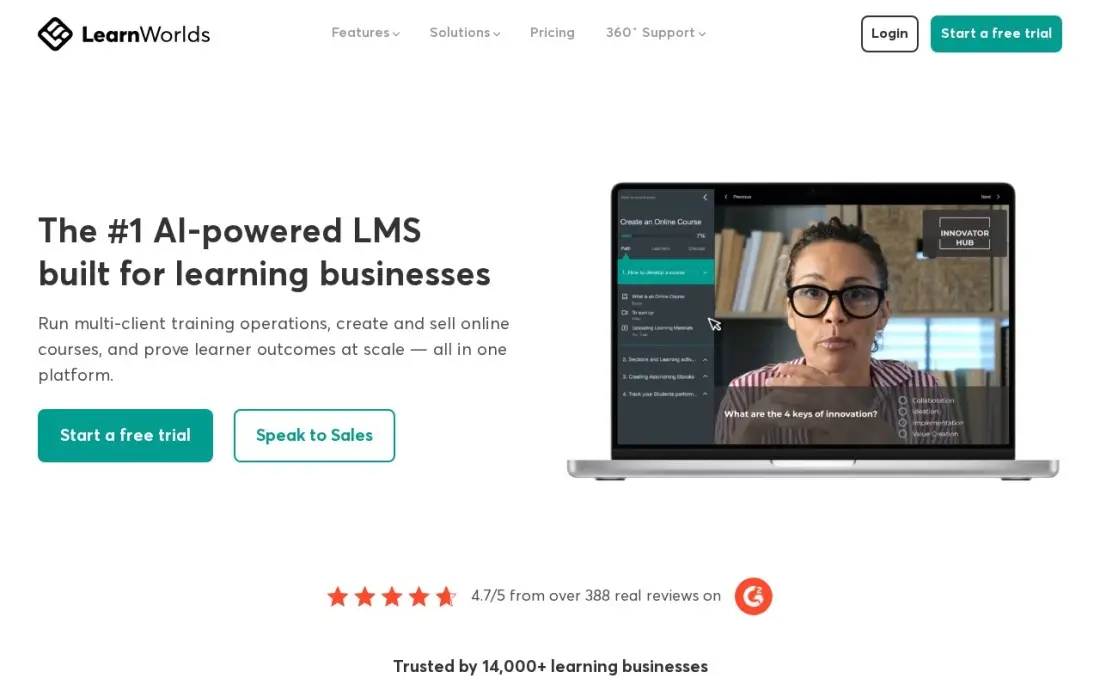
LearnWorlds is the pick when training is a product you sell. It has the strongest interactive video in this list, with in-video quizzes, hotspots and SCORM support, and courses run on your own domain with Stripe, PayPal or Shopify checkout. Starter costs $29 a month billed monthly, or $24 billed annually, plus $5 per paid enrollment.
That enrollment fee is the catch: 20 sales a month add $100 to the bill, and Starter has no subscriptions, memberships or SCORM uploads. There is no free plan, only a 30-day trial. G2 reviewers give its support a 9.6 out of 10, the highest score of the tools here.
What we like
- The strongest interactive video here: in-video quizzes, clickable hotspots and SCORM support
- AI course builder, quizzes and exams are included from Starter
- Courses run on your own domain with Stripe, PayPal or Shopify checkout
- The highest G2 support score in this list, 9.6 out of 10
Watch out for
- Starter charges $5 for every paid enrollment, so 20 sales a month add $100 to the bill
- No subscriptions, memberships or SCORM uploads on Starter
- No free plan — only a 30-day trial before the subscription starts

Thinkific
Best for: Course businesses that need assignments, memberships and live lessons with no platform fee
Thinkific is a course builder for people selling training: assignments, quizzes, certificates, drip content, memberships, bundles and payment plans are built in. Start costs $109 a month billed monthly, or $82 billed annually, with 0% platform fees on Thinkific Payments, and the 30-day trial needs no card.
The cheaper Basic plan left the public pricing page in October 2026, so Start is now the entry point. Using your own Stripe account adds a 2% surcharge on Start, and there is no email marketing on any tier, so budget for a separate email tool. It suits a trainer who sells certification courses to professionals.
What we like
- The strongest course builder here, with assignments, quizzes, certificates and drip content
- 0% platform fees on Thinkific Payments, so the subscription is the only Thinkific cost
- Memberships, bundles, subscriptions and payment plans are built in from Start
- The 30-day trial is the longest in this list, with no credit card required
Watch out for
- Basic left the public pricing page in October 2026, so the cheapest plan is now Start at $109 a month
- Using your own Stripe account adds a 2% surcharge on Start, on top of Stripe's own fees
- No free plan and no email marketing on any tier, so you pay for a separate email tool
The best online training software gets the right course to the right person, tracks who finished it and keeps the bill predictable as headcount changes. We compared eight tools across employee learning systems, mobile microlearning, an authoring tool and two course platforms for selling training, and every price below comes from the vendor's own pricing page as checked in November 2026.
How to choose the best online training software
- Decide who the learners are. Employees, customers and paying students need different tools: an LMS for the first two, a course platform for the third.
- Check how users are counted. Active-user pricing charges only for people who log in that month; per-seat pricing charges for everyone on the list.
- Match the device. Frontline staff train on phones between shifts, so a mobile-first tool beats a desktop LMS for them.
- Find the authoring bottleneck. If your trainers already have slide decks or SOPs, a tool that converts them saves weeks of course building.
- Look at the next tier, not just the first. Several tools jump in price at a user bracket, so price the headcount you will have next year.
- Ask for the reports you need. Compliance training needs completion records you can export; casual onboarding needs much less.
Training content can also bring in customers. A public course or help centre answers the questions people search for, and our guide to the best platforms for content creators covers ways to publish it; if you want those pages found in Google and AI answers, see our AI search optimization service.
Online training software pricing: what you will actually pay
Take a company with 40 employees in training. TalentLMS Core costs $119 a month billed annually, or $1,428 a year, and $149 billed monthly. 360Learning Team costs 40 times $8, or $320 a month billed monthly, $3,840 a year. Mitti Premium costs 40 times $24, or $960 a month billed annually. iSpring LMS starts at a 100-user band, so the same 40 people cost $8,286 a year.
For an enterprise, Docebo publishes no price; its AWS Marketplace listing shows Elevate at $35,900 a year for 500 users. Selling a course instead? LearnWorlds Starter costs $24 a month billed annually plus $5 per paid enrollment, and Thinkific Start costs $82 a month billed annually with no platform fee on Thinkific Payments.
Know the difference: LMS vs course platform
A learning management system assigns training. You add people, put them in groups, give each group a learning path and run reports on who has completed what by when. TalentLMS, iSpring LMS, 360Learning, Mitti and Docebo work this way, and none of them needs a checkout because the learners are your staff, customers or partners.
A course platform sells training. LearnWorlds and Thinkific give you sales pages, coupons, payment plans and memberships, and the learner pays before they start. They can deliver internal training, but their reports and user management are built for customers rather than employees.
Quick comparison: tool type by need
| Buyer | Best pick | Why |
|---|---|---|
| Small and mid-size companies | TalentLMS | Free for 5 users; Core $119/month billed annually |
| Training already in slides | iSpring LMS | Authoring tool included; $6.91/user/month at 100 users |
| Team-built training | 360Learning | Collaborative authoring; $8/user/month, billed monthly |
| Frontline mobile staff | Mitti | Free for 10 users; offline mobile lessons |
| Enterprises and partners | Docebo | Separate portals per audience; custom quote |
| Course production | Coassemble | AI turns documents into courses; Build $250/month |
| Selling video courses | LearnWorlds | Interactive video; Starter $24/month billed annually |
| Course businesses | Thinkific | 0% platform fees; Start $82/month billed annually |
Mistakes to avoid
- Buying an enterprise LMS for a 30-person team. Annual contracts and onboarding projects are sized for thousands of learners.
- Paying for empty seats. Check whether the tool counts active users or every registered user before you add the whole company.
- Building every course from scratch. Convert existing decks, SOPs and recordings first; most tools here import them.
- Using a course platform for compliance. Selling tools lack the completion reporting auditors ask for.
- Skipping a mobile test. Open a lesson on a phone during the trial, because that is where many learners will meet it.
Related comparisons: Free Language Apps · Online Course Platforms · Language Apps for Kids · Video Hosting Platforms for Online Courses
How we chose
We checked each vendor's own pricing page in November 2026 and recorded the starting price as shown, including annual or monthly billing and user brackets. We grouped the tools by learner type and ranked them by fit for the most common buyer, a company of 20 to 200 people starting or replacing employee training. Ratings come from G2 pages checked on the dates shown in the sources. No vendor paid for a place in this list, and none of the links here are affiliate links.
What to do next
Pick one real course, such as your new-starter induction, and build it in two free plans or trials. Enrol five people, check what the reports show and keep the tool your learners finish faster. If you are turning training into public content that should rank, book a free strategy call.
Frequently asked questions
What is the best online training software?
For most small and mid-size companies, TalentLMS: it has a free plan for 5 users and Core at $119 a month billed annually for up to 40 active users. Mitti suits mobile frontline teams, 360Learning suits collaborative authoring, and Docebo suits enterprises.
Is there free online training software?
Yes. TalentLMS is free for up to 5 users and 10 courses, and Mitti is free for up to 10 users. Coassemble offers a free sandbox for its authoring tools, and most others offer 30-day trials.
How much does online training software cost?
On published prices, 360Learning costs $8 a user a month, iSpring LMS $6.91 a user a month at 100 users billed annually, TalentLMS Core $119 a month billed annually for 40 active users, Mitti Premium $24 a seat a month billed annually and Coassemble Build $250 a month. Docebo is quote-only.
What is the difference between an LMS and a course platform?
An LMS assigns and tracks training for people you already know, such as employees or partners, with reports on who completed what. A course platform such as LearnWorlds or Thinkific sells courses to the public with checkout, pricing pages and marketing tools.
What does active user pricing mean?
You pay only for people who log in during the billing month. TalentLMS and iSpring LMS both price this way, so staff who are not training that month do not count toward the bill.
Can I use online training software for customer training?
Yes. Docebo runs separate portals for customers and partners, and LearnWorlds and Thinkific can deliver free or paid customer courses on your own domain. Customer training also cuts support tickets when it answers common setup questions.
What is the best software to create online training courses?
It depends on where your material lives today. iSpring LMS includes the iSpring Suite authoring tool, so a PowerPoint becomes an interactive course with quizzes, from $6.91 a user a month at 100 users. Coassemble's AI turns existing documents into short branded courses, from $250 a month. 360Learning lets subject-matter experts write courses and colleagues review them, at $8 a user a month billed monthly.
Sources we checked (15)
- TalentLMS — www.talentlms.com/prices (checked November 12, 2026)
- TalentLMS reviews on G2 (checked November 12, 2026)
- iSpring LMS — www.ispringsolutions.com/ispring-learn/pricing (checked November 12, 2026)
- iSpring LMS reviews on G2 (checked November 12, 2026)
- 360Learning — 360learning.com/pricing (checked November 12, 2026)
- 360Learning reviews on G2 (checked November 12, 2026)
- Mitti (formerly EdApp) — www.mitti.com (checked November 12, 2026)
- Mitti (formerly EdApp) reviews on G2 (checked November 12, 2026)
- Docebo — www.docebo.com/pricing (checked November 12, 2026)
- Docebo reviews on G2 (checked November 12, 2026)
- Coassemble — www.coassemble.com/pricing (checked November 12, 2026)
- LearnWorlds — www.learnworlds.com/pricing (checked November 12, 2026)
- LearnWorlds reviews on G2 (checked November 12, 2026)
- Thinkific — www.thinkific.com/pricing (checked November 12, 2026)
- Thinkific reviews on G2 (checked November 12, 2026)
Make one of these tools?
We re-check this list every quarter. Send a correction, request a review, or ask about a clearly labeled sponsored spot.
Request a listingShamim
Founder of SerpAstra
A full-stack digital marketer and SEO strategist covering technical and local SEO, AI search visibility, paid ads and lead generation for local businesses, e-commerce brands and SaaS teams.
Free SEO and AI visibility audit
Find out what is holding your rankings back
Send us your site. Within 2 business days you get a written audit, an AI visibility check and a short fix list ranked by impact. Free, with no contract attached.
Request my free audit→Related buying guides
 Education & E-Learning12 Best Platforms for Microlearning in 2026 (Pros, Cons and Pricing)Compare the 12 best platforms for microlearning on price, free plans, features and AI authoring, with every price checked November 12, 2026.Read guide →
 Ecommerce9 Best Platforms for Digital Products in 2026, ComparedCompare the 9 best platforms for digital products on monthly price, per-sale fees and features, with every price checked on November 12, 2026.Read guide →
 HR & Payroll8 Best HR Software for Small Business in 2026, ComparedCompare the 8 best hr software for small business options on price, free plans, payroll and hiring, with every price checked November 6, 2026.Read guide →