
7 Best Language Apps for Kids in 2026, Compared
Compare the 7 best language apps for kids on age range, languages, speaking practice, ads and real yearly cost, with every price checked on official pages.
 Shamim Mia, Founder, SerpAstraLast verified November 4, 202610 min read
We compare pricing pages, documentation and public reviews. We never accept payment for rankings.
Key takeaways
- Dino Lingo is the best language app for kids in families with several children: one subscription covers up to 6 children and 50 languages, at $19 a month or $199 a year.
- Muzzy BBC is the best-value immersion course at $60 a year, and Fun Spanish by Studycat gives the best speaking practice, with voice feedback for ages 3 to 8.
- Duolingo is free and works well for children aged about 8 and up who can read; younger children do better with video, song and game-led apps.
- Gus on the Go is the cheapest start at a single $3.99 payment, with no ads, subscription or in-app purchases.
On this page
Quick comparison
| Tool | Best for | Starting price | Free plan |
|---|---|---|---|
| Dino Lingo | Families with several children who may each want to learn a different language | $19/mo | No (7-day trial) |
| Muzzy BBC | Children who learn best by watching and listening to stories and songs | $15/mo | No (7-day trial) |
| Fun Spanish (Studycat) | Young children aged 3 to 8 who need to practise speaking out loud, not just tapping | $15/mo | Yes (limited free) |
| Mondly Kids | Parents who want one subscription that covers both their child and themselves | $13/mo | Yes (limited free) |
| Lingokids | Children aged 2 to 8 learning English through play, with strong parent controls | $13.49/mo | Yes (Basic tier) |
| Duolingo | Children aged about 8 and older who can read and want a free daily habit | $12.99/mo | Yes (free plan) |
| Gus on the Go | Preschoolers who need a safe, cheap first-words app with no subscription | $4 once | No |
Make one of these tools?
We re-check this list every quarter. Send a correction, request a review, or ask about a clearly labeled sponsored spot.
Request a listingThe best language apps for kids

Dino Lingo
Best for: Families with several children who may each want to learn a different language
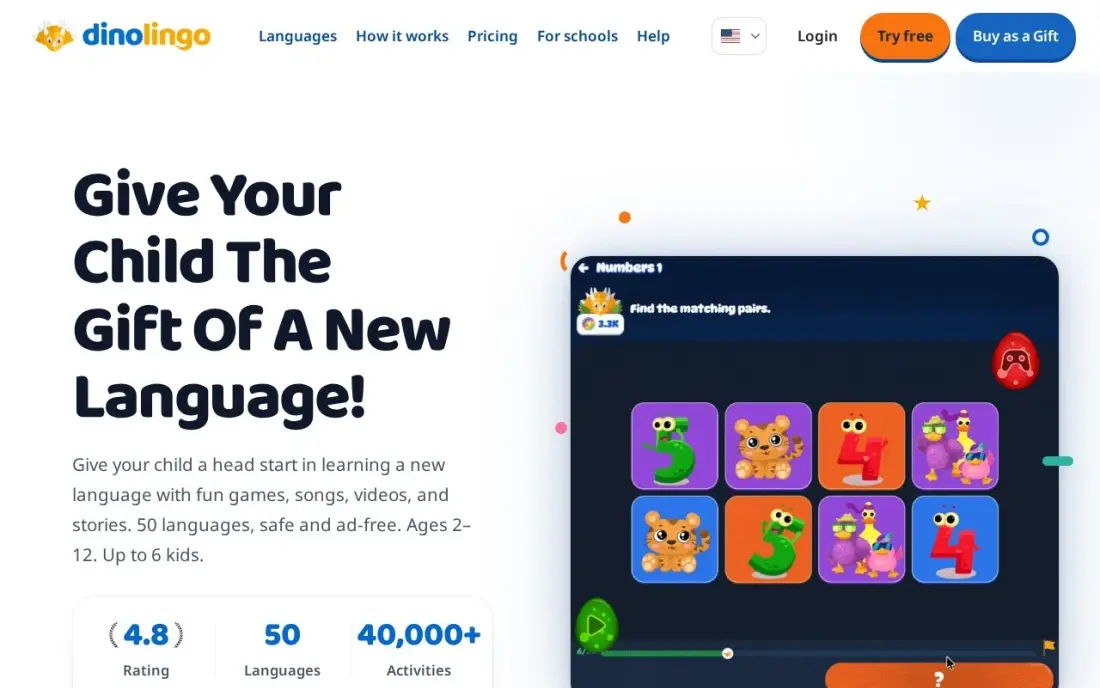
Dino Lingo is the broadest language app for kids here: one subscription covers up to six children and all 50 languages, so one child can learn French while a sibling learns Spanish. Courses mix animated videos, songs, audiobooks, games and printable worksheets, and content is tailored by age and level for children aged 2 to 14, with no ads.
It is also the most expensive monthly plan, at $19 a month on the website, and there is no free tier, only a 7-day trial with no refunds afterwards. The annual plan at $199 works out to about $16.58 a month and is the better buy for a family that sticks with it.
What we like
- One subscription covers up to 6 children and all 50 languages, so siblings can learn different languages
- Spanish course has 1,200+ activities from beginner to advanced, with videos, songs and printable worksheets
- Content is tailored by age and skill level for children aged 2 to 14
- No ads, and the website adds parent reporting tools the app does not have
Watch out for
- No free tier — after the 7-day trial the subscription is $19 a month, the highest monthly price here
- App Store billing lists $19.99 a month, a dollar more than the $19 website price
- No refunds after the trial, so cancel before day 7 if it is not a fit
Muzzy BBC
Best for: Children who learn best by watching and listening to stories and songs
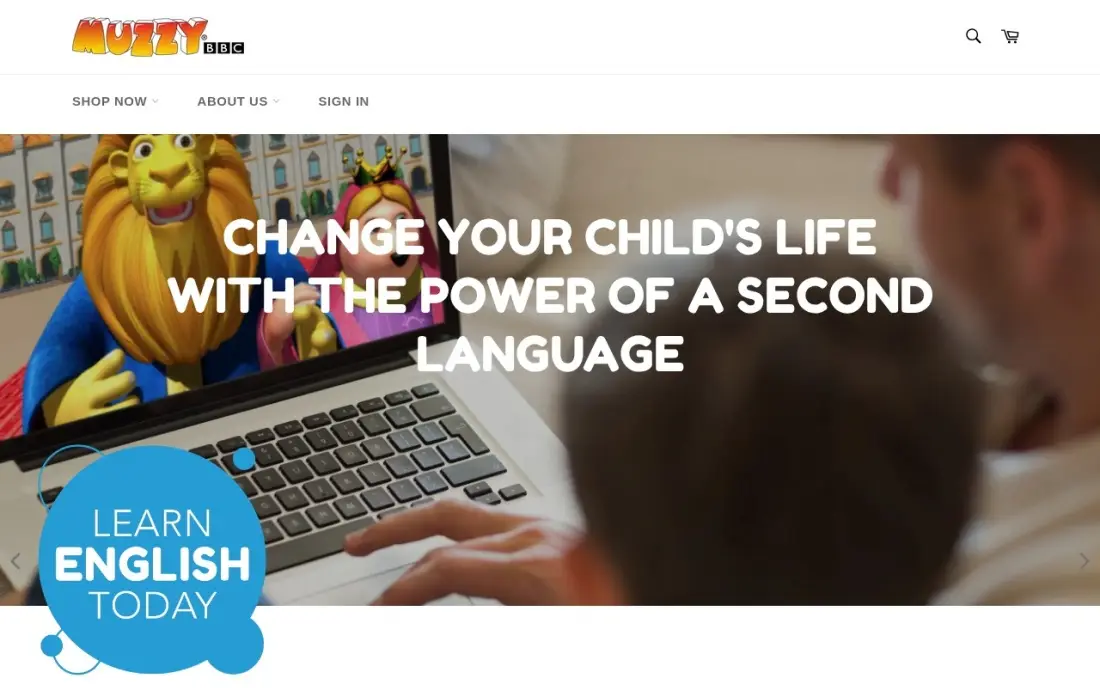
Muzzy BBC teaches a new language the way children picked up their first one: by hearing it in context. The BBC-made course wraps more than 1,200 words and phrases in animated stories and songs, with games to reinforce them, and seven languages are included. It runs in a browser on any device, with no downloads.
The app subscription is $15 a month or $60 a year, and the annual plan is the obvious choice because twelve monthly payments cost three times as much. There is no free tier, only a 7-day trial. Because it is video-led, children who want to tap and play may find it passive.
What we like
- Immersion method: children hear the new language in stories and songs, the way they learned their first language
- Teaches more than 1,200 words and phrases, with seven languages included in the program
- Developed by the BBC and used by more than 22 million children, according to the vendor
- Works on any device with an internet connection, with no downloads required
Watch out for
- No free tier — the 7-day trial is the only way to try it before paying
- The $15 monthly plan costs three times the $60 annual plan's monthly equivalent, so monthly billing is poor value
- The course is video-led, so children who need interactive games may find it passive

Fun Spanish (Studycat)
Best for: Young children aged 3 to 8 who need to practise speaking out loud, not just tapping
Fun Spanish by Studycat is the strongest speaking-practice app for young children. Its VoicePlay feature listens as your child says a word and gives instant pronunciation feedback, so they learn to say Spanish, not only recognise it. More than 1,000 games, stories and songs are built for ages 3 to 8, and the app is ad-free and kidSAFE listed.
It costs $14.99 a month or $59.99 a year on the App Store, and up to four learner profiles share one subscription. Studycat publishes no price on its own site, and at least one parent review reports a higher renewal price, so confirm the renewal amount at checkout.
What we like
- VoicePlay gives real-time voice recognition feedback, so children practice speaking, not just tapping
- 1,000+ games, stories and songs built by language and early-education experts
- Up to 4 learner profiles with personalized reports, and subscriptions work across iOS and Android
- Ad-free and kidSAFE listed, with all content appropriate for ages 3 and up
Watch out for
- Monthly billing at $14.99 is near the top of this list; the annual plan at $59.99 is far better value
- Studycat publishes no price on its own site — the $14.99 figure comes from the App Store listing
- At least one parent review reports a renewal price higher than the first year, so confirm the renewal price at checkout

Mondly Kids
Best for: Parents who want one subscription that covers both their child and themselves
Mondly Kids comes included with Mondly Premium, so a parent and child can both learn on one subscription. Lessons combine daily practice, speech recognition and chatbot conversations, which makes it feel more like talking than drilling, and the free version gives a real taste before the 7-day trial.
Premium is listed at $12.90 a month or $61.92 a year, but Mondly's own offer page did not load when the price was checked, so that figure comes from a third-party read and prices move with promotions. The monthly plan covers one language only; the annual plan opens all 41.
What we like
- Mondly Kids content comes with Premium, so one subscription covers the child and the parent
- Daily lessons, speech recognition and chatbot conversations keep practice interactive
- Annual plan at $61.92 is less than half the cost of paying monthly for a year
- Free version gives a real taste of the lessons before the 7-day trial starts
Watch out for
- Mondly's own offer page would not load when we checked, so the $12.90 price comes from a third-party read of that page
- Premium prices change with promotions, so the price at checkout may differ from the one listed here
- The monthly plan covers one language only; the family needs the annual plan for all languages

Lingokids
Best for: Children aged 2 to 8 learning English through play, with strong parent controls
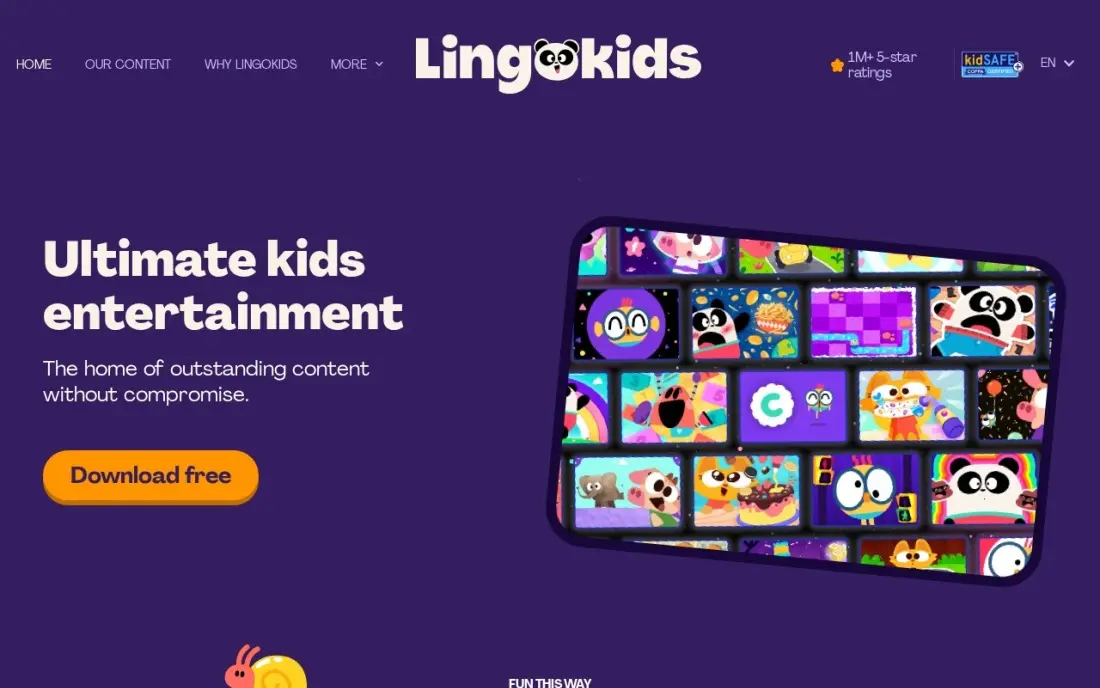
Lingokids is the pick for young children learning English. It is a play-based app with more than 4,000 games, songs and videos across 18 subjects for ages 2 to 8, and it is ad-free throughout. The free Basic tier gives 10 games a day with no payment details, which is enough to see whether your child takes to it.
Plus costs $13.49 a month on the website, while App Store prices run higher at $14.99 to $15.99, so subscribe on the website. Plus adds up to four child profiles, offline mode, screen-time limits and a Progress Center. It is built around English, so pick another app for other languages.
What we like
- 4,000+ games, songs and videos for ages 2 to 8, with reading among 18 subjects
- Plus adds up to 4 child profiles, offline mode, screen-time limits and a Progress Center
- Free Basic tier gives 10 games a day with no payment details needed
- Ad-free throughout, with content reviewed for young children
Watch out for
- Plus costs $13.49 a month on the website, but App Store prices differ ($14.99 to $15.99 a month)
- Built around English, so families who want another language need a different app
- The free Basic tier allows only 10 games a day, which runs out fast on a long car ride
Duolingo
Best for: Children aged about 8 and older who can read and want a free daily habit
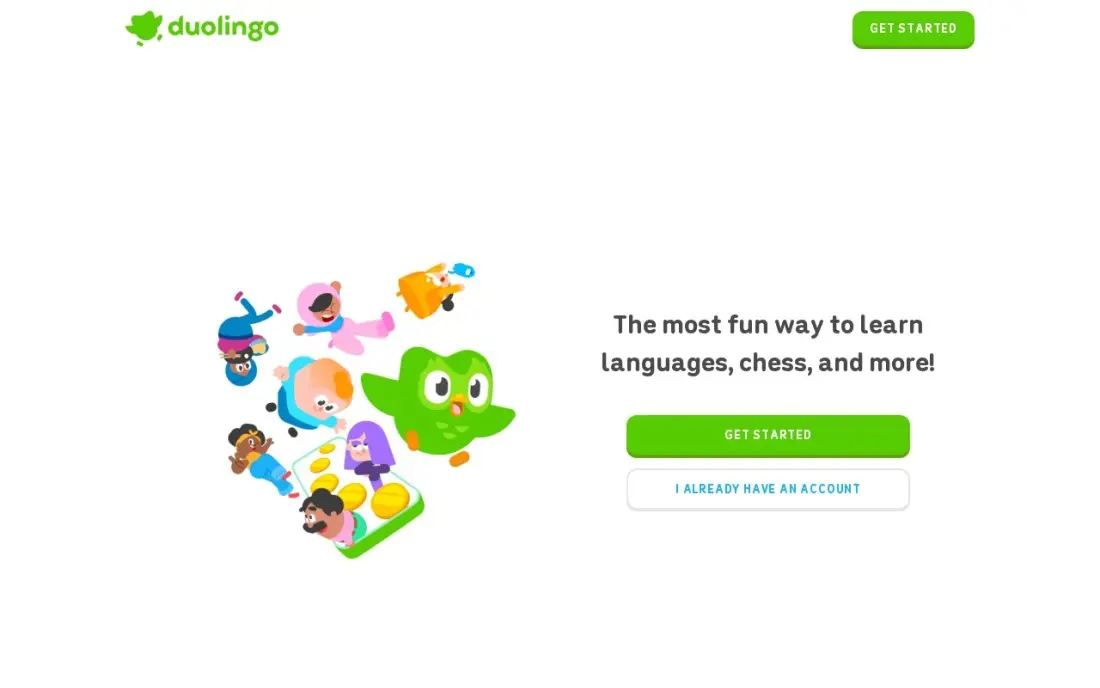
Duolingo is the free option for older children. The full course is available on the free plan, lessons are short and game-like, and streaks and leagues give a reason to come back every day. Because lessons rely on reading and typing, it suits children who already read comfortably, roughly age 8 and up.
The free plan has ads and an energy limit that pauses practice after too many mistakes. Super removes both and is listed at $12.99 a month or $83.99 a year, though Duolingo tests different prices on different accounts. Sit with a younger child for the first few lessons so the ads and limits do not frustrate them.
What we like
- Lessons rely on reading and typing, which suits children aged about 8 and up who already read comfortably
- Free plan covers the full course, so you can learn for months without paying
- Streaks, leagues and short game-like lessons make daily practice easy to keep
- Super removes ads and the energy limit, with unlimited practice and review sessions
Watch out for
- Free plan has ads and an energy limit that stops practice after too many mistakes
- Lessons stay close to set patterns, so learners can score well in the app yet struggle in real conversation
- Super prices vary by account and test group — the app store lists $9.99 and $12.99 monthly and $83.99 to $119.99 yearly

Gus on the Go
Best for: Preschoolers who need a safe, cheap first-words app with no subscription
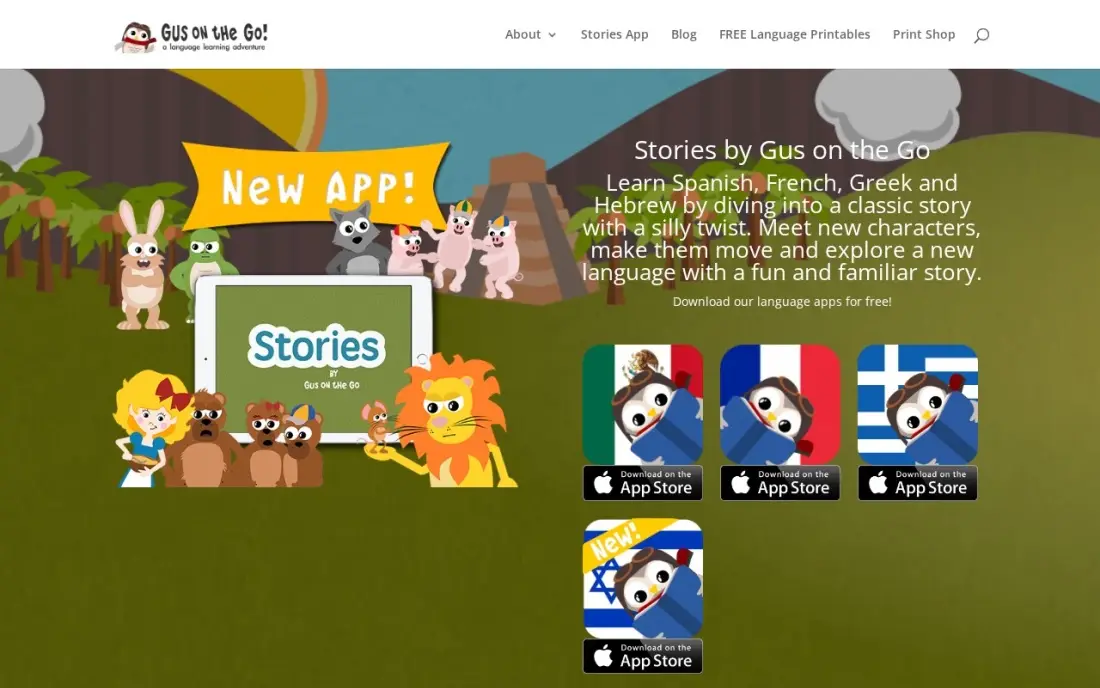
Gus on the Go is the simplest purchase in this list: $3.99 once, and everything is unlocked, with no subscription, no ads and no in-app purchases. A friendly owl guides children through about 90 Spanish words — animals, food, clothes, numbers, colours and shapes — with native-speaker audio and ten activities.
There is no tracking, sharing or external links, so a young child can use it alone. The limit is scope: 90 words is a small list, there are no sentences, and there are no progress reports for parents. Use it as a first taste for a preschooler or a cheap extra beside a fuller course.
What we like
- A single $3.99 payment unlocks everything — no subscription, no ads and no in-app purchases
- Native-speaker audio on every word, with lessons on numbers, colors, shapes and animals
- No tracking, links or sharing functions, so it is safe for a young child to use alone
Watch out for
- About 90 words only — a child can finish the content in a few sittings
- Teaches single words, not sentences or conversation
- No parent dashboard or progress reports
The best language app for kids keeps a child coming back for short, fun sessions while actually building words they can hear, say and use. We compared seven apps on age range, languages offered, speaking practice, ads, parent controls and the real yearly cost, and every price below comes from the vendor's site or app store listing as checked in November 2026.
How to choose the best language app for kids
- Match the app to your child's age. Under-6s learn through songs, videos and tapping games; reading-based apps such as Duolingo work better from about age 8.
- Check the languages offered. Some apps cover dozens of languages, others teach one; make sure the course you want exists before you subscribe.
- Look for speaking practice. Voice recognition, as in Fun Spanish and Mondly Kids, gets children saying words aloud rather than just recognising them.
- Insist on no ads. Most apps here are ad-free; free plans that show ads are harder for a young child to use alone.
- Count the profiles. Siblings need their own progress; Dino Lingo covers six children and Fun Spanish and Lingokids four.
- Buy annual only after a trial. Annual plans cost a fraction of monthly billing, but only if your child keeps using the app.
Running a language school, tutoring service or kids' class and want parents to find you? Our local SEO service covers search visibility, and the free FAQ schema generator helps your course page answer parents' questions directly in Google.
Which language app for kids fits your situation
A family with several children learning different languages. Dino Lingo covers up to six children and all 50 languages on one subscription, with videos, songs and printable worksheets tailored for ages 2 to 14. Take the $199 annual plan if the trial goes well, because there is no free tier and no refund after the 7-day trial, so cancel before day 7 if it is not a fit.
A young child hearing a new language for the first time. Muzzy BBC teaches through stories and songs, the way children picked up their first language, at $60 a year. For a cheaper first taste, Gus on the Go costs $3.99 once for about 90 Spanish words, with no ads, tracking or in-app purchases, though a child can finish it in a few sittings. If the goal is English, Lingokids suits ages 2 to 8 and its free Basic tier gives 10 games a day.
A child aged 3 to 8 who needs to speak, not just tap. Fun Spanish by Studycat listens through VoicePlay and gives instant pronunciation feedback, and up to four learner profiles share one subscription. Buy the $59.99 annual plan rather than paying $14.99 a month, and confirm the renewal price at checkout.
A confident reader aged about 8 or older. Duolingo's free plan covers the full course, and streaks and leagues build a daily habit. Sit with your child for the first few lessons, since the free plan has ads and an energy limit that pauses practice after too many mistakes.
A parent who wants to learn alongside their child. Mondly Premium includes Mondly Kids, so one subscription covers both of you, with speech recognition and chatbot conversations. The monthly plan covers one language only, so choose the annual plan if you want all 41.
Language apps for kids pricing: what you will actually pay
Take one child learning for a full year. Billed annually, Muzzy BBC costs $60, Fun Spanish $59.99, Mondly Premium $61.92, Duolingo Super $83.99 and Dino Lingo $199. Billed monthly for twelve months, the same apps cost far more: Muzzy BBC $180, Fun Spanish $179.88, Dino Lingo $228 and Lingokids Plus $161.88 at $13.49 a month on the website.
For two or more children, Dino Lingo's $199 covers up to six of them across 50 languages, which makes it about $33 a child a year for a family of six. Duolingo's free plan and Gus on the Go's one-time $3.99 are the cheapest routes, and both are worth trying before committing to any subscription.
Know the difference: immersion apps vs lesson apps
An immersion app teaches by exposure. Muzzy BBC, Dino Lingo and Lingokids put the language inside stories, songs and play, so a child hears words in context and picks up meaning the way they learned their first language. This suits young children best, and progress shows up as understanding before it shows up as speaking.
A lesson app teaches by steps. Duolingo, Mondly Kids and Fun Spanish break the language into short structured exercises, check answers and track streaks. This suits children who like goals and can read instructions, and it produces measurable progress faster. Many families use one of each: an immersion app for younger siblings and car rides, a lesson app for the older child's daily practice.
Quick comparison: tool type by need
| Buyer | Best pick | Why |
|---|---|---|
| Families with several children | Dino Lingo | 6 children, 50 languages, $199/year |
| Learning by watching | Muzzy BBC | BBC immersion course, $60/year |
| Speaking practice, ages 3–8 | Fun Spanish (Studycat) | Voice feedback, $59.99/year |
| Parent and child together | Mondly Kids | Included with Mondly Premium |
| English for ages 2–8 | Lingokids | 4,000+ games, free Basic tier |
| Older children, free | Duolingo | Full course free with ads |
| Preschool first words | Gus on the Go | $3.99 once, no ads or purchases |
Mistakes to avoid
- Choosing a reading app for a pre-reader. A four-year-old cannot use Duolingo alone; pick a song, video or game-led app instead.
- Paying monthly for a year. Monthly billing can cost three times the annual plan; switch once the trial proves the app works.
- Letting a trial renew unnoticed. Dino Lingo gives no refunds after its trial; set a reminder for day six.
- Expecting fluency from an app. Apps build vocabulary and listening; conversation needs a real person, a class or a family member who speaks the language.
- Skipping the parent view. Check progress reports or sit in once a week; it is the easiest way to know whether the app is working.
Related comparisons: Free Language Apps · Apps for Kids · Apps for Kids to Learn English · Apps for Kids to Learn Math
How we chose
We read each vendor's site or app store listing in November 2026 and recorded monthly and annual prices exactly as shown, noting where website and app store prices differ. We ranked the apps for the most common buyer: a parent of a child aged 3 to 10 who wants steady progress without ads. Mondly's own offer page did not load when checked, so its price is noted as third-party sourced. We do not show ratings we could not verify on a review page. No vendor paid for a place in this list, and none of the links here are affiliate links.
What to do next
Pick two apps that fit your child's age, use the free version or trial of each for one week, and keep the one your child opens without being asked. If you run a language class or tutoring business and want more local parents to find it, book a free SEO call.
Frequently asked questions
What is the best language app for kids?
Dino Lingo is the best language app for kids in most families, with up to 6 children and 50 languages on one subscription at $19 a month or $199 a year. Muzzy BBC is the best-value immersion course at $60 a year, and Fun Spanish by Studycat is best for speaking practice.
Is there a free language app for kids?
Duolingo's free plan covers its full courses, though it has ads and an energy limit and suits children who can read. Lingokids has a free Basic tier with 10 games a day for English, and Mondly Kids and Fun Spanish have limited free versions.
What age can kids start a language app?
Dino Lingo and Lingokids start at age 2, Fun Spanish at age 3. Reading-based apps such as Duolingo work better from about age 8, when children can read lessons on their own.
Which language app has no ads for kids?
Dino Lingo, Lingokids, Fun Spanish by Studycat and Gus on the Go are all ad-free. Duolingo's free plan shows ads unless you pay for Super.
Is Duolingo good for kids?
For children who read well, yes: the free course is complete and the game-like lessons build a daily habit. Younger children usually do better with video and song-based apps such as Muzzy BBC or Dino Lingo.
Monthly or annual: which plan should I buy?
Annual, once you know the app works for your child. Muzzy BBC costs $60 a year against $180 billed monthly, and Fun Spanish costs $59.99 a year against $179.88 billed monthly. Use the free version or trial first.
What is the best language app for toddlers?
Lingokids and Gus on the Go suit the youngest learners. Lingokids covers ages 2 to 8 with more than 4,000 games, songs and videos, is ad-free and has a free Basic tier, but it teaches English. Gus on the Go is a $3.99 one-time first-words app for preschoolers, with no ads or in-app purchases. Dino Lingo also tailors content for children from age 2.
Which language app for kids teaches the most languages?
Dino Lingo covers the most, with all 50 languages and up to 6 children on one subscription, at $19 a month or $199 a year. Muzzy BBC includes seven languages for $60 a year. Mondly Kids opens all its languages only on the annual plan, because the monthly plan covers one. Lingokids teaches English and Fun Spanish teaches Spanish, so check the course exists before subscribing.
Sources we checked (7)
- Dino Lingo — dinolingo.com/help (checked November 4, 2026)
- Muzzy BBC — www.muzzybbc.co.uk/pages/terms-and-conditions (checked November 4, 2026)
- Fun Spanish (Studycat) — studycat.com/products/spanish (checked November 4, 2026)
- Mondly Kids — www.mondly.com (checked November 4, 2026)
- Lingokids — help.lingokids.com/hc/en-us/articles/115005120505-What-is-the-Price-and-currency-for-Lingokids-Plus (checked November 4, 2026)
- Duolingo — www.duolingo.com/super (checked November 4, 2026)
- Gus on the Go — play.google.com/store/apps/details?id=com.toojuice.android.gus.spanish.mexico&hl=en_US (checked November 4, 2026)
Make one of these tools?
We re-check this list every quarter. Send a correction, request a review, or ask about a clearly labeled sponsored spot.
Request a listingShamim
Founder of SerpAstra
A full-stack digital marketer and SEO strategist covering technical and local SEO, AI search visibility, paid ads and lead generation for local businesses, e-commerce brands and SaaS teams.
Free SEO and AI visibility audit
Find out what is holding your rankings back
Send us your site. Within 2 business days you get a written audit, an AI visibility check and a short fix list ranked by impact. Free, with no contract attached.
Request my free audit→Related buying guides
 Business SoftwareBest Spanish Learning Apps for Kids (2026): 9 Apps Worth DownloadingCompare the 9 best spanish learning app for kids on price, free tiers, ages and speaking practice, with every price checked November 4, 2026.Read guide →
 Education & E-Learning7 Best Free Language Apps in 2026, ComparedCompare the 7 best free language apps on what the free plan really covers, its daily limits, and what the paid upgrade costs if you decide to stay with it.Read guide →
 Education & E-Learning10 Best Learning Apps for Kids: Free Picks for 2026, ComparedCompare the 10 best learning apps for kids: free picks rated on ads, age range and subjects, with free tiers and paid upgrades checked on official pages.Read guide →